light FORD TRANSIT CONNECT 2014 2.G Manual PDF
[x] Cancel search | Manufacturer: FORD, Model Year: 2014, Model line: TRANSIT CONNECT, Model: FORD TRANSIT CONNECT 2014 2.GPages: 411, PDF Size: 6.62 MB
Page 360 of 411
1. Enter the necessary information into
the highlighted text fields (in any
order). For address destination entry,
the Go! button appears once you enter
all the necessary information. Pressing
the Go! button makes the address
location appear on the map. If you
choose Previous Destination, the last
20 destinations you have selected
appear.
2. Select
Set as Dest to make this your
destination. You can also choose to set
this as a waypoint (have the system
route to this point on the way to your
current destination) or save it as a
favorite. The system considers any
Avoid Areas
selections in its route
calculation.
3. Choose from up to three different types
of routes, and then select Start Route.
• Fastest: Uses the fastest moving roads
possible.
• Shortest: Uses the shortest distance
possible.
• Eco Route: Uses the most fuel-efficient
route.
You can cancel the route or have the
system demo the route for you. Select
Route Prefs
to set route preferences like
avoiding freeways, tollroads, ferries and
car trains as well as to use or not use
high-occupancy vehicle lanes.
(High-occupancy vehicle lanes are also
known as carpool or diamond lanes.
People who ride in buses, vanpools or
carpools use these lanes.)
Note: If your vehicle is on a recognized road
and you do not press the
Start Route
button, the system defaults to the Fastest
Route option and begins guidance. During route guidance, you can press the
talking bubble icon that appears in the
upper right navigation corner (green bar)
if you want the system to repeat route
guidance information. When the system
repeats the last guidance instruction, it
updates the distance to the next guidance
instruction, since it detects when the
vehicle is moving.
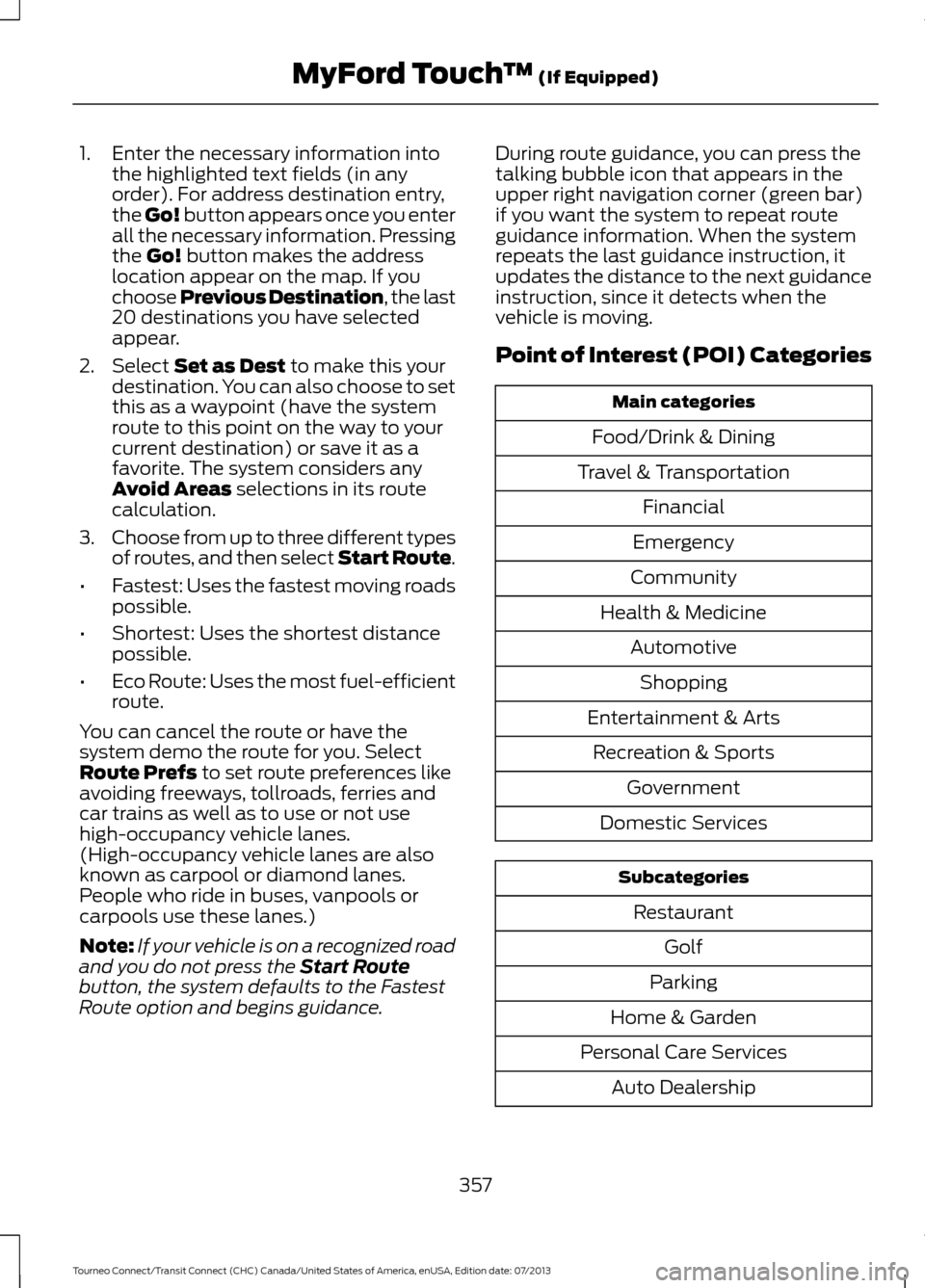
Point of Interest (POI) Categories
Main categories
Food/Drink & Dining
Travel & Transportation Financial
Emergency
Community
Health & Medicine AutomotiveShopping
Entertainment & Arts Recreation & Sports Government
Domestic Services Subcategories
Restaurant Golf
Parking
Home & Garden
Personal Care Services Auto Dealership
357
Tourneo Connect/Transit Connect (CHC) Canada/United States of America, enUSA, Edition date: 07/2013 MyFord Touch
™
(If Equipped)
Page 364 of 411
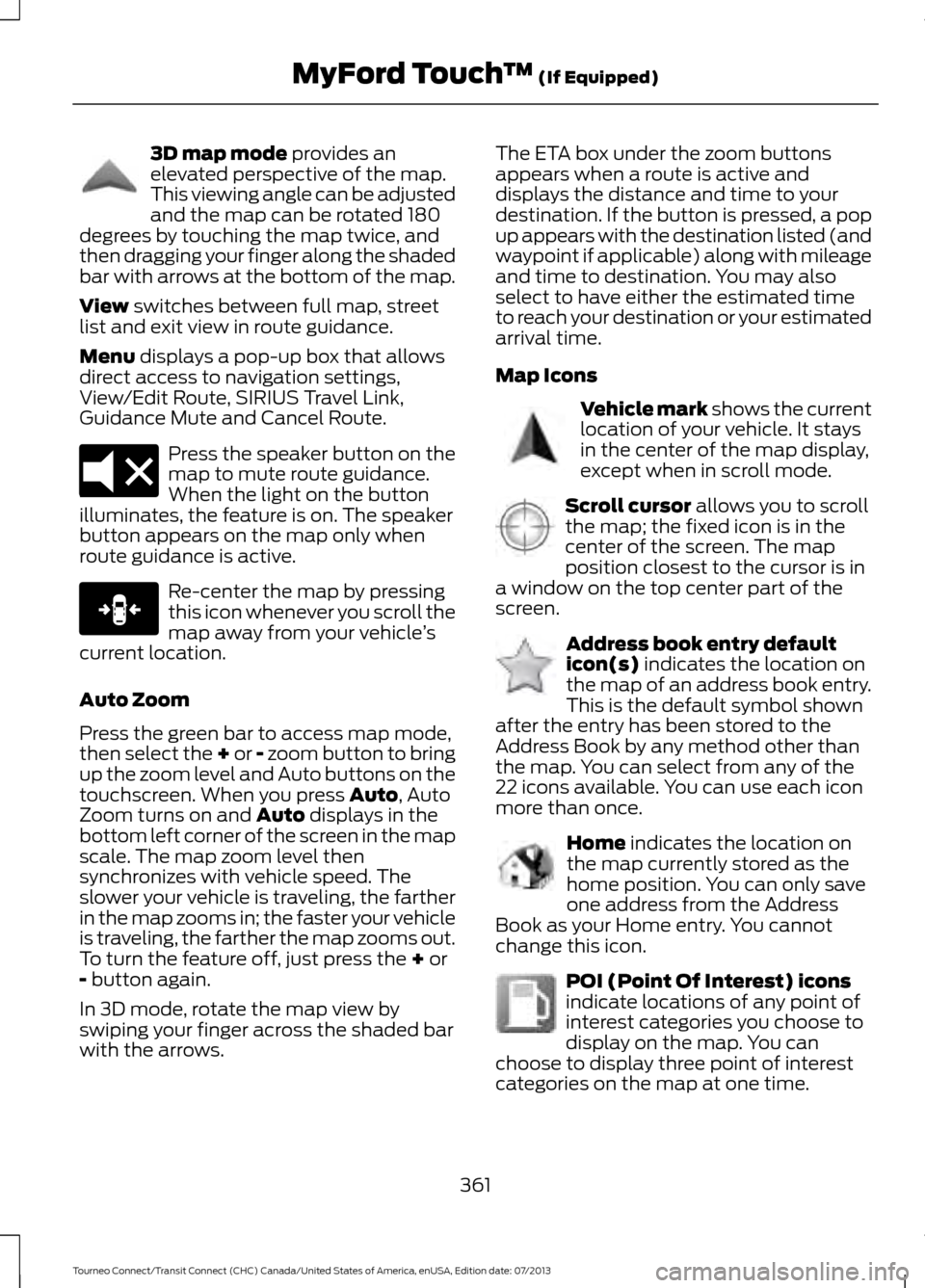
3D map mode provides an
elevated perspective of the map.
This viewing angle can be adjusted
and the map can be rotated 180
degrees by touching the map twice, and
then dragging your finger along the shaded
bar with arrows at the bottom of the map.
View
switches between full map, street
list and exit view in route guidance.
Menu
displays a pop-up box that allows
direct access to navigation settings,
View/Edit Route, SIRIUS Travel Link,
Guidance Mute and Cancel Route. Press the speaker button on the
map to mute route guidance.
When the light on the button
illuminates, the feature is on. The speaker
button appears on the map only when
route guidance is active. Re-center the map by pressing
this icon whenever you scroll the
map away from your vehicle
’s
current location.
Auto Zoom
Press the green bar to access map mode,
then select the + or - zoom button to bring
up the zoom level and Auto buttons on the
touchscreen. When you press
Auto, Auto
Zoom turns on and Auto displays in the
bottom left corner of the screen in the map
scale. The map zoom level then
synchronizes with vehicle speed. The
slower your vehicle is traveling, the farther
in the map zooms in; the faster your vehicle
is traveling, the farther the map zooms out.
To turn the feature off, just press the
+ or
- button again.
In 3D mode, rotate the map view by
swiping your finger across the shaded bar
with the arrows. The ETA box under the zoom buttons
appears when a route is active and
displays the distance and time to your
destination. If the button is pressed, a pop
up appears with the destination listed (and
waypoint if applicable) along with mileage
and time to destination. You may also
select to have either the estimated time
to reach your destination or your estimated
arrival time.
Map Icons
Vehicle mark
shows the current
location of your vehicle. It stays
in the center of the map display,
except when in scroll mode. Scroll cursor
allows you to scroll
the map; the fixed icon is in the
center of the screen. The map
position closest to the cursor is in
a window on the top center part of the
screen. Address book entry default
icon(s)
indicates the location on
the map of an address book entry.
This is the default symbol shown
after the entry has been stored to the
Address Book by any method other than
the map. You can select from any of the
22 icons available. You can use each icon
more than once. Home
indicates the location on
the map currently stored as the
home position. You can only save
one address from the Address
Book as your Home entry. You cannot
change this icon. POI (Point Of Interest) icons
indicate locations of any point of
interest categories you choose to
display on the map. You can
choose to display three point of interest
categories on the map at one time.
361
Tourneo Connect/Transit Connect (CHC) Canada/United States of America, enUSA, Edition date: 07/2013 MyFord Touch
™
(If Equipped)E142644 E174017 E146188 E142646 E142647 E142648 E142649 E142650
Page 389 of 411
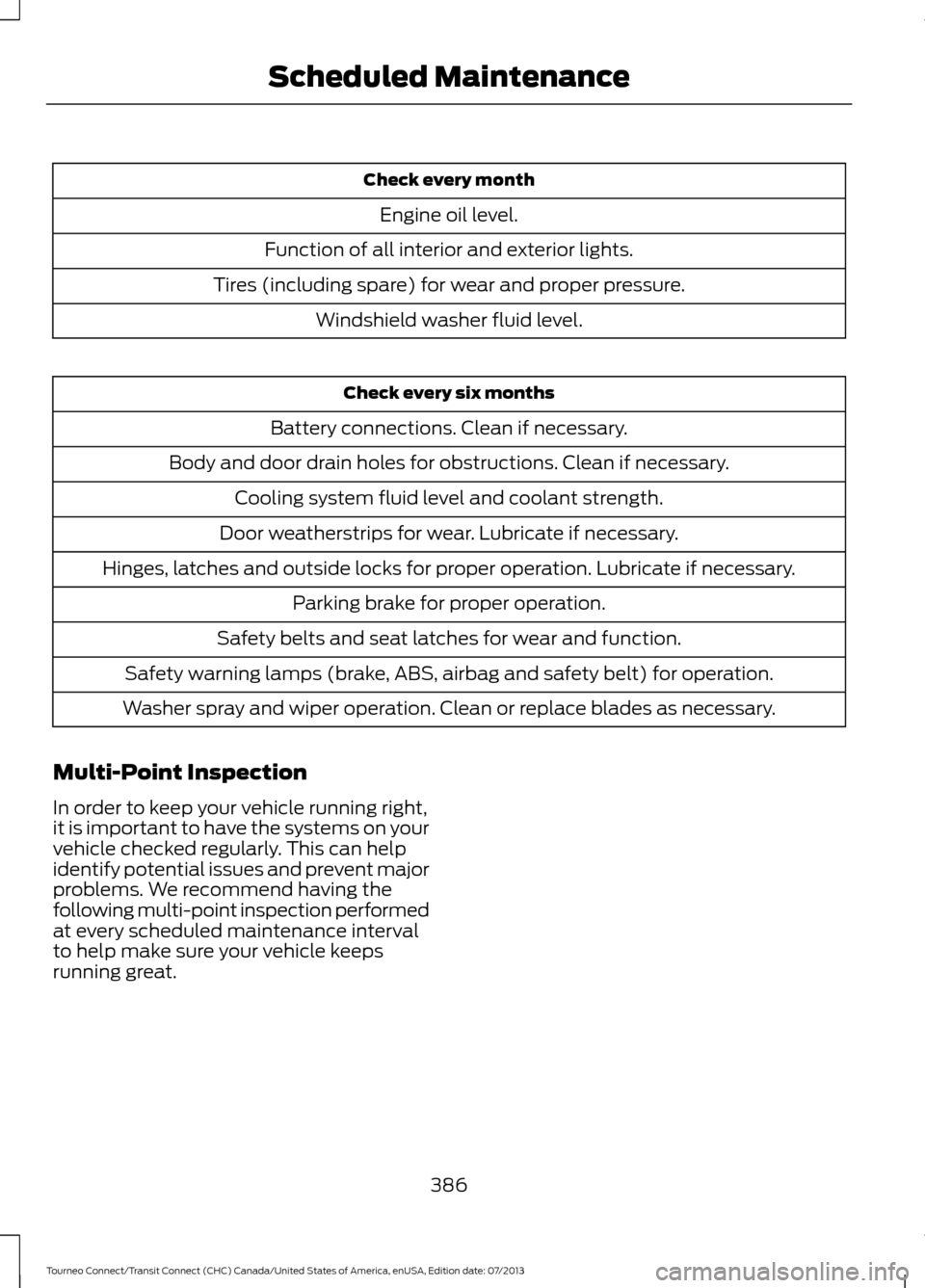
Check every month
Engine oil level.
Function of all interior and exterior lights.
Tires (including spare) for wear and proper pressure. Windshield washer fluid level. Check every six months
Battery connections. Clean if necessary.
Body and door drain holes for obstructions. Clean if necessary. Cooling system fluid level and coolant strength.
Door weatherstrips for wear. Lubricate if necessary.
Hinges, latches and outside locks for proper operation. Lubricate if necessary. Parking brake for proper operation.
Safety belts and seat latches for wear and function.
Safety warning lamps (brake, ABS, airbag and safety belt) for operation.
Washer spray and wiper operation. Clean or replace blades as necessary.
Multi-Point Inspection
In order to keep your vehicle running right,
it is important to have the systems on your
vehicle checked regularly. This can help
identify potential issues and prevent major
problems. We recommend having the
following multi-point inspection performed
at every scheduled maintenance interval
to help make sure your vehicle keeps
running great.
386
Tourneo Connect/Transit Connect (CHC) Canada/United States of America, enUSA, Edition date: 07/2013 Scheduled Maintenance
Page 403 of 411
C
Cabin Air Filter.................................................95
California Proposition 65..............................11
Capacities and Specifications.................237
Cargo Nets.......................................................134 Installing the Net................................................ 134
Removing the Net............................................... 135
Car Wash See: Cleaning the Exterior.............................. 202
Center Console..............................................107
Changing a Bulb...........................................189 Central High Mounted Brake Lamp.............192
Front Fog Lamps................................................. 192
Headlamp............................................................. 190
Interior Lamps...................................................... 193
License Plate Lamp........................................... 193
Rear Lamps........................................................... 192
Side Direction Indicator..................................... 191
Changing a Fuse
............................................176
Fuses........................................................................\
176
Changing a Road Wheel...........................230 Dissimilar Spare Wheel and Tire Assembly
Information....................................................... 231
Stowing the Flat or Spare Tire...................... 234
Tire Change Procedure.................................... 232
Changing the 12V Battery..........................185
Changing the Engine Air Filter.................196 2.5L Engine............................................................ 197
EcoBoost Engines.............................................. 196
Changing the Wiper Blades
.....................186
Changing the Front Wiper Blades................187
Rear Window Wiper Blades............................ 187
Checking MyKey System Status..............46
Checking the Wiper Blades......................186
Child Restraint and Safety Belt Maintenance..................................................31
Child Safety
.......................................................13
General Information............................................. 13
Child Safety Locks
..........................................24
Left-Hand Side...................................................... 24
Right-Hand Side................................................... 24
Child Seat Positioning...................................22
Cigar Lighter
...................................................106
Cleaning Leather Seats.............................205
Cleaning Products.......................................202
Cleaning the Alloy Wheels.......................206
Cleaning the Engine
....................................203 Cleaning the Exterior
..................................202
Cleaning Plastic Exterior Parts..................... 203
Exterior Chrome................................................. 202
Stripes or Graphics (if equipped)................202
Underbody........................................................... 203
Cleaning the Instrument Panel and Instrument Cluster Lens........................204
Cleaning the Interior...................................204
Cleaning the Windows and Wiper Blades
...........................................................204
Clearing All MyKeys.......................................44
Climate Control
..............................................88
Principle of Operation........................................ 88
Clock....................................................................81 Type 1........................................................................\
. 81
Type 2........................................................................\
81
Cold Weather Precautions........................153
Coolant Check See: Engine Coolant Check............................. 182
Cornering Lamps
............................................64
Crash Sensors and Airbag Indicator........39
Creating a MyKey............................................43 Programming/Changing Configurable
Settings............................................................... 44
Cruise Control..................................................56 Principle of Operation....................................... 132
Cruise control See: Using Cruise Control................................ 132
Cup Holders
....................................................107
Customer Assistance.................................160
D
Data Recording
..................................................9
Event Data Recording........................................... 9
Service Data Recording........................................ 9
Daytime Running Lamps.............................63 Vehicles With Halogen Headlamps..............63
Digital Radio
...................................................251
HD Radio Reception and Station
Troubleshooting............................................ 252
Direction Indicators
.......................................65
Driver and Passenger Airbags...................34 Children and Airbags........................................... 34
Proper Driver and Front Passenger Seating Adjustment........................................................ 34
Driving Aids
.....................................................133
Driving Hints....................................................152
400
Tourneo Connect/Transit Connect (CHC) Canada/United States of America, enUSA, Edition date: 07/2013 Index
Page 405 of 411
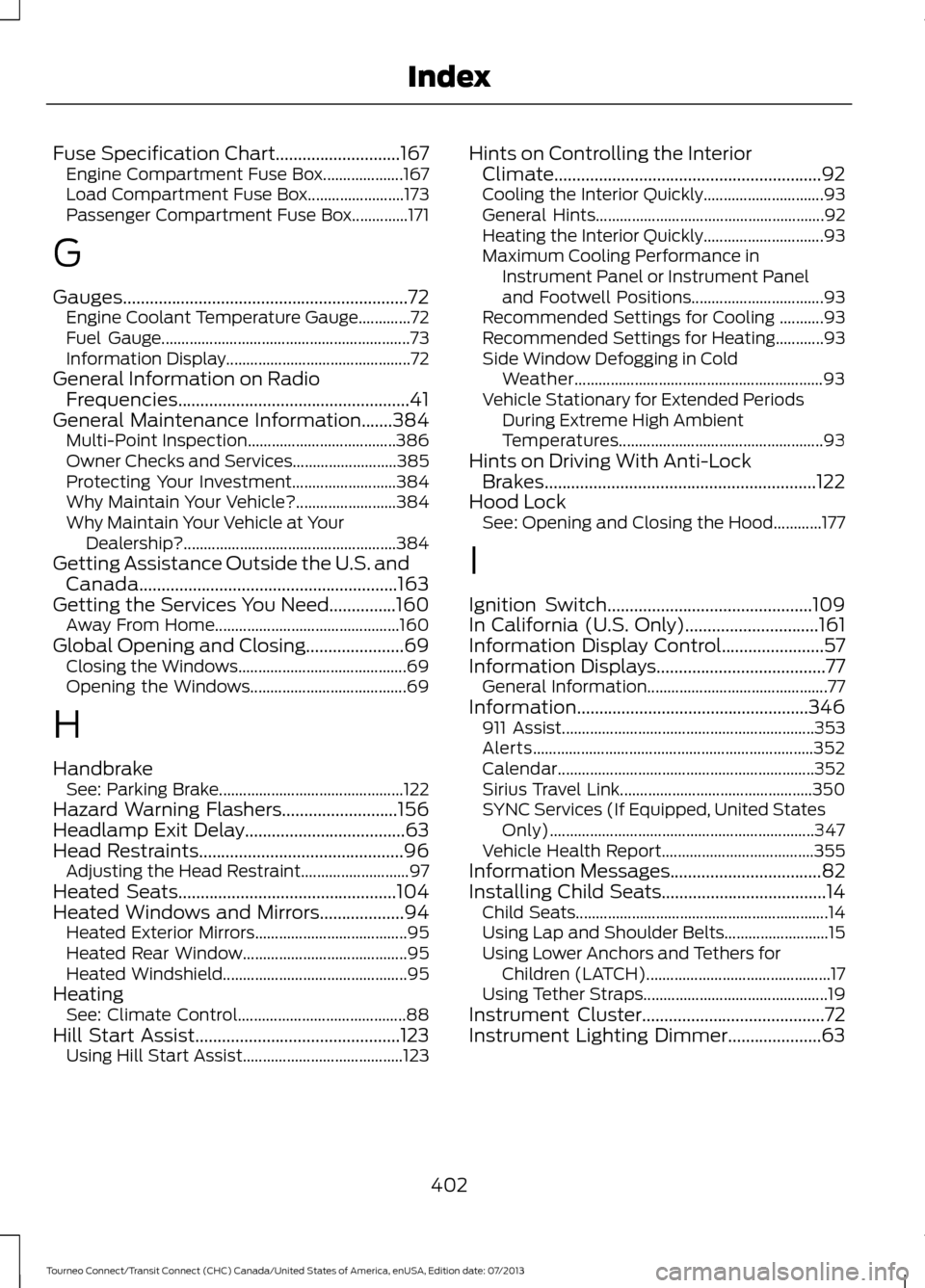
Fuse Specification Chart............................167
Engine Compartment Fuse Box.................... 167
Load Compartment Fuse Box........................ 173
Passenger Compartment Fuse Box..............171
G
Gauges................................................................72 Engine Coolant Temperature Gauge.............72
Fuel Gauge.............................................................. 73
Information Display.............................................. 72
General Information on Radio Frequencies....................................................41
General Maintenance Information.......384
Multi-Point Inspection..................................... 386
Owner Checks and Services.......................... 385
Protecting Your Investment.......................... 384
Why Maintain Your Vehicle?......................... 384
Why Maintain Your Vehicle at Your Dealership?..................................................... 384
Getting Assistance Outside the U.S. and Canada..........................................................163
Getting the Services You Need...............160 Away From Home.............................................. 160
Global Opening and Closing
......................69
Closing the Windows.......................................... 69
Opening the Windows....................................... 69
H
Handbrake See: Parking Brake.............................................. 122
Hazard Warning Flashers..........................156
Headlamp Exit Delay....................................63
Head Restraints..............................................96 Adjusting the Head Restraint........................... 97
Heated Seats
.................................................104
Heated Windows and Mirrors...................94 Heated Exterior Mirrors...................................... 95
Heated Rear Window......................................... 95
Heated Windshield.............................................. 95
Heating See: Climate Control.......................................... 88
Hill Start Assist..............................................123 Using Hill Start Assist........................................ 123Hints on Controlling the Interior
Climate............................................................92
Cooling the Interior Quickly.............................. 93
General Hints......................................................... 92
Heating the Interior Quickly.............................. 93
Maximum Cooling Performance in Instrument Panel or Instrument Panel
and Footwell Positions................................. 93
Recommended Settings for Cooling ...........93
Recommended Settings for Heating............93
Side Window Defogging in Cold Weather.............................................................. 93
Vehicle Stationary for Extended Periods During Extreme High Ambient
Temperatures................................................... 93
Hints on Driving With Anti-Lock Brakes.............................................................122
Hood Lock See: Opening and Closing the Hood............177
I
Ignition Switch
..............................................109
In California (U.S. Only)..............................161
Information Display Control.......................57
Information Displays
......................................77
General Information............................................. 77
Information....................................................346 911 Assist............................................................... 353
Alerts...................................................................... 352
Calendar................................................................ 352
Sirius Travel Link................................................ 350
SYNC Services (If Equipped, United States Only).................................................................. 347
Vehicle Health Report...................................... 355
Information Messages
..................................82
Installing Child Seats.....................................14 Child Seats............................................................... 14
Using Lap and Shoulder Belts.......................... 15
Using Lower Anchors and Tethers for Children (LATCH).............................................. 17
Using Tether Straps.............................................. 19
Instrument Cluster
.........................................72
Instrument Lighting Dimmer.....................63
402
Tourneo Connect/Transit Connect (CHC) Canada/United States of America, enUSA, Edition date: 07/2013 Index
Page 406 of 411
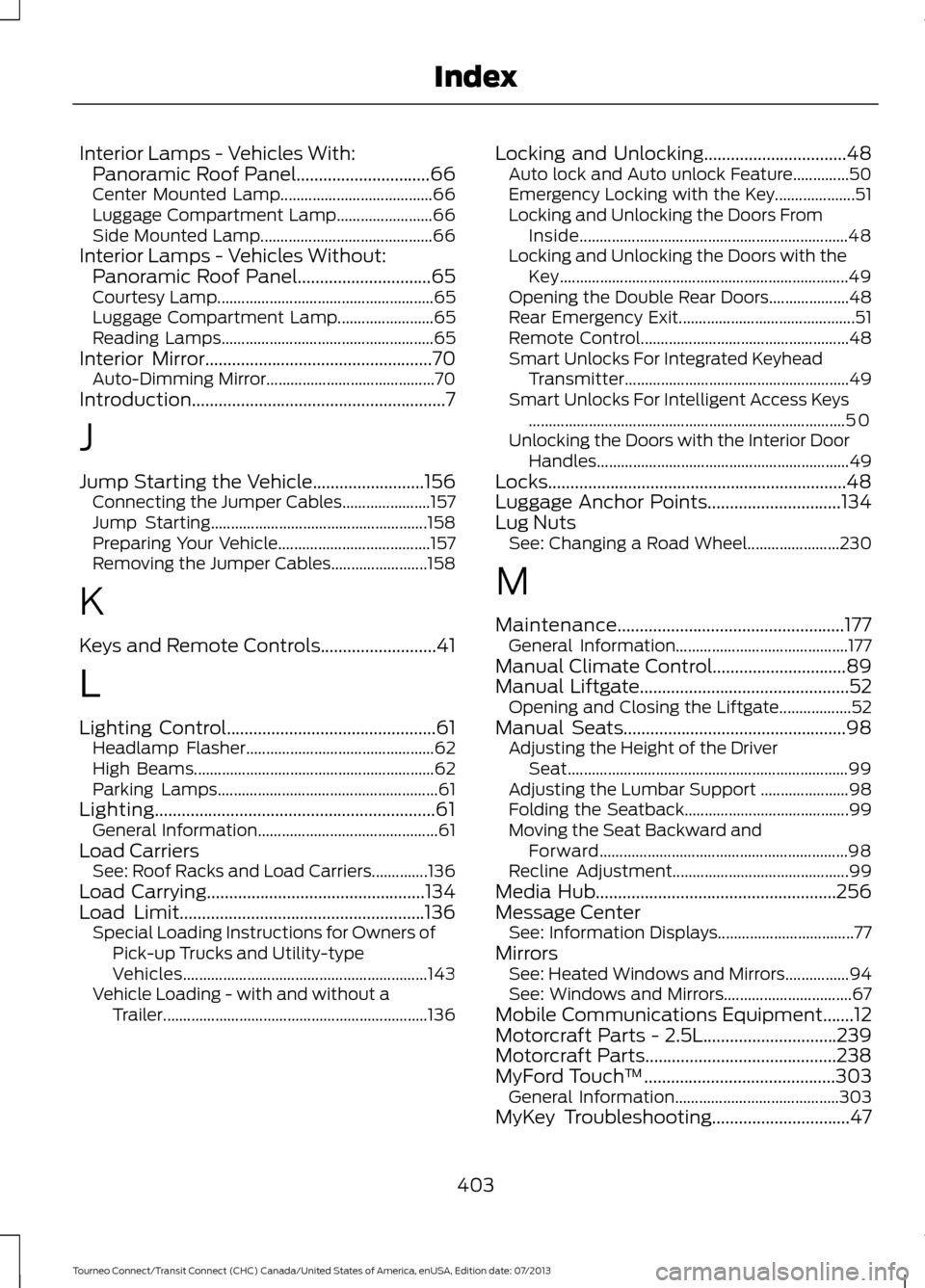
Interior Lamps - Vehicles With:
Panoramic Roof Panel..............................66
Center Mounted Lamp...................................... 66
Luggage Compartment Lamp........................ 66
Side Mounted Lamp........................................... 66
Interior Lamps - Vehicles Without: Panoramic Roof Panel..............................65
Courtesy Lamp...................................................... 65
Luggage Compartment Lamp........................ 65
Reading Lamps..................................................... 65
Interior Mirror...................................................70
Auto-Dimming Mirror.......................................... 70
Introduction.........................................................7
J
Jump Starting the Vehicle.........................156 Connecting the Jumper Cables...................... 157
Jump Starting...................................................... 158
Preparing Your Vehicle...................................... 157
Removing the Jumper Cables........................ 158
K
Keys and Remote Controls
..........................41
L
Lighting Control...............................................61 Headlamp Flasher............................................... 62
High Beams............................................................ 62
Parking Lamps....................................................... 61
Lighting...............................................................61 General Information............................................. 61
Load Carriers See: Roof Racks and Load Carriers..............136
Load Carrying
.................................................134
Load Limit.......................................................136 Special Loading Instructions for Owners of
Pick-up Trucks and Utility-type
Vehicles............................................................. 143
Vehicle Loading - with and without a Trailer.................................................................. 136Locking and Unlocking
................................48
Auto lock and Auto unlock Feature..............50
Emergency Locking with the Key.................... 51
Locking and Unlocking the Doors From Inside................................................................... 48
Locking and Unlocking the Doors with the Key........................................................................\
49
Opening the Double Rear Doors.................... 48
Rear Emergency Exit............................................ 51
Remote Control.................................................... 48
Smart Unlocks For Integrated Keyhead Transmitter........................................................ 49
Smart Unlocks For Intelligent Access Keys ........................................................................\
....... 50
Unlocking the Doors with the Interior Door Handles............................................................... 49
Locks...................................................................48
Luggage Anchor Points..............................134
Lug Nuts See: Changing a Road Wheel....................... 230
M
Maintenance
...................................................177
General Information........................................... 177
Manual Climate Control..............................89
Manual Liftgate
...............................................52
Opening and Closing the Liftgate.................. 52
Manual Seats
..................................................98
Adjusting the Height of the Driver
Seat...................................................................... 99
Adjusting the Lumbar Support ...................... 98
Folding the Seatback......................................... 99
Moving the Seat Backward and Forward.............................................................. 98
Recline Adjustment............................................ 99
Media Hub......................................................256
Message Center See: Information Displays.................................. 77
Mirrors See: Heated Windows and Mirrors................94
See: Windows and Mirrors................................ 67
Mobile Communications Equipment
.......12
Motorcraft Parts - 2.5L..............................239
Motorcraft Parts...........................................238
MyFord Touch ™
...........................................303
General Information......................................... 303
MyKey Troubleshooting
...............................47
403
Tourneo Connect/Transit Connect (CHC) Canada/United States of America, enUSA, Edition date: 07/2013 Index
Page 409 of 411
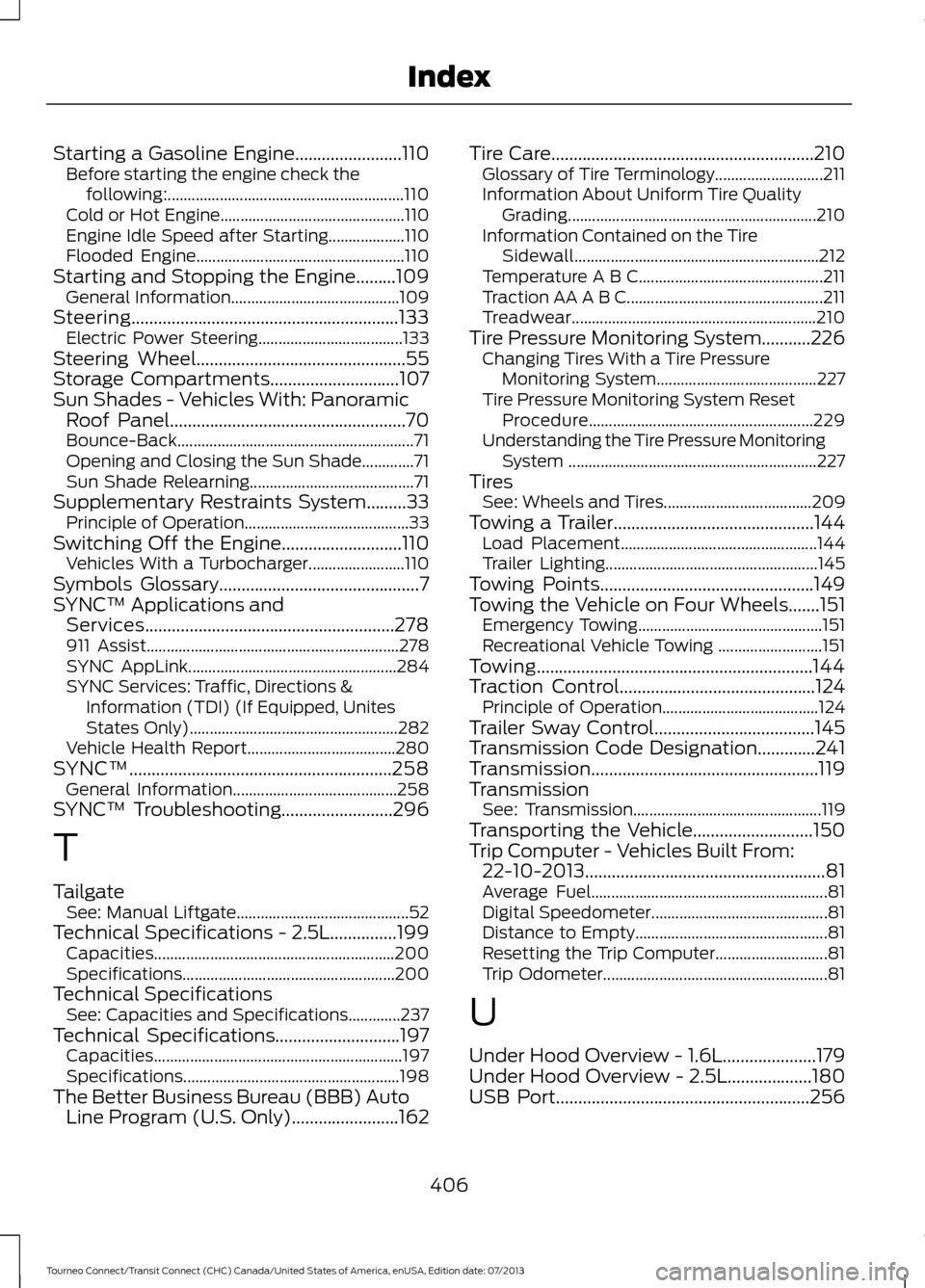
Starting a Gasoline Engine........................110
Before starting the engine check the
following:........................................................... 110
Cold or Hot Engine.............................................. 110
Engine Idle Speed after Starting................... 110
Flooded Engine.................................................... 110
Starting and Stopping the Engine.........109 General Information.......................................... 109
Steering............................................................133 Electric Power Steering.................................... 133
Steering Wheel...............................................55
Storage Compartments.............................107
Sun Shades - Vehicles With: Panoramic Roof Panel.....................................................70
Bounce-Back........................................................... 71
Opening and Closing the Sun Shade.............71
Sun Shade Relearning......................................... 71
Supplementary Restraints System.........33 Principle of Operation......................................... 33
Switching Off the Engine
...........................110
Vehicles With a Turbocharger........................ 110
Symbols Glossary
.............................................7
SYNC™ Applications and Services........................................................278
911 Assist............................................................... 278
SYNC AppLink.................................................... 284
SYNC Services: Traffic, Directions & Information (TDI) (If Equipped, Unites
States Only).................................................... 282
Vehicle Health Report..................................... 280
SYNC™...........................................................258 General Information......................................... 258
SYNC™ Troubleshooting
.........................296
T
Tailgate See: Manual Liftgate........................................... 52
Technical Specifications - 2.5L...............199 Capacities............................................................ 200
Specifications..................................................... 200
Technical Specifications See: Capacities and Specifications.............237
Technical Specifications............................197 Capacities.............................................................. 197
Specifications...................................................... 198
The Better Business Bureau (BBB) Auto Line Program (U.S. Only)........................162 Tire Care...........................................................210
Glossary of Tire Terminology........................... 211
Information About Uniform Tire Quality Grading.............................................................. 210
Information Contained on the Tire Sidewall............................................................. 212
Temperature A B C.............................................. 211
Traction AA A B C................................................. 211
Treadwear............................................................. 210
Tire Pressure Monitoring System...........226 Changing Tires With a Tire Pressure
Monitoring System........................................ 227
Tire Pressure Monitoring System Reset Procedure........................................................ 229
Understanding the Tire Pressure Monitoring System .............................................................. 227
Tires See: Wheels and Tires..................................... 209
Towing a Trailer
.............................................144
Load Placement................................................. 144
Trailer Lighting..................................................... 145
Towing Points................................................149
Towing the Vehicle on Four Wheels.......151 Emergency Towing.............................................. 151
Recreational Vehicle Towing .......................... 151
Towing..............................................................144
Traction Control
............................................124
Principle of Operation....................................... 124
Trailer Sway Control
....................................145
Transmission Code Designation.............241
Transmission...................................................119
Transmission See: Transmission............................................... 119
Transporting the Vehicle...........................150
Trip Computer - Vehicles Built From: 22-10-2013......................................................81
Average Fuel........................................................... 81
Digital Speedometer............................................ 81
Distance to Empty................................................ 81
Resetting the Trip Computer............................ 81
Trip Odometer........................................................ 81
U
Under Hood Overview - 1.6L.....................179
Under Hood Overview - 2.5L
...................180
USB Port.........................................................256
406
Tourneo Connect/Transit Connect (CHC) Canada/United States of America, enUSA, Edition date: 07/2013 Index
Page 410 of 411
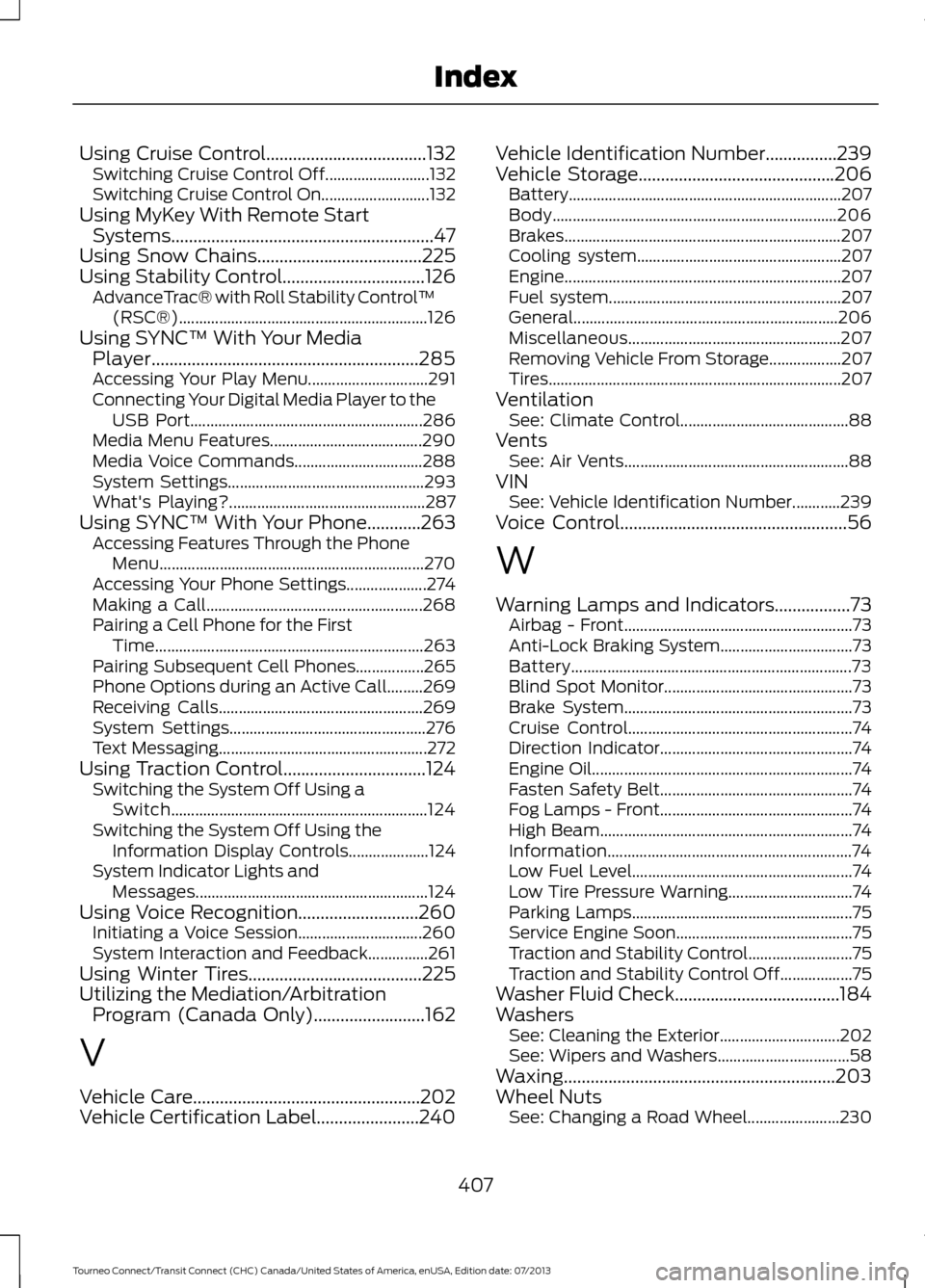
Using Cruise Control....................................132
Switching Cruise Control Off.......................... 132
Switching Cruise Control On........................... 132
Using MyKey With Remote Start Systems...........................................................47
Using Snow Chains.....................................225
Using Stability Control................................126
AdvanceTrac® with Roll Stability Control ™
(RSC®).............................................................. 126
Using SYNC™ With Your Media Player............................................................285
Accessing Your Play Menu.............................. 291
Connecting Your Digital Media Player to the USB Port.......................................................... 286
Media Menu Features...................................... 290
Media Voice Commands................................ 288
System Settings................................................. 293
What's Playing?................................................. 287
Using SYNC™ With Your Phone............263 Accessing Features Through the Phone
Menu.................................................................. 270
Accessing Your Phone Settings.................... 274
Making a Call...................................................... 268
Pairing a Cell Phone for the First Time................................................................... 263
Pairing Subsequent Cell Phones.................265
Phone Options during an Active Call.........269
Receiving Calls................................................... 269
System Settings................................................. 276
Text Messaging.................................................... 272
Using Traction Control
................................124
Switching the System Off Using a
Switch................................................................ 124
Switching the System Off Using the Information Display Controls.................... 124
System Indicator Lights and Messages.......................................................... 124
Using Voice Recognition
...........................260
Initiating a Voice Session............................... 260
System Interaction and Feedback...............261
Using Winter Tires
.......................................225
Utilizing the Mediation/Arbitration Program (Canada Only).........................162
V
Vehicle Care...................................................202
Vehicle Certification Label.......................240 Vehicle Identification Number
................239
Vehicle Storage............................................206
Battery.................................................................... 207
Body....................................................................... 206
Brakes..................................................................... 207
Cooling system................................................... 207
Engine..................................................................... 207
Fuel system.......................................................... 207
General.................................................................. 206
Miscellaneous..................................................... 207
Removing Vehicle From Storage.................. 207
Tires........................................................................\
. 207
Ventilation See: Climate Control.......................................... 88
Vents See: Air Vents........................................................ 88
VIN See: Vehicle Identification Number............239
Voice Control
...................................................56
W
Warning Lamps and Indicators.................73 Airbag - Front......................................................... 73
Anti-Lock Braking System................................. 73
Battery...................................................................... 73
Blind Spot Monitor............................................... 73
Brake System......................................................... 73
Cruise Control........................................................ 74
Direction Indicator................................................ 74
Engine Oil................................................................. 74
Fasten Safety Belt................................................ 74
Fog Lamps - Front................................................ 74
High Beam............................................................... 74
Information............................................................. 74
Low Fuel Level....................................................... 74
Low Tire Pressure Warning............................... 74
Parking Lamps....................................................... 75
Service Engine Soon............................................ 75
Traction and Stability Control.......................... 75
Traction and Stability Control Off.................. 75
Washer Fluid Check.....................................184
Washers See: Cleaning the Exterior.............................. 202
See: Wipers and Washers................................. 58
Waxing.............................................................203
Wheel Nuts See: Changing a Road Wheel....................... 230
407
Tourneo Connect/Transit Connect (CHC) Canada/United States of America, enUSA, Edition date: 07/2013 Index