brake light FORD TRANSIT CONNECT 2015 2.G User Guide
[x] Cancel search | Manufacturer: FORD, Model Year: 2015, Model line: TRANSIT CONNECT, Model: FORD TRANSIT CONNECT 2015 2.GPages: 428, PDF Size: 6.27 MB
Page 134 of 428
PRINCIPLE OF OPERATION
The traction control system helps avoid
drive wheel spin and loss of traction.
If your vehicle begins to slide, the system
applies the brakes to individual wheels
and, when needed, reduces engine power
at the same time. If the wheels spin when
accelerating on slippery or loose surfaces,
the system reduces engine power in order
to increase traction.
USING TRACTION CONTROL
In certain situations for example, stuck in
snow or mud, turning the traction control
off may be beneficial as this allows the
wheels to spin with full engine power.
Depending on the type of system you have
on your vehicle, you can either turn the
system off using the information display
or by pressing the button.
Switching the System Off Using
the Information Display Controls
(If Equipped)
Your vehicle comes with this feature
already enabled. If required, you can switch
this feature off using the information
display controls. See (page 84).
Switching the System Off Using a
Switch
(If Equipped)
The button is located in the instrument
panel.
Press the button. You will see a message
in conjunction with an illuminated icon in
the display. Press the button again to
return the system to normal mode.
When you switch the traction control
system off, stability control remains fully
active. System Indicator Lights and
Messages WARNING
If a failure has been detected within
the AdvanceTrac system, the
stability control light will illuminate
steadily. Verify that the AdvanceTrac
system was not manually disabled through
the information display. If the stability
control light still illuminates steadily, have
the system serviced by an authorized
dealer immediately. Operating your vehicle
with AdvanceTrac disabled could lead to
an increased risk of loss of vehicle control,
vehicle rollover, personal injury and death. The stability control light
temporarily illuminates on
engine start-up and flashes
when a driving condition activates the
stability system. The stability control off light
temporarily illuminates on
engine start-up and stays on
when you turn the traction control system
off.
When you turn the traction control system
off or on, a message appears in the
information display showing system status.
131
Transit Connect (CHC) Canada/United States of America, enUSA, First Printing Traction ControlE138639
Page 155 of 428
TOWING A TRAILER
WARNINGS
Do not exceed the GVWR or
the GAWR specified on the
certification label. Towing trailers beyond the
maximum recommended
gross trailer weight exceeds the
limit of your vehicle and could
result in engine damage,
transmission damage, structural
damage, loss of vehicle control,
vehicle rollover and personal
injury. The electrical system on your
vehicle may have fuses or relays
related to the towing equipment.
See Fuses (page 174).
The load capacity of your vehicle
is designated by weight not
volume. You will not necessarily
be able to use all available space
when loading your vehicle or
trailer.
Towing a trailer places extra load
on the engine, transmission, axle,
brakes, tires and suspension.
Inspect these components before,
during and after towing. Load Placement
To help minimize how trailer
movement affects your vehicle
when driving:
•
Load the heaviest items closest
to the trailer floor.
• Load the heaviest items
centered between the left and
right side trailer tires.
• Load the heaviest items above
the trailer axles or just slightly
forward toward the trailer
tongue. Do not allow the final
trailer tongue weight to go
above 15% or below 10% of the
loaded trailer weight.
• Select a tow bar with the
correct rise or drop. When both
the loaded vehicle and trailer
are connected, the trailer frame
should be level, or slightly
angled down toward your
vehicle, when viewed from the
side.
Note: A slight vibration or shudder
may be present when you start to
drive away due to increased
payload weight.
Information on correct trailer
loading and preparing your vehicle
is available in the load carrying
section. See
Load Limit (page
144). Further information is
available in the RV and Trailer
Towing Guide. See an authorized
dealer.
152
Transit Connect (CHC) Canada/United States of America, enUSA, First Printing Towing
Page 156 of 428
Trailer Lighting
The electrical system on your
vehicle is not suitable for towing
trailers with LED lamps.
TRAILER SWAY CONTROL
If the trailer begins to sway, the stability
control warning lamp flashes and a
message appears in the information
display. The system applies the brakes to
the individual wheels and reduces engine
torque to aid vehicle stability.
Stop your vehicle as soon as it is safe to
do so. Check the vertical weight on the tow
ball and trailer load distribution. See
Capacities and Specifications (page
246). See Load Carrying (page 141).
Note: This feature does not prevent trailer
sway, but reduces it once it begins.
Note: This feature cannot stop all trailers
from swaying.
Note: In some cases, if your vehicle speed
is too high, the system may turn on multiple
times, gradually reducing your vehicle speed.
RECOMMENDED TOWING
WEIGHTS
Your vehicle may tow a trailer. The
maximum loaded trailer weight
must be less than or equal to the
maximum loaded trailer weight
listed for your vehicle
configuration on the following
chart.
Note: Do not exceed the maximum
loaded trailer weight for your
vehicle configuration listed in the
chart below. Note:
Make sure you take the
trailer frontal area into
consideration, do not exceed 20
feet² (1.86 meters²). Towing a
trailer that exceeds this frontal area
will reduce the performance and
fuel economy of your vehicle when
towing. Select a trailer that has a
rounded front and an aerodynamic
design.
Note: For high altitude operation,
reduce the gross combined weight
by 2% per 1000 feet (300 meters)
starting at the 1000 foot (300
meter) elevation point.
Note: Certain states require
electric trailer brakes for trailers
over a specified weight. Be sure to
check state regulations for this
specified weight. The maximum
loaded trailer weights listed may
be limited to this specified weight,
as the vehicle ’s electrical system
may not include the wiring
connector needed to activate
electric trailer brakes.
153
Transit Connect (CHC) Canada/United States of America, enUSA, First Printing Towing
Page 159 of 428
Note:
Never attach safety chains to the
bumper.
Trailer Brakes WARNING
Do not connect a trailer's hydraulic
brake system directly to your
vehicle's brake system. Your vehicle
may not have enough braking power and
your chances of having a crash greatly
increase. Electric brakes and manual, automatic or
surge-type trailer brakes are safe if you
install them correctly and adjust them to
the manufacturer's specifications. The
trailer brakes must meet local and federal
regulations.
The rating for the tow vehicle's braking
system operation is at the gross vehicle
weight rating, not the gross combined
weight rating.
Separate functioning brake systems are
required for safe control of towed vehicles
and trailers weighing more than 1500
pounds (680 kilograms) when loaded.
Trailer Lamps
WARNING
Never connect any trailer lamp wiring
to the vehicle's tail lamp wiring; this
may damage the electrical system
resulting in fire. Contact an authorized
dealer as soon as possible for assistance
in correct trailer tow wiring installation.
Additional electrical equipment may be
required. Trailer lamps are required on most towed
vehicles. Make sure all running lights, brake
lights, turn signals and hazard warning
flashers are working. Before Towing a Trailer
Practice turning, stopping and backing up
to get the feel of your vehicle-trailer
combination before starting on a trip.
When turning, make wider turns so the
trailer wheels clear curbs and other
obstacles.
When Towing a Trailer
•
Do not drive faster than 70 mph (113
km/h) during the first 500 miles (800
kilometers).
• Do not make full-throttle starts.
• Check the trailer hitch, electrical
connections and trailer wheel lug nuts
thoroughly after you have traveled 50
miles (80 kilometers).
• When stopped in congested or heavy
traffic during hot weather, place the
transmission selector lever in position
P to aid engine and transmission
cooling and to help A/C performance.
• Turn off the speed control with heavy
loads or in hilly terrain. The speed
control may turn off automatically
when you are towing on long, steep
grades.
• When driving down a long or steep hill,
if your vehicle is fitted with a
SelectShift Automatic® Transmission,
use a low gear, See
Automatic
Transmission (page 126). Do not
apply the brakes continuously, as they
may overheat and become less
effective.
• If the transmission is fitted with Grade
Assist or a Towing feature, use this
feature when towing. This provides
engine braking and helps eliminate
excessive transmission shifting for
optimum fuel economy and
transmission cooling.
156
Transit Connect (CHC) Canada/United States of America, enUSA, First Printing Towing
Page 164 of 428
•
Do not warm up your vehicle on cold
mornings.
• Reduce the use of air conditioning and
heat.
• Avoid using speed control in hilly
terrain.
• Do not rest your foot on the brake
pedal while driving.
• Avoid carrying unnecessary weight
(approximately 1 mpg [0.4
kilometers/liter] is lost for every 400
lbs [180 kilograms] of weight carried).
• Avoid adding particular accessories to
your vehicle (e.g. bug deflectors,
rollbars/light bars, running boards, ski
racks).
• Avoid driving with the wheels out of
alignment.
COLD WEATHER
PRECAUTIONS
The functional operation of some
components and systems can be affected
at temperatures below -13°F (-25°C).
DRIVING THROUGH WATER WARNING
Do not drive through flowing or deep
water as you may lose control of your
vehicle.
Note:
Driving through standing water can
cause vehicle damage.
Note: Engine damage can occur if water
enters the air filter.
Before driving through standing water,
check the depth. Never drive through water
that is higher than the bottom of the front
rocker area of your vehicle. When driving through standing water, drive
very slowly and do not stop your vehicle.
Your brake performance and traction may
be limited. After driving through water and
as soon as it is safe to do so:
•
Lightly press the brake pedal to dry the
brakes and to check that they work.
• Check that the horn works.
• Check that the exterior lights work.
• Turn the steering wheel to check that
the steering power assist works.
FLOOR MATS WARNINGS
Always use floor mats that are
designed to fit the foot well of your
vehicle. Only use floor mats that
leave the pedal area unobstructed. Only
use floor mats that are firmly secured to
retention posts so that they cannot slip out
of position and interfere with the pedals
or impair safe operation of your vehicle in
other ways. Pedals that cannot move freely can
cause loss of vehicle control and
increase the risk of serious personal
injury.
161
Transit Connect (CHC) Canada/United States of America, enUSA, First Printing Driving HintsE176360
Page 218 of 428
•
Alcohol solutions.
• Solvents or cleaners intended
specifically for rubber, vinyl and
plastics.
Note: Do not use Motorcraft Premium
Leather and Vinyl Cleaner ZC-56 on Lincoln
Black Label, Presidential or Reserve
Leathers because it can damage those and
other semi-aniline leather seating fabrics.
It can also damage surround microfiber
accent surfaces. To clean Lincoln Black
Label, Presidential or Reserve Leathers, first
vacuum the seats to remove loose dirt. Then
wipe the leather with a clean soft cloth
dampened with lukewarm water and a mild
soap. Wiper the leather again with a slightly
damp cloth to remove soap residue, and dry
with a soft cloth. To maintain the leather's
resiliency, it should be cleaned whenever
soiled.
REPAIRING MINOR PAINT
DAMAGE
You should repair paintwork damage
caused by stones from the road or minor
scratches as soon as possible. A choice of
products are available from an authorized
dealer.
Remove particles such as bird droppings,
tree sap, insect deposits, tar spots, road
salt and industrial fallout before repairing
paint chips.
Always read and follow the manufacturer ’s
instructions before using the products.
CLEANING THE ALLOY
WHEELS
Note: Do not apply a cleaning chemical to
warm or hot wheel rims and covers.
Note: Some automatic car washes may
cause damage to the finish on your wheel
rims and covers. Note:
Industrial-strength or heavy-duty
cleaners in combination with brush agitation
to remove brake dust and dirt, could wear
away the clear coat finish over a period time.
Note: Do not use hydrofluoric acid-based
or high caustic-based wheel cleaners, steel
wool, fuels or strong household detergents.
Note: If you intend parking your vehicle for
an extended period after cleaning the
wheels with a wheel cleaner, drive your
vehicle for a few minutes before doing so.
This will reduce the risk of increased
corrosion of the brake discs.
Alloy wheels and wheel covers are coated
with a clear coat paint finish. To maintain
their condition we recommend that you:
• Clean the wheels weekly using
Motorcraft Wheel and Tire Cleaner.
Apply using manufacturer's
instructions.
• Use a sponge to remove heavy
deposits of dirt and brake dust
accumulation.
• Rinse thoroughly with a strong stream
of water when you have completed the
cleaning process.
• To remove tar and grease, use
Motorcraft Bug and Tar Remover.
VEHICLE STORAGE
If you plan on storing your vehicle for 30
days or more, read the following
maintenance recommendations to make
sure your vehicle stays in good operating
condition.
We engineer and test all motor vehicles
and their components for reliable, regular
driving. Under various conditions,
long-term storage may lead to degraded
engine performance or failure unless you
use specific precautions to preserve engine
components.
215
Transit Connect (CHC) Canada/United States of America, enUSA, First Printing Vehicle Care
Page 219 of 428
General
•
Store all vehicles in a dry, ventilated
place.
• Protect from sunlight, if possible.
• If vehicles are stored outside, they
require regular maintenance to protect
against rust and damage.
Body
• Wash your vehicle thoroughly to
remove dirt, grease, oil, tar or mud from
exterior surfaces, rear-wheel housing
and the underside of front fenders.
• Periodically wash your vehicle if it is
stored in exposed locations.
• Touch-up exposed or primed metal to
prevent rust.
• Cover chrome and stainless steel parts
with a thick coat of auto wax to prevent
discoloration. Re-wax as necessary
when you wash your vehicle.
• Lubricate all hood, door and trunk lid
hinges, and latches with a light grade
oil.
• Cover interior trim to prevent fading.
• Keep all rubber parts free from oil and
solvents.
Engine
• The engine oil and filter should be
changed prior to storage because used
engine oil contains contaminates that
may cause engine damage.
• Start the engine every 15 days for a
minimum of 15 minutes. Run at fast idle
with the climate controls set to defrost
until the engine reaches normal
operating temperature. •
With your foot on the brake, shift
through all the gears while the engine
is running.
• We recommend that you change the
engine oil before you use your vehicle
again.
Fuel system
• Fill the fuel tank with high-quality fuel
until the first automatic shutoff of the
fuel pump nozzle.
Cooling system
• Protect against freezing temperatures.
• When removing your vehicle from
storage, check coolant fluid level.
Confirm that there are no cooling
system leaks and that fluid is at the
recommended level.
Battery
• Check and recharge as necessary. Keep
connections clean.
• If storing your vehicle for more than 30
days without recharging the battery,
we recommend that you disconnect
the battery cables to maintain battery
charge for quick starting.
Note: It is necessary to reset memory
features if battery cables are disconnected.
Brakes
• Make sure the brakes and parking brake
release fully.
Tires
• Maintain recommended air pressure.
216
Transit Connect (CHC) Canada/United States of America, enUSA, First Printing Vehicle Care
Page 404 of 428
Check every month
Engine oil level.
Function of all interior and exterior lights.
Tires (including spare) for wear and proper pressure. Windshield washer fluid level. Check every six months
Battery connections. Clean if necessary.
Body and door drain holes for obstructions. Clean if necessary. Cooling system fluid level and coolant strength.
Door weatherstrips for wear. Lubricate if necessary.
Hinges, latches and outside locks for proper operation. Lubricate if necessary. Parking brake for proper operation.
Safety belts and seat latches for wear and function.
Safety warning lamps (brake, ABS, airbag and safety belt) for operation.
Washer spray and wiper operation. Clean or replace blades as necessary.
Multi-Point Inspection
In order to keep your vehicle running right,
it is important to have the systems on your
vehicle checked regularly. This can help
identify potential issues and prevent major
problems. We recommend having the
following multi-point inspection performed
at every scheduled maintenance interval
to help make sure your vehicle keeps
running great.
401
Transit Connect (CHC) Canada/United States of America, enUSA, First Printing Scheduled Maintenance
Page 419 of 428
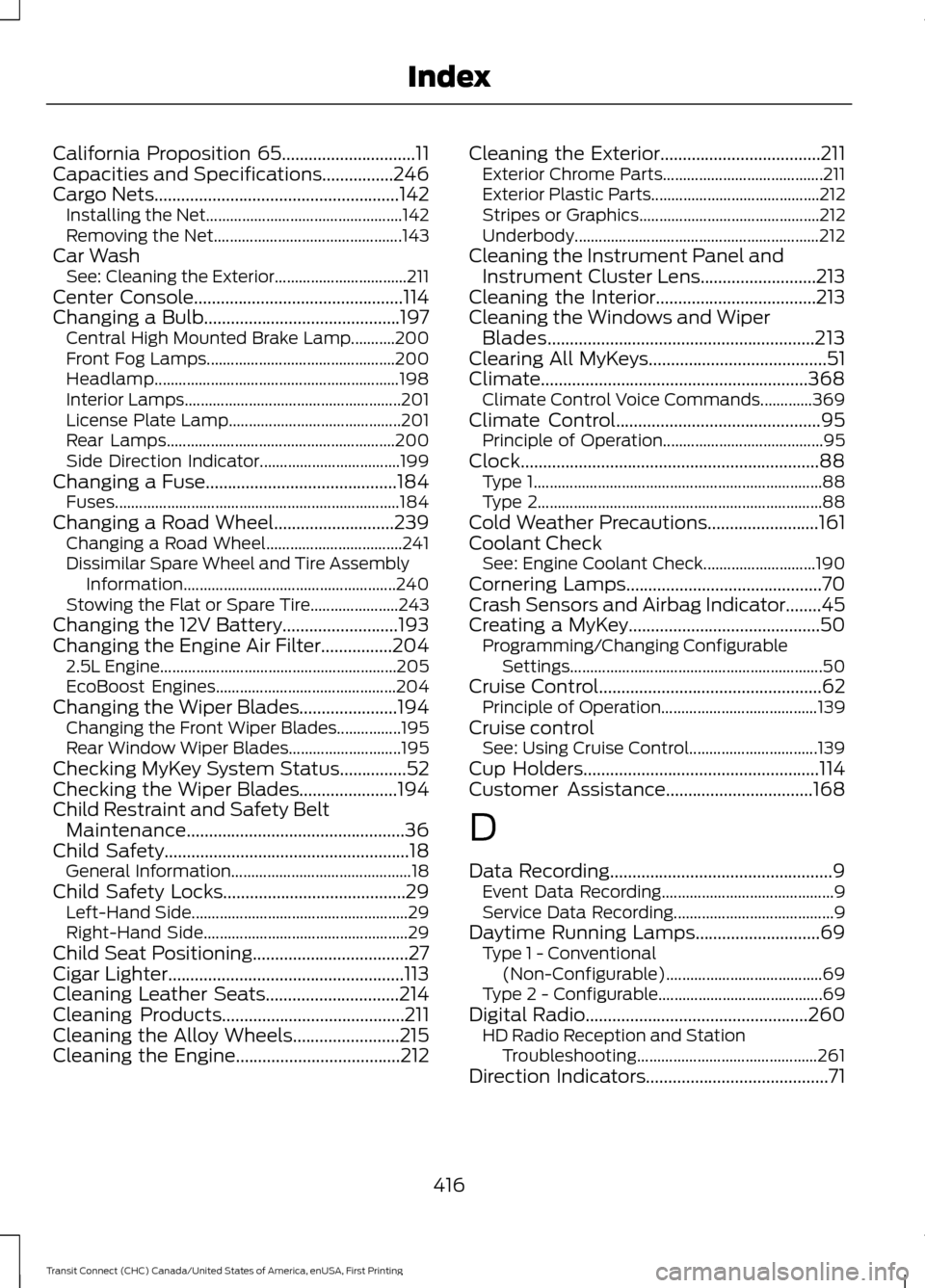
California Proposition 65..............................11
Capacities and Specifications................246
Cargo Nets.......................................................142
Installing the Net................................................. 142
Removing the Net............................................... 143
Car Wash See: Cleaning the Exterior.................................211
Center Console...............................................114
Changing a Bulb............................................197 Central High Mounted Brake Lamp...........200
Front Fog Lamps............................................... 200
Headlamp............................................................. 198
Interior Lamps...................................................... 201
License Plate Lamp........................................... 201
Rear Lamps......................................................... 200
Side Direction Indicator................................... 199
Changing a Fuse...........................................184
Fuses....................................................................... 184
Changing a Road Wheel
...........................239
Changing a Road Wheel.................................. 241
Dissimilar Spare Wheel and Tire Assembly Information..................................................... 240
Stowing the Flat or Spare Tire...................... 243
Changing the 12V Battery..........................193
Changing the Engine Air Filter................204 2.5L Engine........................................................... 205
EcoBoost Engines............................................. 204
Changing the Wiper Blades......................194 Changing the Front Wiper Blades................195
Rear Window Wiper Blades............................ 195
Checking MyKey System Status...............52
Checking the Wiper Blades......................194
Child Restraint and Safety Belt Maintenance
.................................................36
Child Safety.......................................................18
General Information............................................. 18
Child Safety Locks
.........................................29
Left-Hand Side...................................................... 29
Right-Hand Side................................................... 29
Child Seat Positioning...................................27
Cigar Lighter
.....................................................113
Cleaning Leather Seats..............................214
Cleaning Products
.........................................211
Cleaning the Alloy Wheels........................215
Cleaning the Engine.....................................212 Cleaning the Exterior....................................211
Exterior Chrome Parts........................................ 211
Exterior Plastic Parts.......................................... 212
Stripes or Graphics............................................. 212
Underbody............................................................. 212
Cleaning the Instrument Panel and Instrument Cluster Lens..........................213
Cleaning the Interior....................................213
Cleaning the Windows and Wiper Blades
............................................................213
Clearing All MyKeys........................................51
Climate............................................................368 Climate Control Voice Commands.............369
Climate Control
..............................................95
Principle of Operation........................................ 95
Clock...................................................................88 Type 1........................................................................\
88
Type 2....................................................................... 88
Cold Weather Precautions.........................161
Coolant Check See: Engine Coolant Check............................ 190
Cornering Lamps............................................70
Crash Sensors and Airbag Indicator
........45
Creating a MyKey...........................................50
Programming/Changing Configurable
Settings............................................................... 50
Cruise Control
..................................................62
Principle of Operation....................................... 139
Cruise control See: Using Cruise Control................................ 139
Cup Holders
.....................................................114
Customer Assistance.................................168
D
Data Recording
..................................................9
Event Data Recording........................................... 9
Service Data Recording........................................ 9
Daytime Running Lamps............................69 Type 1 - Conventional
(Non-Configurable)....................................... 69
Type 2 - Configurable......................................... 69
Digital Radio
..................................................260
HD Radio Reception and Station
Troubleshooting............................................. 261
Direction Indicators
.........................................71
416
Transit Connect (CHC) Canada/United States of America, enUSA, First Printing Index
Page 426 of 428
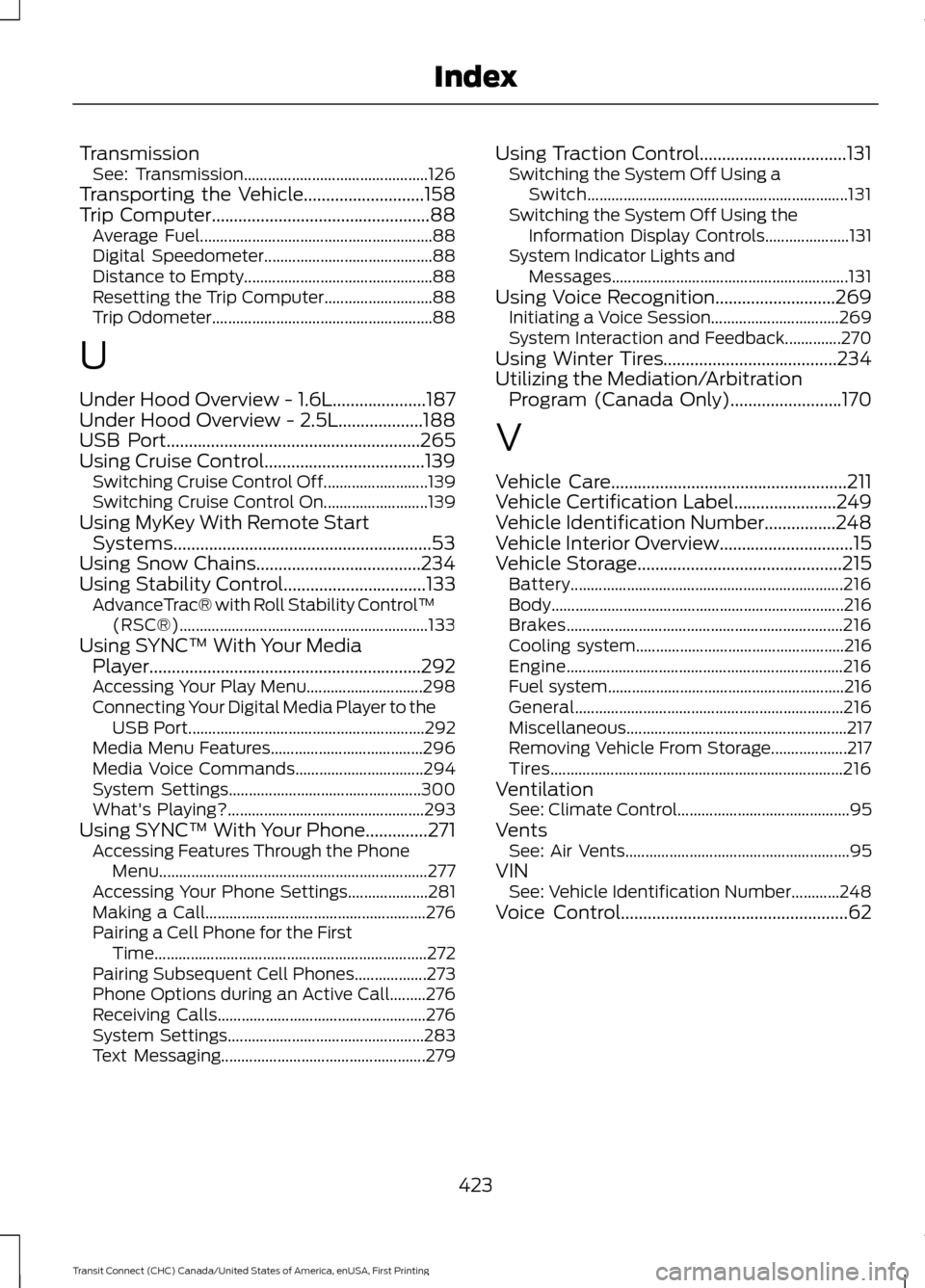
Transmission
See: Transmission.............................................. 126
Transporting the Vehicle...........................158
Trip Computer.................................................88
Average Fuel.......................................................... 88
Digital Speedometer.......................................... 88
Distance to Empty............................................... 88
Resetting the Trip Computer........................... 88
Trip Odometer....................................................... 88
U
Under Hood Overview - 1.6L.....................187
Under Hood Overview - 2.5L...................188
USB Port.........................................................265
Using Cruise Control....................................139 Switching Cruise Control Off.......................... 139
Switching Cruise Control On.......................... 139
Using MyKey With Remote Start Systems..........................................................53
Using Snow Chains.....................................234
Using Stability Control
................................133
AdvanceTrac® with Roll Stability Control ™
(RSC®).............................................................. 133
Using SYNC™ With Your Media Player.............................................................292
Accessing Your Play Menu............................. 298
Connecting Your Digital Media Player to the USB Port........................................................... 292
Media Menu Features...................................... 296
Media Voice Commands................................ 294
System Settings................................................ 300
What's Playing?................................................. 293
Using SYNC™ With Your Phone..............271 Accessing Features Through the Phone
Menu................................................................... 277
Accessing Your Phone Settings.................... 281
Making a Call....................................................... 276
Pairing a Cell Phone for the First Time.................................................................... 272
Pairing Subsequent Cell Phones.................. 273
Phone Options during an Active Call.........276
Receiving Calls.................................................... 276
System Settings................................................. 283
Text Messaging................................................... 279Using Traction Control.................................131
Switching the System Off Using a
Switch................................................................. 131
Switching the System Off Using the Information Display Controls..................... 131
System Indicator Lights and Messages........................................................... 131
Using Voice Recognition...........................269 Initiating a Voice Session................................ 269
System Interaction and Feedback..............270
Using Winter Tires.......................................234
Utilizing the Mediation/Arbitration Program (Canada Only).........................170
V
Vehicle Care
.....................................................211
Vehicle Certification Label.......................249
Vehicle Identification Number................248
Vehicle Interior Overview..............................15
Vehicle Storage
..............................................215
Battery.................................................................... 216
Body........................................................................\
. 216
Brakes..................................................................... 216
Cooling system.................................................... 216
Engine..................................................................... 216
Fuel system........................................................... 216
General................................................................... 216
Miscellaneous....................................................... 217
Removing Vehicle From Storage................... 217
Tires........................................................................\
. 216
Ventilation See: Climate Control........................................... 95
Vents See: Air Vents........................................................ 95
VIN See: Vehicle Identification Number............248
Voice Control...................................................62
423
Transit Connect (CHC) Canada/United States of America, enUSA, First Printing Index