lights FORD TRANSIT CONNECT 2018 User Guide
[x] Cancel search | Manufacturer: FORD, Model Year: 2018, Model line: TRANSIT CONNECT, Model: FORD TRANSIT CONNECT 2018Pages: 449, PDF Size: 6.73 MB
Page 174 of 449
•
Reduce the use of air conditioning and
heat.
• Avoid using speed control in hilly
terrain.
• Do not rest your foot on the brake
pedal while driving.
• Avoid carrying unnecessary weight.
• Avoid adding particular accessories to
your vehicle (e.g. bug deflectors,
rollbars/light bars, running boards, ski
racks).
• Avoid driving with the wheels out of
alignment.
COLD WEATHER
PRECAUTIONS
The functional operation of some
components and systems can be affected
at temperatures below -13°F (-25°C).
DRIVING THROUGH WATER WARNING
Do not drive through flowing or deep
water as you may lose control of your
vehicle.
Note:
Driving through standing water can
cause vehicle damage.
Note: Engine damage can occur if water
enters the air filter.
Before driving through standing water,
check the depth. Never drive through water
that is higher than the bottom of the front
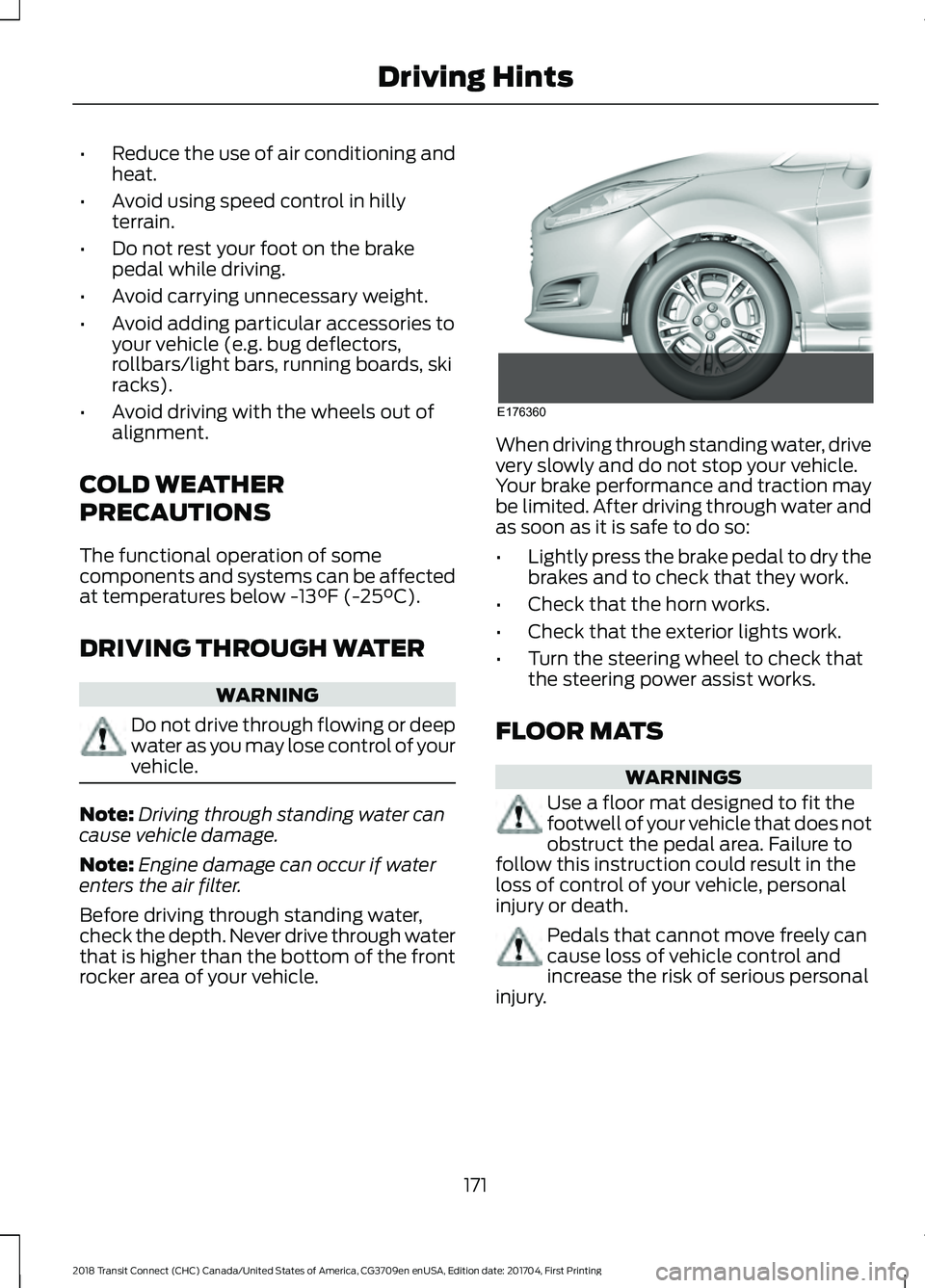
rocker area of your vehicle. When driving through standing water, drive
very slowly and do not stop your vehicle.
Your brake performance and traction may
be limited. After driving through water and
as soon as it is safe to do so:
•
Lightly press the brake pedal to dry the
brakes and to check that they work.
• Check that the horn works.
• Check that the exterior lights work.
• Turn the steering wheel to check that
the steering power assist works.
FLOOR MATS WARNINGS
Use a floor mat designed to fit the
footwell of your vehicle that does not
obstruct the pedal area. Failure to
follow this instruction could result in the
loss of control of your vehicle, personal
injury or death. Pedals that cannot move freely can
cause loss of vehicle control and
increase the risk of serious personal
injury.
171
2018 Transit Connect (CHC) Canada/United States of America, CG3709en enUSA, Edition date: 201704, First Printing Driving HintsE176360
Page 292 of 449
Sending a Text Message
Note:
You can only send a text message to
one recipient at a time.
1. Select the send option when the desired selection highlights in the audio
display.
2. Select the confirmation option when the contact appears.
3. Press the OK button again to confirm when the system asks if you want to
send the message. A pre-defined
signature appears on each text
message. Note:
You can send text messages either
by choosing a contact from the phonebook
and selecting the text option from the audio
display or by replying to a received message
in the inbox.
Accessing Your Phone Settings
These are phone-dependent features. Your
phone settings allow you to access and
adjust features such as your ring tone and
text message notification, modify your
phonebook, and set up automatic
download.
1. Press the PHONE button.
2. Scroll until the phone settings option appears, and then press the OK button.
Scroll to select from the following options: Description and action
Menu Item
If this option is checked, the system uses the cellular phone
as the master when there is more than one cellular phone
paired to the system. This option can be changed for all
cellular phones (not only the active phone) using the
Bluetooth Devices menu.
Set as master
See the cellular phone name, provider name, cellular
phone number, and signal level. When done, press the left
arrow buttons to return to the phone status menu.
Phone status
Select which ringtone sounds during an incoming call (one
of the system's tones or your cellular phone's). If your
phone supports in-band ringing, your phone's ringtone
sounds when you choose the cellular phone ringtone
option.
Set ringtone
1. Press the
OK button to select and scroll to hear each
ringtone.
2. Press the
OK button to select a ringtone.
Have the option of hearing an audible tone to notify you
when a text message arrives. Press the
OK button to
switch the audible tone off or on.
Text msg notify
Modify the contents of your phonebook (such as add,
delete or download). Press the
OK button to select and
scroll between the choices in the phonebook preferences
table below.
Phonebook pref.
289
2018 Transit Connect (CHC) Canada/United States of America, CG3709en enUSA, Edition date: 201704, First Printing SYNC™
Page 353 of 449
If you have subscribed to SiriusXM Traffic
and Travel Link (where available), traffic
flow will be indicated on the map by green
(clear), yellow (slowing), and red
(stopped) road highlights. Traffic flow is
indicated where the information is
available and varies across the US.
You can choose to display traffic icons on
the map representing twelve different
types of incidents. See Settings (page
359).
You can set a destination by hovering
above a location and selecting: Button
Start
Destination Mode
To set a destination, press: Description
Menu Item
Destination
Enter a navigation destination in any of the following formats: Street Address
Search
(number, street, city, state)
For example "12 Mainstreet Dearborn MI"
Partial Address
(number, street) if searching in current state
(number, street and zip code (or postal code in Canada)) if searching
out of state
You can enter unique addresses that contain door number prefixes
with or without the prefix. For example, you could enter "6N340
Fairway Lane" or "340 Fairway Lane".
City
(name or zip code)
Point of Interest
(name or category)
Intersection
(street 1 / street 2)
(street 1 and street 2)
(street 1 & street 2)
(street 1 @ street 2)
(street 1 at street 2)
350
2018 Transit Connect (CHC) Canada/United States of America, CG3709en enUSA, Edition date: 201704, First Printing SYNC™ 3
Page 393 of 449
Check every month
Engine oil level.
Function of all interior and exterior lights.
Tires (including spare) for wear and proper pressure. Windshield washer fluid level. Check every six months
Battery connections. Clean if necessary.
Body and door drain holes for obstructions. Clean if necessary. Cooling system fluid level and coolant strength.
Door weatherstrips for wear. Lubricate if necessary.
Hinges, latches and outside locks for proper operation. Lubricate if necessary. Parking brake for proper operation.
Safety belts and seat latches for wear and function.
Safety warning lamps (brake, ABS, airbag and safety belt) for operation.
Washer spray and wiper operation. Clean or replace blades as necessary.
Multi-Point Inspection
In order to keep your vehicle running right,
it is important to have the systems on your
vehicle checked regularly. This can help
identify potential issues and prevent major
problems. We recommend having the
following multi-point inspection performed
at every scheduled maintenance interval
to help make sure your vehicle keeps
running great.
390
2018 Transit Connect (CHC) Canada/United States of America, CG3709en enUSA, Edition date: 201704, First Printing Scheduled Maintenance
Page 441 of 449
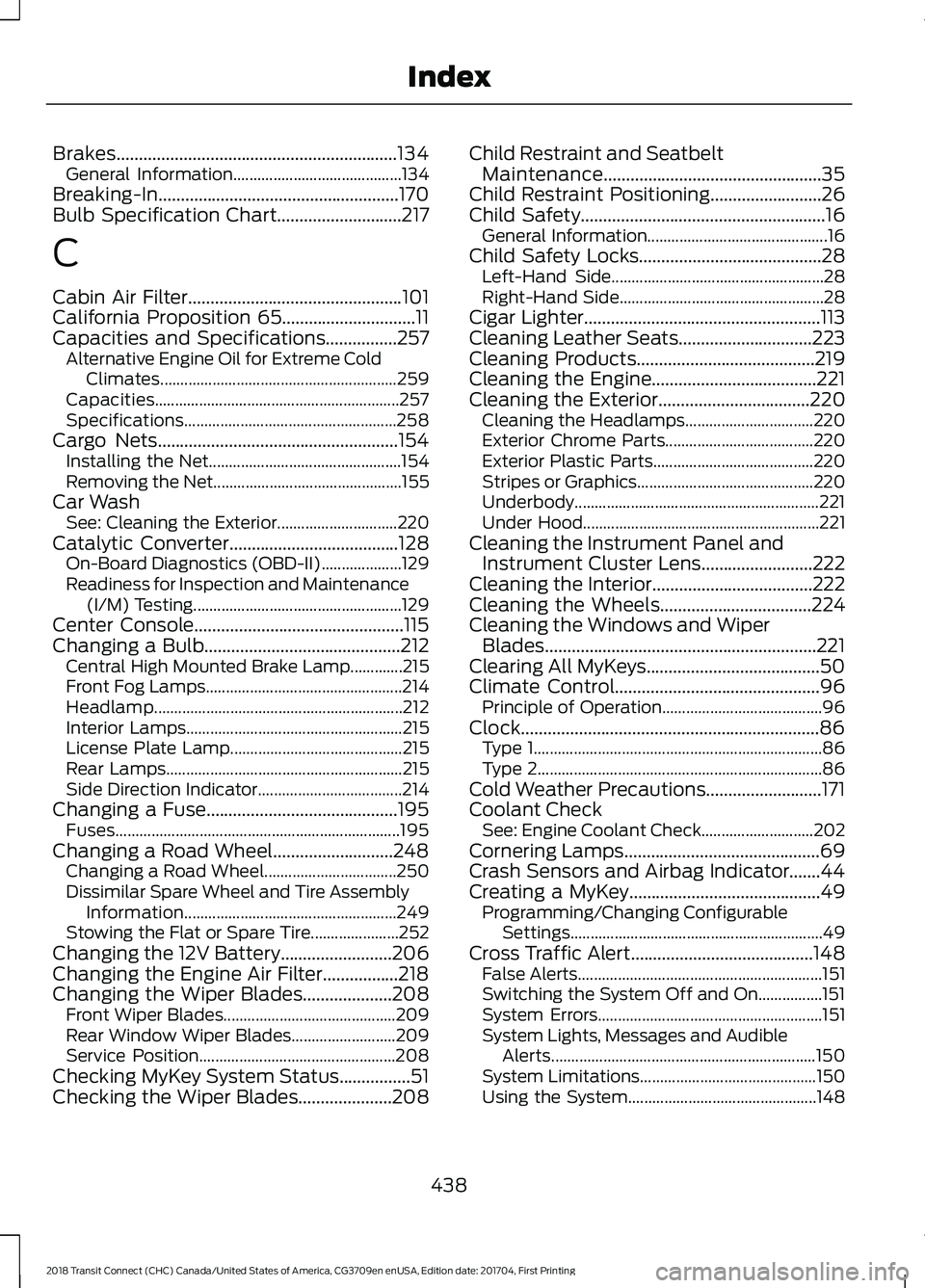
Brakes...............................................................134
General Information.......................................... 134
Breaking-In......................................................170
Bulb Specification Chart............................217
C
Cabin Air Filter................................................101
California Proposition 65..............................11
Capacities and Specifications................257 Alternative Engine Oil for Extreme Cold
Climates........................................................... 259
Capacities............................................................. 257
Specifications..................................................... 258
Cargo Nets
......................................................154
Installing the Net................................................ 154
Removing the Net............................................... 155
Car Wash See: Cleaning the Exterior.............................. 220
Catalytic Converter
......................................128
On-Board Diagnostics (OBD-II).................... 129
Readiness for Inspection and Maintenance (I/M) Testing.................................................... 129
Center Console...............................................115
Changing a Bulb............................................212 Central High Mounted Brake Lamp.............215
Front Fog Lamps................................................. 214
Headlamp.............................................................. 212
Interior Lamps...................................................... 215
License Plate Lamp........................................... 215
Rear Lamps........................................................... 215
Side Direction Indicator.................................... 214
Changing a Fuse...........................................195 Fuses....................................................................... 195
Changing a Road Wheel...........................248 Changing a Road Wheel................................. 250
Dissimilar Spare Wheel and Tire Assembly Information..................................................... 249
Stowing the Flat or Spare Tire...................... 252
Changing the 12V Battery.........................206
Changing the Engine Air Filter.................218
Changing the Wiper Blades
....................208
Front Wiper Blades........................................... 209
Rear Window Wiper Blades.......................... 209
Service Position................................................. 208
Checking MyKey System Status................51
Checking the Wiper Blades
.....................208 Child Restraint and Seatbelt
Maintenance.................................................35
Child Restraint Positioning
.........................26
Child Safety.......................................................16 General Information............................................. 16
Child Safety Locks.........................................28 Left-Hand Side..................................................... 28
Right-Hand Side................................................... 28
Cigar Lighter
.....................................................113
Cleaning Leather Seats..............................223
Cleaning Products........................................219
Cleaning the Engine
.....................................221
Cleaning the Exterior..................................220
Cleaning the Headlamps................................ 220
Exterior Chrome Parts..................................... 220
Exterior Plastic Parts........................................ 220
Stripes or Graphics............................................ 220
Underbody............................................................. 221
Under Hood........................................................... 221
Cleaning the Instrument Panel and Instrument Cluster Lens.........................222
Cleaning the Interior....................................222
Cleaning the Wheels
..................................224
Cleaning the Windows and Wiper Blades.............................................................221
Clearing All MyKeys.......................................50
Climate Control..............................................96 Principle of Operation........................................ 96
Clock...................................................................86 Type 1........................................................................\
86
Type 2....................................................................... 86
Cold Weather Precautions..........................171
Coolant Check See: Engine Coolant Check............................ 202
Cornering Lamps............................................69
Crash Sensors and Airbag Indicator.......44
Creating a MyKey
...........................................49
Programming/Changing Configurable
Settings............................................................... 49
Cross Traffic Alert.........................................148 False Alerts............................................................. 151
Switching the System Off and On................151
System Errors........................................................ 151
System Lights, Messages and Audible Alerts.................................................................. 150
System Limitations............................................ 150
Using the System............................................... 148
438
2018 Transit Connect (CHC) Canada/United States of America, CG3709en enUSA, Edition date: 201704, First Printing Index
Page 448 of 449
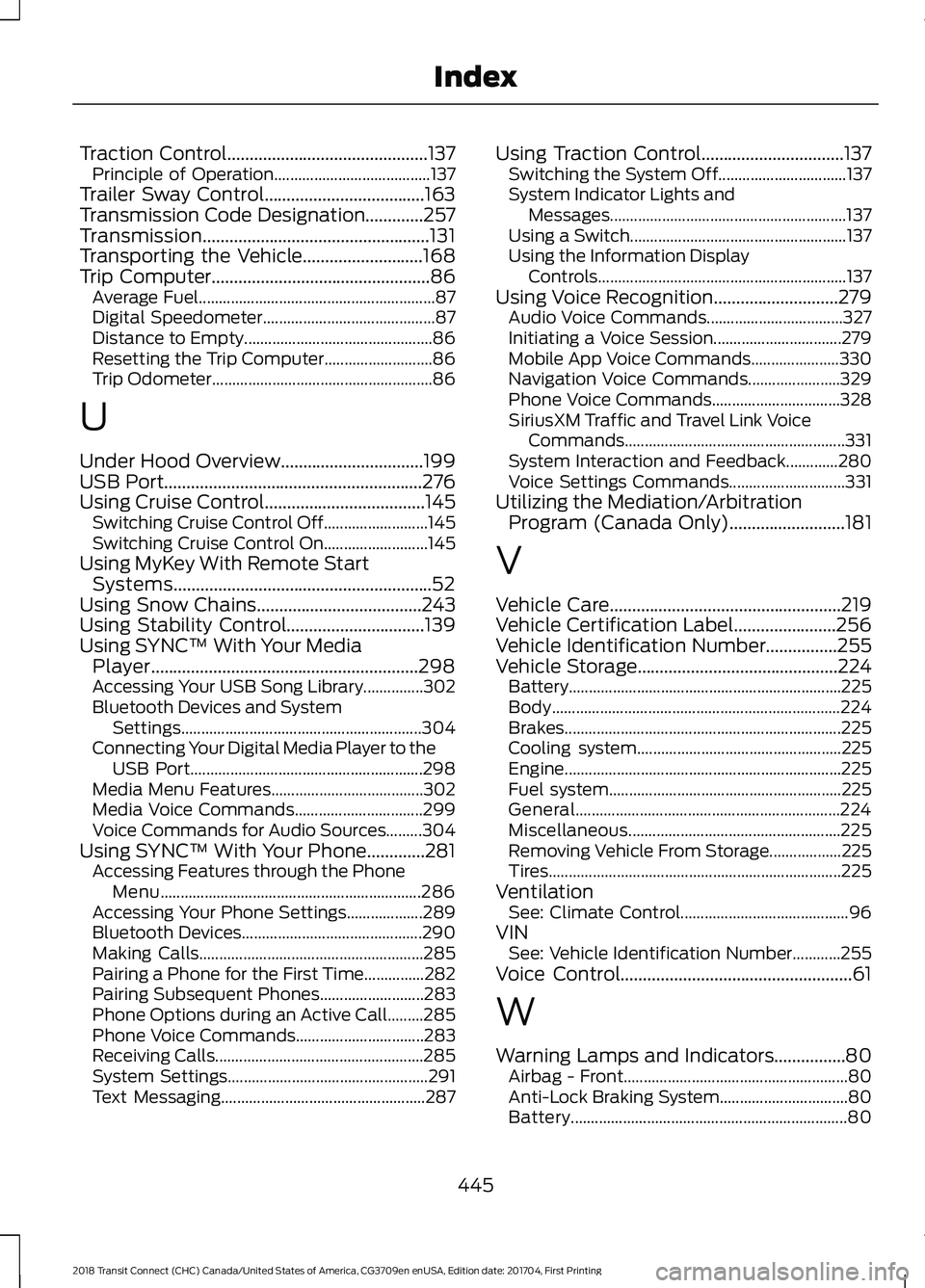
Traction Control.............................................137
Principle of Operation....................................... 137
Trailer Sway Control....................................163
Transmission Code Designation.............257
Transmission...................................................131
Transporting the Vehicle...........................168
Trip Computer
.................................................86
Average Fuel........................................................... 87
Digital Speedometer........................................... 87
Distance to Empty............................................... 86
Resetting the Trip Computer........................... 86
Trip Odometer....................................................... 86
U
Under Hood Overview
................................199
USB Port..........................................................276
Using Cruise Control....................................145 Switching Cruise Control Off.......................... 145
Switching Cruise Control On.......................... 145
Using MyKey With Remote Start Systems..........................................................52
Using Snow Chains
.....................................243
Using Stability Control...............................139
Using SYNC™ With Your Media Player............................................................298
Accessing Your USB Song Library...............302
Bluetooth Devices and System Settings............................................................ 304
Connecting Your Digital Media Player to the USB Port.......................................................... 298
Media Menu Features...................................... 302
Media Voice Commands................................ 299
Voice Commands for Audio Sources.........304
Using SYNC™ With Your Phone.............281 Accessing Features through the Phone
Menu................................................................. 286
Accessing Your Phone Settings................... 289
Bluetooth Devices............................................. 290
Making Calls........................................................ 285
Pairing a Phone for the First Time...............282
Pairing Subsequent Phones.......................... 283
Phone Options during an Active Call.........285
Phone Voice Commands................................ 283
Receiving Calls.................................................... 285
System Settings.................................................. 291
Text Messaging................................................... 287Using Traction Control................................137
Switching the System Off................................ 137
System Indicator Lights and Messages........................................................... 137
Using a Switch...................................................... 137
Using the Information Display Controls.............................................................. 137
Using Voice Recognition............................279 Audio Voice Commands.................................. 327
Initiating a Voice Session................................ 279
Mobile App Voice Commands...................... 330
Navigation Voice Commands....................... 329
Phone Voice Commands................................ 328
SiriusXM Traffic and Travel Link Voice Commands....................................................... 331
System Interaction and Feedback.............280
Voice Settings Commands............................. 331
Utilizing the Mediation/Arbitration Program (Canada Only)..........................181
V
Vehicle Care....................................................219
Vehicle Certification Label.......................256
Vehicle Identification Number................255
Vehicle Storage.............................................224 Battery.................................................................... 225
Body........................................................................\
224
Brakes..................................................................... 225
Cooling system................................................... 225
Engine..................................................................... 225
Fuel system.......................................................... 225
General.................................................................. 224
Miscellaneous..................................................... 225
Removing Vehicle From Storage.................. 225
Tires........................................................................\
. 225
Ventilation See: Climate Control.......................................... 96
VIN See: Vehicle Identification Number............255
Voice Control....................................................61
W
Warning Lamps and Indicators................80 Airbag - Front........................................................ 80
Anti-Lock Braking System................................ 80
Battery..................................................................... 80
445
2018 Transit Connect (CHC) Canada/United States of America, CG3709en enUSA, Edition date: 201704, First Printing Index