warning lights FORD TRANSIT CONNECT 2018 User Guide
[x] Cancel search | Manufacturer: FORD, Model Year: 2018, Model line: TRANSIT CONNECT, Model: FORD TRANSIT CONNECT 2018Pages: 449, PDF Size: 6.73 MB
Page 393 of 449
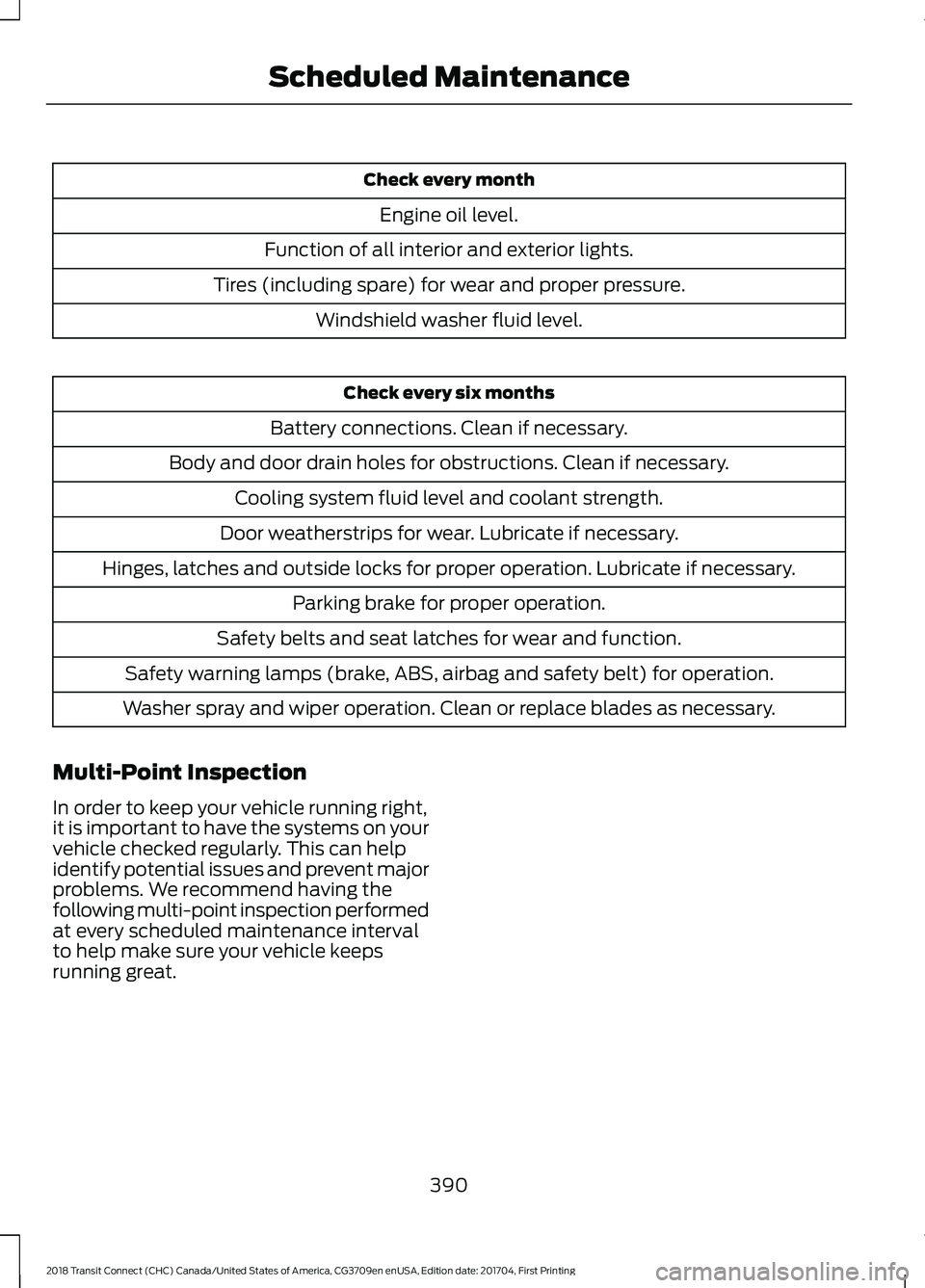
Check every month
Engine oil level.
Function of all interior and exterior lights.
Tires (including spare) for wear and proper pressure. Windshield washer fluid level. Check every six months
Battery connections. Clean if necessary.
Body and door drain holes for obstructions. Clean if necessary. Cooling system fluid level and coolant strength.
Door weatherstrips for wear. Lubricate if necessary.
Hinges, latches and outside locks for proper operation. Lubricate if necessary. Parking brake for proper operation.
Safety belts and seat latches for wear and function.
Safety warning lamps (brake, ABS, airbag and safety belt) for operation.
Washer spray and wiper operation. Clean or replace blades as necessary.
Multi-Point Inspection
In order to keep your vehicle running right,
it is important to have the systems on your
vehicle checked regularly. This can help
identify potential issues and prevent major
problems. We recommend having the
following multi-point inspection performed
at every scheduled maintenance interval
to help make sure your vehicle keeps
running great.
390
2018 Transit Connect (CHC) Canada/United States of America, CG3709en enUSA, Edition date: 201704, First Printing Scheduled Maintenance
Page 448 of 449
Traction Control.............................................137
Principle of Operation....................................... 137
Trailer Sway Control....................................163
Transmission Code Designation.............257
Transmission...................................................131
Transporting the Vehicle...........................168
Trip Computer
.................................................86
Average Fuel........................................................... 87
Digital Speedometer........................................... 87
Distance to Empty............................................... 86
Resetting the Trip Computer........................... 86
Trip Odometer....................................................... 86
U
Under Hood Overview
................................199
USB Port..........................................................276
Using Cruise Control....................................145 Switching Cruise Control Off.......................... 145
Switching Cruise Control On.......................... 145
Using MyKey With Remote Start Systems..........................................................52
Using Snow Chains
.....................................243
Using Stability Control...............................139
Using SYNC™ With Your Media Player............................................................298
Accessing Your USB Song Library...............302
Bluetooth Devices and System Settings............................................................ 304
Connecting Your Digital Media Player to the USB Port.......................................................... 298
Media Menu Features...................................... 302
Media Voice Commands................................ 299
Voice Commands for Audio Sources.........304
Using SYNC™ With Your Phone.............281 Accessing Features through the Phone
Menu................................................................. 286
Accessing Your Phone Settings................... 289
Bluetooth Devices............................................. 290
Making Calls........................................................ 285
Pairing a Phone for the First Time...............282
Pairing Subsequent Phones.......................... 283
Phone Options during an Active Call.........285
Phone Voice Commands................................ 283
Receiving Calls.................................................... 285
System Settings.................................................. 291
Text Messaging................................................... 287Using Traction Control................................137
Switching the System Off................................ 137
System Indicator Lights and Messages........................................................... 137
Using a Switch...................................................... 137
Using the Information Display Controls.............................................................. 137
Using Voice Recognition............................279 Audio Voice Commands.................................. 327
Initiating a Voice Session................................ 279
Mobile App Voice Commands...................... 330
Navigation Voice Commands....................... 329
Phone Voice Commands................................ 328
SiriusXM Traffic and Travel Link Voice Commands....................................................... 331
System Interaction and Feedback.............280
Voice Settings Commands............................. 331
Utilizing the Mediation/Arbitration Program (Canada Only)..........................181
V
Vehicle Care....................................................219
Vehicle Certification Label.......................256
Vehicle Identification Number................255
Vehicle Storage.............................................224 Battery.................................................................... 225
Body........................................................................\
224
Brakes..................................................................... 225
Cooling system................................................... 225
Engine..................................................................... 225
Fuel system.......................................................... 225
General.................................................................. 224
Miscellaneous..................................................... 225
Removing Vehicle From Storage.................. 225
Tires........................................................................\
. 225
Ventilation See: Climate Control.......................................... 96
VIN See: Vehicle Identification Number............255
Voice Control....................................................61
W
Warning Lamps and Indicators................80 Airbag - Front........................................................ 80
Anti-Lock Braking System................................ 80
Battery..................................................................... 80
445
2018 Transit Connect (CHC) Canada/United States of America, CG3709en enUSA, Edition date: 201704, First Printing Index