high GENESIS G90 2019 Navigation System Manual
[x] Cancel search | Manufacturer: GENESIS, Model Year: 2019, Model line: G90, Model: GENESIS G90 2019Pages: 239, PDF Size: 62.61 MB
Page 15 of 239
14
Gener
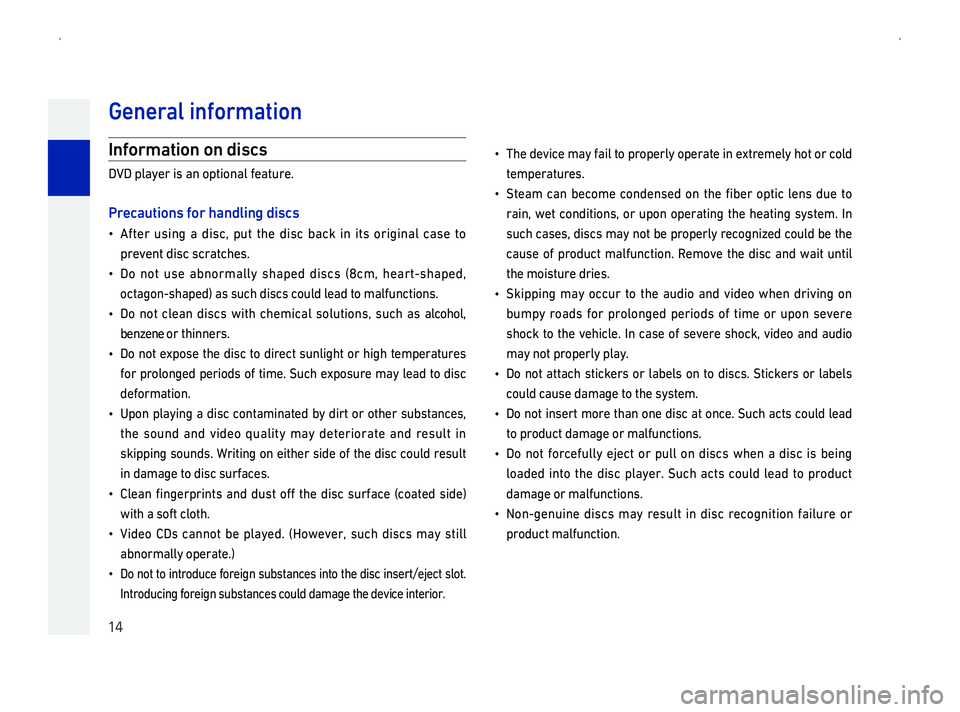
Information on discs
DVD player is an optional feature.
Pr
014F0003After using a disc, put the disc back in its original case to
prevent disc scratches.
014F0003Do not use abnormally shaped discs \(8cm, heart-shaped,
octagon-shaped\) as such discs could lead to malfunctions.
014F0003Do not clean discs with chemical solutions, such as alcohol,
benzene or thinners.
014F0003Do not expose the disc to direct sunlight or high temperatures
for prolonged periods of time. Such exposure may lead to disc
deformation.
014F0003Upon playing a disc contaminated by dirt or other substances,
the sound and video quality may deteriorate and result in
skipping sounds. Writing on either side of the disc could result
in damage to disc surfaces.
014F0003Clean fingerprints and dust off the disc surface \(coated side\)
with a soft cloth.
014F0003Vide
abnormally operate.\)
014F0003Do not to introduce foreign substances into the disc insert/eject slot. \
Introducing foreign substances could damage the device interior.
014F0003The device may fail to properly operate in extremely hot or cold
temperatures.
014F0003Steam can become condensed on the fiber optic lens due to
rain,
such cases, discs may not be properly recognized could be the
cause of product malfunction. Remove the disc and wait until
the moisture dries.
014F0003Skipping may occur to the audio and video when driving on
bumpy roads for prolonged periods of time or upon severe
shock to the vehicle. In case of severe shock, video and audio
may not properly play.
014F0003Do
could cause damage to the system.
014F0003Do not insert more than one disc at once. Such acts could lead
to product damage or malfunctions.
014F0003Do not forcefully eject or pull on discs when a disc is being
loaded into the disc player. Such acts could lead to product
damage or malfunctions.
014F0003Non-genuine discs may result in disc recognition failure or
product malfunction.
Page 150 of 239
149
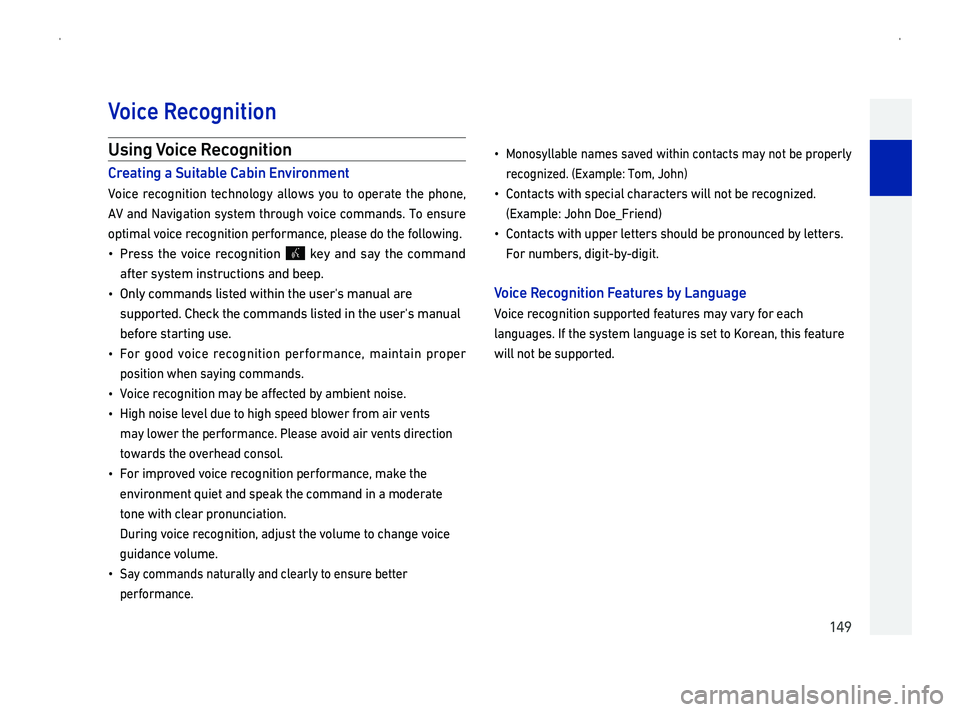
Using Voice Recognition
CrSuitable Cabin En
Voice recognition technology allows you to operate the phone,
AV
optimal voice recognition performance, please do the following.
014F0003Press the voice recognition key and say the command
after system instructions and beep.
014F0003 Only commands listed within the user's manual are
supported. Check the commands listed in the user's manual
before starting use.
014F0003Fo
position when saying commands.
014F0003
Voice recognition may be affected by ambient noise.
014F0003
High noise level due to high speed blower from air vents
may lower the performance. Please avoid air vents direction
towards the overhead consol.
014F0003
For improved voice recognition performance, make the
environment quiet and speak the command in a moderate
tone with clear pronunciation.
During voice recognition, adjust the volume to change voice
guidance volume.
014F0003 Say commands naturally and clearly to ensure better
performance.
014F0003
Monosyllable names saved within contacts may not be properly
recognized. \(Example: Tom, John\)
014F0003Contacts with special characters will not be recognized.
\(Example: John Doe_Friend\)
014F0003
Contacts with upper letters should be pronounced by letters.
For numbers, digit-by-digit.
V Recognition FeaturLanguage
Voice recognition supported features may vary for each
languages. If the system language is set to Korean, this feature
will not be supported.
V
Page 219 of 239

218
BeforGenesis Connected Services
Genesis Connected Services is supported in USA only.
What is Genesis Connected Services?
Genesis Connected Services is a Genesis Brand telematics
service based on our cutting-edge IT systems that makes your
driving experience more convenient and fun. Included features
cover safety, security, vehicle diagnostics, remote control and
even smartphone synchronization functions.
Enjoy a smarter driving style with Genesis Connected Services.
What
The word \223Telematics\224 is a combination of telecommunications
and informatics, and refers to an information system that
provides a variety of driving information through the built-in
t
This allows for a much safer and more comfortable driving
experience.
About
Connection to the Genesis Connected Services Center or
wireless data transmission may be disrupted in the following
places.
For radio wave transmission/reception status, refer to the
status displayed on the Genesis Connected Services screen.
It is recommended that you use the Genesis Connected Services
system when the antenna icon\( \)shows four bars or more.
Places where Genesis Connected Services may be disrupted
depending on the transmission/reception status:
014F0003Inside tunnels
014F0003Mountainous areas or dense forest
014F0003Roads close to cliff edges
014F0003Densely built-up areas
014F0003On highways or roads underneath higher interchange roads
014F0003Inside buildings
014F0003Areas not covered by regional telecom service providers
Genesis Connected Services