park assist GMC ACADIA 2007 User Guide
[x] Cancel search | Manufacturer: GMC, Model Year: 2007, Model line: ACADIA, Model: GMC ACADIA 2007Pages: 554, PDF Size: 2.76 MB
Page 235 of 554
PARK ASSIST
If your vehicle has the Ultrasonic Rear Parking
Assist (URPA) system, press the vehicle
information button until PARK ASSIST displays.
This display allows the system to be turned on or
off. Once in this display, press the set/reset button
to select between ON or OFF. If you choose ON,
the system will be turned on. If you choose OFF,
the system will be turned off. The URPA system
automatically turns back on after each vehicle start.
When the URPA system is turned off and the
vehicle is shifted out of PARK (P), the DIC will
display the PARK ASSIST OFF message as a
reminder that the system has been turned off.
SeeDIC Warnings and Messages on page 244
andUltrasonic Rear Parking Assist (URPA) on
page 194for more information.
UNITS
Press the vehicle information button until UNITS
displays. This display allows you to select between
English or Metric units of measurement. Once in
this display, press the set/reset button to select
between ENGLISH or METRIC units. All of the
vehicle information will then be displayed in the
unit of measurement selected.
FRONT TIRES or REAR TIRES
The pressure for each tire can be viewed in the
DIC. The tire pressure will be shown in either
pounds per square inch (psi) or kilopascals (kPa).
Press the vehicle information button until the
DIC displays FRONT TIRES PSI (kPa) LEFT ##
RIGHT ##. Press the vehicle information button
again until the DIC displays REAR TIRES
PSI (kPa) LEFT ## RIGHT ##.
If a low or high tire pressure condition is detected
by the system while driving, a message advising
you to check the pressure in a specic tire
will appear in the display. SeeInflation - Tire
Pressure on page 442andDIC Warnings
and Messages on page 244for more information.
If the tire pressure display shows dashes instead of
a value, there may be a problem with your vehicle.
If this consistently occurs, see your dealer/retailer
for service.
235
Page 239 of 554
FUEL USED
Press the trip/fuel button until FUEL USED
displays. This display shows the number of
gallons (gal) or liters (L) of fuel used since the
last reset of this menu item. To reset the fuel
used information, press and hold the set/reset
button while FUEL USED is displayed.
AVG (Average) SPEED
Press the trip/fuel button until AVG SPEED
displays. This display shows the average
speed of the vehicle in miles per hour (mph)
or kilometers per hour (km/h). This average is
calculated based on the various vehicle speeds
recorded since the last reset of this value.
To reset the value to zero, press and hold the
set/reset button.
Blank Display
This display shows no information.
DIC Operation and Displays
(Without DIC Buttons)
If your vehicle does not have DIC buttons, the
information below explains the operation of
this system.
The DIC has different displays which can be
accessed by pressing the trip odometer reset stem
located on the instrument panel cluster. Pressing
the trip odometer reset stem will also turn off,
or acknowledge, DIC messages.
The DIC displays trip and vehicle system
information, and warning messages if a system
problem is detected.
If your vehicle does not have DIC buttons, you
can use the trip odometer reset stem to view the
following displays: odometer, trip odometers,
oil life, park assist menu for vehicles with
the Ultrasonic Rear Parking Assist (URPA) system,
Tire Pressure Monitor (TPM) system programming,
Remote Keyless Entry (RKE) transmitter
programming, units, and display language.
239
Page 242 of 554
PARK ASSIST
To access this display, the vehicle must be in
PARK (P). If your vehicle has the Ultrasonic Rear
Parking Assist (URPA) system, press the trip
odometer reset stem until PARK ASSIST displays.
This display allows the system to be turned on
or off. Once in this display, press and hold the
trip odometer reset stem to select between ON
or OFF. If you choose ON, the system will
be turned on. If you choose OFF, the system will
be turned off. The URPA system automatically
turns back on after each vehicle start. When the
URPA system is turned off and the vehicle is
shifted out of PARK (P), the DIC will display the
PARK ASSIST OFF message as a reminder
that the system has been turned off. SeeDIC
Warnings and Messages on page 244and
Ultrasonic Rear Parking Assist (URPA) on
page 194for more information.
RELEARN TIRE POSITIONS
To access this display, the vehicle must be in
PARK (P). After rotating the tires or after replacing
a tire or sensor, the Tire Pressure Monitor
(TPM) system must re-learn the tire positions.
To re-learn the tire positions, seeTire Pressure
Monitor System on page 444. SeeTire Inspection
and Rotation on page 448andDIC Warnings
and Messages on page 244for more information.
RELEARN REMOTE KEY
To access this display, the vehicle must be in
PARK (P). This display allows you to match
Remote Keyless Entry (RKE) transmitters to your
vehicle. To match an RKE transmitter to your
vehicle, do the following:
1. Press the trip odometer reset stem until
RELEARN REMOTE KEY displays.
2. Press and hold the trip odometer reset stem
until REMOTE KEY LEARNING ACTIVE is
displayed.
242
Page 249 of 554
OIL PRESSURE LOW STOP ENGINE
Notice:If you drive your vehicle while
the engine oil pressure is low, severe engine
damage may occur. If a low oil pressure
warning appears on the Driver Information
Center (DIC), stop the vehicle as soon as
possible. Do not drive the vehicle until the
cause of the low oil pressure is corrected. See
Engine Oil on page 397for more information.
This message displays if low oil pressure
levels occur. Stop the vehicle as soon as safely
possible and do not operate it until the cause
of the low oil pressure has been corrected.
Check the oil as soon as possible and have
your vehicle serviced by your dealer/retailer.
SeeEngine Oil on page 397.
PARK ASSIST OFF
If your vehicle has the Ultrasonic Rear Parking
Assist (URPA) system, after the vehicle has
been started and shifted out of PARK (P),
this message displays to remind the driver
that the URPA system has been turned off.Press the set/reset button or the trip odometer
reset stem to acknowledge this message and
clear it from the DIC display. To turn the URPA
system back on, seeUltrasonic Rear Parking
Assist (URPA) on page 194.
PASSENGER DOOR OPEN
This message displays and a chime sounds if
the passenger’s door is not fully closed and
the vehicle is in a drive gear. Stop and turn off
the vehicle, check the door for obstructions,
and close the door again. Check to see if the
message still appears on the DIC.
REMOTE KEY LEARNING ACTIVE
This message displays while you are matching
a Remote Keyless Entry (RKE) transmitter to
your vehicle. See “Matching Transmitter(s) to
Your Vehicle” underRemote Keyless Entry (RKE)
System Operation on page 100andDIC
Operation and Displays (With DIC Buttons) on
page 233orDIC Operation and Displays (Without
DIC Buttons) on page 239for more information.
249
Page 251 of 554
SERVICE BATTERY CHARGING
SYSTEM
On some vehicles, this message displays if there
is a problem with the battery charging system.
Under certain conditions, the charging system light
may also turn on in the instrument panel cluster.
SeeCharging System Light on page 220.
Driving with this problem could drain the battery.
Turn off all unnecessary accessories. Have
the electrical system checked as soon as possible.
See your dealer/retailer.
SERVICE BRAKE SYSTEM
This message displays along with the brake
system warning light if there is a problem with
the brake system. SeeBrake System Warning
Light on page 222. If this message appears, stop
as soon as possible and turn off the vehicle.
Restart the vehicle and check for the message on
the DIC display. If the message is still displayed
or appears again when you begin driving, the
brake system needs service as soon as possible.
See your dealer/retailer.
SERVICE PARK ASSIST
If your vehicle has the Ultrasonic Rear Parking
Assist (URPA) system, this message displays
if there is a problem with the URPA system.
Do not use this system to help you park. See
Ultrasonic Rear Parking Assist (URPA) on
page 194for more information. See your
dealer/retailer for service.
SERVICE POWER STEERING
This message displays when a problem is
detected with the power steering system. When
this message is displayed, you may notice that
the effort required to steer the vehicle increases
or feels heavier, but you will still be able to
steer the vehicle. Have your vehicle serviced
by your dealer/retailer immediately.
251
Page 373 of 554
Tow/Haul Mode
Tow/Haul is a feature that assists when pulling a
heavy trailer or a large or heavy load. The purpose
of the Tow/Haul mode is to:
Reduce the frequency and improve the
predictability of transmission shifts when pulling
a heavy trailer or a large or heavy load.
Provide the same solid shift feel when pulling a
heavy trailer or a large or heavy load as when
the vehicle is unloaded.
Improve control of vehicle speed while requiring
less throttle pedal activity when pulling a heavy
trailer or a large or heavy load.
Increase the charging system voltage to assist
in recharging a battery installed in a trailer.
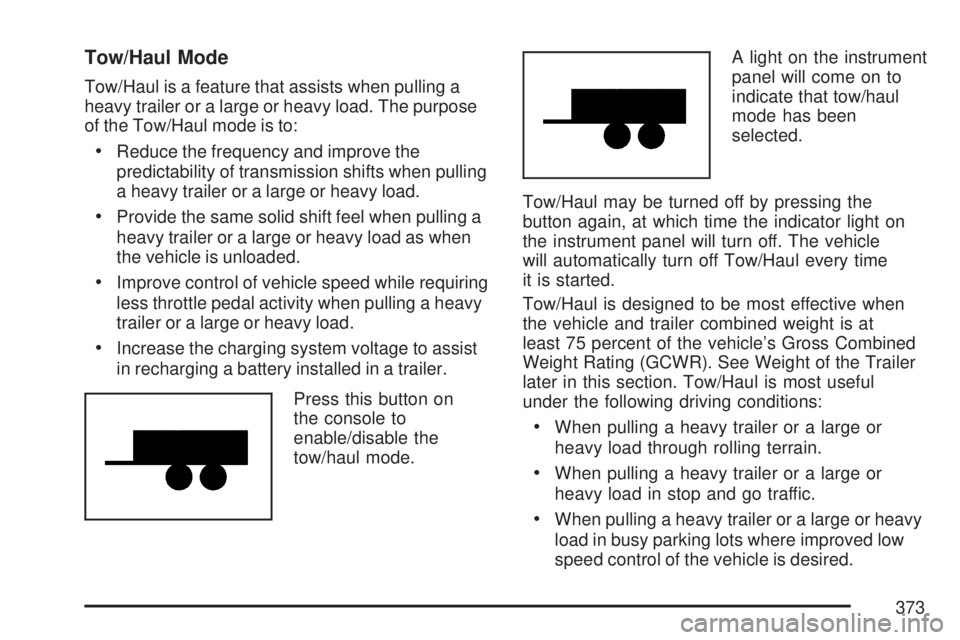
Press this button on
the console to
enable/disable the
tow/haul mode.A light on the instrument
panel will come on to
indicate that tow/haul
mode has been
selected.
Tow/Haul may be turned off by pressing the
button again, at which time the indicator light on
the instrument panel will turn off. The vehicle
will automatically turn off Tow/Haul every time
it is started.
Tow/Haul is designed to be most effective when
the vehicle and trailer combined weight is at
least 75 percent of the vehicle’s Gross Combined
Weight Rating (GCWR). See Weight of the Trailer
later in this section. Tow/Haul is most useful
under the following driving conditions:
When pulling a heavy trailer or a large or
heavy load through rolling terrain.
When pulling a heavy trailer or a large or
heavy load in stop and go traffic.
When pulling a heavy trailer or a large or heavy
load in busy parking lots where improved low
speed control of the vehicle is desired.
373
Page 458 of 554
Changing a Flat Tire
If a tire goes at, avoid further tire and wheel
damage by driving slowly to a level place. Turn on
your vehicle’s hazard warning ashers. See
Hazard Warning Flashers on page 172for more
information.
{CAUTION:
Changing a tire can be dangerous. The
vehicle can slip off the jack and roll over
or fall on you or other people. You and
they could be badly injured or even killed.
Find a level place to change your tire.
To help prevent the vehicle from moving:
1. Set the parking brake rmly.
2. Put the shift lever in PARK (P).
CAUTION: (Continued)
CAUTION: (Continued)
3. Turn off the engine and do not restart
while the vehicle is raised.
4. Do not allow passengers to remain in
the vehicle.
To be even more certain the vehicle will
not move, you should put blocks at the
front and rear of the tire farthest away
from the one being changed. That would
be the tire, on the other side, at the
opposite end of the vehicle.
When your vehicle has a at tire, use the following
example as a guide to assist you in the placement
of wheel blocks.
458
Page 549 of 554
Outlets
Accessory Power..................................... 197
Outside
Convex Mirror.......................................... 144
Heated Mirrors......................................... 145
Power Foldaway Mirrors........................... 143
Power Mirrors.......................................... 142
Overheated Engine Protection
Operating Mode....................................... 412
Owner Checks and Services....................... 507
Owners, Canadian.......................................... 3
P
Paint, Damage............................................ 486
Parade Dimming.......................................... 188
Park Aid...................................................... 194
Park (P)
Shifting Into............................................. 135
Shifting Out of......................................... 137
Parking
Assist....................................................... 194
Brake....................................................... 134
Over Things That Burn............................ 137Passenger Airbag Status Indicator............... 218
Passenger Sensing System........................... 85
Passing....................................................... 342
PASS-Key
®III+........................................... 120
PASS-Key®III+ Operation........................... 121
Power
Door Locks.............................................. 107
Electrical System..................................... 490
Liftgate..................................................... 110
Lumbar Controls........................................ 12
Outlet 115 Volt Alternating Current ........... 198
Retained Accessory (RAP)....................... 125
Seat.......................................................... 10
Steering Fluid.......................................... 419
Tilt Wheel and Telescopic
Steering Column................................... 174
Windows.................................................. 115
Pretensioners, Safety Belt............................. 47
Privacy........................................................ 536
Event Data Recorders.............................. 537
Navigation System................................... 538
OnStar..................................................... 538
Radio Frequency Identication.................. 538
Programmable Automatic Door Locks.......... 107
549
Page 551 of 554
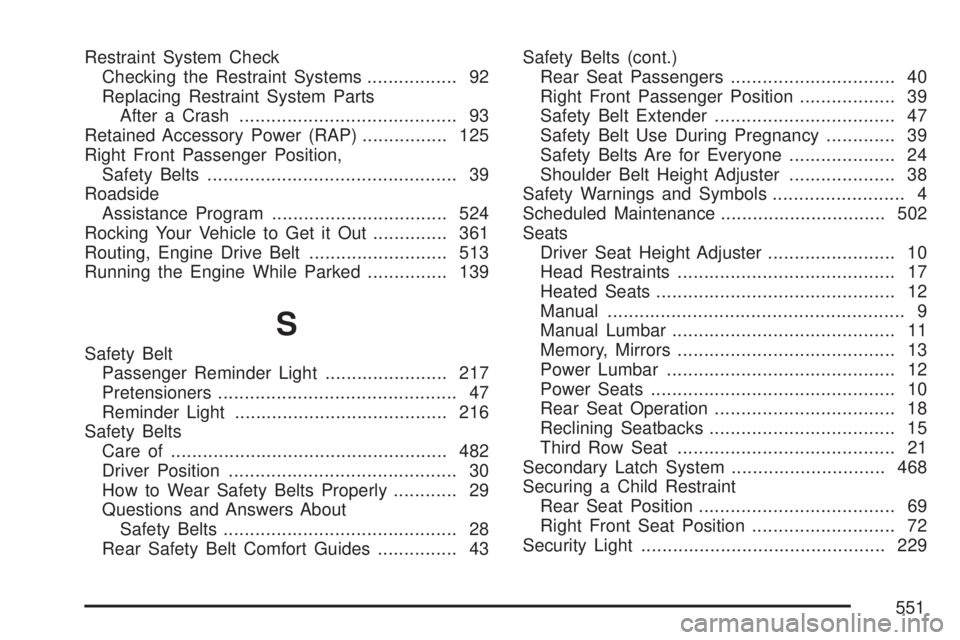
Restraint System Check
Checking the Restraint Systems................. 92
Replacing Restraint System Parts
After a Crash......................................... 93
Retained Accessory Power (RAP)................ 125
Right Front Passenger Position,
Safety Belts............................................... 39
Roadside
Assistance Program................................. 524
Rocking Your Vehicle to Get it Out.............. 361
Routing, Engine Drive Belt.......................... 513
Running the Engine While Parked............... 139
S
Safety Belt
Passenger Reminder Light....................... 217
Pretensioners............................................. 47
Reminder Light........................................ 216
Safety Belts
Care of.................................................... 482
Driver Position........................................... 30
How to Wear Safety Belts Properly............ 29
Questions and Answers About
Safety Belts............................................ 28
Rear Safety Belt Comfort Guides............... 43Safety Belts (cont.)
Rear Seat Passengers............................... 40
Right Front Passenger Position.................. 39
Safety Belt Extender.................................. 47
Safety Belt Use During Pregnancy............. 39
Safety Belts Are for Everyone.................... 24
Shoulder Belt Height Adjuster.................... 38
Safety Warnings and Symbols......................... 4
Scheduled Maintenance............................... 502
Seats
Driver Seat Height Adjuster........................ 10
Head Restraints......................................... 17
Heated Seats............................................. 12
Manual........................................................ 9
Manual Lumbar.......................................... 11
Memory, Mirrors......................................... 13
Power Lumbar........................................... 12
Power Seats.............................................. 10
Rear Seat Operation.................................. 18
Reclining Seatbacks................................... 15
Third Row Seat......................................... 21
Secondary Latch System............................. 468
Securing a Child Restraint
Rear Seat Position..................................... 69
Right Front Seat Position........................... 72
Security Light.............................................. 229
551
Page 553 of 554
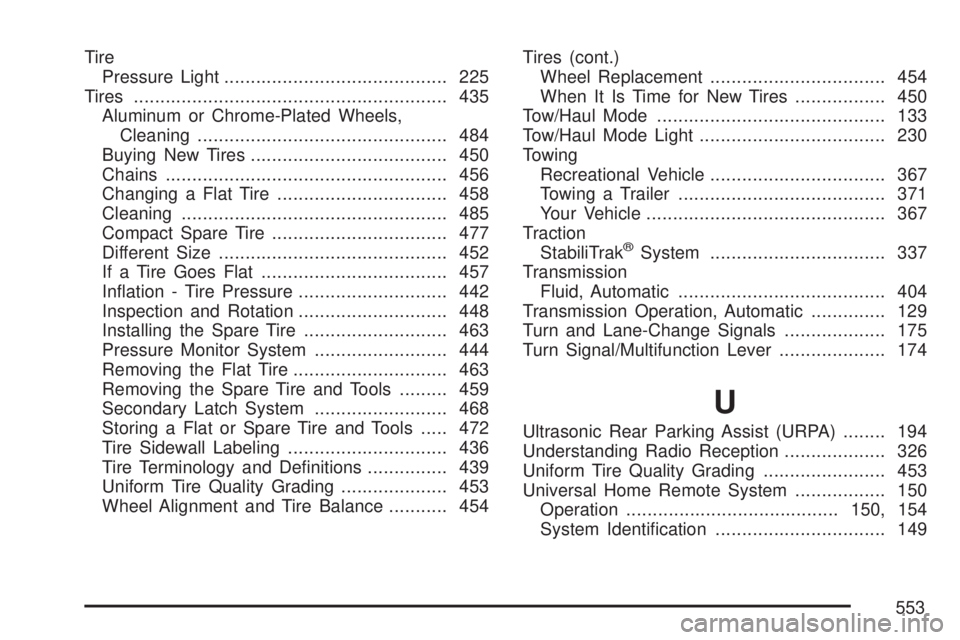
Tire
Pressure Light.......................................... 225
Tires........................................................... 435
Aluminum or Chrome-Plated Wheels,
Cleaning............................................... 484
Buying New Tires..................................... 450
Chains..................................................... 456
Changing a Flat Tire................................ 458
Cleaning.................................................. 485
Compact Spare Tire................................. 477
Different Size........................................... 452
If a Tire Goes Flat................................... 457
Ination - Tire Pressure............................ 442
Inspection and Rotation............................ 448
Installing the Spare Tire........................... 463
Pressure Monitor System......................... 444
Removing the Flat Tire............................. 463
Removing the Spare Tire and Tools......... 459
Secondary Latch System......................... 468
Storing a Flat or Spare Tire and Tools..... 472
Tire Sidewall Labeling.............................. 436
Tire Terminology and Denitions............... 439
Uniform Tire Quality Grading.................... 453
Wheel Alignment and Tire Balance........... 454Tires (cont.)
Wheel Replacement................................. 454
When It Is Time for New Tires................. 450
Tow/Haul Mode........................................... 133
Tow/Haul Mode Light................................... 230
Towing
Recreational Vehicle................................. 367
Towing a Trailer....................................... 371
Your Vehicle............................................. 367
Traction
StabiliTrak
®System................................. 337
Transmission
Fluid, Automatic....................................... 404
Transmission Operation, Automatic.............. 129
Turn and Lane-Change Signals................... 175
Turn Signal/Multifunction Lever.................... 174
U
Ultrasonic Rear Parking Assist (URPA)........ 194
Understanding Radio Reception................... 326
Uniform Tire Quality Grading....................... 453
Universal Home Remote System................. 150
Operation........................................150, 154
System Identication................................ 149
553