light GMC ACADIA 2011 Owner's Guide
[x] Cancel search | Manufacturer: GMC, Model Year: 2011, Model line: ACADIA, Model: GMC ACADIA 2011Pages: 478, PDF Size: 5.52 MB
Page 136 of 478
Black plate (4,1)GMC Acadia/Acadia Denali Owner Manual - 2011
5-4 Instruments and Controls
To navigate folders on an iPod or
USB device for vehicles with a
navigation system:
1. Go to the Music Navigator byfirst touching the center touch
screen folder button in the main
audio page.
2. While in Music Navigator, select the folder/artist/genre/category,
etc. using the touch screen.
3. Press and release
c xto
scroll through the selected music
list. Touch the track label on the
touch screen to highlight and
begin playing the track from
that list.
4. Press and hold
c xto quickly
scroll through the selected
music list
b g(Mute/Push to Talk): Press to
silence the vehicle speakers only.
Press again to turn the sound on.
For vehicles with Bluetooth or
OnStar
®systems, press and hold
for longer than two seconds to interact with those systems.
See
Bluetooth on page 7‑50 and
the OnStar Owner's Guide for
more information.
c x(End): Press to reject an
incoming call, or end a current call.
SRCE (Source/Voice
Recognition): Press to switch
between the radio, CD, and for
vehicles with, DVD, front auxiliary,
and rear auxiliary.
For vehicles with the navigation
system, press and hold this
button for longer than one second
to initiate voice recognition.
See “Voice Recognition” in the
Navigation System manual for
more information.
¨(Seek): Press to go to the
next radio station while in AM,
FM, or XM™.
For vehicles with or without a
navigation system:
Press
¨to go to the next track or
chapter while sourced to the CD
or DVD slot. Press
¨to select a track or a folder
when navigating folders on an iPod
or USB device.
For vehicles with a navigation
system:
1. Press and hold
¨until a beep
is heard, to place the radio into
SCAN mode, a station will play
for five seconds before moving
to the next station.
2. To stop the SCAN function, press
¨again.
3. In CD/DVD, iPod, or AUX USB, press and hold to quickly move
forward through the tracks.
Release to stop on the desired
track.
+
e−e(Volume): Press to
increase or to decrease the volume.
Horn
Press near the horn symbols or
press on the steering wheel pad
to sound the horn.
Page 139 of 478
Black plate (7,1)GMC Acadia/Acadia Denali Owner Manual - 2011
Instruments and Controls 5-7
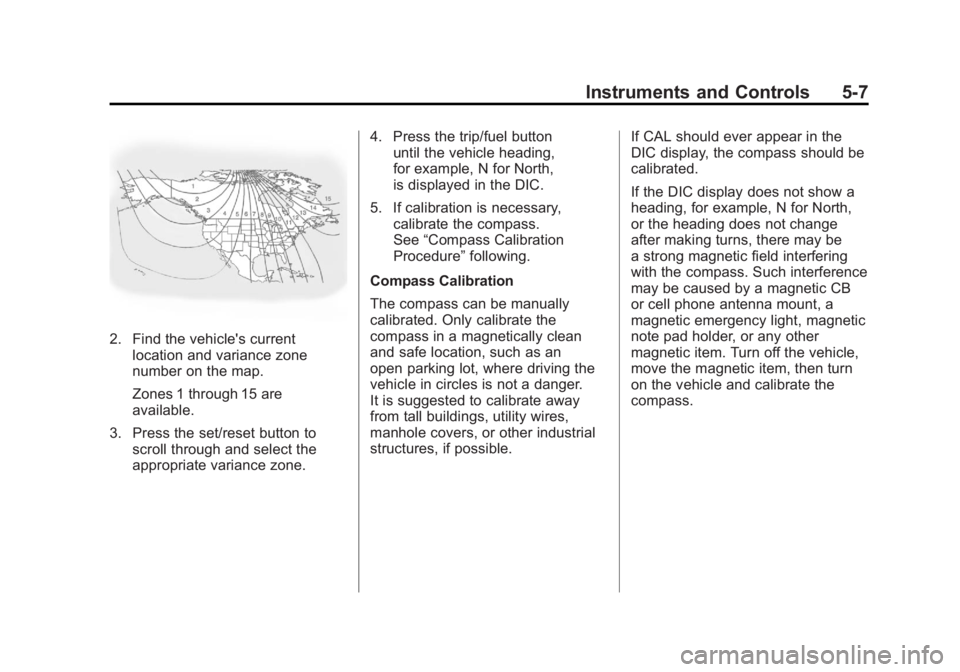
2. Find the vehicle's currentlocation and variance zone
number on the map.
Zones 1 through 15 are
available.
3. Press the set/reset button to scroll through and select the
appropriate variance zone. 4. Press the trip/fuel button
until the vehicle heading,
for example, N for North,
is displayed in the DIC.
5. If calibration is necessary, calibrate the compass.
See “Compass Calibration
Procedure” following.
Compass Calibration
The compass can be manually
calibrated. Only calibrate the
compass in a magnetically clean
and safe location, such as an
open parking lot, where driving the
vehicle in circles is not a danger.
It is suggested to calibrate away
from tall buildings, utility wires,
manhole covers, or other industrial
structures, if possible. If CAL should ever appear in the
DIC display, the compass should be
calibrated.
If the DIC display does not show a
heading, for example, N for North,
or the heading does not change
after making turns, there may be
a strong magnetic field interfering
with the compass. Such interference
may be caused by a magnetic CB
or cell phone antenna mount, a
magnetic emergency light, magnetic
note pad holder, or any other
magnetic item. Turn off the vehicle,
move the magnetic item, then turn
on the vehicle and calibrate the
compass.
Page 142 of 478
Black plate (10,1)GMC Acadia/Acadia Denali Owner Manual - 2011
5-10 Instruments and Controls
When adding electrical equipment,
be sure to follow the proper
installation instructions included
with the equipment. SeeAdd-On
Electrical Equipment on page 9‑56.
Notice: Hanging heavy
equipment from the power
outlet can cause damage not
covered by the vehicle warranty.
The power outlets are designed
for accessory power plugs only,
such as cell phone charge cords.Power Outlet 110 Volt
Alternative Current
The vehicle may have a power
outlet that can be used to plug in
electrical equipment that uses a
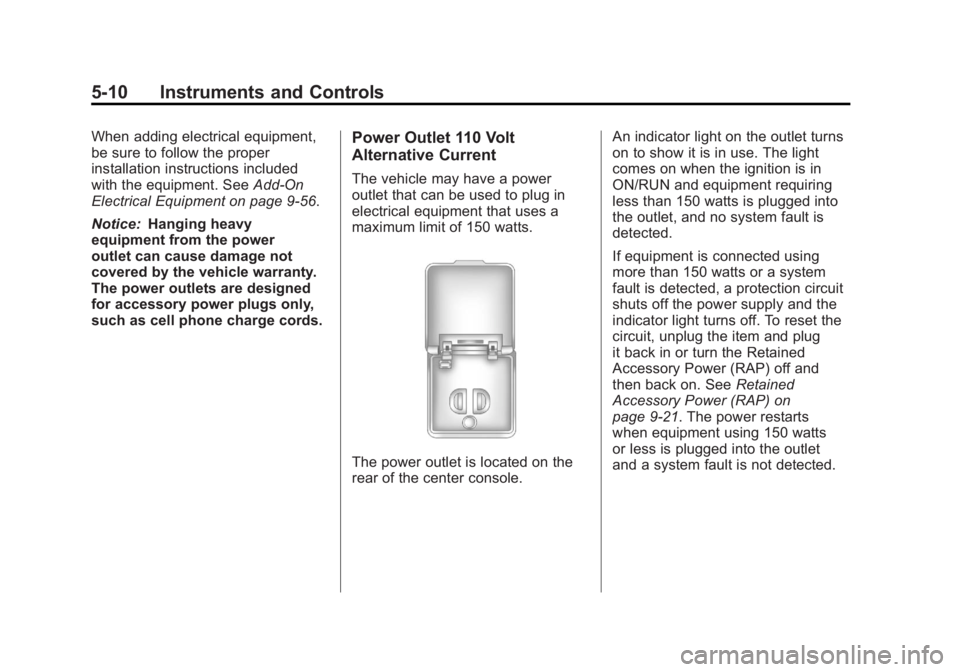
maximum limit of 150 watts.
The power outlet is located on the
rear of the center console. An indicator light on the outlet turns
on to show it is in use. The light
comes on when the ignition is in
ON/RUN and equipment requiring
less than 150 watts is plugged into
the outlet, and no system fault is
detected.
If equipment is connected using
more than 150 watts or a system
fault is detected, a protection circuit
shuts off the power supply and the
indicator light turns off. To reset the
circuit, unplug the item and plug
it back in or turn the Retained
Accessory Power (RAP) off and
then back on. See
Retained
Accessory Power (RAP) on
page 9‑21. The power restarts
when equipment using 150 watts
or less is plugged into the outlet
and a system fault is not detected.
Page 143 of 478
Black plate (11,1)GMC Acadia/Acadia Denali Owner Manual - 2011
Instruments and Controls 5-11
The power outlet is not designed for
and may not work properly, if the
following are plugged in:
.Equipment with high
initial peak wattage such as:
compressor-driven refrigerators
and electric power tools.
.Other equipment requiring
an extremely stable
power supply such as:
microcomputer-controlled
electric blankets, touch
sensor lamps, etc.
See High Voltage Devices and
Wiring on page 10‑31.
Warning Lights,
Gauges, and
Indicators
Warning lights and gauges can
signal that something is wrong
before it becomes serious enough
to cause an expensive repair or
replacement. Paying attention to
the warning lights and gauges
could prevent injury.
Warning lights come on when there
could be a problem with a vehicle
function. Some warning lights come
on briefly when the engine is started
to indicate they are working. Gauges can indicate when there
could be a problem with a vehicle
function. Often gauges and warning
lights work together to indicate a
problem with the vehicle.
When one of the warning lights
comes on and stays on while
driving, or when one of the gauges
shows there may be a problem,
check the section that explains what
to do. Follow this manual's advice.
Waiting to do repairs can be costly
and even dangerous.
Page 146 of 478
Black plate (14,1)GMC Acadia/Acadia Denali Owner Manual - 2011
5-14 Instruments and Controls
Engine Coolant
Temperature Gauge
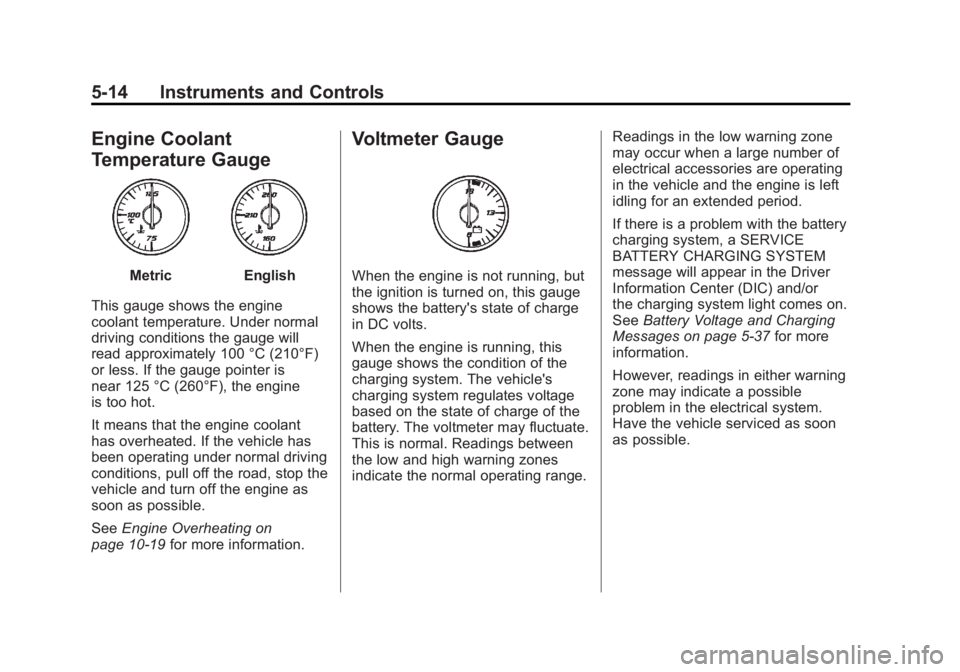
MetricEnglish
This gauge shows the engine
coolant temperature. Under normal
driving conditions the gauge will
read approximately 100 °C (210°F)
or less. If the gauge pointer is
near 125 °C (260°F), the engine
is too hot.
It means that the engine coolant
has overheated. If the vehicle has
been operating under normal driving
conditions, pull off the road, stop the
vehicle and turn off the engine as
soon as possible.
See Engine Overheating on
page 10‑19 for more information.
Voltmeter Gauge
When the engine is not running, but
the ignition is turned on, this gauge
shows the battery's state of charge
in DC volts.
When the engine is running, this
gauge shows the condition of the
charging system. The vehicle's
charging system regulates voltage
based on the state of charge of the
battery. The voltmeter may fluctuate.
This is normal. Readings between
the low and high warning zones
indicate the normal operating range. Readings in the low warning zone
may occur when a large number of
electrical accessories are operating
in the vehicle and the engine is left
idling for an extended period.
If there is a problem with the battery
charging system, a SERVICE
BATTERY CHARGING SYSTEM
message will appear in the Driver
Information Center (DIC) and/or
the charging system light comes on.
See
Battery Voltage and Charging
Messages on page 5‑37 for more
information.
However, readings in either warning
zone may indicate a possible
problem in the electrical system.
Have the vehicle serviced as soon
as possible.
Page 147 of 478
Black plate (15,1)GMC Acadia/Acadia Denali Owner Manual - 2011
Instruments and Controls 5-15
Safety Belt Reminders
Driver Safety Belt Reminder
Light
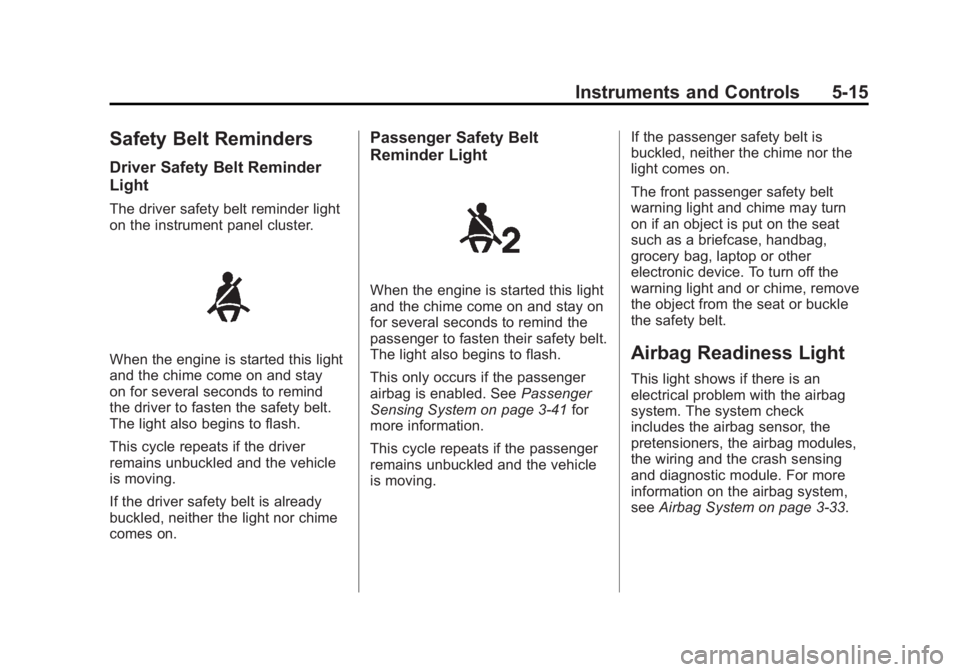
The driver safety belt reminder light
on the instrument panel cluster.
When the engine is started this light
and the chime come on and stay
on for several seconds to remind
the driver to fasten the safety belt.
The light also begins to flash.
This cycle repeats if the driver
remains unbuckled and the vehicle
is moving.
If the driver safety belt is already
buckled, neither the light nor chime
comes on.
Passenger Safety Belt
Reminder Light
When the engine is started this light
and the chime come on and stay on
for several seconds to remind the
passenger to fasten their safety belt.
The light also begins to flash.
This only occurs if the passenger
airbag is enabled. SeePassenger
Sensing System on page 3‑41 for
more information.
This cycle repeats if the passenger
remains unbuckled and the vehicle
is moving. If the passenger safety belt is
buckled, neither the chime nor the
light comes on.
The front passenger safety belt
warning light and chime may turn
on if an object is put on the seat
such as a briefcase, handbag,
grocery bag, laptop or other
electronic device. To turn off the
warning light and or chime, remove
the object from the seat or buckle
the safety belt.
Airbag Readiness Light
This light shows if there is an
electrical problem with the airbag
system. The system check
includes the airbag sensor, the
pretensioners, the airbag modules,
the wiring and the crash sensing
and diagnostic module. For more
information on the airbag system,
see
Airbag System on page 3‑33.
Page 148 of 478
Black plate (16,1)GMC Acadia/Acadia Denali Owner Manual - 2011
5-16 Instruments and Controls
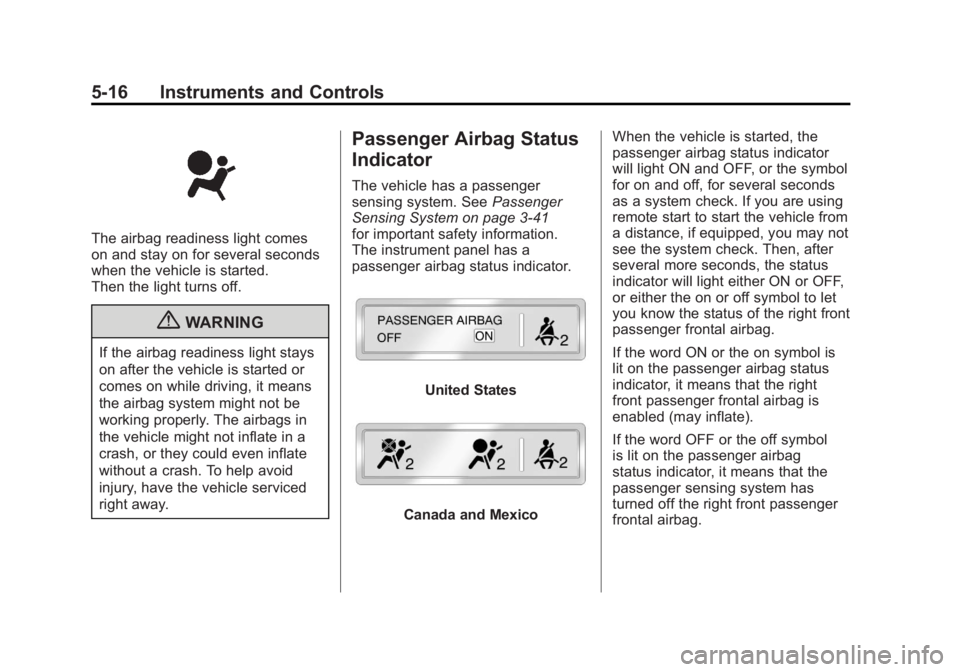
The airbag readiness light comes
on and stay on for several seconds
when the vehicle is started.
Then the light turns off.
{WARNING
If the airbag readiness light stays
on after the vehicle is started or
comes on while driving, it means
the airbag system might not be
working properly. The airbags in
the vehicle might not inflate in a
crash, or they could even inflate
without a crash. To help avoid
injury, have the vehicle serviced
right away.
Passenger Airbag Status
Indicator
The vehicle has a passenger
sensing system. SeePassenger
Sensing System on page 3‑41
for important safety information.
The instrument panel has a
passenger airbag status indicator.
United States
Canada and Mexico When the vehicle is started, the
passenger airbag status indicator
will light ON and OFF, or the symbol
for on and off, for several seconds
as a system check. If you are using
remote start to start the vehicle from
a distance, if equipped, you may not
see the system check. Then, after
several more seconds, the status
indicator will light either ON or OFF,
or either the on or off symbol to let
you know the status of the right front
passenger frontal airbag.
If the word ON or the on symbol is
lit on the passenger airbag status
indicator, it means that the right
front passenger frontal airbag is
enabled (may inflate).
If the word OFF or the off symbol
is lit on the passenger airbag
status indicator, it means that the
passenger sensing system has
turned off the right front passenger
frontal airbag.
Page 149 of 478
Black plate (17,1)GMC Acadia/Acadia Denali Owner Manual - 2011
Instruments and Controls 5-17
If, after several seconds, both status
indicator lights remain on, or if there
are no lights at all, there may be
a problem with the lights or the
passenger sensing system.
See your dealer for service.
{WARNING
If the airbag readiness light ever
comes on and stays on, it means
that something may be wrong
with the airbag system. To help
avoid injury to yourself or others,
have the vehicle serviced right
away. SeeAirbag Readiness
Light on page 5‑15 for more
information, including important
safety information.
Charging System Light
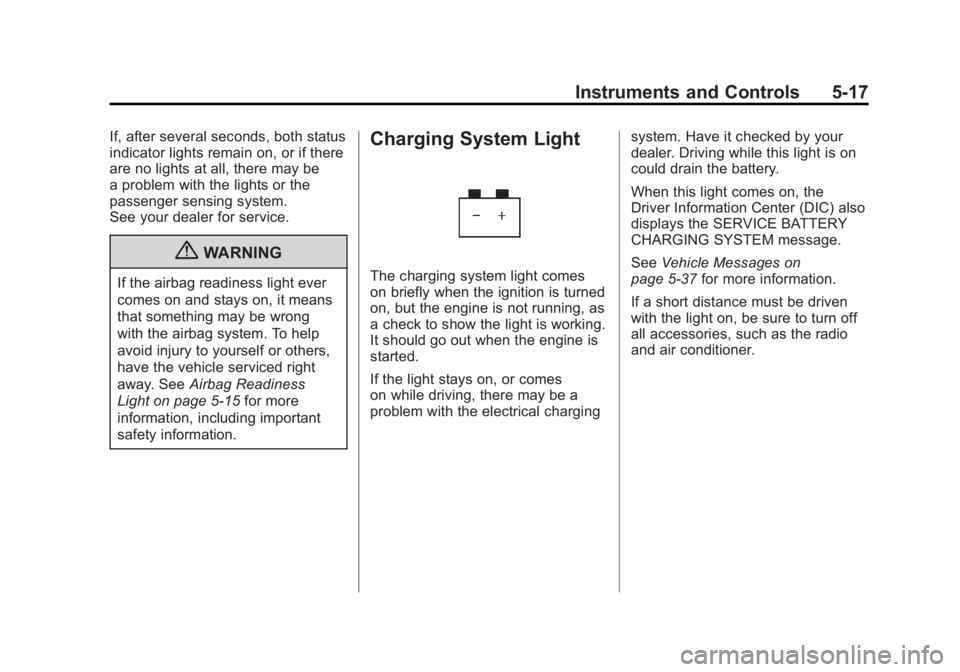
The charging system light comes
on briefly when the ignition is turned
on, but the engine is not running, as
a check to show the light is working.
It should go out when the engine is
started.
If the light stays on, or comes
on while driving, there may be a
problem with the electrical charging system. Have it checked by your
dealer. Driving while this light is on
could drain the battery.
When this light comes on, the
Driver Information Center (DIC) also
displays the SERVICE BATTERY
CHARGING SYSTEM message.
See
Vehicle Messages on
page 5‑37 for more information.
If a short distance must be driven
with the light on, be sure to turn off
all accessories, such as the radio
and air conditioner.
Page 150 of 478
Black plate (18,1)GMC Acadia/Acadia Denali Owner Manual - 2011
5-18 Instruments and Controls
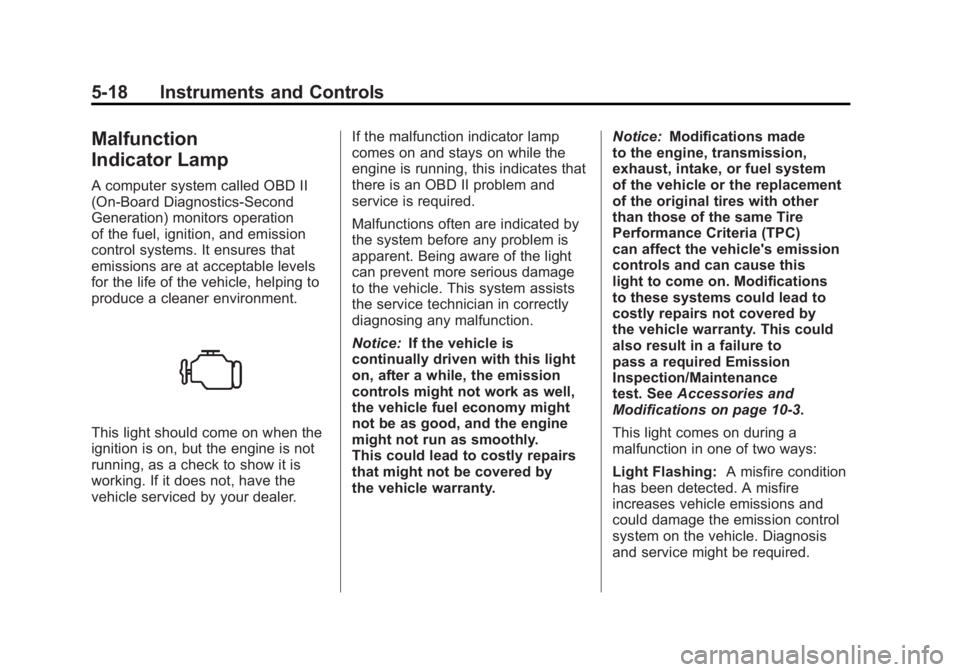
Malfunction
Indicator Lamp
A computer system called OBD II
(On-Board Diagnostics-Second
Generation) monitors operation
of the fuel, ignition, and emission
control systems. It ensures that
emissions are at acceptable levels
for the life of the vehicle, helping to
produce a cleaner environment.
This light should come on when the
ignition is on, but the engine is not
running, as a check to show it is
working. If it does not, have the
vehicle serviced by your dealer.If the malfunction indicator lamp
comes on and stays on while the
engine is running, this indicates that
there is an OBD II problem and
service is required.
Malfunctions often are indicated by
the system before any problem is
apparent. Being aware of the light
can prevent more serious damage
to the vehicle. This system assists
the service technician in correctly
diagnosing any malfunction.
Notice:
If the vehicle is
continually driven with this light
on, after a while, the emission
controls might not work as well,
the vehicle fuel economy might
not be as good, and the engine
might not run as smoothly.
This could lead to costly repairs
that might not be covered by
the vehicle warranty. Notice:
Modifications made
to the engine, transmission,
exhaust, intake, or fuel system
of the vehicle or the replacement
of the original tires with other
than those of the same Tire
Performance Criteria (TPC)
can affect the vehicle's emission
controls and can cause this
light to come on. Modifications
to these systems could lead to
costly repairs not covered by
the vehicle warranty. This could
also result in a failure to
pass a required Emission
Inspection/Maintenance
test. See Accessories and
Modifications on page 10‑3.
This light comes on during a
malfunction in one of two ways:
Light Flashing: A misfire condition
has been detected. A misfire
increases vehicle emissions and
could damage the emission control
system on the vehicle. Diagnosis
and service might be required.
Page 151 of 478
Black plate (19,1)GMC Acadia/Acadia Denali Owner Manual - 2011
Instruments and Controls 5-19
To prevent more serious damage to
the vehicle:
.Reduce vehicle speed.
.Avoid hard accelerations.
.Avoid steep uphill grades.
.If towing a trailer, reduce the
amount of cargo being hauled
as soon as it is possible.
If the light continues to flash, when
it is safe to do so, stop the vehicle.
Find a safe place to park the
vehicle. Turn the vehicle off, wait at
least 10 seconds, and restart the
engine. If the light is still flashing,
follow the previous steps and see
your dealer for service as soon as
possible.
Light On Steady: An emission
control system malfunction has
been detected on the vehicle.
Diagnosis and service might be
required. The following may correct an
emissions system malfunction:
.Make sure the fuel cap is
fully installed. See
Filling
the Tank on page 9‑44.
The diagnostic system can
determine if the fuel cap has
been left off or improperly
installed. A loose or missing fuel
cap allows fuel to evaporate into
the atmosphere. A few driving
trips with the cap properly
installed should turn the light off.
.Make sure the electrical system
is not wet. The system could
be wet if the vehicle was driven
through a deep puddle of
water. The condition is usually
corrected when the electrical
system dries out. A few driving
trips should turn the light off.
.Make sure to fuel the vehicle
with quality fuel. Poor fuel quality
causes the engine not to run as
efficiently as designed and can
cause: stalling after start-up,
stalling when the vehicle is
changed into gear, misfiring,
hesitation on acceleration,
or stumbling on acceleration.
These conditions might go away
once the engine is warmed up.
If one or more of these
conditions occurs, change the
fuel brand used. It will require
at least one full tank of the
proper fuel to turn the light off.
See Recommended Fuel on
page 9‑42.
If none of the above have made
the light turn off, your dealer can
check the vehicle. The dealer
has the proper test equipment
and diagnostic tools to fix any
mechanical or electrical problems
that might have developed.