navigation system GMC ACADIA 2020 User Guide
[x] Cancel search | Manufacturer: GMC, Model Year: 2020, Model line: ACADIA, Model: GMC ACADIA 2020Pages: 406, PDF Size: 6.78 MB
Page 391 of 406
GMC Acadia/Acadia Denali Owner Manual (GMNA-Localizing-U.S./Canada/
Mexico-13687875) - 2020 - CRC - 10/28/19
390 Connected Services
Connected
Services
Connected Services
Navigation . . . . . . . . . . . . . . . . . . . . 390
Connections . . . . . . . . . . . . . . . . . . 391
Diagnostics . . . . . . . . . . . . . . . . . . . 392
Connected Services
Navigation
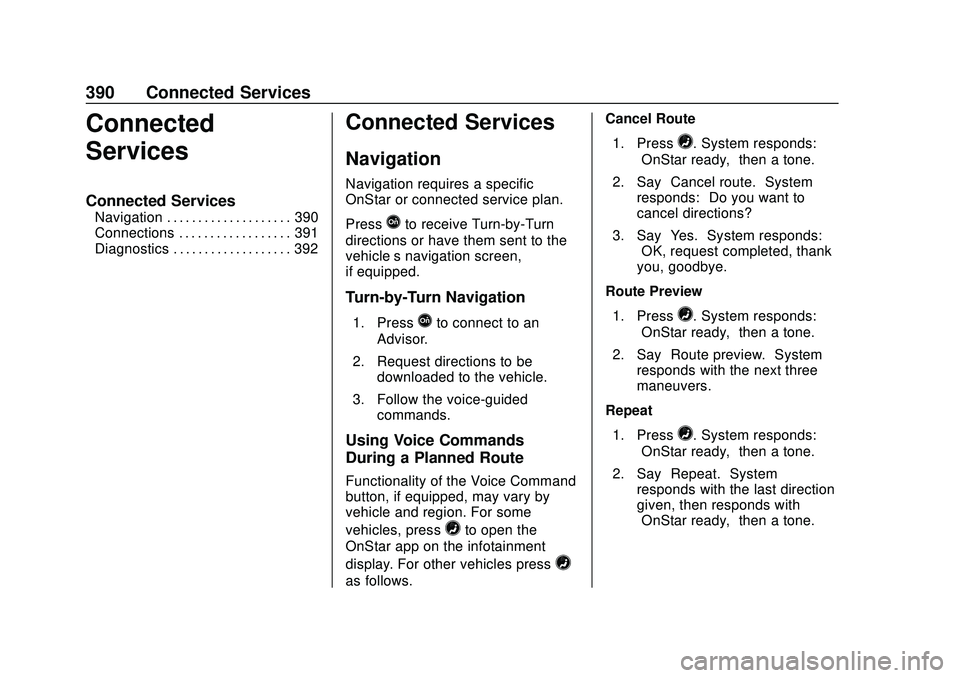
Navigation requires a specific
OnStar or connected service plan.
Press
Qto receive Turn-by-Turn
directions or have them sent to the
vehicle’s navigation screen,
if equipped.
Turn-by-Turn Navigation
1. PressQto connect to an
Advisor.
2. Request directions to be downloaded to the vehicle.
3. Follow the voice-guided commands.
Using Voice Commands
During a Planned Route
Functionality of the Voice Command
button, if equipped, may vary by
vehicle and region. For some
vehicles, press
=to open the
OnStar app on the infotainment
display. For other vehicles press
=
as follows. Cancel Route
1. Press
=. System responds:
“OnStar ready,” then a tone.
2. Say “Cancel route.” System
responds: “Do you want to
cancel directions?”
3. Say “Yes.”System responds:
“OK, request completed, thank
you, goodbye.”
Route Preview
1. Press
=. System responds:
“OnStar ready,” then a tone.
2. Say “Route preview.” System
responds with the next three
maneuvers.
Repeat
1. Press
=. System responds:
“OnStar ready,” then a tone.
2. Say “Repeat.” System
responds with the last direction
given, then responds with
“OnStar ready,” then a tone.
Page 392 of 406
GMC Acadia/Acadia Denali Owner Manual (GMNA-Localizing-U.S./Canada/
Mexico-13687875) - 2020 - CRC - 10/28/19
Connected Services 391
Get My Destination1. Press
=. System responds:
“OnStar ready,” then a tone.
2. Say “Get my destination.”
System responds with the
address and distance to the
destination, then responds with
“OnStar ready,” then a tone.
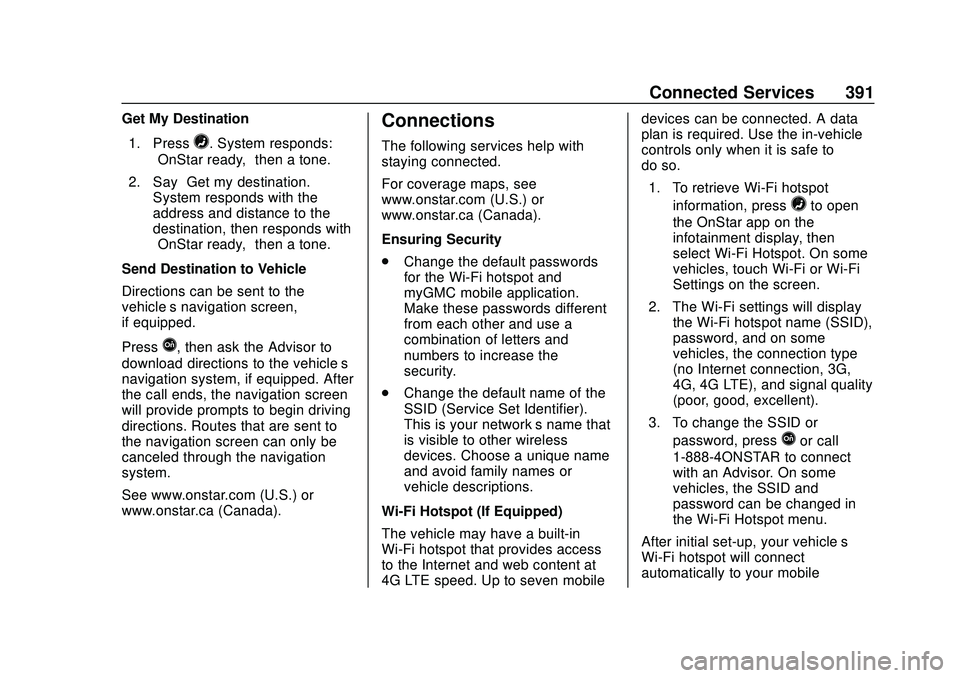
Send Destination to Vehicle
Directions can be sent to the
vehicle’s navigation screen,
if equipped.
Press
Q, then ask the Advisor to
download directions to the vehicle’s
navigation system, if equipped. After
the call ends, the navigation screen
will provide prompts to begin driving
directions. Routes that are sent to
the navigation screen can only be
canceled through the navigation
system.
See www.onstar.com (U.S.) or
www.onstar.ca (Canada).
Connections
The following services help with
staying connected.
For coverage maps, see
www.onstar.com (U.S.) or
www.onstar.ca (Canada).
Ensuring Security
. Change the default passwords
for the Wi-Fi hotspot and
myGMC mobile application.
Make these passwords different
from each other and use a
combination of letters and
numbers to increase the
security.
. Change the default name of the
SSID (Service Set Identifier).
This is your network’s name that
is visible to other wireless
devices. Choose a unique name
and avoid family names or
vehicle descriptions.
Wi-Fi Hotspot (If Equipped)
The vehicle may have a built-in
Wi-Fi hotspot that provides access
to the Internet and web content at
4G LTE speed. Up to seven mobile devices can be connected. A data
plan is required. Use the in-vehicle
controls only when it is safe to
do so.
1. To retrieve Wi-Fi hotspot information, press
=to open
the OnStar app on the
infotainment display, then
select Wi-Fi Hotspot. On some
vehicles, touch Wi-Fi or Wi-Fi
Settings on the screen.
2. The Wi-Fi settings will display the Wi-Fi hotspot name (SSID),
password, and on some
vehicles, the connection type
(no Internet connection, 3G,
4G, 4G LTE), and signal quality
(poor, good, excellent).
3. To change the SSID or password, press
Qor call
1-888-4ONSTAR to connect
with an Advisor. On some
vehicles, the SSID and
password can be changed in
the Wi-Fi Hotspot menu.
After initial set-up, your vehicle’s
Wi-Fi hotspot will connect
automatically to your mobile
Page 396 of 406
GMC Acadia/Acadia Denali Owner Manual (GMNA-Localizing-U.S./Canada/-
Mexico-13687875) - 2020 - CRC - 10/28/19
Index 395
Child Restraints (cont'd)Older Children . . . . . . . . . . . . . . . . . . 77
Securing . . . . . . . . . . . . . . . . . . . . 93, 95
Systems . . . . . . . . . . . . . . . . . . . . . . . . 81
Circuit Breakers . . . . . . . . . . . . . . . . 289
Cleaning Exterior Care . . . . . . . . . . . . . . . . . 342
Interior Care . . . . . . . . . . . . . . . . . . 346
Climate Control Systems Dual Automatic . . . . . . . . . . . . . . . 165
Rear . . . . . . . . . . . . . . . . . . . . . . . . . . 169
Clock . . . . . . . . . . . . . . . . . . . . . . . . . . . 110
Cluster, Instrument . . . . . . . . 115, 119
Collision Damage Repair . . . . . . . 377
Compact Spare Tire . . . . . . . . . . . . 334
Compartments
Storage . . . . . . . . . . . . . . . . . . . . . . . . . 98
Compass . . . . . . . . . . . . . . . . . . . . . . . 110
Compressor Kit, Tire Sealant . . . 321
Connected Services Connections . . . . . . . . . . . . . . . . . . 391
Diagnostics . . . . . . . . . . . . . . . . . . . 392
Navigation . . . . . . . . . . . . . . . . . . . . 390
Connections Connected Services . . . . . . . . . . 391
Control
Hill Descent . . . . . . . . . . . . . . . . . . .211 Control (cont'd)
Traction and Electronic
Stability . . . . . . . . . . . . . . . . . . . . . 209
Control Light Hill Descent . . . . . . . . . . . . . . . . . . 131
Control of a Vehicle . . . . . . . . . . . . . 176
Convex Mirrors . . . . . . . . . . . . . . . . . . 31
Coolant Engine Temperature Gauge . . 123
Engine TemperatureWarning Light . . . . . . . . . . . . . . . 133
Cooling . . . . . . . . . . . . . . . . . . . . 165, 169
Cooling System . . . . . . . . . . . . . . . . . 275
Courtesy Lamps . . . . . . . . . . . . . . . . 160
Courtesy Transportation Program . . . . . . . . . . . . . . . . . . . . . . . 376
Cover Cargo . . . . . . . . . . . . . . . . . . . . . . . . . 100
Cruise Control . . . . . . . . . . . . . . . . . . 214 Light . . . . . . . . . . . . . . . . . . . . . . . . . . 136
Cruise Control, Adaptive . . . . . . . . 216
Customer Assistance . . . . . . . . . . . 373
Offices . . . . . . . . . . . . . . . . . . . . . . . . 372
Text Telephone (TTY)Users . . . . . . . . . . . . . . . . . . . . . . . 373
Customer Information
Publications OrderingInformation . . . . . . . . . . . . . . . . . . 379 Customer Satisfaction
Procedure . . . . . . . . . . . . . . . . . . . . . 370
Cybersecurity . . . . . . . . . . . . . . . . . . . 382
D
Damage Repair, Collision . . . . . . . 377
Danger, Warning, and Caution . . . . 3
Data Collection Infotainment System . . . . . . . . . . 383
OnStar . . . . . . . . . . . . . . . . . . . . . . . 383
Data Recorders, Event . . . . . . . . . 382
Daytime Running Lamps (DRL) . . . . . . . . . . . . . . . . . . 157
Defensive Driving . . . . . . . . . . . . . . . 175
Delayed Locking . . . . . . . . . . . . . . . . . 19
Diagnostics Connected Services . . . . . . . . . . 392
Distracted Driving . . . . . . . . . . . . . . . 174
Dome Lamps . . . . . . . . . . . . . . . . . . . 160
Door Ajar Light . . . . . . . . . . . . . . . . . . . . . 136
Delayed Locking . . . . . . . . . . . . . . . . 19
Locks . . . . . . . . . . . . . . . . . . . . . . . . . . . 17
Power Locks . . . . . . . . . . . . . . . . . . . . 19
Drive Belt Routing, Engine . . . . . . 369
Drive Systems All-Wheel Drive . . . . . . . . . . 206, 284
Driver Assistance Systems . . . . . 225
Page 400 of 406
GMC Acadia/Acadia Denali Owner Manual (GMNA-Localizing-U.S./Canada/-
Mexico-13687875) - 2020 - CRC - 10/28/19
Index 399
Lights (cont'd)Engine Coolant
Temperature Warning . . . . . . . 133
Engine Oil Pressure . . . . . . . . . . 134
Flash-to-Pass . . . . . . . . . . . . . . . . . 157
Front Fog Lamp . . . . . . . . . . . . . . 136
Gear Shifting . . . . . . . . . . . . . . . . . 131
High-Beam On . . . . . . . . . . . . . . . . 135
High/Low Beam Changer . . . . . 157
Hill Descent Control . . . . . . . . . . 131
Lane Keep Assist . . . . . . . . . . . . . 131
Low Fuel Warning . . . . . . . . . . . . 135
Seat Belt Reminders . . . . . . . . . . 125
Security . . . . . . . . . . . . . . . . . . . . . . 135
Service Electric Parking Brake . . . . . . . . . . . . . . . . . . . . . . . 130
StabiliTrak OFF . . . . . . . . . . . . . . . 133
Tire Pressure . . . . . . . . . . . . . . . . . 134
Tow/Haul Mode . . . . . . . . . . . . . . . 131
Traction Control System (TCS)/StabiliTrak . . . . . . . . . . . . 133
Traction Off . . . . . . . . . . . . . . . . . . . 132
Locks Automatic Door . . . . . . . . . . . . . . . . . 19
Delayed Locking . . . . . . . . . . . . . . . . 19
Door . . . . . . . . . . . . . . . . . . . . . . . . . . . . 17
Lockout Protection . . . . . . . . . . . . . . 20
Power Door . . . . . . . . . . . . . . . . . . . . . 19 Locks (cont'd)
Safety . . . . . . . . . . . . . . . . . . . . . . . . . . 20
Loss of Control . . . . . . . . . . . . . . . . . 177
Low Fuel Warning Light . . . . . . . . . 135
Lower Anchors and Tethers for Children (LATCH
System) . . . . . . . . . . . . . . . . . . . . . . . . 85
Lumbar Adjustment . . . . . . . . . . . . . . 45 Front Seats . . . . . . . . . . . . . . . . . . . . . 45
M
MaintenanceRecords . . . . . . . . . . . . . . . . . . . . . . 364
Maintenance and Care Additional . . . . . . . . . . . . . . . . . . . . . 359
Maintenance Schedule . . . . . . . . . 353 Recommended Fluids and
Lubricants . . . . . . . . . . . . . . . . . . . 362
Malfunction Indicator Lamp . . . . . 127
Manual Mode . . . . . . . . . . . . . . . . . . . 205
Memory Seats . . . . . . . . . . . . . . . . . . . 46
Messages Engine Power . . . . . . . . . . . . . . . . 146
Vehicle . . . . . . . . . . . . . . . . . . . . . . . 145
Vehicle Speed . . . . . . . . . . . . . . . . 146
Mirror
Rear Camera . . . . . . . . . . . . . . . . . . . 34 Mirrors
Automatic Dimming . . . . . . . . . . . . . 33
Automatic Dimming
Rearview . . . . . . . . . . . . . . . . . . . . . . 33
Convex . . . . . . . . . . . . . . . . . . . . . . . . . 31
Folding . . . . . . . . . . . . . . . . . . . . . . . . . 32
Heated . . . . . . . . . . . . . . . . . . . . . . . . . 33
Manual Rearview . . . . . . . . . . . . . . . 33
Power . . . . . . . . . . . . . . . . . . . . . . . . . . 31
Tilt in Reverse . . . . . . . . . . . . . . . . . . 33
Mirrors, Interior Rearview . . . . . . . . 33
Mode . . . . . . . . . . . . . . . . . . . . . . . . . . . 212
Driver Control . . . . . . . . . . . . . . . . . 212
Monitor System, Tire Pressure . . . . . . . . . . . . . . . . . . . . . . 307
N
NavigationConnected Services . . . . . . . . . . 390
New Vehicle Break-In . . . . . . . . . . . 190
O
Odometer . . . . . . . . . . . . . . . . . . . . . . . 121 Trip . . . . . . . . . . . . . . . . . . . . . . . . . . . 121
Off-Road . . . . . . . . . . . . . . . . . . . . . . . 178 Driving . . . . . . . . . . . . . . . . . . . . . . . . 178
Recovery . . . . . . . . . . . . . . . . . . . . . 177
Oil Engine . . . . . . . . . . . . . . . . . . . . . . . . 269