cruise control GMC ACADIA 2020 Owner's Guide
[x] Cancel search | Manufacturer: GMC, Model Year: 2020, Model line: ACADIA, Model: GMC ACADIA 2020Pages: 406, PDF Size: 6.78 MB
Page 223 of 406
GMC Acadia/Acadia Denali Owner Manual (GMNA-Localizing-U.S./Canada/
Mexico-13687875) - 2020 - CRC - 10/28/19
222 Driving and Operating
Warning (Continued)
Your vehicle may not stop and
could cause a crash. Use caution
when using ACC. Your complete
attention is always required while
driving and you should be ready
to take action and apply the
brakes.
ACC Automatically Disengages
ACC may automatically disengage
and the driver will need to manually
apply the brakes to slow the
vehicle when:
. The sensors are blocked.
. The Traction Control System
(TCS) or StabiliTrak/ESC system
has activated or been disabled.
. There is a fault in the system.
. The radar may falsely report a
blockage when driving in a
desert or remote area with no
other vehicles or roadside
objects. A DIC message may
display to indicate that ACC is
temporarily unavailable. The ACC indicator will turn white
when ACC is no longer active.
Notification to Resume ACC
ACC will maintain a follow gap
behind a detected vehicle and slow
your vehicle to a stop behind that
vehicle.
If the stopped vehicle ahead has
driven away and ACC has not
resumed, the vehicle ahead
indicator will flash as a reminder to
check traffic ahead before
proceeding. In addition, the left and
right sides of the Safety Alert Seat
will pulse three times, or three
beeps will sound. See
“Alert Type”
and “Adaptive Cruise Go Notifier” in
“Collision/Detection Systems” under
Vehicle Personalization 0146.
When the vehicle ahead drives
away, press RES+ or the
accelerator pedal to resume cruise
control. If stopped for more than
two minutes or if the driver door is
opened and the driver seat belt is
unbuckled, the ACC automatically
applies the Electric Parking Brake
(EPB) to hold the vehicle. The EPB status light will turn on. See
Electric
Parking Brake 0207. To resume
ACC and release the EPB, press
the accelerator pedal.
A DIC warning message may
display indicating to shift to P (Park)
before exiting the vehicle. See
Vehicle Messages 0145.
{Warning
If ACC has stopped the vehicle,
and if ACC is disengaged, turned
off, or canceled, the vehicle will
no longer be held at a stop. The
vehicle can move. When ACC is
holding the vehicle at a stop,
always be prepared to manually
apply the brakes.
{Warning
Leaving the vehicle without
placing it in P (Park) can be
dangerous. Do not leave the
vehicle while it is being held at a
(Continued)
Page 225 of 406
GMC Acadia/Acadia Denali Owner Manual (GMNA-Localizing-U.S./Canada/
Mexico-13687875) - 2020 - CRC - 10/28/19
224 Driving and Operating
ACC may detect a vehicle that is
not in your lane and apply the
brakes.
ACC may occasionally provide an
alert and/or braking that is
considered unnecessary. It could
respond to vehicles in different
lanes, signs, guardrails, and other
stationary objects when entering or
exiting a curve. This is normal
operation. The vehicle does not
need service.Other Vehicle Lane Changes
ACC will not detect a vehicle ahead
until it is completely in the lane. The
brakes may need to be manually
applied.
Do Not Use ACC on Hills and
When Towing a Trailer
Do not use ACC when driving on
steep hills or when towing a trailer.
ACC will not detect a vehicle in the
lane while driving on steep hills. The
driver will often need to take over
acceleration and braking on steep
hills, especially when towing a
trailer. If the brakes are applied, the
ACC disengages.
Disengaging ACC
There are three ways to
disengage ACC:
.
Step lightly on the brake pedal.
. Press
*.
. Press
J.
Erasing Speed Memory
The cruise control set speed is
erased from memory if
Jis
pressed or if the ignition is
turned off.
Page 233 of 406
GMC Acadia/Acadia Denali Owner Manual (GMNA-Localizing-U.S./Canada/
Mexico-13687875) - 2020 - CRC - 10/28/19
232 Driving and Operating
alert on the windshield and rapidly
beeps or pulses the driver seat.
FCA also lights an amber visual
alert if following another vehicle too
closely.
FCA detects vehicles within a
distance of approximately 60 m
(197 ft) and operates at speeds
above 8 km/h (5 mph). If the vehicle
has Adaptive Cruise Control (ACC),
it can detect vehicles to distances of
approximately 110 m (360 ft) and
operates at all speeds. See
Adaptive Cruise Control0216.
{Warning
FCA is a warning system and
does not apply the brakes. When
approaching a slower-moving or
stopped vehicle ahead too rapidly,
or when following a vehicle too
closely, FCA may not provide a
warning with enough time to help
avoid a crash. It also may not
provide any warning at all. FCA
does not warn of pedestrians,
(Continued)
Warning (Continued)
animals, signs, guardrails,
bridges, construction barrels,
or other objects. Be ready to take
action and apply the brakes. See
Defensive Driving0175.
FCA can be disabled with either the
FCA steering wheel control or,
if equipped, through vehicle
personalization. See “Collision/
Detection Systems” underVehicle
Personalization 0146.
Detecting the Vehicle Ahead
FCA warnings will not occur unless
the FCA system detects a vehicle
ahead. When a vehicle is detected,
the vehicle ahead indicator will
display green. Vehicles may not be
detected on curves, highway exit ramps, or hills, due to poor visibility;
or if a vehicle ahead is partially
blocked by pedestrians or other
objects. FCA will not detect another
vehicle ahead until it is completely
in the driving lane.
{Warning
FCA does not provide a warning
to help avoid a crash, unless it
detects a vehicle. FCA may not
detect a vehicle ahead if the FCA
sensor is blocked by dirt, snow,
or ice, or if the windshield is
damaged. It may also not detect a
vehicle on winding or hilly roads,
or in conditions that can limit
visibility such as fog, rain,
or snow, or if the headlamps or
windshield are not cleaned or in
proper condition. Keep the
windshield, headlamps, and FCA
sensors clean and in good repair.
Page 234 of 406
GMC Acadia/Acadia Denali Owner Manual (GMNA-Localizing-U.S./Canada/
Mexico-13687875) - 2020 - CRC - 10/28/19
Driving and Operating 233
Collision Alert
When your vehicle approaches
another detected vehicle too rapidly,
the red FCA display will flash on the
windshield. Also, eight rapid
high-pitched beeps will sound from
the front, or both sides of the Safety
Alert Seat will pulse five times.
When this Collision Alert occurs, the
brake system may prepare for driver
braking to occur more rapidly which
can cause a brief, mild deceleration.
Continue to apply the brake pedal
as needed. Cruise control may be
disengaged when the Collision Alert
occurs.Tailgating AlertThe vehicle ahead indicator will
display amber when you are
following a vehicle ahead too
closely.
Selecting the Alert Timing
The Collision Alert control is on the
steering wheel. Press
[to set the
FCA timing to Far, Medium, or Near,
or on some vehicles, Off. The first
button press shows the current
setting on the DIC. Additional button
presses will change this setting. The
chosen setting will remain until it is
changed and will affect the timing of
both the Collision Alert and the
Tailgating Alert features. The timing
of both alerts will vary based on
vehicle speed. The faster the
vehicle speed, the farther away the
alert will occur. Consider traffic and
weather conditions when selecting
the alert timing. The range of
selectable alert timings may not be
appropriate for all drivers and
driving conditions.
If your vehicle is equipped with
Adaptive Cruise Control (ACC),
changing the FCA timing setting
automatically changes the following
gap setting (Far, Medium, or Near).
Page 235 of 406
GMC Acadia/Acadia Denali Owner Manual (GMNA-Localizing-U.S./Canada/
Mexico-13687875) - 2020 - CRC - 10/28/19
234 Driving and Operating
Following Distance Indicator
The following distance to a moving
vehicle ahead in your path is
indicated in following time in
seconds on the Driver Information
Center (DIC). SeeDriver
Information Center (DIC) (Base)
0 137 or
Driver Information Center (DIC)
(Midlevel and Uplevel) 0139. The
minimum following time is
0.5 seconds away. If there is no
vehicle detected ahead, or the
vehicle ahead is out of sensor
range, dashes will be displayed.
Unnecessary Alerts
FCA may provide unnecessary
alerts for turning vehicles, vehicles
in other lanes, objects that are not
vehicles, or shadows. These alerts
are normal operation and the
vehicle does not need service.
Cleaning the System
If the FCA system does not seem to
operate properly, this may correct
the issue: .
Clean the outside of the
windshield in front of the
rearview mirror.
. Clean the entire front of the
vehicle.
. Clean the headlamps.
Automatic Emergency
Braking (AEB)
If the vehicle has Forward Collision
Alert (FCA), it also has AEB, which
includes Intelligent Brake
Assist (IBA). When the system
detects a vehicle ahead in your path
that is traveling in the same
direction that you may be about to
crash into, it can provide a boost to
braking or automatically brake the
vehicle. This can help avoid or
lessen the severity of crashes when
driving in a forward gear. Depending
on the situation, the vehicle may
automatically brake moderately or
hard. This automatic emergency
braking can only occur if a vehicle is
detected. This is shown by the FCA vehicle ahead indicator being lit.
See
Forward Collision Alert (FCA)
System 0231.
The system works when driving in a
forward gear between 8 km/h
(5 mph) and 80 km/h (50 mph),
or on vehicles with Adaptive Cruise
Control (ACC), above 4 km/h
(2 mph). It can detect vehicles up to
approximately 60 m (197 ft).
{Warning
AEB is an emergency crash
preparation feature and is not
designed to avoid crashes. Do
not rely on AEB to brake the
vehicle. AEB will not brake
outside of its operating speed
range and only responds to
detected vehicles.
AEB may not: . Detect a vehicle ahead on
winding or hilly roads.
(Continued)
Page 238 of 406
GMC Acadia/Acadia Denali Owner Manual (GMNA-Localizing-U.S./Canada/
Mexico-13687875) - 2020 - CRC - 10/28/19
Driving and Operating 237
Detecting the Pedestrian
Ahead
FPB alerts and automatic braking
will not occur unless the FPB
system detects a pedestrian. When
a nearby pedestrian is detected in
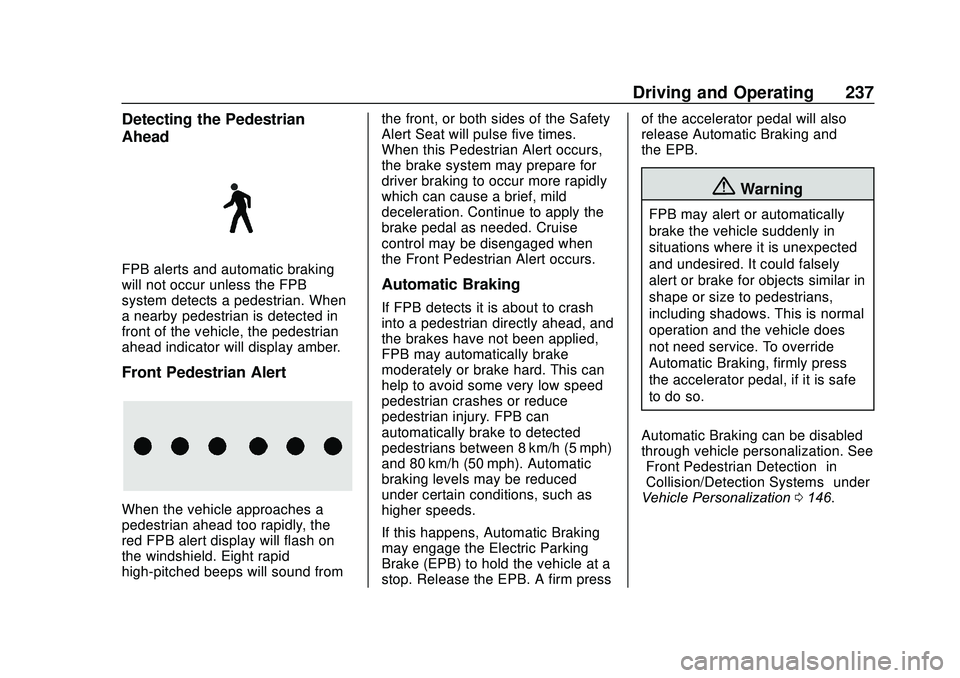
front of the vehicle, the pedestrian
ahead indicator will display amber.
Front Pedestrian Alert
When the vehicle approaches a
pedestrian ahead too rapidly, the
red FPB alert display will flash on
the windshield. Eight rapid
high-pitched beeps will sound fromthe front, or both sides of the Safety
Alert Seat will pulse five times.
When this Pedestrian Alert occurs,
the brake system may prepare for
driver braking to occur more rapidly
which can cause a brief, mild
deceleration. Continue to apply the
brake pedal as needed. Cruise
control may be disengaged when
the Front Pedestrian Alert occurs.
Automatic Braking
If FPB detects it is about to crash
into a pedestrian directly ahead, and
the brakes have not been applied,
FPB may automatically brake
moderately or brake hard. This can
help to avoid some very low speed
pedestrian crashes or reduce
pedestrian injury. FPB can
automatically brake to detected
pedestrians between 8 km/h (5 mph)
and 80 km/h (50 mph). Automatic
braking levels may be reduced
under certain conditions, such as
higher speeds.
If this happens, Automatic Braking
may engage the Electric Parking
Brake (EPB) to hold the vehicle at a
stop. Release the EPB. A firm pressof the accelerator pedal will also
release Automatic Braking and
the EPB.
{Warning
FPB may alert or automatically
brake the vehicle suddenly in
situations where it is unexpected
and undesired. It could falsely
alert or brake for objects similar in
shape or size to pedestrians,
including shadows. This is normal
operation and the vehicle does
not need service. To override
Automatic Braking, firmly press
the accelerator pedal, if it is safe
to do so.
Automatic Braking can be disabled
through vehicle personalization. See
“Front Pedestrian Detection” in
“Collision/Detection Systems” under
Vehicle Personalization 0146.
Page 248 of 406
GMC Acadia/Acadia Denali Owner Manual (GMNA-Localizing-U.S./Canada/
Mexico-13687875) - 2020 - CRC - 10/28/19
Driving and Operating 247
.Vehicles can tow in D (Drive).
Tow/Haul Mode is recommended
for heavier trailers. See Tow/
Haul Mode 0206. If the
transmission downshifts too
often, a lower gear may be
selected using Manual Mode.
See Manual Mode 0205.
If equipped, the following driver
assistance features should be
turned off when towing a trailer:
. Adaptive Cruise Control (ACC)
. Super Cruise Control
. Lane Keep Assist (LKA)
. Park Assist
. Automatic Parking Assist (APA)
. Reverse Automatic
Braking (RAB)
If equipped, the following driver
assistance features should be
turned to alert or off when towing a
trailer:
. Automatic Emergency
Braking (AEB)
. Intelligent Brake Assist (IBA)
. Front Pedestrian Braking (FPB) If equipped with Lane Change Alert
(LCA), the LCA detection zones that
extend back from the side of the
vehicle do not move further back
when a trailer is towed. Use caution
while changing lanes when towing a
trailer.
If equipped with Rear Cross Traffic
Alert (RCTA), use caution while
backing up when towing a trailer, as
the RCTA detection zones that
extend out from the back of the
vehicle do not move further back
when a trailer is towed.
{Warning
To prevent serious injury or death
from carbon monoxide (CO),
when towing a trailer:
. Do not drive with the
liftgate, trunk/hatch,
or rear-most window open.
. Fully open the air outlets on
or under the instrument
panel.
(Continued)
Warning (Continued)
.Adjust the climate control
system to a setting that
brings in only outside air.
See “Climate Control
Systems” in the Index.
For more information about
carbon monoxide, see Engine
Exhaust 0200.
Towing a trailer requires experience.
The combination of the vehicle and
trailer is longer and not as
responsive as the vehicle itself. Get
used to the handling and braking of
the combination by driving on a
level road surface before driving on
public roads.
The trailer structure, the tires, and
the brakes must be all be rated to
carry the intended cargo.
Inadequate trailer equipment can
cause the combination to operate in
an unexpected or unsafe manner.
Before driving, inspect all trailer
hitch parts and attachments, safety
chains, electrical connectors, lamps,
Page 394 of 406
GMC Acadia/Acadia Denali Owner Manual (GMNA-Localizing-U.S./Canada/-
Mexico-13687875) - 2020 - CRC - 10/28/19
Index 393
IndexA
Accessories andModifications . . . . . . . . . . . . . . . . . . 261
Accessory Power . . . . . . . . . . . . . . . 196
Active Fuel Management . . . . . . . 199
Adaptive Cruise Control . . . . . . . . 216
Add-On Electrical Equipment . . . 258
Additional Information OnStar . . . . . . . . . . . . . . . . . . . . . . . 386
Additional Maintenance
and Care . . . . . . . . . . . . . . . . . . . . . . 359
Adjustments Lumbar, Front Seats . . . . . . . . . . . . 45
Air Cleaner/Filter, Engine . . . . . . . 273
Air Conditioning . . . . . . . . . . . 165, 169
Air Filter
Life System . . . . . . . . . . . . . . . . . . . 273
Air Filter, Passenger Compartment . . . . . . . . . . . . . . . . . 172
Air Vents . . . . . . . . . . . . . . . . . . . . . . . 171
Airbag System Check . . . . . . . . . . . . . . . . . . . . . . . . . . 77
How Does an AirbagRestrain? . . . . . . . . . . . . . . . . . . . . . 69
Passenger Sensing System . . . . 71
What Makes an Airbag Inflate? . . . . . . . . . . . . . . . . . . . . . . . . 69 Airbag System (cont'd)
What Will You See after an
Airbag Inflates? . . . . . . . . . . . . . . . 70
When Should an Airbag Inflate? . . . . . . . . . . . . . . . . . . . . . . . . 68
Where Are the Airbags? . . . . . . . . 66
Airbags
Adding Equipment to theVehicle . . . . . . . . . . . . . . . . . . . . . . . . 76
Passenger Status Indicator . . . 126
Readiness Light . . . . . . . . . . . . . . 126
Servicing Airbag-Equipped Vehicles . . . . . . . . . . . . . . . . . . . . . . . 75
System Check . . . . . . . . . . . . . . . . . . 64
Alarm Vehicle Security . . . . . . . . . . . . . . . . 29
Alert Lane Change . . . . . . . . . . . . . . . . . 238
Side Blind Zone (SBZA) . . . . . . 238
All-Season Tires . . . . . . . . . . . . . . . . 298
All-Wheel Drive . . . . . . . . . . . . 206, 284
Antilock Brake System (ABS) . . . 206 Warning Light . . . . . . . . . . . . . . . . . 130
Appearance Care Exterior . . . . . . . . . . . . . . . . . . . . . . . 342
Interior . . . . . . . . . . . . . . . . . . . . . . . . 346
Armrest Storage . . . . . . . . . . . . . . . . . 99
Page 396 of 406
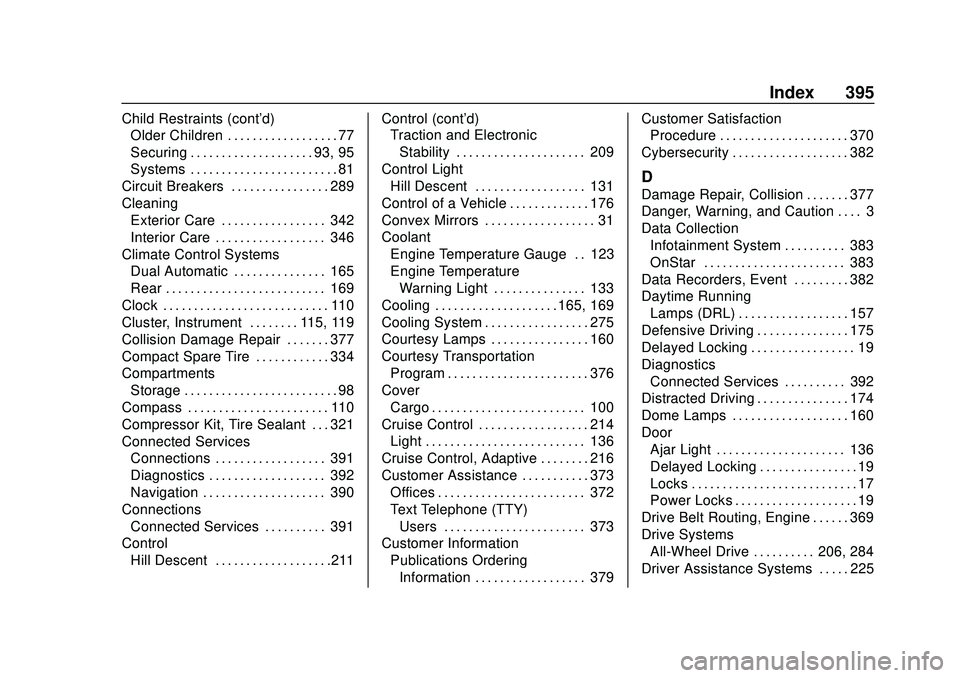
GMC Acadia/Acadia Denali Owner Manual (GMNA-Localizing-U.S./Canada/-
Mexico-13687875) - 2020 - CRC - 10/28/19
Index 395
Child Restraints (cont'd)Older Children . . . . . . . . . . . . . . . . . . 77
Securing . . . . . . . . . . . . . . . . . . . . 93, 95
Systems . . . . . . . . . . . . . . . . . . . . . . . . 81
Circuit Breakers . . . . . . . . . . . . . . . . 289
Cleaning Exterior Care . . . . . . . . . . . . . . . . . 342
Interior Care . . . . . . . . . . . . . . . . . . 346
Climate Control Systems Dual Automatic . . . . . . . . . . . . . . . 165
Rear . . . . . . . . . . . . . . . . . . . . . . . . . . 169
Clock . . . . . . . . . . . . . . . . . . . . . . . . . . . 110
Cluster, Instrument . . . . . . . . 115, 119
Collision Damage Repair . . . . . . . 377
Compact Spare Tire . . . . . . . . . . . . 334
Compartments
Storage . . . . . . . . . . . . . . . . . . . . . . . . . 98
Compass . . . . . . . . . . . . . . . . . . . . . . . 110
Compressor Kit, Tire Sealant . . . 321
Connected Services Connections . . . . . . . . . . . . . . . . . . 391
Diagnostics . . . . . . . . . . . . . . . . . . . 392
Navigation . . . . . . . . . . . . . . . . . . . . 390
Connections Connected Services . . . . . . . . . . 391
Control
Hill Descent . . . . . . . . . . . . . . . . . . .211 Control (cont'd)
Traction and Electronic
Stability . . . . . . . . . . . . . . . . . . . . . 209
Control Light Hill Descent . . . . . . . . . . . . . . . . . . 131
Control of a Vehicle . . . . . . . . . . . . . 176
Convex Mirrors . . . . . . . . . . . . . . . . . . 31
Coolant Engine Temperature Gauge . . 123
Engine TemperatureWarning Light . . . . . . . . . . . . . . . 133
Cooling . . . . . . . . . . . . . . . . . . . . 165, 169
Cooling System . . . . . . . . . . . . . . . . . 275
Courtesy Lamps . . . . . . . . . . . . . . . . 160
Courtesy Transportation Program . . . . . . . . . . . . . . . . . . . . . . . 376
Cover Cargo . . . . . . . . . . . . . . . . . . . . . . . . . 100
Cruise Control . . . . . . . . . . . . . . . . . . 214 Light . . . . . . . . . . . . . . . . . . . . . . . . . . 136
Cruise Control, Adaptive . . . . . . . . 216
Customer Assistance . . . . . . . . . . . 373
Offices . . . . . . . . . . . . . . . . . . . . . . . . 372
Text Telephone (TTY)Users . . . . . . . . . . . . . . . . . . . . . . . 373
Customer Information
Publications OrderingInformation . . . . . . . . . . . . . . . . . . 379 Customer Satisfaction
Procedure . . . . . . . . . . . . . . . . . . . . . 370
Cybersecurity . . . . . . . . . . . . . . . . . . . 382
D
Damage Repair, Collision . . . . . . . 377
Danger, Warning, and Caution . . . . 3
Data Collection Infotainment System . . . . . . . . . . 383
OnStar . . . . . . . . . . . . . . . . . . . . . . . 383
Data Recorders, Event . . . . . . . . . 382
Daytime Running Lamps (DRL) . . . . . . . . . . . . . . . . . . 157
Defensive Driving . . . . . . . . . . . . . . . 175
Delayed Locking . . . . . . . . . . . . . . . . . 19
Diagnostics Connected Services . . . . . . . . . . 392
Distracted Driving . . . . . . . . . . . . . . . 174
Dome Lamps . . . . . . . . . . . . . . . . . . . 160
Door Ajar Light . . . . . . . . . . . . . . . . . . . . . 136
Delayed Locking . . . . . . . . . . . . . . . . 19
Locks . . . . . . . . . . . . . . . . . . . . . . . . . . . 17
Power Locks . . . . . . . . . . . . . . . . . . . . 19
Drive Belt Routing, Engine . . . . . . 369
Drive Systems All-Wheel Drive . . . . . . . . . . 206, 284
Driver Assistance Systems . . . . . 225
Page 399 of 406
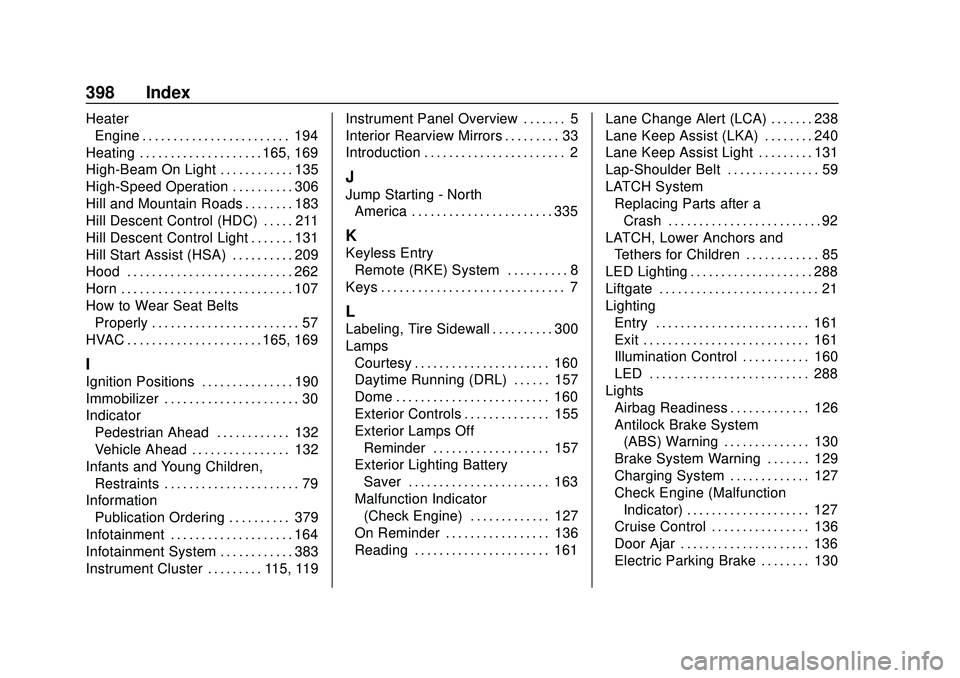
GMC Acadia/Acadia Denali Owner Manual (GMNA-Localizing-U.S./Canada/-
Mexico-13687875) - 2020 - CRC - 10/28/19
398 Index
HeaterEngine . . . . . . . . . . . . . . . . . . . . . . . . 194
Heating . . . . . . . . . . . . . . . . . . . . 165, 169
High-Beam On Light . . . . . . . . . . . . 135
High-Speed Operation . . . . . . . . . . 306
Hill and Mountain Roads . . . . . . . . 183
Hill Descent Control (HDC) . . . . . 211
Hill Descent Control Light . . . . . . . 131
Hill Start Assist (HSA) . . . . . . . . . . 209
Hood . . . . . . . . . . . . . . . . . . . . . . . . . . . 262
Horn . . . . . . . . . . . . . . . . . . . . . . . . . . . . 107
How to Wear Seat Belts Properly . . . . . . . . . . . . . . . . . . . . . . . . 57
HVAC . . . . . . . . . . . . . . . . . . . . . . 165, 169
I
Ignition Positions . . . . . . . . . . . . . . . 190
Immobilizer . . . . . . . . . . . . . . . . . . . . . . 30
Indicator Pedestrian Ahead . . . . . . . . . . . . 132
Vehicle Ahead . . . . . . . . . . . . . . . . 132
Infants and Young Children, Restraints . . . . . . . . . . . . . . . . . . . . . . 79
Information Publication Ordering . . . . . . . . . . 379
Infotainment . . . . . . . . . . . . . . . . . . . . 164
Infotainment System . . . . . . . . . . . . 383
Instrument Cluster . . . . . . . . . 115, 119 Instrument Panel Overview . . . . . . . 5
Interior Rearview Mirrors . . . . . . . . . 33
Introduction . . . . . . . . . . . . . . . . . . . . . . . 2
J
Jump Starting - North
America . . . . . . . . . . . . . . . . . . . . . . . 335
K
Keyless Entry
Remote (RKE) System . . . . . . . . . . 8
Keys . . . . . . . . . . . . . . . . . . . . . . . . . . . . . . 7
L
Labeling, Tire Sidewall . . . . . . . . . . 300
Lamps Courtesy . . . . . . . . . . . . . . . . . . . . . . 160
Daytime Running (DRL) . . . . . . 157
Dome . . . . . . . . . . . . . . . . . . . . . . . . . 160
Exterior Controls . . . . . . . . . . . . . . 155
Exterior Lamps OffReminder . . . . . . . . . . . . . . . . . . . 157
Exterior Lighting Battery
Saver . . . . . . . . . . . . . . . . . . . . . . . 163
Malfunction Indicator (Check Engine) . . . . . . . . . . . . . 127
On Reminder . . . . . . . . . . . . . . . . . 136
Reading . . . . . . . . . . . . . . . . . . . . . . 161 Lane Change Alert (LCA) . . . . . . . 238
Lane Keep Assist (LKA) . . . . . . . . 240
Lane Keep Assist Light . . . . . . . . . 131
Lap-Shoulder Belt . . . . . . . . . . . . . . . 59
LATCH System
Replacing Parts after aCrash . . . . . . . . . . . . . . . . . . . . . . . . . 92
LATCH, Lower Anchors and Tethers for Children . . . . . . . . . . . . 85
LED Lighting . . . . . . . . . . . . . . . . . . . . 288
Liftgate . . . . . . . . . . . . . . . . . . . . . . . . . . 21
Lighting Entry . . . . . . . . . . . . . . . . . . . . . . . . . 161
Exit . . . . . . . . . . . . . . . . . . . . . . . . . . . 161
Illumination Control . . . . . . . . . . . 160
LED . . . . . . . . . . . . . . . . . . . . . . . . . . 288
Lights Airbag Readiness . . . . . . . . . . . . . 126
Antilock Brake System(ABS) Warning . . . . . . . . . . . . . . 130
Brake System Warning . . . . . . . 129
Charging System . . . . . . . . . . . . . 127
Check Engine (Malfunction
Indicator) . . . . . . . . . . . . . . . . . . . . 127
Cruise Control . . . . . . . . . . . . . . . . 136
Door Ajar . . . . . . . . . . . . . . . . . . . . . 136
Electric Parking Brake . . . . . . . . 130