tow GMC CANYON 2005 User Guide
[x] Cancel search | Manufacturer: GMC, Model Year: 2005, Model line: CANYON, Model: GMC CANYON 2005Pages: 420, PDF Size: 2.73 MB
Page 103 of 420
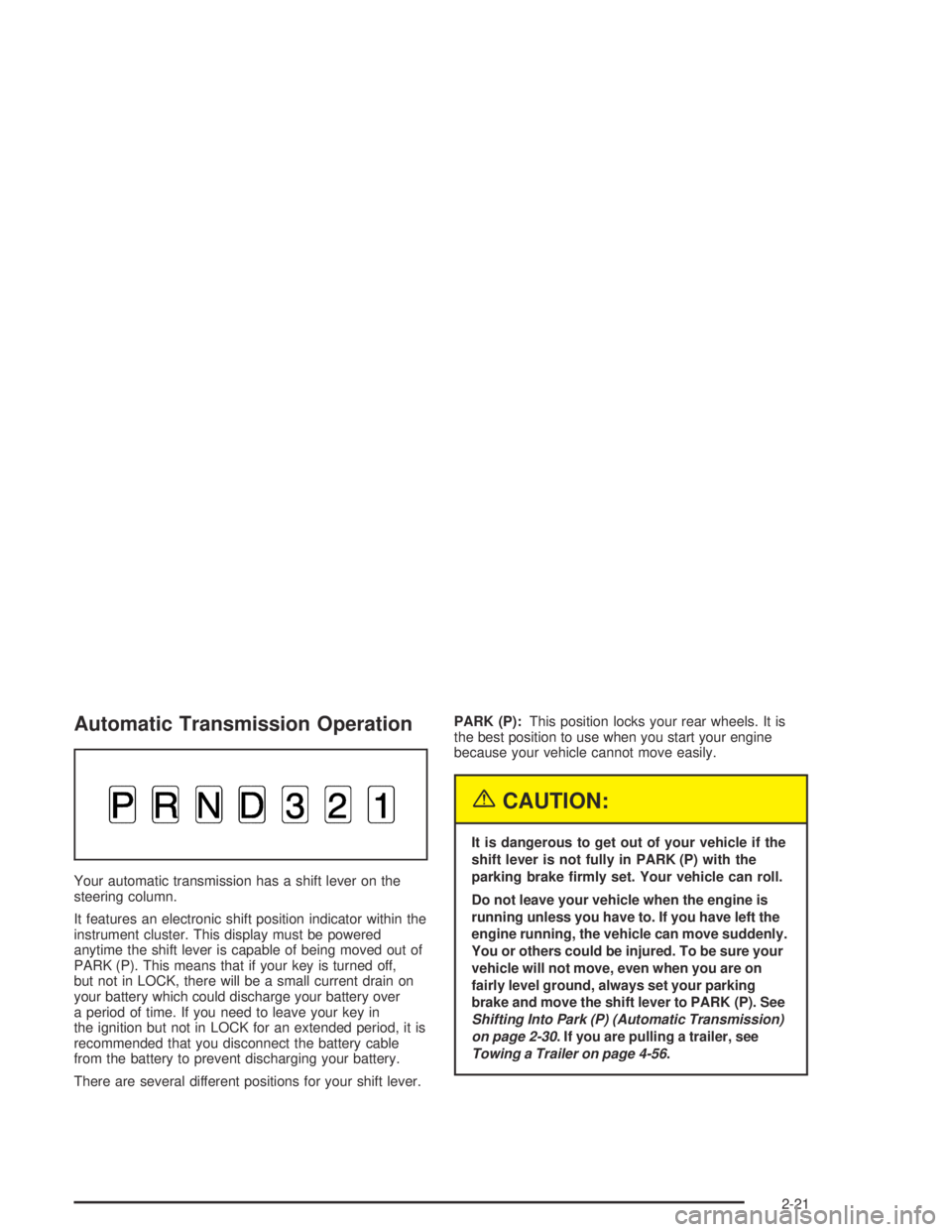
Automatic Transmission Operation
Your automatic transmission has a shift lever on the
steering column.
It features an electronic shift position indicator within the
instrument cluster. This display must be powered
anytime the shift lever is capable of being moved out of
PARK (P). This means that if your key is turned off,
but not in LOCK, there will be a small current drain on
your battery which could discharge your battery over
a period of time. If you need to leave your key in
the ignition but not in LOCK for an extended period, it is
recommended that you disconnect the battery cable
from the battery to prevent discharging your battery.
There are several different positions for your shift lever.PARK (P):This position locks your rear wheels. It is
the best position to use when you start your engine
because your vehicle cannot move easily.
{CAUTION:
It is dangerous to get out of your vehicle if the
shift lever is not fully in PARK (P) with the
parking brake rmly set. Your vehicle can roll.
Do not leave your vehicle when the engine is
running unless you have to. If you have left the
engine running, the vehicle can move suddenly.
You or others could be injured. To be sure your
vehicle will not move, even when you are on
fairly level ground, always set your parking
brake and move the shift lever to PARK (P). See
Shifting Into Park (P) (Automatic Transmission)
on page 2-30. If you are pulling a trailer, see
Towing a Trailer on page 4-56.
2-21
Page 105 of 420
DRIVE (D):This position is for normal driving. If you
need more power for passing, and you are:
Going less than about 35 mph (55 km/h), push your
accelerator pedal about halfway down.
Going about 35 mph (55 km/h) or more, push the
accelerator all the way down.
You will shift down to the next gear and have more
power.
DRIVE (D) should not be used when towing a trailer,
carrying a heavy load, driving on steep hills, or for
off-road driving. Select THIRD (3) when operating the
vehicle under any of these conditions.
THIRD (3):This position is also used for normal driving.
However, it offers more power and lower fuel economy
than DRIVE (D). You should use THIRD (3) when towing
a trailer, carrying a heavy load, driving on steep hills
or winding roads or for off-road driving.SECOND (2):This position gives you more power but
lower fuel economy than THIRD (3). You can use
SECOND (2) on hills. It can help control your speed as
you go down steep mountain roads, but then you
would also want to use your brakes off and on. You can
also use SECOND (2) for starting your vehicle from a
stop on slippery road surfaces.
FIRST (1):This position gives you even more power
but lower fuel economy than SECOND (2). You can use
it on very steep hills, or in deep snow or mud. If the
shift lever is put in FIRST (1) while the vehicle is moving
forward, the transmission will not shift into FIRST (1)
until the vehicle is going slowly enough.
Notice:Spinning the tires or holding the vehicle in
one place on a hill using only the accelerator
pedal may damage the transmission. If you are
stuck, do not spin the tires. When stopping on a hill,
use the brakes to hold the vehicle in place.
2-23
Page 108 of 420
Four-Wheel Drive
If your vehicle has four-wheel drive, you can send your
engine’s driving power to all four wheels for extra
traction. To get the most satisfaction out of four-wheel
drive, you must be familiar with its operation. Read the
part that follows before using four-wheel drive.
You should use two-wheel-drive high for most normal
driving conditions.
Notice:Driving on clean, dry pavement in
four-wheel drive for an extended period of time may
cause premature wear on your vehicle’s powertrain.
Do not drive on clean, dry pavement in four-wheel
drive on pavement for extended periods of time.
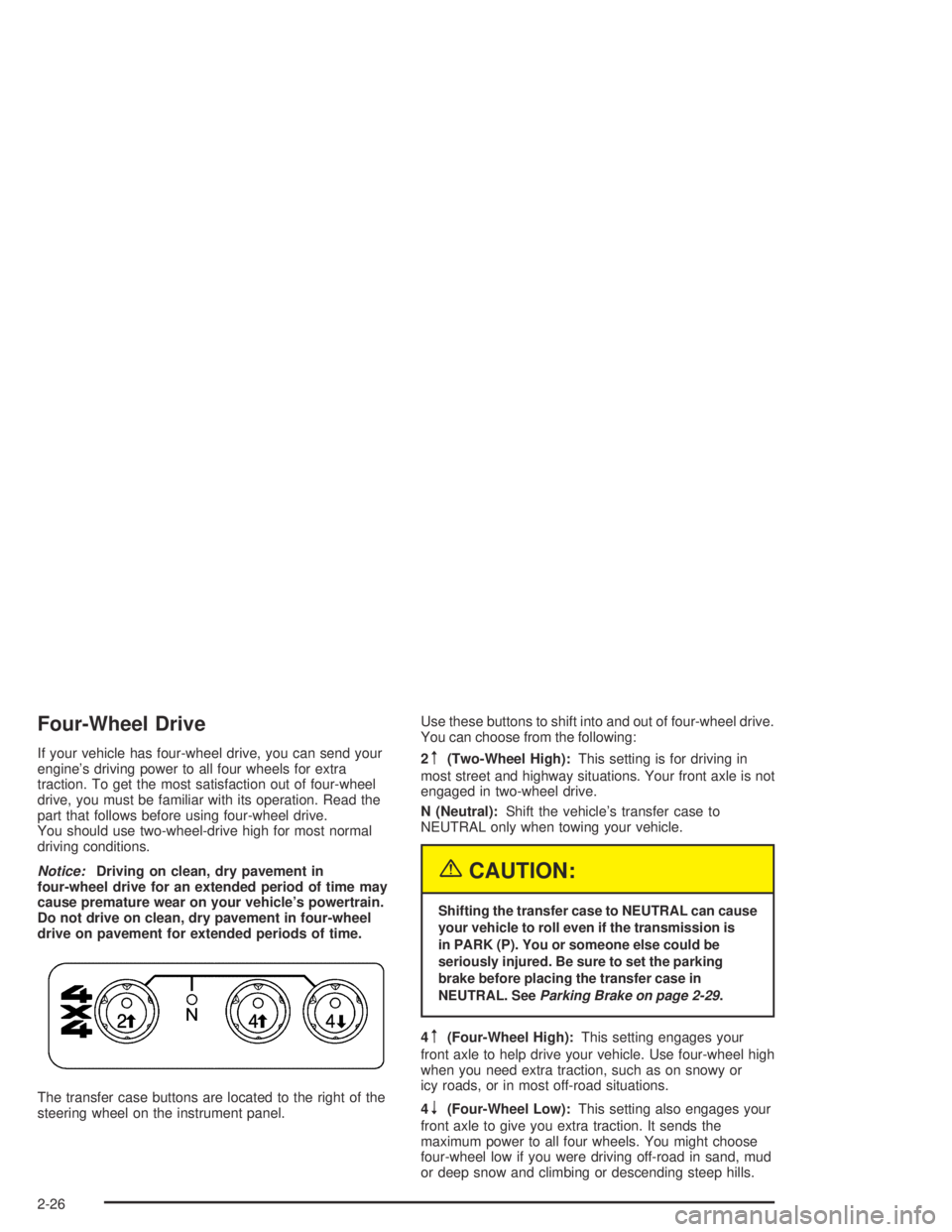
The transfer case buttons are located to the right of the
steering wheel on the instrument panel.Use these buttons to shift into and out of four-wheel drive.
You can choose from the following:
2m(Two-Wheel High):This setting is for driving in
most street and highway situations. Your front axle is not
engaged in two-wheel drive.
N (Neutral):Shift the vehicle’s transfer case to
NEUTRAL only when towing your vehicle.
{CAUTION:
Shifting the transfer case to NEUTRAL can cause
your vehicle to roll even if the transmission is
in PARK (P). You or someone else could be
seriously injured. Be sure to set the parking
brake before placing the transfer case in
NEUTRAL. SeeParking Brake on page 2-29.
4m(Four-Wheel High):This setting engages your
front axle to help drive your vehicle. Use four-wheel high
when you need extra traction, such as on snowy or
icy roads, or in most off-road situations.
4
n(Four-Wheel Low):This setting also engages your
front axle to give you extra traction. It sends the
maximum power to all four wheels. You might choose
four-wheel low if you were driving off-road in sand, mud
or deep snow and climbing or descending steep hills.
2-26
Page 110 of 420
Shifting from Four-Wheel Low to
Two-Wheel High or Four-Wheel High
To shift from four-wheel low to two-wheel high or
four-wheel high, your vehicle must be stopped or
moving less than 1.2 mph (2 km/h) with the transmission
in NEUTRAL (N) or the clutch pedal engaged.
The preferred method for shifting out of four-wheel low
is to have your vehicle moving 1.2 mph (2 km/h).
Press and release the four-wheel high button. You must
wait for the four-wheel high indicator light to stop
ashing and remain illuminated before shifting your
transmission into gear or releasing the clutch pedal.
If the four-wheel high button is pressed when your
vehicle is in gear and/or moving faster than 1.2 mph
(2 km/h), the four-wheel high indicator light will ash for
30 seconds but not complete the shift.
On vehicles with an automatic transmission, if your
transfer case does not shift into four-wheel high, your
transmission indicator switch may require adjustment.
With your transmission in NEUTRAL (N), press and
release the four-wheel high button. While the four-wheel
high indicator light is ashing, shift your transmission
into PARK (P). Wait until the four-wheel high indicator
light remains illuminated before shifting your
transmission into gear. Press the four-wheel high button
again to complete the shift. This will get you into
four-wheel high, but you should take your vehicle in for
service to restore normal operation.
Shifting to NEUTRAL
Use NEUTRAL when you plan to tow your vehicle.
SeeRecreational Vehicle Towing on page 4-50
for towing instructions. To shift the transfer case into
NEUTRAL do the following:
1. Set the parking brake.
2. Start the vehicle.
3. Shift the transmission in NEUTRAL (N), or press in
the clutch for vehicles with a manual transmission.
4. Shift the transfer case to two-wheel high.
5. Press and hold the two-wheel high and four-wheel
low buttons at the same time for 10 seconds. The
NEUTRAL (N) light will come on when the
transfer case shift to NEUTRAL (N) is complete.
6. Shift the transmission to REVERSE (R) for one
second, then shift the transmission to DRIVE (D)
for one second, or FIRST (1) for vehicles with
manual transmissions.
7. Turn the ignition to LOCK.
8. Place the transmission shift lever in PARK (P), or
FIRST (1) for vehicles equipped with a manual
transmission.
2-28
Page 111 of 420
Shifting Out of NEUTRAL
After towing your vehicle, you will have to shift out of
NEUTRAL in order to drive. To shift out of NEUTRAL,
do the following:
1. Set the parking brake and apply the regular brake
pedal. SeeParking Brake on page 2-29for
more information.
2. Start a vehicle with an automatic transmission in
PARK (P). Use FIRST (1) for vehicles with a
manual transmission.
3. Put an automatic transmission in NEUTRAL (N) or
press the clutch pedal for vehicles with a manual
transmission.
4. Press the button for the desired transfer case
position (two-wheel high, four-wheel high or
four-wheel low).
5. After the transfer case has shifted out of NEUTRAL,
the indicator light will go out.
6. Release the parking brake.
7. Shift the transmission to the desired gear.
It is normal for your vehicle to exhibit a signicant
engagement noise and bump when shifting in and out
of Neutral (N) and four-wheel low.
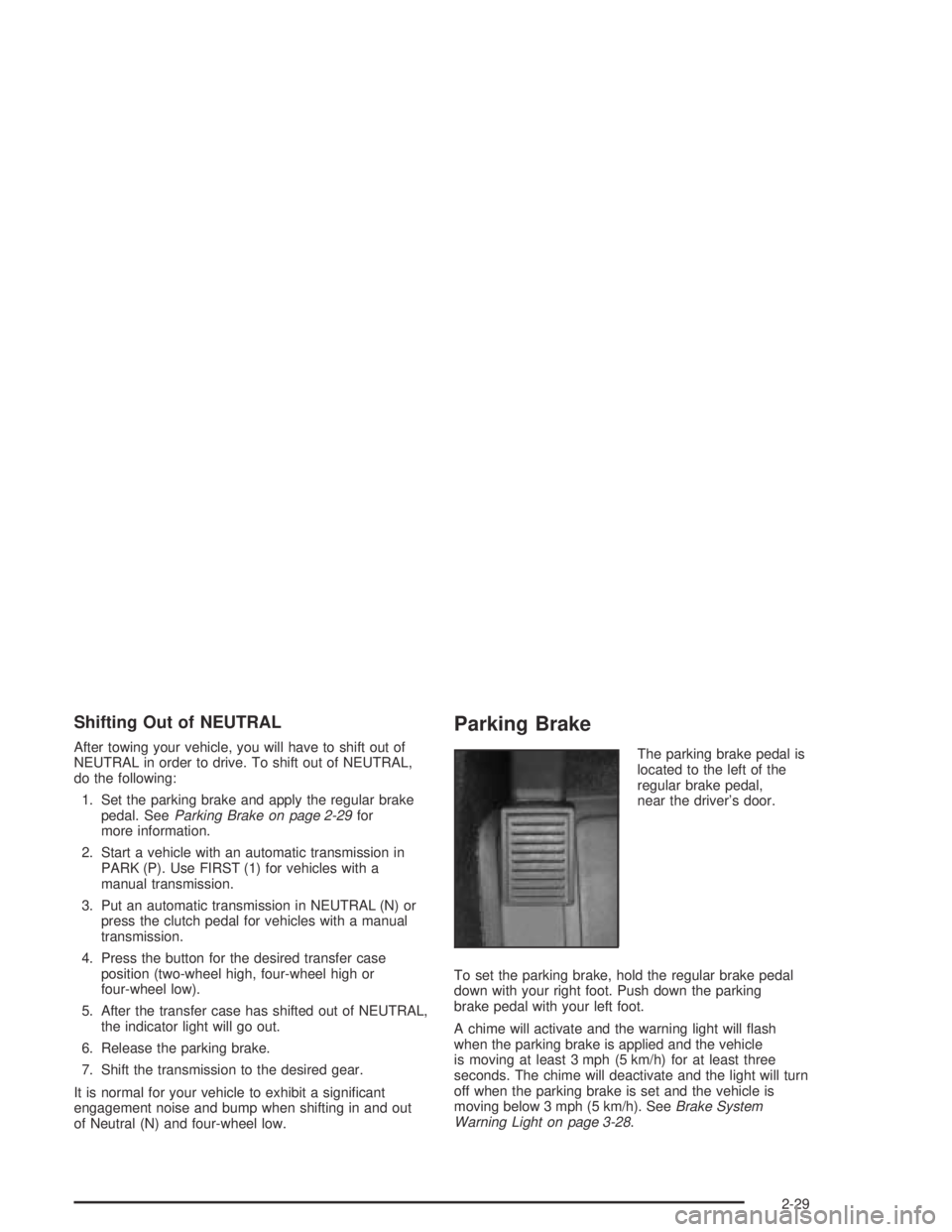
Parking Brake
The parking brake pedal is
located to the left of the
regular brake pedal,
near the driver’s door.
To set the parking brake, hold the regular brake pedal
down with your right foot. Push down the parking
brake pedal with your left foot.
A chime will activate and the warning light will ash
when the parking brake is applied and the vehicle
is moving at least 3 mph (5 km/h) for at least three
seconds. The chime will deactivate and the light will turn
off when the parking brake is set and the vehicle is
moving below 3 mph (5 km/h). SeeBrake System
Warning Light on page 3-28.
2-29
Page 112 of 420
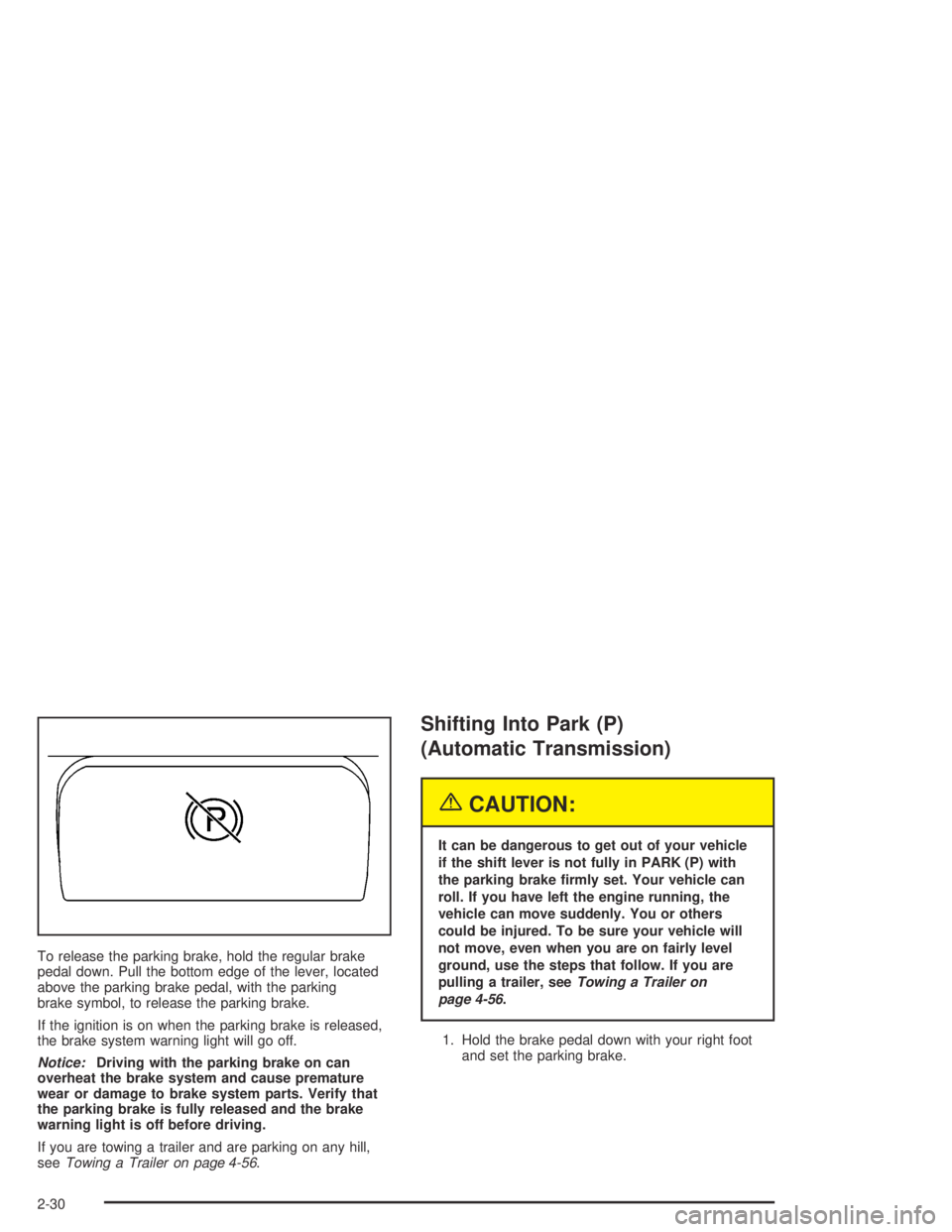
To release the parking brake, hold the regular brake
pedal down. Pull the bottom edge of the lever, located
above the parking brake pedal, with the parking
brake symbol, to release the parking brake.
If the ignition is on when the parking brake is released,
the brake system warning light will go off.
Notice:Driving with the parking brake on can
overheat the brake system and cause premature
wear or damage to brake system parts. Verify that
the parking brake is fully released and the brake
warning light is off before driving.
If you are towing a trailer and are parking on any hill,
seeTowing a Trailer on page 4-56.
Shifting Into Park (P)
(Automatic Transmission)
{CAUTION:
It can be dangerous to get out of your vehicle
if the shift lever is not fully in PARK (P) with
the parking brake rmly set. Your vehicle can
roll. If you have left the engine running, the
vehicle can move suddenly. You or others
could be injured. To be sure your vehicle will
not move, even when you are on fairly level
ground, use the steps that follow. If you are
pulling a trailer, seeTowing a Trailer on
page 4-56.
1. Hold the brake pedal down with your right foot
and set the parking brake.
2-30
Page 113 of 420
{CAUTION:
If you have four-wheel drive, your vehicle
will be free to roll — even if your shift lever
is in PARK (P) — if your transfer case is in
NEUTRAL. So, be sure the transfer case is in a
drive gear, two-wheel high (2H) or four-wheel
high (4H) or four-wheel low (4L) — not in
NEUTRAL.
2. Move the shift lever into PARK (P) by pulling
the lever toward you and moving it up as far
as it will go.
3. Turn the ignition key to LOCK.
4. Remove the key and take it with you. If you can
leave your vehicle with the key, your vehicle is in
PARK (P).
Leaving Your Vehicle With the
Engine Running
{CAUTION:
It can be dangerous to leave your vehicle with
the engine running. Your vehicle could move
suddenly if the shift lever is not fully in
PARK (P) with the parking brake rmly set.
And, if you leave the vehicle with the engine
running, it could overheat and even catch re.
You or others could be injured. Do not leave
your vehicle with the engine running.
If you have to leave your vehicle with the engine
running, be sure your vehicle is in PARK (P) and your
parking brake is rmly set before you leave it. After you
have moved the shift lever into PARK (P), hold the
regular brake pedal down. Then, see if you can move
the shift lever away from PARK (P) without rst pulling it
toward you. If you can, it means that the shift lever
was not fully locked into PARK (P).
2-31
Page 115 of 420
Parking Your Vehicle
(Manual Transmission)
Your vehicle has a manual transmission. Before you
get out of your vehicle, move the shift lever into
REVERSE (R), and rmly apply the parking brake.
Once the shift lever has been placed into REVERSE (R)
with the clutch pedal pressed in, you can turn the
ignition key to LOCK, remove the key and release
the clutch.
If you are parking on a hill, or if your vehicle is pulling a
trailer, seeTowing a Trailer on page 4-56.
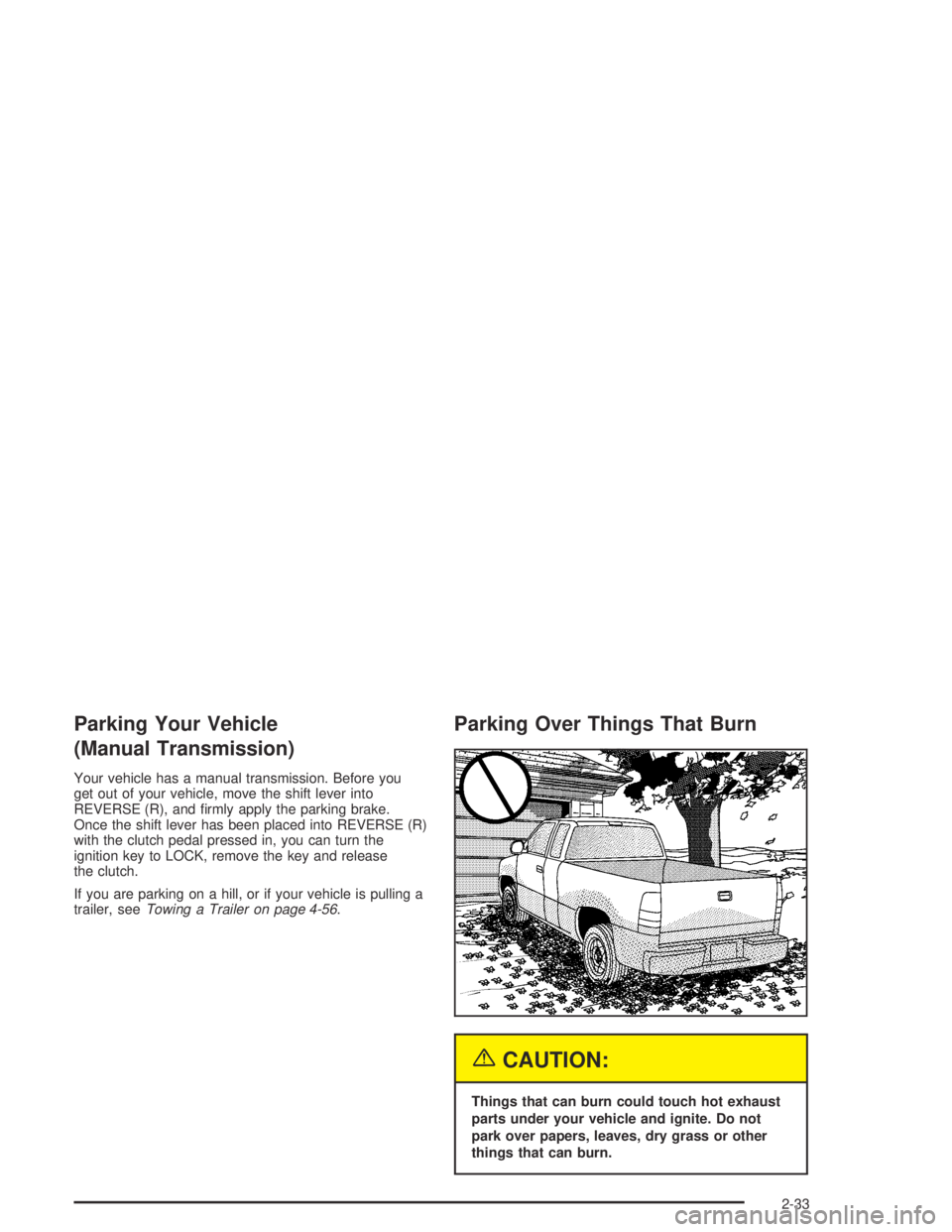
Parking Over Things That Burn
{CAUTION:
Things that can burn could touch hot exhaust
parts under your vehicle and ignite. Do not
park over papers, leaves, dry grass or other
things that can burn.
2-33
Page 117 of 420
{CAUTION:
It can be dangerous to get out of your vehicle
if the shift lever is not fully in PARK (P) with
the parking brake rmly set. Your vehicle can
roll. Do not leave your vehicle when the engine
is running unless you have to. If you have
left the engine running, the vehicle can move
suddenly. You or others could be injured.
To be sure your vehicle will not move, even
when you are on fairly level ground, always set
your parking brake and move the shift lever
to PARK (P).
{CAUTION:
If you have four-wheel drive, your vehicle will
be free to roll — even if your shift lever is
in PARK (P) — if your transfer case is in
NEUTRAL. So be sure the transfer case is in a
drive gear — not in NEUTRAL. SeeFour-Wheel
Drive on page 2-26.
Follow the proper steps to be sure your vehicle
will not move. SeeShifting Into Park (P)
(Automatic Transmission) on page 2-30.
If you are pulling a trailer, seeTowing a Trailer on
page 4-56.
2-35
Page 118 of 420
Mirrors
Manual Rearview Mirror
While sitting in a comfortable driving position, adjust the
outside rearview mirror so you can see clearly behind
your vehicle. Grip the mirror in the center to move it up
or down and side to side. The control at the bottom
of the mirror is the day/night feature that allows
adjustment to the mirror so that the glare of headlamps
from behind is reduced. Push the control for daytime
use; pull it for night use.
The mirror may have lamps. Press the button next to
each lamp to turn it on or off.
Manual Rearview Mirror with
OnStar
®
Your vehicle may have a manual rearview mirror with
the OnStar®System and map lamps.
Mirror Operation
You can adjust the mirror for day or night driving.
Press the tab forward (away from you) for day driving.
Pull the tab back (toward you) for night driving.
There are also three OnStar
®buttons located at the
bottom of the mirror. See your dealer for more
information on the system and how to subscribe to
OnStar
®. SeeOnStar®System on page 2-40for more
information about the services OnStar®provides.
Map Lamps
The mirror has map lamps located at the bottom of the
mirror. To manually turn the lamps on or off, press
the button next to each lamp.
Cleaning the Mirror
When cleaning the mirror, use a paper towel or similar
material dampened with glass cleaner. Do not spray
glass cleaner directly on the mirror housing.
2-36