check GMC ENVOY DENALI 2007 Owner's Manual
[x] Cancel search | Manufacturer: GMC, Model Year: 2007, Model line: ENVOY DENALI, Model: GMC ENVOY DENALI 2007Pages: 562, PDF Size: 2.87 MB
Page 175 of 562

The rear window/washer
control is located to
the right of the
steering wheel on the
instrument panel.
To turn the rear wiper on, turn the control to
either 1, 2, or 3. For delayed wiping, turn the
control to 1 or 2. For steady wiping, turn the control
to 3. To turn the wiper off, turn the control to 0.
To wash the rear window, press the washer
symbol located in the center of the control.
The rear window washer uses the uid from the
same reservoir as the windshield washer.
However, the rear window washer runs out of uid
before the windshield washer. If you can wash
your windshield but not your rear window, check
the uid level.Headlamp Washer
Your vehicle may have
a headlamp washer
system. The button to
operate this feature
is located on the
instrument panel and
functions separately
from your other
washer systems.
To wash your headlamps, press the headlamp
washer button briey and release to activate
the system.
175
Page 185 of 562
Battery Run-Down Protection
This feature shuts off the dome, courtesy, and
vanity lamps if they are left on for more than
20 minutes when the ignition is off. This will keep
the battery from running down.
If the battery run-down protection shuts off the
interior lamps, it may be necessary to do one of
the following to return to normal operation:
Shut off all lamps and close all doors.
Turn the ignition key to RUN.
This feature will also turn off the parking lamps
and headlamps under most circumstances, if they
are left on. If you would like to turn them back
on, turn the exterior lamps knob.
Accessory Power Outlet(s)
With the accessory power outlets, you can plug in
auxiliary electrical equipment such as a cellular
telephone or CB radio.
Your vehicle has three accessory power outlets.
There are two outlets located below the climate
controls and one outlet is on the rear of the center
oor console.Remove the cover from the outlet to use the
outlet. Be sure to put the cover back on when not
using the accessory power outlet.
Certain electrical accessories may not be
compatible with the accessory power outlet and
could result in blown vehicle or adaptor fuses.
If you experience a problem, see your dealer
for additional information on the accessory
power outlets.
Notice:Adding any electrical equipment to
your vehicle may damage it or keep other
components from working as they should. The
repairs would not be covered by your warranty.
Do not use equipment exceeding maximum
amperage rating of 20 amperes. Check with
your dealer before adding electrical equipment.
When adding electrical equipment, be sure to
follow the proper installation instructions included
with the equipment.
Notice:Improper use of the power outlet can
cause damage not covered by your warranty.
Do not hang any type of accessory or
accessory bracket from the plug because the
power outlets are designed for accessory
power plugs only.
185
Page 194 of 562
Rear Window Defogger
If your vehicle has the rear window defogger a
warming grid is used to remove fog from the
rear window.
<(Rear):Press this button to turn the rear
window defogger on or off.
An indicator light in the button will come on
to let you know that the rear window defogger
is activated.
The rear window defogger will turn off
approximately 10 minutes after the button is
pressed. If you need additional warming time,
press the button again.
If your vehicle has heated mirrors, they will come
on when this button is pressed.
Notice:Do not use a razor blade or sharp
object to clear the inside rear window. Do not
adhere anything to the defogger grid lines
in the rear glass. These actions may damage
the rear defogger. Repairs would not be
covered by your warranty.
Outlet Adjustment
Use the air outlets located in the center and on the
side of the instrument panel to direct the airow.
Operation Tips
Keep the hood and front air inlets free of ice,
snow, or any other obstruction, such as
leaves. The heater and defroster will work
better, reducing the chance of fogging
the inside of your windows.
When you enter a vehicle in cold weather, set
the fan speed to maximum airow for a few
moments before driving. This helps clear
the intake ducts of snow and moisture, and
reduces the chance of fogging the inside
of your windows.
Keep the air path under the front seats clear
of objects. This helps air to circulate
throughout your vehicle.
Adding outside equipment to the front of the
vehicle, such as hood-air deectors, may
affect the performance of the heating and air
conditioning system. Check with your
dealer before adding equipment to the outside
of your vehicle.
194
Page 197 of 562

Warning Lights, Gages, and
Indicators
This part describes the warning lights and gages
that may be on your vehicle. The pictures will
help you locate them.
Warning lights and gages can signal that
something is wrong before it becomes serious
enough to cause an expensive repair or
replacement. Paying attention to your warning
lights and gages could also save you or others
from injury.
Warning lights come on when there may be or is
a problem with one of your vehicle’s functions.
As you will see in the details on the next few
pages, some warning lights come on briey when
you start the engine just to let you know they’re
working. If you are familiar with this section,
you should not be alarmed when this happens.Gages can indicate when there may be or is a
problem with one of your vehicle’s functions. Often
gages and warning lights work together to let you
know when there’s a problem with your vehicle.
When one of the warning lights comes on and
stays on when you are driving, or when one of the
gages shows there may be a problem, check
the section that tells you what to do about
it. Please follow this manual’s advice.
Waiting to do repairs can be costly—and even
dangerous. So please get to know your warning
lights and gages. They’re a big help.
Your vehicle may also have a Driver Information
Center (DIC) that works along with the warning
lights and gages. SeeDriver Information
Center (DIC) on page 218.
197
Page 199 of 562
Speedometer and Odometer
The speedometer lets you see your speed in
both miles per hour (mph) and kilometers per
hour (km/h).
The odometer shows how far your vehicle
has been driven, in either miles (used in the
United States) or kilometers (used in Canada).
The odometer mileage can be checked without the
vehicle running. Press the trip stem located on
the instrument panel cluster.
If your vehicle needs a new odometer installed,
the new one will be set to the correct mileage total
of the old odometer.
Trip Odometer
The trip odometer can tell you how far your
vehicle has been driven since you last set the trip
odometer to zero.The odometer works together with the Driver
Information Center (DIC). You can set a Trip A and
Trip B odometer. See “Trip Information” under
DIC Operation and Displays on page 219.
The odometer mileage can be checked without the
vehicle running. Press the trip stem on the
instrument panel cluster.
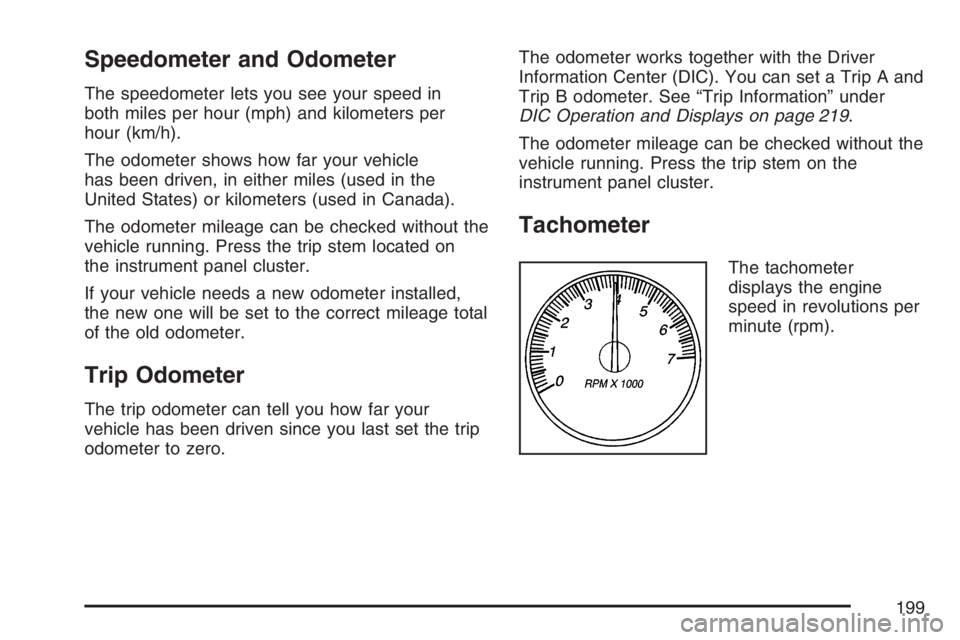
Tachometer
The tachometer
displays the engine
speed in revolutions per
minute (rpm).
199
Page 201 of 562
Airbag Readiness Light
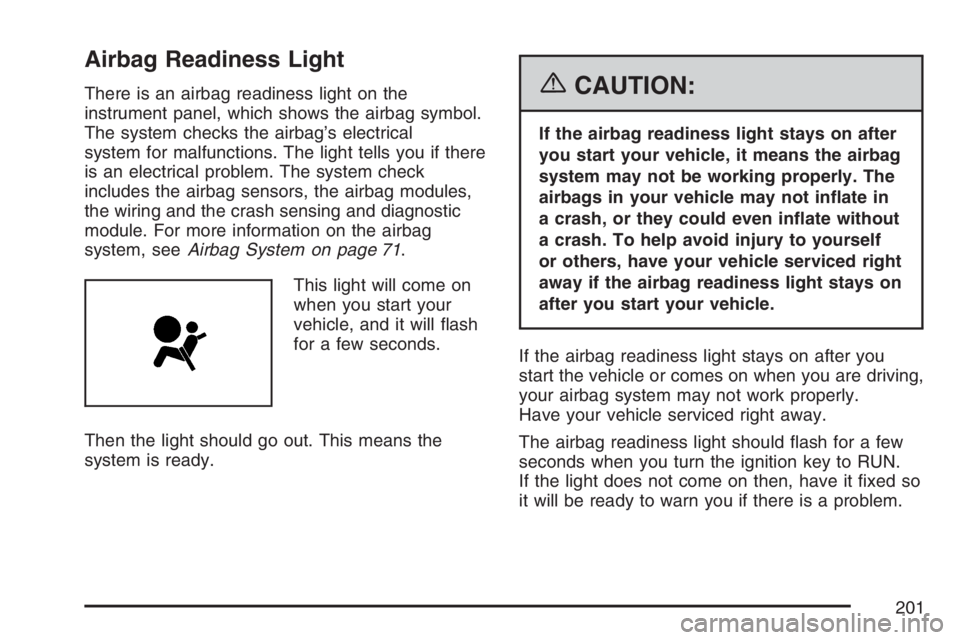
There is an airbag readiness light on the
instrument panel, which shows the airbag symbol.
The system checks the airbag’s electrical
system for malfunctions. The light tells you if there
is an electrical problem. The system check
includes the airbag sensors, the airbag modules,
the wiring and the crash sensing and diagnostic
module. For more information on the airbag
system, seeAirbag System on page 71.
This light will come on
when you start your
vehicle, and it will ash
for a few seconds.
Then the light should go out. This means the
system is ready.{CAUTION:
If the airbag readiness light stays on after
you start your vehicle, it means the airbag
system may not be working properly. The
airbags in your vehicle may not inate in
a crash, or they could even inate without
a crash. To help avoid injury to yourself
or others, have your vehicle serviced right
away if the airbag readiness light stays on
after you start your vehicle.
If the airbag readiness light stays on after you
start the vehicle or comes on when you are driving,
your airbag system may not work properly.
Have your vehicle serviced right away.
The airbag readiness light should ash for a few
seconds when you turn the ignition key to RUN.
If the light does not come on then, have it xed so
it will be ready to warn you if there is a problem.
201
Page 202 of 562

Passenger Airbag Status Indicator
Your vehicle has the passenger sensing system.
Your rearview mirror has a passenger airbag
status indicator.When the ignition key is turned to RUN or START,
the passenger airbag status indicator will light
ON and OFF, or the symbol for on and off,
for several seconds as a system check. Then,
after several more seconds, the status indicator
will light either ON or OFF, or either the on
or off symbol to let you know the status of the
right front passenger’s frontal airbag.
If the word ON or the on symbol is lit on the
passenger airbag status indicator, it means that
the right front passenger’s frontal airbag is enabled
(may inate).
United States
Canada
202
Page 205 of 562
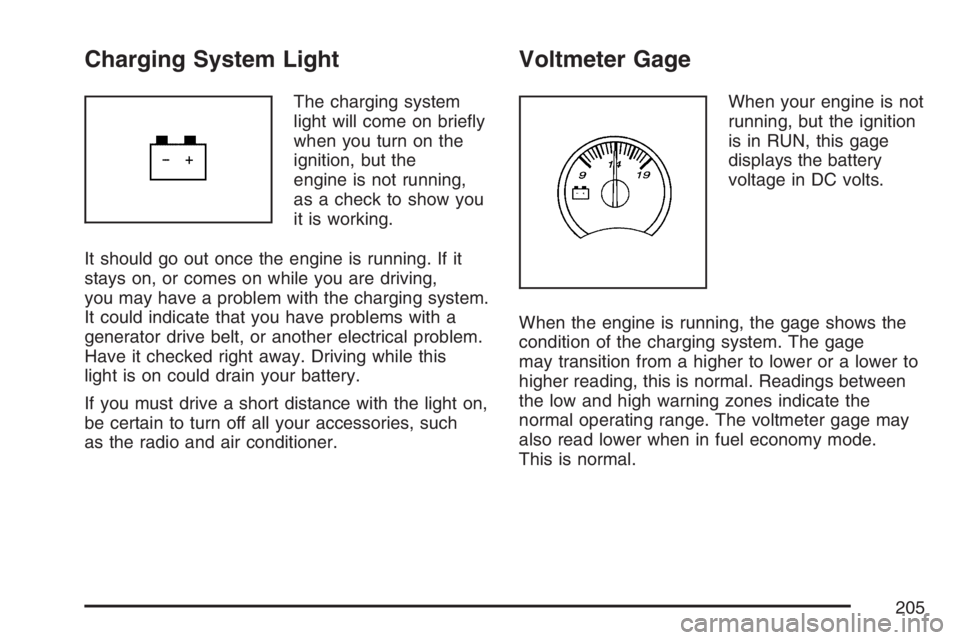
Charging System Light
The charging system
light will come on briey
when you turn on the
ignition, but the
engine is not running,
as a check to show you
it is working.
It should go out once the engine is running. If it
stays on, or comes on while you are driving,
you may have a problem with the charging system.
It could indicate that you have problems with a
generator drive belt, or another electrical problem.
Have it checked right away. Driving while this
light is on could drain your battery.
If you must drive a short distance with the light on,
be certain to turn off all your accessories, such
as the radio and air conditioner.
Voltmeter Gage
When your engine is not
running, but the ignition
is in RUN, this gage
displays the battery
voltage in DC volts.
When the engine is running, the gage shows the
condition of the charging system. The gage
may transition from a higher to lower or a lower to
higher reading, this is normal. Readings between
the low and high warning zones indicate the
normal operating range. The voltmeter gage may
also read lower when in fuel economy mode.
This is normal.
205
Page 209 of 562

Tire Pressure Light
This light will come on
briey when you turn
the ignition to RUN.
This light will also come on when one or more of
your tires are signicantly underinated.If your vehicle has a Driver Information
Center (DIC), a CHECK TIRE PRESSURE DIC
message will accompany the light, seeDIC
Warnings and Messages on page 222
Stop and check your tires as soon as it is safe to
do so. If underinated, inate to the proper
pressure. SeeTires on page 439for more
information.
This light will ash for approximately 70 seconds
and then turn on solid if a problem is detected with
the Tire Pressure Monitor system.
SeeTire Pressure Monitor System on page 448
for more information.
209
Page 210 of 562

Malfunction Indicator Lamp
Check Engine Light
Your vehicle has a
computer which
monitors operation of
the fuel, ignition, and
emission control
systems.
This system is called OBD II (On-Board
Diagnostics-Second Generation) and is intended
to assure that emissions are at acceptable
levels for the life of the vehicle, helping to produce
a cleaner environment. The check engine light
comes on to indicate that there is a problem and
service is required. Malfunctions often will be
indicated by the system before any problem is
apparent. This may prevent more serious damage
to your vehicle. This system is also designed to
assist your service technician in correctly
diagnosing any malfunction.Notice:If you keep driving your vehicle
with this light on, after awhile, your emission
controls may not work as well, your fuel
economy may not be as good, and your engine
may not run as smoothly. This could lead to
costly repairs that may not be covered by your
warranty.
Notice:Modications made to the engine,
transmission, exhaust, intake, or fuel system
of your vehicle or the replacement of the
original tires with other than those of the same
Tire Performance Criteria (TPC) can affect
your vehicle’s emission controls and may
cause this light to come on. Modications to
these systems could lead to costly repairs not
covered by your warranty. This may also
result in a failure to pass a required Emission
Inspection/Maintenance test. SeeAccessories
and Modifications on page 380.
210