belt GMC ENVOY DENALI 2008 Workshop Manual
[x] Cancel search | Manufacturer: GMC, Model Year: 2008, Model line: ENVOY DENALI, Model: GMC ENVOY DENALI 2008Pages: 468, PDF Size: 2.51 MB
Page 166 of 468
Speedometer and Odometer
The speedometer lets you see your speed in both miles
per hour (mph) and kilometers per hour (km/h).
The odometer shows how far your vehicle has been
driven, in either miles (used in the United States)
or kilometers (used in Canada).
The odometer mileage can be checked without the
vehicle running. Press the trip stem located on
the instrument panel cluster.
If your vehicle needs a new odometer installed, the new
one will be set to the correct mileage total of the old
odometer.
Trip Odometer
The trip odometer can tell you how far your vehicle has
been driven since you last set the trip odometer to zero.
The odometer works together with the Driver Information
Center (DIC). You can set a Trip A and Trip B odometer.
See “Trip Information” underDIC Operation and Displays
on page 3-50.
The odometer mileage can be checked without the
vehicle running. Press the trip stem on the instrument
panel cluster.
Tachometer
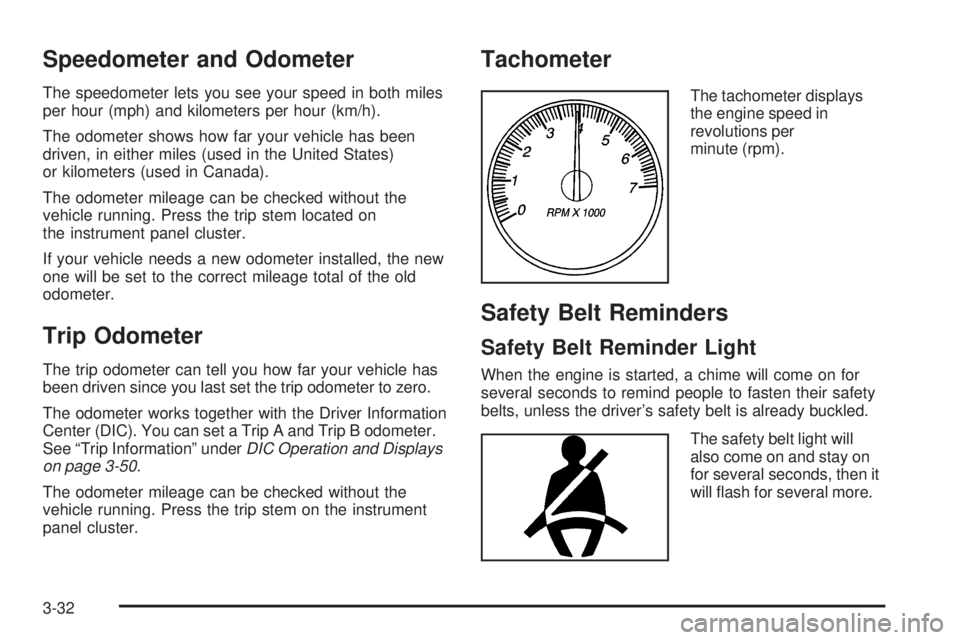
The tachometer displays
the engine speed in
revolutions per
minute (rpm).
Safety Belt Reminders
Safety Belt Reminder Light
When the engine is started, a chime will come on for
several seconds to remind people to fasten their safety
belts, unless the driver’s safety belt is already buckled.
The safety belt light will
also come on and stay on
for several seconds, then it
will ash for several more.
3-32
Page 167 of 468
This chime and light is repeated if the driver remains
unbuckled and the vehicle is in motion. If the driver’s belt
is already buckled, neither the chime nor the light will
come on.
Passenger Safety Belt Reminder Light
Several seconds after the engine is started, a chime will
sound for several seconds to remind the front passenger
to buckle their safety belt. This would only occur if the
passenger airbag is enabled. SeePassenger Sensing
System on page 1-61for more information. The
passenger safety belt light, located on the instrument
panel, will come on and stay on for several seconds and
then ash for several more.
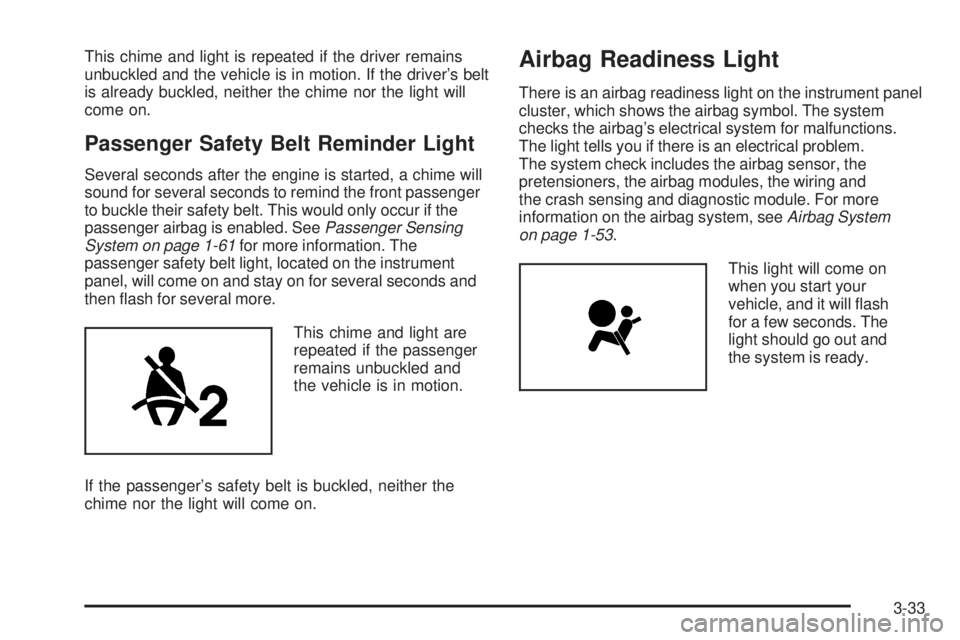
This chime and light are
repeated if the passenger
remains unbuckled and
the vehicle is in motion.
If the passenger’s safety belt is buckled, neither the
chime nor the light will come on.
Airbag Readiness Light
There is an airbag readiness light on the instrument panel
cluster, which shows the airbag symbol. The system
checks the airbag’s electrical system for malfunctions.
The light tells you if there is an electrical problem.
The system check includes the airbag sensor, the
pretensioners, the airbag modules, the wiring and
the crash sensing and diagnostic module. For more
information on the airbag system, seeAirbag System
on page 1-53.
This light will come on
when you start your
vehicle, and it will ash
for a few seconds. The
light should go out and
the system is ready.
3-33
Page 170 of 468
If, after several seconds, both status indicator lights
remain on, or if there are no lights at all, there may
be a problem with the lights or the passenger sensing
system. See your dealer/retailer for service.
{CAUTION:
If the airbag readiness light in the instrument
panel cluster ever comes on and stays on,
it means that something may be wrong with
the airbag system. If this ever happens, have
the vehicle serviced promptly, because an
adult-size person sitting in the right front
passenger’s seat may not have the protection
of the airbag(s). SeeAirbag Readiness Light
on page 3-33for more on this, including
important safety information.
Charging System Light
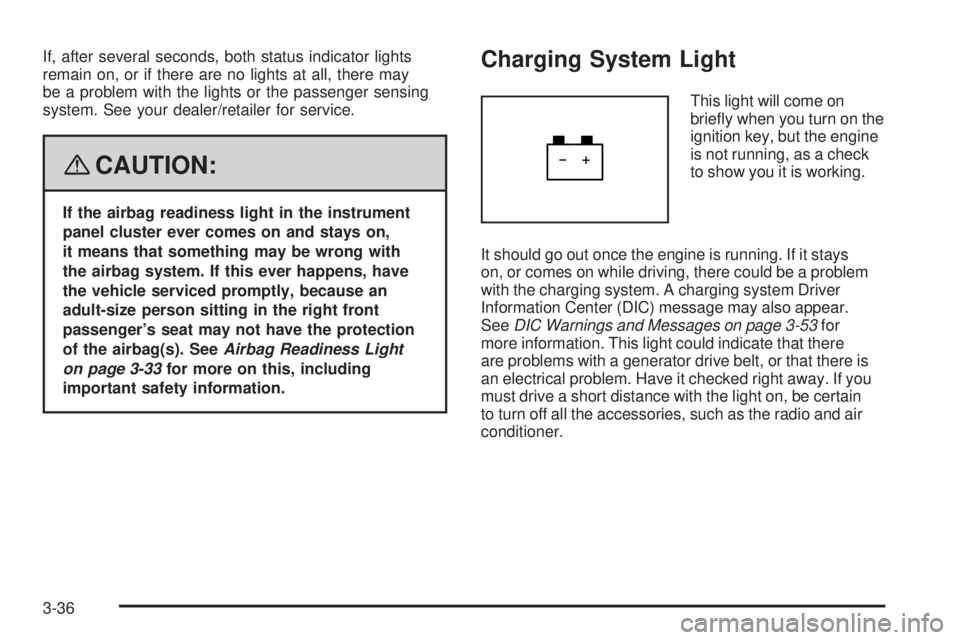
This light will come on
briey when you turn on the
ignition key, but the engine
is not running, as a check
to show you it is working.
It should go out once the engine is running. If it stays
on, or comes on while driving, there could be a problem
with the charging system. A charging system Driver
Information Center (DIC) message may also appear.
SeeDIC Warnings and Messages on page 3-53for
more information. This light could indicate that there
are problems with a generator drive belt, or that there is
an electrical problem. Have it checked right away. If you
must drive a short distance with the light on, be certain
to turn off all the accessories, such as the radio and air
conditioner.
3-36
Page 199 of 468
Audio System(s)
Determine which radio your vehicle has and then read the
pages following to familiarize yourself with its features.
{CAUTION:
This system provides you with far greater
access to audio stations and song listings.
Giving extended attention to entertainment
tasks while driving can cause a crash and you
or others can be injured or killed. Always keep
your eyes on the road and your mind on the
drive — avoid engaging in extended searching
while driving.
Keeping your mind on the drive is important for
safe driving. SeeDefensive Driving on page 4-2.
Here are some ways in which you can help avoid
distraction while driving.
While your vehicle is parked:
Familiarize yourself with all of its controls.
Familiarize yourself with its operation.
Set up your audio system by presetting your
favorite radio stations, setting the tone, and
adjusting the speakers. Then, when driving
conditions permit, you can tune to your favorite
radio stations using the presets and steering
wheel controls if the vehicle has them.
Notice:Before adding any sound equipment to
your vehicle, such as an audio system, CD player,
CB radio, mobile telephone, or two-way radio, make
sure that it can be added by checking with your
dealer/retailer. Also, check federal rules covering
mobile radio and telephone units. If sound equipment
can be added, it is very important to do it properly.
Added sound equipment may interfere with the
operation of your vehicle’s engine, radio, or other
systems, and even damage them. Your vehicle’s
systems may interfere with the operation of sound
equipment that has been added.
Notice:The chime signals related to safety belts,
parking brake, and other functions of your vehicle
operate through the radio/entertainment system.
If that equipment is replaced or additional equipment
is added to your vehicle, the chimes may not
work. Make sure that replacement or additional
equipment is compatible with your vehicle before
installing it. SeeAccessories and Modifications
on page 5-3.
3-65
Page 240 of 468
Your Driving, the Road, and
Your Vehicle
Defensive Driving
Defensive driving means “always expect the
unexpected.” The rst step in driving defensively is to
wear your safety belt — SeeSafety Belts: They Are
for Everyone on page 1-13.
{CAUTION:
Assume that other road users (pedestrians,
bicyclists, and other drivers) are going to be
careless and make mistakes. Anticipate what
they might do and be ready. In addition:
Allow enough following distance between
you and the driver in front of you.
Focus on the task of driving.
Driver distraction can cause collisions
resulting in injury or possible death. These
simple defensive driving techniques could
save your life.
Drunk Driving
{CAUTION:
Drinking and then driving is very dangerous.
Your reexes, perceptions, attentiveness, and
judgment can be affected by even a small
amount of alcohol. You can have a serious — or
even fatal — collision if you drive after drinking.
Do not drink and drive or ride with a driver who
has been drinking. Ride home in a cab; or if you
are with a group, designate a driver who will not
drink.
Death and injury associated with drinking and driving is
a global tragedy.
Alcohol affects four things that anyone needs to drive a
vehicle: judgment, muscular coordination, vision, and
attentiveness.
Police records show that almost 40 percent of all motor
vehicle-related deaths involve alcohol. In most cases,
these deaths are the result of someone who was drinking
and driving. In recent years, more than 17,000 annual
motor vehicle-related deaths have been associated with
the use of alcohol, with about 250,000 people injured.
4-2
Page 249 of 468
Steering in Emergencies
There are times when steering can be more effective
than braking. For example, you come over a hill and nd
a truck stopped in your lane, or a car suddenly pulls out
from nowhere, or a child darts out from between parked
cars and stops right in front of you. You can avoid these
problems by braking — if you can stop in time. But
sometimes you cannot; there is not room. That is the
time for evasive action — steering around the problem.
Your vehicle can perform very well in emergencies like
these. First apply the brakes. SeeBraking on page 4-3.
It is better to remove as much speed as you can
from a possible collision. Then steer around the
problem, to the left or right depending on the space
available.
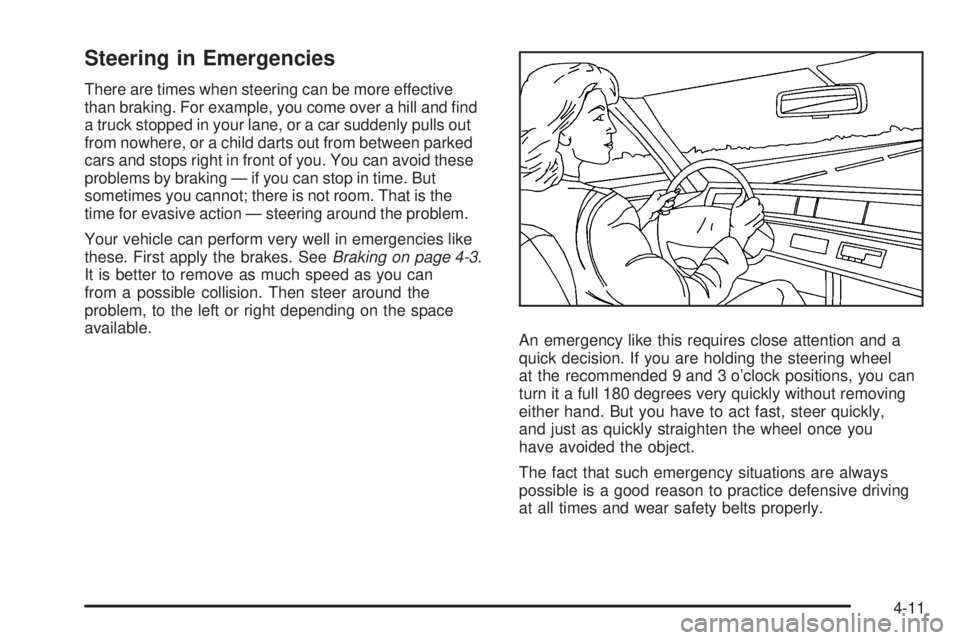
An emergency like this requires close attention and a
quick decision. If you are holding the steering wheel
at the recommended 9 and 3 o’clock positions, you can
turn it a full 180 degrees very quickly without removing
either hand. But you have to act fast, steer quickly,
and just as quickly straighten the wheel once you
have avoided the object.
The fact that such emergency situations are always
possible is a good reason to practice defensive driving
at all times and wear safety belts properly.
4-11
Page 251 of 468
Skidding
In a skid, a driver can lose control of the vehicle.
Defensive drivers avoid most skids by taking reasonable
care suited to existing conditions, and by not overdriving
those conditions. But skids are always possible.
The three types of skids correspond to your vehicle’s
three control systems. In the braking skid, the wheels are
not rolling. In the steering or cornering skid, too much
speed or steering in a curve causes tires to slip and lose
cornering force. And in the acceleration skid, too much
throttle causes the driving wheels to spin.
A cornering skid is best handled by easing your foot off
the accelerator pedal.
If your vehicle starts to slide, ease your foot off the
accelerator pedal and quickly steer the way you want
the vehicle to go. If you start steering quickly enough,
your vehicle may straighten out. Always be ready
for a second skid if it occurs.
Of course, traction is reduced when water, snow, ice,
gravel, or other material is on the road. For safety,
you want to slow down and adjust your driving to these
conditions. It is important to slow down on slippery
surfaces because stopping distance is longer and
vehicle control more limited.While driving on a surface with reduced traction, try your
best to avoid sudden steering, acceleration, or braking,
including reducing vehicle speed by shifting to a lower
gear. Any sudden changes could cause the tires to
slide. You might not realize the surface is slippery until
your vehicle is skidding. Learn to recognize warning
clues — such as enough water, ice, or packed snow on
the road to make a mirrored surface — and slow down
when you have any doubt.
Remember: Any Antilock Brake System (ABS) helps
avoid only the braking skid.
Off-Road Driving
This off-road guide is for vehicles that have four-wheel
drive. Also, seeBraking on page 4-3. If your vehicle does
not have four-wheel drive, you should not drive off-road
unless you are on a level, solid surface.
The airbag system is designed to work properly under
a wide range of conditions, including off-road usage.
Observe safe driving speeds, especially on rough
terrain. As always, wear your safety belt.
Off-road driving can be great fun. But it does have
some denite hazards. The greatest of these is
the terrain itself.
4-13
Page 254 of 468
Getting Familiar with Off-Road Driving
It is a good idea to practice in an area that is safe
and close to home before you go into the wilderness.
Off-road driving does require some new and different
skills. Here is what we mean.
Tune your senses to different kinds of signals. Your
eyes, for example, need to constantly sweep the terrain
for unexpected obstacles. Your ears need to listen
for unusual tire or engine sounds. With your arms,
hands, feet, and body, you will need to respond to
vibrations and vehicle bounce.
Controlling your vehicle is the key to successful off-road
driving. One of the best ways to control your vehicle
is to control your speed. Here are some things to keep
in mind. At higher speeds:
You approach things faster and you have less time
to scan the terrain for obstacles.
You have less time to react.
You have more vehicle bounce when you drive over
obstacles.
You will need more distance for braking, especially
since you are on an unpaved surface.
{CAUTION:
When you are driving off-road, bouncing and
quick changes in direction can easily throw
you out of position. This could cause you to
lose control and crash. So, whether you are
driving on or off the road, you and your
passengers should wear safety belts.
Scanning the Terrain
Off-road driving can take you over many different kinds
of terrain. You need to be familiar with the terrain and its
many different features. Here are some things to
consider.
Surface Conditions:Off-roading can take you over
hard-packed dirt, gravel, rocks, grass, sand, mud, snow,
or ice. Each of these surfaces affects the steering,
acceleration, and braking of your vehicle in different
ways. Depending upon the kind of surface you are on,
you may experience slipping, sliding, wheel spinning,
delayed acceleration, poor traction, and longer braking
distances.
4-16
Page 293 of 468
When You Are Ready to Leave After
Parking on a Hill
1. Apply your regular brakes and hold the pedal down
while you:
start your engine,
shift into a gear, and
release the parking brake.
2. Let up on the brake pedal.
3. Drive slowly until the trailer is clear of the chocks.
4. Stop and have someone pick up and store the
chocks.
Maintenance When Trailer Towing
Your vehicle will need service more often when you’re
pulling a trailer. See the Maintenance Schedule for more
on this. Things that are especially important in trailer
operation are automatic transmission uid (don’t overll),
engine oil, axle lubricant, belt(s), cooling system and
brake system. Each of these is covered in this manual,
and the Index will help you nd them quickly. If you’re
trailering, it’s a good idea to review these sections before
you start your trip.
Check periodically to see that all hitch nuts and bolts
are tight.
4-55
Page 296 of 468
High-Speed Operation...................................5-66
Tire Pressure Monitor System.........................5-67
Tire Pressure Monitor Operation.....................5-69
Tire Inspection and Rotation...........................5-72
When It Is Time for New Tires.......................5-73
Buying New Tires.........................................5-74
Different Size Tires and Wheels......................5-76
Uniform Tire Quality Grading..........................5-77
Wheel Alignment and Tire Balance..................5-78
Wheel Replacement......................................5-78
Tire Chains..................................................5-80
Accessory Inator.........................................5-80
If a Tire Goes Flat........................................5-81
Changing a Flat Tire.....................................5-82
Removing the Spare Tire and Tools................5-84
Removing the Flat Tire and Installing the
Spare Tire................................................5-87
Secondary Latch System...............................5-92
Storing a Flat or Spare Tire and Tools............5-96
Spare Tire...................................................5-99
Appearance Care..........................................5-100
Interior Cleaning.........................................5-100
Fabric/Carpet..............................................5-101
Leather......................................................5-102
Instrument Panel, Vinyl, and Other
Plastic Surfaces.......................................5-102Care of Safety Belts....................................5-103
Weatherstrips.............................................5-103
Washing Your Vehicle..................................5-103
Cleaning Exterior Lamps/Lenses....................5-104
Finish Care................................................5-104
Windshield, Backglass, and Wiper Blades.......5-105
Aluminum Wheels.......................................5-105
Tires.........................................................5-106
Sheet Metal Damage...................................5-106
Finish Damage...........................................5-106
Underbody Maintenance...............................5-106
Chemical Paint Spotting...............................5-106
Vehicle Care/Appearance Materials................5-107
Vehicle Identication.....................................5-108
Vehicle Identication Number (VIN)................5-108
Service Parts Identication Label...................5-108
Electrical System..........................................5-109
Add-On Electrical Equipment.........................5-109
Headlamps.................................................5-109
Windshield Wiper Fuses...............................5-109
Power Windows and Other Power Options......5-109
Fuses and Circuit Breakers..........................5-110
Engine Compartment Fuse Block...................5-110
Rear Underseat Fuse Block..........................5-116
Capacities and Specications........................5-120
Section 5 Service and Appearance Care
5-2