ignition GMC ENVOY XUV 2005 Owner's Guide
[x] Cancel search | Manufacturer: GMC, Model Year: 2005, Model line: ENVOY XUV, Model: GMC ENVOY XUV 2005Pages: 474, PDF Size: 2.67 MB
Page 130 of 474
Cargo Tie Downs
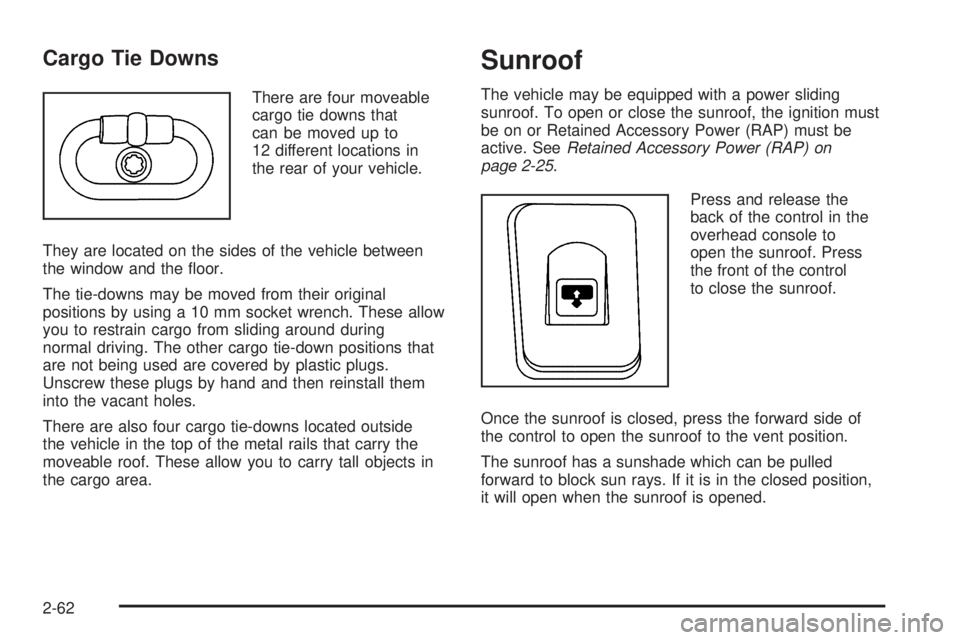
There are four moveable
cargo tie downs that
can be moved up to
12 different locations in
the rear of your vehicle.
They are located on the sides of the vehicle between
the window and the oor.
The tie-downs may be moved from their original
positions by using a 10 mm socket wrench. These allow
you to restrain cargo from sliding around during
normal driving. The other cargo tie-down positions that
are not being used are covered by plastic plugs.
Unscrew these plugs by hand and then reinstall them
into the vacant holes.
There are also four cargo tie-downs located outside
the vehicle in the top of the metal rails that carry the
moveable roof. These allow you to carry tall objects in
the cargo area.
Sunroof
The vehicle may be equipped with a power sliding
sunroof. To open or close the sunroof, the ignition must
be on or Retained Accessory Power (RAP) must be
active. SeeRetained Accessory Power (RAP) on
page 2-25.
Press and release the
back of the control in the
overhead console to
open the sunroof. Press
the front of the control
to close the sunroof.
Once the sunroof is closed, press the forward side of
the control to open the sunroof to the vent position.
The sunroof has a sunshade which can be pulled
forward to block sun rays. If it is in the closed position,
it will open when the sunroof is opened.
2-62
Page 132 of 474

Easy Exit Seat
The control for the easy exit seat function is located on
the driver’s door below the memory buttons 1 and 2.
The easy exit seat button is used to program and recall
the desired driver’s seat position when exiting/entering
the vehicle. The mirrors, power lumbar, recline and
adjustable pedals, if equipped, positions will not be
stored or recalled when using the easy exit seat function.
The seat position can be saved for up to two drivers.
To store the easy exit seat position, do the following:
1. Press and release the 1 or 2 button of the memory
control for three seconds. The seat will move to the
stored memory position.
2. Adjust the seat to the desired exit position.
3. Press and hold the easy exit seat button for
three seconds. A double chime will sound to
let you know that the position has been stored
for the selected button 1 or 2.
To repeat the procedure for a second driver, follow the
preceding steps, but press the other numbered
memory control button.To recall the easy exit seat position, do one of the
following:Press the easy exit seat button on the memory
control while the vehicle is in PARK (P). The seat
will move to the stored exit position.
Or, if the easy exit seat feature is activated in the
Driver Information Center (DIC), removing the key
from the ignition will move the seat to the exit
position. See “Easy Exit Seat” underDIC Vehicle
Customization on page 3-57for more information
on activating this feature in the DIC.
If an easy exit seat position has not been stored,
the default position is all the way rearward.
2-64
Page 137 of 474
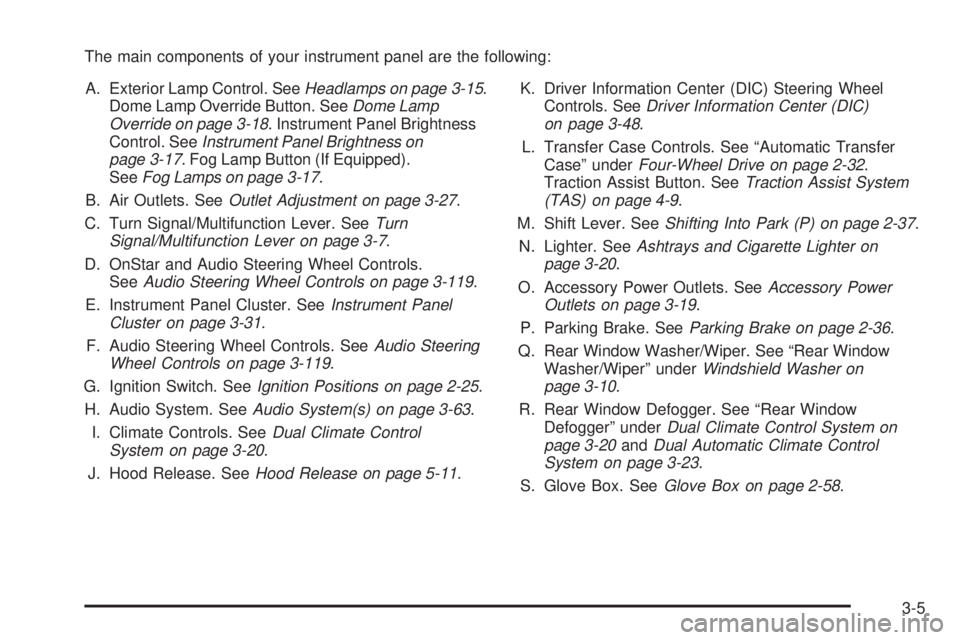
The main components of your instrument panel are the following:
A. Exterior Lamp Control. SeeHeadlamps on page 3-15.
Dome Lamp Override Button. SeeDome Lamp
Override on page 3-18. Instrument Panel Brightness
Control. SeeInstrument Panel Brightness on
page 3-17. Fog Lamp Button (If Equipped).
SeeFog Lamps on page 3-17.
B. Air Outlets. SeeOutlet Adjustment on page 3-27.
C. Turn Signal/Multifunction Lever. SeeTurn
Signal/Multifunction Lever on page 3-7.
D. OnStar and Audio Steering Wheel Controls.
SeeAudio Steering Wheel Controls on page 3-119.
E. Instrument Panel Cluster. SeeInstrument Panel
Cluster on page 3-31.
F. Audio Steering Wheel Controls. SeeAudio Steering
Wheel Controls on page 3-119.
G. Ignition Switch. SeeIgnition Positions on page 2-25.
H. Audio System. SeeAudio System(s) on page 3-63.
I. Climate Controls. SeeDual Climate Control
System on page 3-20.
J. Hood Release. SeeHood Release on page 5-11.K. Driver Information Center (DIC) Steering Wheel
Controls. SeeDriver Information Center (DIC)
on page 3-48.
L. Transfer Case Controls. See “Automatic Transfer
Case” underFour-Wheel Drive on page 2-32.
Traction Assist Button. SeeTraction Assist System
(TAS) on page 4-9.
M. Shift Lever. SeeShifting Into Park (P) on page 2-37.
N. Lighter. SeeAshtrays and Cigarette Lighter on
page 3-20.
O. Accessory Power Outlets. SeeAccessory Power
Outlets on page 3-19.
P. Parking Brake. SeeParking Brake on page 2-36.
Q. Rear Window Washer/Wiper. See “Rear Window
Washer/Wiper” underWindshield Washer on
page 3-10.
R. Rear Window Defogger. See “Rear Window
Defogger” underDual Climate Control System on
page 3-20andDual Automatic Climate Control
System on page 3-23.
S. Glove Box. SeeGlove Box on page 2-58.
3-5
Page 138 of 474
Hazard Warning Flashers
Your hazard warning ashers let you warn others.
They also let police know you have a problem. Your
front and rear turn signal lamps will ash on and off.
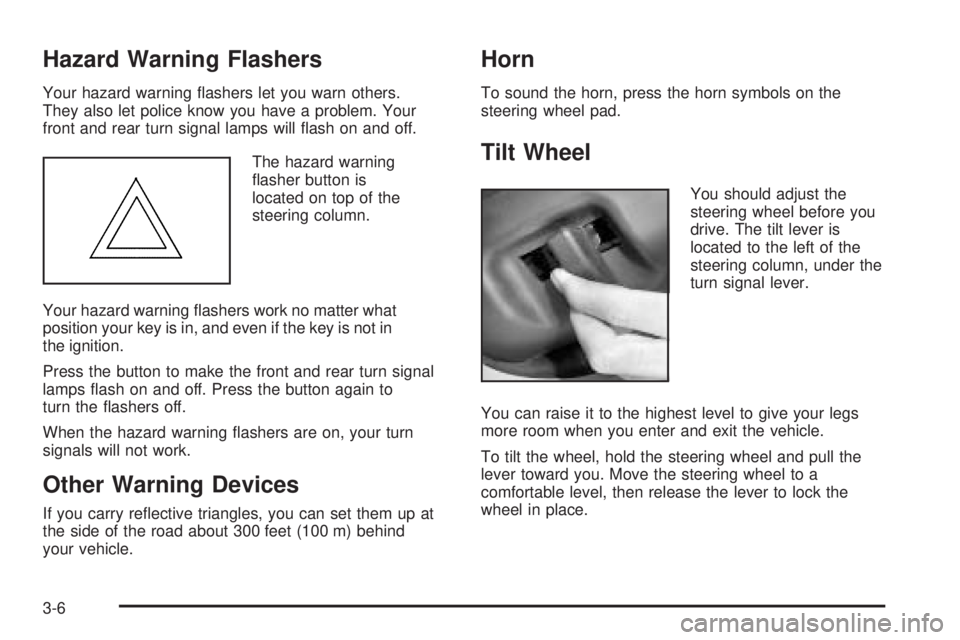
The hazard warning
asher button is
located on top of the
steering column.
Your hazard warning ashers work no matter what
position your key is in, and even if the key is not in
the ignition.
Press the button to make the front and rear turn signal
lamps ash on and off. Press the button again to
turn the ashers off.
When the hazard warning ashers are on, your turn
signals will not work.
Other Warning Devices
If you carry reective triangles, you can set them up at
the side of the road about 300 feet (100 m) behind
your vehicle.
Horn
To sound the horn, press the horn symbols on the
steering wheel pad.
Tilt Wheel
You should adjust the
steering wheel before you
drive. The tilt lever is
located to the left of the
steering column, under the
turn signal lever.
You can raise it to the highest level to give your legs
more room when you enter and exit the vehicle.
To tilt the wheel, hold the steering wheel and pull the
lever toward you. Move the steering wheel to a
comfortable level, then release the lever to lock the
wheel in place.
3-6
Page 146 of 474
Increasing Speed While Using
Cruise Control
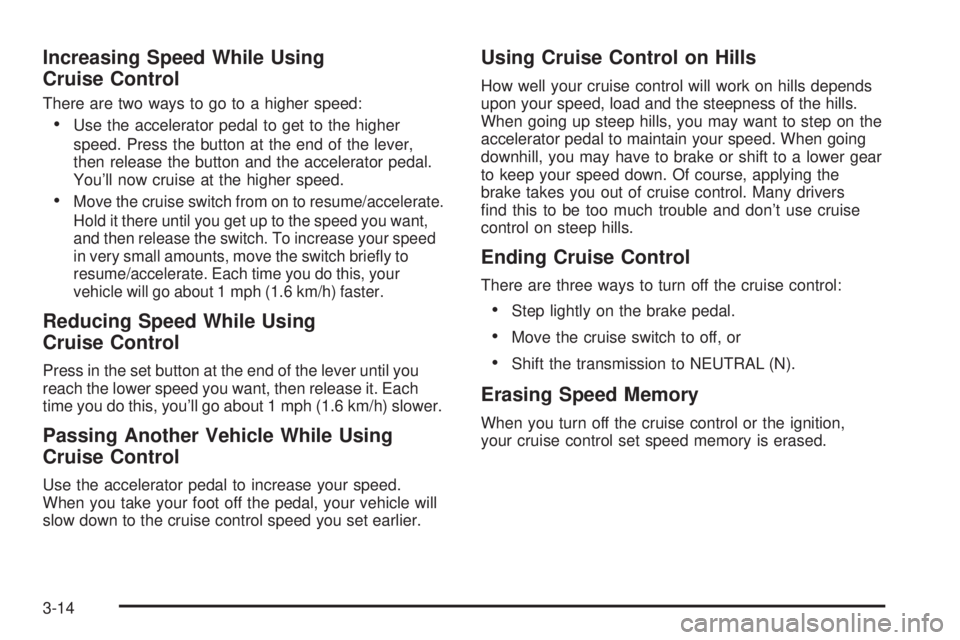
There are two ways to go to a higher speed:
Use the accelerator pedal to get to the higher
speed. Press the button at the end of the lever,
then release the button and the accelerator pedal.
You’ll now cruise at the higher speed.
Move the cruise switch from on to resume/accelerate.
Hold it there until you get up to the speed you want,
and then release the switch. To increase your speed
in very small amounts, move the switch briey to
resume/accelerate. Each time you do this, your
vehicle will go about 1 mph (1.6 km/h) faster.
Reducing Speed While Using
Cruise Control
Press in the set button at the end of the lever until you
reach the lower speed you want, then release it. Each
time you do this, you’ll go about 1 mph (1.6 km/h) slower.
Passing Another Vehicle While Using
Cruise Control
Use the accelerator pedal to increase your speed.
When you take your foot off the pedal, your vehicle will
slow down to the cruise control speed you set earlier.
Using Cruise Control on Hills
How well your cruise control will work on hills depends
upon your speed, load and the steepness of the hills.
When going up steep hills, you may want to step on the
accelerator pedal to maintain your speed. When going
downhill, you may have to brake or shift to a lower gear
to keep your speed down. Of course, applying the
brake takes you out of cruise control. Many drivers
nd this to be too much trouble and don’t use cruise
control on steep hills.
Ending Cruise Control
There are three ways to turn off the cruise control:
Step lightly on the brake pedal.
Move the cruise switch to off, or
Shift the transmission to NEUTRAL (N).
Erasing Speed Memory
When you turn off the cruise control or the ignition,
your cruise control set speed memory is erased.
3-14
Page 148 of 474

Daytime Running Lamps (DRL)
Daytime Running Lamps (DRL) can make it easier for
others to see the front of your vehicle during the day.
DRL can be helpful in many different driving conditions,
but they can be especially helpful in the short periods
after dawn and before sunset. Fully functional daytime
running lamps are required on all vehicles rst sold
in Canada.
The DRL system will make your headlamps come on
at reduced brightness when the following conditions
are met:
The ignition is on.
The exterior lamps knob is in automatic
headlamp mode.
The light sensor detects daytime light.
The transmission is not in PARK (P).
When the DRL are on, only your headlamps will be on.
The taillamps, sidemarker and other lamps won’t be
on. The instrument panel won’t be lit up either.
When it begins to get dark, the headlamps will
automatically switch from DRL to the regular headlamps.
Automatic Headlamp System
When it is dark enough outside, your Automatic
Headlamp System will turn on your headlamps at the
normal brightness along with other lamps such as
the taillamps, sidemarker, parking lamps and the
instrument panel lights. The radio lights will also be on.
Your vehicle is equipped with a light sensor on the
top of the instrument panel. Be sure it is not covered or
the system will be on whenever the ignition is on.
The system may also turn on your lights when driving
through a parking garage, heavy overcast weather
or a tunnel. This is normal.
There is a delay in the transition between the daytime and
nighttime operation of the Daytime Running Lamps (DRL)
and the automatic headlamp systems, so that driving
under bridges or bright overhead street lights does not
affect the system. The DRL and automatic headlamp
system will only be affected when the light sensor sees a
change in lighting lasting longer than the delay.
If you start your vehicle in a dark garage, the automatic
headlamp system will come on immediately. Once you
leave the garage, it will take about one minute for
the automatic headlamp system to change to DRL if it is
light outside. During that delay, your instrument panel
cluster may not be as bright as usual. Make sure
your instrument panel brightness control is in the
full bright position.
3-16
Page 149 of 474

To idle your vehicle with the automatic headlamp system
off, set the parking brake while the ignition is off. Then
start your vehicle. The automatic headlamp system will
stay off until you release the parking brake, shift out of
park or turn the exterior lamp control to the off position as
described in “Exterior Lamps” listed previously.
Fog Lamps
Your vehicle may have this feature. Use your fog lamps
for better vision in foggy or misty conditions. Your
ignition must be in RUN for your fog lamps to work.
The fog lamp button is
located on the instrument
panel to the right of
the exterior lamps knob.
Press the button to turn the fog lamps on. Press the
button again to turn them off. A light will glow near the
button while the fog lamps are on. Fog lamps will
turn off whenever your high-beam headlamps are on.
Instrument Panel Brightness
Press the knob located
next to the exterior lamps
knob to extend it.
Turn the knob to adjust the instrument panel lights.
Turn the knob all the way up to turn on the interior
lamps. Press the knob back into its stored position
when you’re not using it.
Dome Lamps
The dome lamps will come on when you open a door
unless the dome lamp override is pressed in.
You can also turn the dome lamps on by turning the
thumbwheel, located next to the exterior lamps
knob, all the way up to the top detent position. In this
position, the dome lamps will remain on until they
are turned off.
3-17
Page 150 of 474

Dome Lamp Override
The dome override button
is located below the
exterior lamps knob.
To turn the dome lamps off, press the button. The dome
lamps will remain off when a door is open. This will
override the illuminated entry feature unless you
use your keyless entry transmitter to unlock the vehicle.
To return the lamps to automatic operation, press the
button again. The dome lamps will come on when
you open a door.
Entry Lighting
Your vehicle is equipped with entry lighting.
When a door is opened, the dome lamps will come on if
the dome override button is in the “out” position.
When all the doors are closed, the lamps will stay on for
a short period of time and will then turn off automatically.
If you use your keyless entry transmitter to unlock the
vehicle, the interior lights will come on for a short
time whether or not the dome override is on.
Exit Lighting
With exit lighting, the interior lamps will come on when
you remove the key from the ignition to help you
see while exiting the vehicle. With the dome override
button in the “out” position, these lights will stay on for a
short period of time and then will go out.
Reading Lamps
The reading lamps are located in the console for front
passengers and on the headliner for rear passengers.
Press the lens on the lamps to turn the reading lamps on
and press the lens again to turn the lamps off.
3-18
Page 151 of 474
Battery Run-Down Protection
This feature shuts off the dome, courtesy and vanity
if they are left on for more than 20 minutes when
the ignition is off. This will keep your battery from
running down.
If the battery run-down protection shuts off the interior
lamps, it may be necessary to do one of the following to
return to normal operation:
Shut off all lamps and close all doors.
Turn the ignition key to RUN.
This feature will also turn off the parking lamps and
headlamps under most circumstances, if they are left on.
If you would like to turn them back on, turn the exterior
lamps knob.
Accessory Power Outlets
Your vehicle may have accessory power outlets.
With the accessory power outlets, you can plug in
auxiliary electrical equipment such as a cellular
telephone or CB radio.
The rst outlet is located to the right of the cigarette
lighter on the instrument panel. The second outlet
is located on the rear of the center console.Remove the cover from the outlet to use the outlet.
Be sure to put the cover back on when not using the
accessory power outlet.
Certain electrical accessories may not be compatible
with the accessory power outlet and could result
in blown vehicle or adaptor fuses. If you experience a
problem, see your dealer for additional information
on the accessory power outlets.
Notice:Adding any electrical equipment to your
vehicle may damage it or keep other components
from working as they should. The repairs would not
be covered by your warranty. Check with your
dealer before adding electrical equipment.
When adding electrical equipment, be sure to follow
the proper installation instructions included with
the equipment.
Notice:Improper use of the power outlet can cause
damage not covered by your warranty. Do not
hang any type of accessory or accessory bracket
from the plug because the power outlets are
designed for accessory power plugs only.
3-19
Page 166 of 474
Airbag Readiness Light
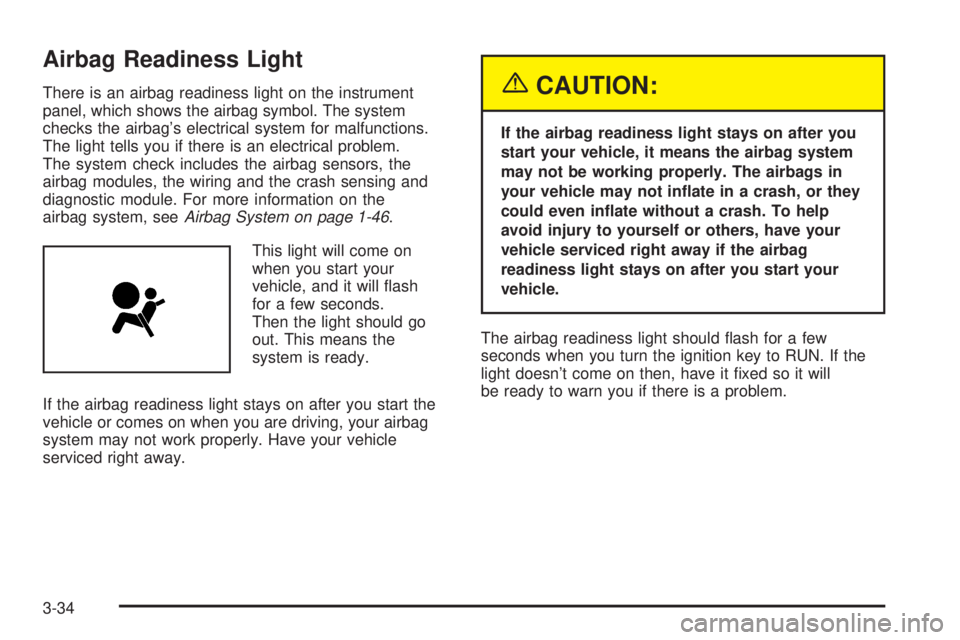
There is an airbag readiness light on the instrument
panel, which shows the airbag symbol. The system
checks the airbag’s electrical system for malfunctions.
The light tells you if there is an electrical problem.
The system check includes the airbag sensors, the
airbag modules, the wiring and the crash sensing and
diagnostic module. For more information on the
airbag system, seeAirbag System on page 1-46.
This light will come on
when you start your
vehicle, and it will ash
for a few seconds.
Then the light should go
out. This means the
system is ready.
If the airbag readiness light stays on after you start the
vehicle or comes on when you are driving, your airbag
system may not work properly. Have your vehicle
serviced right away.{CAUTION:
If the airbag readiness light stays on after you
start your vehicle, it means the airbag system
may not be working properly. The airbags in
your vehicle may not inate in a crash, or they
could even inate without a crash. To help
avoid injury to yourself or others, have your
vehicle serviced right away if the airbag
readiness light stays on after you start your
vehicle.
The airbag readiness light should ash for a few
seconds when you turn the ignition key to RUN. If the
light doesn’t come on then, have it xed so it will
be ready to warn you if there is a problem.
3-34