tow GMC SAVANA 1997 Owner's Manual
[x] Cancel search | Manufacturer: GMC, Model Year: 1997, Model line: SAVANA, Model: GMC SAVANA 1997Pages: 388, PDF Size: 20.17 MB
Page 114 of 388
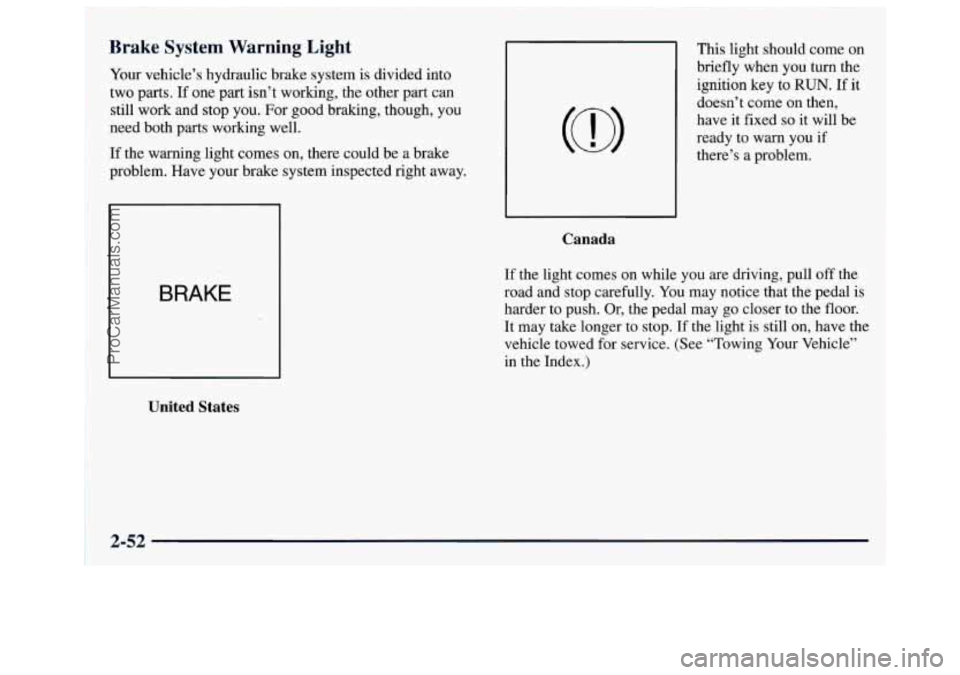
Brake System Warning Light
Your vehicle’s hydraulic brake system is divided into
two parts.
If one part isn’t working, the other part can
still work and stop you. For good braking, though, you
need both parts working well.
If the warning light comes on, there could be a brake
problem. Have your brake system inspected right away.
BRAKE
United States
This light should come on
briefly when you turn the
ignition key to RUN. If it
doesn’t come on then,
have it fixed
so it will be
ready to warn you if
there’s a problem.
Canada
If the light comes on while you are driving, pull off the
road and stop carefully. You may notice that the pedal is
harder to push. Or, the pedal may go closer to the floor.
It may take longer to stop. If the light is still on, have the
vehicle towed for service. (See “Towing Your Vehicle”
in the Index.)
2-52
ProCarManuals.com
Page 115 of 388
1 C-UTION:
Your brake system may not be working properly
if the brake system warning light is on. Driving with the brake system warning light on can lead
to an accident.
If the light is still on after you’ve
pulled
off the road and stopped carefully, have
the vehicle towed for service.
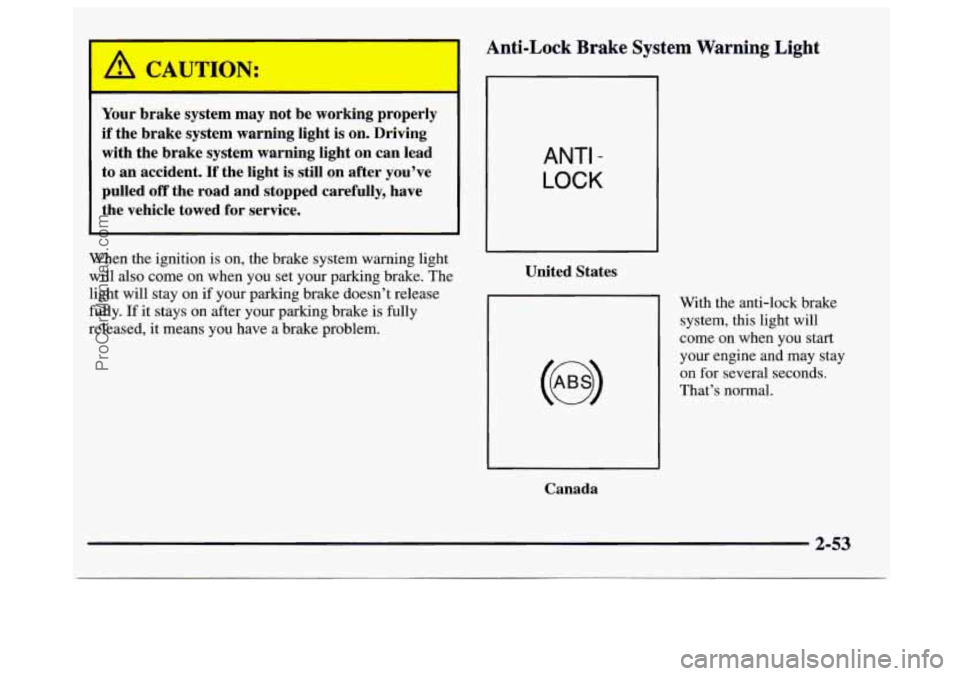
Anti-Lock Brake System Warning Light
When the ignition is on, the brake system warning light
will also come
on when you set your parking brake. The
light will stay on
if your parking brake doesn’t release
fully.
If it stays on after your parking brake is fully
released, it means you have a brake problem.
Canada
ANTI -
LOCK
United States
With the anti-lock brake
system, this light will
come on when you start
your engine and may stay
on for several seconds.
That’s normal.
2-53
ProCarManuals.com
Page 117 of 388
If the Light Is Flashing
I NOTICE:
If you keep driving your vehicle with this light
on, after
a while, your emission controls may not
work as well, your fuel economy may not be as
good and your engine may not run as smoothly.
This could lead to costly repairs that may not be
covered
by your warranty.
This light should come on, as a check to show you it is
working, when the ignition is on and the engine is not
running. If the light doesn’t come on, have it repaired.
This light will also come
on during a malfunction in one
of two ways:
0 Light Flashing -- A misfire condition has been
detected. A misfire increases vehicle emissions and
may damage the emission control system on your
vehicle. Dealer or qualified service center diagnosis
and service is required.
Light On Steady -- An emission control system
malfunction has been detected on your vehicle.
Dealer or qualified service center diagnosis and
service may be required. The
following may prevent more serious damage to
your vehicle:
Reducing vehicle speed.
Avoiding hard accelerations.
0 Avoiding steep uphill grades.
If you are towing a trailer, reduce the amount of
cargo being hauled as soon as it is possible.
If the light stops flashing and remains on steady, see “If
the Light Is On Steady” following.
If the light continues to flash, when it is safe to do
so,
stop the vehicle. Find a safe place to park your vehicle.
Turn the key
off, wait at least 10 seconds and restart the
engine. If the light remains
on steady, see “If the Light
Is On Steady” following. If the light is still flashing,
follow the previous steps, and drive the vehicle to your
dealer or qualified service center for service.
ProCarManuals.com
Page 123 of 388
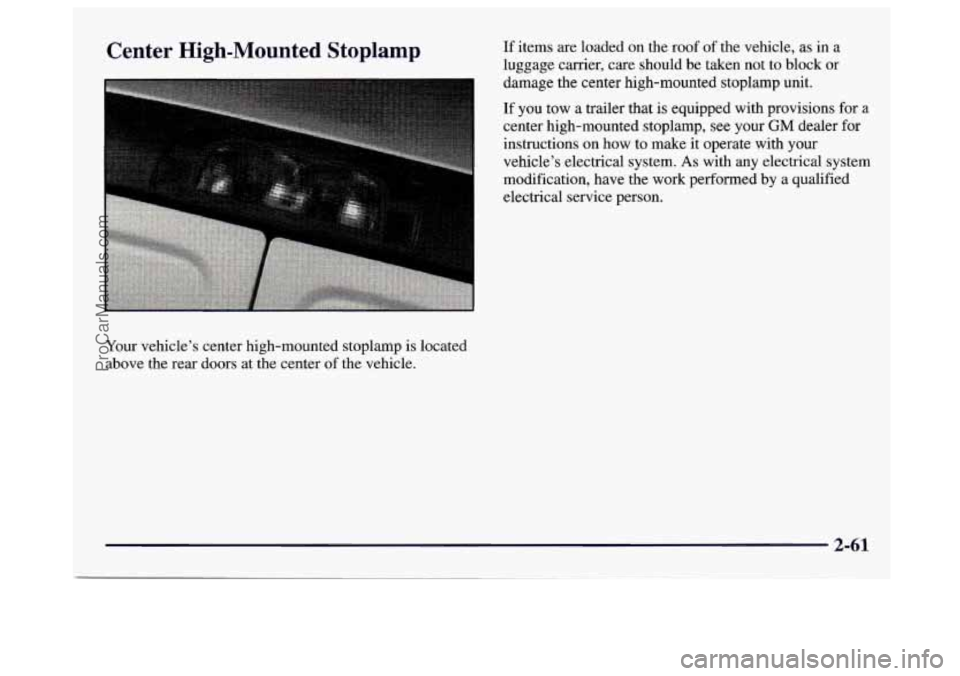
Center High-Mounted Stoplamp
Your vehicle’s center high-mounted stoplamp is located
above the rear doors at the center
of the vehicle. If
items are loaded
on the roof of the vehicle, as in a
luggage carrier, care should be taken not to block or
damage the center high-mounted stoplamp unit.
If
you tow a trailer that is equipped with provisions for a
center high-mounted stoplamp, see your GM dealer for
instructions on how to make
it operate with your
vehicle’s electrical system.
As with any electrical system
modification, have the work performed
by a qualified
electrical service person.
2-61
ProCarManuals.com
Page 128 of 388
Comfort Controls Fan Knob
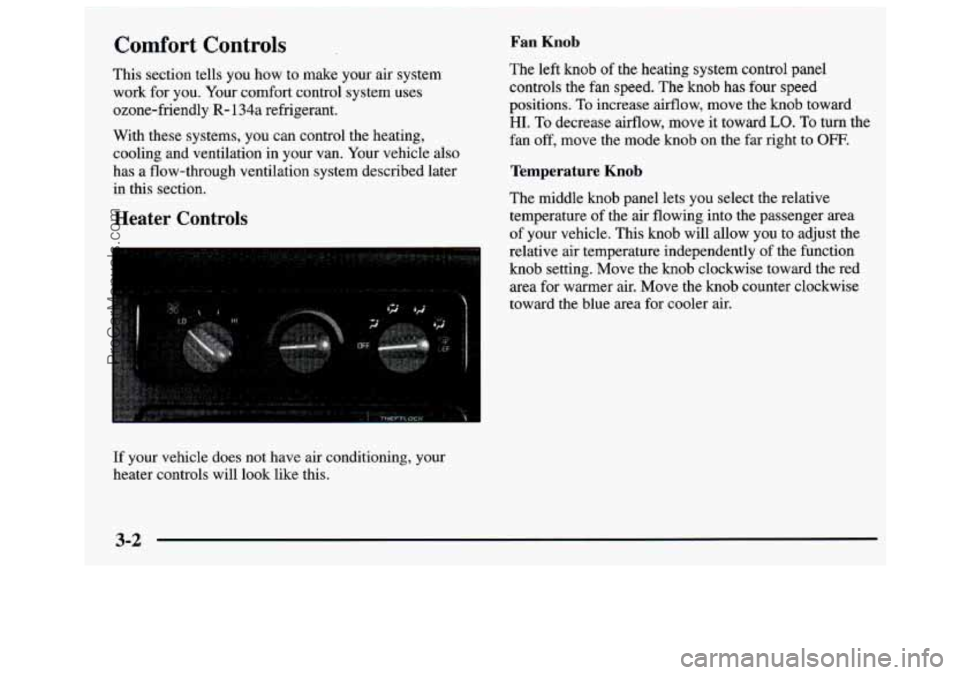
This section tells you how to make your air system The left knob of
the heating system control panel
work for
you. Your comfort control system uses controls the fan speed.
The knob has four speed
ozone-friendly
R- 134a refrigerant. positions. To increase
airflow, move the knob toward
With these systems, you can control the heating, fan off, move the mode knob on the far right to
OFF.
cooling and ventilation in your van. Your vehicle also
has a flow-through ventilation system described later
Temperature Knob
in this section.
The middle knob panel lets you select the relative
Heater Controls temperature of the air flowing into the passenger area
of your vehicle. This
knob will allow you to adjust the
relative air temperature independently of the function
knob setting. Move the knob clockwise toward the red
area for warmer air. Move the knob counter clockwise
toward the blue area for cooler air.
HI. To decrease airflow, move it toward LO. To turn the
If your vehicle does not have air conditioning, your
heater controls will look like this.
3-2
ProCarManuals.com
Page 130 of 388
Fan Knob
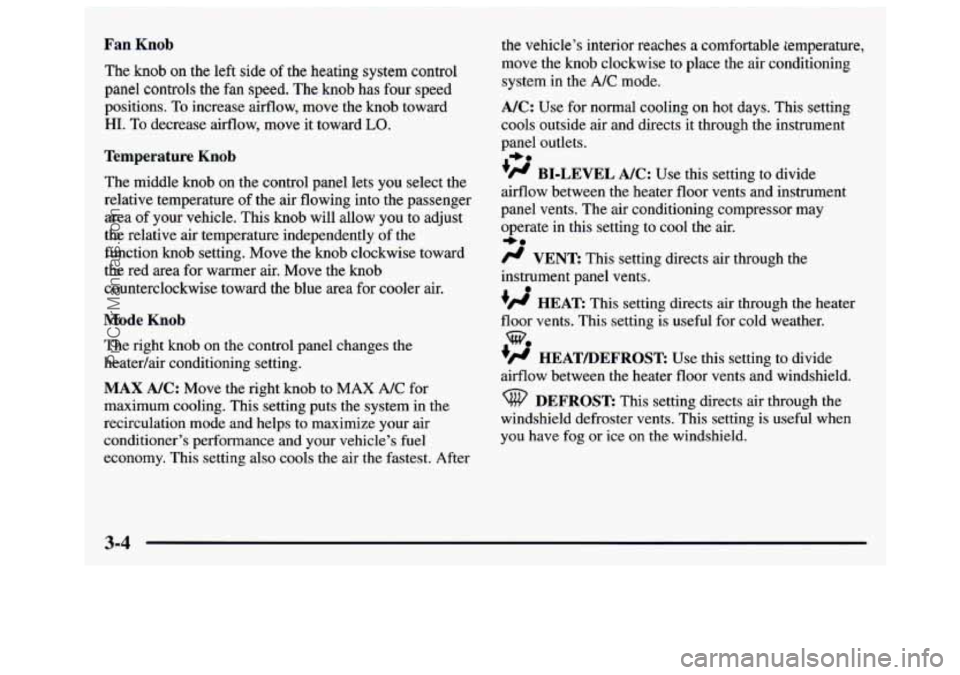
The knob on the left side of the heating system control
panel controls the
€an speed. The knob has four speed
positions.
To increase airflow, move the knob toward
HI. To decrease airflow, move it toward LO.
Temperature Knob
The middle knob on the control panel lets you select the
relative temperature of the air flowing into the passenger
area of your vehicle. This knob will allow you to adjust
the relative air temperature independently of the
function knob setting. Move the knob clockwise toward
the red area for warmer air. Move the knob
counterclockwise toward the blue area for cooler air.
Mode Knob
The right knob on the control panel changes the
heatedair conditioning setting.
MAX A/C: Move the right knob to MAX A/C for
maximum cooling. This setting puts the system in the
recirculation mode and helps to maximize your air
conditioner’s performance and your vehicle’s fuel
economy. This setting also cools the air the fastest. After
the vehicle’s interior reaches a comfortable temperature,
move the knob clockwise to place
the air conditioning
system in the
A/C mode.
A/C: Use for normal cooling on hot days. This setting
cools outside air and directs it through the instrument
panel outlets.
’# BI-LEVEL A/C: Use this setting to divide
airflow between the heater floor vents and instrument
panel vents. The air conditioning compressor
may
operate in this setting to cool the air.
/J VENT: This setting directs air through the
instrument panel vents.
+H HEAR This setting directs air through the heater
floor vents. This setting is useful for cold weather.
+H HEATLIEFROST: Use this setting to divide
airflow between the heater floor vents and windshield.
I,.
*e
0
DEFROST This setting directs air through the
windshield defroster vents. This setting is useful when
you have fog
or ice on the windshield.
3-4
ProCarManuals.com
Page 131 of 388
Rear Heater (Without Air Conditioning)
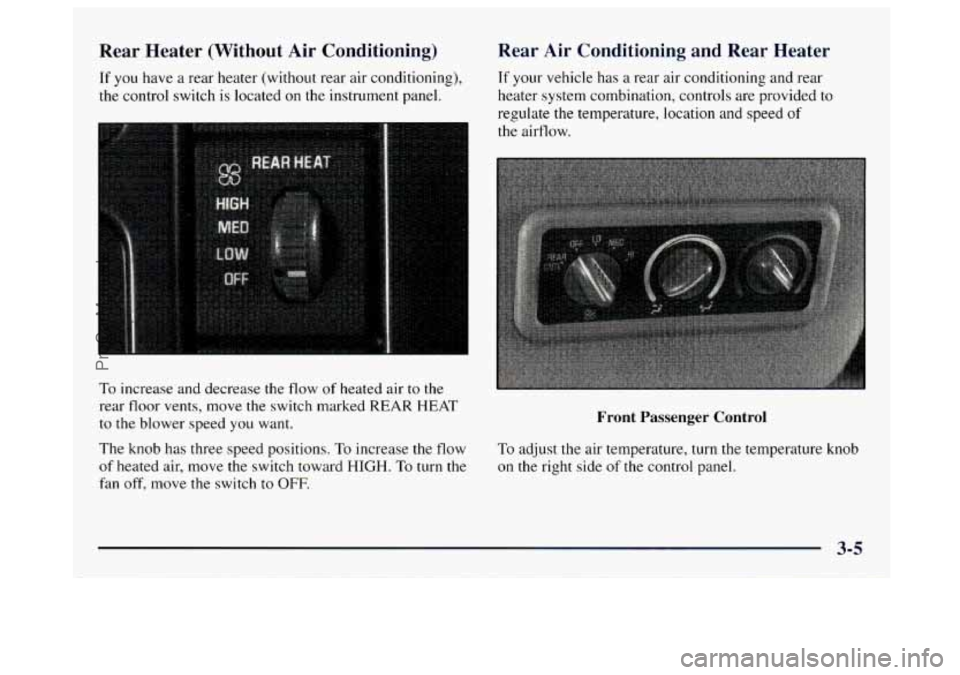
If you have a rear heater (without rear air conditioning),
the control switch is located on the instrument panel.
To increase and decrease the flow of heated air to the
rear floor vents, move the switch marked
REAR HEAT
to the blower speed you want.
The knob has three speed positions.
To increase the flow
of heated air, move the switch toward HIGH. To turn the
fan
off, move the switch to OFF.
Rear Air Conditioning and Rear Heater
If your vehicle has a rear air conditioning and rear
heater system combination, controls are provided to
regulate the temperature, location
and speed of
the airflow.
Front Passenger Control
To adjust the air temperature, turn the temperature knob
on
the right side of the control panel.
3-5
ProCarManuals.com
Page 132 of 388
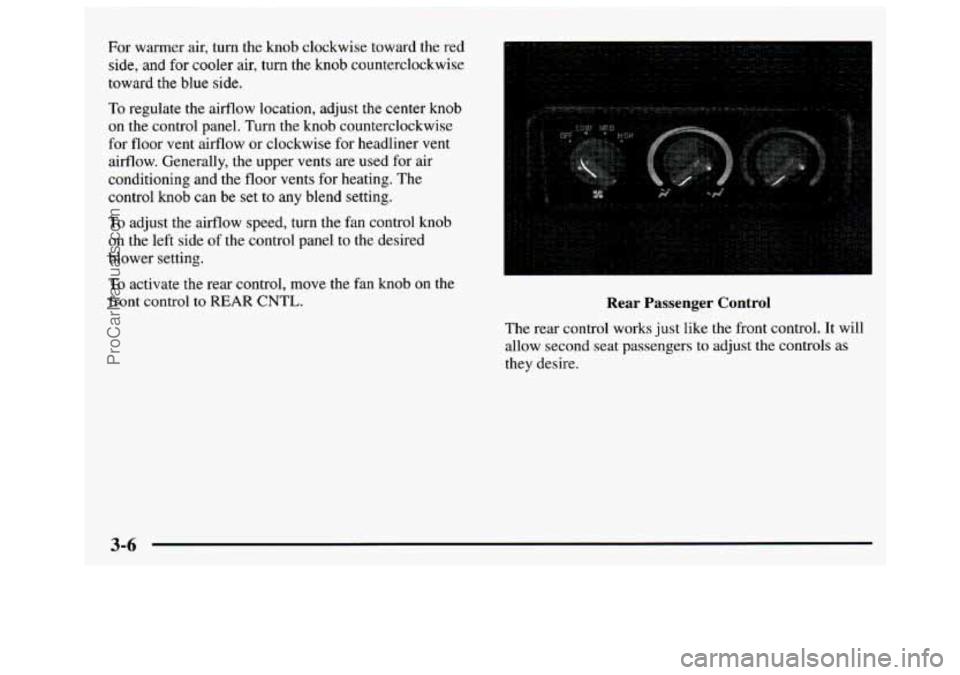
For warmer air, turn the knob clockwise toward the red
side,
and for cooler air, turn the knob counterclockwise
toward the blue
side.
10 regulate the airflow location, adjust the center knob
on the control panel. Turn the knob counterclockwise
for floor vent airflow or clockwise for headliner
vent
airflow. Generally, the upper vents are used for air
conditioning and
the floor vents for heating. The
control knob can be set
to any blend setting.
To adjust the airflow speed, turn the fan control knob
on the left side of the control panel to the desired
blower setting.
To activate the rear control, move the fan knob on the
front control to REAR CNTL. Kear rassenger Control
The rear control works just like the front control. It will
allow second seat passengers to adjust the controls as
they desire.
3-6
ProCarManuals.com
Page 155 of 388
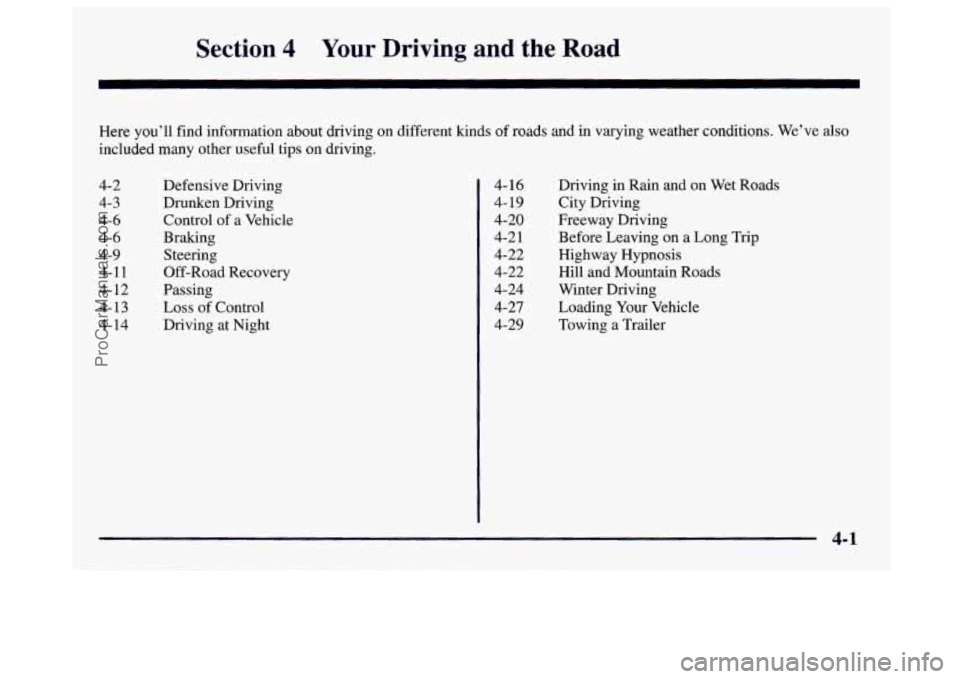
Section 4 Your Driving and the Road
Here you’ll find information about driving on different kinds of roads and in varying weather conditions. We’ve also
included many other useful tips on driving.
4-2 4-3 4-6
4-6
4-9 4-11
4-
12
4-13
4- 14 Defensive Driving
Drunken Driving Control of a Vehicle
Braking Steering
Off-Road Recovery
Passing
Loss of Control
Driving at Night Driving
in Rain and on Wet Roads
City Driving
Freeway Driving
Before Leaving on a Long Trip
Highway Hypnosis Hill and Mountain Roads
Winter Driving Loading Your Vehicle
Towing a Trailer
4-16
4- 19
4-20 4-2
1
4-22 4-22
4-24 4-27
4-29
4-1
ProCarManuals.com
Page 183 of 388
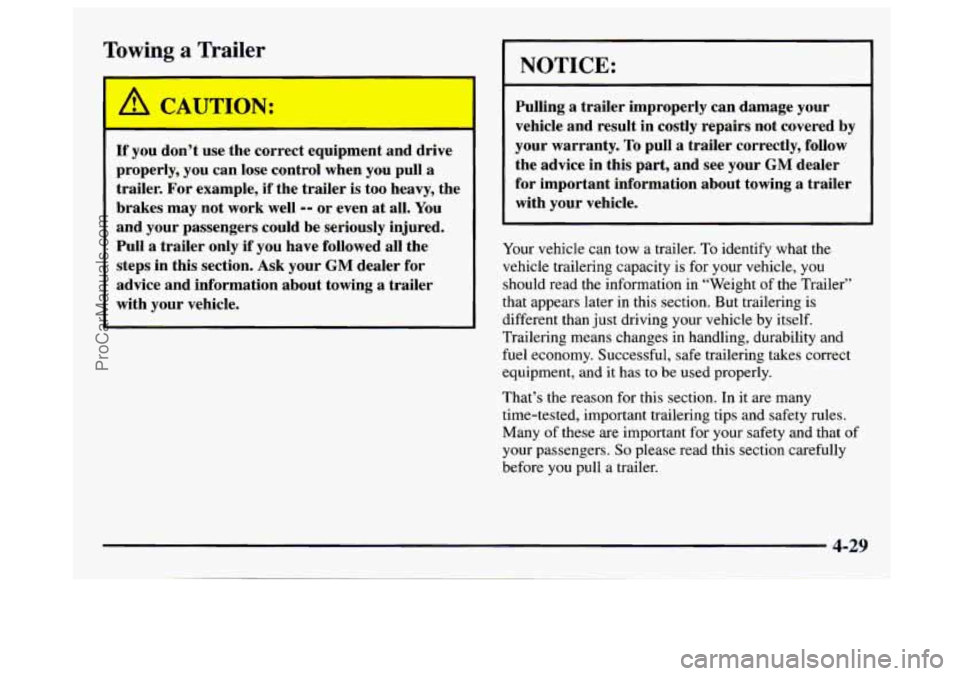
Towing a Trailer
If you don’t use the correct equipment and drive
properly, you can lose control when you pull
a
trailer. For example, if the trailer is too heavy, the
brakes
may not work well -- or even at all. You
and your passengers could be seriously injured.
Pull
a trailer only if you have followed all the
steps in this section. Ask your
GM dealer for
advice and information about towing
a trailer
with your vehicle.
NOTICE:
Pulling a trailer improperly can damage your
vehicle and result in costly repairs not covered by
your warranty.
To pull a trailer correctly, follow
the advice in this part, and see your
GM dealer
for important information about towing
a trailer
with your vehicle.
I I
Your vehicle can tow a trailer. To identify what the
vehicle trailering capacity is for your vehicle, you
should read the information
in “Weight of the Trailer”
that appears later in this section. But trailering is
different than just driving your vehicle
by itself.
Trailering means changes in handling, durability and
fuel economy. Successful, safe trailering takes correct
equipment, and
it has to be used properly.
That’s the reason for this section. In it are many
time-tested, important trailering tips and safety rules.
Many of these are important for your safety and that
of
your passengers. So please read this section carefully
before you pull a trailer.
4-29
ProCarManuals.com