key battery GMC SAVANA PASSENGER 2013 User Guide
[x] Cancel search | Manufacturer: GMC, Model Year: 2013, Model line: SAVANA PASSENGER, Model: GMC SAVANA PASSENGER 2013Pages: 398, PDF Size: 6.41 MB
Page 206 of 398
Black plate (16,1)GMC Savana Owner Manual - 2013 - 2nd Edition - 9/25/12
9-16 Driving and Operating
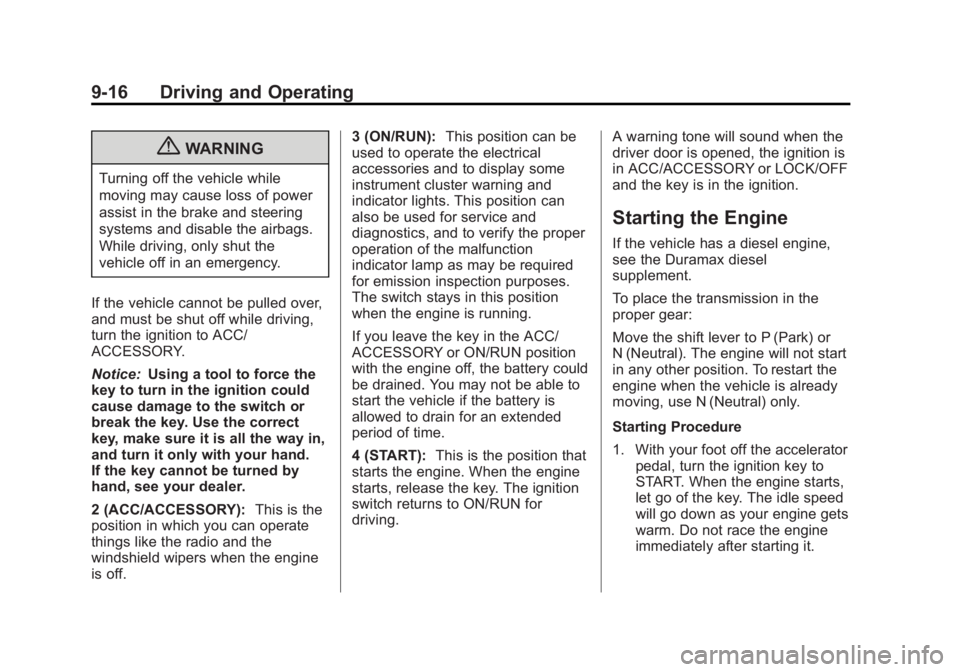
{WARNING
Turning off the vehicle while
moving may cause loss of power
assist in the brake and steering
systems and disable the airbags.
While driving, only shut the
vehicle off in an emergency.
If the vehicle cannot be pulled over,
and must be shut off while driving,
turn the ignition to ACC/
ACCESSORY.
Notice: Using a tool to force the
key to turn in the ignition could
cause damage to the switch or
break the key. Use the correct
key, make sure it is all the way in,
and turn it only with your hand.
If the key cannot be turned by
hand, see your dealer.
2 (ACC/ACCESSORY): This is the
position in which you can operate
things like the radio and the
windshield wipers when the engine
is off. 3 (ON/RUN):
This position can be
used to operate the electrical
accessories and to display some
instrument cluster warning and
indicator lights. This position can
also be used for service and
diagnostics, and to verify the proper
operation of the malfunction
indicator lamp as may be required
for emission inspection purposes.
The switch stays in this position
when the engine is running.
If you leave the key in the ACC/
ACCESSORY or ON/RUN position
with the engine off, the battery could
be drained. You may not be able to
start the vehicle if the battery is
allowed to drain for an extended
period of time.
4 (START): This is the position that
starts the engine. When the engine
starts, release the key. The ignition
switch returns to ON/RUN for
driving. A warning tone will sound when the
driver door is opened, the ignition is
in ACC/ACCESSORY or LOCK/OFF
and the key is in the ignition.
Starting the Engine
If the vehicle has a diesel engine,
see the Duramax diesel
supplement.
To place the transmission in the
proper gear:
Move the shift lever to P (Park) or
N (Neutral). The engine will not start
in any other position. To restart the
engine when the vehicle is already
moving, use N (Neutral) only.
Starting Procedure
1. With your foot off the accelerator
pedal, turn the ignition key to
START. When the engine starts,
let go of the key. The idle speed
will go down as your engine gets
warm. Do not race the engine
immediately after starting it.
Page 207 of 398
Black plate (17,1)GMC Savana Owner Manual - 2013 - 2nd Edition - 9/25/12
Driving and Operating 9-17
Operate the engine and
transmission gently to allow the
oil to warm up and lubricate all
moving parts.
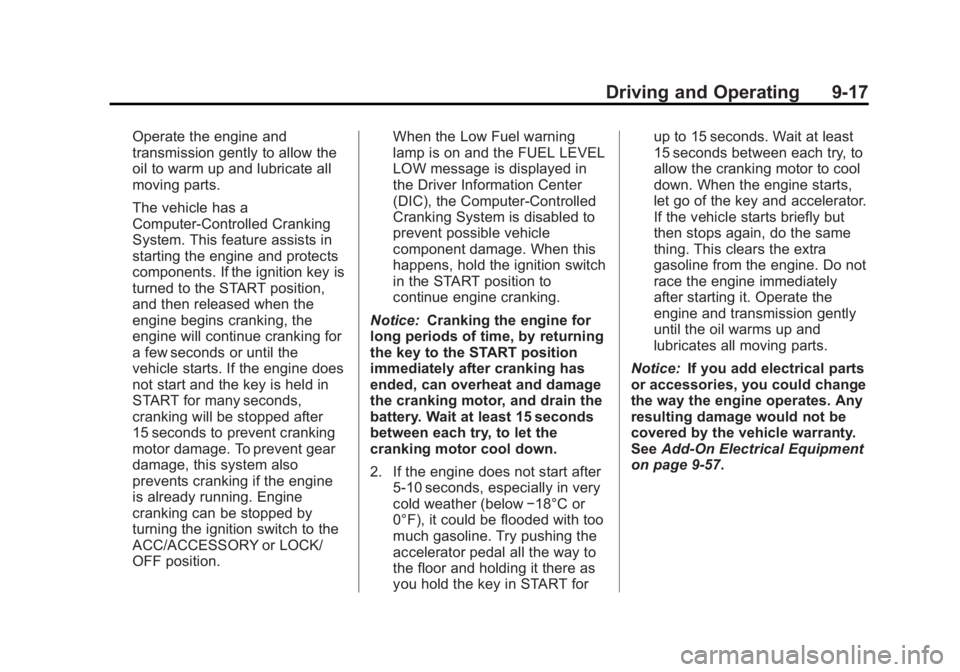
The vehicle has a
Computer-Controlled Cranking
System. This feature assists in
starting the engine and protects
components. If the ignition key is
turned to the START position,
and then released when the
engine begins cranking, the
engine will continue cranking for
a few seconds or until the
vehicle starts. If the engine does
not start and the key is held in
START for many seconds,
cranking will be stopped after
15 seconds to prevent cranking
motor damage. To prevent gear
damage, this system also
prevents cranking if the engine
is already running. Engine
cranking can be stopped by
turning the ignition switch to the
ACC/ACCESSORY or LOCK/
OFF position.When the Low Fuel warning
lamp is on and the FUEL LEVEL
LOW message is displayed in
the Driver Information Center
(DIC), the Computer-Controlled
Cranking System is disabled to
prevent possible vehicle
component damage. When this
happens, hold the ignition switch
in the START position to
continue engine cranking.
Notice: Cranking the engine for
long periods of time, by returning
the key to the START position
immediately after cranking has
ended, can overheat and damage
the cranking motor, and drain the
battery. Wait at least 15 seconds
between each try, to let the
cranking motor cool down.
2. If the engine does not start after
5-10 seconds, especially in very
cold weather (below −18°C or
0°F), it could be flooded with too
much gasoline. Try pushing the
accelerator pedal all the way to
the floor and holding it there as
you hold the key in START for up to 15 seconds. Wait at least
15 seconds between each try, to
allow the cranking motor to cool
down. When the engine starts,
let go of the key and accelerator.
If the vehicle starts briefly but
then stops again, do the same
thing. This clears the extra
gasoline from the engine. Do not
race the engine immediately
after starting it. Operate the
engine and transmission gently
until the oil warms up and
lubricates all moving parts.
Notice: If you add electrical parts
or accessories, you could change
the way the engine operates. Any
resulting damage would not be
covered by the vehicle warranty.
See Add-On Electrical Equipment
on page 9‑57.
Page 393 of 398
Black plate (7,1)GMC Savana Owner Manual - 2013 - 2nd Edition - 9/25/12
INDEX i-7
M
MaintenanceRecords . . . . . . . . . . . . . . . . . . . . .11-15
Maintenance Schedule Recommended Fluidsand Lubricants . . . . . . . . . . . . .11-12
Malfunction Indicator Lamp . . . . 5-17
Manual Mirrors . . . . . . . . . . . . . . . . 2-13
Manual Mode . . . . . . . . . . . . . . . . . . 9-28
Manual Windows . . . . . . . . . . . . . . 2-15
Messages
Airbag System . . . . . . . . . . . . . . . . 5-35
Battery Voltage andCharging . . . . . . . . . . . . . . . . . . . . 5-30
Brake System . . . . . . . . . . . . . . . . 5-30
Compass . . . . . . . . . . . . . . . . . . . . . 5-30
Door Ajar . . . . . . . . . . . . . . . . . . . . . 5-30
Engine Cooling System . . . . . . . 5-31
Engine Oil . . . . . . . . . . . . . . . . . . . . 5-32
Engine Power . . . . . . . . . . . . . . . . 5-32
Fuel System . . . . . . . . . . . . . . . . . . 5-33
Key and Lock . . . . . . . . . . . . . . . . . 5-33
Lamp . . . . . . . . . . . . . . . . . . . . . . . . . 5-33
Object Detection System . . . . . 5-33
Ride Control System . . . . . . . . . . 5-34
Security . . . . . . . . . . . . . . . . . . . . . . 5-35 Messages (cont'd)
Service Vehicle . . . . . . . . . . . . . . . 5-35
Tire . . . . . . . . . . . . . . . . . . . . . . . . . . . 5-36
Transmission . . . . . . . . . . . . . . . . . 5-37
Vehicle . . . . . . . . . . . . . . . . . . . . . . . 5-29
Vehicle Reminder . . . . . . . . . . . . . 5-37
Mirrors Convex . . . . . . . . . . . . . . . . . . . . . . . 2-13
Heated . . . . . . . . . . . . . . . . . . . . . . . 2-14
Manual . . . . . . . . . . . . . . . . . . . . . . . 2-13
Manual Rearview . . . . . . . . . . . . . 2-14
Power . . . . . . . . . . . . . . . . . . . . . . . . 2-13
Trailer Tow . . . . . . . . . . . . . . . . . . . . 2-13
Monitor System, Tire
Pressure . . . . . . . . . . . . . . . . . . . . 10-53
N
NavigationOnStar®. . . . . . . . . . . . . . . . . . . . . . 14-2
Vehicle Data Recording
and Privacy . . . . . . . . . . . . . . . 13-14
New Vehicle Break-In . . . . . . . . . . 9-14
Noise Control System . . . . . . . . 10-28
O
Object Detection System Messages . . . . . . . . . . . . . . . . . . . . 5-33
Odometer . . . . . . . . . . . . . . . . . . . . . . 5-10 Trip . . . . . . . . . . . . . . . . . . . . . . . . . . . 5-10
Off-Road Recovery . . . . . . . . . . . . . . . . . . . . . . 9-4
Oil Engine . . . . . . . . . . . . . . . . . . . . . . . . 10-6
Engine Oil Life System . . . . . . . 10-8
Engine Oil PressureGauge . . . . . . . . . . . . . . . . . . . . . . 5-11
Messages . . . . . . . . . . . . . . . . . . . . 5-32
Pressure Light . . . . . . . . . . . . . . . . 5-23
Older Children, Restraints . . . . . 3-33
Online Owner Center . . . . . . . . . . 13-4
OnStar
®
System, In Brief . . . . . . . . . . . . . . 1-20
OnStar®Additional
Information . . . . . . . . . . . . . . . . . . . 14-5
OnStar
®Connections . . . . . . . . . . 14-4
OnStar®Diagnostics . . . . . . . . . . . 14-5
OnStar®Emergency . . . . . . . . . . . 14-2
OnStar®Navigation . . . . . . . . . . . . 14-2
OnStar®Overview . . . . . . . . . . . . . 14-1
OnStar®Security . . . . . . . . . . . . . . 14-2