belt GMC SIERRA 1500 2011 Repair Manual
[x] Cancel search | Manufacturer: GMC, Model Year: 2011, Model line: SIERRA 1500, Model: GMC SIERRA 1500 2011Pages: 594, PDF Size: 7.88 MB
Page 149 of 594
Black plate (1,1)GMC Sierra Owner Manual - 2011
Instruments and Controls 5-1
Instruments and
Controls
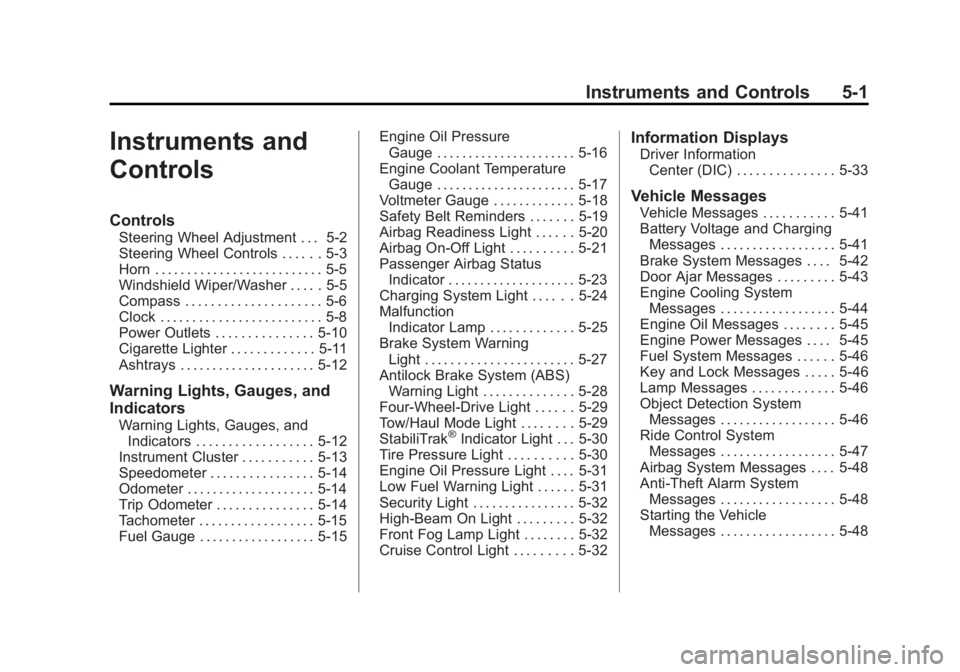
Controls
Steering Wheel Adjustment . . . 5-2
Steering Wheel Controls . . . . . . 5-3
Horn . . . . . . . . . . . . . . . . . . . . . . . . . . 5-5
Windshield Wiper/Washer . . . . . 5-5
Compass . . . . . . . . . . . . . . . . . . . . . 5-6
Clock . . . . . . . . . . . . . . . . . . . . . . . . . 5-8
Power Outlets . . . . . . . . . . . . . . . 5-10
Cigarette Lighter . . . . . . . . . . . . . 5-11
Ashtrays . . . . . . . . . . . . . . . . . . . . . 5-12
Warning Lights, Gauges, and
Indicators
Warning Lights, Gauges, andIndicators . . . . . . . . . . . . . . . . . . 5-12
Instrument Cluster . . . . . . . . . . . 5-13
Speedometer . . . . . . . . . . . . . . . . 5-14
Odometer . . . . . . . . . . . . . . . . . . . . 5-14
Trip Odometer . . . . . . . . . . . . . . . 5-14
Tachometer . . . . . . . . . . . . . . . . . . 5-15
Fuel Gauge . . . . . . . . . . . . . . . . . . 5-15 Engine Oil Pressure
Gauge . . . . . . . . . . . . . . . . . . . . . . 5-16
Engine Coolant Temperature Gauge . . . . . . . . . . . . . . . . . . . . . . 5-17
Voltmeter Gauge . . . . . . . . . . . . . 5-18
Safety Belt Reminders . . . . . . . 5-19
Airbag Readiness Light . . . . . . 5-20
Airbag On-Off Light . . . . . . . . . . 5-21
Passenger Airbag Status
Indicator . . . . . . . . . . . . . . . . . . . . 5-23
Charging System Light . . . . . . 5-24
Malfunction Indicator Lamp . . . . . . . . . . . . . 5-25
Brake System Warning Light . . . . . . . . . . . . . . . . . . . . . . . 5-27
Antilock Brake System (ABS) Warning Light . . . . . . . . . . . . . . 5-28
Four-Wheel-Drive Light . . . . . . 5-29
Tow/Haul Mode Light . . . . . . . . 5-29
StabiliTrak®Indicator Light . . . 5-30
Tire Pressure Light . . . . . . . . . . 5-30
Engine Oil Pressure Light . . . . 5-31
Low Fuel Warning Light . . . . . . 5-31
Security Light . . . . . . . . . . . . . . . . 5-32
High-Beam On Light . . . . . . . . . 5-32
Front Fog Lamp Light . . . . . . . . 5-32
Cruise Control Light . . . . . . . . . 5-32
Information Displays
Driver Information Center (DIC) . . . . . . . . . . . . . . . 5-33
Vehicle Messages
Vehicle Messages . . . . . . . . . . . 5-41
Battery Voltage and ChargingMessages . . . . . . . . . . . . . . . . . . 5-41
Brake System Messages . . . . 5-42
Door Ajar Messages . . . . . . . . . 5-43
Engine Cooling System Messages . . . . . . . . . . . . . . . . . . 5-44
Engine Oil Messages . . . . . . . . 5-45
Engine Power Messages . . . . 5-45
Fuel System Messages . . . . . . 5-46
Key and Lock Messages . . . . . 5-46
Lamp Messages . . . . . . . . . . . . . 5-46
Object Detection System Messages . . . . . . . . . . . . . . . . . . 5-46
Ride Control System Messages . . . . . . . . . . . . . . . . . . 5-47
Airbag System Messages . . . . 5-48
Anti-Theft Alarm System Messages . . . . . . . . . . . . . . . . . . 5-48
Starting the Vehicle Messages . . . . . . . . . . . . . . . . . . 5-48
Page 167 of 594
Black plate (19,1)GMC Sierra Owner Manual - 2011
Instruments and Controls 5-19
When the engine is running, this
gauge shows the condition of the
charging system. The gauge can
transition from a higher to lower or
a lower to higher reading. This is
normal. If the vehicle is operating
outside the normal operating range,
the charging system light comes
on. SeeCharging System Light on
page 5‑24 for more information.
The voltmeter gauge may also read
lower when in fuel economy mode.
This is normal.
Readings outside the normal
operating range can also occur
when a large number of electrical
accessories are operating in
the vehicle and the engine is
left idling for an extended period. This condition is normal since the
charging system is not able to
provide full power at engine idle.
As engine speeds are increased,
this condition should correct itself
as higher engine speeds allow the
charging system to create maximum
power.
The vehicle can only be driven for a
short time with the readings outside
the normal operating range. If the
vehicle must be driven, turn off all
accessories, such as the radio and
air conditioner.
Readings outside the normal
operating range indicate a possible
problem in the electrical system.
Have the vehicle serviced as soon
as possible.Safety Belt Reminders
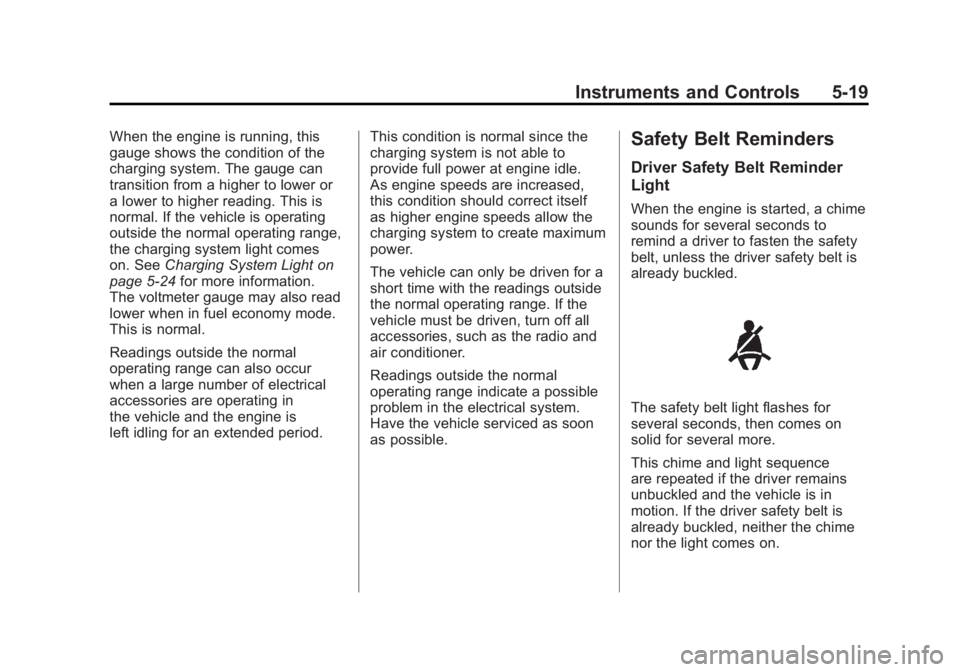
Driver Safety Belt Reminder
Light
When the engine is started, a chime
sounds for several seconds to
remind a driver to fasten the safety
belt, unless the driver safety belt is
already buckled.
The safety belt light flashes for
several seconds, then comes on
solid for several more.
This chime and light sequence
are repeated if the driver remains
unbuckled and the vehicle is in
motion. If the driver safety belt is
already buckled, neither the chime
nor the light comes on.
Page 168 of 594
Black plate (20,1)GMC Sierra Owner Manual - 2011
5-20 Instruments and Controls
Passenger Safety Belt
Reminder Light
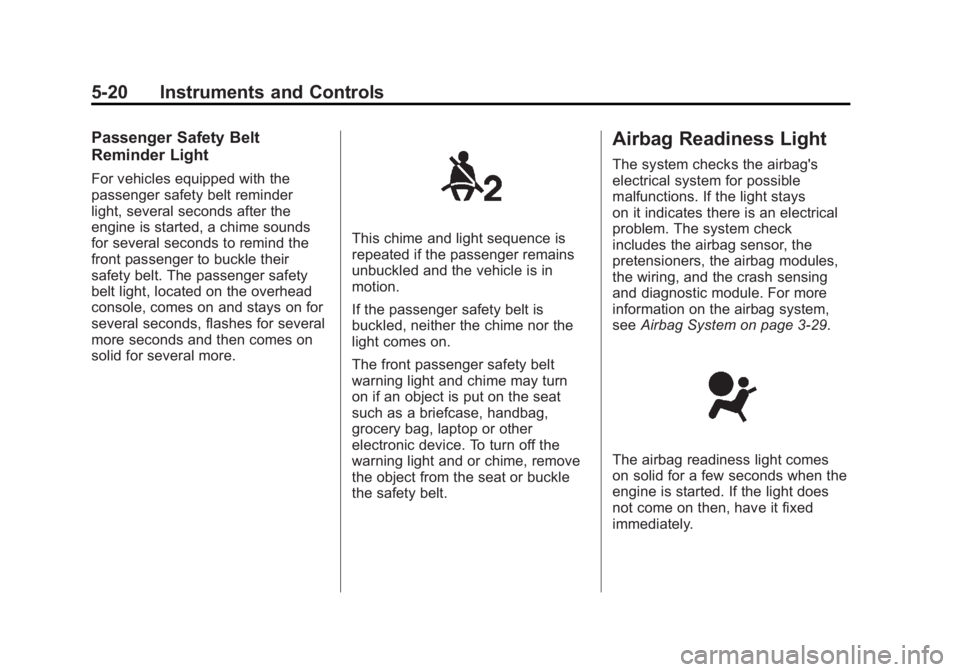
For vehicles equipped with the
passenger safety belt reminder
light, several seconds after the
engine is started, a chime sounds
for several seconds to remind the
front passenger to buckle their
safety belt. The passenger safety
belt light, located on the overhead
console, comes on and stays on for
several seconds, flashes for several
more seconds and then comes on
solid for several more.
This chime and light sequence is
repeated if the passenger remains
unbuckled and the vehicle is in
motion.
If the passenger safety belt is
buckled, neither the chime nor the
light comes on.
The front passenger safety belt
warning light and chime may turn
on if an object is put on the seat
such as a briefcase, handbag,
grocery bag, laptop or other
electronic device. To turn off the
warning light and or chime, remove
the object from the seat or buckle
the safety belt.
Airbag Readiness Light
The system checks the airbag's
electrical system for possible
malfunctions. If the light stays
on it indicates there is an electrical
problem. The system check
includes the airbag sensor, the
pretensioners, the airbag modules,
the wiring, and the crash sensing
and diagnostic module. For more
information on the airbag system,
seeAirbag System on page 3‑29.
The airbag readiness light comes
on solid for a few seconds when the
engine is started. If the light does
not come on then, have it fixed
immediately.
Page 172 of 594
Black plate (24,1)GMC Sierra Owner Manual - 2011
5-24 Instruments and Controls
If the word ON or the on symbol is
lit on the passenger airbag status
indicator, it means that the right
front passenger frontal airbag is
enabled (may inflate).
If the word OFF or the off symbol is
lit on the airbag status indicator, it
means that the passenger sensing
system has turned off the right front
passenger frontal airbag.
If, after several seconds, both status
indicator lights remain on, or if there
are no lights at all, there may be
a problem with the lights or the
passenger sensing system.
See your dealer for service.{WARNING
If the airbag readiness light ever
comes on and stays on, it means
that something may be wrong
with the airbag system. To help
avoid injury to yourself or others,
have the vehicle serviced right
away. SeeAirbag Readiness
Light on page 5‑20 for more
information, including important
safety information.
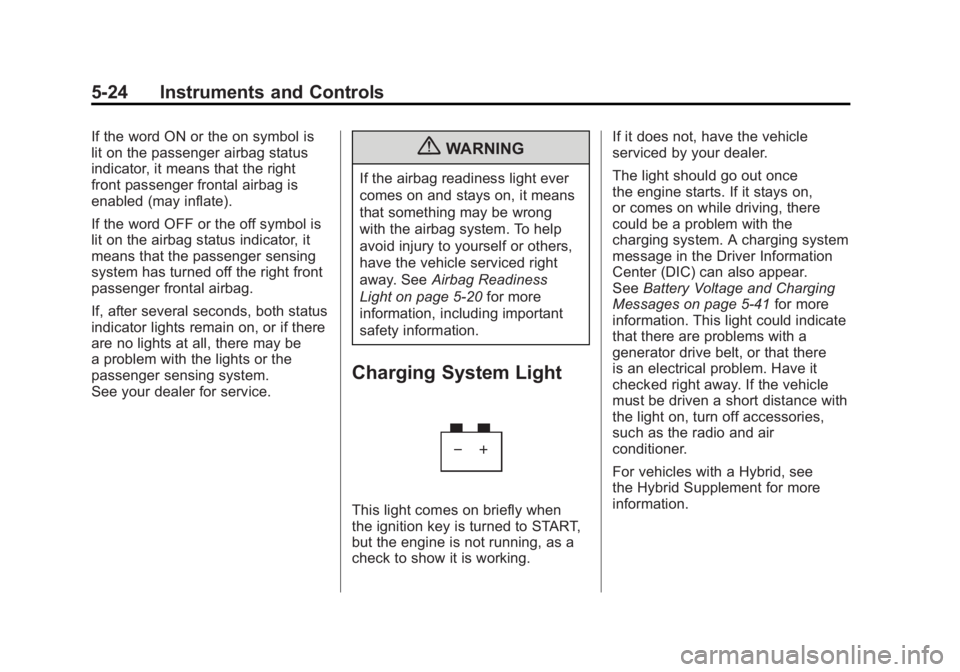
Charging System Light
This light comes on briefly when
the ignition key is turned to START,
but the engine is not running, as a
check to show it is working. If it does not, have the vehicle
serviced by your dealer.
The light should go out once
the engine starts. If it stays on,
or comes on while driving, there
could be a problem with the
charging system. A charging system
message in the Driver Information
Center (DIC) can also appear.
See
Battery Voltage and Charging
Messages on page 5‑41 for more
information. This light could indicate
that there are problems with a
generator drive belt, or that there
is an electrical problem. Have it
checked right away. If the vehicle
must be driven a short distance with
the light on, turn off accessories,
such as the radio and air
conditioner.
For vehicles with a Hybrid, see
the Hybrid Supplement for more
information.
Page 296 of 594
Black plate (2,1)GMC Sierra Owner Manual - 2011
9-2 Driving and Operating
Towing
General TowingInformation . . . . . . . . . . . . . . . . . 9-90
Driving Characteristics and Towing Tips . . . . . . . . . . . . . . . . 9-91
Trailer Towing . . . . . . . . . . . . . . . . 9-95
Towing Equipment . . . . . . . . . . 9-112
Trailer Sway
Control (TSC) . . . . . . . . . . . . . 9-124
Conversions and Add-Ons
Add-On ElectricalEquipment . . . . . . . . . . . . . . . . 9-125
Adding a Snow Plow or Similar Equipment . . . . . . . . 9-125
Pickup Conversion to Chassis Cab . . . . . . . . . . . . . . 9-129
Driving Information
Defensive Driving
Defensive driving means “always
expect the unexpected.” The first
step in driving defensively is to wear
the safety belt. See Safety Belts on
page 3‑11.
{WARNING
Assume that other road users
(pedestrians, bicyclists, and other
drivers) are going to be careless
and make mistakes. Anticipate
what they might do and be ready.
In addition:
.Allow enough following
distance between you and
the driver in front of you.
.Focus on the task of driving.
(Continued)
WARNING (Continued)
Driver distraction can cause
collisions resulting in injury or
possible death. These simple
defensive driving techniques
could save your life.
Drunk Driving
{WARNING
Drinking and then driving is
very dangerous. Your reflexes,
perceptions, attentiveness, and
judgment can be affected by
even a small amount of alcohol.
You can have a serious —or
even fatal —collision if you drive
after drinking. Do not drink and
drive or ride with a driver who has
been drinking. Ride home in a
cab; or if you are with a group,
designate a driver who will not
drink.
Page 299 of 594
Black plate (5,1)GMC Sierra Owner Manual - 2011
Driving and Operating 9-5
Steering in Emergencies
There are times when steering
can be more effective than braking.
For example, you come over a hill
and find a truck stopped in your
lane, or a car suddenly pulls out
from nowhere, or a child darts out
from between parked cars and stops
right in front of you. These problems
can be avoided by braking—if you
can stop in time. But sometimes you
cannot stop in time because there
is no room. That is the time for
evasive action —steering around
the problem.
The vehicle can perform very
well in emergencies like these.
First, apply the brakes. See Braking
on page 9‑3. It is better to remove
as much speed as possible from
a collision. Then steer around
the problem, to the left or right
depending on the space available.
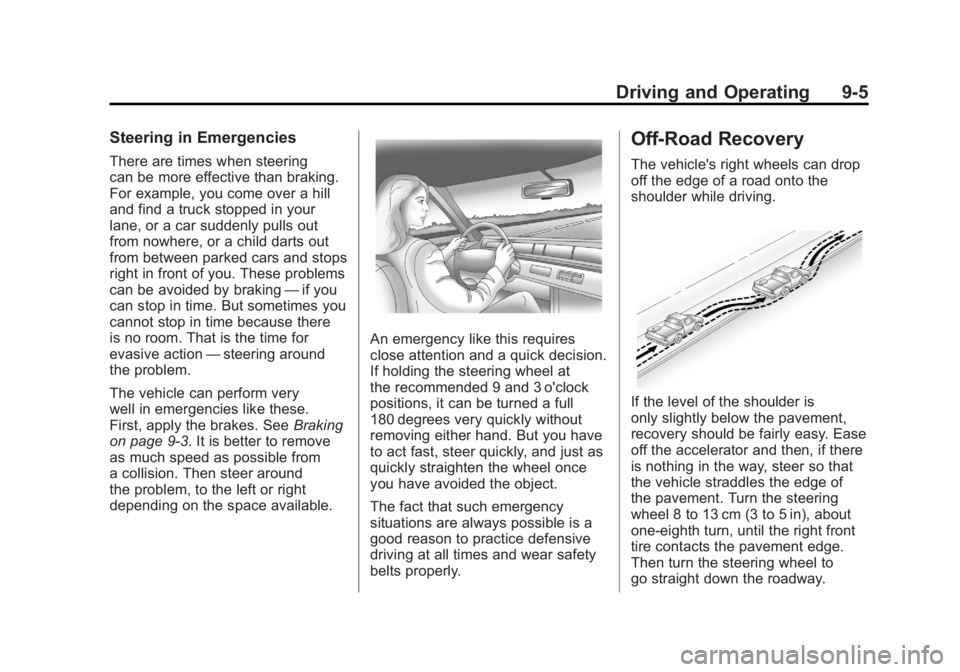
An emergency like this requires
close attention and a quick decision.
If holding the steering wheel at
the recommended 9 and 3 o'clock
positions, it can be turned a full
180 degrees very quickly without
removing either hand. But you have
to act fast, steer quickly, and just as
quickly straighten the wheel once
you have avoided the object.
The fact that such emergency
situations are always possible is a
good reason to practice defensive
driving at all times and wear safety
belts properly.
Off-Road Recovery
The vehicle's right wheels can drop
off the edge of a road onto the
shoulder while driving.
If the level of the shoulder is
only slightly below the pavement,
recovery should be fairly easy. Ease
off the accelerator and then, if there
is nothing in the way, steer so that
the vehicle straddles the edge of
the pavement. Turn the steering
wheel 8 to 13 cm (3 to 5 in), about
one-eighth turn, until the right front
tire contacts the pavement edge.
Then turn the steering wheel to
go straight down the roadway.
Page 301 of 594
Black plate (7,1)GMC Sierra Owner Manual - 2011
Driving and Operating 9-7
Off-Road Driving
Vehicles with four-wheel drive
can be used for off-road driving.
Vehicles without four-wheel drive
and vehicles with 20‐inch tire/wheel
assemblies should not be driven
off-road except on a level, solid
surface.
The airbag system is designed to
work properly under a wide range
of conditions, including off‐road
usage. Always wear your safety belt
and observe safe driving speeds,
especially on rough terrain.
Drinking and driving can be very
dangerous on any road and this is
certainly true for off-road driving.
At the very time you need special
alertness and driving skills, your
reflexes, perceptions, and judgment
can be affected by even a small
amount of alcohol. You could have aserious
—or even fatal —accident
if you drink and drive or ride with a
driver who has been drinking.
Off-roading can be great fun but has
some definite hazards. The greatest
of these is the terrain itself. When
off-road driving, traffic lanes are not
marked, curves are not banked, and
there are no road signs. Surfaces
can be slippery, rough, uphill,
or downhill.
Avoid sharp turns and abrupt
maneuvers. Failure to operate the
vehicle correctly off‐road could
result in loss of vehicle control
or vehicle rollover.
Off-roading involves some new
skills. That is why it is very
important that you read these
driving tips and suggestions to
help make off-road driving safer
and more enjoyable.
Before You Go Off-Roading
.Have all necessary maintenance
and service work done.
.Make sure there is enough fuel,
that fluid levels are where they
should be, and that the spare
tire is fully inflated.
.Be sure to read all
the information about
four-wheel-drive vehicles
in this manual.
.Make sure all underbody
shields, if the vehicle has them,
are properly attached.
.Know the local laws that apply
to off-roading where you will
be driving or check with law
enforcement people in the area.
.Be sure to get the necessary
permission if you will be on
private land.
Page 304 of 594
Black plate (10,1)GMC Sierra Owner Manual - 2011
9-10 Driving and Operating
Traveling to Remote Areas
It makes sense to plan your trip,
especially when going to a remote
area. Know the terrain and plan
your route. Get accurate maps of
trails and terrain. Check to see if
there are any blocked or closed
roads.
It is also a good idea to travel with
at least one other vehicle in case
something happens to one of them.
For vehicles with a winch, be sure
to read the winch instructions. In a
remote area, a winch can be handy
if you get stuck but you will want to
know how to use it properly.
Getting Familiar with Off-Road
Driving
It is a good idea to practice in an
area that is safe and close to home
before you go into the wilderness.
Off-roading requires some new and
different skills.
Tune your senses to different kinds
of signals. Your eyes need to
constantly sweep the terrain for
unexpected obstacles. Your ears
need to listen for unusual tire or
engine sounds. Use your arms,
hands, feet, and body to respond
to vibrations and vehicle bounce.
Controlling the vehicle is the key to
successful off-road driving. One of
the best ways to control the vehicle
is to control the speed. At higher
speeds:
.You approach things faster and
have less time to react.
.There is less time to scan the
terrain for obstacles.
.The vehicle has more bounce
when driving over obstacles.
.More braking distance is
needed, especially on an
unpaved surface.
{WARNING
When you are driving off-road,
bouncing and quick changes in
direction can easily throw you
out of position. This could cause
you to lose control and crash.
So, whether you are driving on
or off the road, you and your
passengers should wear safety
belts.
Page 389 of 594
Black plate (95,1)GMC Sierra Owner Manual - 2011
Driving and Operating 9-95
Leaving After Parking on a Hill
1. Apply and hold the brake pedal.
2. Start the engine.
3. Shift into a gear.
4. Release the parking brake.
5. Let up on the brake pedal.
6. Drive slowly until the trailer isclear of the chocks.
7. Stop and have someone pick up
and store the chocks.
Maintenance when Trailer
Towing
The vehicle needs service more
often when pulling a trailer. See this
manual's Maintenance Schedule
or Index for more information.
Things that are especially important
in trailer operation are automatic
transmission fluid, engine oil, axle
lubricant, belts, cooling system,
and brake system. It is a good
idea to inspect these before
and during the trip.
Check periodically to see that all
hitch nuts and bolts are tight.
Trailer Towing
If the vehicle has a diesel engine,
see the Duramax diesel supplement
for more information.
If the vehicle is a hybrid, see
the hybrid supplement for more
information.
Do not tow a trailer during break‐in.
See New Vehicle Break-In on
page 9‑34 for more information.
{WARNING
The driver can lose control when
pulling a trailer if the correct
equipment is not used or the
vehicle is not driven properly.
For example, if the trailer is too
heavy, the brakes may not work
well or even at all. The driver and
passengers could be seriously
injured. The vehicle may also be
damaged; the resulting repairs
would not be covered by the
(Continued)
WARNING (Continued)
vehicle warranty. Pull a trailer
only if all the steps in this section
have been followed. Ask your
dealer for advice and information
about towing a trailer with the
vehicle.
Notice: Pulling a trailer
improperly can damage the
vehicle and result in costly
repairs not covered by the
vehicle warranty. To pull a trailer
correctly, follow the advice in
this section and see your dealer
for important information about
towing a trailer with the vehicle.
To identify the trailering capacity of
the vehicle, read the information in
“Weight of the Trailer” later in this
section.
Page 427 of 594
Black plate (3,1)GMC Sierra Owner Manual - 2011
Vehicle Care 10-3
California Proposition
65 Warning
Most motor vehicles, including this
one, contain and/or emit chemicals
known to the State of California to
cause cancer and birth defects or
other reproductive harm. Engine
exhaust, many parts and systems,
many fluids, and some component
wear by-products contain and/or
emit these chemicals.
California Perchlorate
Materials Requirements
Certain types of automotive
applications, such as airbag
initiators, seat belt pretensioners,
and lithium batteries contained in
Remote Keyless Entry transmitters,
may contain perchlorate materials.
Special handling may be necessary.
For additional information, see
www.dtsc.ca.gov/hazardouswaste/
perchlorate.
Accessories and
Modifications
Adding non‐dealer accessories
to the vehicle can affect vehicle
performance and safety, including
such things as airbags, braking,
stability, ride and handling,
emissions systems, aerodynamics,
durability, and electronic systems
like antilock brakes, traction control,
and stability control. Some of these
accessories could even cause
malfunction or damage not covered
by the vehicle warranty.
Damage to vehicle components
resulting from the installation or use
of non‐GM certified parts, including
control module modifications, is notcovered under the terms of the
vehicle warranty and may affect
remaining warranty coverage for
affected parts.
GM Accessories are designed to
complement and function with other
systems on the vehicle. Your GM
dealer can accessorize the vehicle
using genuine GM Accessories.
When you go to your GM dealer
and ask for GM Accessories,
you will know that GM-trained and
supported service technicians will
perform the work using genuine
GM Accessories.
Also, see
Adding Equipment to
the Airbag-Equipped Vehicle on
page 3‑46.