turn signal GMC SIERRA 1500 2014 Owner's Guide
[x] Cancel search | Manufacturer: GMC, Model Year: 2014, Model line: SIERRA 1500, Model: GMC SIERRA 1500 2014Pages: 542, PDF Size: 6.77 MB
Page 437 of 542
Black plate (65,1)GMC Sierra Owner Manual (GMNA-Localizing-U.S./Canada/Mexico-
5853626) - 2014 - 3rd crc - 8/15/13
Vehicle Care 10-65
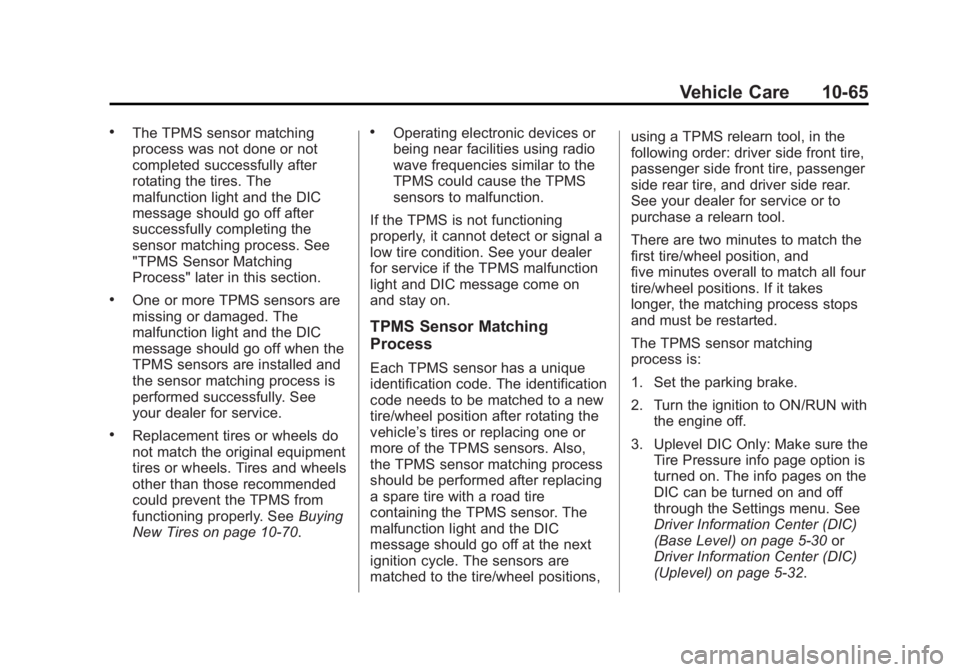
.The TPMS sensor matching
process was not done or not
completed successfully after
rotating the tires. The
malfunction light and the DIC
message should go off after
successfully completing the
sensor matching process. See
"TPMS Sensor Matching
Process" later in this section.
.One or more TPMS sensors are
missing or damaged. The
malfunction light and the DIC
message should go off when the
TPMS sensors are installed and
the sensor matching process is
performed successfully. See
your dealer for service.
.Replacement tires or wheels do
not match the original equipment
tires or wheels. Tires and wheels
other than those recommended
could prevent the TPMS from
functioning properly. SeeBuying
New Tires on page 10-70.
.Operating electronic devices or
being near facilities using radio
wave frequencies similar to the
TPMS could cause the TPMS
sensors to malfunction.
If the TPMS is not functioning
properly, it cannot detect or signal a
low tire condition. See your dealer
for service if the TPMS malfunction
light and DIC message come on
and stay on.
TPMS Sensor Matching
Process
Each TPMS sensor has a unique
identification code. The identification
code needs to be matched to a new
tire/wheel position after rotating the
vehicle’s tires or replacing one or
more of the TPMS sensors. Also,
the TPMS sensor matching process
should be performed after replacing
a spare tire with a road tire
containing the TPMS sensor. The
malfunction light and the DIC
message should go off at the next
ignition cycle. The sensors are
matched to the tire/wheel positions, using a TPMS relearn tool, in the
following order: driver side front tire,
passenger side front tire, passenger
side rear tire, and driver side rear.
See your dealer for service or to
purchase a relearn tool.
There are two minutes to match the
first tire/wheel position, and
five minutes overall to match all four
tire/wheel positions. If it takes
longer, the matching process stops
and must be restarted.
The TPMS sensor matching
process is:
1. Set the parking brake.
2. Turn the ignition to ON/RUN with
the engine off.
3. Uplevel DIC Only: Make sure the Tire Pressure info page option is
turned on. The info pages on the
DIC can be turned on and off
through the Settings menu. See
Driver Information Center (DIC)
(Base Level) on page 5-30 or
Driver Information Center (DIC)
(Uplevel) on page 5-32.
Page 438 of 542
Black plate (66,1)GMC Sierra Owner Manual (GMNA-Localizing-U.S./Canada/Mexico-
5853626) - 2014 - 3rd crc - 8/15/13
10-66 Vehicle Care
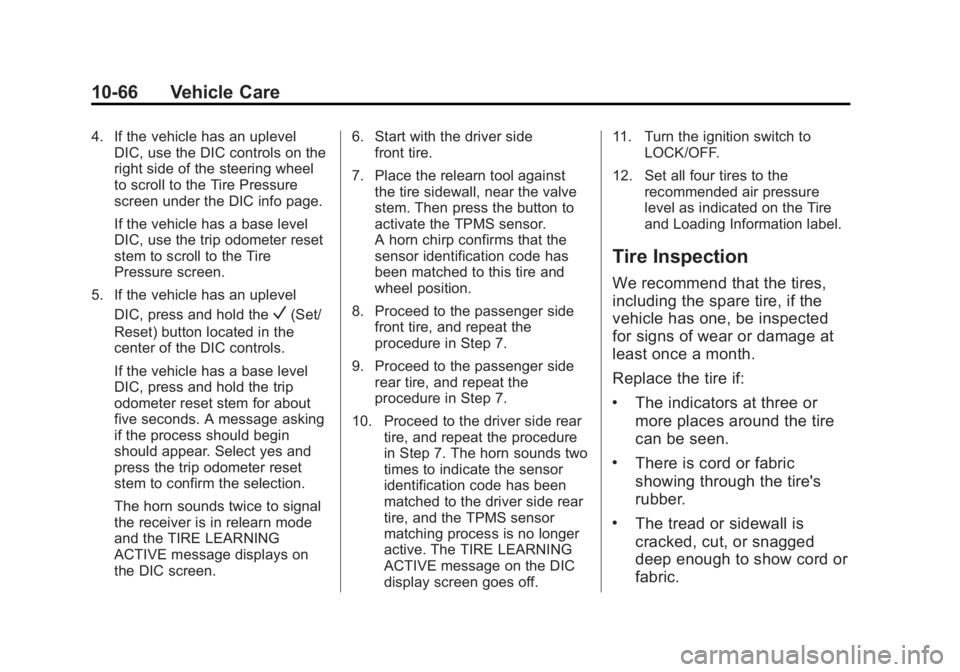
4. If the vehicle has an uplevelDIC, use the DIC controls on the
right side of the steering wheel
to scroll to the Tire Pressure
screen under the DIC info page.
If the vehicle has a base level
DIC, use the trip odometer reset
stem to scroll to the Tire
Pressure screen.
5. If the vehicle has an uplevel DIC, press and hold the
V(Set/
Reset) button located in the
center of the DIC controls.
If the vehicle has a base level
DIC, press and hold the trip
odometer reset stem for about
five seconds. A message asking
if the process should begin
should appear. Select yes and
press the trip odometer reset
stem to confirm the selection.
The horn sounds twice to signal
the receiver is in relearn mode
and the TIRE LEARNING
ACTIVE message displays on
the DIC screen. 6. Start with the driver side
front tire.
7. Place the relearn tool against the tire sidewall, near the valve
stem. Then press the button to
activate the TPMS sensor.
A horn chirp confirms that the
sensor identification code has
been matched to this tire and
wheel position.
8. Proceed to the passenger side front tire, and repeat the
procedure in Step 7.
9. Proceed to the passenger side rear tire, and repeat the
procedure in Step 7.
10. Proceed to the driver side rear tire, and repeat the procedure
in Step 7. The horn sounds two
times to indicate the sensor
identification code has been
matched to the driver side rear
tire, and the TPMS sensor
matching process is no longer
active. The TIRE LEARNING
ACTIVE message on the DIC
display screen goes off. 11. Turn the ignition switch to
LOCK/OFF.
12. Set all four tires to the recommended air pressure
level as indicated on the Tire
and Loading Information label.
Tire Inspection
We recommend that the tires,
including the spare tire, if the
vehicle has one, be inspected
for signs of wear or damage at
least once a month.
Replace the tire if:
.The indicators at three or
more places around the tire
can be seen.
.There is cord or fabric
showing through the tire's
rubber.
.The tread or sidewall is
cracked, cut, or snagged
deep enough to show cord or
fabric.
Page 524 of 542
Black plate (6,1)GMC Sierra Owner Manual (GMNA-Localizing-U.S./Canada/Mexico-
5853626) - 2014 - 3rd crc - 8/15/13
14-6 OnStar
to function properly. These systems
may not operate if the battery is
discharged or disconnected.
OnStar service cannot work unless
your vehicle is in a place where
OnStar has an agreement with a
wireless service provider for service
in that area, and the wireless
service provider has coverage,
network capacity, reception, and
technology compatible with OnStar
service. Service involving location
information about the vehicle cannot
work unless GPS signals are
available, unobstructed, and
compatible with the OnStar
hardware. OnStar service may not
work if the OnStar equipment is not
properly installed or it has not been
properly maintained. If equipment or
software is added, connected,
or modified, OnStar service may not
work. Other problems beyond the
control of OnStar may prevent
service such as hills, tall buildings,
tunnels, weather, electrical system
design and architecture of thevehicle, damage to the vehicle in a
crash, or wireless phone network
congestion or jamming.
See
Radio Frequency Statement on
page 13-15.
Services for People with
Disabilities
Advisors provide services to help
subscribers with physical disabilities
and medical conditions.
Press
Qfor help with:
.Locating a gas station with an
attendant to pump gas.
.Finding a hotel, restaurant, etc.,
that meets accessibility needs.
.Providing directions to the
closest hospital or pharmacy in
urgent situations.
TTY Users
OnStar has the ability to
communicate to the deaf,
hard-of-hearing, or speech-impaired
customers while in the vehicle. The
available dealer-installed TTY system can provide in-vehicle
access to all of the OnStar services,
except Virtual Advisor and OnStar
Turn-by-Turn Navigation.
OnStar.com (U.S.) or OnStar.ca
(Canada)
The website provides access to
account information, allows
management of the OnStar
subscription, and viewing of videos
of each service. Get subscription
plan pricing and sign up for OnStar
Vehicle Diagnostics. Click on the
“My Account”
tab on the home
page. The website navigation and
services provided may vary by
country.
OnStar Personal Identification
Number (PIN)
A PIN is needed to access some of
the OnStar services, like Remote
Door Unlock and Stolen Vehicle
Assistance. You will be prompted to
change the PIN the first time when
speaking with an Advisor. To
Page 525 of 542
Black plate (7,1)GMC Sierra Owner Manual (GMNA-Localizing-U.S./Canada/Mexico-
5853626) - 2014 - 3rd crc - 8/15/13
OnStar 14-7
change the OnStar PIN, call OnStar
and provide the Advisor with the
current number.
Warranty
OnStar equipment may be
warranted as part of the New
Vehicle Limited Warranty. The
manufacturer of the vehicle
furnishes detailed warranty
information.
Languages
The vehicle can be programmed to
respond in multiple languages.
Press
Qand ask an Advisor.
Advisors are available in English,
Spanish and French. Available
languages may vary by country.
Potential Issues
OnStar cannot perform Remote
Door Unlock or Stolen Vehicle
Assistance after the vehicle has
been off continuously for five days.
After five days, OnStar can contact Roadside Assistance and a
locksmith to help gain access to the
vehicle.
Global Positioning
System (GPS)
.Obstruction of the GPS can
occur in a large city with tall
buildings; in parking garages;
around airports; in tunnels,
underpasses, or parking
garages; or in an area with very
dense trees. If GPS signals are
not available, the OnStar system
should still operate to call
OnStar. However, OnStar could
have difficulty identifying the
exact location.
.In emergency situations, OnStar
can use the last stored GPS
location to send to emergency
responders.
.A temporary loss of GPS can
cause loss of the ability to send
a Turn-by-Turn Navigation route.
The Advisor may give a verbalroute or may ask for a call back
after the vehicle is driven into an
open area.
Cellular and GPS Antennas
Avoid placing items over or near the
antenna to prevent blocking cellular
and GPS signal reception. Cellular
reception is required for OnStar to
send remote signals to the vehicle.
Unable to Connect to OnStar
Message
If there is limited cellular coverage
or the cellular network has reached
maximum capacity, this message
may come on. Press
Qto try the
call again or try again after driving a
few miles into another cellular area.
Vehicle and Power Issues
OnStar services require a vehicle
electrical system, wireless service,
and GPS satellite technologies to be
available and operating for features
to function properly. These systems
may not operate if the battery is
discharged or disconnected.
Page 530 of 542
Black plate (2,1)GMC Sierra Owner Manual (GMNA-Localizing-U.S./Canada/Mexico-
5853626) - 2014 - 3rd crc - 8/15/13
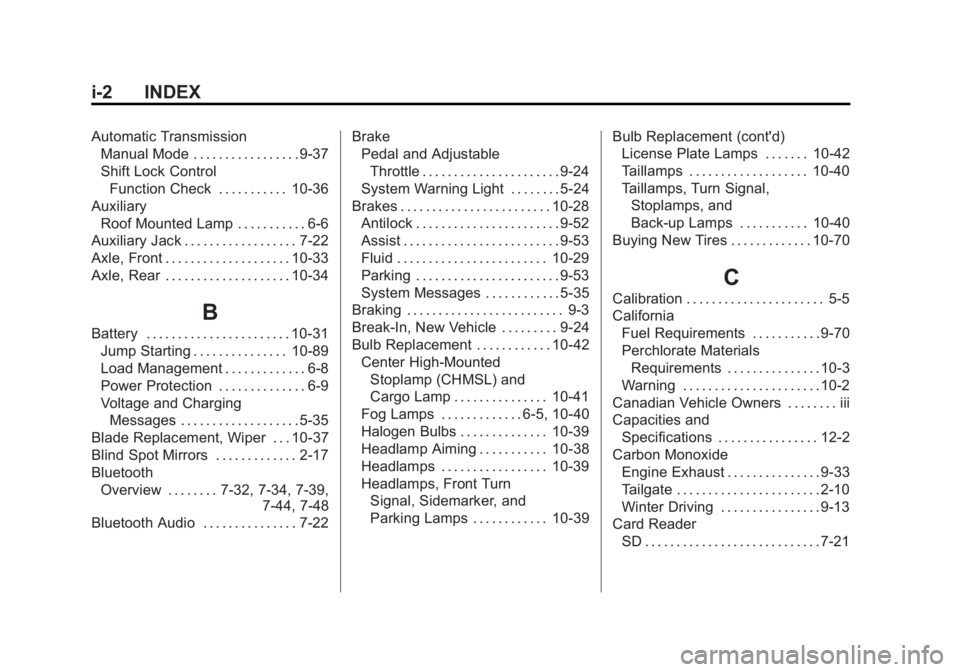
i-2 INDEX
Automatic TransmissionManual Mode . . . . . . . . . . . . . . . . . 9-37
Shift Lock Control
Function Check . . . . . . . . . . . 10-36
Auxiliary Roof Mounted Lamp . . . . . . . . . . . 6-6
Auxiliary Jack . . . . . . . . . . . . . . . . . . 7-22
Axle, Front . . . . . . . . . . . . . . . . . . . . 10-33
Axle, Rear . . . . . . . . . . . . . . . . . . . . 10-34
B
Battery . . . . . . . . . . . . . . . . . . . . . . . 10-31 Jump Starting . . . . . . . . . . . . . . . 10-89
Load Management . . . . . . . . . . . . . 6-8
Power Protection . . . . . . . . . . . . . . 6-9
Voltage and Charging
Messages . . . . . . . . . . . . . . . . . . . 5-35
Blade Replacement, Wiper . . . 10-37
Blind Spot Mirrors . . . . . . . . . . . . . 2-17
Bluetooth
Overview . . . . . . . . 7-32, 7-34, 7-39, 7-44, 7-48
Bluetooth Audio . . . . . . . . . . . . . . . 7-22 Brake
Pedal and Adjustable
Throttle . . . . . . . . . . . . . . . . . . . . . . 9-24
System Warning Light . . . . . . . . 5-24
Brakes . . . . . . . . . . . . . . . . . . . . . . . . 10-28 Antilock . . . . . . . . . . . . . . . . . . . . . . . 9-52
Assist . . . . . . . . . . . . . . . . . . . . . . . . . 9-53
Fluid . . . . . . . . . . . . . . . . . . . . . . . . 10-29
Parking . . . . . . . . . . . . . . . . . . . . . . . 9-53
System Messages . . . . . . . . . . . . 5-35
Braking . . . . . . . . . . . . . . . . . . . . . . . . . 9-3
Break-In, New Vehicle . . . . . . . . . 9-24
Bulb Replacement . . . . . . . . . . . . 10-42
Center High-MountedStoplamp (CHMSL) and
Cargo Lamp . . . . . . . . . . . . . . . 10-41
Fog Lamps . . . . . . . . . . . . . 6-5, 10-40
Halogen Bulbs . . . . . . . . . . . . . . 10-39
Headlamp Aiming . . . . . . . . . . . 10-38
Headlamps . . . . . . . . . . . . . . . . . 10-39
Headlamps, Front Turn Signal, Sidemarker, and
Parking Lamps . . . . . . . . . . . . 10-39 Bulb Replacement (cont'd)
License Plate Lamps . . . . . . . 10-42
Taillamps . . . . . . . . . . . . . . . . . . . 10-40
Taillamps, Turn Signal,
Stoplamps, and
Back-up Lamps . . . . . . . . . . . 10-40
Buying New Tires . . . . . . . . . . . . . 10-70
C
Calibration . . . . . . . . . . . . . . . . . . . . . . 5-5
California Fuel Requirements . . . . . . . . . . . 9-70
Perchlorate MaterialsRequirements . . . . . . . . . . . . . . . 10-3
Warning . . . . . . . . . . . . . . . . . . . . . . 10-2
Canadian Vehicle Owners . . . . . . . . iii
Capacities and
Specifications . . . . . . . . . . . . . . . . 12-2
Carbon Monoxide Engine Exhaust . . . . . . . . . . . . . . . 9-33
Tailgate . . . . . . . . . . . . . . . . . . . . . . . 2-10
Winter Driving . . . . . . . . . . . . . . . . 9-13
Card Reader SD . . . . . . . . . . . . . . . . . . . . . . . . . . . . 7-21
Page 534 of 542
Black plate (6,1)GMC Sierra Owner Manual (GMNA-Localizing-U.S./Canada/Mexico-
5853626) - 2014 - 3rd crc - 8/15/13
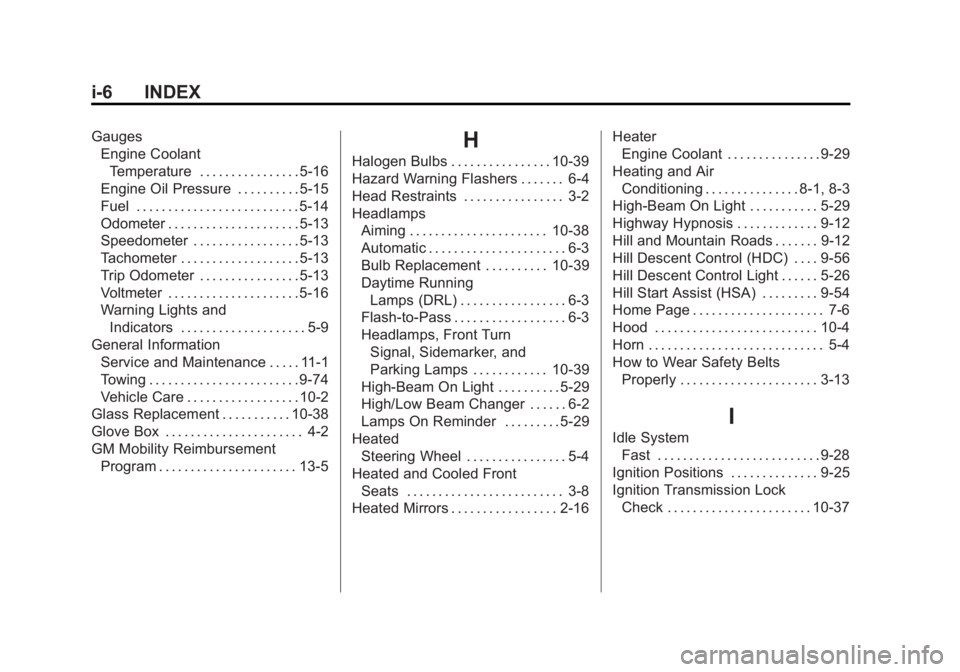
i-6 INDEX
GaugesEngine Coolant
Temperature . . . . . . . . . . . . . . . . 5-16
Engine Oil Pressure . . . . . . . . . . 5-15
Fuel . . . . . . . . . . . . . . . . . . . . . . . . . . 5-14
Odometer . . . . . . . . . . . . . . . . . . . . . 5-13
Speedometer . . . . . . . . . . . . . . . . . 5-13
Tachometer . . . . . . . . . . . . . . . . . . . 5-13
Trip Odometer . . . . . . . . . . . . . . . . 5-13
Voltmeter . . . . . . . . . . . . . . . . . . . . . 5-16
Warning Lights and Indicators . . . . . . . . . . . . . . . . . . . . 5-9
General Information Service and Maintenance . . . . . 11-1
Towing . . . . . . . . . . . . . . . . . . . . . . . . 9-74
Vehicle Care . . . . . . . . . . . . . . . . . . 10-2
Glass Replacement . . . . . . . . . . . 10-38
Glove Box . . . . . . . . . . . . . . . . . . . . . . 4-2
GM Mobility Reimbursement Program . . . . . . . . . . . . . . . . . . . . . . 13-5H
Halogen Bulbs . . . . . . . . . . . . . . . . 10-39
Hazard Warning Flashers . . . . . . . 6-4
Head Restraints . . . . . . . . . . . . . . . . 3-2
HeadlampsAiming . . . . . . . . . . . . . . . . . . . . . . 10-38
Automatic . . . . . . . . . . . . . . . . . . . . . . 6-3
Bulb Replacement . . . . . . . . . . 10-39
Daytime RunningLamps (DRL) . . . . . . . . . . . . . . . . . 6-3
Flash-to-Pass . . . . . . . . . . . . . . . . . . 6-3
Headlamps, Front Turn
Signal, Sidemarker, and
Parking Lamps . . . . . . . . . . . . 10-39
High-Beam On Light . . . . . . . . . . 5-29
High/Low Beam Changer . . . . . . 6-2
Lamps On Reminder . . . . . . . . . 5-29
Heated Steering Wheel . . . . . . . . . . . . . . . . 5-4
Heated and Cooled Front
Seats . . . . . . . . . . . . . . . . . . . . . . . . . 3-8
Heated Mirrors . . . . . . . . . . . . . . . . . 2-16 Heater
Engine Coolant . . . . . . . . . . . . . . . 9-29
Heating and Air Conditioning . . . . . . . . . . . . . . . 8-1, 8-3
High-Beam On Light . . . . . . . . . . . 5-29
Highway Hypnosis . . . . . . . . . . . . . 9-12
Hill and Mountain Roads . . . . . . . 9-12
Hill Descent Control (HDC) . . . . 9-56
Hill Descent Control Light . . . . . . 5-26
Hill Start Assist (HSA) . . . . . . . . . 9-54
Home Page . . . . . . . . . . . . . . . . . . . . . 7-6
Hood . . . . . . . . . . . . . . . . . . . . . . . . . . 10-4
Horn . . . . . . . . . . . . . . . . . . . . . . . . . . . . 5-4
How to Wear Safety Belts Properly . . . . . . . . . . . . . . . . . . . . . . 3-13
I
Idle SystemFast . . . . . . . . . . . . . . . . . . . . . . . . . . 9-28
Ignition Positions . . . . . . . . . . . . . . 9-25
Ignition Transmission Lock Check . . . . . . . . . . . . . . . . . . . . . . . 10-37
Page 539 of 542
Black plate (11,1)GMC Sierra Owner Manual (GMNA-Localizing-U.S./Canada/Mexico-
5853626) - 2014 - 3rd crc - 8/15/13
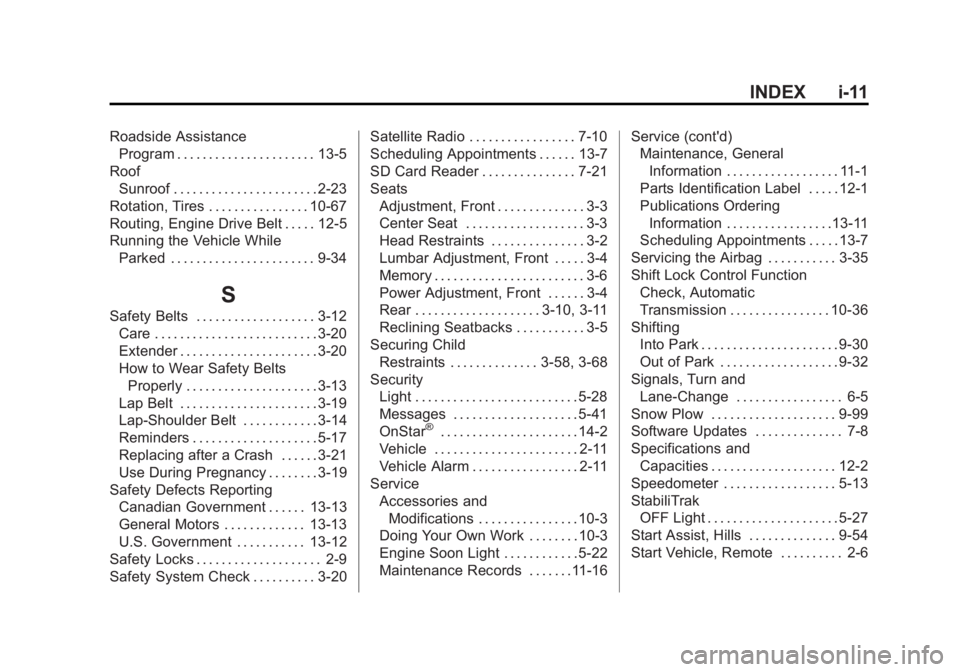
INDEX i-11
Roadside AssistanceProgram . . . . . . . . . . . . . . . . . . . . . . 13-5
Roof Sunroof . . . . . . . . . . . . . . . . . . . . . . . 2-23
Rotation, Tires . . . . . . . . . . . . . . . . 10-67
Routing, Engine Drive Belt . . . . . 12-5
Running the Vehicle While Parked . . . . . . . . . . . . . . . . . . . . . . . 9-34
S
Safety Belts . . . . . . . . . . . . . . . . . . . 3-12Care . . . . . . . . . . . . . . . . . . . . . . . . . . 3-20
Extender . . . . . . . . . . . . . . . . . . . . . . 3-20
How to Wear Safety BeltsProperly . . . . . . . . . . . . . . . . . . . . . 3-13
Lap Belt . . . . . . . . . . . . . . . . . . . . . . 3-19
Lap-Shoulder Belt . . . . . . . . . . . . 3-14
Reminders . . . . . . . . . . . . . . . . . . . . 5-17
Replacing after a Crash . . . . . . 3-21
Use During Pregnancy . . . . . . . . 3-19
Safety Defects Reporting Canadian Government . . . . . . 13-13
General Motors . . . . . . . . . . . . . 13-13
U.S. Government . . . . . . . . . . . 13-12
Safety Locks . . . . . . . . . . . . . . . . . . . . 2-9
Safety System Check . . . . . . . . . . 3-20 Satellite Radio . . . . . . . . . . . . . . . . . 7-10
Scheduling Appointments . . . . . . 13-7
SD Card Reader . . . . . . . . . . . . . . . 7-21
Seats
Adjustment, Front . . . . . . . . . . . . . . 3-3
Center Seat . . . . . . . . . . . . . . . . . . . 3-3
Head Restraints . . . . . . . . . . . . . . . 3-2
Lumbar Adjustment, Front . . . . . 3-4
Memory . . . . . . . . . . . . . . . . . . . . . . . . 3-6
Power Adjustment, Front . . . . . . 3-4
Rear . . . . . . . . . . . . . . . . . . . . 3-10, 3-11
Reclining Seatbacks . . . . . . . . . . . 3-5
Securing Child Restraints . . . . . . . . . . . . . . 3-58, 3-68
Security Light . . . . . . . . . . . . . . . . . . . . . . . . . . 5-28
Messages . . . . . . . . . . . . . . . . . . . . 5-41
OnStar
®. . . . . . . . . . . . . . . . . . . . . . 14-2
Vehicle . . . . . . . . . . . . . . . . . . . . . . . 2-11
Vehicle Alarm . . . . . . . . . . . . . . . . . 2-11
Service
Accessories andModifications . . . . . . . . . . . . . . . . 10-3
Doing Your Own Work . . . . . . . . 10-3
Engine Soon Light . . . . . . . . . . . . 5-22
Maintenance Records . . . . . . .11-16 Service (cont'd)
Maintenance, General
Information . . . . . . . . . . . . . . . . . . 11-1
Parts Identification Label . . . . . 12-1
Publications Ordering
Information . . . . . . . . . . . . . . . . .13-11
Scheduling Appointments . . . . . 13-7
Servicing the Airbag . . . . . . . . . . . 3-35
Shift Lock Control Function Check, Automatic
Transmission . . . . . . . . . . . . . . . . 10-36
Shifting Into Park . . . . . . . . . . . . . . . . . . . . . . 9-30
Out of Park . . . . . . . . . . . . . . . . . . . 9-32
Signals, Turn and Lane-Change . . . . . . . . . . . . . . . . . 6-5
Snow Plow . . . . . . . . . . . . . . . . . . . . 9-99
Software Updates . . . . . . . . . . . . . . 7-8
Specifications and Capacities . . . . . . . . . . . . . . . . . . . . 12-2
Speedometer . . . . . . . . . . . . . . . . . . 5-13
StabiliTrak OFF Light . . . . . . . . . . . . . . . . . . . . . 5-27
Start Assist, Hills . . . . . . . . . . . . . . 9-54
Start Vehicle, Remote . . . . . . . . . . 2-6
Page 541 of 542
Black plate (13,1)GMC Sierra Owner Manual (GMNA-Localizing-U.S./Canada/Mexico-
5853626) - 2014 - 3rd crc - 8/15/13
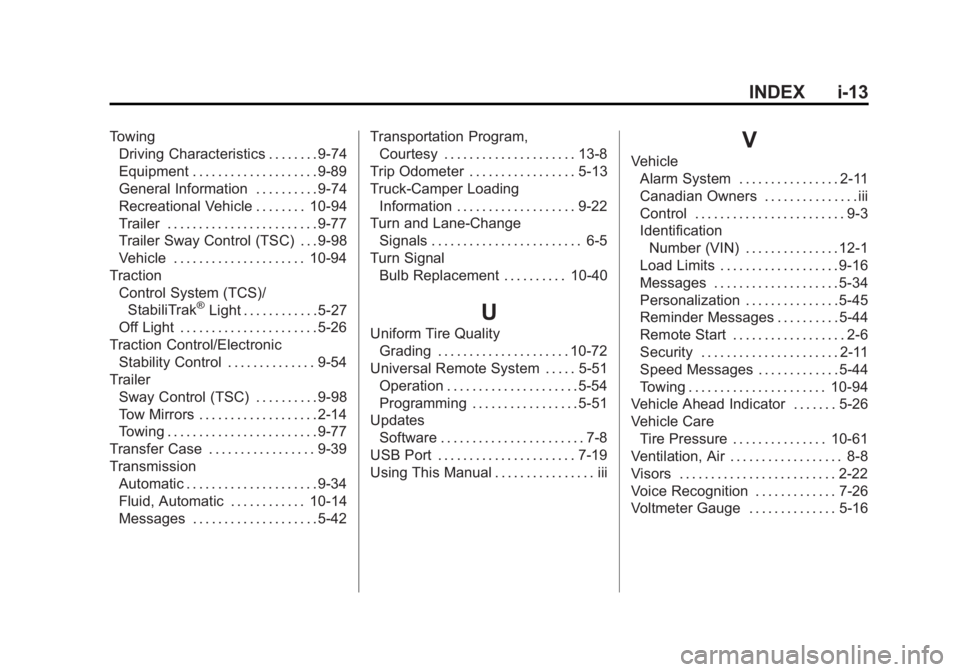
INDEX i-13
TowingDriving Characteristics . . . . . . . . 9-74
Equipment . . . . . . . . . . . . . . . . . . . . 9-89
General Information . . . . . . . . . . 9-74
Recreational Vehicle . . . . . . . . 10-94
Trailer . . . . . . . . . . . . . . . . . . . . . . . . 9-77
Trailer Sway Control (TSC) . . . 9-98
Vehicle . . . . . . . . . . . . . . . . . . . . . 10-94
Traction Control System (TCS)/StabiliTrak
®Light . . . . . . . . . . . . 5-27
Off Light . . . . . . . . . . . . . . . . . . . . . . 5-26
Traction Control/Electronic Stability Control . . . . . . . . . . . . . . 9-54
Trailer Sway Control (TSC) . . . . . . . . . . 9-98
Tow Mirrors . . . . . . . . . . . . . . . . . . . 2-14
Towing . . . . . . . . . . . . . . . . . . . . . . . . 9-77
Transfer Case . . . . . . . . . . . . . . . . . 9-39
Transmission Automatic . . . . . . . . . . . . . . . . . . . . . 9-34
Fluid, Automatic . . . . . . . . . . . . 10-14
Messages . . . . . . . . . . . . . . . . . . . . 5-42 Transportation Program,
Courtesy . . . . . . . . . . . . . . . . . . . . . 13-8
Trip Odometer . . . . . . . . . . . . . . . . . 5-13
Truck-Camper Loading Information . . . . . . . . . . . . . . . . . . . 9-22
Turn and Lane-Change Signals . . . . . . . . . . . . . . . . . . . . . . . . 6-5
Turn Signal Bulb Replacement . . . . . . . . . . 10-40U
Uniform Tire QualityGrading . . . . . . . . . . . . . . . . . . . . . 10-72
Universal Remote System . . . . . 5-51 Operation . . . . . . . . . . . . . . . . . . . . . 5-54
Programming . . . . . . . . . . . . . . . . . 5-51
Updates Software . . . . . . . . . . . . . . . . . . . . . . . 7-8
USB Port . . . . . . . . . . . . . . . . . . . . . . 7-19
Using This Manual . . . . . . . . . . . . . . . . iii
V
Vehicle Alarm System . . . . . . . . . . . . . . . . 2-11
Canadian Owners . . . . . . . . . . . . . . . iii
Control . . . . . . . . . . . . . . . . . . . . . . . . 9-3
IdentificationNumber (VIN) . . . . . . . . . . . . . . . 12-1
Load Limits . . . . . . . . . . . . . . . . . . . 9-16
Messages . . . . . . . . . . . . . . . . . . . . 5-34
Personalization . . . . . . . . . . . . . . . 5-45
Reminder Messages . . . . . . . . . . 5-44
Remote Start . . . . . . . . . . . . . . . . . . 2-6
Security . . . . . . . . . . . . . . . . . . . . . . 2-11
Speed Messages . . . . . . . . . . . . . 5-44
Towing . . . . . . . . . . . . . . . . . . . . . . 10-94
Vehicle Ahead Indicator . . . . . . . 5-26
Vehicle Care
Tire Pressure . . . . . . . . . . . . . . . 10-61
Ventilation, Air . . . . . . . . . . . . . . . . . . 8-8
Visors . . . . . . . . . . . . . . . . . . . . . . . . . 2-22
Voice Recognition . . . . . . . . . . . . . 7-26
Voltmeter Gauge . . . . . . . . . . . . . . 5-16