CD player GMC SIERRA 1993 Owners Manual
[x] Cancel search | Manufacturer: GMC, Model Year: 1993, Model line: SIERRA, Model: GMC SIERRA 1993Pages: 436, PDF Size: 23.88 MB
Page 161 of 436
Comfort Controls & Audio Systems
Section
?
In this section you’ll find out how to operate the comfort control and audio
systems offered with your vehicle. Be sure to read about the particular system
supplied with your vehicle.
For explanation of vehicle symbols in this secrlon, reTer to “Vehicle
Symbols” in Section 0.
Comfort Control System ........................................................................\
............... 3-2
Flow-Through Ventilation System
..................................................................... 3-2
Heating System (Without Air Conditioning)
..................................................... 3-4
Heater Output
........................................................................\
............................ 3-5
Electronic Heating/Air Conditioning System ..................................................... 3-5
Rear Window Defogger
........................................................................\
............. 3-8
Audio Systems
........................................................................\
............................... 3-9
FM Stereo ........................................................................\
.................................. 3-9
AM
....... . ... . . . . . , .. . . . . . . . . . . .. ... .. .. . . . . . . .. . . . . . ... . .. .. . .. ,. . . . . , . . , . . . . .. . . .. ... .. .. . . . . . . , . . . . ... . . . .... . .. . . . . . .3-9
AM Stereo
............................................. ........................................................... 3-1 0
How to Operate Your AM ETR@Radio ......................................................... 3-10
How to Operate Your AM-FM Stereo Audio System
and Cassette Deck
.II..I.I..I.I...................................I...........I...........\
.............. 3-11
How to Operate Your AM-FM Stereo Audio System
and Cassette Deck with Equalizer
.............,.,.,...................,........................... 3-14
Care of Your Cassette Tape Player
............................................................... 3-18
Fixed Mast Antenna
.................................. ...................................................... 3-1 8
3-1
ProCarManuals.com
Page 173 of 436
BASS
Push (t) to hear more bass.
Push
(-) to hear less bass.
Adjust these buttons to give a pleasing sound.
If a station is weak and noisy,
just reduce
TREB to lessen interference.
Cassette Deck
...................... ..............
...... ._L-.~ ...... ......................
.,~, .. - ........ j__-. .......... ............. ... : .... .................. ..............-I. IX_r"
1
K2310
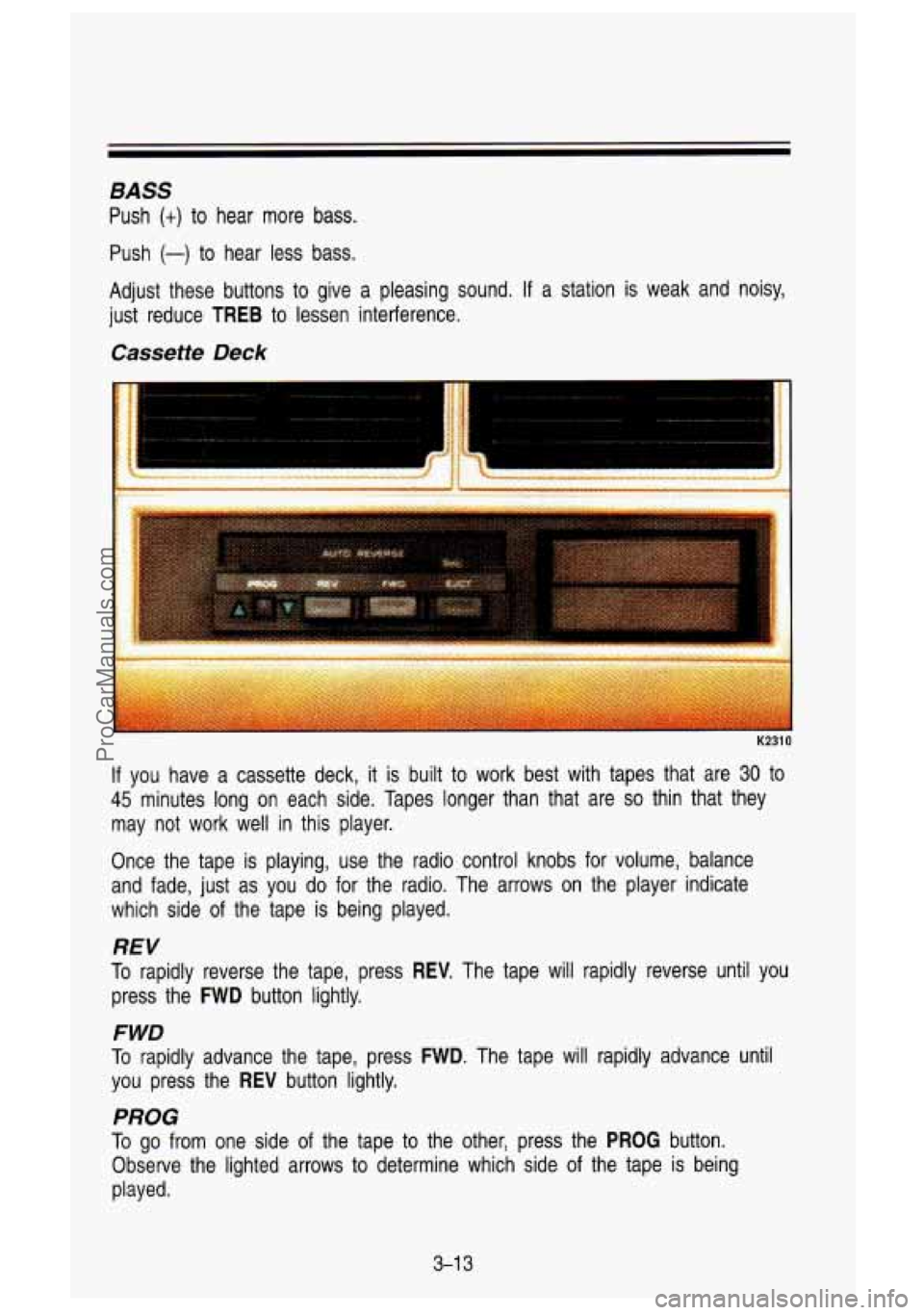
If you have a cassette deck, it is built to work best with tapes that are 30 to
45 minutes long on each side. Tapes longer than that are so thin that they
may not work well in this player.
Once the tape is playing, use the radio control knobs for vol\
ume, balance
and fade, just as you do for the radio. The arrows on the p\
layer indicate
which side of the tape
is being played.
REV
To rapidly reverse the tape, press REV. The tape will rapidly reverse until you
press the FWD button lightly.
FWD
To rapidly advance the tape, press FWD. The tape will rapidly advance until
you press the
REV button lightly.
PROG
To go from one side of the tape to the other, press the PROG button.
Observe the lighted arrows to determine which side of the tape is being
played.
3-1 3
ProCarManuals.com
Page 174 of 436
Comfort Contmls & Audio Systems
If a tape is inserted with side “1” (or “A”) up, then the up arrow means that
that side is being played. Likewise, a down arrow would indica\
te that side
“2”
(or “B”) had been selected. The player will automatically switch to the other
side of the tape when the first side ends.
EJECT
To remove the tape or stop the tape and switch to radio, press the EJCT
button.
How to Operate Your AM-FM Stereo
Audio System
and Cassette Deck with Equalizer
PO1 99
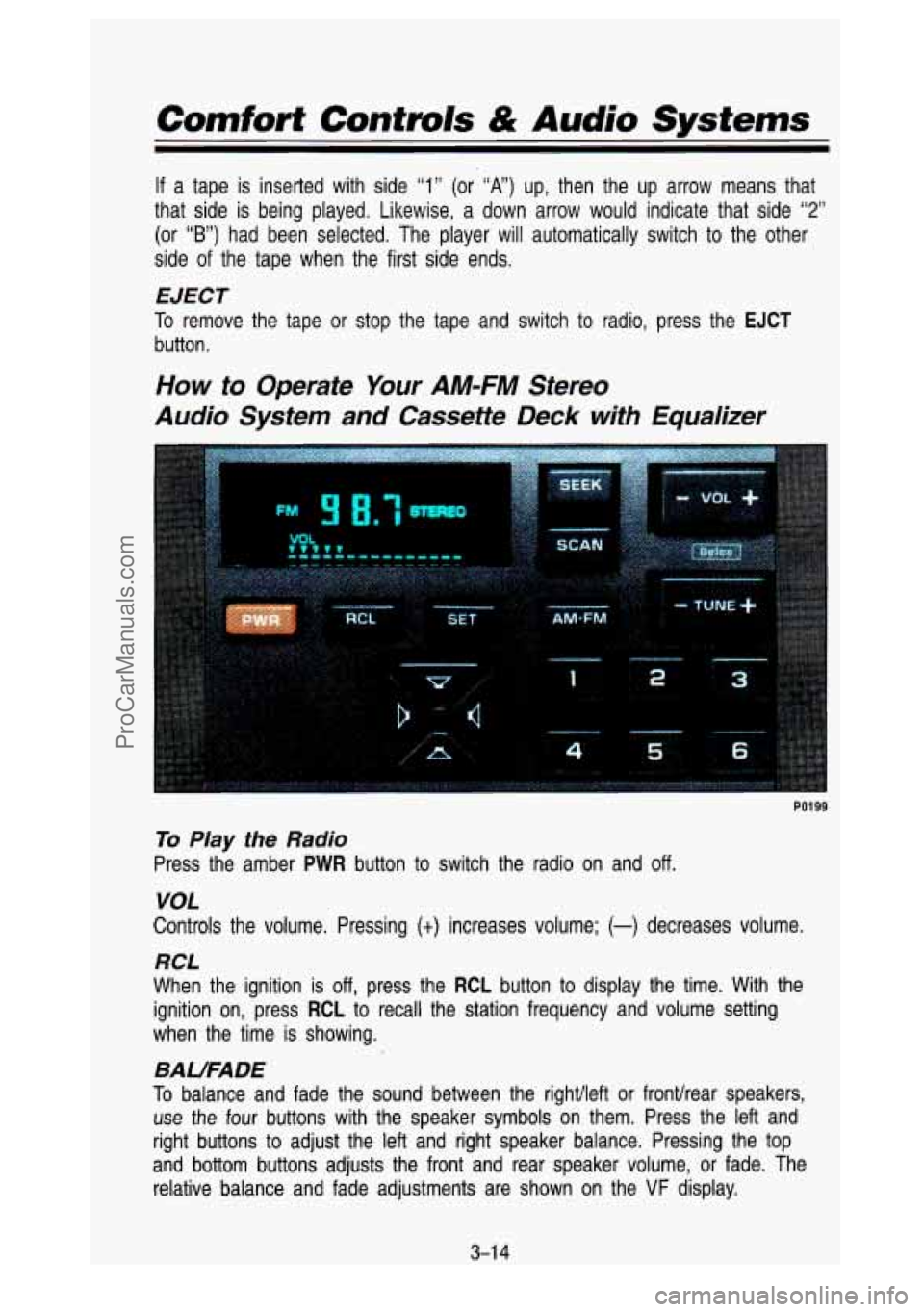
To Play the Radio
Press the amber PWR button to switch the radio on and off.
VOL
Controls the volume. Pressing (t) increases volume; (-) decreases volume.
RCL
When the ignition is off, press the RCL button to display the time. With the
ignition on, press
RCL to recall the station frequency and volume setting
when the time is showing.
BAUFADE
To balance and fade the sound between the rightlleft or fronurear speakers,
use the four buttons with the speaker symbols on them. Press the \
left and
right buttons to adjust the
left and right speaker balance. Pressing the top
and bottom buttons adjusts the front and rear speaker volume, \
or fade. The
relative balance and fade adjustments are shown on the
VF display.
3-1 4
ProCarManuals.com
Page 176 of 436
Comfort Controls & Audio Systems
AmSt
The AmSt button is just below the PWR button. Push this when you tune to
an AM station that broadcasts in stereo. Your
STEREO light will come on
when you’re receiving AM stereo.
If you push AmSt and there is no more
noise,
it means the station is weak. You’ll hear the station better if you don’t
use
AmSt. Just push the AmSt button again to cancel stereo.
NOTE: Your Delco system may be able to receive C-QUAM@ stereo
broadcasts. Many AM stations around the country use C-QUAM@ to produce
stereo, though some do not. C-QUAM@ is a registered trademark
of Motorola
Inc. If your Delco system can get C-QUAM@ signals, your
STEREO light will
come on when you are receiving stereo.
Cassette Deck with Graphic Equalizer
K2311
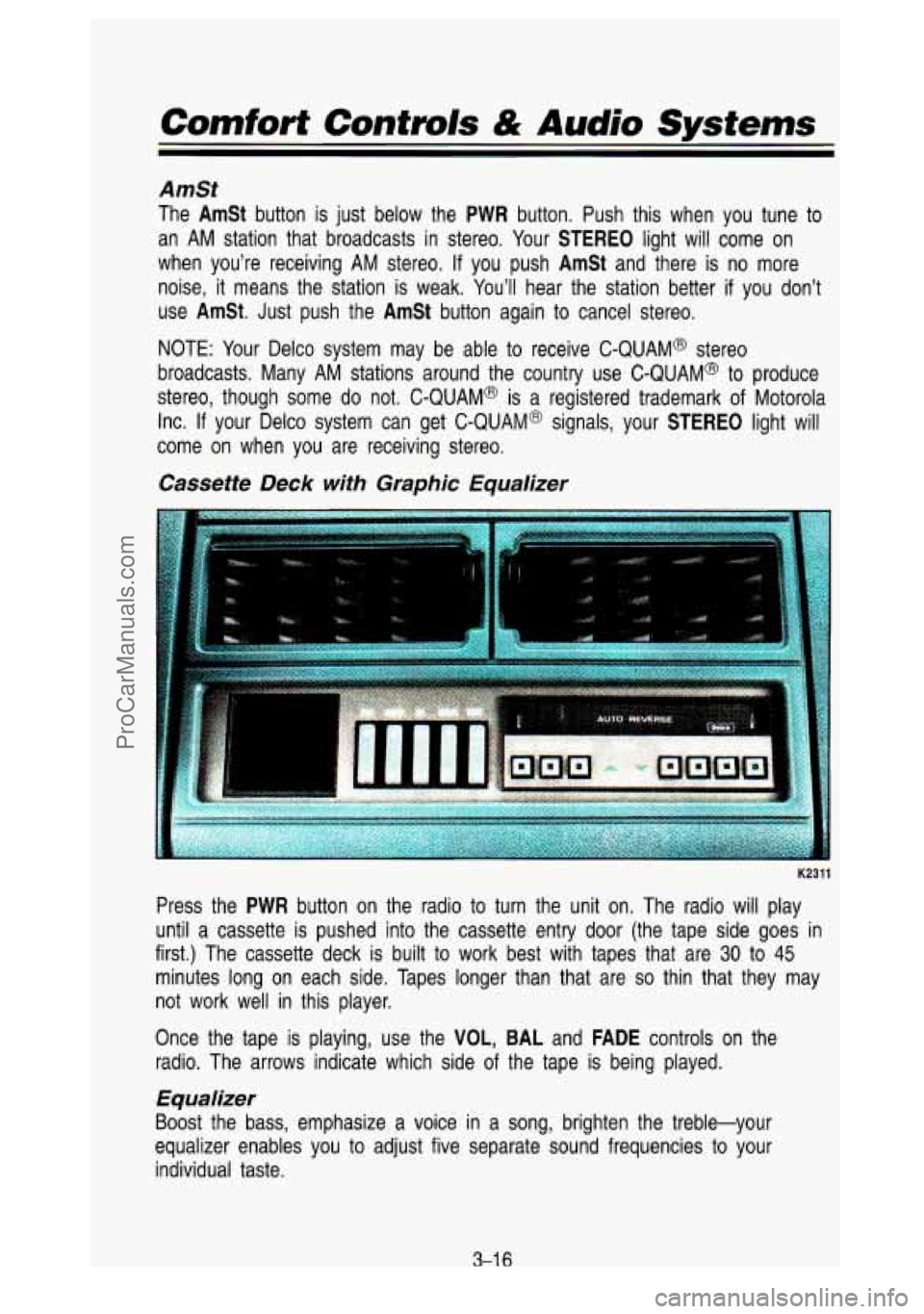
Press the PWR button on the radio to turn the unit on. The radio will play
until a cassette is pushed into the cassette entry door (the \
tape side goes in
first.) The cassette deck is built to work best with tapes that are
30 to 45
minutes long on each side. Tapes longer than that are so thin that they may
not work well in this player.
Once the tape is playing, use the
VOL, BAL and FADE controls on the
radio. The arrows indicate which side
of the tape is being played.
Equalizer
Boost the bass, emphasize a voice in a song, brighten the treble-your
equalizer enables you to adjust five separate sound frequencies \
to your
individual taste.
3-1 6
ProCarManuals.com
Page 177 of 436
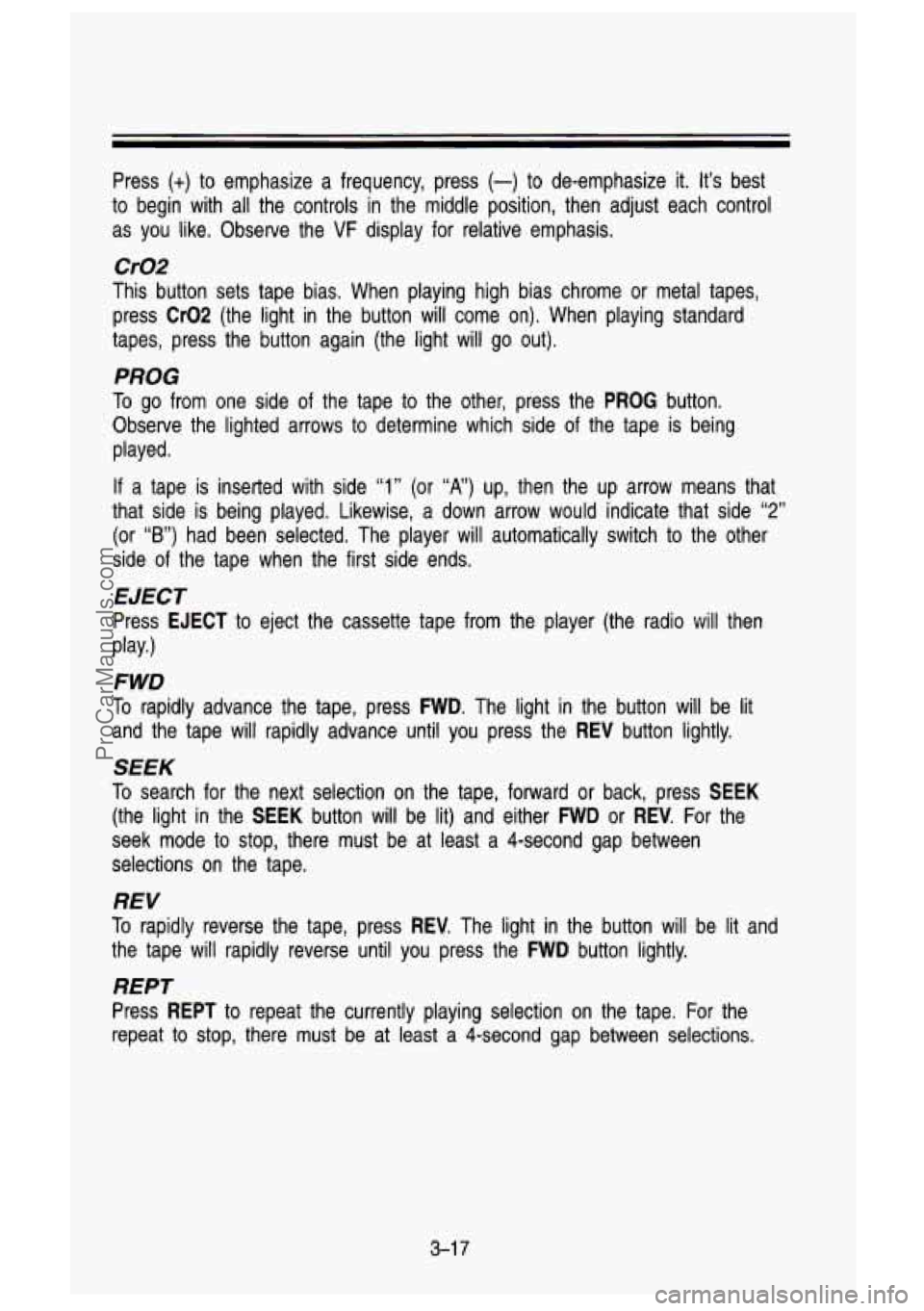
Press (+) to emphasize a frequency, press (-) to de-emphasize it. It’s best
to begin with all the controls in the middle position, then adjust each control
as you like. Observe the
VF display for relative emphasis.
Cr02
This button sets tape bias. When playing high bias chrome or metal tapes,
press
Cr02 (the light in the button will come on). When playing standard
tapes, press the button again (the light will go out).
PROG
To go from one side of the tape to the other, press the PROG button.
Observe the lighted arrows to determine which side of the tape is being
played.
If a tape is inserted with side “1” (or ‘X,) up, men the up arrow means that
that side is being played. Likewise, a down arrow would indicate that side
“2”
(or “B”) had been selected. The player will automatically switch to the other
side of the tape when the first side ends.
EJECT
Press EJECT to eject the cassette tape from the player (the radio will t\
hen
FWD
To rapidly advance the tape, press FWD. The light in the button will be lit
and the tape will rapidly advance until you press the
REV button lightly.
play.)
SEEK
To
search for the next selection on the tape, forward or back, press SEEK
(the light in the SEEK button will be lit) and either FWD or REV. For the
seek mode to stop, there must be at least a 4-second gap between
selections on the tape.
REV
To rapidly reverse the tape, press REV. The light in the button will be lit and
the tape will rapidly reverse until you press the
FWD button lightly.
REPT
Press REPT to repeat the currently playing selection on the tape. For the
repeat to stop, there must be at least
a 4-second gap between selections.
3-1 7
ProCarManuals.com
Page 178 of 436

Comfort Contrors & Audio Systems
Care of Your Cassette Tape PIayer
A tape player that is not cleaned regularly can cause reduced so\
und quality,
ruined cassettes, or a damaged mechanism. Cassette tapes should be stored
in their cases away from contaminants, direct sunlight, and extreme\
heat.
If
they aren't, they may not operate properly or cause failure of\
the tape player.
Your tape player should be cleaned regularly each month
or after 15 hours of
use. If you notice a reduction in sound quality, try a known good cassette to
see
if the tape or the player is at fault. If this other cassette has no
improvement in sound quality, clean the tape player.
Clean your tape player with a wiping-action, non abrasive clean\
ing cassette,
and follow the directions provided with
it.
Cassettes are subject to wear and the sound quality may degrad\
e over time.
Always make sure that the cassette tape is in good condition \
before you
have your tape player serviced.
K1313
Fixed Mast Antenna
The fixed mast antenna can withstand most car washes without being
damaged.
If the mast should ever become slightly bent, you can straighten it
out by hand. If the mast is badly bent, as it might be by vandals, you should
replace
it.
Check every once in a while to be sure the mast is still tightened to the
fender.
3-1 8
ProCarManuals.com
Page 426 of 436
C
Camper Wiring Harness .............. 2-91
Capacities/Specification Charts .. 6-95
Cassette Tape Player
Catalytic Converter
...................... 6-65
Certificationnire Label
................. 6-67
Changing
A Flat Tire ........ 5.17. 5-23
Chemical Paint Spotting
.............. 6-90
Child Restraints
Cigarette Lighter/Ashtrays
........... 2-62
Circuit Breakers (See “Fuses”)
Cleaning (See
“Audio Systems”)
(See “Safety Belts”)
Finish Care
................................ 6-88
Glass
.......................................... 6-87
Inside of Vehicle
....................... 6-85
Instrument Panel. Top
............. 6-87
Outside of Vehicle
.................... 6-88
Special Problems
...................... 6-86
Vinyl
or Leather ........................ 6-87
Wheels and Tires
..................... 6-89
Windshield
................................ 6-88
Clock
................................... 3-1 2. 3-1 5
Computer Command Control
System
..................................... 6-66
Conversion to Chassis Cab
........ 6-72
Coolant (See “Engine”)
Cooling System
............................ 5-1 1
Capacity
.................................... 6-96
Crankcase Capacity
...................... 6-96
Cruise Control
............................... 2-47
Increase Speed
......................... 2.50
On Hills ...................................... 2-51
Passing
...................................... 2-51
Resume
..................................... 2-49
Set
.............................................. 2-48
To Get Out Of
.......................... 2-52
Cup Holder
.................................... 2-65
Customer Assistance for the
Customer Satisfaction Procedure.8-2 Reduce Speed
.......................... 2-51
Hearing
or Speech Impaired .... 8-3
D
Daytime Running Lights
(Canada Only)
.................... 2.55. 2-84
Indicator Light
............... 2.55. 2-84
Diesel Fuel (See “Fuel”)
Dome Lights
................................. 2-56
Doors
............................................... 2-5
Driving Locks
............................................ 2-6
Across an Incline
..................... 4-33
After Off-Road Driving
............ 4-36
At Night
.......................... 4.36. 4-38
Backing Up
............................... 4-59
Defensive
................................... 4-10
Downhill
..................................... 4-31
Freeway
..................................... 4-43
High Beams
.............................. 4-37
Highway Hypnosis
................... 4-46
Hydroplaning
............................. 4-39
In Blizzard
................................. 4-54
In City
....................................... 4-42
In Fog. Mist and Haze
. 4.41 . 4-42
In Rain
............................ 4.38. 4-40
In Sand. Mud. Ice.
Or Snow .................................. 4-34
In Water
.................................... 4-35
Long Distance
.......................... 4-45
Loss of Control
........................ 4-24
Night Vision
.............................. 4-37
Off-Roading
............................... 4-25
On Curves
................................. 4-20
On Grades
................................. 4-60
On Hill and Mountain Roads
. 4-47
On Off-Road Hills
.................... 4-28
On Snow
or Ice .. 2.15. 4.52. 4-55
Passing
............................ 4.22. 4-59
Skidding
..................................... 4-24
Stuck in Deep Snow
..... 4.54. 5-33
Through Water
.............. 2.15. 4-35
Uphill
.......................................... 4-29
Winter
........................................ 4-52
With a Trailer
............................ 4-55
Drunken Driving
........................... 4-11
9-2
ProCarManuals.com