buttons GMC SIERRA 1994 Owners Manual
[x] Cancel search | Manufacturer: GMC, Model Year: 1994, Model line: SIERRA, Model: GMC SIERRA 1994Pages: 404, PDF Size: 20.91 MB
Page 117 of 404

Center Floor Console
Your vehicle may have a console compartment between the bucket \
seats.
To open it, just
squeeze the buttons on
I both sides of the
keyhole, and pull up.
Use your round key to lock this
compartment.
Your console also
includes a handy place
to hold cups.
Your console also has
a cup holder that slides out, for the back
seat passengers to use.
2-59
ProCarManuals.com
Page 149 of 404
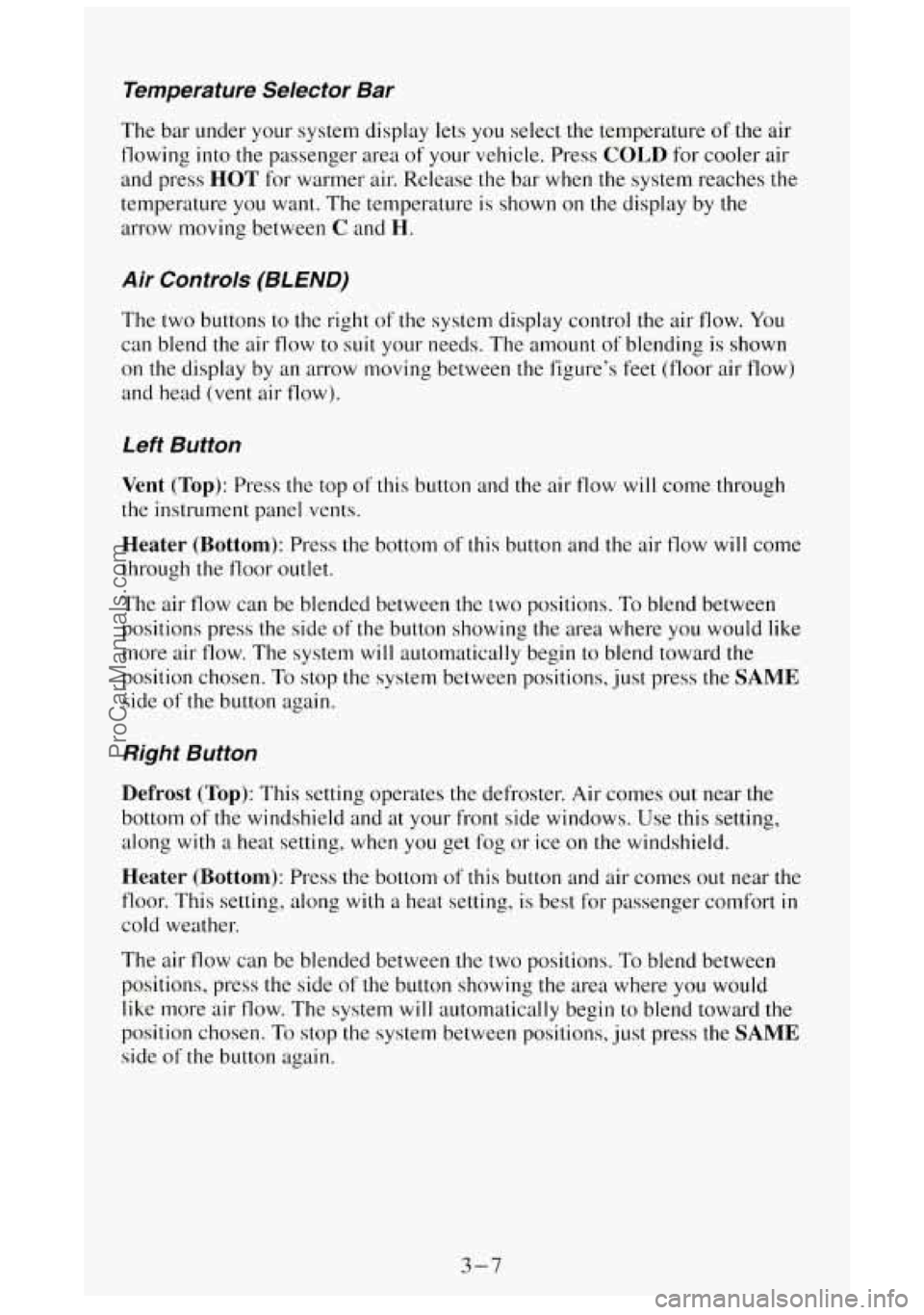
Temperature Selector Bar
The bar under your system display lets you select the temperature of the air
flowing into the passenger area
of your vehicle. Press COLD for cooler air
and press
HOT for warmer air. Release the bar when the system reaches the
temperature you want. The temperature is shown on
the display by the
arrow moving between
C and H.
Air Controls (BLEND)
The two buttons to the right of the system display control the air flow. You
can blend the air flow to suit your needs. The amount
of blending is shown
on the display by an arrow moving between the figure’s feet (floor air flow)
and head (vent air flow).
Left Button
Vent (Top): Press the top of this button and the air flow will come through
the instrument panel vents.
Heater (Bottom): Press the bottom of this button and the air flow will come
through the floor outlet.
The air flow can be blended between the two positions. To blend between
positions press the side of
the button showing the area where you would like
more air flow. The system will automatically begin to blend toward the
position chosen. To stop the system between positions, just press the
SAME
side of the button again.
Right Button
Defrost (Top): This setting operates the defroster. Air comes out near the
bottom
of the windshield and at your front side windows. Use this setting,
along
with a heat setting, when you get fog or ice on the windshield.
Heater (Bottom): Press the bottom of this button and air comes out near the
floor. This setting, along with
a heat setting, is best for passenger comfort in
cold weather.
The air flow can be blended between
the two positions. To blend between
positions, press the side
of the button showing the area where you would
like more air flow. The system
will automatically begin to blend toward the
position chosen. To stop the system between positions, just press the
SAME
side of the button again.
3-7
ProCarManuals.com
Page 150 of 404
A/C Button
Press the button marked A/C to turn your air conditioner on and off. The
A/C symbol will light on your display and air will come out of your
instrument panel vents. The fan
will automatically be set on LOW.
When you press the A/C button to turn the air conditioner off, the system
will operate in the
vent mode. When you turn the air conditioner back on,
the system will operate
in the mode that you last selectcd unless the OFF
button was pressed.
MAX Button
If you press the MAX button, the air in your vehicle will be recirculated.
With the air conditioner on,
MAX will give you maximum cooling. It can
also be used
in all modes to help keep dust out of your vchicle. When MAX
is selected, REC will light on your display.
If your air conditioner develops high system pressure, it will automatically
go into the
MAX mode and REC will light on your display. The A/C
system will remain in the MAX mode, even if you press the MAX button,
until system pressure returns
to a normal level.
Fan Control Button
This button is in the upper right corner of your system control panel. The
fan has four settings
- low, medium low, medium high and high. Press the
top of the button
“+” to increase the air flow. Press the bottom of the button
“-” to decrease the air flow. The setting you select is shown on your display
as LOW, MED LOW, MED HI or HI.
OFF Button
Press this button to turn the air conditioning/heating system off. Pressing
OFF will erase the present mode of operation from the system’s memory.
Outside air will still come out of
the heater outlet whenever the vehicle is
moving forward.
If the OFF button was pressed, you must press A/C, MAX, or one of the
BLEND buttons for the system to come back on.
Rear Window Defogger
You can tell if your vehicle has this option by looking at the rear window. If
you see lines running across the glass, you have it. These are the conductive
wire-like elements which heat your window.
3-8
ProCarManuals.com
Page 153 of 404
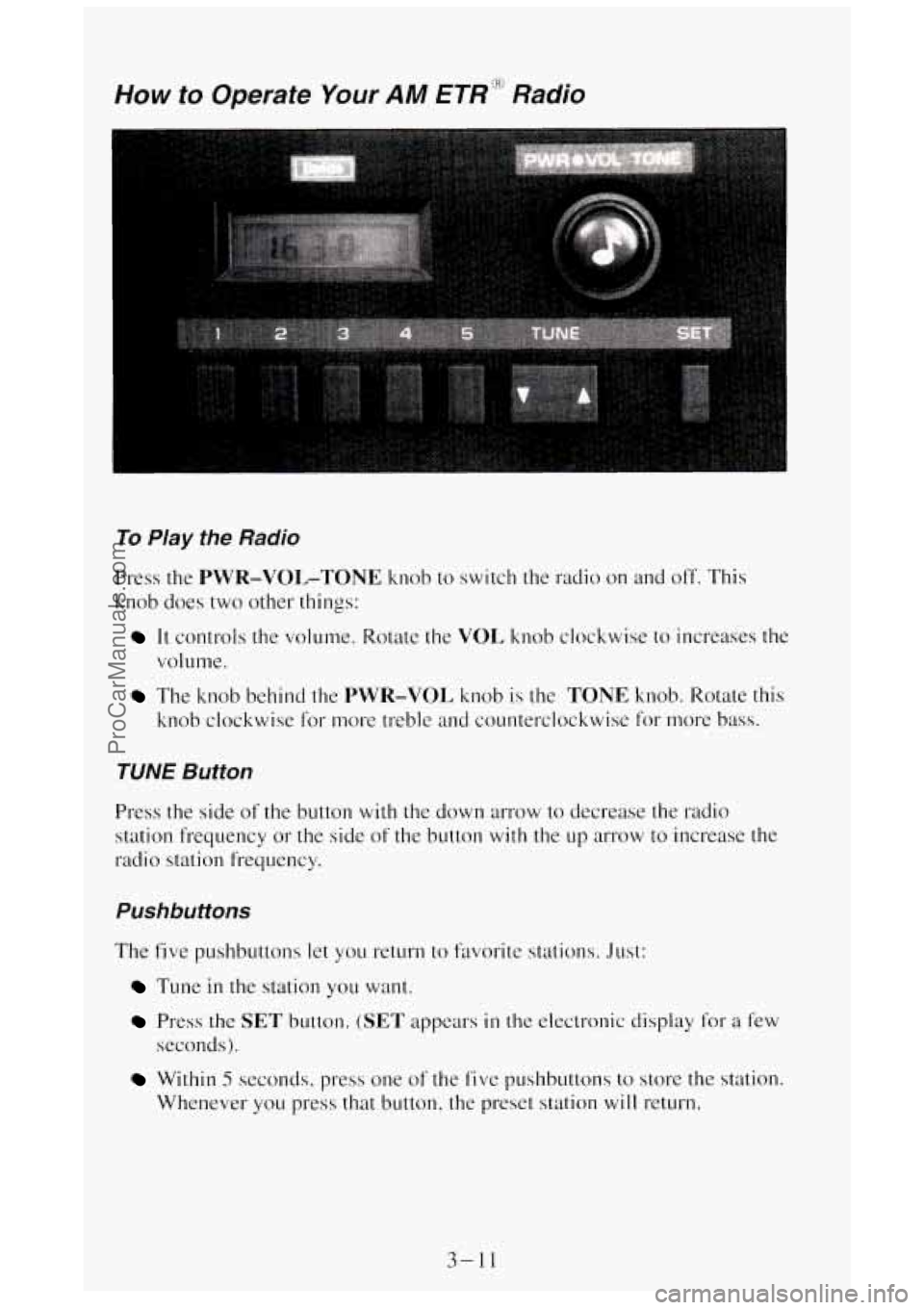
Yow to Operate Your AM ETR':"' Radio
To Play the Radio
Press the PWR-VOL-TONE knob to switch the radio on and off. This
knob does two other things:
It controls the volume. Rotate the VOI, knob clockwise to increases the
volume.
The knob behind the PWR-VOL knob is the TONE knob. Rotate this
knob clockwise
for more treble and counterclockwise for more bass.
TUNE Button
Press the side of the button with the down arrow to decrease the radio
station frequency
or the side of the button with the up arrow to increase the
radio station frequency.
Pushbuttons
The five pushbuttons let you return to favorite stations. Just:
Tune in the station you want.
Press the SET button. (SET appears in the electronic display for a f'ew
seconds).
Within 5 seconds, press one of the fivc pushbuttons to store the station.
Whenever you press that button, the preset station
will return.
3-11
ProCarManuals.com
Page 155 of 404
VOL Button
The VOL button controls the volume. Pressing VOL "+" increases volume;
VOL "-" decreases volume.
TUNE Button
To tune in radio stations, press the TUNE button. TUNE "+" increases
radio station frequency;
TUNE "-" decreases radio station frequency.
BASS Button
Press the BASS button to adjust the bass level. BASS "+" increases the
bass; BASS "-" decreases bass.
Adjust the
TREB and BASS buttons to give a pleasing sound. If a station is
weak and noisy, adjust the
TREB button to reduce the noise.
TREBLE Button
Press the TREB button to adjust the treble level. TREB "+" increases the
treble; TREB "-" decreases treble.
BAUFADE Buttons
To balance and hde the sound between the leftkight or fronthear speakers,
use
the four buttons with the speaker symbols on them. Press the left and
right buttons to adjust the left and right speaker balance. Pressing the top
and bottom buttons adjusts the front and rear speaker volume balance,
or
fade. The relative. balance. and fade adjustments are shown on the electronic
display.
Pushbuttons
The six pushbuttons let you return to favorite stations. You can set the
pushbuttons for up to twelve favorite stations
(6 AM and 6 FM). To set the
pushbuttons, just:
Tune in the station you want.
Press the SET button. (SET appears in the electronic display for a few
seconds.)
Within 5 seconds, push one of the six pushbuttons to store the station.
After that, whenever you press that button, the preset station
will
return.
3-13
ProCarManuals.com
Page 156 of 404
Clock
To set the clock, just:
0
0
0
0
Press the SET button. The word SET will light up in the electronic
display.
Within
5 seconds, press and hold the SEEK button until the correct
hour appears on the display.
Then, press and hold the
SCAN button until the correct minute appears
on the display.
After you set the time, the word
SET will remain in the electronic
display for a few seconds.
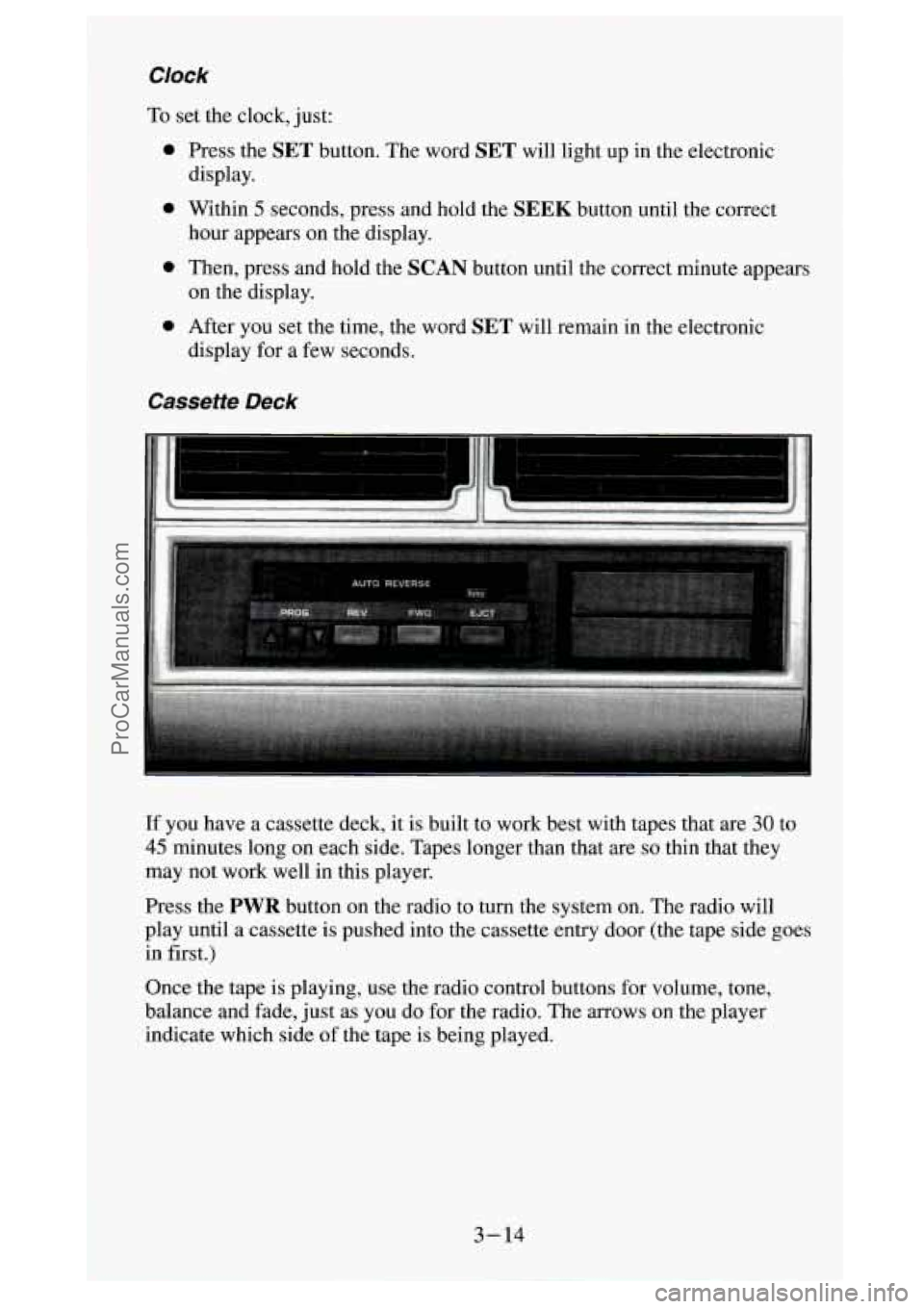
Cassette Deck
p... .... ..... ......................... ..... i' f. ................... ./.. .._..-... ..............
ii .... ........ "_ ......... ........ -. ........ ... .....
If you have a cassette deck, it is built to work best with tapes that are 30 to
45 minutes long on each side. Tapes longer than that are so thin that they
may not work well in this player.
Press the
PWR button on the radio to turn the system on. The radio will
play until a cassette is Dushed into the cassette entry door (the tape side goes
in first.)
Once the tape is playing, use the radio control buttons for volume, tone,
balance and fade, just as you do for the radio. The arrows
on the player
indicate which side of the tape
is being played.
3-14
ProCarManuals.com
Page 159 of 404
AM-FM Button
Press the AM-FM button to switch between AM and FM.
Stereo (AM)
Your Delco@ radio can receive C-QUAM@ stereo broadcasts. Many AM
stations around the country use C-QUAM@ to produce stereo, though some
do not. If your Delco@ system can get C-QUAM@ signals, your STEREO
light
will come on when you are receiving stereo. (C-QUAM@ is a
registered trademark of Motorola Inc.).
VOL Button
The VOL button controls the volume. Pressing VOL "+" increases volume;
VOL "-" decreases volume.
TUNE Button
To tune in radio stations, press the TUNE button. TUNE "+" increases
radio station frequency;
TUNE "-" decreases radio station frequency.
BAUFADE Buttons
To
balance and fade the sound between the lefthight or frondrear speakers,
use the four buttons with the speaker symbols on them. Press the left and
right buttons
to adjust the left and right speaker balance. Pressing the top
and bottom buttons adjusts the front and rear speaker volume balance, or
fade. The relative balance and fade adjustments are shown
on the electronic
display.
Pushbuttons
The six pushbuttons let you return to favorite stations. You can set the
pushbuttons for up to twelve favorite stations
(6 AM and 6 FM). To set the
pushbuttons, just:
Tune in the station you want.
Press the SET button. (SET appears in the electronic display for a few
Within 5 seconds, push one of the six pushbuttons to store the station.
seconds.)
After that, whenever you press that button, the preset station will
return.
3- 17
ProCarManuals.com
Page 160 of 404
Clock
To set the clock, just:
0 Press the SET button. The word SET will light up in the electronic
display.
hour appears on the display.
0 Within 5 seconds, press and hold the SEEK button until the correct
0 Then, press and hold the SCAN button until the correct minute appears
0 After you set the time, the word SET will remain in the electronic
on the display.
display for a few seconds.
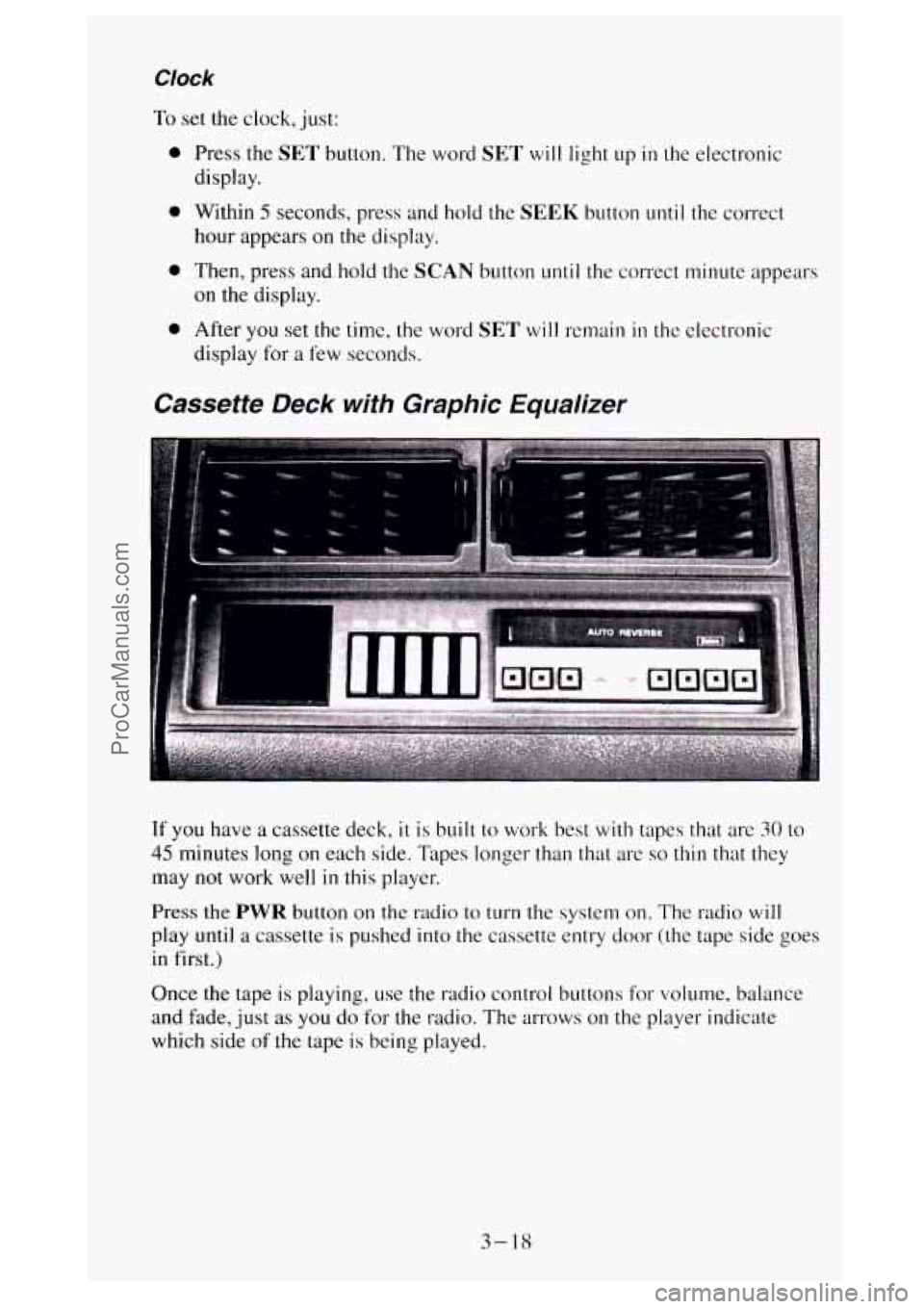
Cassette Deck with Graphic Equalizer
If you have a cassette deck, it is built to work best with tapes that are 30 to
45 minutes long on each side. Tapes longer than that are so thin that they
may not work well
in this player.
Press the PWR button on the radio to turn the system on. The radio will
play until a cassette is pushed into the cassette entry door (the tape side goes
in first.)
Once the tape
is playing, use the radio control buttons for volume, balance
and fade, just
as you do for the radio. The arrows on the player indicate
which side
of the tape is being played.
3- 18
ProCarManuals.com