instrument panel GMC SIERRA 1994 Owners Manual
[x] Cancel search | Manufacturer: GMC, Model Year: 1994, Model line: SIERRA, Model: GMC SIERRA 1994Pages: 404, PDF Size: 20.91 MB
Page 25 of 404
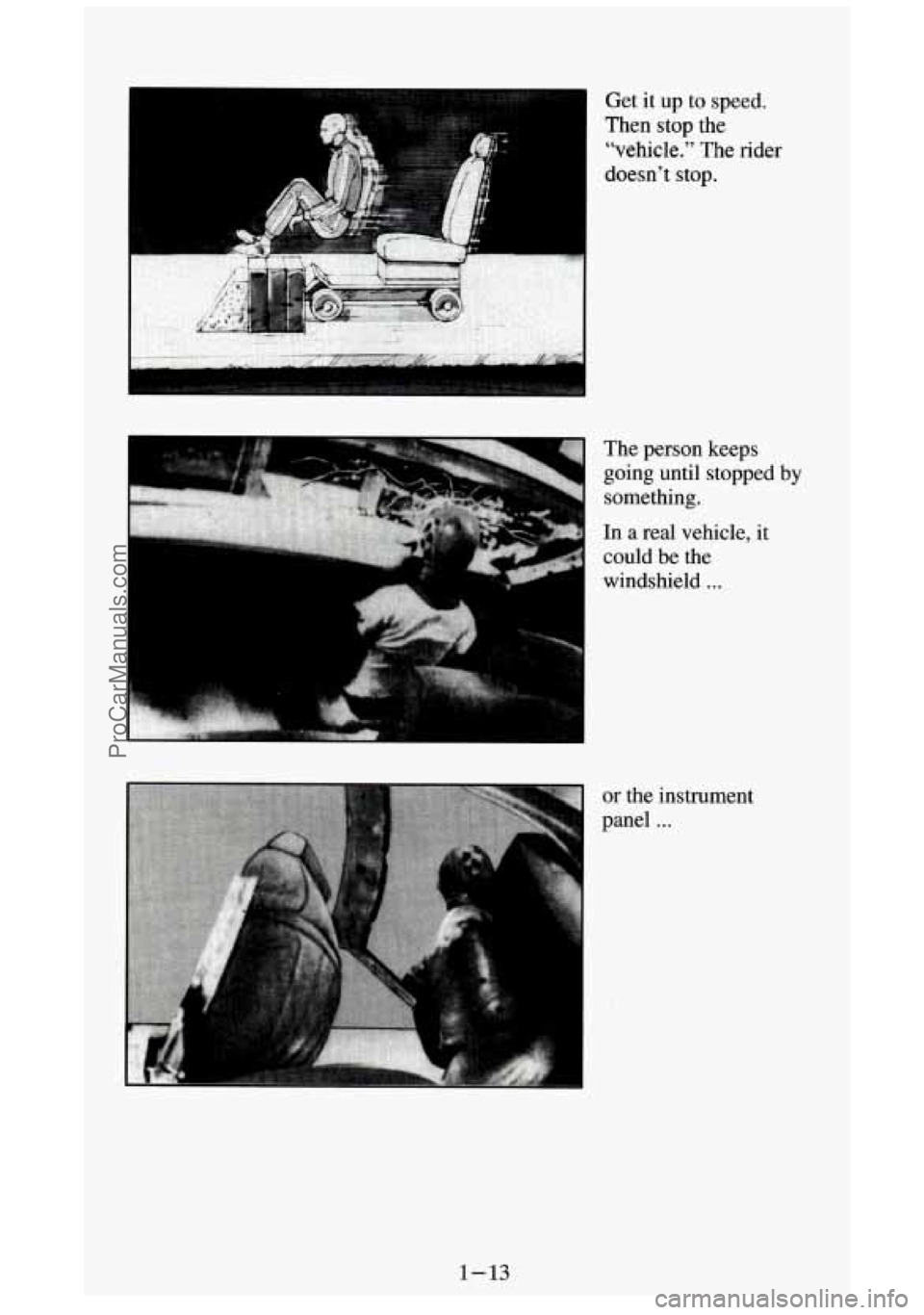
3 Get it up to speed.
Then
stop the
“vehicle.” The rider
doesn’t
stop.
The person keeps
going until stopped
by
something.
In a real vehicle, it
could be the
windshield
. . .
or the instrument
panel
...
1-13
ProCarManuals.com
Page 59 of 404
Features and Controls
Section
.
Here you can learn about the many standard and optional features on your
vehicle. and information
on starting. shifting and braking . Also explained
are
the instrument panel and the warning systems that tell you if everything
is working properly- and what to do if you have a problem .
For explanation of vehicle symbols. refer to “Vehicle Symbols” in the
Introduction
.
Keys ..................................................... 2-3
DoorLocks
................................................ 2-5
Your Doors and How They Work .............................. 2-7
Tailgate
................................................... 2-8
Theft
............................................. ...... 2-9
New Vehicle “Break-In’’ .................................... 2-10
Ignitionswitch
............................................ 2-11
Starting Your Gasoline Engine
............................... 2-12
Starting Your Diesel Engine
................................. 2-16
Automatic Transmission
.................................... 2-21
Five-Speed Manual Transmission (With
Low Gear) ............ 2-24
Five-Speed Manual Transmission (Without Low Gear)
............ 2-25
LockingRearAxle
......................................... 2-28
ParkingBrake
............................................ 2-28
Parking Over Things That Burn
............................... 2-32
2-1
ProCarManuals.com
Page 70 of 404
NOTICE:
If your key seems stuck in “Lock” and you can’t turn it, be sure
it is all the
way in. If it is, then turn the steering wheel left and
right while you turn the key
hard. But turn the key only with
your hand. Using a tool to force it could break the key or the
ignition switch.
If none of this works, then your vehicle needs
service.
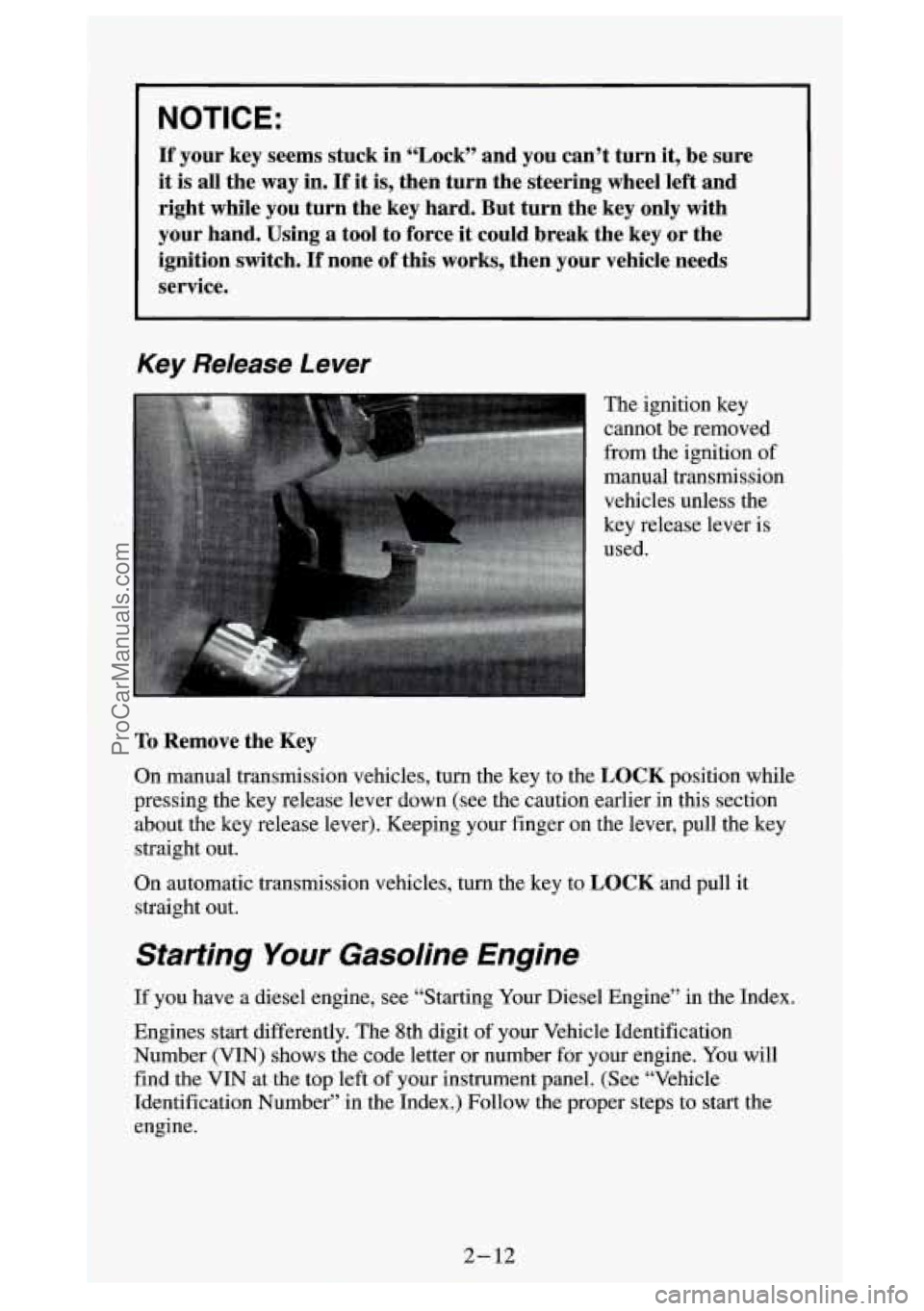
Key Release Lever
The ignition key
cannot be removed
from the ignition of
manual transmission
vehicles unless the
key release lever is
used.
To Remove the Key
On manual transmission vehicles, turn the key to the LOCK position while
pressing the key release lever down (see the caution earlier \
in
this section
about the key release lever). Keeping your finger on the leve\
r, pull the key
straight out.
On automatic transmission vehicles, turn the key to
LOCK and pull it
straight out.
Starting Your Gasoline Engine
If you have a diesel engine, see “Starting Your Diesel Engine” in the Index.
Engines start differently. The 8th digit of your Vehicle Identification
Number (VIN) shows the code letter or number for your engine. You will
find the VIN at the top left of your instrument panel. (See “Vehicle
Identification Number” in the Index.) Follow the proper step\
s to start the
engine.
2-12
-.. ProCarManuals.com
Page 99 of 404
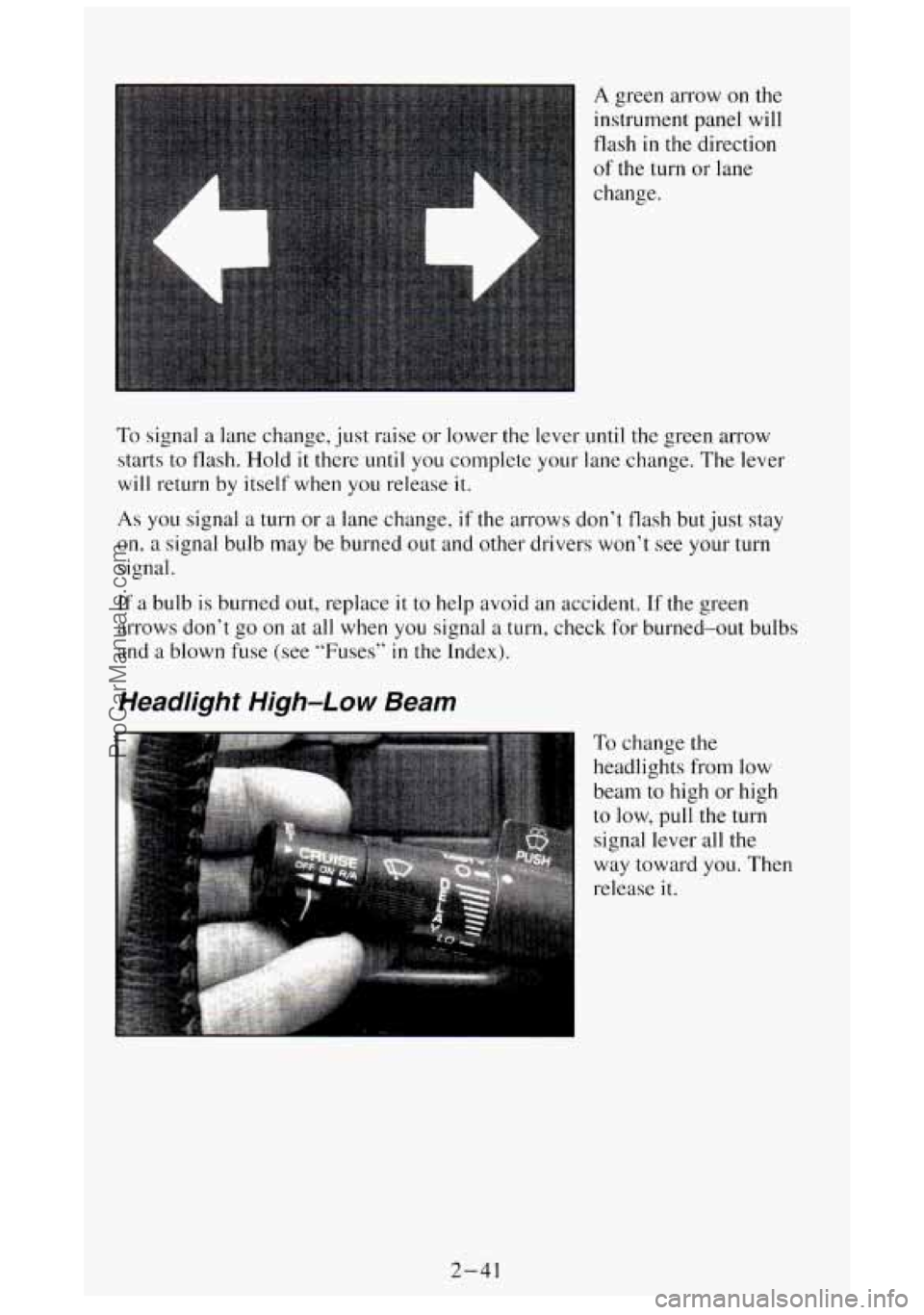
A green arrow on the
instrument panel will
flash
in the direction
of the turn or lane
change.
To signal a lane change, just raise or lower the lever until the green arrow
starts to flash.
Hold it there until you complete your lane change. The lever
will return by itself when you release it.
As you signal a turn or a lane change, if the arrows don’t flash but just stay
on, a signal bulb may be burned out and other drivers won’t see your turn
signal.
If a bulb
is burned out, replace it to help avoid an accident. If the green
arrows don’t go on at all when
you signal a turn, check for burned-out bulbs
and a blown fuse
(see “Fuses” in the Index).
Headlight High-Low Beam
To change the
headlights
from low
beam to high or high
to low, pull the turn
signal lever
all the
way toward
you. Then
release
it.
2-41
ProCarManuals.com
Page 100 of 404
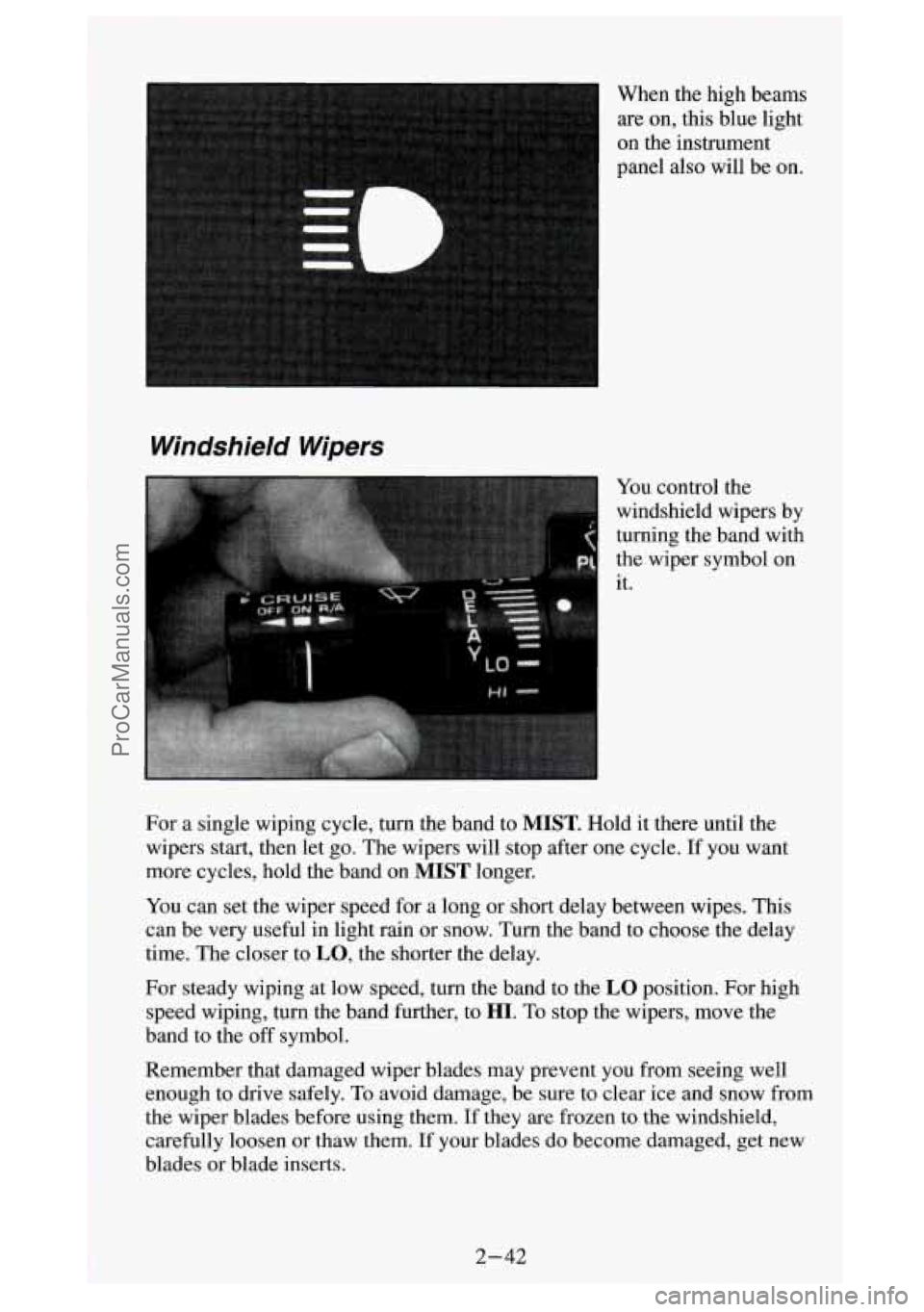
on the instrument
panel also will be on.
Windshield Wipers
turning the band with
the wiper symbol on
it.
For a single wiping cycle, turn the band to
MIST. Hold it there until the
wipers start, then let go. The wipers will stop after one cycle. If you want
more cycles, hold the band on
MIST longer.
You can set the wiper speed for a long or short delay between wipes. This
can be very useful in light rain or snow. Turn the band to choose the delay
time. The closer to
LO, the shorter the delay.
For steady wiping at low speed, turn the band to the
LO position. For high
speed wiping, turn the band further, to
HI. To stop the wipers, move the
band to the
off symbol.
Remember that damaged wiper blades may prevent you from seeing well
enough to drive safely,
To avoid damage, be sure to clear ice and snow from
the wiper blades before using them. If they
are frozen to the windshield,
carefully loosen or thaw them. If your blades do become damaged, get new
blades or blade inserts.
.. . .-
.Y
ProCarManuals.com
Page 107 of 404
Headlights and Vehicle Lighting
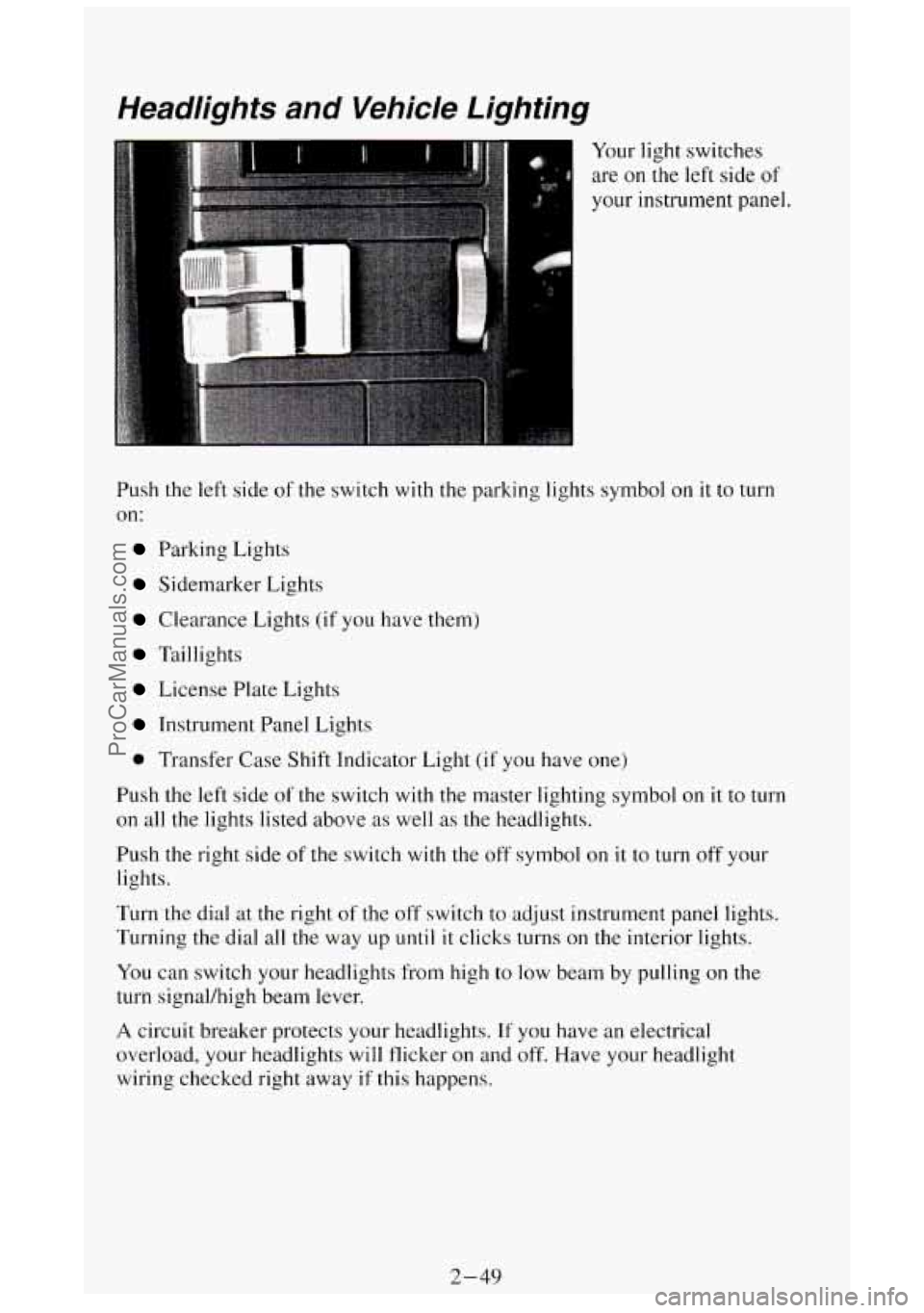
Your light switches
are on
the left side of
your instrument panel.
Push
the left side of the switch with the parking lights symbol on it to turn
on:
Parking Lights
Sidemarker Lights
Clearance Lights (if you have them)
Taillights
License Plate Lights
Instrument Panel Lights
0 Transfer Case Shift Indicator Light (if you have one)
Push the
left side of the switch with the master lighting symbol on it to turn
on all the lights listed above as well as the headlights.
Push the right side of the switch
with the off symbol on it to turn off your
lights.
Turn the dial
at the right of the off switch to adjust instrument panel lights.
Turning the dial all the way up
until it clicks turns on the interior lights.
You can switch your headlights from high to
low beam by pulling on the
turn signal/high beam lever.
A circuit breaker protects your headlights. If you have an electrical
overload, your headlights will flicker on and off. Have your headlight
wiring checked right away
if this happens.
2-49
ProCarManuals.com
Page 108 of 404
Headlights-On Reminder
A buzzer will sound when your headlights are turned on and your ignition is
in
OFF, LOCK or ACC. If you need to use your headlights when the
ignition switch is in
OFE LOCK or ACC, the buzzer can be turned off by
turning the interior light switch dial all the way
off.
Daytime Running Lights (DRL) Indicator Light
(Canada On/y)
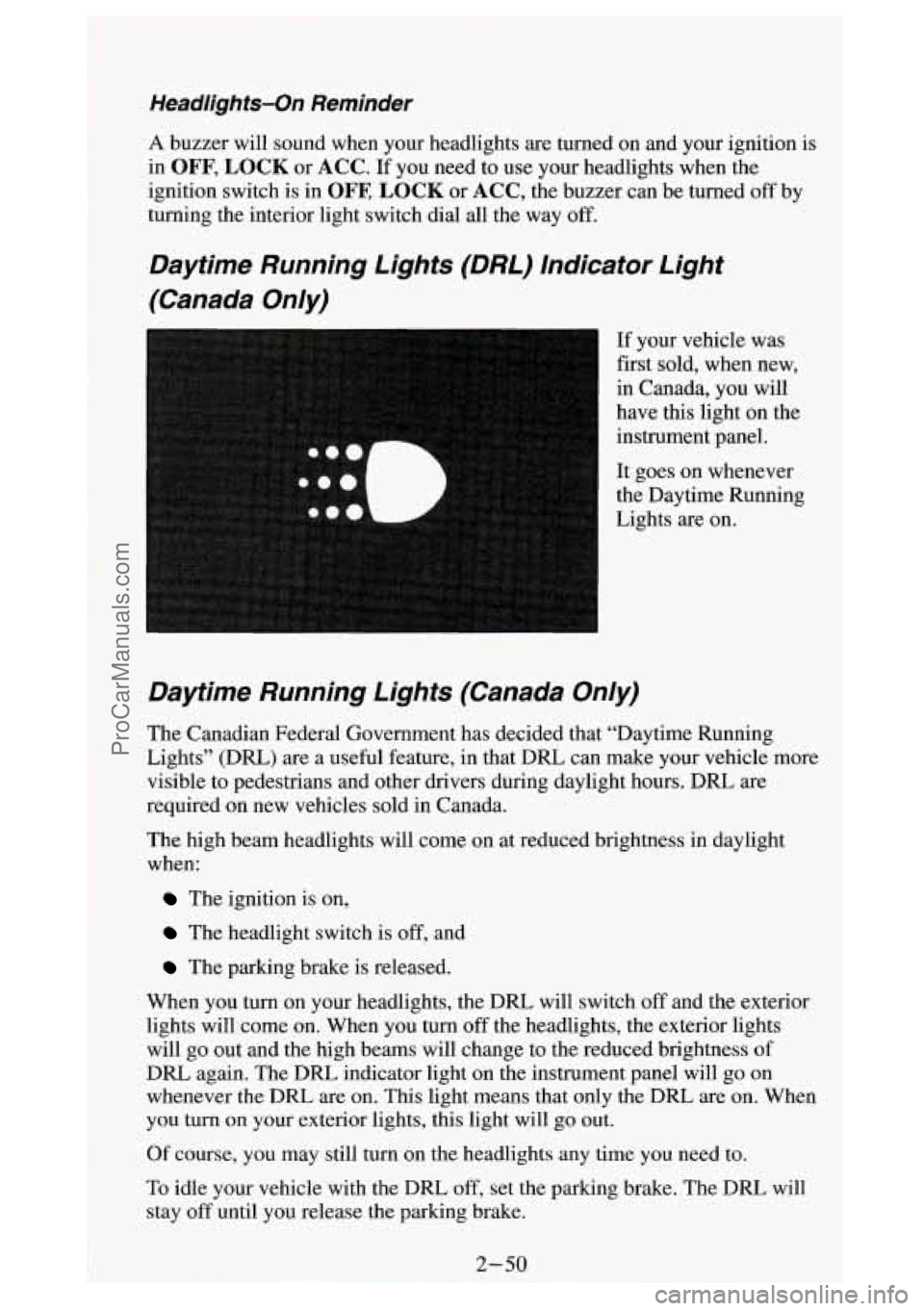
If your vehicle was
first sold, when new,
in Canada, you will
have this light on the
instrument panel.
It goes on whenever
the Daytime Running
Lights are on.
Daytime Running Lights (Canada On/y)
The Canadian Federal Government has decided that “Daytime Running
Lights” (DRL)
are a useful feature, in that DRL can make your vehicle more
visible to pedestrians and other drivers during daylight hours. DRL are
required on new vehicles sold in Canada.
The high beam headlights will come on at reduced brightness in daylight
when:
The ignition is on,
The headlight switch is off, and
The parking brake is released.
When you turn on your headlights, the DRL will switch
off and the exterior
lights will come on. When you turn
off the headlights, the exterior lights
will go out and the high beams will change to the reduced brightness of
DRL again. The
DRL indicator light on the instrument panel will go on
whenever the DRL are on. This light means that only the DRL are on. When
you turn on your exterior lights, this light will go out.
Of course, you may still turn on the headlights any time
you need to.
To idle your vehicle with the DRL
off, set the parking brake. The DRL will
stay
off until you release the parking brake.
ProCarManuals.com
Page 115 of 404
Cigarette Lighter/Ashtrays
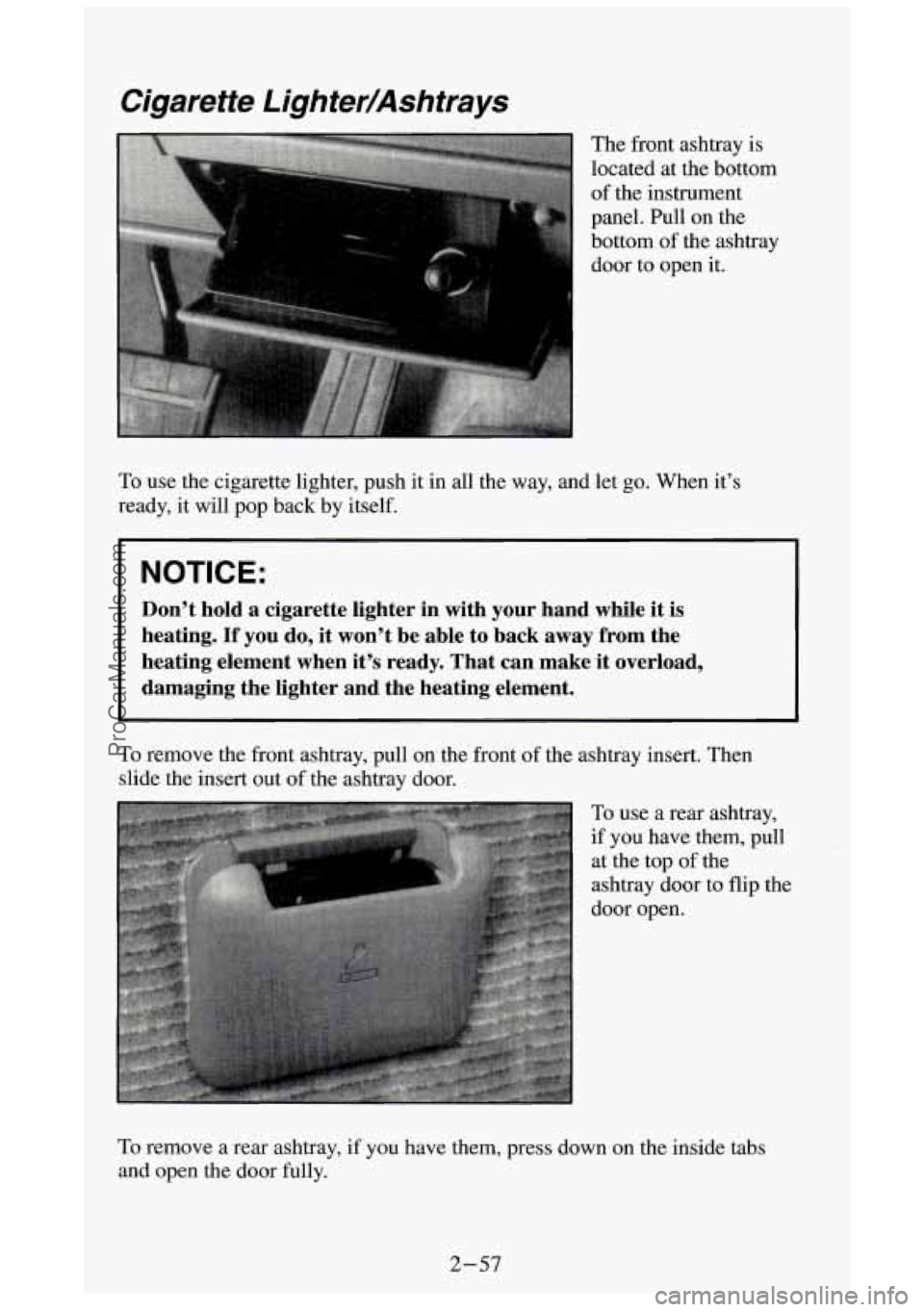
The front ashtray is
located at the bottom
of the instrument
panel. Pull on the
bottom of the ashtray
door to open it.
To use the cigarette lighter, push it in all the way, and let go. When it’s
ready, it will pop back by itself.
I NOTICE:
Don’t hold a cigarette lighter in with your hand while it is
heating. If you do, it won’t be able to back away from the
heating element when it’s ready. That can make it overload, \
damaging the lighter and the heating element.
To remove the front ashtray, pull on the front of the ashtray insert. Then
slide the insert out
of the ashtray door.
To use
a rear ashtray,
if you have them, pull at the top
of the
ashtray door to flip the
door open.
To remove a rear ashtray, if you have them, press down on the i\
nside tabs
and open the door fully.
2-57
ProCarManuals.com
Page 118 of 404
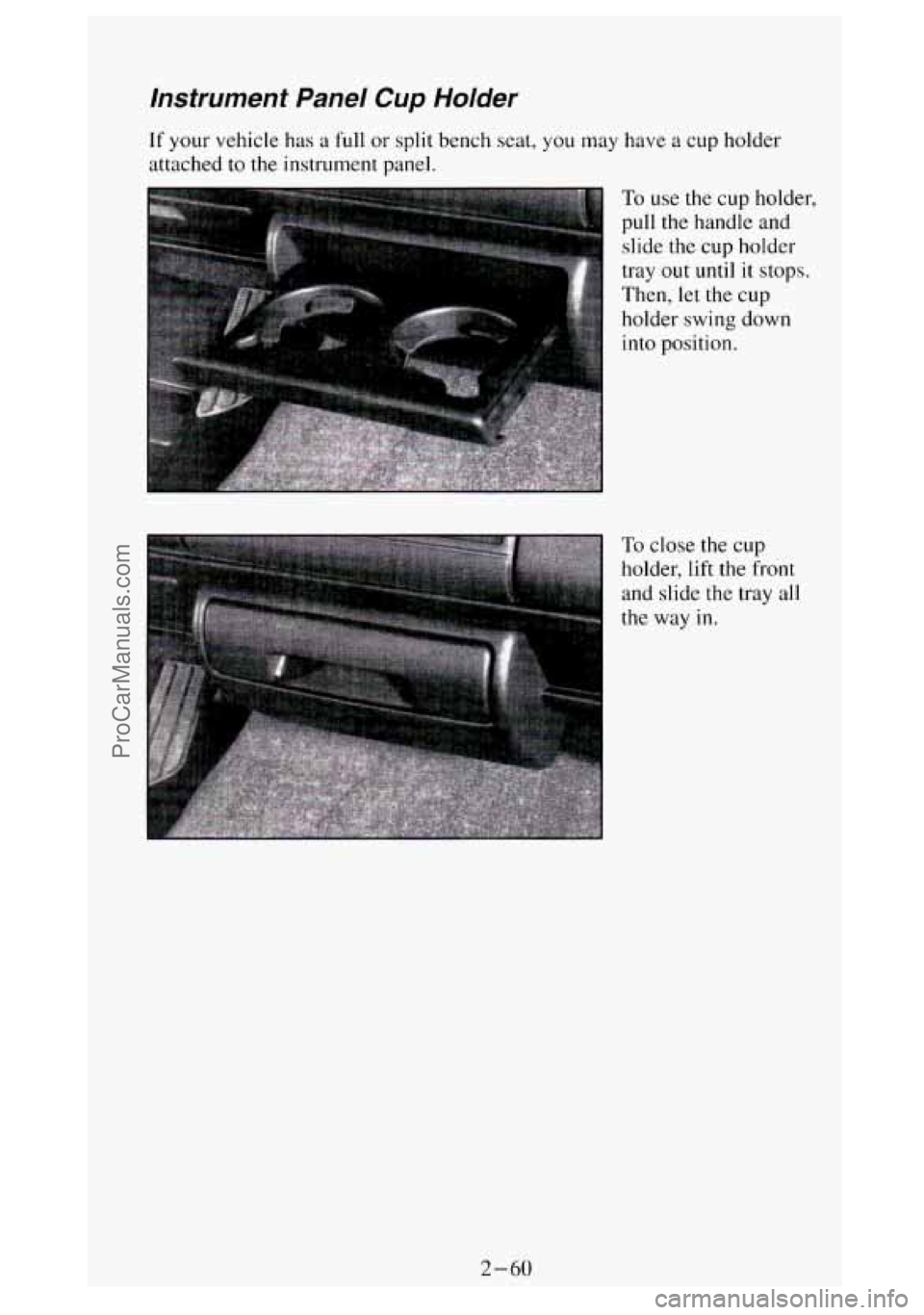
Instrument Panel Cup Holder
If your vehicle has a full or split bench seat, you may have a cup holder
attached
to the instrument panel.
To use the cup holder,
pull the handle and
slide
the cup holder
tray out until it stops.
Then, let the cup
holder swing down
into position.
To close the cup
holder, lift the front
and slide the tray all
the way
in.
2-60
ProCarManuals.com
Page 123 of 404
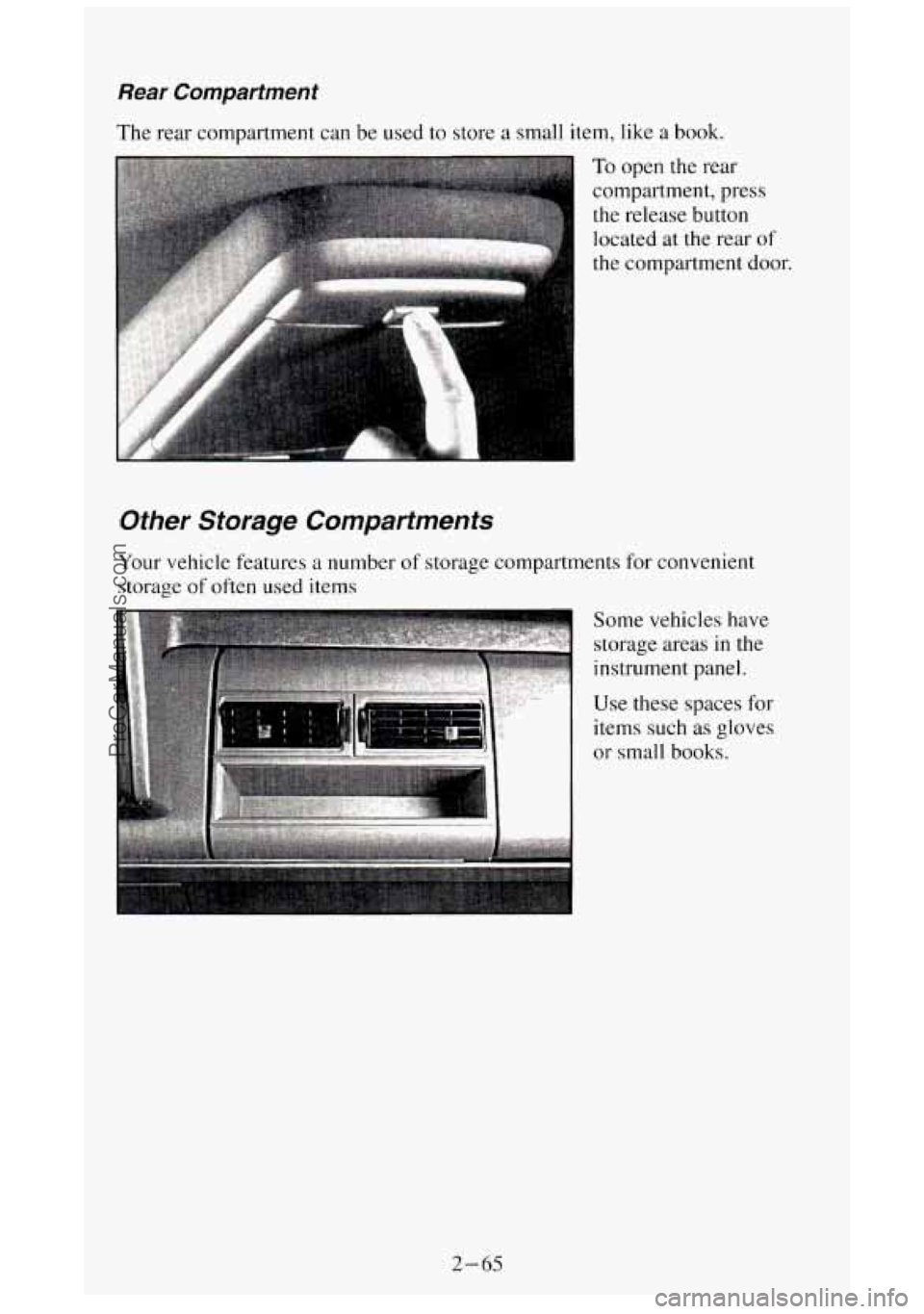
Rear Compartment
The rear compartment can be used to store a small item, like a book.
To open the rear
compartment, press
the release button
located
at the rear of
the compartment door.
Other Storage Compartments
Your vehicle features a number of storage compartments for convenient
storage
of often used items
Some vehicles have
storage areas
in the
instrument panel.
Use these spaces for
items such
as gloves
or small books.
I
2-65
ProCarManuals.com