ignition GMC SIERRA 1996 Owner's Manual
[x] Cancel search | Manufacturer: GMC, Model Year: 1996, Model line: SIERRA, Model: GMC SIERRA 1996Pages: 404, PDF Size: 21.57 MB
Page 124 of 404
ANTI -
LOCK
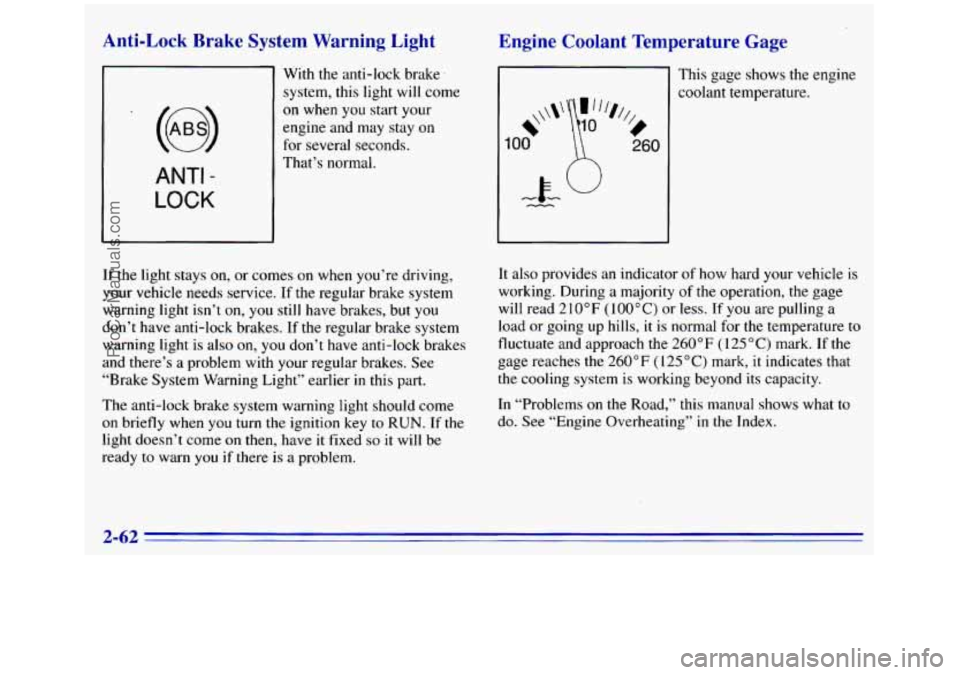
Qnti-Lock Brake System Warning Light
With the anti-lock brake.
system, this light will come
on when
you start your
engine and may stay on
for several seconds.
That’s normal.
If the light stays on, or comes on when you’re driving,
your vehicle needs service.
If the regular brake system
warning light isn’t on,
you still have brakes, but you
don’t have anti-lock brakes.
If the regular brake system
warning light is also on, you don’t have anti-lock brakes
and there’s
a problem with your regular brakes. See
“Brake System Warning Light” earlier
in this part.
The anti-lock brake system warning light should come
on briefly when you turn the ignition key to RUN. If the
light doesn’t come on then, have it fixed so it will be
ready to warn
you if there is a problem.
Engine Coolant Temperature Gage
I This gage shows the engine
~ coolant temperature.
It also provides an indicator of how hard your vehicle is
working. During a majority of the operation, the gage
will read 210°F
(100°C) or less. If you are pulling a
load or going up hills, it is normal for the temperature to
fluctuate and approach the 260°F ( 125 “C) mark. If the
gage reaches the 260°F
(I 25 “C) mark, it indicates that
the cooling system is working beyond its capacity.
In “Problems
on the Road,” this manual shows what to
do. See “Engine Overheating” in the Index.
2-62
ProCarManuals.com
Page 125 of 404
Malfunction Indicator Lamp (Service
- ;ine Soon Light) (Gasoline Engine)
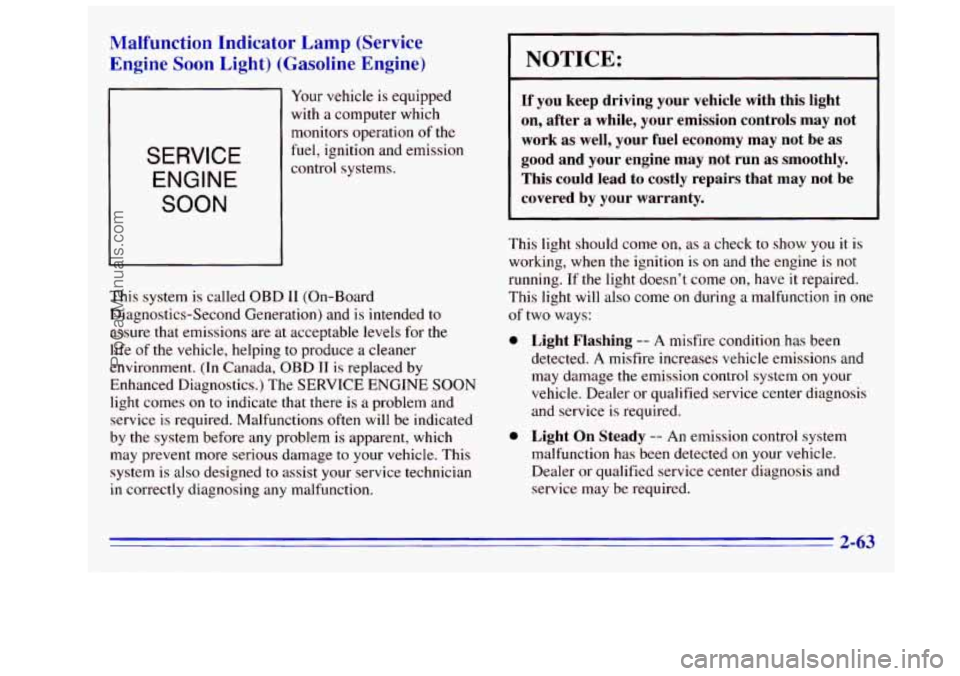
Your vehicle is equipped
with a computer which
monitors operation
of the
fuel, ignition and emission SERVICE
ENGINE
SOON
control systems.
This system
is called OBD I1 (On-Board
Diagnostics-Second Generation) and is intended to
assure that emissions are at acceptable levels for the
life of the vehicle, helping to produce a cleaner
environment. (In Canada,
OBD TI is replaced by
Enhanced Diagnostics.) The
SERVICE ENGINE SOON
light comes on to indicate that there is a problem and
service
is required. Malfunctions often will be indicated
by the system before any problem
is apparent, which
may prevent more serious damage to your vehicle. This
system is
also designed to assist your service technician
in correctly diagnosing any malfunction.
I NOTICE:
If you keep driving your vehicle with this light
on, after a while, your emission controls may not
work as well, your fuel economy may not be as
good and your engine may not run as smoothly.
This could lead
to costly repairs that may not be
covered by your warranty.
This light should come on, as a check to show you it is
working, when the ignition is
on and the engine is not
running.
If the light doesn’t come on, have it repaired.
This light will also come
on during a malfunction in one
of two ways:
0 Light Flashing -- A misfire condition has been
detected.
A misfire increases vehicle emissions and
may damage
the emission control system on your
vehicle. Dealer or qualified service center diagnosis
and service
is required.
0 Light On Steady -- An emission control system
malfunction has been detected on your vehicle.
Dealer or qualified service center diagnosis and
service may be required.
2-63
ProCarManuals.com
Page 130 of 404
Fuel Gage
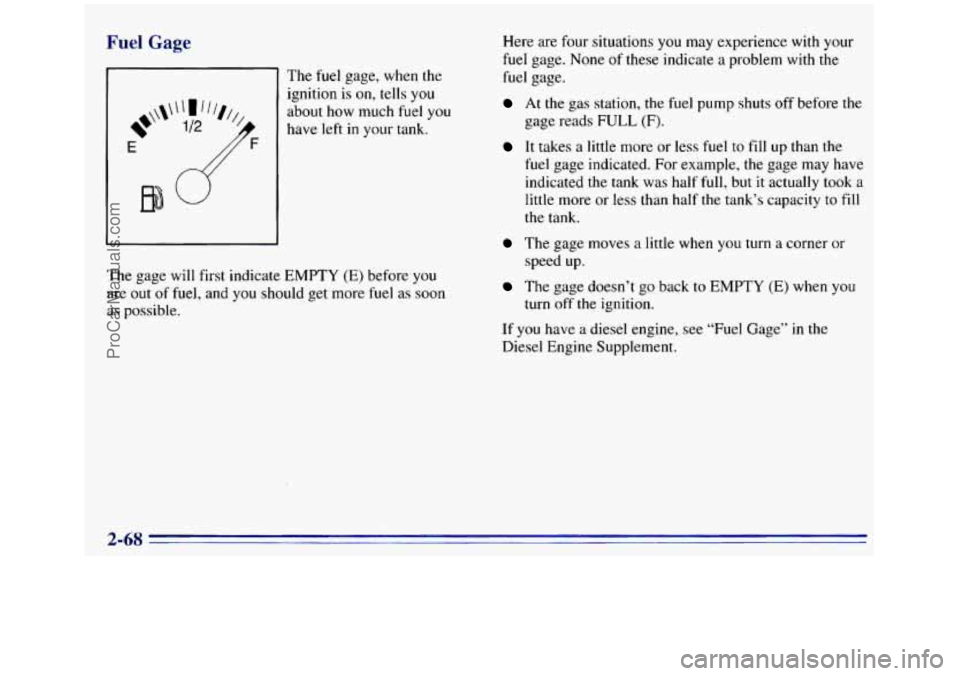
81 The fuel gage, when the
ignition is on, tells you
about how much fuel you
have left
in your tank.
E
The gage will first indicate EMPTY (E) before you
are
out of fuel, and you should get more fuel as soon
as possible. Here
are four situations
you may experience with your
fuel gage. None of these indicate a problem with the
fuel gage.
At the gas station, the fuel pump shuts off before the
gage reads
FULL (F).
It takes a little more or less fuel to fill up than the
fuel gage indicated.
For example, the gage may have
indicated the tank was half full, but
it actually took a
little more or less than half the tank’s capacity to fill
the tank.
The gage moves a little when you turn a corner or
speed up.
The gage doesn’t go back to EMPTY (E) when you
turn off the ignition.
If you have a diesel engine, see “Fuel Gage”
in the
Diesel Engine Supplement.
2-68
ProCarManuals.com
Page 136 of 404
Rear Window Defogger (Option)
If you see lines running across the rear window,
you have the rear window defogger. The lines warm
the glass.
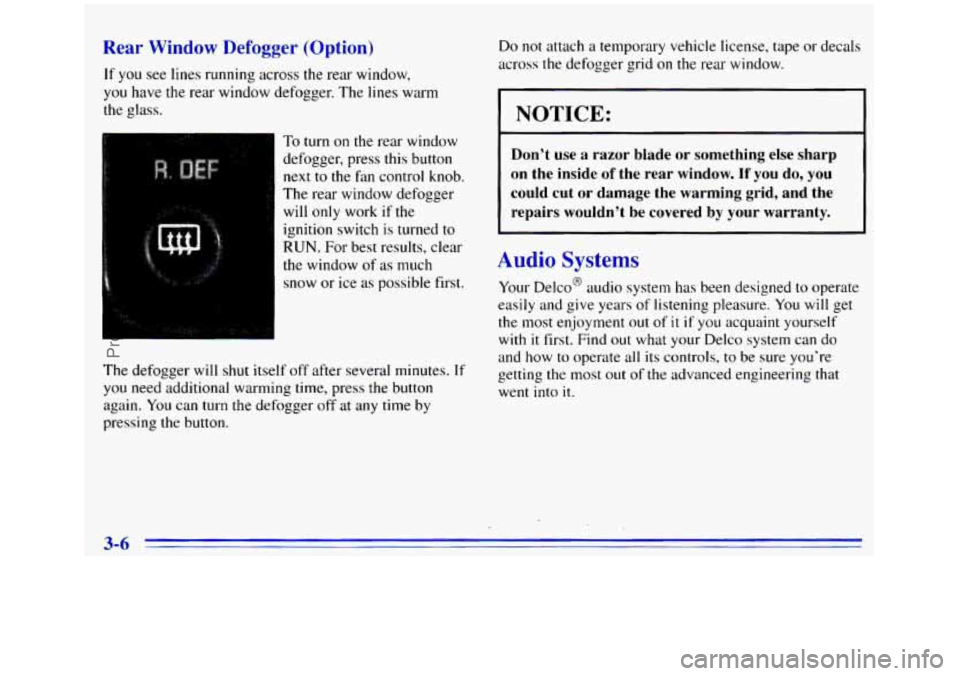
- To turn on the rear window
defogger, press this button next
to the fan control knob.
The rear window defogger
will only work
if the
ignition switch
is turned to
RUN. For best results, clear
the window of as much
snow or ice as possible first.
The defogger will shut itself
off after several minutes. If
you need additional warming time, press the button
again.
You can turn the defogger off at any time by
pressing the button. Do not
attach a temporary vehicle license, tape
or decals
across the defogger grid
on the rear window.
LOTICE:
Don’t use a razor blade or something else sharp
on the inside
of the rear window. If you do, you
could cut or damage the warming grid, and the
repairs wouldn’t be covered by your warranty.
Audio Systems
Your Delco@ audio system has been designed to operate
easily and give years of listening pleasure.
You will get
the most enjoyment out of
it if you acquaint yourself
with
it first. Find out what your Delco system can do
and how to operate all its controls, to be sure you’re
getting the most
out of the advanced engineering that
went into
it.
3-6
ProCarManuals.com
Page 137 of 404
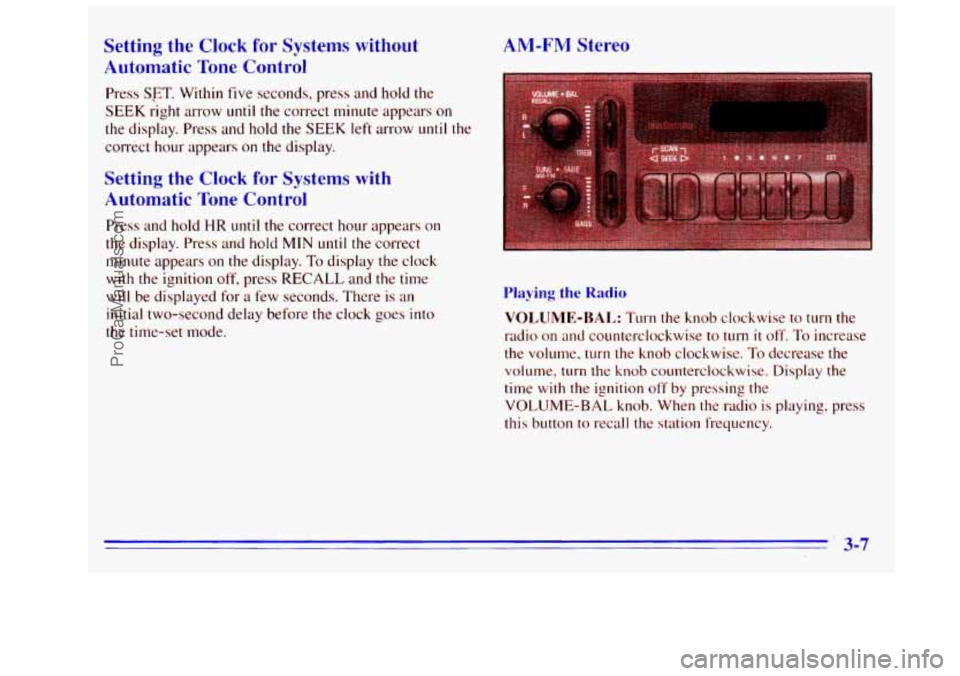
Setting the Clock for Systems without
Automatic Tone Control
Press SFT. Within five seconds, press and hold the
SEEK right arrow
until the correct minute appears on
the display. Press and hold the SEEK left arrow until the
correct hour appears
on the display.
Setting the Clock for Systems with
Automatic Tone Control
Press and hold HR until the correct hour appears on
the display. Press and hold
MIN until the correct
minute appears
on the display. To display the clock
with
the ignition off, press RECALL and the time
will
be displayed for a few seconds. There is an
initial two-second delay before the clock goes into
the time-set mode.
AM-FM Stereo
Playing the Radio
VOLUME-BAL: Turn the knob clockwise to turn the
radio on and counterclockwise
to turn it off. To increase
the volume, turn
the knob clockwise. To decrease the
volume, turn the knob counterclockwise. Display the
time
with the ignition off by pressing the
VOLUME-BAL knob. When the radio
is playing, press
this button
to recall the station frequency.
. 3-7
ProCarManuals.com
Page 139 of 404
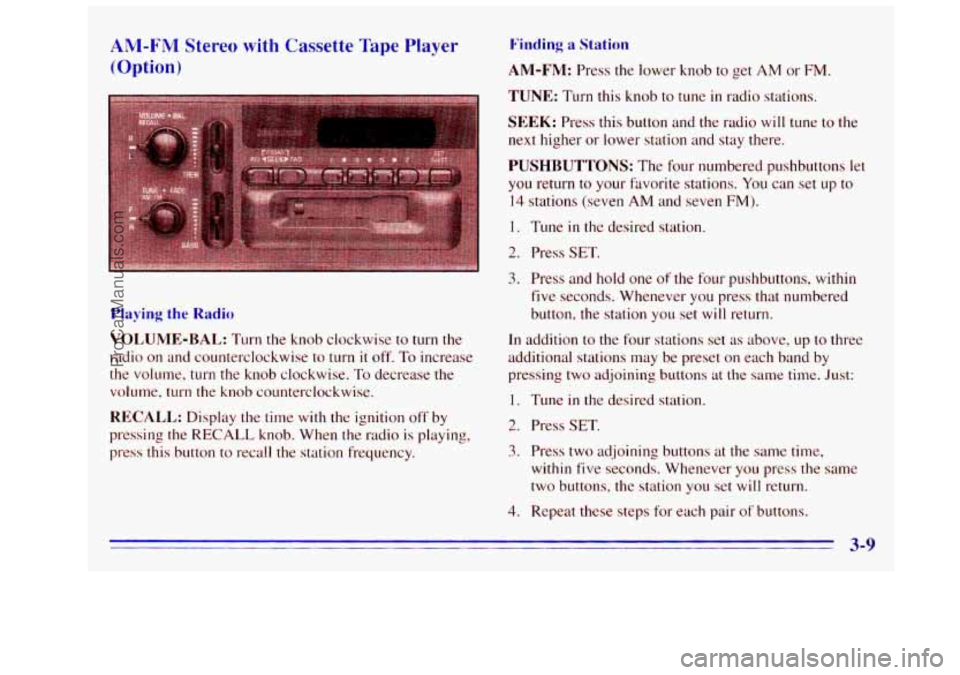
ANI-FM Stereo with Cassette Tape Player
(Option)
Playing the Radio
VOLUME-BAL: Turn the knob clockwise to turn the
radio on and counterclockwise to turn it off. To increase
the volume, turn the knob clockwise.
To decrease the
volume, turn the knob counterclockwise.
RECALL: Display the time with the ignition off by
pressing
the RECALL knob. When the radio is playing,
press this button to recall
the station frequency.
Find.ing a Station
AM-FM: Press the lower knob to get AM or FM.
TUNE: Turn this knob to tune in radio stations.
SEEK: Press this button and the radio will tune to the
next higher or lower station and stay there.
PUSHBUTTONS: The four numbered pushbuttons let
you return to your favorite stations. You can set up to
14 stations (seven AM and seven FM).
1. Tune in the desired station.
2. Press SET.
3. Press and hold one of the four pushbuttons, within
five seconds. Whenever you press that numbered
button, the station you set will return.
In addition to the four stations set
as above, up to three
additional stations may be preset on each band by
pressing two adjoining buttons
at the same time. Just:
1. Tune in the desired station.
2. Press SET.
3. Press two adjoining buttons at the same time,
within five seconds. Whenever you press the same
two buttons,
the station you set will return.
4, Repeat these steps for each pair of buttons.
ProCarManuals.com
Page 141 of 404
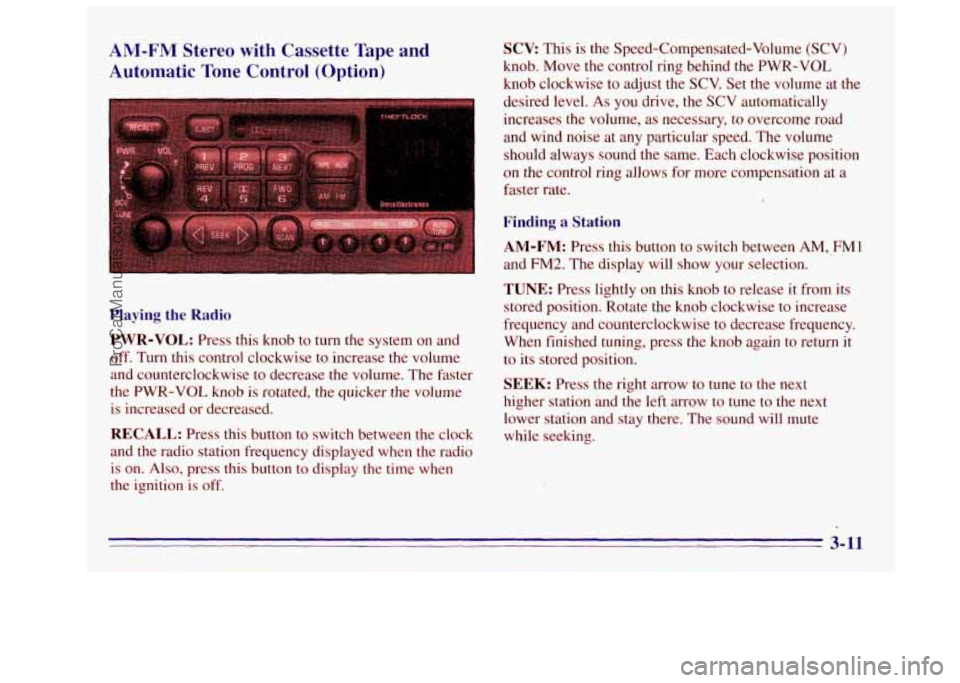
AM-FM Stereo with Cassette Tape and
Automatic Tone Control (Option)
Playing the Radio
PWR-VOL:
Press this knob to turn the system on and
off. Turn this control clockwise to increase the volume
and counterclockwise
to decrease the volume. The faster
the PWR-VOL
knob is rotated, the quicker the volume
is increased or decreased.
RECALL: Press this button to switch between the clock
and the radio station frequency displayed when the radio
is on. Also, press this button
to display the time when
the ignition is off.
SCV This is the Speed-Compensated-Volume (SCV)
knob. Move the control ring behind the PWR-VOL
knob clockwise
to adjust the SCV. Set the volume at the
desired level.
As you drive, the SCV automatically
increases the volume, as necessary, to overcome road
and wind noise at
any particular speed. The volume
should always sound the same. Each clockwise position
on the control ring allows for more compensation at a
faster rate.
Finding a Station
AM-FM: Press this button to switch between AM, FM1
and FM2. The display will show your selection.
TUNE: Press lightly on this knob to release it from its
stored position. Rotate the
knob clockwise to increase
frequency and counterclockwise to decrease frequency.
When finished tuning, press the knob again
to return it
to its stored position.
SEEK: Press the right arrow to tune to the next
higher station and the left
mow to tune to the next
lower station and stay there, The sound will mute
while seeking.
3-11
~~
ProCarManuals.com
Page 143 of 404
Setting the Tone Playing a
Cassette Tape
BASS: Press lightly on this knob to release it from its
stored position. Turn the knob clockwise
to increase the
bass and counterclockwise to decrease the bass. When
the BASS control is rotated, the AUTO TONE setting
will change to
MAN. Push the knob back in to its stored
position when done.
TREB: Press lightly on the TREB knob to release it
from its stored position. Turn the knob clockwise to
increase the treble and counterclockwise to decrease
the treble. When the
TREB control is rotated, the
AUTO TONE setting will change to MAN. Push the
knob back
in to its stored position when done.
Adjusting the Speakers
BAL: Press this button to remove the control from its
stored position. Turn the control clockwise to adjust
sound to the right speakers and counterclockwise to
adjust sound
to the left speakers. Press the button again
to return BAL to its stored position.
FADE: Press this button to remove the control from its
stored position. Turn the control clockwise to adjust the
sound to the front and counterclockwise for rear
speakers. Press the button again to return
FADE to its
stored position.
Your tape player is built to work best with tapes that are
30 to 45 minutes long on each side. Tapes longer than
that are
so thin they may not work well in this player.
To load a cassette tape with the ignition off. press
EJECT or RECALL. Then, insert the cassette tape.
If the ignition is on but the radio is off, the tape will
begin playing.
The player automatically senses
if the cassette tape
is metal or CI-02 and adjusts for best playback sound.
For metal tapes, the double-D symbol will appear on
the display.
Once
the tape is playing. use the VOL, BAL, FADE,
TREB and BASS controls just as you do for the radio.
The tape symbol and
a direction arrow will be on the
display whenever
a tape is being played. Anytime a tape
is inserted. the top side is selected for play first.
PREV (1): Press the PREV or the SEEK left arrow to
search for the previous selection. A minitnurn
three-second blank pap
is required for the player to stop
at the beginning of the selection. The tape direction
arrow will blink during the
SEEK operation.
PROG (2): Press this button to switch frotn one side of
the tape to the other.
3-13
ProCarManuals.com
Page 144 of 404
NEXT (3): Press NEXT or the SEEK right arrow to
search for the next selection.
A minimum three-second
blank gap
is required for the player to stop at the
beginning of the selection. The tape direction arrow
will blink during the
SEEK operation.
REV (4): Press this button to rapidly reverse the tape to
the beginning of the cassette reel or until you press REV
again. The radio will play the last selected station while
reversing the tape.
The tape direction arrow will blink
during REV operation.
(5): Press this button'to reduce cassette tape noise.
The double-D symbol will appear
on the display while
the player
is in this mode.
Dolby
Noise Reduction is manufactured under a license
from Dolby Laboratories Licensing Corporation. Dolby
and the double-D symbol
are trademarks of Dolby
Laboratories Licensing Corporation.
FWD (6): Press this button to rapidly forward the tape
to the end of the cassette reel or
until you press FWD
again.
The radio will play the last selected station while
forwarding the tape. The tape direction arrow will blink
during
FWD operation.
AM-FM: Press this button to switch from a tape to
the radio.
TAPE AUX: Press this button to return to the tape
player. The lighted arrow will appear and show the
direction of play when a tape
is in the active mode.
EJECT Press this button to remove the tape. The radio
will now play. EJECT can be used with either the ignition
or radio
off. To load a cassette tape with the ignition or
radio off, press
EJECT before loading the cassette. t
CLN: This message may appear on the display. If it
does, your cassette tape player needs to be cleaned. It
will still play tapes, but you should clean it as soon as
possible
to prevent damage to your tapes and player. See
"Care of
Your Cassette Tape Player" in the 1nde.x. After
you clean the player? press and hold EJECT for five
seconds
to reset the CLN indicator. The radio will
display
--- to show the indicator was reset.
3-14
ProCarManuals.com
Page 145 of 404
CD Adapter Kits
Although this is not a recommended practice, it is possible
to use a CD adapter kit with your cassette tape player.
The adapter
kit cassette should begin playing like a
regular audio cassette tape once inserted.
If the cassette
immediately ejects, turn the radio
off, turn the ignition on
and press and hold the TAPE AUX button until the tape
icon flashes
on the display. Insert the adapter cassette
again.
It will power up the radio and begin playing.
This override routine will remain active until the EJECT
button is pressed.
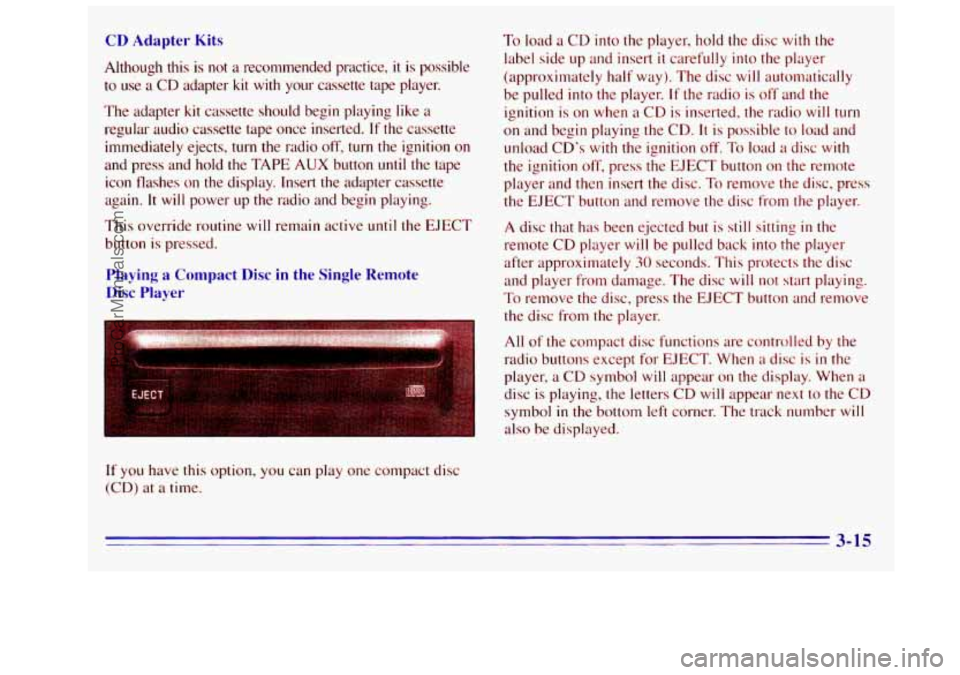
Playing a Compact Disc in the Single Remote
Disc Player
If you have this option, you can play one compact disc
(CD) at a time.
To load a CD into the player, hold the disc with the
label side up and insert it carefully into the player
(approximately half way). The disc will autolnatically
be pulled into the player.
If the radio is off and the
ignition is
on when a CD is inserted, the radio will turn
on and begin playing the CD. It is possible to load and
unload
CD's with the ignition off. To load a disc with
the ignition off, press the EJECT button on the remote
player and then insert the disc.
To remove the disc, press
the EJECT button and remove the disc from the player.
A disc that has been ejected but is still sitting in the
remote CD player
will be pulled back into the player
after approximately
30 seconds. This protects the disc
and player
from damage. The disc will not start playing.
To remove the disc, press the EJECT button and remove
the disc from
the player.
All
of the compact disc functions are controlled by the
radio buttons except for EJECT. When
a disc is in the
player, a
CD symbol will appear on the display. When a
disc is playing, the letters CD will appear next to the CD
symbol in the bottom left corner. The track number will
also be displayed.
3-15
ProCarManuals.com