ignition GMC SIERRA 1997 Owner's Manual
[x] Cancel search | Manufacturer: GMC, Model Year: 1997, Model line: SIERRA, Model: GMC SIERRA 1997Pages: 436, PDF Size: 23.38 MB
Page 141 of 436
Safety Belt Reminder Light
When the key is turned to RUN or START, a tone will
come on for about eight seconds to remind people to
fasten their
safety belts, unless the driver’s safety belt is
already buckled.
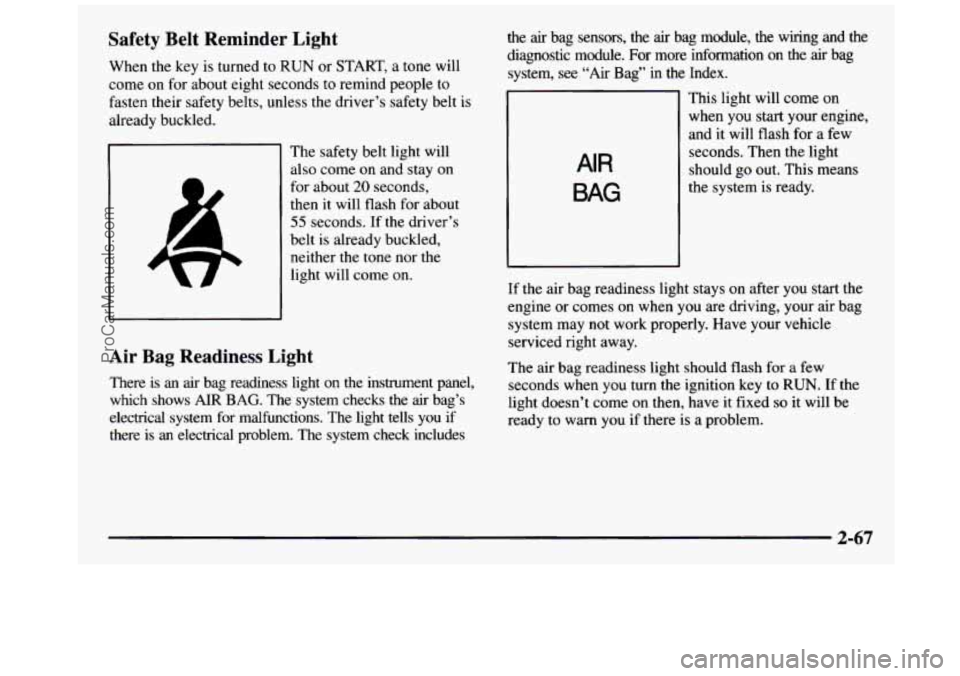
The safety belt light will
also come on and stay on
for about
20 seconds,
then it will flash for about
55 seconds. If the driver’s
belt is already buckled,
neither the tone nor the
light will come on.
Air Bag Readiness Light
There is an air bag readiness light on the instrument panel,
which shows
AIR BAG. The system checks the air bag’s
electrical system for malfunctions. The light tells you if there is an electrical problem. The system check includes the
air bag sensors, the air bag module, the wiring and the
diagnostic module.
For more information on the air bag
system,
see “Air Bag” in the Index.
AIR
BAG
This light will come on
when you start your engine,
and it will
flash for a few
seconds. Then the light
should go out. This means
the system is ready.
If the air bag readiness light stays on after you start the
engine or comes on when you are driving, your air bag
system may not work properly. Have your vehicle
serviced right away.
The air bag readiness light should flash for
a few
seconds when you turn the ignition key to
RUN. If the
light doesn’t come on then, have it fixed
so it will be
ready to warn you if there
is a problem.
2-67
ProCarManuals.com
Page 143 of 436
/I CAUTION: I
If the air bag readiness light ever comes on when
you have turned
off the air bag, it means that
something may be wrong with the air bag system.
The right front passenger’s
air bag could inflate
even though the switch is
off. If this ever
happens, don’t secure a rearfacing child
restraint in your vehicle until you have your
vehicle serviced.
Charging System Indicator Light
This light should come on
briefly when you
turn on the
ignition, before starting the
engine, as a check to show
you it is working.
After the engine starts, the light should go out.
If it stays
on or comes on while you are driving, you may have a
problem with your charging system. It could indicate a
problem with the generator drive belt, or some other
charging system problem. Have it checked right away.
Driving while this light is on could drain your battery.
If you must drive a
short distance with this light on, it
helps to turn
off all your accessories, such as the radio
and the air conditioner.
2-69
ProCarManuals.com
Page 144 of 436
Voltmeter
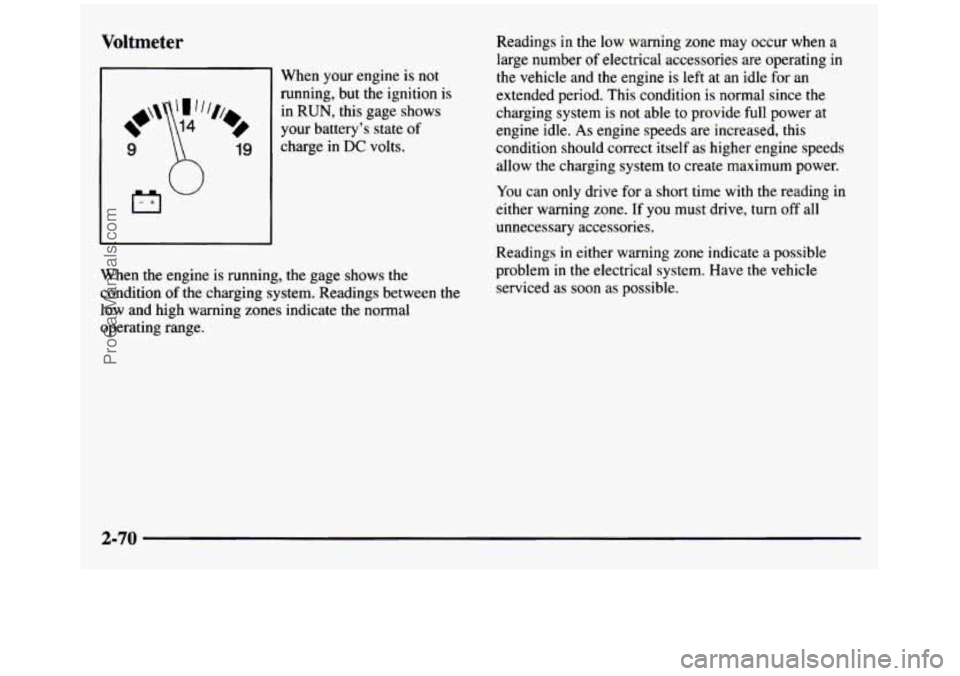
When your engine is not
running, but the ignition is
in
RUN, this gage shows
your battery's state of
charge in
DC volts.
When the engine is running, the gage shows the
condition of the charging
system. Readings between the
low and high warning zones indicate the normal
operating range. Readings
in the low warning zone may occur when
a
large number of electrical accessories are operating in
the vehicle and the engine is left at an idle for an
extended period. This condition is normal since the
charging system is not able to provide full power at
engine idle.
As engine speeds are increased, this
condition should correct itself as higher engine speeds
allow the charging system to create maximum power.
You can only drive for a short time with the reading in
either warning zone. If you must drive, turn off all
unnecessary accessories.
Readings in either warning zone indicate
a possible
problem
in the electrical system. Have the vehicle
serviced as soon
as possible.
2-70
ProCarManuals.com
Page 145 of 436
Brake System Warning Light
Your vehicle’s hydraulic brake system is divided into
two parts. If
one part isn’t working, the other part can
still work and stop you. For good braking, though,
you
need both parts working well.
If the warning light comes on, there could be a brake
problem. Have your brake system inspected right away.
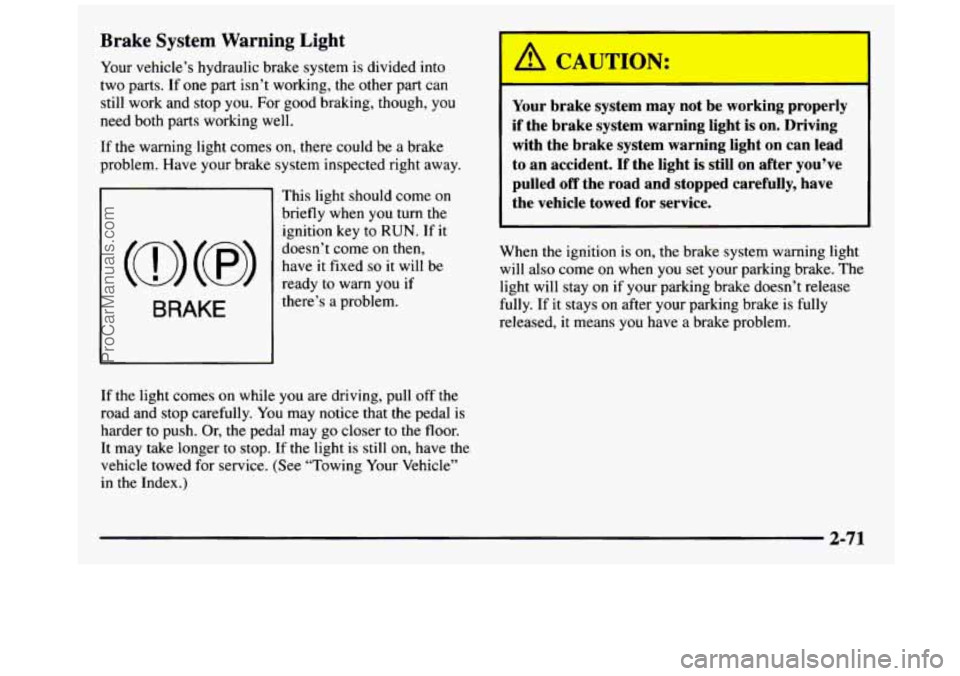
This light should come on
briefly when
you turn the
ignition key to
RUN. If it
doesn’t come on then,
have it fixed so it will be
ready to warn
you if
there’s
a problem.
I
Your brake system may not be working properly
if the brake system warning light is on. Driving
with the brake system warning light
on can lead
to an accident. If the light is still on after you’ve
pulled
off the road and stopped carefully, have
the vehicle towed for service.
When the ignition is on, the brake system warning light
will also come
on when you set your parking brake. The
light will stay on
if your parking brake doesn’t release
fully. If it stays on after your parking brake is fully
released,
it means you have a brake problem.
If the light comes on while you are driving, pull off
the
road and stop carefully. You may notice that the pedal is
harder to push. Or, the pedal may go closer to the floor.
It may take longer
to stop. If the light is still on, have the
vehicle towed for service. (See “Towing Your Vehicle”
in the Index.)
2-71
ProCarManuals.com
Page 146 of 436
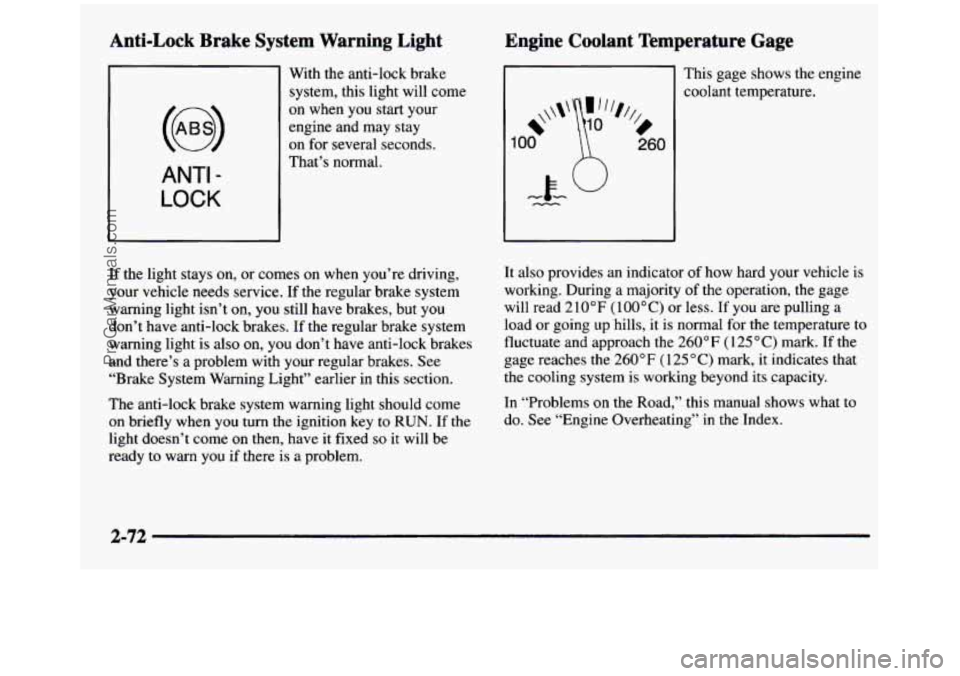
Anti-Lock Brake System Warning Light
ANTI -
LOCK
With the anti-lock brake
system, this light will come
on when you start your
engine and may stay
on for several seconds.
That’s normal.
If the light stays on, or comes
on when you’re driving,
your vehicle needs service. If
the regular brake system
warning light isn’t on, you still have brakes, but you
don’t have anti-lock brakes. If the regular brake system
warning light is
also on, you don’t have anti-lock brakes
and there’s a problem with your regular brakes. See
“Brake System Warning Light” earlier in this section.
The anti-lock brake system warning light should come
on briefly when you
turn the ignition key to RUN. If the
light doesn’t come on then, have it fixed
so it will be
ready to warn you
if there is a problem.
Engine Coolant Temperature Gage
Ill This gage shows the engine
1
*\\I‘
00
%,
0
260
coolant temperature.
It also provides an indicator
of how hard your vehicle is
working. During a majority of the operation, the gage
will read 210°F
(lOO°C) or less. If you are pulling a
load or going up hills, it is normal for
the temperature to
fluctuate and approach the
260°F (125°C) mark. If the
gage reaches the 260°F ( 125 “C) mark, it indicates that
the cooling system is working beyond its capacity.
In “Problems on the Road,” this manual shows what to
do. See “Engine Overheating” in the Index.
2-72
ProCarManuals.com
Page 147 of 436
Malfunction Indicator Lamp (Service
Engine Soon Light) (Gasoline Engine)
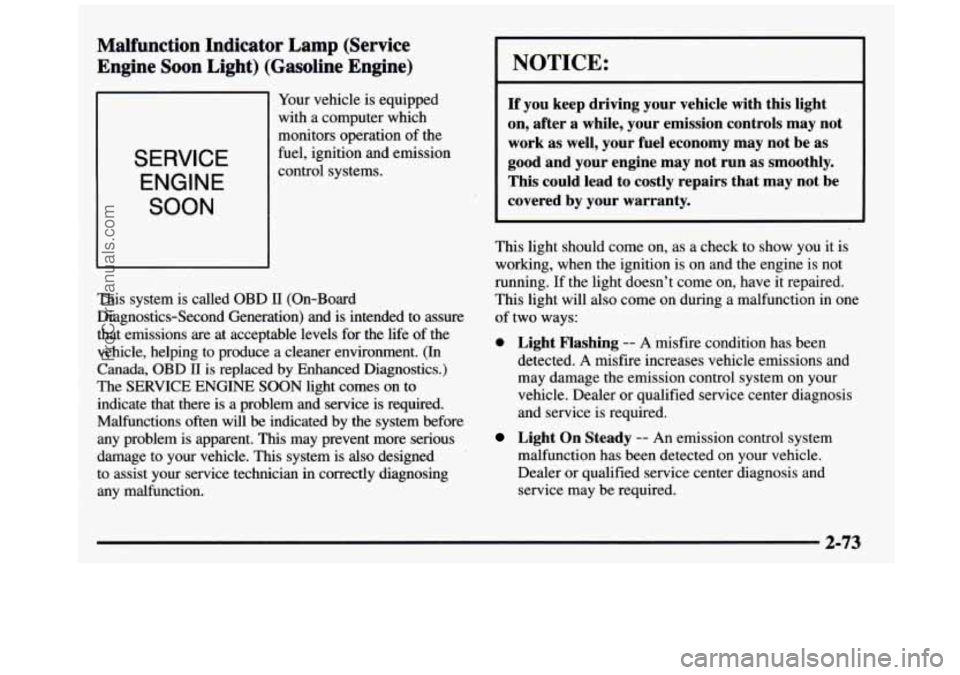
SERVICE
ENGINE
SOON
Your vehicle is equipped
with a computer which
monitors operation of the
fuel, ignition and emission
control systems.
This system is called OBD
II (On-Board
Diagnostics-Second Generation) and is intended to assure
that emissions are at acceptable levels for the life
of the
vehicle, helping to produce a cleaner environment. (In
Canada,
OBD II is replaced by Enhanced Diagnostics.)
The SERVICE ENGINE SOON light comes on to
indicate that there is a problem and service is required.
Malfunctions often will
be indicated by the system before
any problem is apparent.
This may prevent more serious
damage to your vehicle. This system is
also designed
to assist your service technician in correctly diagnosing
any malfunction.
NOTICE:
If you keep driving your vehicle with this light
on, after a while, your emission controls may not
work as well, your fuel economy may not be as
good and your engine may not run as smoothly.
This could lead to costly repairs that may not be
covered by your warranty.
This light should come on, as a check to show you it is
working, when the ignition is on and the engine is not
running. If the light doesn’t come on, have it repaired.
This light will also come on during a malfunction in one
of two ways:
0 Light Flashing -- A misfire condition has been
detected. A misfire increases vehicle emissions and
may damage the emission control system on your
vehicle. Dealer or qualified service center diagnosis
and service is required.
Light On Steady -- An emission control system
malfunction has been detected on your vehicle.
Dealer or qualified service center diagnosis and
service may be required.
2-73
ProCarManuals.com
Page 152 of 436
Fuel Gage
Eb"
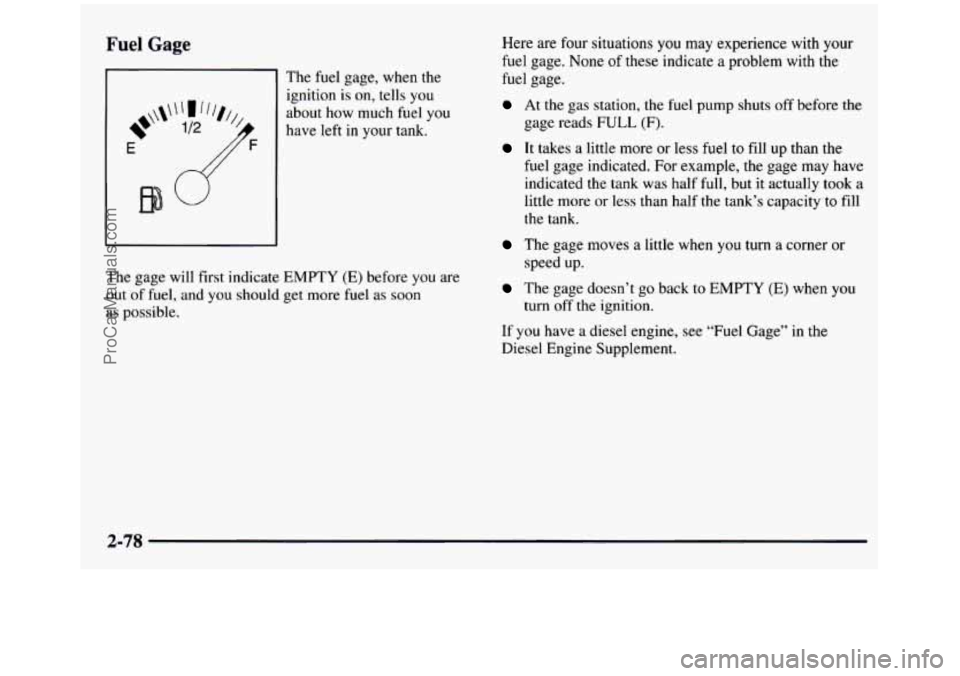
The fuel gage, when the
ignition
is on, tells you
about how much fuel you
have left
in your tank.
The gage will first indicate EMPTY (E) before you are
out of fuel, and you should get more fuel as soon
as possible. Here are
four situations
you may experience with your
fuel gage. None of these indicate a problem w.ith the
fuel gage.
At the gas station, the fuel pump shuts off before the
gage reads
FULL (F).
It takes a little more or less fuel to fill up than the
fuel gage indicated. For example, the gage may have
indicated the tank was half full, but it actually took a
little more or less than half the tank's capacity to fill
the tank.
The gage moves a little when you turn a corner or
The gage doesn't go back to EMPTY (E) when you
speed up.
turn off the ignition.
If you have a diesel engine, see "Fuel Gage" in the
Diesel Engine Supplement.
2-78
ProCarManuals.com
Page 158 of 436
Ventilation Tips
0
0
0
0
Keep the hood and front air inlet free of ice, snow or
any other obstruction
(such as leaves). The heater
and defroster will work far better, reducing the
chance of fogging the inside of your windows.
When you enter
a vehicle in cold weather, turn the
blower
fan to HI for a few moments before driving.
This helps clear the intake ducts of snow and
moisture, and reduces the
chance of fogging the
inside of your windows.
Keep
the air path under the front seats clear of
objects. This helps air to circulate throughout
your vehicle.
The use of hood air deflectors may adversely
affect the performance of the heating and air
conditioning system.
Defogging and Defrosting
On cool, humid days, use DEFOG to keep the
windshield and side windows clear. Use
DEFROST to
remove fog
or ice from the windshield in extremely
humid or cold conditions. Use
DEFROST with the
temperature
knob toward the red area and the fan control
toward
HI.
Rear Window Defogger (If Equipped)
If you see lines running across the rear window, you
have a rear window defogger. The lines warm the glass.
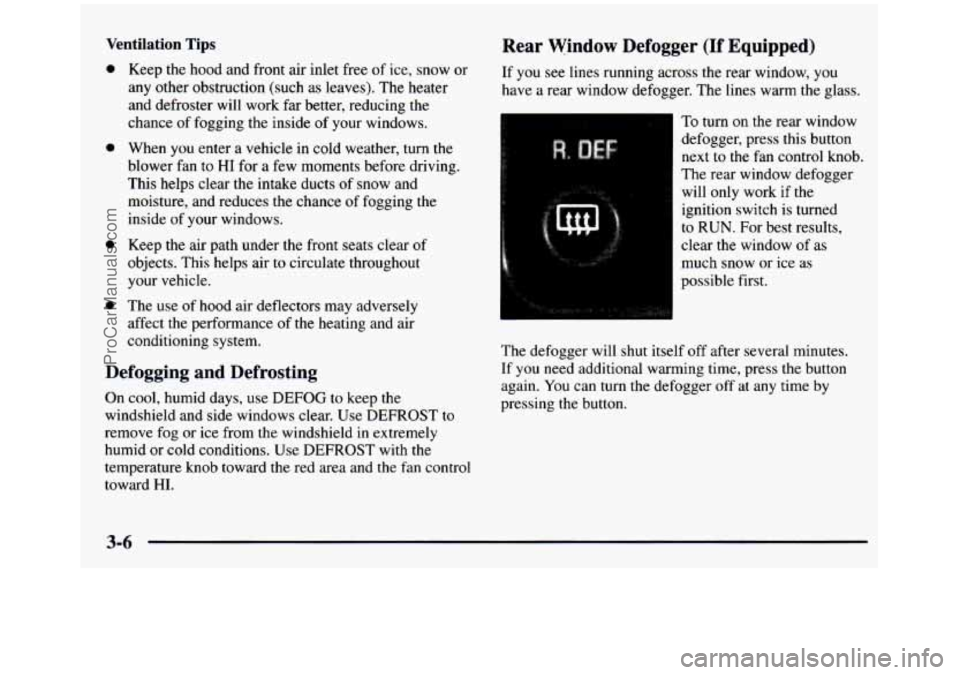
To turn
on the rear window
defogger, press this button
next to
the fan control knob.
The rear window defogger
will only work if the
ignition switch is turned
to RUN. For best results,
clear
the window of as
much snow or ice as
possible first.
The defogger will shut itself off after several minutes.
If you need additional warming time, press the button
again. You can turn the defogger off at any time by
pressing the button.
ProCarManuals.com
Page 159 of 436
Do not attach a temporary vehicle license, tape or decals
across the defogger grid on the rear window.
I ~~
~~
Don’t use a razor blade or something else sharp
on the inside
of the rear window. If you do, you
could cut or damage the warming grid, and the
repairs wouldn’t be covered by your warranty.
Audio Systems
Your Deleo@ audio system has been designed to operate
easily and give years of listening pleasure. You will get
the most enjoyment out of it if you acquaint yourself
with it
first. Find out what your Delco system can do
and how to operate all its controls, to be sure you’re
getting the most out of the advanced engineering that
went into it.
Setting the Clock for Systems without
Automatic Tone Control
Press SET. Within five seconds, press and hold the
SEEK right arrow until the correct minute appears on
the display. Press and hold the SEEK left arrow until the
correct hour appears on the display.
Setting the Clock for Systems with
Automatic Tone Control
Press and hold HR until the correct hour appears on the
display. Press and hold
MIN until the correct minute
appears
on the display. To display the clock with the
ignition
off, press RECALL or HPUMIN and the time
will be displayed for a few seconds. There is
an initial
two-second delay before the clock goes into the
time-set mode.
I
3-7
ProCarManuals.com
Page 160 of 436
AM-FM Stereo
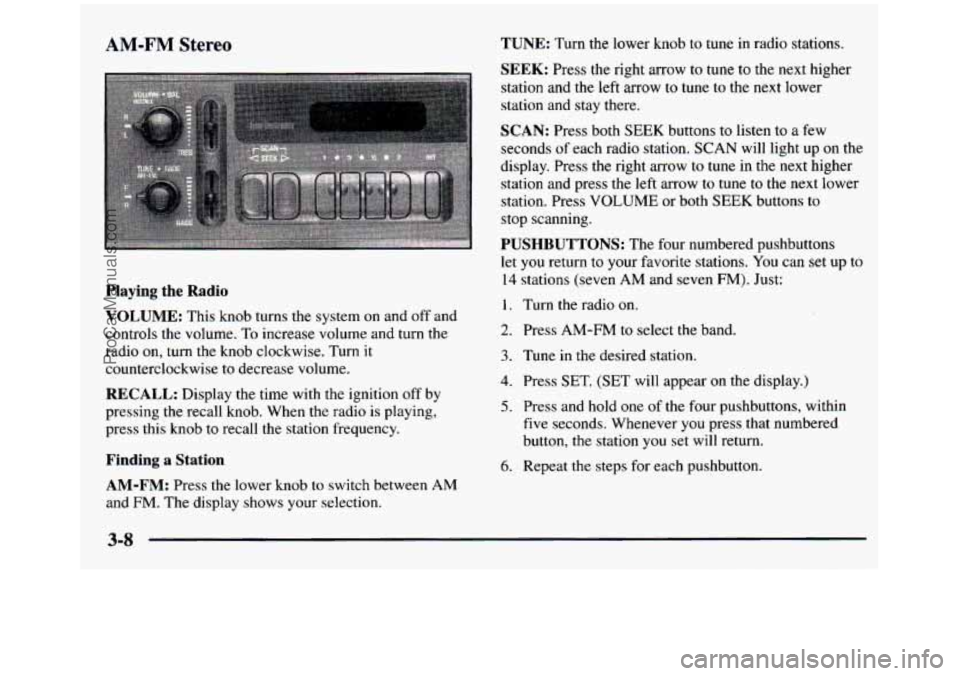
Playing the Radio
VOLUME:
This knob turns the system on and off and
controls the volume.
To increase volume and turn the
radio on, turn the knob clockwise. Turn
it
counterclockwise to decrease volume.
RECALL: Display the time with the ignition off by
pressing the recall knob. When the radio is playing, press this knob
to recall the station frequency.
Finding a Station TUNE:
Turn the lower knob to tune
in radio stations.
SEEK: Press the right arrow to tune to the next higher
station and
the left arrow to tune to the next lower
station and stay there.
SCAN: Press both SEEK buttons to listen to a few
seconds
of each radio station. SCAN will light up on the
display. Press the right arrow to tune in the next higher
station and press the left arrow to tune
to the next lower
station. Press VOLUME or both
SEEK buttons to
stop scanning.
PUSHBUTTONS: The four numbered pushbuttons
let you return to your favorite stations.
You can set up to
14 stations (seven AM and seven FM). Just:
1. Turn the radio on.
2. Press AM-FM to select the band.
3. Tune in the desired station.
4. Press SET. (SET will appear on the display.)
5. Press and hold one of the four pushbuttons, within
five seconds. Whenever you press that numbered
button, the station
you set will return.
6. Repeat the steps for each pushbutton.
AM-FM: Press the lower knob to switch between AM
and FM. The display shows your selection.
3-8
ProCarManuals.com