wheel GMC SIERRA 1997 Owner's Manual
[x] Cancel search | Manufacturer: GMC, Model Year: 1997, Model line: SIERRA, Model: GMC SIERRA 1997Pages: 436, PDF Size: 23.38 MB
Page 105 of 436
Parking Your Vehicle (Manual
Transmission Models Only)
Before you get out of your vehicle, put your manual
transmission
in REVERSE (R), turn off the engine, and
firmly apply the parking brake.
If you have four-wheel drive, be sure your transfer case
is in a drive gear. Your vehicle could roll
if it isn’t.
If you are parking
on a hill, or if you are pulling a
trailer, see “Towing a Trailer” in the Index.
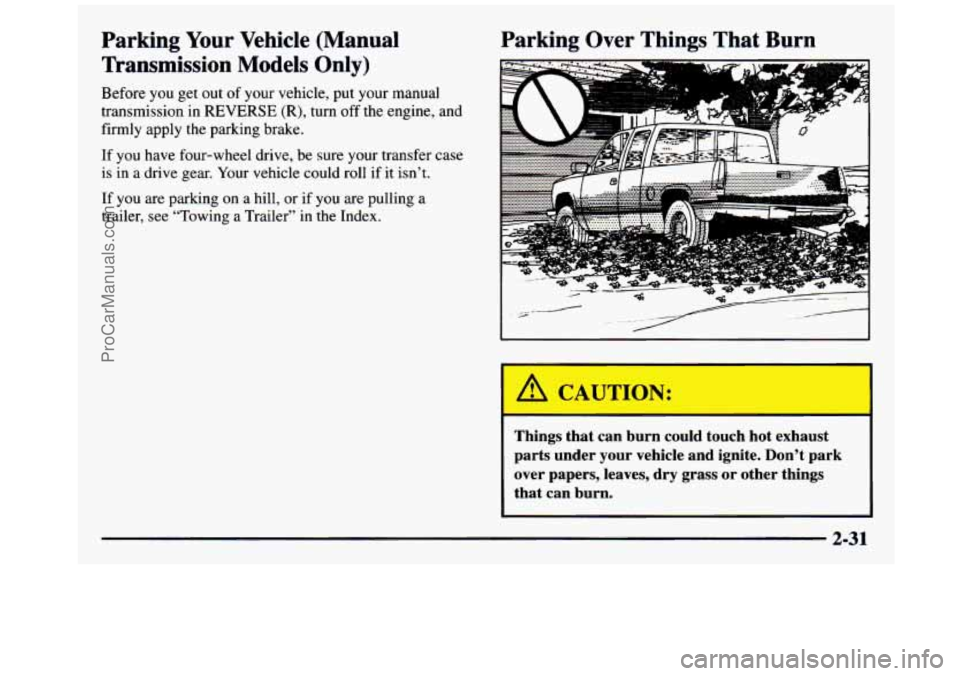
Parking Over Things That Burn
I
2-31
ProCarManuals.com
Page 107 of 436
A CAUTION:
It can be dangerous to get out of your vehicle if
the shift lever
is not fully in PARK (P) with the
parking brake firmly set. Your vehicle can roll.
Don’t leave your vehicle when the engine is
running unless you have to.
If you’ve left the
engine running, the vehicle can move suddenly.
You or others could be injured. To be sure your
vehicle won’t move, even when you’re
on fairly
level ground, always set your parking brake and
move the shift lever to
PARK (P).
If you have four-wheel drive and your transfer case is in
NEUTRAL (N), your vehicle will be free to roll, even if
your shift lever is in PARK (P).
So, be sure the transfer
case
is in a drive gear -- not in NEUTRAL (N). Always
set your parking brake. Follow the proper steps
to be
sure your vehicle won’t move. See “Shifting Into
PARK
(P)” in the Index.
If you’re pulling a trailer,
see “Towing a Trailer” in
the Index.
Windows
Manual Windows
Turn the hand crank on each door to raise or lower
manual windows.
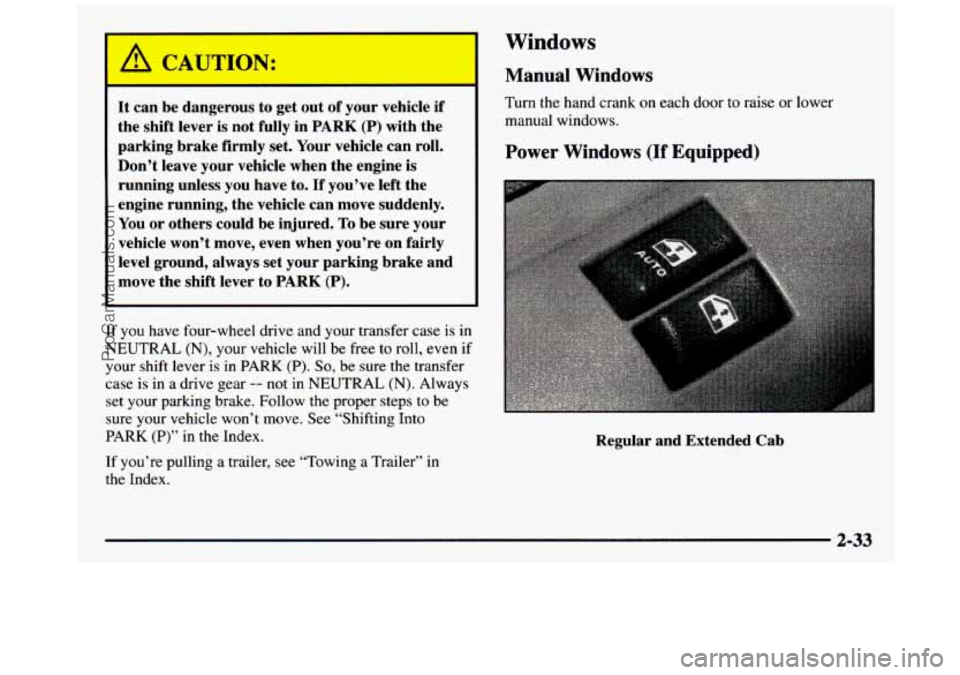
Power Windows (If Equipped)
Regular and Extended Cab
2-33
ProCarManuals.com
Page 109 of 436
Swing-Out Windows (Extended Cab)
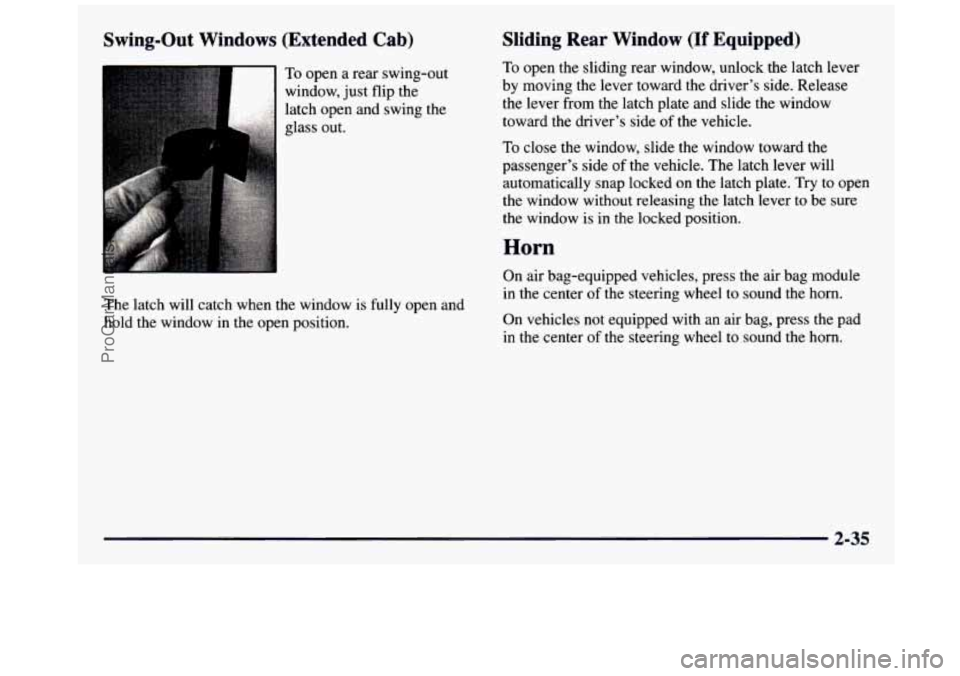
To open a rear swing-out
window, just flip the
latch open and swing the
glass out.
The latch will catch when the window is fully open and
hold the window in the open position.
Sliding Rear Window (If Equipped)
To open the sliding rear window, unlock the latch lever
by moving the lever toward the driver’s side. Release
the lever from the latch plate and slide the window
toward the driver’s side
of the vehicle.
To close the window, slide the window toward the
passenger’s side of the vehicle. The latch lever will
automatically snap locked on the latch plate. Try to open
the window without releasing the latch lever to be sure
the window is in the locked position.
Horn
On air bag-equipped vehicles, press the air bag module
in the center
of the steering wheel to sound the horn.
On vehicles not equipped with an air bag,
psS the pad
in the center of the steering wheel to sound the horn.
2-35
ProCarManuals.com
Page 110 of 436
Tilt Wheel (If Equipped)
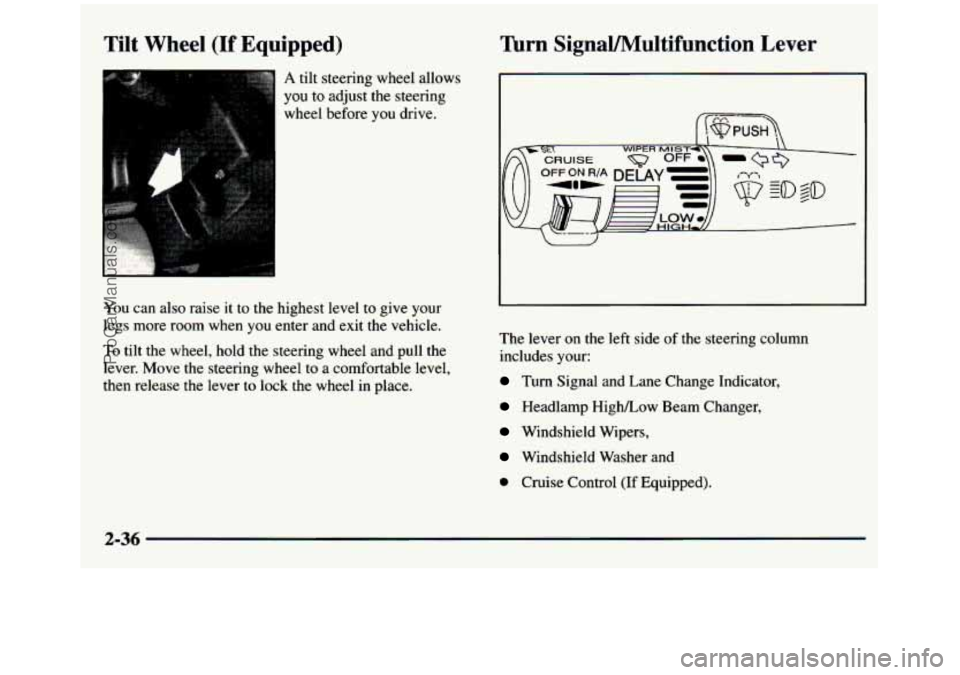
A tilt steering wheel allows
you to adjust the steering
wheel before you drive.
You can also raise
it to the highest level to give your
legs more room when
you enter and exit the vehicle.
To tilt the wheel, hold the steering wheel and pull the
lever. Move the steering wheel to a comfortable level,
then release the lever to lock the wheel in place.
lhrn SignaVMultifunction Lever
I, WIPER MIST-
The lever on the left side of the steering column
includes your:
Turn Signal and Lane Change Indicator,
Headlamp High/Low Beam Changer,
Windshield Wipers,
Windshield Washer and
0 Cruise Control (If Equipped).
2-36
ProCarManuals.com
Page 114 of 436
Cruise Control (If Equipped)
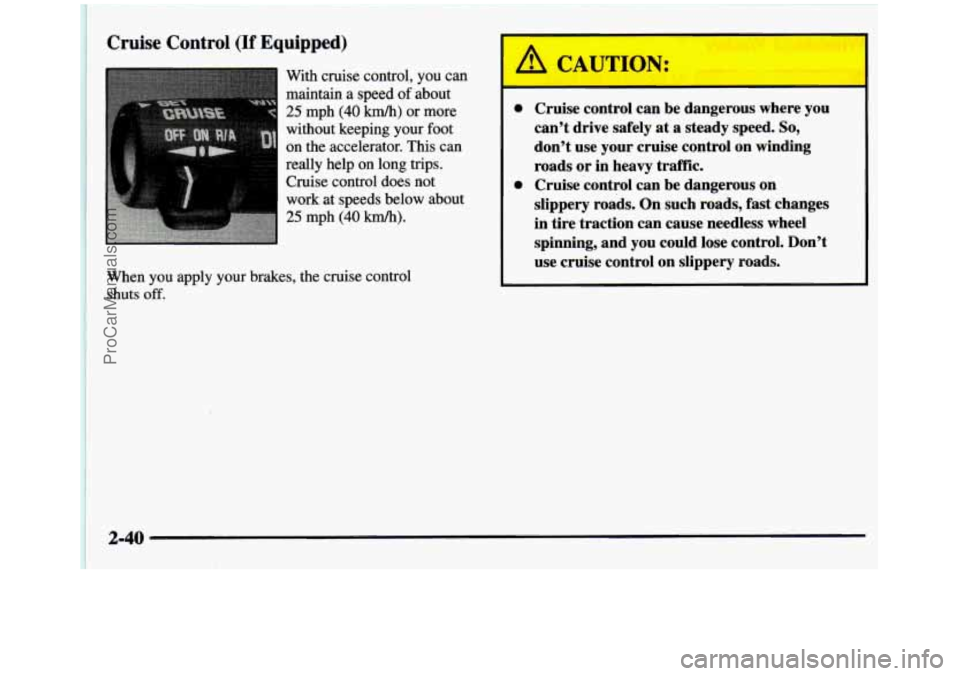
With cruise control, you can
maintain a speed of about
25 mph (40 km/h) or more
without keeping your foot
on the accelerator. This can
really help on
long trips.
Cruise control does
not
work at speeds below about
25 mph (40 km/h).
When you apply your brakes, the cruise control
shuts
off.
0 Cruise control can be dangerous where you
can't drive safely at a steady speed.
So,
don't use your cruise control on winding
roads or in heavy traffk.
slippery roads. On such roads,
fast changes
in tire traction can cause needless wheel
spinning, and you could lose control. Don't
use cruise control on slippery roads.
0 Cruise control can be dangerous on
2-40
ProCarManuals.com
Page 117 of 436
Lamps Taillamps,
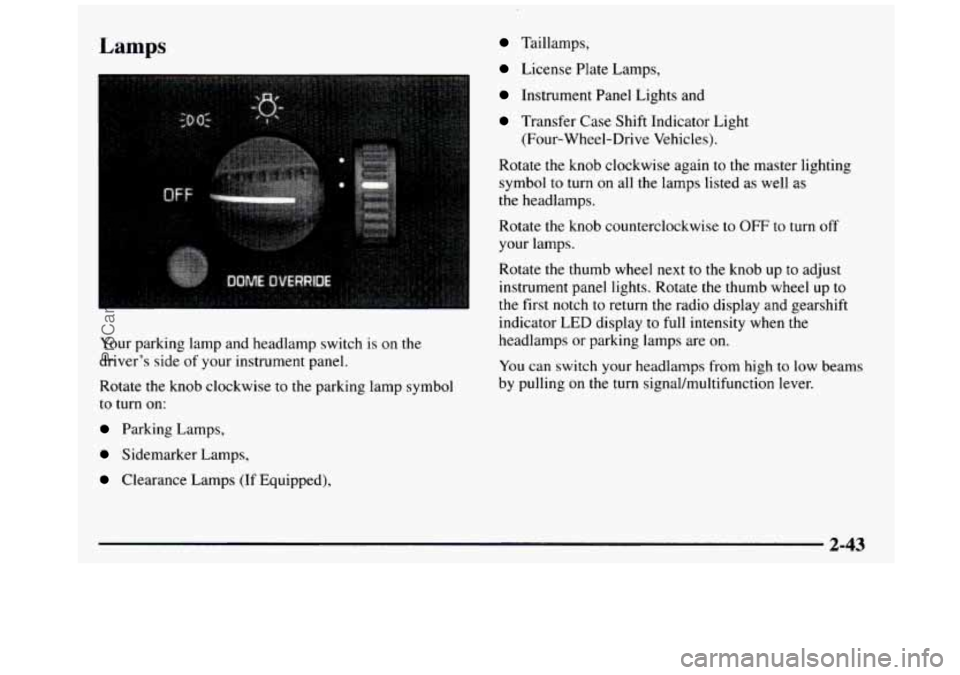
Your parking lamp and headlamp switch is
on the
driver’s side of your instrument panel.
Rotate the knob clockwise to the parking lamp symbol
to turn on:
Parking Lamps,
Sidemarker Lamps,
Clearance Lamps (If Equipped),
License Plate Lamps,
Instrument Panel Lights and
Transfer Case Shift Indicator Light
(Four-Wheel-Drive Vehicles).
Rotate the knob clockwise again to the master lighting
symbol to turn on all the lamps listed as well
as
the headlamps.
Rotate the knob counterclockwise to
OFF to turn off
your lamps.
Rotate the thumb
wheel next to the knob up to adjust
instrument panel lights.
Rotate the thumb wheel up to
the first notch to return the radio display and gearshift
indicator LED display
to full intensity when the
headlamps or parking lamps are on.
You can switch your headlamps from high to low beams
by pulling on the turn signal/multifunction lever.
2-43
ProCarManuals.com
Page 118 of 436
Headlamps On Reminder
A buzzer will sound when your headlamps are turned
on and the key is turned to the
OFF, LOCK or
ACCESSORY position. If
you need to use your
headlamps when the key is turned to
OFF, LOCK or
ACCESSORY, the buzzer can be turned
off by turning
the thumb wheel next to the parking lampheadlamp
knob all the way down.
Daytime Running Lamps
Daytime Running Lamps (DRL) can make it easier for
others to see the front
of your vehicle during the
day. DRL can be helpful in many different driving
conditions, but they can be especially helpful
in the
short periods after dawn and before sunset.
The DRL system will make your headlamps come
on at
a reduced brightness when:
the ignition is on,
When the DRL are on, only your headlamps will be on.
The taillamps, sidemarker and other lamps won’t be on.
Your instrument panel won’t be
lit up either.
When it begins to get dark, your DRL indicator light
is a
reminder to turn your headlamp switch on. The other
lamps that come on with your headlamps will also
come
on.
When you turn off the headlamp switch, the regular
lamps will go off, and your headlamps will change to
the reduced brightness
of DRL.
To idle your vehicle with the DRL off, set the parking
brake. The DRL will stay off until you release the
parking brake.
As with any vehicle, you should turn on the regular
headlamp system when you need it.
the headlamp switch is off and
the parking brake is released.
2-44
ProCarManuals.com
Page 120 of 436
Interior Lamps
Instrument Panel Intensity Control
The instrument panel intensity control is located to the
right of the headlamp switch.
Rotate the thumb wheel up to adjust instrument panel
lights. Rotate the thumb wheel up to the first notch to
return the radio display and gearshift indicator
LED
display to full intensity when the headlamps or parking
lamps are on. To turn on the dome lamps (with the
vehicle doors closed) rotate the thumb wheel up to the
second notch position.
Illuminated Entry
Your vehicle is equipped with an illuminated entry feature.
When the doors are opened, the dome lamps will come
on
if the dome lamp button is out. When all the doors
are closed, or the dome lamp button is pressed in, the
lamps will stay on for a short period
of time and will
then
go out.
Front Reading Lamps (If Equipped)
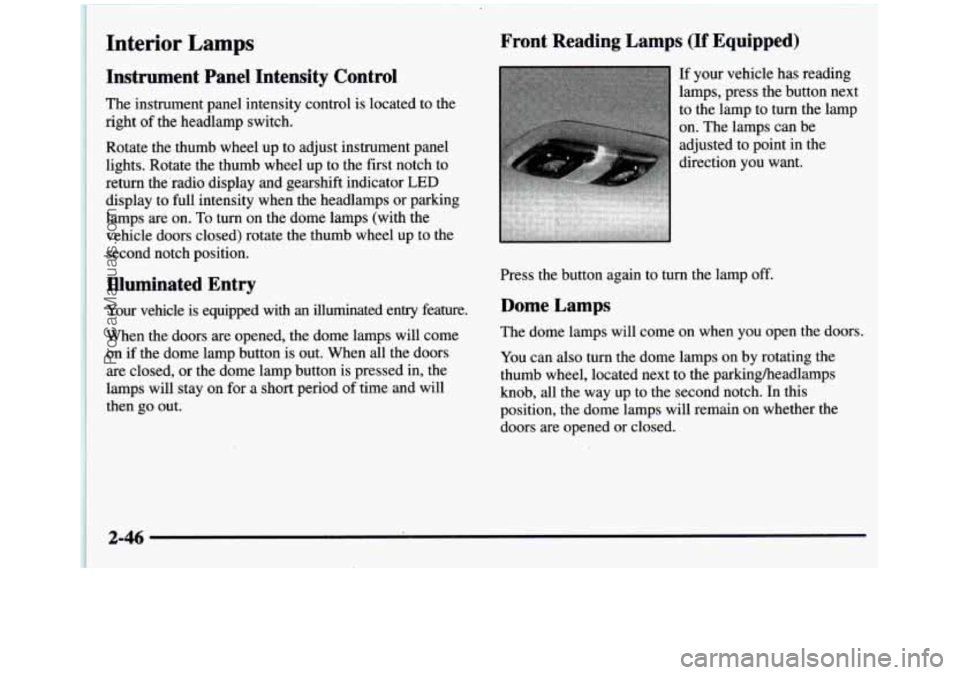
If your vehicle has reading
lamps, press the button next
to the lamp to turn the lamp
on. The lamps can be
adjusted to point in the
direction you want.
Press the button again to turn the lamp off.
Dome Lamps
The dome lamps will come on when you open the doors.
You can also turn the dome lamps on by rotating the
thumb wheel, located next to the parkingheadlamps
knob, all the way up to the second notch. In this
position, the dome lamps will remain on whether the doors are opened or closed.
2-46
ProCarManuals.com
Page 186 of 436
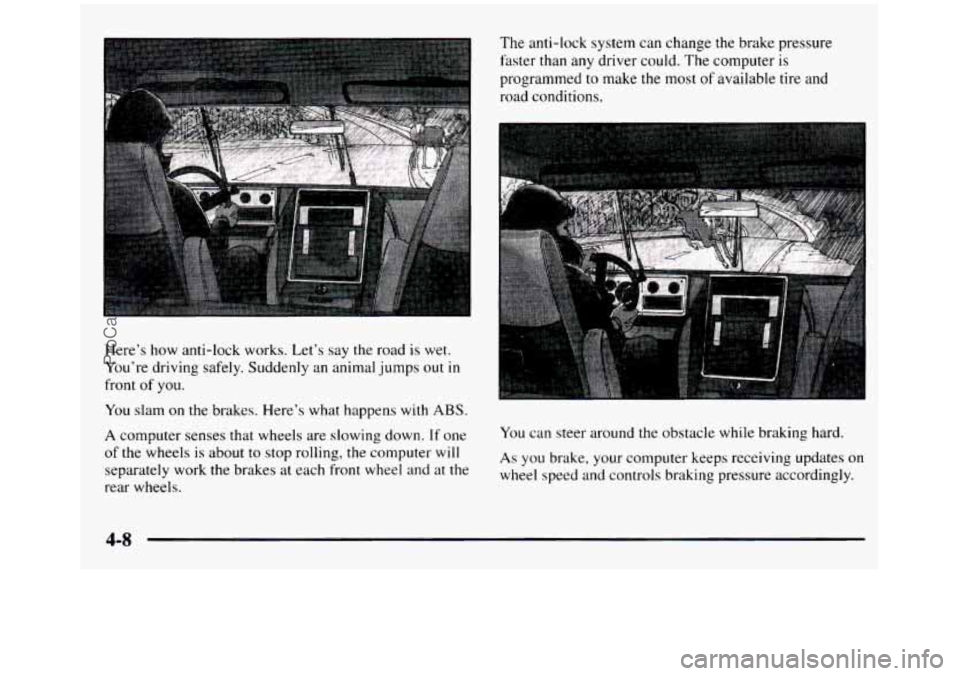
Here’s how anti-lock works. Let’s say the road is wet.
You’re driving safely. Suddenly an animal jumps out
in
front of you.
You slam on the brakes. Here’s what happens with ABS.
A computer senses that wheels are slowing down. If one
of the wheels is about
to stop rolling, the computer will
separately work the brakes at each front wheel
and at the
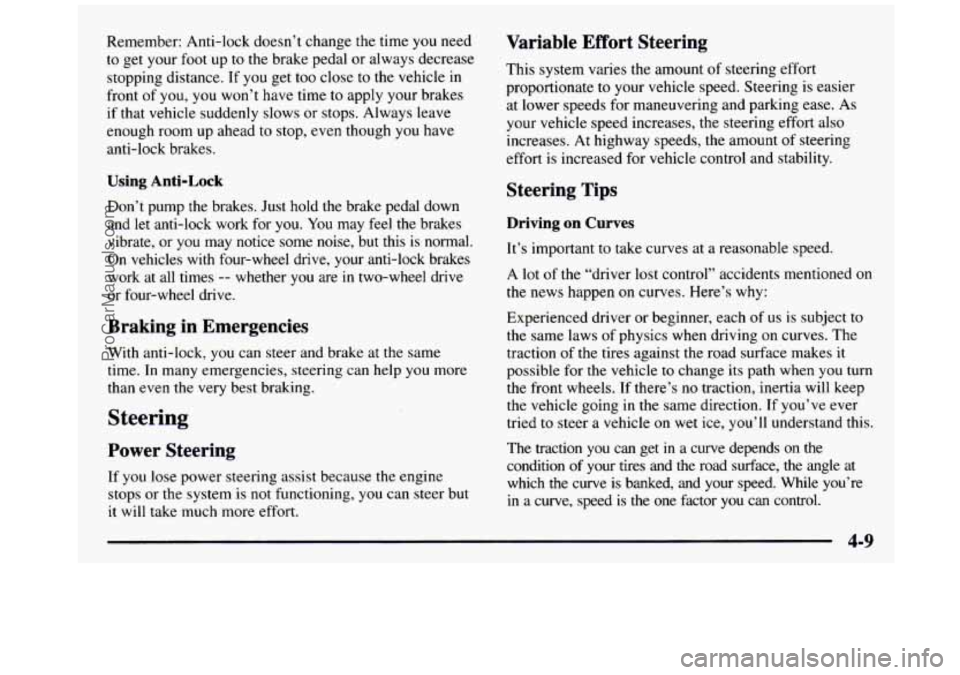
rear wheels. The anti-lock system can change the brake pressure
faster than any driver could. The computer is
programmed to make the most
of available tire and
road conditions.
You can steer around the obstacle while braking hard.
As you brake, your computer keeps receiving updates on
wheel speed and controls braking pressure accordingly.
4-8
ProCarManuals.com
Page 187 of 436
Remember: Anti-lock doesn’t change the time you need
to get your foot up to the brake pedal or always decrease
stopping distance. If you get too close to the vehicle in
front of you, you won’t have time to apply your brakes
if that vehicle suddenly slows or stops. Always leave
enough room up ahead
to stop, even though you have
anti-lock brakes.
Using Anti-Lock
Don’t pump the brakes. Just hold the brake pedal down
and let anti-lock work for you. You may feel the brakes
vibrate, or you may notice some noise, but this is normal.
On vehicles
with four-wheel drive, your anti-lock brakes
work at all times
-- whether you are in two-wheel drive
or four-wheel drive.
Braking in Emergencies
With anti-lock, you can steer and brake at the same
time. In many emergencies, steering can help you more
than even the very best braking.
Steering
Power Steering
If you lose power steering assist because the engine
stops or the system is not functioning, you can steer but
it will take much more effort.
Variable Effort Steering
This system varies the amount of steering effort
proportionate
to your vehicle speed. Steering is easier
at lower speeds for maneuvering and parking ease. As
your vehicle speed increases, the steering effort also
increases.
At highway speeds, the amount of steering
effort is increased for vehicle control and stability.
Steering Tips
Driving on Curves
It’s important to take curves at a reasonable speed.
A lot of the “driver lost control” accidents mentioned on
the news happen on curves. Here’s
why:
Experienced driver or beginner, each of us is subject to
the same laws of physics when driving on curves. The
traction of the tires against the road surface makes
it
possible for the vehicle to change its path when you turn
the front wheels. If there’s no traction, inertia will keep
the vehicle going in the same direction.
If you’ve ever
tried to steer a vehicle on wet ice, you’ll understand this.
The traction you can get
in a curve depends on the
condition of your tires and the road surface, the angle
at
which the curve is banked, and your speed. While you’re
in a curve, speed is the one factor you can control.
ProCarManuals.com