check engine GMC SIERRA 2007 User Guide
[x] Cancel search | Manufacturer: GMC, Model Year: 2007, Model line: SIERRA, Model: GMC SIERRA 2007Pages: 680, PDF Size: 3.42 MB
Page 273 of 680
Remember, you must reset the OIL LIFE display
yourself after each oil change. It will not reset
itself. Also, be careful not to reset the OIL LIFE
display accidentally at any time other than
when the oil has just been changed. It cannot be
reset accurately until the next oil change. To
reset the engine oil life system, seeEngine Oil
Life System on page 503.
Units
Press the vehicle information button until UNITS
displays. This display allows you to select between
English or Metric units of measurement. Once in
this display, press the set/reset button to select
between ENGLISH or METRIC units. All of
the vehicle information will then be displayed in
the unit of measurement selected.
Tire Pressure
If your vehicle has a Tire Pressure Monitor (TPM)
system, the pressure for each tire can be
viewed in the DIC. The tire pressure will be shown
in either pounds per square inch (psi) or
kilopascals (kPa). Press the vehicle information
button until the DIC displays FRONT TIRES
PSI (kPa) LEFT ## RIGHT ##. Press the vehicle
information button again until the DIC displays
REAR TIRES PSI (kPa) LEFT ## RIGHT ##.If a low or high tire pressure condition is detected
by the system while driving, a message advising
you to check the pressure in a specic tire
will appear in the display. SeeInation - Tire
Pressure on page 559andDIC Warnings
and Messages on page 279for more information.
If the tire pressure display shows dashes
instead of a value, there may be a problem with
your vehicle. If this consistently occurs, see
your dealer for service.
Trailer Gain and Output
On vehicles with the Integrated Trailer Brake
Control (ITBC) system, the trailer brake display
appears in the DIC. Press the vehicle information
button until TRAILER GAIN and OUTPUT display.
TRAILER GAIN shows the trailer gain setting. This
setting can be adjusted from 0.0 to 10.0 with
either a trailer connected or disconnected.
To adjust this setting, see “Integrated Trailer
Brake Control System” underTowing a Trailer on
page 445for more information.
273
Page 281 of 680
As soon as it is safe to do so, carefully pull your
vehicle over to the side of the road and turn
the ignition off. Check the wiring connection to the
trailer and turn the ignition back on. This
message clears if the trailer is reconnected. This
message also clears if you acknowledge it. If
this message still displays, either your vehicle or
the trailer needs service. See your dealer.
See “Integrated Trailer Brake Control System”
underTowing a Trailer on page 445for more
information.
DRIVER DOOR OPEN
This message displays and a chime sounds if the
driver’s door is not fully closed and the vehicle
is in a drive gear. Stop and turn off the vehicle,
check the door for obstructions, and close the door
again. Check to see if the message still appears
on the DIC.
ENGINE HOT A/C (Air Conditioning)
TURNED OFF
This message displays when the engine coolant
becomes hotter than the normal operating
temperature. SeeEngine Coolant Temperature
Gage on page 258. To avoid added strain on a hot
engine, the air conditioning compressor
automatically turns off. When the coolant
temperature returns to normal, the air conditioning
compressor turns back on. You can continue to
drive your vehicle.
If this message continues to appear, have the
system repaired by your dealer as soon as
possible to avoid damage to the engine.
ENGINE OIL LOW ADD OIL
If your vehicle has an oil level sensor, this
message displays if the oil level in the vehicle is
low. Check the oil level and correct it as
necessary. You may need to let the vehicle cool
or warm up and cycle the ignition to be sure
this message clears.
This message clears itself after 10 seconds, until
the next ignition cycle. SeeEngine Oil (Gasoline
Engine) on page 500for additional information.
281
Page 283 of 680
FUEL LEVEL LOW
This message displays and a chime sounds if the
fuel level is low. Refuel as soon as possible.
SeeFuel Gage on page 266andFuel on page 488
for more information.
HOOD OPEN
This message displays and a chime sounds if the
hood is not fully closed. Stop and turn off the
vehicle, check the hood for obstructions, and close
the hood again. Check to see if the message
still appears on the DIC.
LEFT REAR DOOR OPEN (Crew Cab)
This message displays and a chime sounds if the
driver’s side rear door is not fully closed and
the vehicle is in a drive gear. Stop and turn off the
vehicle, check the door for obstructions, and
close the door again. Check to see if the message
still appears on the DIC.
OIL PRESSURE LOW STOP ENGINE
Notice:If you drive your vehicle while
the engine oil pressure is low, severe engine
damage may occur. If a low oil pressure
warning appears on the Driver Information
Center (DIC), stop the vehicle as soon as
possible. Do not drive the vehicle until the
cause of the low oil pressure is corrected. See
Engine Oil (Gasoline Engine) on page 500
for more information.
This message displays if low oil pressure levels
occur. Stop the vehicle as soon as safely possible
and do not operate it until the cause of the low
oil pressure has been corrected. Check the oil as
soon as possible and have your vehicle serviced
by your dealer. SeeEngine Oil (Gasoline Engine)
on page 500.
283
Page 287 of 680
SERVICE TRAILER BRAKE SYSTEM
On vehicles with the Integrated Trailer Brake
Control (ITBC) system, this message displays and
a chime sounds when there is a problem with
the ITBC system.
When this message displays, power is no longer
available to the trailer brakes.
As soon as it is safe to do so, carefully pull your
vehicle over to the side of the road and turn
the ignition off. Check the wiring connection to the
trailer and turn the ignition back on. If this
message still displays, either your vehicle or the
trailer needs service. See your dealer.
See “Integrated Trailer Brake Control System”
underTowing a Trailer on page 445for more
information.
STABILITRAK OFF
If your vehicle has StabiliTrak®, this message
displays when you turn off StabiliTrak®, or when
the stability control has been automatically
disabled. To limit wheel spin and realize the full
benets of the stability enhancement system, you
should normally leave StabiliTrak
®on. However,
you should turn StabiliTrak®off if your vehicle gets
stuck in sand, mud, ice, or snow and you wantto rock your vehicle to attempt to free it, or if you
are driving in extreme off-road conditions and
require more wheel spin. SeeIf Your Vehicle is
Stuck in Sand, Mud, Ice, or Snow on page 422.To
turn the StabiliTrak
®system on or off, see
StabiliTrak®System on page 381.
There are several conditions that can cause this
message to appear.
One condition is overheating, which could
occur if StabiliTrak®activates continuously
for an extended period of time.
The message also displays if the brake
system warning light is on. SeeBrake System
Warning Light on page 256.
The message could display if the stability
system takes longer than usual to complete its
diagnostic checks due to driving conditions.
The message displays if an engine or vehicle
related problem has been detected and the
vehicle needs service. See your dealer.
The message also displays if the vehicle is
shifted into 4LO.
The message turns off as soon as the conditions
that caused the message to be displayed are
no longer present.
287
Page 288 of 680
TIGHTEN GAS CAP
This message may display along with the check
engine light on the instrument panel cluster if
the vehicle’s fuel cap is not tightened properly. See
Malfunction Indicator Lamp on page 260.
Reinstall the fuel cap fully. SeeFilling the Tank on
page 493. The diagnostic system can determine
if the fuel cap has been left off or improperly
installed. A loose or missing fuel cap allows fuel to
evaporate into the atmosphere. A few driving
trips with the cap properly installed should turn this
light and message off.
TIRE LEARNING ACTIVE
If your vehicle has a Tire Pressure Monitor (TPM)
system, this message displays when the system
is re-learning the tire positions on your vehicle.
SeeDIC Operation and Displays (With DIC
Buttons) on page 268orDIC Operation and
Displays (Without DIC Buttons) on page 275for
more information. The tire positions must be
re-learned after rotating the tires or after replacing
a tire or sensor. SeeTire Inspection and
Rotation on page 565,Tire Pressure Monitor
System on page 561, andInation - Tire Pressure
on page 559for more information.
TRACTION CONTROL OFF
If your vehicle has StabiliTrak®, this message
displays when the Traction Control System (TCS)
is turned off. Adjust your driving accordingly.
SeeStabiliTrak
®System on page 381for more
information.
TRAILER CONNECTED
On vehicles with the Integrated Trailer Brake
Control (ITBC) system, this message displays
briey when a trailer with electric brakes is
rst connected to the vehicle.
This message clears itself after several seconds.
This message also clears if you acknowledge
it. After this message clears, the TRAILER
GAIN/OUTPUT display appears in the DIC.
See “TRAILER GAIN/OUTPUT” underDIC
Operation and Displays (With DIC Buttons) on
page 268orDIC Operation and Displays (Without
DIC Buttons) on page 275and “Integrated
Trailer Brake Control System” underTowing a
Trailer on page 445for more information.
288
Page 301 of 680
Set up your audio system by presetting your
favorite radio stations, setting the tone, and
adjusting the speakers. Then, when driving
conditions permit, you can tune to your favorite
radio stations using the presets and steering
wheel controls if the vehicle has them.
Notice:Before adding any sound equipment to
your vehicle, such as an audio system, CD
player, CB radio, mobile telephone, or two-way
radio, make sure that it can be added by
checking with your dealer/retailer. Also, check
federal rules covering mobile radio and
telephone units. If sound equipment can be
added, it is very important to do it properly.
Added sound equipment can interfere with the
operation of your vehicle’s engine, radio, or
other systems, and even damage them. Your
vehicle’s systems can interfere with the
operation of sound equipment that has
been added.
Your vehicle has a feature called Retained
Accessory Power (RAP). With RAP, the audio
system can be played even after the ignition
is turned off. SeeRetained Accessory Power
(RAP) on page 134for more information.Setting the Time
AM-FM Radio with Optional CD Player
If your vehicle has an AM/FM radio with an
optional CD player, it has a clock button for setting
the time. With these types of radios, the clock
can be set with either the radio turned on or off.
Set the time by following these steps:
1. Press the clock button until the hour numbers
begin ashing on the display. Press the clock
button a second time and the minute
numbers begin ashing on the display. Press
the clock button a third time and the 12HR
or 24HR time format begins ashing.
2. While either the hour or the minute numbers
are ashing, turn the tune knob, located on
the upper right side of the radio faceplate,
clockwise or counterclockwise to increase or
decrease the time. While the 12HR or
24HR time format is ashing, turn the tune
knob clockwise or counterclockwise to select
the default time settings.
3. Press the clock button again until the clock
display stops ashing to set the currently
displayed time; otherwise, the ashing stops
after ve seconds and the current time
displayed will be automatically set.
301
Page 379 of 680
If your vehicle’s engine ever stops while you are
driving, brake normally but do not pump the
brakes. If you do, the pedal may get harder to
push down. If the engine stops, you will still have
some power brake assist. But you will use it
when you brake. Once the power assist is used
up, it may take longer to stop and the brake pedal
will be harder to push.
Adding non-GM accessories can affect your
vehicle’s performance. SeeAccessories and
Modications on page 486.
Anti-Lock Brake System (ABS)
Your vehicle has the Anti-Lock Brake System
(ABS), an advanced electronic braking system that
will help prevent a braking skid.
When you start your engine and begin to drive
away, ABS will check itself. You may hear a
momentary motor or clicking noise while this test
is going on. This is normal.If there is a problem
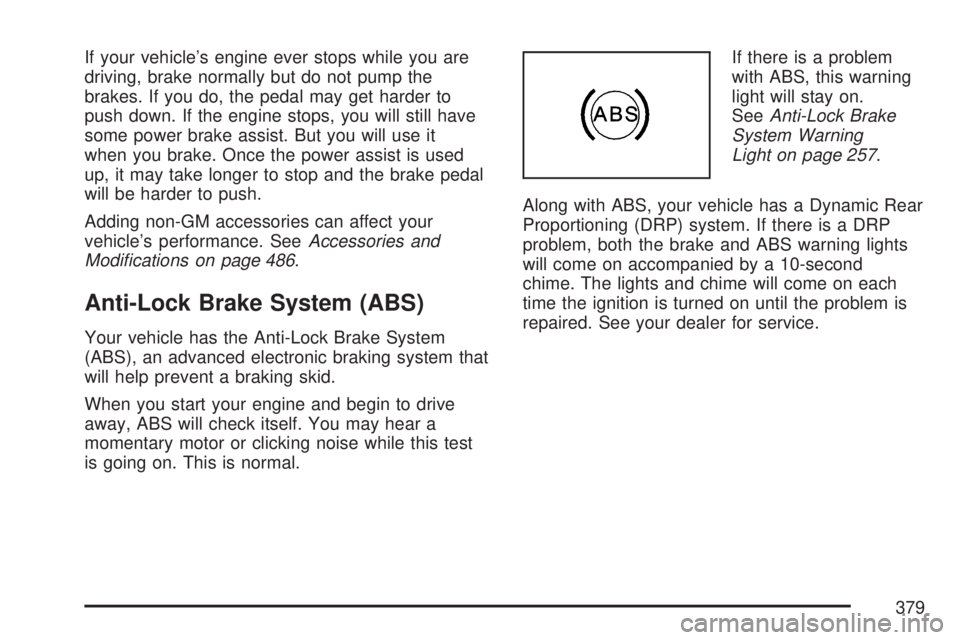
with ABS, this warning
light will stay on.
SeeAnti-Lock Brake
System Warning
Light on page 257.
Along with ABS, your vehicle has a Dynamic Rear
Proportioning (DRP) system. If there is a DRP
problem, both the brake and ABS warning lights
will come on accompanied by a 10-second
chime. The lights and chime will come on each
time the ignition is turned on until the problem is
repaired. See your dealer for service.
379
Page 391 of 680
If you think you will need some more ground
clearance at the front of your vehicle, you
can remove the front fascia lower air dam.
The front fascia lower air dam is held in place by
two bolts and 10 snap features. The bolts and
snap features are accessible from underneath the
front fascia.
The following steps must be performed on the
bolts and snap features to remove the air dam:
1. Remove the two outboard air dam bolts.
2. With a at-blade screwdriver, push down on
the snap features and disengage the snaps.
3. After the bolts are removed and the snaps are
disengaged, push forward on the air dam until
it is free.
When you are back on roads, though, be sure to
replace the air dam.
Notice:Operating your vehicle for extended
periods without the front fascia lower air
dam installed can cause improper air ow to
the engine. Always be sure to replace the front
fascia air dam when you are nished off-road
driving.To reinstall the lower air dam do the following:
1. Line up the snap features and push the
air dam rearward to engage the snaps.
2. Install the two outboard bolts.
Before You Go Off-Roading
There are some things to do before you go out.
For example, be sure to have all necessary
maintenance and service work done. Check to
make sure all underbody shields, if the vehicle has
them, are properly attached. Be sure you read
all the information about your four-wheel-drive
vehicle in this manual. Is there enough fuel? Is the
spare tire fully inated? Are the uid levels up
where they should be? What are the local
laws that apply to off-roading where you will be
driving? If you do not know, you should check with
law enforcement people in the area. Will you be
on someone’s private land? If so, be sure to
get the necessary permission.
391
Page 415 of 680
Here are some things you can check before a trip:
Windshield Washer Fluid:Is the reservoir
full? Are all windows clean inside and outside?
Wiper Blades:Are they in good shape?
Fuel, Engine Oil, Other Fluids:Have you
checked all levels?
Lamps:Are they all working? Are the lenses
clean?
Tires:They are vitally important to a safe,
trouble-free trip. Is the tread good enough
for long-distance driving? Are the tires
all inated to the recommended pressure?
Weather Forecasts:What is the weather
outlook along your route? Should you
delay your trip a short time to avoid a major
storm system?
Maps:Do you have up-to-date maps?
Highway Hypnosis
Is there actually such a condition as highway
hypnosis? Or is it just plain falling asleep at the
wheel? Call it highway hypnosis, lack of awareness,
or whatever.
There is something about an easy stretch of road
with the same scenery, along with the hum of the
tires on the road, the drone of the engine, and the
rush of the wind against the vehicle that can make
you sleepy. Do not let it happen to you! If it does,
your vehicle can leave the road in less than a
second, and you could crash and be injured.
What can you do about highway hypnosis? First, be
aware that it can happen.
Then here are some tips:
Make sure your vehicle is well ventilated, with a
comfortably cool interior.
Keep your eyes moving. Scan the road ahead
and to the sides. Check your vehicle’s mirrors
and instruments frequently.
If you get sleepy, pull off the road into a rest,
service, or parking area and take a nap, get
some exercise, or both. For safety, treat
drowsiness on the highway as an emergency.
415
Page 416 of 680
Hill and Mountain Roads
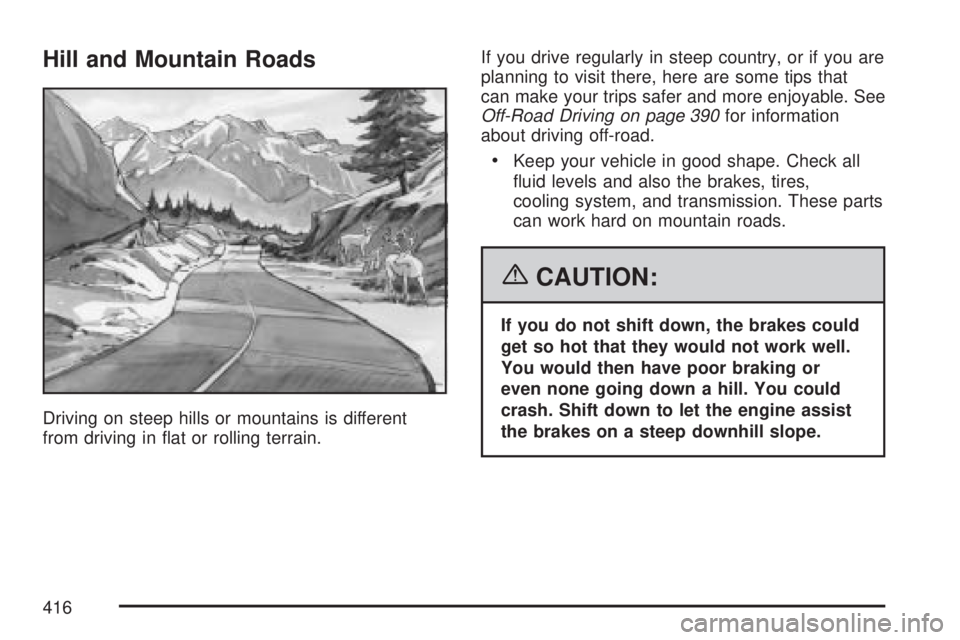
Driving on steep hills or mountains is different
from driving in at or rolling terrain.If you drive regularly in steep country, or if you are
planning to visit there, here are some tips that
can make your trips safer and more enjoyable. See
Off-Road Driving on page 390for information
about driving off-road.
Keep your vehicle in good shape. Check all
uid levels and also the brakes, tires,
cooling system, and transmission. These parts
can work hard on mountain roads.
{CAUTION:
If you do not shift down, the brakes could
get so hot that they would not work well.
You would then have poor braking or
even none going down a hill. You could
crash. Shift down to let the engine assist
the brakes on a steep downhill slope.
416