service indicator GMC SIERRA 2011 User Guide
[x] Cancel search | Manufacturer: GMC, Model Year: 2011, Model line: SIERRA, Model: GMC SIERRA 2011Pages: 594, PDF Size: 6.55 MB
Page 179 of 594
Black plate (31,1)GMC Sierra Owner Manual - 2011
Instruments and Controls 5-31
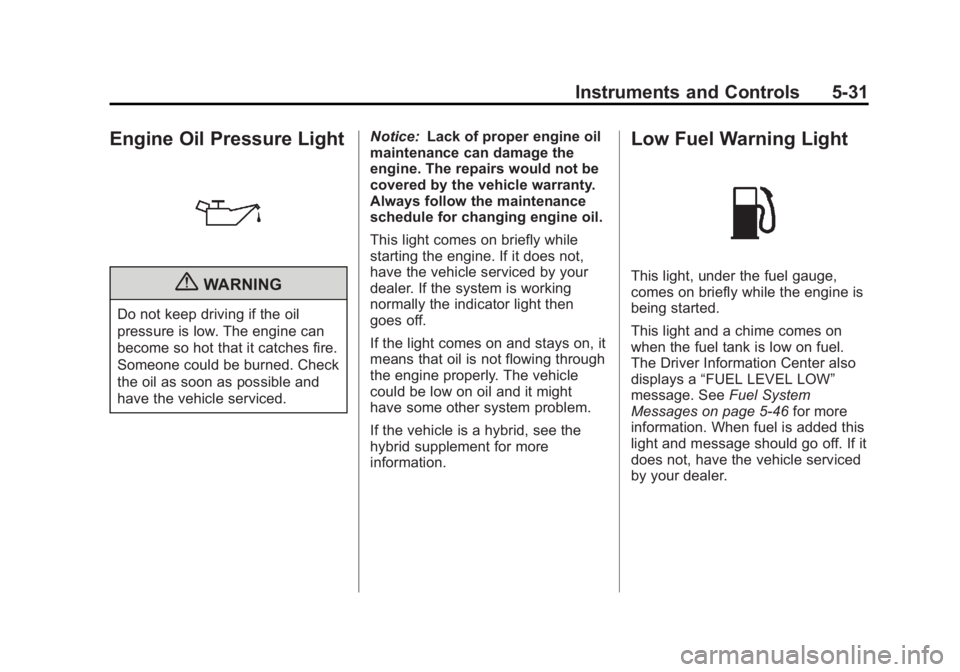
Engine Oil Pressure Light
{WARNING
Do not keep driving if the oil
pressure is low. The engine can
become so hot that it catches fire.
Someone could be burned. Check
the oil as soon as possible and
have the vehicle serviced.Notice:
Lack of proper engine oil
maintenance can damage the
engine. The repairs would not be
covered by the vehicle warranty.
Always follow the maintenance
schedule for changing engine oil.
This light comes on briefly while
starting the engine. If it does not,
have the vehicle serviced by your
dealer. If the system is working
normally the indicator light then
goes off.
If the light comes on and stays on, it
means that oil is not flowing through
the engine properly. The vehicle
could be low on oil and it might
have some other system problem.
If the vehicle is a hybrid, see the
hybrid supplement for more
information.
Low Fuel Warning Light
This light, under the fuel gauge,
comes on briefly while the engine is
being started.
This light and a chime comes on
when the fuel tank is low on fuel.
The Driver Information Center also
displays a “FUEL LEVEL LOW”
message. See Fuel System
Messages on page 5‑46 for more
information. When fuel is added this
light and message should go off. If it
does not, have the vehicle serviced
by your dealer.
Page 223 of 594
Black plate (7,1)GMC Sierra Owner Manual - 2011
Lighting 6-7
Auxiliary
Roof-Mounted Lamp
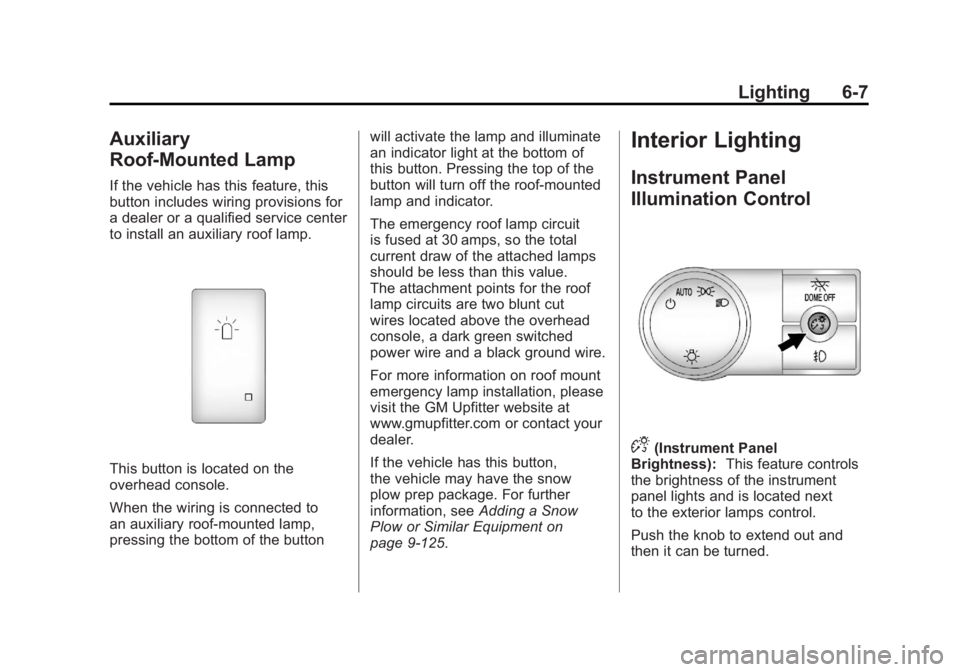
If the vehicle has this feature, this
button includes wiring provisions for
a dealer or a qualified service center
to install an auxiliary roof lamp.
This button is located on the
overhead console.
When the wiring is connected to
an auxiliary roof‐mounted lamp,
pressing the bottom of the buttonwill activate the lamp and illuminate
an indicator light at the bottom of
this button. Pressing the top of the
button will turn off the roof‐mounted
lamp and indicator.
The emergency roof lamp circuit
is fused at 30 amps, so the total
current draw of the attached lamps
should be less than this value.
The attachment points for the roof
lamp circuits are two blunt cut
wires located above the overhead
console, a dark green switched
power wire and a black ground wire.
For more information on roof mount
emergency lamp installation, please
visit the GM Upfitter website at
www.gmupfitter.com or contact your
dealer.
If the vehicle has this button,
the vehicle may have the snow
plow prep package. For further
information, see
Adding a Snow
Plow or Similar Equipment on
page 9‑125.
Interior Lighting
Instrument Panel
Illumination Control
D(Instrument Panel
Brightness): This feature controls
the brightness of the instrument
panel lights and is located next
to the exterior lamps control.
Push the knob to extend out and
then it can be turned.
Page 353 of 594
Black plate (59,1)GMC Sierra Owner Manual - 2011
Driving and Operating 9-59
Electronic Transfer Case
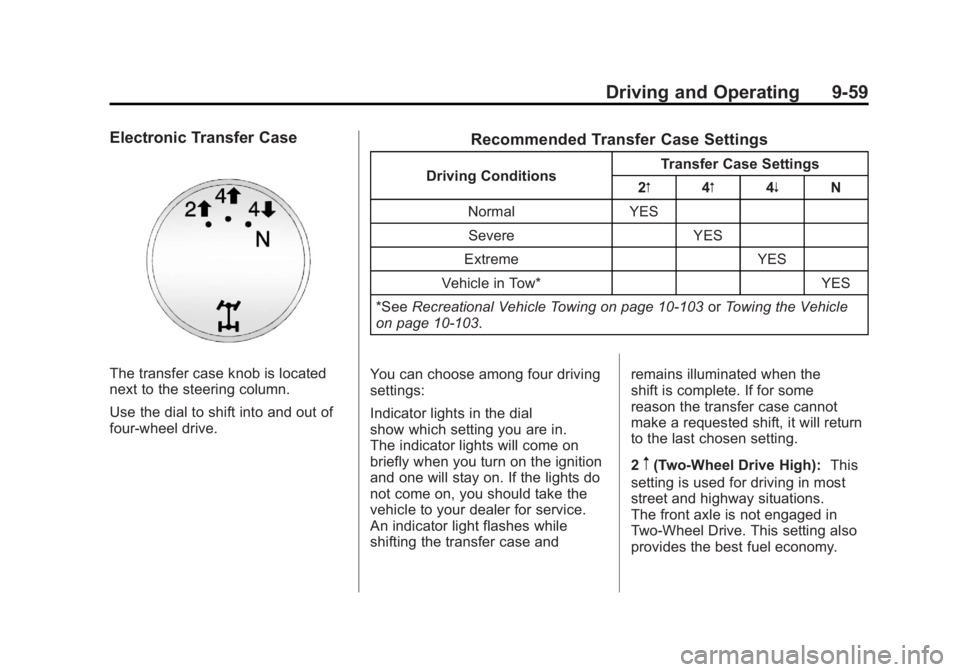
The transfer case knob is located
next to the steering column.
Use the dial to shift into and out of
four-wheel drive.
Recommended Transfer Case Settings
Driving ConditionsTransfer Case Settings
2m 4m4n N
Normal YES Severe YES
Extreme YES
Vehicle in Tow* YES
*See Recreational Vehicle Towing on page 10‑103 orTowing the Vehicle
on page 10‑103.
You can choose among four driving
settings:
Indicator lights in the dial
show which setting you are in.
The indicator lights will come on
briefly when you turn on the ignition
and one will stay on. If the lights do
not come on, you should take the
vehicle to your dealer for service.
An indicator light flashes while
shifting the transfer case and remains illuminated when the
shift is complete. If for some
reason the transfer case cannot
make a requested shift, it will return
to the last chosen setting.
2
m(Two-Wheel Drive High):
This
setting is used for driving in most
street and highway situations.
The front axle is not engaged in
Two-Wheel Drive. This setting also
provides the best fuel economy.
Page 357 of 594
Black plate (63,1)GMC Sierra Owner Manual - 2011
Driving and Operating 9-63
Notice:Shifting the transmission
into gear before the requested
mode indicator light has stopped
flashing could damage the
transfer case. To help avoid
damaging the vehicle, always
wait for the mode indicator lights
to stop flashing before shifting
the transmission into gear.
5. Start the engine and shift the
transmission to the desired
position.
Excessively shifting the transfer
case into or out of the different
modes may cause the transfer case
to enter the shift protection mode.
This will protect the transfer case
from possible damage and will only
allow the transfer case to respond
to one shift per 10 seconds.
The transfer case may stay in this
mode for up to three minutes.Automatic Transfer Case
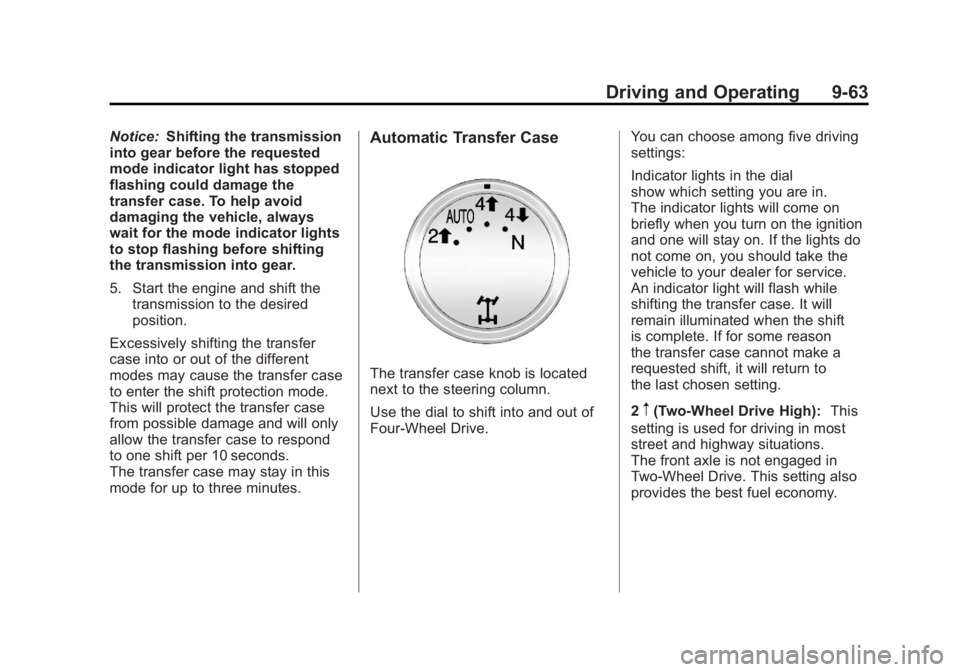
The transfer case knob is located
next to the steering column.
Use the dial to shift into and out of
Four-Wheel Drive. You can choose among five driving
settings:
Indicator lights in the dial
show which setting you are in.
The indicator lights will come on
briefly when you turn on the ignition
and one will stay on. If the lights do
not come on, you should take the
vehicle to your dealer for service.
An indicator light will flash while
shifting the transfer case. It will
remain illuminated when the shift
is complete. If for some reason
the transfer case cannot make a
requested shift, it will return to
the last chosen setting.
2
m(Two-Wheel Drive High):
This
setting is used for driving in most
street and highway situations.
The front axle is not engaged in
Two-Wheel Drive. This setting also
provides the best fuel economy.
Page 358 of 594
Black plate (64,1)GMC Sierra Owner Manual - 2011
9-64 Driving and Operating
AUTO (Automatic Four-Wheel
Drive):This setting is ideal for
use when road surface traction
conditions are variable. When
driving the vehicle in AUTO,
the front axle is engaged, but the
vehicle's power is sent only to the
front and rear wheels automatically
based on driving conditions. Driving
in this mode results in slightly lower
fuel economy than Two-Wheel
Drive High.
4
m(Four-Wheel Drive High): Use
the Four-Wheel Drive High position
when extra traction is needed, such
as on snowy or icy roads or in most
off-road situations. This setting also
engages the front axle to help drive
the vehicle. This is the best setting
to use when plowing snow. 4
n(Four-Wheel Drive Low):
This
setting also engages the front axle
and delivers extra torque. You may
never need this setting. It sends
maximum power to all four wheels.
You might choose Four-Wheel Drive
Low if you are driving off-road in
deep sand, deep mud, deep snow,
and while climbing or descending
steep hills.
If the vehicle has StabiliTrak
®,
shifting into Four-Wheel Drive
Low will turn Traction Control and
StabiliTrak off. See StabiliTrak
®
System on page 9‑70.
{WARNING
Shifting the transfer case to
N (Neutral) can cause the vehicle
to roll even if the transmission
is in P (Park). You or someone
else could be seriously injured.
Be sure to set the parking brake
before placing the transfer case in
N (Neutral). SeeParking Brake on
page 9‑69. N (Neutral):
Shift the vehicle's
transfer case to N (Neutral)
only when towing the vehicle.
See Recreational Vehicle Towing on
page 10‑103 orTowing the Vehicle
on page 10‑103 for more
information.
If the SERVICE 4 WHEEL DRIVE
message stays on, you should
take the vehicle to your dealer for
service. See “SERVICE 4 WHEEL
DRIVE message” under
Transmission Messages on
page 5‑50.
Shifting Into Four-Wheel Drive
High or AUTO (Automatic
Four-Wheel Drive)
Turn the knob to the Four-Wheel
Drive High or AUTO position. This
can be done at any speed, except
when shifting from Four-Wheel
Drive Low. The indicator light will
flash while shifting. It will remain
on when the shift is completed.
Page 371 of 594
Black plate (77,1)GMC Sierra Owner Manual - 2011
Driving and Operating 9-77
How the System Works
URPA comes on automatically
when the shift lever is moved into
R (Reverse). A single tone sounds
to indicate the system is working.
URPA operates only at speeds less
than 8 km/h (5 mph).
An obstacle is indicated by audible
beeps. The interval between the
beeps becomes shorter as the
vehicle gets closer to the obstacle.
When the distance is less than
30 cm (12 in) the beeps are
continuous.
To be detected, objects must be at
least 25.4 cm (10 in) off the ground
and below tailgate level. Objects
must also be within 2.5 m (8 ft) from
the rear bumper. This distance may
be less during warmer or humid
weather.
The system can be disabled by
pressing the rear park aid disable
button located next to the radio.
The indicator light comes on and
PARK ASSIST OFF displays on the
Driver Information Center (DIC) to
indicate that URPA is off; seeObject
Detection System Messages on
page 5‑46.
Notice: If you use URPA while
the tailgate is lowered, it may
not detect an object behind your
vehicle, and you might back into
the object and damage your
vehicle. Always verify the tailgate
is closed when using URPA or
turn off URPA when driving with
the tailgate lowered.
When the System Does Not
Seem to Work Properly
The following messages may be
displayed on the DIC:
SERVICE PARK ASSIST: If this
message occurs, take the vehicle to
your dealer to repair the system.
PARK ASSIST OFF: This message
occurs if the driver disables the
system.
PARK ASST BLOCKED SEE
OWNERS MANUAL: This
message can occur under the
following conditions:
.The ultrasonic sensors are not
clean. Keep the vehicle's rear
bumper free of mud, dirt, snow,
ice, and slush. For cleaning
instructions, see “Washing the
Vehicle” underExterior Care on
page 10‑108.
Page 379 of 594
Black plate (85,1)GMC Sierra Owner Manual - 2011
Driving and Operating 9-85
If the vehicle has the 6.2L V8 engine
(VIN Code 2), use premium
unleaded gasoline with a posted
octane rating of 91 or higher.
You can also use regular unleaded
gasoline rated at 87 octane or
higher, but the vehicle's acceleration
could be slightly reduced, and
a slight audible knocking noise,
commonly referred to as spark
knock, might be heard. If the octane
is less than 87, you might notice
a heavy knocking noise when you
drive. If this occurs, use a gasoline
rated at 87 octane or higher as soon
as possible. Otherwise, you could
damage the engine. If heavy
knocking is heard when using
gasoline rated at 87 octane or
higher, the engine needs service.Gasoline Specifications
(U.S. and Canada Only)
At a minimum, gasoline should
meet ASTM specification
D 4814 in the United States
or CAN/CGSB‐3.5 or 3.511 in
Canada. Some gasolines contain
an octane-enhancing additive called
methylcyclopentadienyl manganese
tricarbonyl (MMT). We recommend
against the use of gasolines
containing MMT. SeeFuel Additives
on page 9‑86 for additional
information.
California Fuel
Requirements
If the vehicle is certified to meet
California Emissions Standards,
it is designed to operate on fuels
that meet California specifications.
See the underhood emission control
label. If this fuel is not available in
states adopting California Emissions
Standards, the vehicle will operate
satisfactorily on fuels meeting
federal specifications, but emission
control system performance might
be affected. The malfunction
indicator lamp could turn on and the
vehicle might fail a smog‐check test.
See Malfunction Indicator Lamp on
page 5‑25. If this occurs, return to
your authorized dealer for diagnosis.
If it is determined that the condition
is caused by the type of fuel used,
repairs might not be covered by the
vehicle warranty.
Page 381 of 594
Black plate (87,1)GMC Sierra Owner Manual - 2011
Driving and Operating 9-87
Some gasolines that are
not reformulated for low
emissions can contain an
octane-enhancing additive
called methylcyclopentadienyl
manganese tricarbonyl (MMT);
ask the attendant where you buy
gasoline whether the fuel contains
MMT. We recommend against
the use of such gasolines. Fuels
containing MMT can reduce
spark plug life and affect emission
control system performance.
The malfunction indicator lamp
might turn on. If this occurs,
return to your dealer for service.
Fuel E85 (85% Ethanol)
Vehicles that have a FlexFuel badge
and a yellow fuel cap can use either
unleaded gasoline or ethanol fuel
containing up to 85% ethanol (E85).
For all other vehicles, use only the
unleaded gasoline described under
Recommended Fuel on page 9‑84.We encourage the use of E85 in
vehicles that are designed to use it.
The ethanol in E85 is a
“renewable”
fuel, meaning it is made from
renewable sources such as corn
and other crops.
Many service stations will not have
an 85% ethanol fuel (E85) pump
available. The U.S. Department
of Energy has an alternative fuels
website (www.afdc.energy.gov/afdc/
locator/stations/) that can help you
find E85 fuel. Those stations that
do have E85 should have a label
indicating ethanol content. Do not
use the fuel if the ethanol content is
greater than 85%.
At a minimum, E85 should meet
ASTM Specification D 5798.
By definition, this means that fuel
labeled E85 will have an ethanol
content between 70% and 85%.
Filling the fuel tank with fuel
mixtures that do not meet ASTM
specifications can affect driveability
and could cause the malfunction
indicator lamp to come on. To ensure quick starts in the
wintertime, the E85 fuel must be
formulated properly for your climate
according to ASTM specification
D 5798. If you have trouble starting
on E85, it could be because the
E85 fuel is not properly formulated
for your climate. If this happens,
switching to gasoline or adding
gasoline to the fuel tank can
improve starting. For good starting
and heater efficiency below 0°C
(32°F), the fuel mix in the fuel tank
should contain no more than 70%
ethanol. It is best not to alternate
repeatedly between gasoline and
E85. If you do switch fuels, it is
recommended that you add as
much fuel as possible
—do not
add less than 11 L (3 gal) when
refueling. You should drive the
vehicle immediately after refueling
for at least 11 km (7 mi) to allow
the vehicle to adapt to the change
in ethanol concentration.
Page 454 of 594
Black plate (30,1)GMC Sierra Owner Manual - 2011
10-30 Vehicle Care
Adding Washer Fluid
The vehicle has a low washer fluid
message on the DIC that comes
on when the washer fluid is low.
The message is displayed for
15 seconds at the start of each
ignition cycle. When the WASHER
FLUID LOW ADD FLUID message
displays, washer fluid will need to
be added to the windshield washer
fluid reservoir.
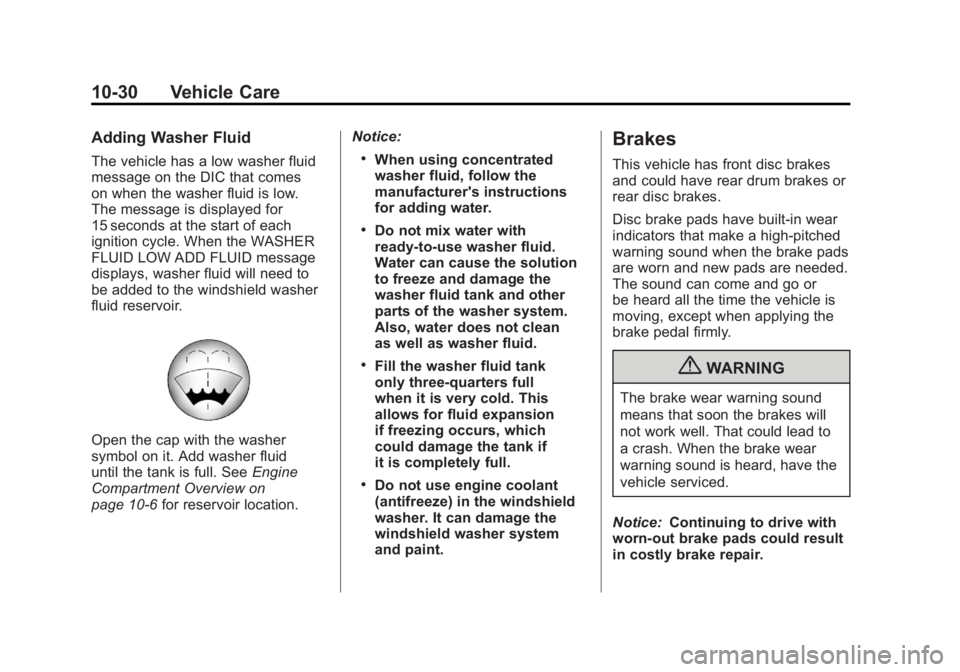
Open the cap with the washer
symbol on it. Add washer fluid
until the tank is full. SeeEngine
Compartment Overview on
page 10‑6 for reservoir location. Notice:
.When using concentrated
washer fluid, follow the
manufacturer's instructions
for adding water.
.Do not mix water with
ready-to-use washer fluid.
Water can cause the solution
to freeze and damage the
washer fluid tank and other
parts of the washer system.
Also, water does not clean
as well as washer fluid.
.Fill the washer fluid tank
only three-quarters full
when it is very cold. This
allows for fluid expansion
if freezing occurs, which
could damage the tank if
it is completely full.
.Do not use engine coolant
(antifreeze) in the windshield
washer. It can damage the
windshield washer system
and paint.
Brakes
This vehicle has front disc brakes
and could have rear drum brakes or
rear disc brakes.
Disc brake pads have built-in wear
indicators that make a high-pitched
warning sound when the brake pads
are worn and new pads are needed.
The sound can come and go or
be heard all the time the vehicle is
moving, except when applying the
brake pedal firmly.
{WARNING
The brake wear warning sound
means that soon the brakes will
not work well. That could lead to
a crash. When the brake wear
warning sound is heard, have the
vehicle serviced.
Notice: Continuing to drive with
worn-out brake pads could result
in costly brake repair.
Page 455 of 594
Black plate (31,1)GMC Sierra Owner Manual - 2011
Vehicle Care 10-31
Some driving conditions or climates
can cause a brake squeal when
the brakes are first applied or
lightly applied. This does not mean
something is wrong with the brakes.
Properly torqued wheel nuts are
necessary to help prevent brake
pulsation. When tires are rotated,
inspect brake pads for wear and
evenly tighten wheel nuts in
the proper sequence to torque
specifications inCapacities and
Specifications on page 12‑2.
If the vehicle has rear drum brakes,
they do not have wear indicators,
but if a rear brake rubbing noise is
heard, have the rear brake linings
inspected immediately. Rear brake
drums should be removed and
inspected each time the tires are
removed for rotation or changing. Drum brakes have an inspection
hole to inspect lining wear during
scheduled maintenance. When
the front brake pads are replaced,
have the rear brakes inspected, too.
Brake linings should always be
replaced as complete axle sets.
Brake Pedal Travel
See your dealer if the brake pedal
does not return to normal height,
or if there is a rapid increase in
pedal travel. This could be a
sign that brake service might
be required.
Brake Adjustment
Every time the brakes are applied,
with or without the vehicle moving,
the brakes adjust for wear.
Replacing Brake System Parts
The braking system on a vehicle is
complex. Its many parts have to be
of top quality and work well together
if the vehicle is to have really good
braking. The vehicle was designed
and tested with top-quality brake
parts. When parts of the braking
system are replaced, be sure to get
new, approved replacement parts.
If this is not done, the brakes might
not work properly. For example,
installing disc brake pads that
are wrong for the vehicle, can
change the balance between the
front and rear brakes
—for the
worse. The braking performance
expected can change in many
other ways if the wrong replacement
brake parts are installed.