warning GMC SIERRA 2011 Repair Manual
[x] Cancel search | Manufacturer: GMC, Model Year: 2011, Model line: SIERRA, Model: GMC SIERRA 2011Pages: 594, PDF Size: 6.55 MB
Page 170 of 594
Black plate (22,1)GMC Sierra Owner Manual - 2011
5-22 Instruments and Controls
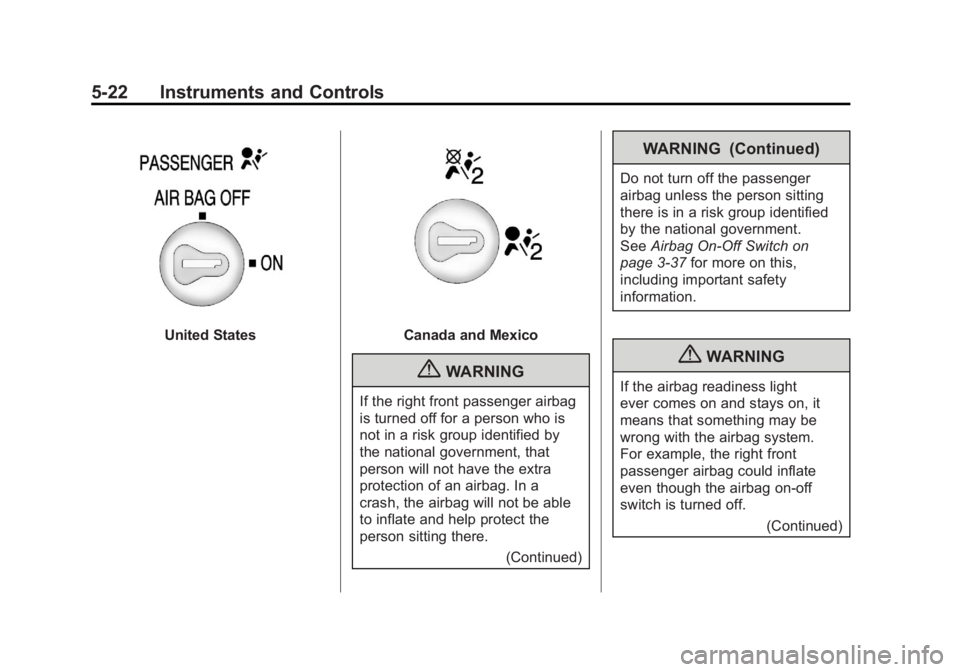
United StatesCanada and Mexico
{WARNING
If the right front passenger airbag
is turned off for a person who is
not in a risk group identified by
the national government, that
person will not have the extra
protection of an airbag. In a
crash, the airbag will not be able
to inflate and help protect the
person sitting there.(Continued)
WARNING (Continued)
Do not turn off the passenger
airbag unless the person sitting
there is in a risk group identified
by the national government.
SeeAirbag On-Off Switch on
page 3‑37 for more on this,
including important safety
information.
{WARNING
If the airbag readiness light
ever comes on and stays on, it
means that something may be
wrong with the airbag system.
For example, the right front
passenger airbag could inflate
even though the airbag on-off
switch is turned off.
(Continued)
Page 171 of 594
Black plate (23,1)GMC Sierra Owner Manual - 2011
Instruments and Controls 5-23
WARNING (Continued)
To help avoid injury to yourself or
others, have the vehicle serviced
right away. SeeAirbag Readiness
Light on page 5‑20 for more
information, including important
safety information.
If the word ON or the on symbol
is lit, it means that the right front
passenger frontal airbag is enabled
(may inflate). See Airbag On-Off
Switch on page 3‑37 for more
information, including important
safety information.
If, after several seconds, both status
indicator lights remain on, or if there
are no lights at all, there may be a
problem with the lights or the airbag
on-off switch. See your dealer for
service.
Passenger Airbag Status
Indicator
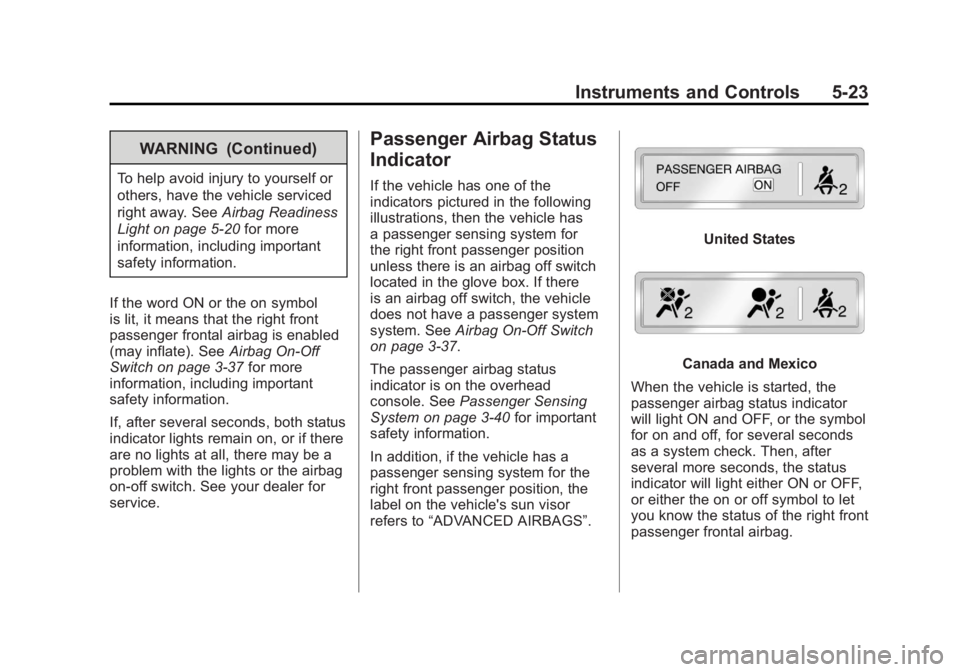
If the vehicle has one of the
indicators pictured in the following
illustrations, then the vehicle has
a passenger sensing system for
the right front passenger position
unless there is an airbag off switch
located in the glove box. If there
is an airbag off switch, the vehicle
does not have a passenger system
system. See Airbag On-Off Switch
on page 3‑37.
The passenger airbag status
indicator is on the overhead
console. See Passenger Sensing
System on page 3‑40 for important
safety information.
In addition, if the vehicle has a
passenger sensing system for the
right front passenger position, the
label on the vehicle's sun visor
refers to “ADVANCED AIRBAGS”.
United States
Canada and Mexico
When the vehicle is started, the
passenger airbag status indicator
will light ON and OFF, or the symbol
for on and off, for several seconds
as a system check. Then, after
several more seconds, the status
indicator will light either ON or OFF,
or either the on or off symbol to let
you know the status of the right front
passenger frontal airbag.
Page 172 of 594
Black plate (24,1)GMC Sierra Owner Manual - 2011
5-24 Instruments and Controls
If the word ON or the on symbol is
lit on the passenger airbag status
indicator, it means that the right
front passenger frontal airbag is
enabled (may inflate).
If the word OFF or the off symbol is
lit on the airbag status indicator, it
means that the passenger sensing
system has turned off the right front
passenger frontal airbag.
If, after several seconds, both status
indicator lights remain on, or if there
are no lights at all, there may be
a problem with the lights or the
passenger sensing system.
See your dealer for service.{WARNING
If the airbag readiness light ever
comes on and stays on, it means
that something may be wrong
with the airbag system. To help
avoid injury to yourself or others,
have the vehicle serviced right
away. SeeAirbag Readiness
Light on page 5‑20 for more
information, including important
safety information.
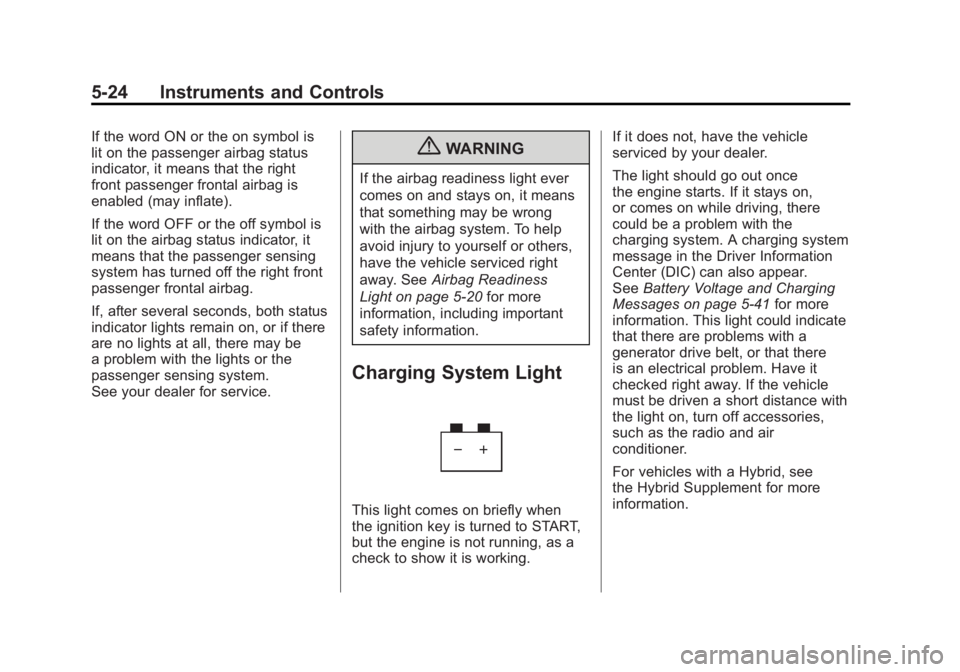
Charging System Light
This light comes on briefly when
the ignition key is turned to START,
but the engine is not running, as a
check to show it is working. If it does not, have the vehicle
serviced by your dealer.
The light should go out once
the engine starts. If it stays on,
or comes on while driving, there
could be a problem with the
charging system. A charging system
message in the Driver Information
Center (DIC) can also appear.
See
Battery Voltage and Charging
Messages on page 5‑41 for more
information. This light could indicate
that there are problems with a
generator drive belt, or that there
is an electrical problem. Have it
checked right away. If the vehicle
must be driven a short distance with
the light on, turn off accessories,
such as the radio and air
conditioner.
For vehicles with a Hybrid, see
the Hybrid Supplement for more
information.
Page 175 of 594
Black plate (27,1)GMC Sierra Owner Manual - 2011
Instruments and Controls 5-27
Emissions Inspection and
Maintenance Programs
Some state/provincial and
local governments may have
programs to inspect the on-vehicle
emission control equipment.
For the inspection, the emission
system test equipment is connected
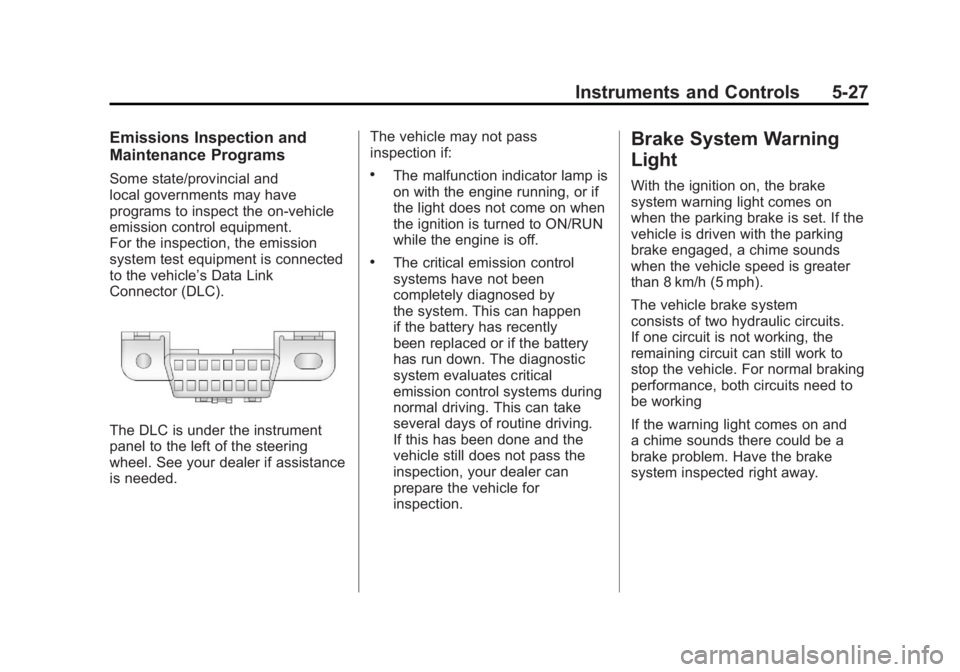
to the vehicle’s Data Link
Connector (DLC).
The DLC is under the instrument
panel to the left of the steering
wheel. See your dealer if assistance
is needed.The vehicle may not pass
inspection if:
.The malfunction indicator lamp is
on with the engine running, or if
the light does not come on when
the ignition is turned to ON/RUN
while the engine is off.
.The critical emission control
systems have not been
completely diagnosed by
the system. This can happen
if the battery has recently
been replaced or if the battery
has run down. The diagnostic
system evaluates critical
emission control systems during
normal driving. This can take
several days of routine driving.
If this has been done and the
vehicle still does not pass the
inspection, your dealer can
prepare the vehicle for
inspection.
Brake System Warning
Light
With the ignition on, the brake
system warning light comes on
when the parking brake is set. If the
vehicle is driven with the parking
brake engaged, a chime sounds
when the vehicle speed is greater
than 8 km/h (5 mph).
The vehicle brake system
consists of two hydraulic circuits.
If one circuit is not working, the
remaining circuit can still work to
stop the vehicle. For normal braking
performance, both circuits need to
be working
If the warning light comes on and
a chime sounds there could be a
brake problem. Have the brake
system inspected right away.
Page 176 of 594
Black plate (28,1)GMC Sierra Owner Manual - 2011
5-28 Instruments and Controls
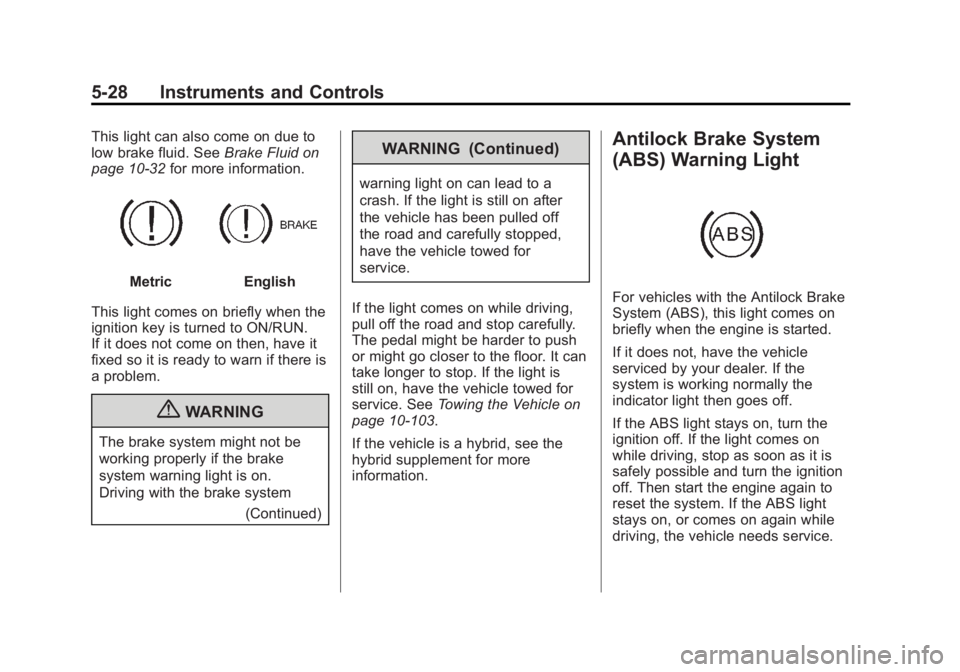
This light can also come on due to
low brake fluid. SeeBrake Fluid on
page 10‑32 for more information.
MetricEnglish
This light comes on briefly when the
ignition key is turned to ON/RUN.
If it does not come on then, have it
fixed so it is ready to warn if there is
a problem.
{WARNING
The brake system might not be
working properly if the brake
system warning light is on.
Driving with the brake system (Continued)
WARNING (Continued)
warning light on can lead to a
crash. If the light is still on after
the vehicle has been pulled off
the road and carefully stopped,
have the vehicle towed for
service.
If the light comes on while driving,
pull off the road and stop carefully.
The pedal might be harder to push
or might go closer to the floor. It can
take longer to stop. If the light is
still on, have the vehicle towed for
service. See Towing the Vehicle on
page 10‑103.
If the vehicle is a hybrid, see the
hybrid supplement for more
information.
Antilock Brake System
(ABS) Warning Light
For vehicles with the Antilock Brake
System (ABS), this light comes on
briefly when the engine is started.
If it does not, have the vehicle
serviced by your dealer. If the
system is working normally the
indicator light then goes off.
If the ABS light stays on, turn the
ignition off. If the light comes on
while driving, stop as soon as it is
safely possible and turn the ignition
off. Then start the engine again to
reset the system. If the ABS light
stays on, or comes on again while
driving, the vehicle needs service.
Page 177 of 594
Black plate (29,1)GMC Sierra Owner Manual - 2011
Instruments and Controls 5-29
If the regular brake system warning
light is not on, the vehicle still has
brakes, but not antilock brakes.
If the regular brake system warning
light is also on, the vehicle does not
have antilock brakes and there is
a problem with the regular brakes.
SeeBrake System Warning Light on
page 5‑27.
For vehicles with a Driver
Information Center (DIC), see Brake
System Messages on page 5‑42 for
all brake related DIC messages.
For vehicles with a Hybrid, see
the Hybrid Supplement for more
information.Four-Wheel-Drive Light
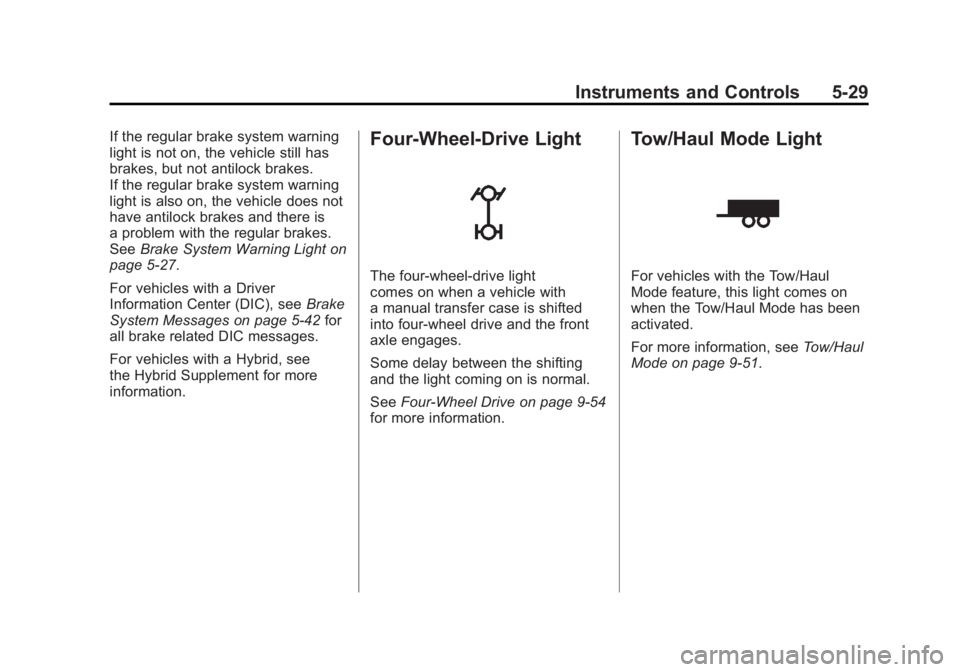
The four-wheel-drive light
comes on when a vehicle with
a manual transfer case is shifted
into four-wheel drive and the front
axle engages.
Some delay between the shifting
and the light coming on is normal.
See Four-Wheel Drive on page 9‑54
for more information.
Tow/Haul Mode Light
For vehicles with the Tow/Haul
Mode feature, this light comes on
when the Tow/Haul Mode has been
activated.
For more information, see Tow/Haul
Mode on page 9‑51.
Page 178 of 594

Black plate (30,1)GMC Sierra Owner Manual - 2011
5-30 Instruments and Controls
StabiliTrak®Indicator
Light
For vehicles with the StabiliTrak
system, this light comes on briefly
while starting the engine.
If it does not, have the vehicle
serviced by your dealer. If the
system is working normally the
indicator light then goes off.
If the light comes on and stays
on while driving, there could be a
problem with the StabiliTrak system
and the vehicle might need service.
When this warning light is on, the
StabiliTrak system is off and does
not limit wheel spin. The light flashes if the system is
active and is working to assist the
driver with directional control of the
vehicle in difficult driving conditions.
See
StabiliTrak
®System on
page 9‑70 for more information.
If the vehicle is a hybrid, see
the hybrid supplement for more
information.
Tire Pressure Light
For vehicles with the Tire Pressure
Monitor System (TPMS), this light
comes on briefly when the engine
is started. It provides information
about tire pressures and the TPMS. When the Light is On Steady
This indicates that one or more
of the tires are significantly
underinflated.
A tire pressure message can
accompany the light. See
Tire
Messages on page 5‑49 for more
information. Stop as soon as
possible, and inflate the tires to
the pressure value shown on the
Tire and Loading Information label.
See Tire Pressure on page 10‑66
for more information.
When the Light Flashes First and
Then is On Steady
This indicates that there may be
a problem with the Tire Pressure
Monitor System. The light flashes
for about a minute and stays on
steady for the remainder of the
ignition cycle. This sequence
repeats with every ignition cycle.
See Tire Pressure Monitor
Operation on page 10‑69 for
more information.
Page 179 of 594
Black plate (31,1)GMC Sierra Owner Manual - 2011
Instruments and Controls 5-31
Engine Oil Pressure Light
{WARNING
Do not keep driving if the oil
pressure is low. The engine can
become so hot that it catches fire.
Someone could be burned. Check
the oil as soon as possible and
have the vehicle serviced.Notice:
Lack of proper engine oil
maintenance can damage the
engine. The repairs would not be
covered by the vehicle warranty.
Always follow the maintenance
schedule for changing engine oil.
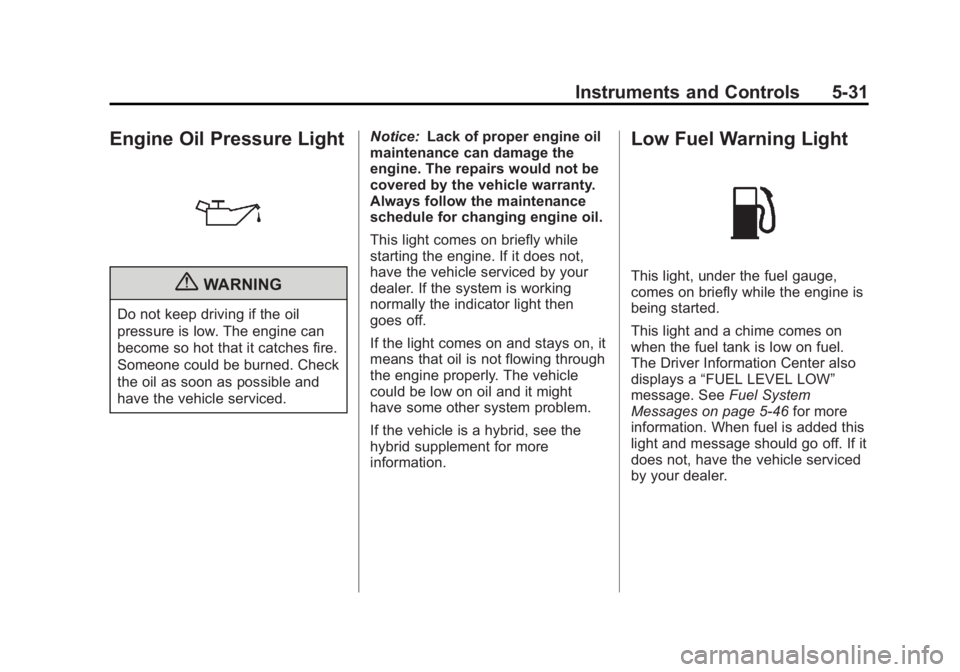
This light comes on briefly while
starting the engine. If it does not,
have the vehicle serviced by your
dealer. If the system is working
normally the indicator light then
goes off.
If the light comes on and stays on, it
means that oil is not flowing through
the engine properly. The vehicle
could be low on oil and it might
have some other system problem.
If the vehicle is a hybrid, see the
hybrid supplement for more
information.
Low Fuel Warning Light
This light, under the fuel gauge,
comes on briefly while the engine is
being started.
This light and a chime comes on
when the fuel tank is low on fuel.
The Driver Information Center also
displays a “FUEL LEVEL LOW”
message. See Fuel System
Messages on page 5‑46 for more
information. When fuel is added this
light and message should go off. If it
does not, have the vehicle serviced
by your dealer.
Page 181 of 594
Black plate (33,1)GMC Sierra Owner Manual - 2011
Instruments and Controls 5-33
Information Displays
Driver Information
Center (DIC)
The vehicle has a Driver Information
Center (DIC).
The DIC displays information about
this vehicle. It also displays warning
messages if a system problem is
detected.
All messages will appear in the
DIC display located below the
tachometer in the instrument panel
cluster.
The DIC comes on when the ignition
is on. After a short delay, the DIC
will display the information that was
last displayed before the engine
was turned off.The DIC has different displays
which can be accessed by
pressing the DIC buttons located
on the instrument panel, next to
the steering wheel. If the vehicle
does not have DIC buttons, the trip
odometer reset stem can be used
to access some of the menu items.
The DIC displays trip, fuel, and
vehicle system information, and
warning messages if a system
problem is detected.
The DIC also allows some features
to be customized. See
Vehicle
Personalization (with DIC Buttons)
on page 5‑52 for more information.
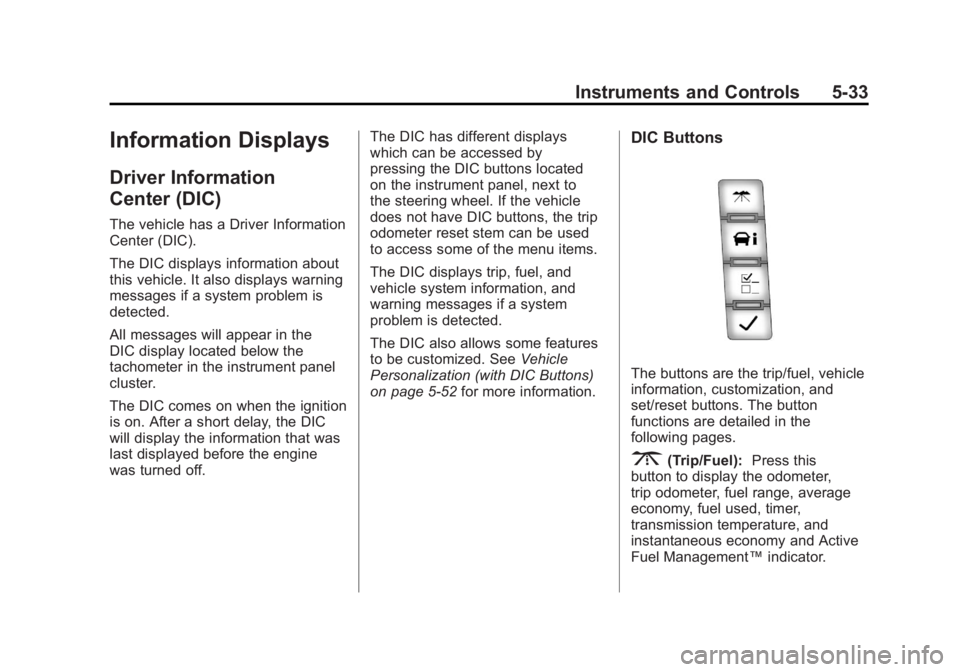
DIC Buttons
The buttons are the trip/fuel, vehicle
information, customization, and
set/reset buttons. The button
functions are detailed in the
following pages.
3(Trip/Fuel):Press this
button to display the odometer,
trip odometer, fuel range, average
economy, fuel used, timer,
transmission temperature, and
instantaneous economy and Active
Fuel Management™ indicator.
Page 190 of 594
Black plate (42,1)GMC Sierra Owner Manual - 2011
5-42 Instruments and Controls
SERVICE BATTERY
CHARGING SYSTEM
On some vehicles, this message
displays if there is a problem
with the battery charging system.
Under certain conditions, the
charging system light may also turn
on in the instrument panel cluster.
SeeCharging System Light on
page 5‑24. Driving with this problem
could drain the battery. Turn off all
unnecessary accessories. Have the
electrical system checked as soon
as possible. See your dealer.
Brake System Messages
SERVICE BRAKE SYSTEM
This message displays along with
the brake system warning light if
there is a problem with the brake
system. See Brake System Warning
Light on page 5‑27. If this message
appears, stop as soon as possible
and turn off the vehicle. Restart the
vehicle and check for the message
on the DIC display. If the message
is still displayed or appears again
when you begin driving, the brake
system needs service as soon as
possible. See your dealer.
SERVICE BRAKES SOON
On some vehicles, this message
displays if there is a problem with
the brake system. If this message
appears, stop as soon as possible
and turn off the vehicle. Restart the
vehicle and check for the message
on the DIC display. If the message
is still displayed or appears again
when you begin driving, the brake
system needs service. See your
dealer.
SERVICE TRAILER BRAKE
SYSTEM
On vehicles with the Integrated
Trailer Brake Control (ITBC) system,
this message displays and a chime
may sound when there is a problem
with the ITBC system.
When this message displays, power
is no longer available to the trailer
brakes.