keyless GMC YUKON DENALI 2003 User Guide
[x] Cancel search | Manufacturer: GMC, Model Year: 2003, Model line: YUKON DENALI, Model: GMC YUKON DENALI 2003Pages: 447, PDF Size: 21.97 MB
Page 142 of 447
Vehicle Personalization
Memory Seat
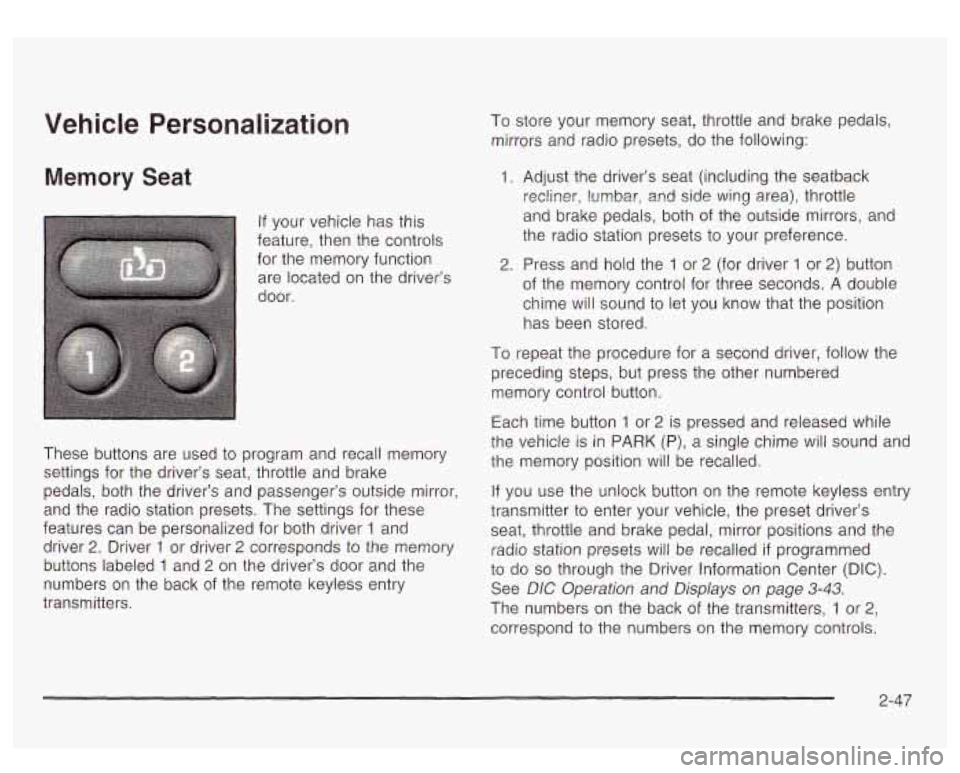
If your vehicle has this
feature, then the controls
for the memory function
are located on the driver’s
door.
These buttons are used
to program and recall memory
settings for the driver’s seat, throttle and brake
pedals, both the driver’s and passenger’s outside mirror,
and the radio station presets. The settings for these
features can be personalized for both driver
1 and
driver
2. Driver 1 or driver 2 corresponds to the memory
buttons labeled
1 and 2 on the driver’s door and the
numbers on the back of the remote keyless entry
transmitters. To store your memory seat, throttle and brake pedals,
mirrors and radio presets, do the following:
1. Adjust the driver’s seat (including the seatback
recliner, lumbar,
and side wing area), throttle
and brake pedals, both of the outside mirrors, and
the radio station presets to your preference.
2. Press and hold the 1 or 2 (for driver 1 or 2) button
of the memory control for three seconds. A double
chime will sound
to let you know that the position
has been stored.
To repeat the procedure for a second driver, follow the
preceding steps, but press the other numbered
memory control button.
Each time button
1 or 2 is pressed and released while
the vehicle
is in PARK (P), a single chime will sound and
the memory position will be recalled.
If you use the unlock button on the remote keyless entry
transmitter to enter your vehicle, the preset driver’s
seat, throttle and brake pedal, mirror positions and the
radio station presets will be recalled
if programmed
to do so through the Driver Information Center (DIC).
See DIC Operation and Displays on page
3-43.
The numbers on the back of the transmitters, 1 or 2,
correspond to the numbers on the memory controls.
2-47
Page 143 of 447
The seat, throttle and brake pedals and mirror positions
can also be recalled when placing the key in the
ignition
if programmed to do so through the Driver
Information Center (DIC). See
DIC Operation and
Displays on page
3-43.
To stop recall movement of the memory seat feature at
any time, press one
of the memory buttons or power
seat controls.
Easy Exit Seat
The controls for this memory function are located on the
driver's door.
ii! (Easy Exit Seat): This button is used to program
and recall the desired driver's seat position when
exiting/entering the vehicle. The seat position, can be
personalized for both driver
1 and driver 2.
To store the seat exit position for driver 1 or 2, do the
following:
1. Select the desired driver number by pressing and
releasing the
1 or 2 button or by pressing the
unlock button on the number
1 or 2 remote
keyless entry transmitter. The seat will move to the
stored memory position.
2. Adjust the seat to the desired exit position.
3. Press and hold the exit button of the memory
control for three seconds.
A double chime will sound
to let you know that the position has been stored
for the identified driver
(1 or 2).
To use the seat exit position, do one of the following:
Press the exit button on the memory control.
Or, if this feature is enabled (active) in the DIC,
then removing the key from the ignition will
cause the seat to move
to the exit position.
2-48
Page 158 of 447
The DRL system will come on when the following
conditions are met:
0 The ignition is on,
the exterior lamps control is in AUTO,
the transmission is not in PARK (P), and
0 the light sensor determines it is daytime.
When the DRL are on, only your DRL lamps will be on
The taillamps, sidemarker and other lamps won’t be
on. The instrument panel won’t be
lit up either.
When it begins
to get dark, the automatic headlamp
system will switch from DRL
to the headlamps.
As with any vehicle, you should turn on the regular
headlamp system when you need it.
Puddle Lamps
Your vehicle is equipped with puddle lamps to help you
see the area near the base of the front doors when
it
is dark out. The puddle lamps will illuminate when a door
is opened or when you press the unlock button on the
keyless entry transmitter. The lamps will time out or turn
off once the engine is started.
Fog Lamps
Use the fog lamps for better vision in foggy or misty
conditions. Your parking lamps and/or low-beam
headlamps must be on for your fog lamps
to work.
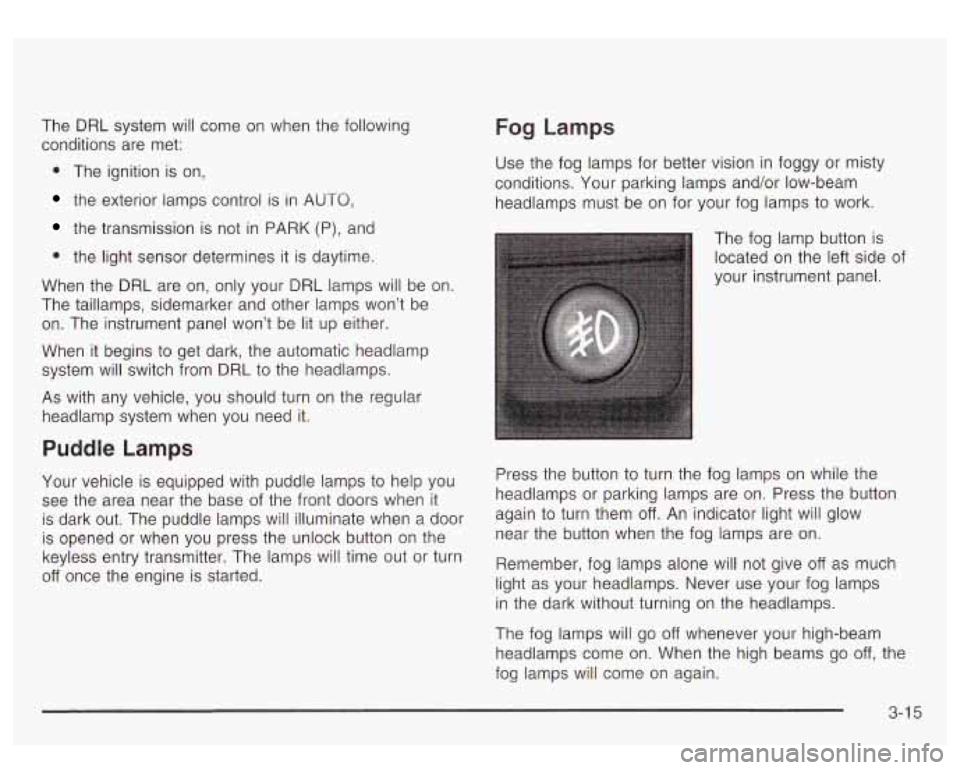
The fog lamp button
is
located on the left side of
your instrument panel.
Press the button
to turn the fog lamps on while the
headlamps or parking lamps are on. Press the button
again to turn them
off. An indicator light will glow
near the button when the fog lamps are on.
Remember, fog lamps alone will not give
off as much
light as your headlamps. Never use your fog lamps
in the dark without turning on the headlamps.
The fog lamps will go
off whenever your high-beam
headlamps come on. When the high beams go
off, the
fog lamps will come on again.
3-1 5
Page 170 of 447
r5;’ (Mode): Press this button to select the air delivery
mode and AUTO mode. Choose AUTO
if you want
the system
to automatically regulate the airflow.
See
“Auto Mode” later in this section for more
information on using this feature.
(Temperature): Press this button up or down to
increase or decrease the temperature setting.
A @ 7 (Fan): Press this button up or down to adjust
the fan speed. Choose AUTO
if you want the system
to automatically choose the fan speed to maintain
a selected temperature. See “Auto Mode” later in this
section for more information on using this feature.
AUTO Mode
When using the system in auto mode, find your comfort
setting by placing the temperature control
to 74°F
(23°C) and allowing about 20 minutes for the system to
regulate. Then adjust the temperature setting as
necessary. If you choose full cold
60” F (15”C), the
system will remain at the maximum cooling setting.
If you choose full hot 90 F (32”C), the system will remain
at the maximum heat setting.
Climate Controls Personalization
You can store and recall the climate control settings for
temperature, air delivery mode and fan speed for
two different
drivers. The personal ch~i~e settings
recalled are determined by the transmitter used
to enter
the vehicle.
After the button with the unlock symbol on a remote
keyless entry transmitter is pressed, the climate control
will adjust
to the last settings of the identified driver.
The settings can also be changed by pressing one of the
memory buttons
(1 or 2) located on the driver’s door.
When adjustments are made, the new settings are
automatically saved for that driver.
3-27
Page 190 of 447
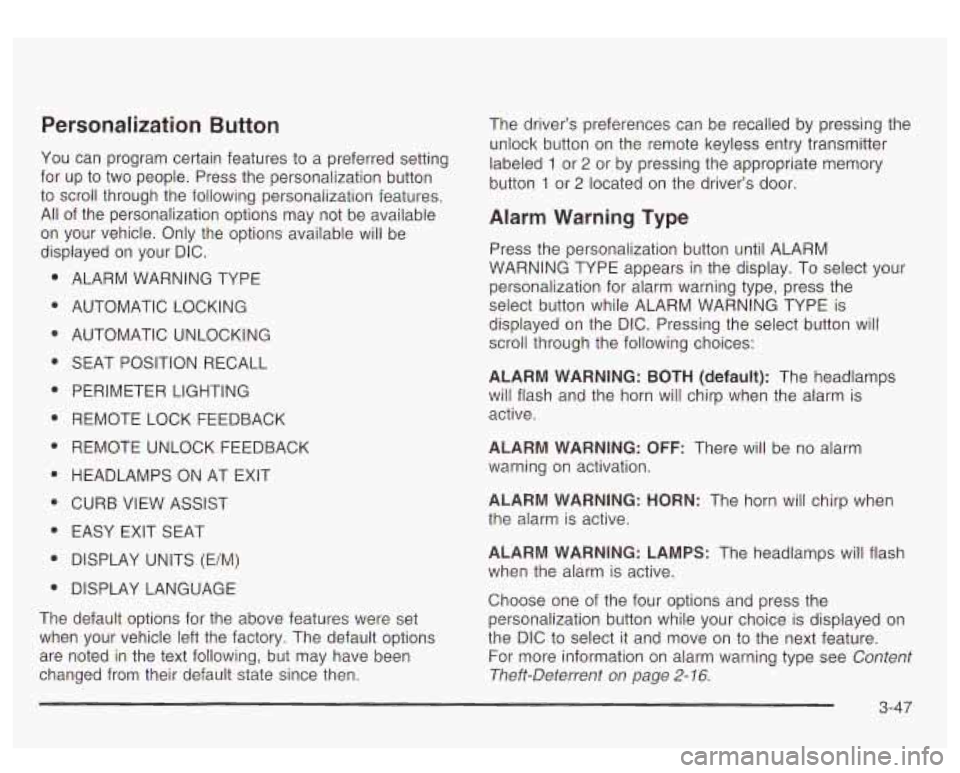
Personalization Button
You can program certain features to a preferred setting
for up to two people. Press the personalization button
to scroll through the following personalization features.
All of the personalization options may not be available
on your vehicle. Only the options available will be
displayed on your DIC.
ALARM WARNING TYPE
AUTOMATIC LOCKING
AUTOMATIC UNLOCKING SEAT POSITION RECALL
PERIMETER LIGHTING
REMOTE LOCK FEEDBACK
REMOTE UNLOCK FEEDBACK
HEADLAMPS ON AT EXIT
CURB VIEW ASSIST EASY EXIT SEAT
DISPLAY UNITS (E/M)
DISPLAY LANGUAGE
The default options for the above features were set
when your vehicle left the factory. The default options
are noted in the text following, but may have been
changed from their default state since then. The driver’s preferences can
be recalled by pressing the
unlock button on the remote keyless entry transmitter
labeled
1 or 2 or by pressing the appropriate memory
button
1 or 2 located on the driver’s door.
Alarm Warning Type
Press the personalization button until ALARM
WARNING TYPE appears in the display. To select your
personalization for alarm warning type, press the
select button while ALARM WARNING TYPE is
displayed
on the DIC. Pressing the select button will
scroll through the following choices:
ALARM WARNING: BOTH (default): The headlamps
will flash and the horn will chirp when the alarm is
active.
ALARM WARNING: OFF: There will be no alarm
warning on activation.
ALARM WARNING: HORN: The horn will chirp when
the alarm is active.
ALARM WARNING: LAMPS: The headlamps will flash
when the alarm is active.
Choose one of the four options and press the
personalization button while your choice is displayed on
the DIC to select
it and move on to the next feature.
For more information on alarm warning type see
Content
Theft-Deterrent on page 2- 16.
3-4i
Page 192 of 447
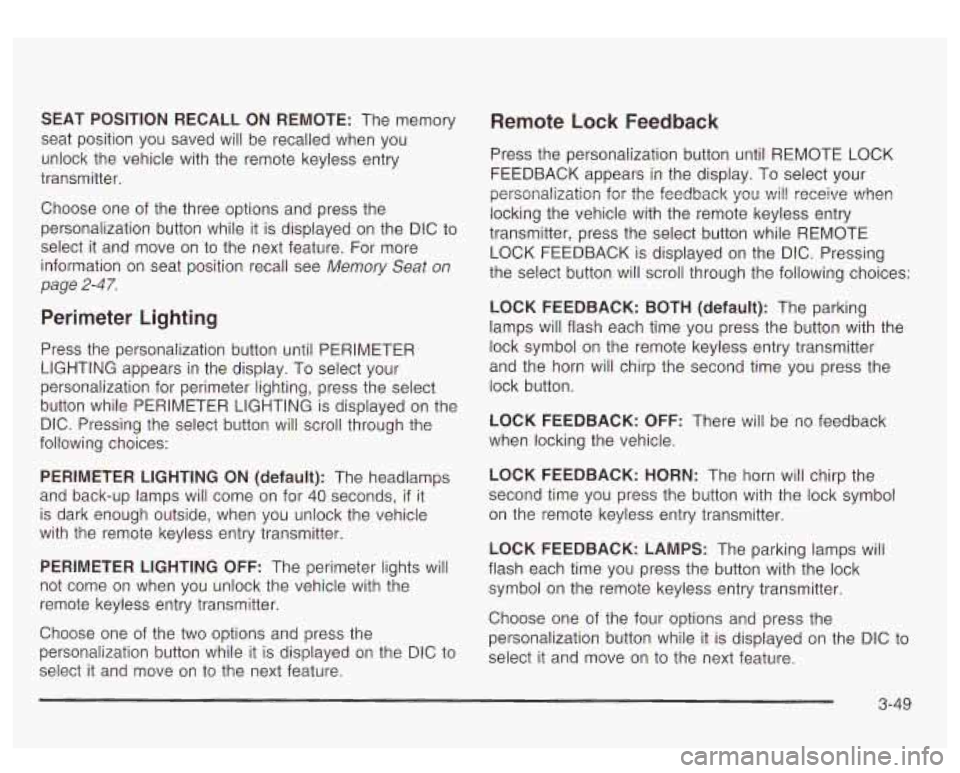
SEAT POSITION RECALL ON REMOTE: The memory
seat position you saved will be recalled when you
unlock the vehicle with the remote keyless entry
transmitter.
Choose one of the three options and press the
personalization button while it is displayed on the DIC to
select it and move on to the next feature. For more
information on seat position recall see Memory Seat
on
page 2-47.
Perimeter Lighting
Press the personalization button until PERIMETER
LIGHTING appears in the display. To select your
personalization for perimeter lighting, press the select
button while PERIMETER LIGHTING is displayed on the
DIC. Pressing the select button will scroll through the
following choices:
PERIMETER LIGHTING ON (default): The headlamps
and back-up lamps will come on for
40 seconds, if it
is dark enough outside, when you unlock the vehicle
with the remote keyless entry transmitter.
PERIMETER LIGHTING OFF: The perimeter lights will
not come on when you unlock the vehicle with the
remote keyless entry transmitter.
Choose one of the two options and press the
personalization button while it is displayed on the DIC
to
select it and move on to the next feature.
Remote Lock Feedback
Press the personalization button until REMOTE LOCK
FEEDBACK appears in the display. To select your
personalization fsr the feedback you will receive when
locking the vehicle with the remote keyless entry
transmitter, press the select button while REMOTE LOCK FEEDBACK is displayed on the DIC. Pressing
the select button will scroll through the following choices:
LOCK FEEDBACK: BOTH (default): The parking
lamps will flash each time you press the button with the lock symbol on the remote keyless entry transmitter
and the horn will chirp the second time you press the
lock button.
LOCK FEEDBACK: OFF: There will be no feedback
when locking the vehicle.
LOCK FEEDBACK: HORN: The horn will chirp the
second time you press the button with the lock symbol
on the remote keyless entry transmitter.
LOCK FEEDBACK: LAMPS: The parking lamps will
flash each time you press the button with the lock
symbol on the remote keyless entry transmitter.
Choose one of the four options and press the
personalization button while it is displayed on the DIC to
select
it and move on to the next feature.
3-49
Page 193 of 447
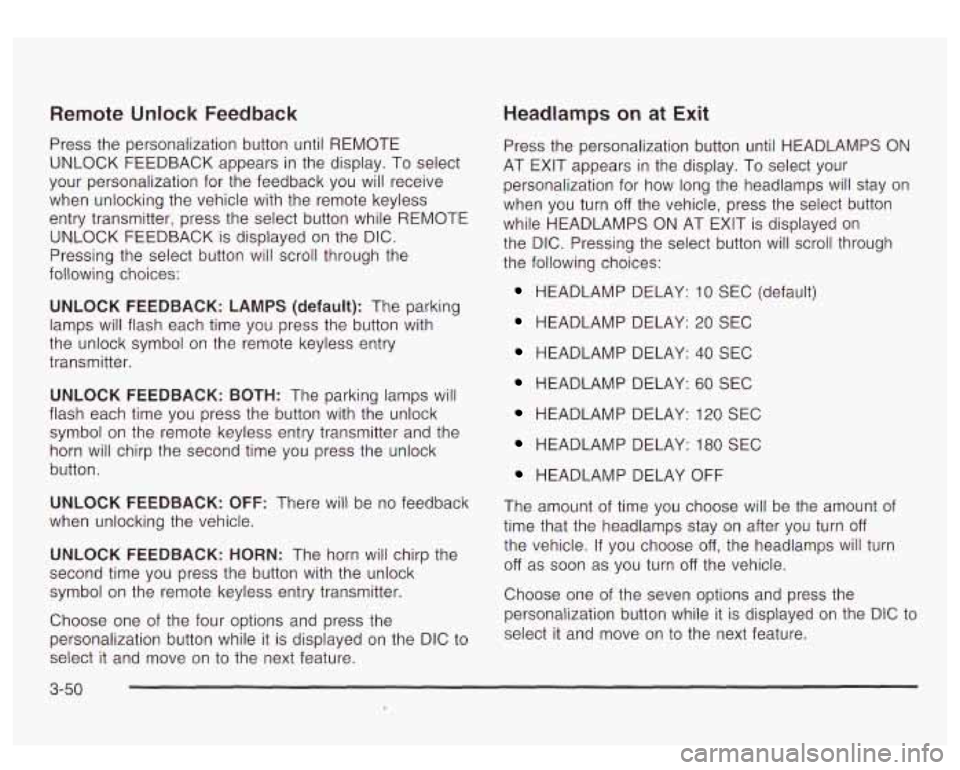
Remote Unlock Feedback
Press the personalization button until REMOTE
UNLOCK FEEDBACK appears in the display. To select
your personalization for the feedback you will receive
when unlocking the vehicle with the remote keyless
entry transmitter, press the select button while REMOTE
UNLOCK FEEDBACK is displayed on the DIC.
Pressing the select button will scroll through the
following choices:
UNLOCK FEEDBACK: LAMPS (default): The parking
lamps will flash each time you press the button with
the unlock symbol on the remote keyless entry
transmitter.
UNLOCK FEEDBACK: BOTH: The parking lamps will
flash each time
you press the button with the unlock
symbol on the remote keyless entry transmitter and the
horn will chirp the second time you press the unlock
button.
UNLOCK FEEDBACK: OFF: There will be no feedback
when unlocking the vehicle.
UNLOCK FEEDBACK: HORN: The horn will chirp the
second time
you press the button with the unlock
symbol on the remote keyless entry transmitter.
Choose one
of the four options and press the
personalization button while it is displayed on the DIC
to
select it and move on to the next feature.
Headlamps on at Exit
Press the personalization button until HEADLAMPS ON
AT EXIT appears in the display. To select your
personalization for how long the headlamps will stay on
when you turn
off the vehicle, press the select button
while HEADLAMPS
ON AT EXIT is displayed on
the DIC. Pressing the select button will scroll through
the following choices:
HEADLAMP DELAY: 10 SEC (default)
HEADLAMP DELAY: 20 SEC
HEADLAMP DELAY: 40 SEC
HEADLAMP DELAY: 60 SEC
HEADLAMP DELAY: 120 SEC
HEADLAMP DELAY: 180 SEC
HEADLAMP DELAY OFF
The amount of time you choose will be the amount of
time that the headlamps stay on after you turn
off
the vehicle. If you choose off, the headlamps will turn
off as soon as you turn off the vehicle.
Choose one
of the seven options and press the
personalization button while it is displayed on the DIC
to
select it and move on to the next feature.
3-50
Page 199 of 447
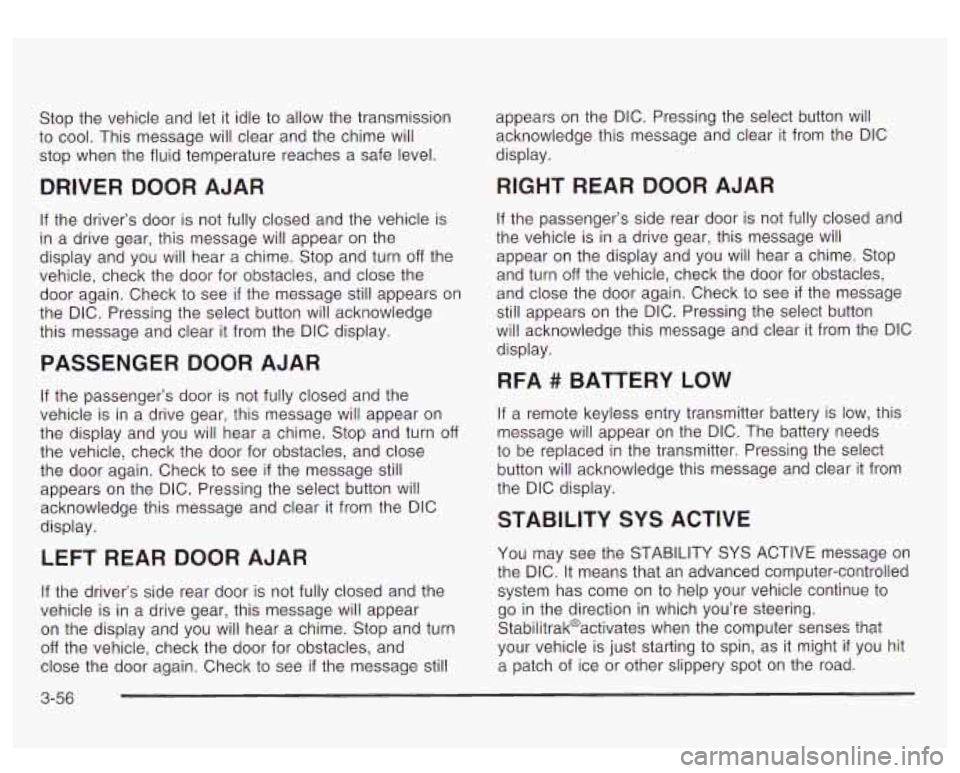
Stop the vehicle and let it idle to allow the transmission
to cool. This message will clear and the chime will
stop when the fluid temperature reaches a safe level.
DRIVER DOOR AJAR
If the driver’s door is not fully closed and the vehicle is
in a drive gear, this message will appear on the
display and you will hear a chime. Stop and turn
off the
vehicle, check the door for obstacles, and close the
door again. Check
to see if the message still appears on
the DIC. Pressing the select button will acknowledge
this message and clear it from the DIC display.
PASSENGER DOOR AJAR
If the passenger’s door is not fully closed and the
vehicle is in a drive gear, this message will appear on
the display and you will hear a chime. Stop and turn
off
the vehicle, check the door for obstacles, and close
the door again. Check
to see if the message still
appears on the DIC. Pressing the select button will
acknowledge this message and clear it from the DIC
display.
LEFT REAR DOOR AJAR
If the driver’s side rear door is not fully closed and the
vehicle is in a drive gear, this message will appear
on the display and you will hear a chime. Stop and turn
off the vehicle, check the door for obstacles, and
close the door again. Check
to see if the message still
3-56
appears on the DlC. Pressing the select button will
acknowledge this message and clear it from the DIC
display.
RIGHT REAR DOOR AJAR
If the passenger’s side rear door is not fully closed and
the vehicle is in a drive gear, this message will
appear on the display and you
will hear a chime. Stop
and turn
off the vehicle, check the door for obstacles,
and close the door again. Check
to see if the message
still appears on the DIC. Pressing the select button
will acknowledge this message and clear it from the DIC
display.
RFA # BATTERY LOW
If a remote keyless entry transmitter battery is low, this
message will appear on the DIC. The battery needs
to be replaced in the transmitter. Pressing the select
button will acknowledge this message and clear it from
the DIC display.
STABILITY SYS ACTIVE
You may see the STABILITY SYS ACTIVE message on
the DIC. It means that an advanced computer-controlled
system has come on
to help your vehicle continue to
go in the direction in which you’re steering.
Stabilitrak@activates when the computer senses that
your vehicle is just starting to spin, as
it might if you hit
a patch of ice or other slippery spot on the road.
Page 432 of 447
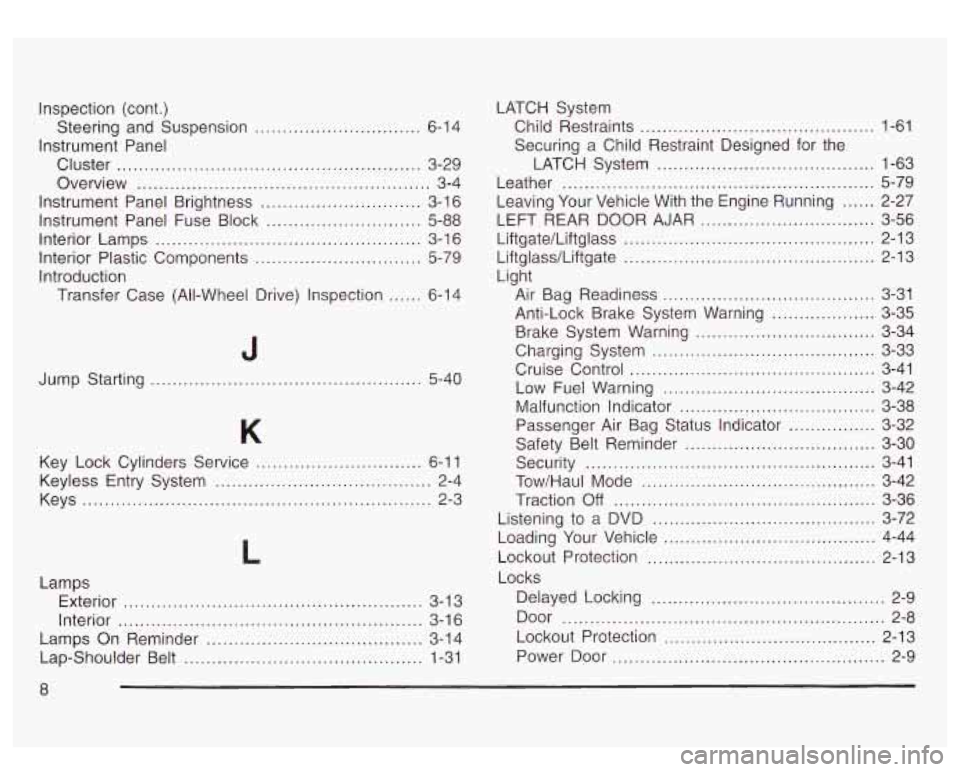
Inspection (cont.)
Instrument Panel
Steering
and Suspension
...............
Cluster ......................... .....................
Overview ..............................................
Instrument Panel Brightness ............................
Instrument Panel Fuse Block ...........................
Interior Lamps ...............................................
Interior Plastic Components .............................
Introduction
Transfer Case (All-Wheel Drive) Inspection
.....
. 6-14
. 3-29
... 3-4
. 3-16
. 5-88
. 3-16
. 5-79
. 6-14
Jump Starting
........................ 5-40
Key Lock Cylinders Service
........ ........... 6-1 1
Keys
........................................................... 2-3
Keyless
Entry System
....................................... 2-4
L
Lamps
Exterior
...................................................... 3-1 3
Interior
....................................................... 3-1 6
Lamps On Reminder
....................................... 3-14
Lap-Shoulder Belt
........................................... 1-31 LATCH
System
Child Restraints
........................................... 1-61
Securing a Child Restraint Designed for the
LATCH System
........................................ 1-63
Leather
......................................................... 5-79
LEFT REAR DOOR AJAR
................................ 3-56
Liftgate/LiftgIass
.............................. ........ 2-13
Liftglasdliftgate
.............................. .... 2-13
Light Leaving Your Vehicle With the Engine Running
...... 2-27
Air Bag Readiness
....................................... 3-31
Anti-Lock Brake System Warning
................... 3-35
Brake System Warning
................................. 3-34
Charging System
..................................... 3-33
Cruise Control
................. ................ 3-41
Low Fuel Warning
................................... 3-42
Malfunction Indicator
................................ 3-38
Passenger Air Bag Status Indicator
............ 3-32
Safety Belt Reminder
................................... 3-30
Security
..................................................... 3-41
Tow/Haul Mode
........................................... 3-42
Traction
Off ................................................ 3-36
Listening
to a DVD ..................................... 3-72
Loading Your Vehicle
................................... 4-44
Lockout Protection
.......................................... 2-13
Locks Delayed Locking
........................................... 2-9
Door
........................................................... 2-8
Lockout Protection
....................................... 2-13
Power Door
.................................................. 2-9
8
Page 436 of 447
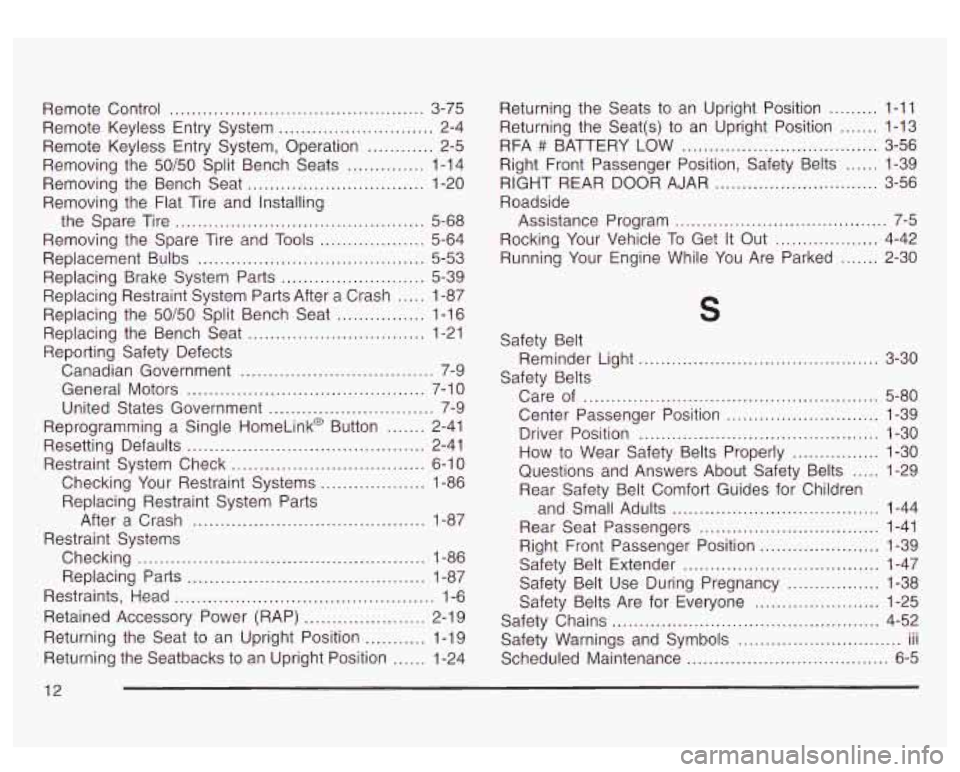
Remote Control .............................................. 3-75
Remote Keyless Entry System
............................ 2-4
Remote Keyless Entry System. Operation
............ 2-5
Removing the 50/50 Split Bench Seats
.............. 1-14
Removing the Bench Seat
................................ 1-20
Removing the Flat Tire and Installing
Removing the Spare Tire and Tools
................... 5-64
Replacement Bulbs
......................................... 5-53
Replacing Restraint System Parts After a Crash
..... 1-87
Replacing the Bench Seat
................................ 1-21
Reporting Safety Defects
Canadian Government
................................... 7-9
General Motors
........................................... 7-1 0
United States Government .............................. 7-9
Reprogramming a Single HomeLink@ Button
....... 2-41
Resetting Defaults
........................................... 2-41
Restraint System Check
................................... 6-10
Checking Your Restraint Systems
................... 1-86
Replacing Restraint System Parts
After a Crash
.......................................... 1-87
Checking
.................................................... 1-86
Restraints, Head
............................................... 1-6
Retained Accessory Power (RAP)
...................... 2-19
Returning the Seat to an Upright Position
........... 1-19
Returning the Seatbacks to an Upright Position
...... 1-24
the Spare
Tire
............................................. 5-68
Replacing Brake System Parts
.......................... 5-39
Replacing the
50/50 Split Bench Seat ................ 1-16
Restraint Systems
Replacing Parts
........................................... 1-87 Returning
the Seats to an Upright Position
......... 1-11
Returning the Seat(s) to an Upright Position
....... 1-13
RFA
# BATTERY LOW .................................... 3-56
Right Front Passenger Position, Safety Belts
...... 1-39
RIGHT REAR DOOR AJAR
.............................. 3-56
Roadside
Assistance Program
....................................... 7-5
Rocking Your Vehicle To Get
It Out ................... 4-42
Running Your Engine While You Are Parked
....... 2-30
5
Safety Belt
Safety Belts Reminder
Light
............................... ..... 3-30
Center Passenger Position
............ ..... 1-39
Questions and Answers About Safety Belts
..... 1-29
Care
of
......................................... ..... 5-80
Driver Position
........................................ 1-30
How
to Wear Safety Belts Properly ................ 1-30
Rear Safety Belt Comfort Guides for Children
and Small Adults
...................................... 1-44
Rear Seat Passengers
................................. 1-41
Safety Belt Extender
.................................... 1-47
Safety Belt Use During Pregnancy
............. 1-38
Safety Belts Are for Everyone
................... 1-25
Safety Warnings and Symbols
.............................. III
Scheduled Maintenance ..................................... 6-5
Right Front Passenger
Position
...................... 1-39
Safety Chains
.................................... ..... 4-52 ...
12