warning GMC YUKON DENALI 2003 Owner's Guide
[x] Cancel search | Manufacturer: GMC, Model Year: 2003, Model line: YUKON DENALI, Model: GMC YUKON DENALI 2003Pages: 447, PDF Size: 21.97 MB
Page 314 of 447
Adding Coolant
If you need more coolant, add the proper DEX-COOL@
coolant mixture
at the surge tank, but only when the
engine
is cool.
1 “J can be burned if you sb... coolant on hot
engine parts. Coolant contains ethylene glycol, and
it will burn if the engine parts are hot
enough. Don’t spill coolant on a hot engine.
When replacing the pressure cap, make sure it is
hand-tight.
Coolant Surge Tank Pressure Cap
The coolant surge tank pressure cap must be fully
installed on the coolant surge tank. See Engine
Compartment Overview on page
5-12 for more
information on location.
Notice: Your pressure cap is a pressure-type cap
and must be tightly installed to prevent coolant
loss
and possible engine damage from overheating.
See “Capacities and Specifications” for more
information.
Engine Overheating
You will find a coolant temperature gage on your
vehicle’s instrument panel. See Engine Coolant
Temperature Gage
on page 3-36. in addition, yoti ill
find a LOW COOLANT, ENGINE COOLANT HOT,
ENGINE OVERHEATED and a REDUCED ENGINE
POWER message in the DIC on the instrument panel.
See DIC Warnings and Messages on page
3-52.
Overheated Engine Protection
Operating Mode
If an overheated engine condition exists and the
REDUCED ENGINE POWER message is displayed, an
overheat protection mode which alternates firing
groups of cylinders helps prevent engine damage.
In
this mode, you will notice a loss in power and engine
performance. This operating mode allows your vehicle to
be driven
to a safe place in an emergency. Driving
extended miles (km) and/or towing a trailer in the
overheat protection mode should be avoided.
Notice: After driving in the overheated engine
protection operating mode, to avoid engine damage,
allow the engine to cool before attempting any repair.
The engine oil will be severely degraded. Repair the cause of coolant
loss, change the oil and reset the oil
life system. See “Engine Oil” in the Index.
5-25
Page 316 of 447
If No Steam Is Coming From Your
Engine
An overheat warning, along with a low coolant message,
can indicate a serious problem. See
Low Coolant
Level Warning Message under DIC Warnings and
Messages
on page 3-52.
If you get an engine overheat warning but see or hear
no steam, the problem may not be
too serious.
Sometimes the engine can get a little
too hot when you:
0 Climb a long hill on a hot day.
Stop after high-speed driving.
0 Idle for long periods in traffic.
0 Tow a trailer. See Towing a Trailer on page 4-47.
If you get the overheat warning with no sign of steam, try
this for a minute or so:
1. Turn on your heater to full hot at the highest fan
speed and open the window as necessary.
If you no longer have the overheat warning, you can
drive. Just
to be safe, drive slower for about 10 minutes.
If the warning doesn’t come back on, you can drive
normally.
If the warning continues, pull over, stop, and park your
vehicle right away.
If there’s still no sign of steam, push down the
accelerator until the engine speed is about twice as fast
as normal idle speed for at least three minutes while
you’re parked. If you still have the warning, turn
off the
engine and get everyone out
of the vehicle until it
cools down. Also, see “Overheated Engine Protection
Operating Mode” listed previously in this section.
You may decide not
to lift the hood but to get service
help right away.
2. If you’re in a traffic jam, shift to NEUTRAL (N);
otherwise, shift to the highest gear while
driving
- DRIVE (D).
5-27
Page 320 of 447
Adding only plain water to your cooling
system can be dangerous. Plain water, or
some other liquid such as alcohol, can boil
before the proper coolant mixture will. Your
vehicle's coolant warning system
is set for the
proper coolant mixture.
With plain water or the
wrong mixture, your engine could get too hot
but you wouldn't get the overheat warning.
Your engine could catch fire and you or others
could be burned. Use a
50/50 mixture of clean,
drinkable water and DEX
COOL@ coolant.
Notice: In cold weather, water can freeze and crack
the engine, radiator, heater core and other parts.
Use the recommended coolant and the proper
coolant mixture. You can be burned
if you spill coolant on tist
engine parts. Coolant contains ethylene glycol
and
it will burn if the engine parts are hot
enough. Don't
spill coolant on a hot engine.
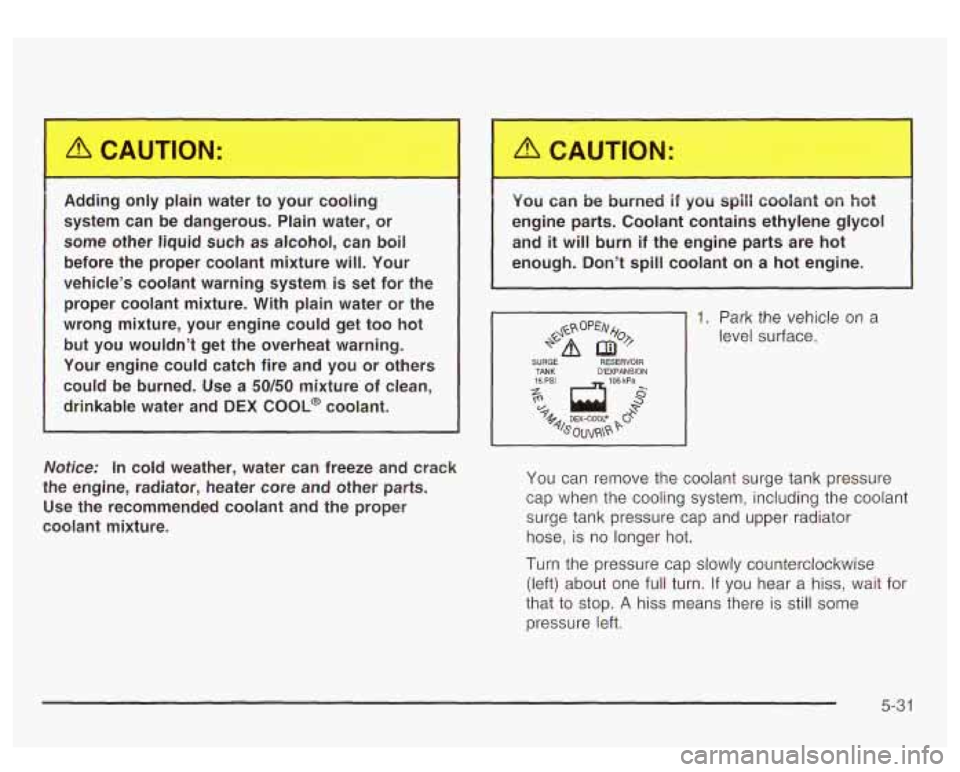
1. Park the vehicle on a
level surface.
SURGE RESERVOIR
15 PSI
TANK - 105 kPa
D'EXPANSION I
You
can remove the coolant surge tank pressure
cap when the cooling system, including the coolant
surge tank pressure cap and upper radiator hose,
is no longer hot.
Turn the pressure cap slowly counterclockwise
(left) about one full turn. If you hear a hiss, wait for
that
to stop. A hiss means there is still some
pressure left.
5-31
Page 327 of 447
Notice;
Using the wrong fluid can badly damage brake
system parts. For example, just a few drops of mineral-based oil, such as engine oil, in your
brake system can damage brake system
parts
so badly that they’ll have to be replaced.
Don’t let someone put
in the wrong kind of fluid.
If you spill brake fluid on your vehicle’s painted
surfaces,
the paint finish can be damaged. Be
careful not to spill brake fluid on your vehicle. If
you do, wash
it off immediately. See
“Appearance Care’’ in the Index.
Brake Wear
Your vehicle has four-wheel disc brakes.
Disc brake pads have built-in wear indicators that make
a high-pitched warning sound when the brake pads
are worn and new pads are needed. The sound
may come and go or be heard all the time your vehicle
is moving (except when you are pushing on the
brake pedal firmly).
~ The brake wea rarl -g sou.-_. ... eans that
soon your brakes won’t work well. That could
lead to an accident. When you hear the brake
wear warning sound, have your vehicle
serviced.
Notice: Continuing to drive with worn-out brake
pads could result in costly brake repair.
Some driving conditions or climates may cause a brake
squeal when the brakes are first applied or lightly
applied. This does not mean something is wrong with
your brakes.
Properly torqued wheel nuts are necessary
to help
prevent brake pulsation. When tires are rotated, inspect
brake pads for wear and evenly tighten wheel nuts in
the proper sequence to
GM torque specifications.
Brake linings should always be replaced as complete
axle sets.
See
Brake System Inspection on page 6-14.
5-38
Page 328 of 447

Brake Pedal Travel Battery
See your dealer if the brake pedal does not return to
normal height, or
if there is a rapid increase in
pedal travel. This could be a sign of brake trouble.
Brake Adjustment
Every time you make a brake stop, your disc brakes
adjust for wear.
Replacing Brake System Parts
The braking system on a vehicle is complex. Its many
parts have to be
of top quality and work well together if
the vehicle is to have really good braking. Your
vehicle was designed and tested with top-quality
GM
brake parts. When you replace parts of your braking
system
- for example, when your brake linings
wear down and you need new ones put in
- be sure
you get new approved
GM replacement parts. If
you don’t, your brakes may no longer work properly. For
example,
if someone puts in brake linings that are
wrong for your vehicle, the balance between your front
and rear brakes can change
- for the worse. The
braking performance you’ve come to expect can change
in many other ways
if someone puts in the wrong
replacement brake parts. Your
new vehicle comes with a maintenance free
ACDelco@ battery. When it’s time for a new battery, get
one that has the replacement number shown on the
original battery’s label. We recommend an ACDelco@
battery. See Engine Compartment Overview
on
page 5-72 for battery location.
Warning: Battery posts, terminals and related
accessories contain lead and lead compounds,
chemicals known to the State of California to cause
cancer and reproductive harm. Wash hands after
handling.
Vehicle Storage
If you’re not going to drive your vehicle for 25 days or
more, remove the black, negative
(-) cable from
+‘-? battery. This will hc’- keep your battery from
Batteries have acid that can burn you and gas
that can explode. You can be badly hurt if you
aren’t careful. See “Jump Starting” next for
tips on working around a battery without
getting hurt.
5-39
Page 349 of 447
While the tires available on General Motors passenger
cars and light trucks may vary with respect
to these
grades, they must also conform
to federal safety
requirements and additional General Motors Tire
Performance Criteria (TPC) standards.
Treadwear
The treadwear grade is a comparative rating based on
the wear rate of the tire when tested under controlled
conditions on a specified government test course.
For example, a tire graded
150 would wear one and
a half
(1.5) times as well on the government course as
a tire graded
100. The relative performance of tires
depends upon the actual conditions of their use,
however, and may depart significantly from the norm
due
to variations in driving habits, service practices and
differences
in road characteristics and climate.
Traction - AA, A, 6, C
The traction grades, from highest to lowest, are AA, A,
B, and C. Those grades represent the tire’s ability
to stop on wet pavement as measured under controlled
conditions on specified government test surfaces of
asphalt and concrete.
A tire marked C may have poor
traction performance. Warning: The traction grade assigned
to this tire is based
on straight-ahead braking
traction tests, and does not include acceleration,
cornering, hydroplaning, or peak traction characteristics.
Temperature - A, B, C
The temperature grades are A (the highest), B, and C,
representing the tire’s resistance
to the generation
of heat and its ability
to dissipate heat when tested
under controlled conditions on a specified indoor
laboratory test wheel. Sustained high temperature can
cause the material
of the tire to degenerate and
reduce tire life, and excessive temperature can lead
to
sudden tire failure. The grade C corresponds to a
level of performance which all passenger car tires must
meet under the Federal Motor Vehicle Safety Standard
No. 109. Grades B and A represent higher levels of
performance on the laboratory test wheel than the
minimum required
by law.
Warning: The temperature grade for this tire is
established for a tire that is properly inflated and not
overloaded. Excessive speed, underinflation, or
excessive loading, either separately or in combination,
can cause heat buildup and possible tire failure.
5-60
Page 352 of 447
If a Tire Goes Flat
It’s unusual for a tire to “blowout” while you’re driving,
especially
if you maintain your tires properly. If air goes
out
of a tire, it’s much more likely to ieak out siowiy.
But if you should ever have a “blowout”, here are a few
tips about what
to expect and what to do:
If a front tire fails, the flat tire will create a drag that
pulls the vehicle toward that side. Take your foot
off the
accelerator pedal and grip the steering wheel firmly.
Steer to maintain lane position, and then gently brake
to
a stop well out of the traffic lane.
A rear blowout, particularly on a curve, acts much like a
skid and may require the same correction you’d use
in a skid.
In any rear blowout, remove your foot from the
accelerator pedal. Get the vehicle under control by
steering the way you want the vehicle
to go. It may be
very bumpy and noisy, but you can still steer. Gently
brake to a stop
- well off the road if possible.
If a tire goes flat, the next part shows how to use your
jacking equipment to change a flat tire safely.
Changing a Flat Tire
If a tire goes flat, avoid further tire and wheel damage
by driving slowly to a level place. Turn on your
hazard warning
fi hers.
Changing a tire can cause an injury. The
vehicle can slip
off the jack and roll over you
or other people. You and they could be badly injured. Find a level place to change your tire.
To help prevent the vehicle from moving:
1. Set the parking brake firmly.
2. Put the shift lever in PARK (P).
3. Turn off the engine.
4. Put the wheel blocks at the front and rear
of the tire farthest away from the one
being changed. That would be the tire on
the other side
of the vehicle, at the
opposite end.
5-63
Page 367 of 447
Appearance Care
Remember, cleaning products can be hazardous. Some
are toxic. Others can burst into flames
if you strike a
match or get them on a hot part of the vehicle. Some are
dangerous
if you breathe their fumes in a closed
space. When you use anything from a container
to clean
your vehicle, be sure
to follow the manufacturer’s
warnings and instructions. And always open your doors
or windows when you’re cleaning the inside.
Never use these
to clean your vehicle:
Gasoline
Benzene
Naphtha
Carbon Tetrachloride
Acetone Paint Thinner
Turpentine
Lacquer Thinner
Nail Polish Remover They can all
be hazardous
- some more than
others
- and they can all damage your vehicle, too.
Don’t use any of these unless this manual says you can.
In many uses, these will damage your vehicle:
Alcohol
Laundry Soap
0 Bleach
Reducing Agents
Cleaning the Inside of Your Vehicle
Use a vacuum cleaner often to get rid of dust and
loose dirt. Wipe vinyl, leather, plastic and painted
surfaces with a clean, damp cloth.
FabridCarpet
Your dealer has cleaners for the cleaning of fabric
and carpet. They will clean normal spots and stains
very well.
You and get GM-approved cleaning products from your
dealer. See GM Vehicle Care/Appearance Materials
on page
5-84.
5-78
Page 425 of 447
Accessory Power Outlets ................................. 3-17
Adding Washer Fluid
....................................... 5-35
Additional Program Information
........................... 7-8
Additives, Fuel
................................................. 5-6
Add-on Electrical Equipment
............................ 5-87
Adjusting the Speakers (Balance/Fade)
.......... 3-63
Passenger Status Indicator
........................... 3-32
Readiness Light
.......................................... 3-31
Air Bag Systems
..................................... 1-72, 1-77
Vehicle
................................................... 1-85
How Does an Air Bag Restrain? .................... 1-78
Passenger Sensing System
........................... 1-81
Servicing Your Air Bag-Equipped Vehicle
......... 1-85
What Makes an Air Bag Inflate?
.................... 1-78
What Will You See After an Air Bag Inflates?
...... 1-79
Where Are the Air Bags?
.............................. 1-74
Air Cleaner/Filter, Engine
................................. 5-1 7
Air Conditioning
.............................................. 3-23
All Overseas Locations
...................................... 7-4
All-Wheel Drive
............................................... 5-46
Aluminum Wheels
........................................... 5-83
AM
............................................................... 3-87
Antenna, Fixed Mast
....................................... 3-89
Antenna, XMTM Satellite Radio System
............... 3-89
Adjustable
Throttle and Brake Pedal
.................. 2-20
Air Bag
Adding Equipment
to Your Air Bag-Equipped
When Should an
Air Bag Inflate? ................... 1-77 Anti-lock Brake System
... 4-7
Appearance Care
............................................ 5-78
Care of Safety Belts
.................................... 5-80
.......................
Anti-Lock Brake. System Warning Light .......... 3-35
Chemica! Paint Spcltting ............................... 5-84
Cleaning the Inside of Your Vehicle ................ 5-78
Cleaning the Outside of Your Vehicle
.............. 5-81
Finish Damage
............................................ 5-83
GM Vehicle Care/Appearance Materials
.......... 5-84
Sheet Metal Damage
................................... 5-83
Underbody Maintenance
... ............. 5-84
Weatherstrips
...................... ............. 5-80
Ashtrays
........................................................ 3-18
Audio Output
.................................................. 3-78
Audio System(s)
............................................. 3-58
Audio Systems Audio Steering Wheel Controls
...................... 3-86
Care of Your Cassette Tape Player
................ 3-87
Care of Your CD and DVD Player
.................. 3-89
Care of Your CD Changer
............................ 3-88
Care of Your CDs and DVDs
........................ 3-88
CD Changer
............................................... 3-83
Fixed Mast Antenna
..................................... 3-89
Radio with Cassette and CD
......................... 3-59
Rear Seat Audio (RSA)
................................ 3-81
Setting the Time
.......................................... 3-58
Theft-Deterrent Feature
................................ 3-85
Understanding Radio Reception
..................... 3-87
XMTM Satellite Radio Antenna System
............ 3-89
Automatic Climate Control System
..................... 3-19
1
Page 426 of 447
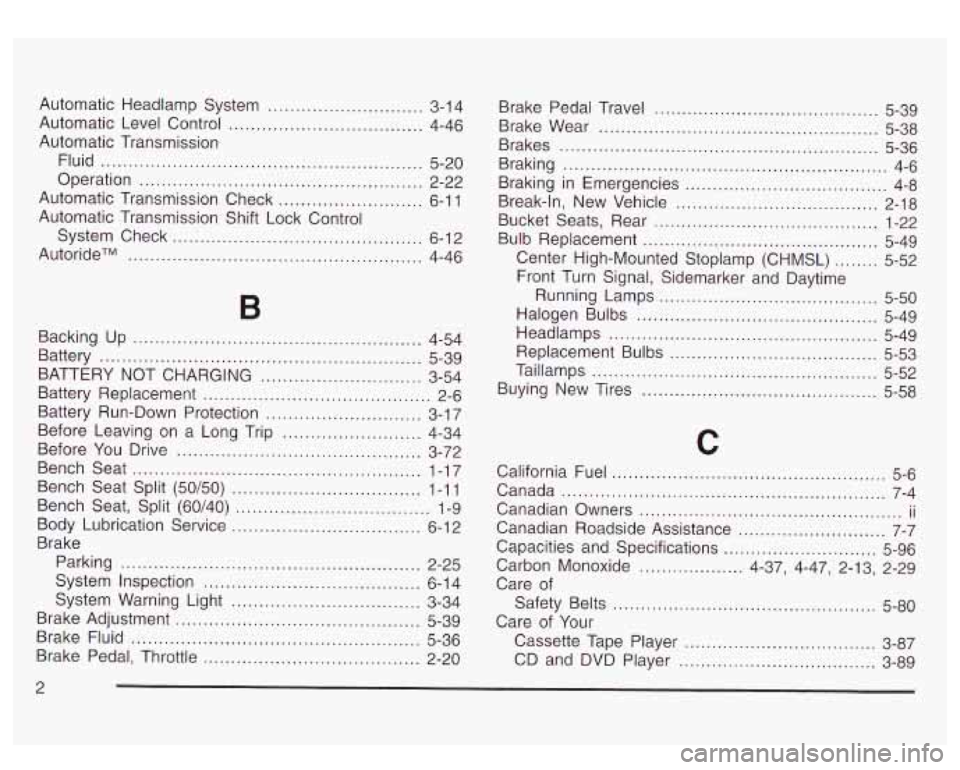
Automatic Headlamp System ............................ 3-1 4
Automatic Level Control
................................... 4-46
Automatic Transmission Fluid
.......................................................... 5-20
Operation
................................................... 2-22
Automatic Transmission Check
.......................... 6-1 1
Automatic Transmission Shift Lock Control
System Check
............................................. 6-12
AutorideTM
................................................. 4-46
B
Backing Up .................................................... 4-54
Battery
.......................................................... 5-39
Battery Replacement
......................................... 2-6
Battery Run-Down Protection
............................ 3-1 7
Before You Drive
............................................ 3-72
Bench Seat
.................................................... 1-17
Bench Seat Split (50/50)
.................................. 1-1 1
Bench Seat, Split (60/40)
................................... 1-9
Body Lubrication Service
.................................. 6-12
Brake
Parking
...................................................... 2-25
System Inspection
....................................... 6-1 4
BATTERY NOT
CHARGING
............................. 3-54
Before Leaving on a Long Trip
......................... 4-34
System Warning Light
.................................. 3-34
Brake
Brake
Brake
2 Adjustment
............................................ 5-39
Fluid
.................................................... 5-36
Pedal. Throttle
....................................... 2-20 Brake Pedal Travel
......................................... 5-39
Brake Wear
................................................... 5-38
Brakes
.......................................................... 5-36
Braking
........................................................... 4-6
Braking in Emergencies
..................................... 4-8
Break-in, New Vehicle
..................................... 2-18
Bucket Seats, Rear
......................................... 1-22
Bulb Replacement
........................................... 5-49
Center High-Mounted Stoplamp (CHMSL)
........ 5-52
Front Turn Signal, Sidemarker and Daytime
Halogen Bulbs
............................................ 5-49
Headlamps
................................................. 5-49
Replacement Bulbs
...................... ........ 5-53
Taillamps
........................................ .... 5-52
Buying New Tires
....................................... 5-58
Running Lamps
........................................ 5-50
C
California Fuel ................................. .......... 5-6
Canada
........................................................... 7-4
Canadian Owners
................................................ ii
Canadian Roadside Assistance ........................... 7-7
Capacities and Specifications ............................ 5-96
Carbon Monoxide
................... 4-37, 4-47, 2.13, 2-29
Care
of
Safety Belts ............................. .... 5-80
Care
of Your
Cassette Tape Player
............................... 3-87
CD and DVD Player .................................... 3-89