ESP GMC YUKON DENALI 2003 Owners Manual
[x] Cancel search | Manufacturer: GMC, Model Year: 2003, Model line: YUKON DENALI, Model: GMC YUKON DENALI 2003Pages: 447, PDF Size: 21.97 MB
Page 36 of 447
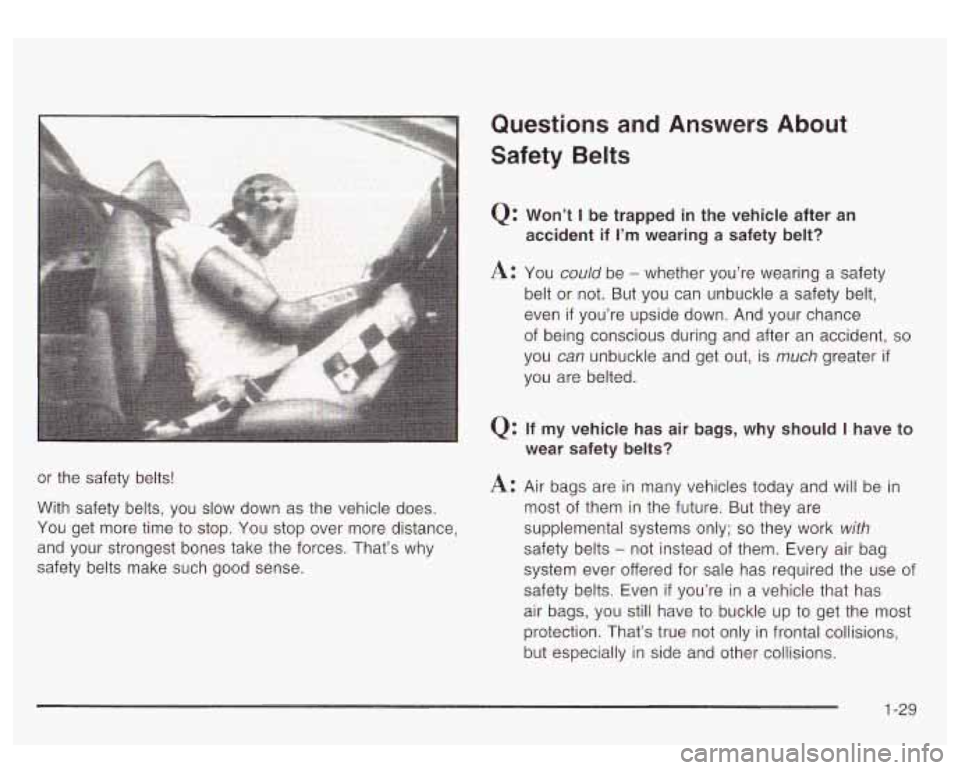
or the safety belts!
With safety belts, you slow down as the vehicle does.
You get more time
to stop. You stop over more distance,
and your strongest bones take the forces. That’s why
safety belts make such good sense.
Questions and Answers About
Safety Belts
Q: Won’t I be trapped in the vehicle after an
accident
if I’m wearing a safety belt?
A: You could be - whether you’re wearing a safety
belt
or not. But you can unbuckle a safety belt,
even
if you’re upside down. And your chance
of being conscious during and after an accident,
so
you can unbuckle and get out, is much greater if
you are belted.
Q: If my vehicle has air bags, why should I have to
wear safety belts?
A: Air bags are in many vehicles today and will be in
most of them in the future. But they are
supplemental systems only;
so they work with
safety belts - not instead of them. Every air bag
system ever offered for sale has required the use
of
safety belts. Even if you’re in a vehicle that has
air bags, you still have
to buckle up to get the most
protection. That’s true not only in frontal collisions,
but especially in side and other collisions.
1-29
Page 85 of 447
in frontal and near-frontal impacts. For side impact air
bags, inflation is determined by the location and severity
of the impact.
The air bag system is designed to work properly under
a wide range of conditions, including off-road usage.
Observe safe driving speeds, especially on rough
terrain. As always, wear your safety belt. See Operating
Your
All- Wheel-Drive Vehicle Off Paved Roads on
page
4-16 for tips on off-road driving.
What Makes an Air Bag Inflate?
In an impact of sufficient severity, the air bag sensing
system detects that the vehicle is in a crash. For
both frontal and side impact air bags, the sensing
system triggers a release
of gas from the inflator, which
inflates the air bag. The inflator, the air bag and
related hardware are all part of the air bag modules.
Frontal air bag modules are located inside the steering
wheel and instrument panel. For vehicles with side
impact air bags, the air bag modules are located in the
seatback closest
to the driver’s and/or right front
passenger’s door.
How Does an Air Bag Restrain?
In moderate to severe frontal or near frontal collisions,
even belted occupants can contact the steering wheel or
the instrument panel. In moderate
to severe side
collisions, even belted occupants can contact the inside
of the vehicle. The air bag supplements the protection
provided by safety belts. Air bags distribute the force of
the impact more evenly over the occupant’s upper
body, stopping the occupant more gradually. But the
frontal air bags would not help you in many types
of collisions, including rollovers, rear impacts, and many
side impacts, primarily because an occupant’s motion
is not toward the air bag. Side impact air bags would not
help you in many types of collisions, including frontal
or near frontal collisions, rollovers, and rear impacts,
primarily because an occupant’s motion is not toward
those air bags. Air bags should never be regarded
as anything more than a supplement
to safety belts, and
then only in moderate
to severe frontal or near-frontal
collisions for the driver’s and right front passenger’s
frontal air bags, and only in moderate to severe
side collisions for vehicles with a driver’s and right front
passenger’s side impact air bag.
1-78
Page 103 of 447
Doors and Locks
Door Locks
doors can be dangerous.
Passengers - especially children - can
easily open the doors and fall out of a
moving vehicle. When a door is locked, the
handle won’t open
it. You increase the
chance of being thrown out of the vehicle
in a crash if the doors aren’t locked. So,
wear safety belts properly and lock the
doors whenever you drive.
vehicles may be unable to get out.
A child
can be overcome by extreme heat and can
suffer permanent injuries or even death
from heat stroke. Always lock your vehicle
whenever you leave
it.
CAUTION: (Continued)
Young children who get into unlocked
Outsiders can e ~ ily enter through an
unlocked door when you slow down or
stop your vehicle. Locking your doors can
help prevent this from happening.
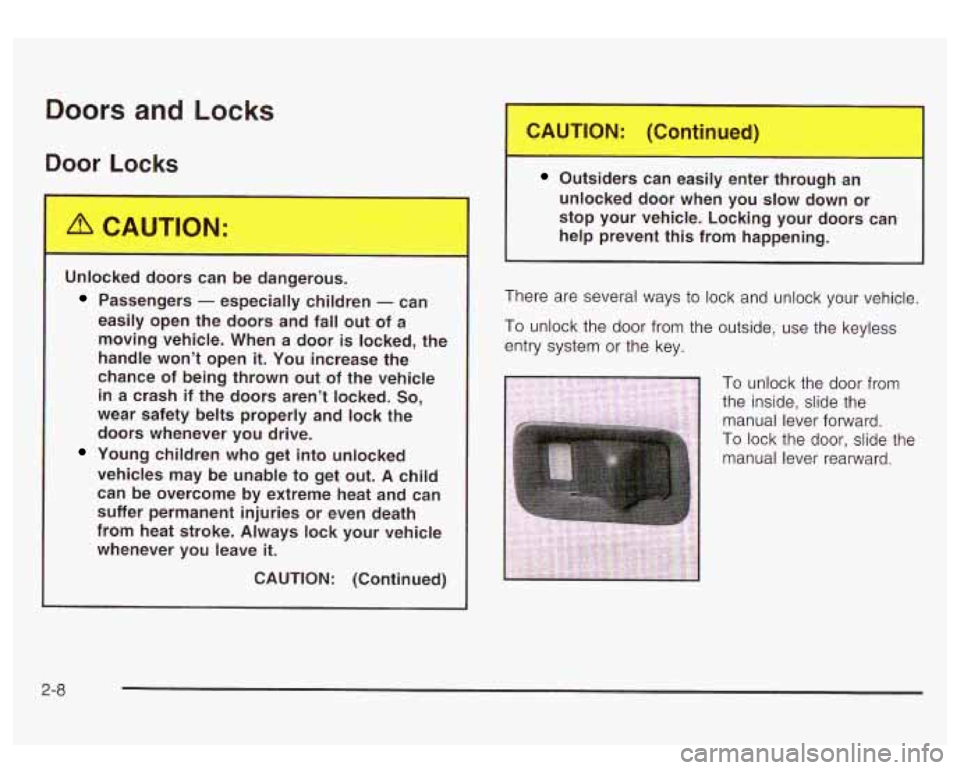
There are several ways
to lock and unlock your vehicle.
To unlock the door from the outside, use the keyless
entry system
or the key.
To unlock the door from
the inside, slide the
manual lever
forward.
To lock the door, slide the
2-a
Page 109 of 447
Windows
m
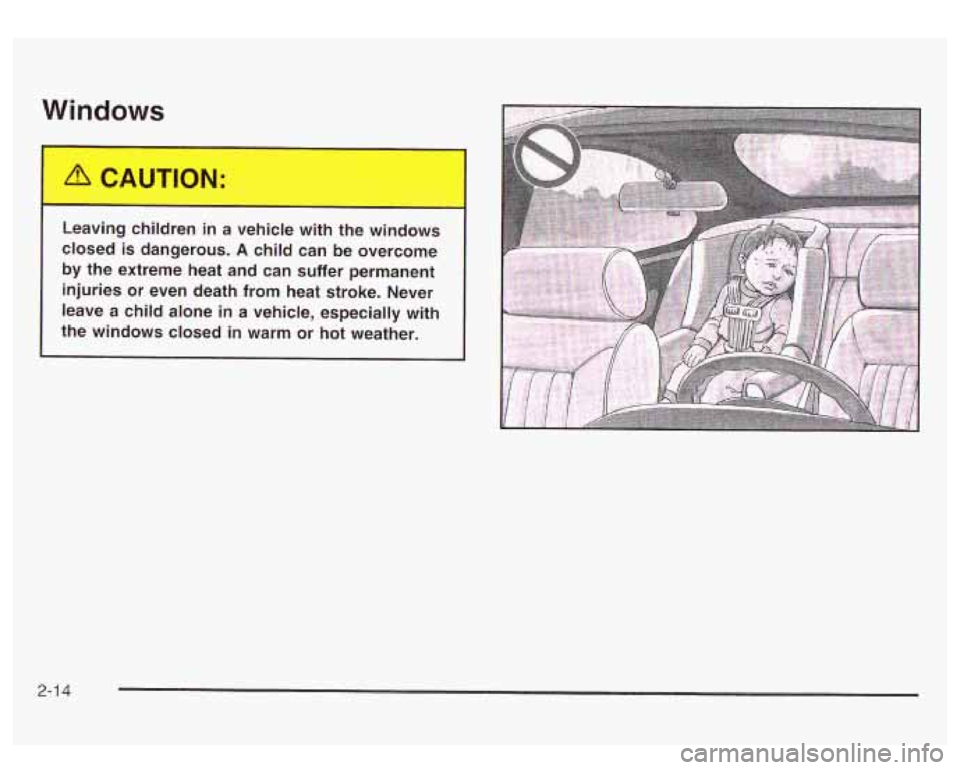
Le: ng ch ren in a vehicle with the wind-.s
closed is dangerous.
A child can be overcome
by the extreme heat and can suffer permanent
injuries
or even death from heat stroke. Never
leave a child alone in a vehicle, especially with
the windows closed in warm or hot weather.
2-1 4
Page 111 of 447
Theft-Deterrent Systems
Vehicle theft is big business, especially in some cities.
Although your vehicle has a number of theft-deterrent
features, we know that nothing we put on it can make it
impossible
to steal.
Content Theft-Deterrent
Your vehicle is equipped with a content theft-deterrent
alarm system.
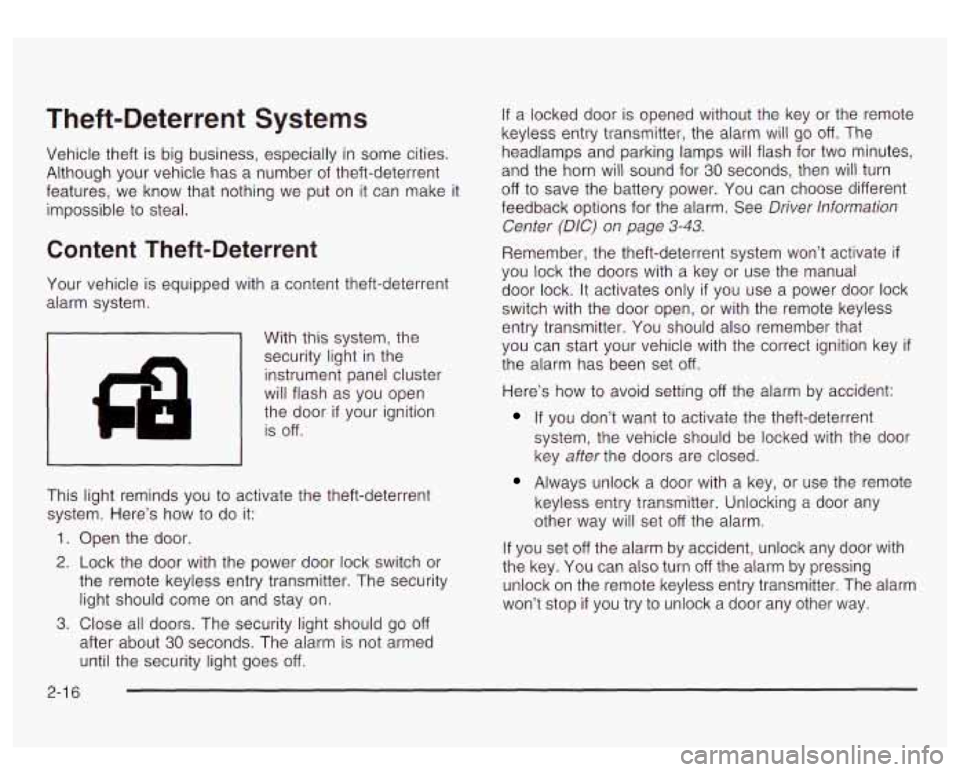
With this system, the
security light in the instrument panel cluster
will flash as you open
the door
if your ignition
is
off.
This light reminds you to activate the theft-deterrent
system. Here’s how
to do it:
1. Open the door.
2. Lock the door with the power door lock switch or
the remote keyless entry transmitter. The security
light should come
on and stay on.
3. Close all doors. The security light should go off
after about 30 seconds. The alarm is not armed
until the security light goes
off.
If a locked door is opened without the key or the remote
keyless entry transmitter, the alarm will
go off. The
headlamps and parking lamps will flash for
two minutes,
and the horn will sound for
30 seconds, then will turn
off to save the battery power. You can choose different
feedback options for the alarm. See Driver lnformation
Center
(DIC) on page 3-43.
Remember, the theft-deterrent system won’t activate if
you lock the doors with a key or use the manual
door lock.
It activates only if you use a power door lock
switch with the door open, or with the remote keyless
entry transmitter. You should also remember that
you can start your vehicle with the correct ignition key
if
the alarm has been set off.
Here’s how to avoid setting off the alarm by accident:
If you don’t want to activate the theft-deterrent
system, the vehicle should be locked with the door
key after the doors are closed.
Always unlock a door with a key, or use the remote
keyless entry transmitter. Unlocking a door any
other way will set
off the alarm.
If you set
off the alarm by accident, unlock any door with
the key. You can also turn
off the alarm by pressing
unlock on the remote keyless entry transmitter. The alarm
won’t stop
if you try to unlock a door any other way.
2-1 6
Page 142 of 447
Vehicle Personalization
Memory Seat
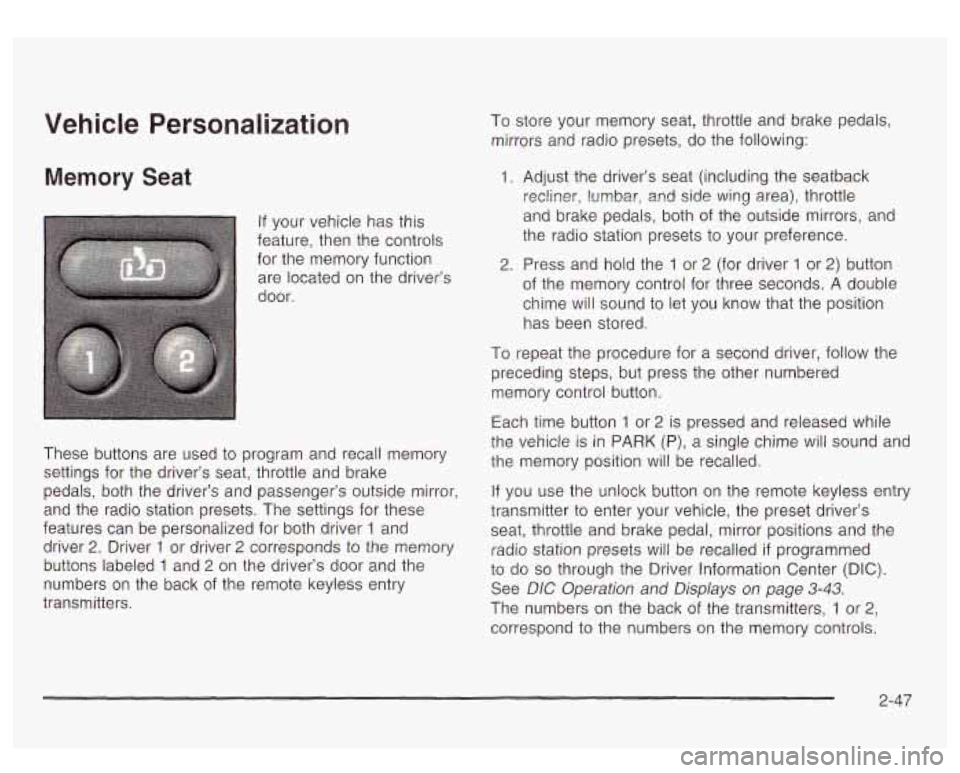
If your vehicle has this
feature, then the controls
for the memory function
are located on the driver’s
door.
These buttons are used
to program and recall memory
settings for the driver’s seat, throttle and brake
pedals, both the driver’s and passenger’s outside mirror,
and the radio station presets. The settings for these
features can be personalized for both driver
1 and
driver
2. Driver 1 or driver 2 corresponds to the memory
buttons labeled
1 and 2 on the driver’s door and the
numbers on the back of the remote keyless entry
transmitters. To store your memory seat, throttle and brake pedals,
mirrors and radio presets, do the following:
1. Adjust the driver’s seat (including the seatback
recliner, lumbar,
and side wing area), throttle
and brake pedals, both of the outside mirrors, and
the radio station presets to your preference.
2. Press and hold the 1 or 2 (for driver 1 or 2) button
of the memory control for three seconds. A double
chime will sound
to let you know that the position
has been stored.
To repeat the procedure for a second driver, follow the
preceding steps, but press the other numbered
memory control button.
Each time button
1 or 2 is pressed and released while
the vehicle
is in PARK (P), a single chime will sound and
the memory position will be recalled.
If you use the unlock button on the remote keyless entry
transmitter to enter your vehicle, the preset driver’s
seat, throttle and brake pedal, mirror positions and the
radio station presets will be recalled
if programmed
to do so through the Driver Information Center (DIC).
See DIC Operation and Displays on page
3-43.
The numbers on the back of the transmitters, 1 or 2,
correspond to the numbers on the memory controls.
2-47
Page 157 of 447
Automatic Headlamp System
When it is dark enough outside and the headlamp
switch is in AUTO, your automatic headlamp system will
turn on your headlamps at the normal brightness
along with other lamps such as the taillamps,
sidemarker, parking lamps, roof marker lamps and the
instrument panel lights. The radio lights will also be dim.
To turn off the automatic headlamp system, turn the
exterior lamps switch
to the off position and then
release.
Your vehicle has a light sensor located on the top of the
instrument panel. Be sure
it is not covered, or the
system will be on whenever the ignition is on.
The system may also turn on your headlamps when
driving through a parking garage, heavy overcast
weather or a tunnel. This is normal.
There is a delay in the transition between the daytime
and nighttime operation of the Daytime Running
Lamps (DRL) and the automatic headlamp systems
so
that driving under bridges or bright overhead street
lights does not affect the system. The DRL and
automatic headlamp system will only be affected when
the light sensor sees a change in lighting lasting
longer than the delay. If
you start your vehicle in a dark garage, the automatic
headlamp system will come on immediately. Once
you leave the garage,
it will take approximately
one minute for the automatic headlamp system to
change
to DRL if it is light outside. During that delay,
your instrument panel cluster may not be as bright
as usual. Make sure your instrument panel brightness
control is in the full bright position. See ”Instrument
Panel Brightness” under lnterior
Lamps on page 3-76.
Lamps On Reminder
If a door is open, a reminder chime will sound when
your headlamps or parking lamps are manually turned
on and your key is out of the ignition. To turn off
the chime, turn the headlamp switch
to off or AUTO and
then back on. In the automatic mode, the headlamps
turn off once the ignition is in LOCK and the headlamps
on at exit delay ends
(if enabled in the DIC).
Daytime Running Lamps
Daytime Running Lamps (DRL) can make it easier for
others
to see the front of your vehicle during the
day. DRL can be helpful in many different driving
conditions, but they can be especially helpful in the short
periods after dawn and before sunset. Fully functional
daytime running lamps are required on all vehicles
first sold in Canada.
3-1 4
Page 226 of 447
CD Changer
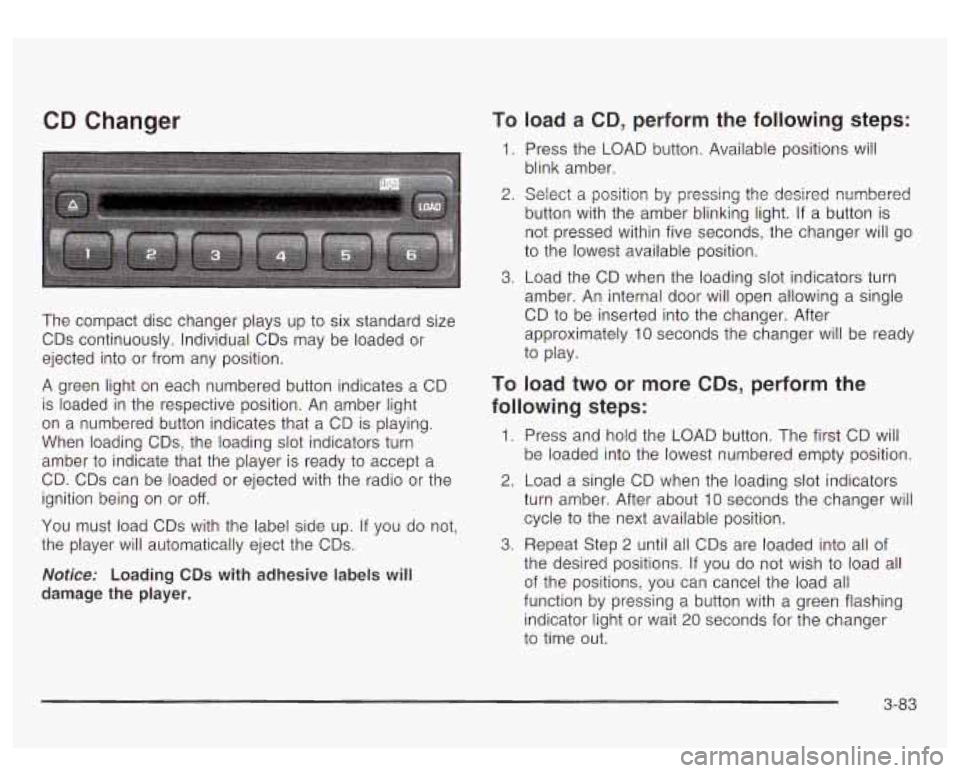
The compact disc changer plays up to six standard size
CDs continuously. Individual CDs may be loaded or
ejected into or from any position.
A green light on each numbered button indicates a CD
is loaded in the respective position. An amber light
on a numbered button indicates that a CD is playing.
When loading CDs, the loading slot indicators turn
amber to indicate that the player is ready
to accept a
CD. CDs can be loaded or ejected with the radio or the
ignition being on or
off.
You must load CDs with the label side up. If you do not,
the player will automatically eject the CDs.
Notice: Loading CDs with adhesive labels will
damage the player.
To load a CD, perform the following steps:
1. Press the LOAD button. Available positions Will
blink amber.
2. Select a position by pressing the desired numbered
button with the amber blinking light.
If a button is
not pressed within five seconds, the changer will go
to the lowest available position.
3. Load the CD when the loading slot indicators turn
amber. An internal door will open allowing a single
CD
to be inserted into the changer. After
approximately 10 seconds the changer will be ready
to play.
TO load two or more CDs, perform the
following steps:
1. Press and hold the LOAD button. The first CD will
be loaded into the lowest numbered empty position.
2. Load a single CD when the loading slot indicators
turn amber. After about 10 seconds the changer will
cycle to the next available position.
the desired positions.
If you do not wish to load all
of the positions, you can cancel the load all
function by pressing a button with a green flashing
indicator light or wait 20 seconds for the changer
to time out.
3. Repeat Step 2 until all CDs are loaded into all of
3-83
Page 230 of 447
Understanding Radio Reception
AM
The range for most AM stations is greater than for FM,
especially at night. The longer range, however, can
cause stations to interfere with each other. AM can pick
up noise from things like storms and power lines. Try
reducing the treble to reduce this noise
if you ever get it.
FM Stereo
FM stereo will give you the best sound, but FM signals
will reach only about
10 to 40 miles (1 6 to 65 km).
Tall buildings or hills can interfere with FM signals,
causing the sound
to come and go.
XMTM Satellite Radio Service
XMTM Satellite Radio gives you digital radio reception
from coast to coast. Just as with FM, tall buildings
or hills can interfere with Satellite radio signals, causing
the sound to come and go. Your radio may display
NO SIGNAL to indicate interference.
Care of Your Cassette Tape Player
A tape player that is not cleaned regularly can cause
reduced sound quality, ruined cassettes or a damaged
mechanism. Cassette tapes should be stored in their
cases away from contaminants, direct sunlight and
extreme heat. If they aren’t, they may not operate
properly or may cause failure of the tape player.
Your tape player should be cleaned regularly after every
50 hours of use. Your radio may display
CLN to
indicate that you have used your tape player for
50 hours without resetting the tape clean timer.
If this
message appears on the display, your cassette
tape player needs to be cleaned. It
will still play tapes,
but you should clean it as soon as possible to
prevent damage
to your tapes and player. If you notice
a reduction in sound quality, try a known good
cassette
to see if the tape or the tape player is at fault.
If this other cassette has no improvement
in sound
quality, clean the tape player.
3-87
Page 238 of 447
There’s something else about drinking and driving that many people don’t know. Medical research shows
that alcohol in a person’s system can make crash
injuries worse, especially injuries to the brain, spinal
cord or heart. This means that when anyone who
has been drinking
- driver or passenger - is in a
crash, that person’s chance
of being killed or
permanently disabled is higher than
if the person had
not been drinking.
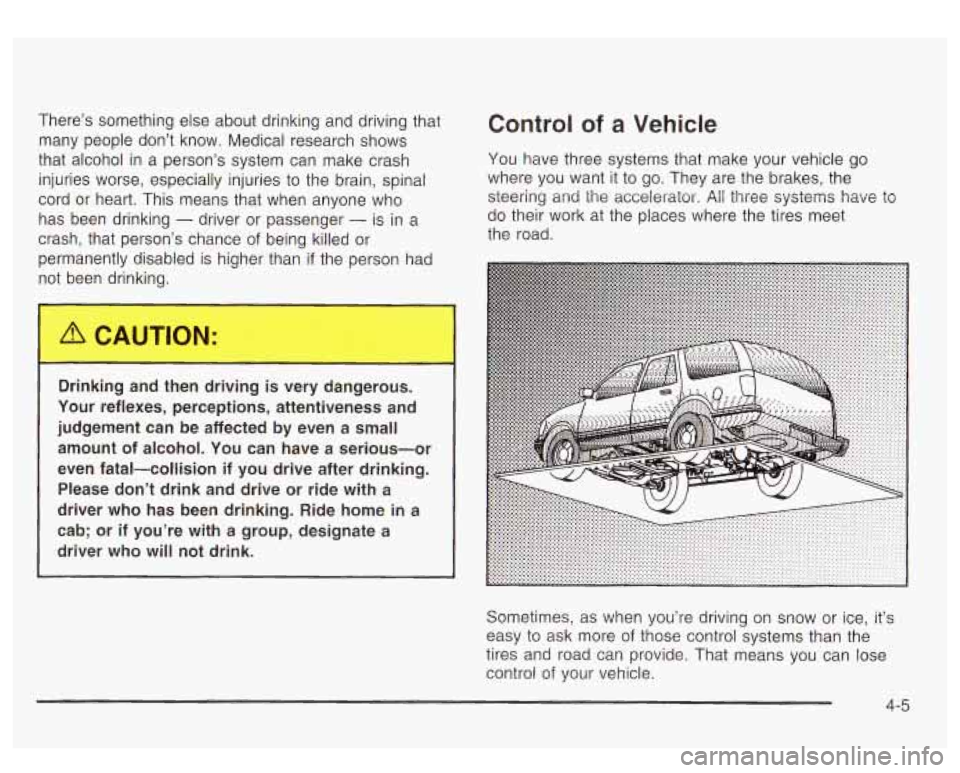
Control of a Vehicle
You have three systems that make your vehicle go
where you want it to go. They are the brakes, the
steering and
the accelerator. All three systems have to
do their work at the places where the tires meet
the road.
Drinking and
t n drivinc_ ; very -1ngerous.
Your reflexes, perceptions, attentiveness and
judgement can be affected by even a small amount of alcohol. You can have a serious-or
even fatal-collision if you drive after drinking. Please don’t drink and drive or ride with a
driver who has been drinking. Ride home in a
cab;
or if you’re with a group, designate a
driver who will not drink.
Sometimes, as when you’re driving
on snow or ice, it’s
easy
to ask more of those control systems than the
tires and road can provide. That means you can lose
control of your vehicle.
4-5