radio GMC YUKON DENALI 2009 Owner's Manual
[x] Cancel search | Manufacturer: GMC, Model Year: 2009, Model line: YUKON DENALI, Model: GMC YUKON DENALI 2009Pages: 100, PDF Size: 1.41 MB
Page 79 of 100
Using an MP3 CD
MP3 Format
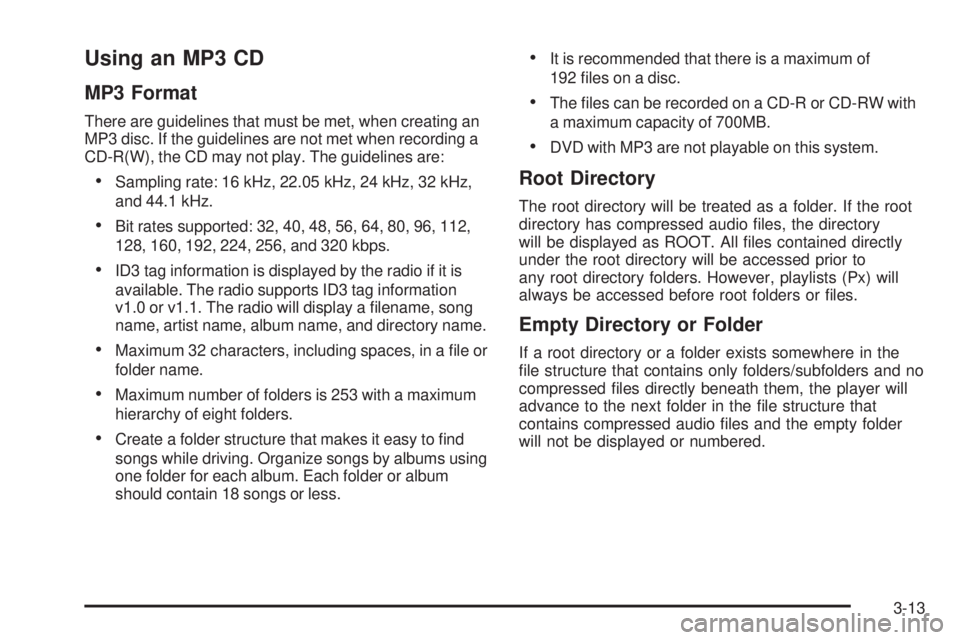
There are guidelines that must be met, when creating an
MP3 disc. If the guidelines are not met when recording a
CD-R(W), the CD may not play. The guidelines are:
Sampling rate: 16 kHz, 22.05 kHz, 24 kHz, 32 kHz,
and 44.1 kHz.
Bit rates supported: 32, 40, 48, 56, 64, 80, 96, 112,
128, 160, 192, 224, 256, and 320 kbps.
ID3 tag information is displayed by the radio if it is
available. The radio supports ID3 tag information
v1.0 or v1.1. The radio will display a lename, song
name, artist name, album name, and directory name.
Maximum 32 characters, including spaces, in a le or
folder name.
Maximum number of folders is 253 with a maximum
hierarchy of eight folders.
Create a folder structure that makes it easy to nd
songs while driving. Organize songs by albums using
one folder for each album. Each folder or album
should contain 18 songs or less.
It is recommended that there is a maximum of
192 les on a disc.
The les can be recorded on a CD-R or CD-RW with
a maximum capacity of 700MB.
DVD with MP3 are not playable on this system.
Root Directory
The root directory will be treated as a folder. If the root
directory has compressed audio les, the directory
will be displayed as ROOT. All les contained directly
under the root directory will be accessed prior to
any root directory folders. However, playlists (Px) will
always be accessed before root folders or les.
Empty Directory or Folder
If a root directory or a folder exists somewhere in the
le structure that contains only folders/subfolders and no
compressed les directly beneath them, the player will
advance to the next folder in the le structure that
contains compressed audio les and the empty folder
will not be displayed or numbered.
3-13
Page 80 of 100
No Folder
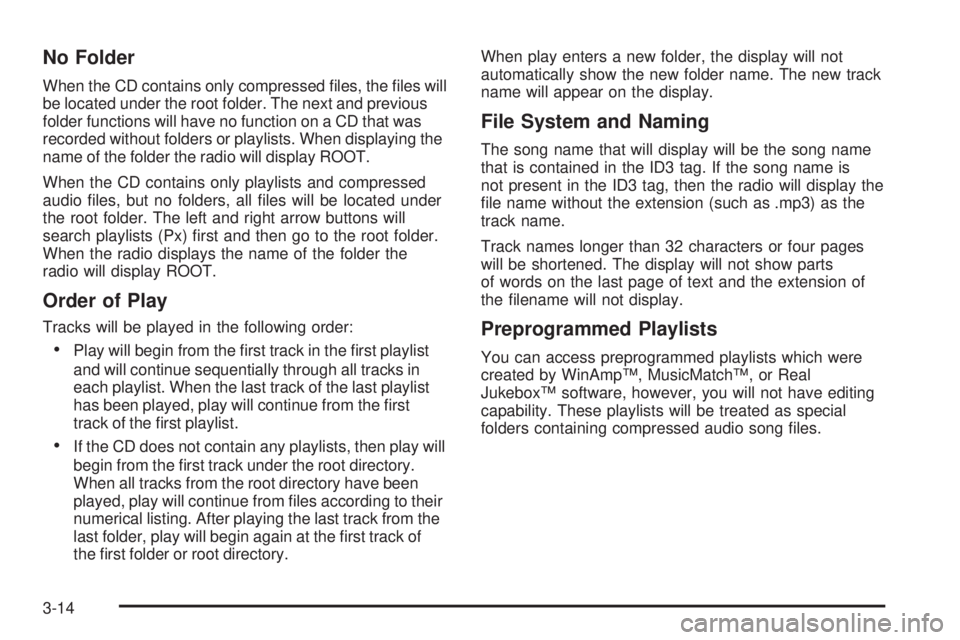
When the CD contains only compressed les, the les will
be located under the root folder. The next and previous
folder functions will have no function on a CD that was
recorded without folders or playlists. When displaying the
name of the folder the radio will display ROOT.
When the CD contains only playlists and compressed
audio les, but no folders, all les will be located under
the root folder. The left and right arrow buttons will
search playlists (Px) rst and then go to the root folder.
When the radio displays the name of the folder the
radio will display ROOT.
Order of Play
Tracks will be played in the following order:
Play will begin from the rst track in the rst playlist
and will continue sequentially through all tracks in
each playlist. When the last track of the last playlist
has been played, play will continue from the rst
track of the rst playlist.
If the CD does not contain any playlists, then play will
begin from the rst track under the root directory.
When all tracks from the root directory have been
played, play will continue from les according to their
numerical listing. After playing the last track from the
last folder, play will begin again at the rst track of
the rst folder or root directory.When play enters a new folder, the display will not
automatically show the new folder name. The new track
name will appear on the display.
File System and Naming
The song name that will display will be the song name
that is contained in the ID3 tag. If the song name is
not present in the ID3 tag, then the radio will display the
le name without the extension (such as .mp3) as the
track name.
Track names longer than 32 characters or four pages
will be shortened. The display will not show parts
of words on the last page of text and the extension of
the lename will not display.
Preprogrammed Playlists
You can access preprogrammed playlists which were
created by WinAmp™, MusicMatch™, or Real
Jukebox™ software, however, you will not have editing
capability. These playlists will be treated as special
folders containing compressed audio song les.
3-14
Page 81 of 100
Playing an MP3
With the ignition on, insert a CD partway into the slot,
label side up. The player will pull it in. The system may
take some time to read the MP3 disc. While playing
a CD, the navigation system is available. If you insert a
CD with the system off and the ignition on, it will start
to play.
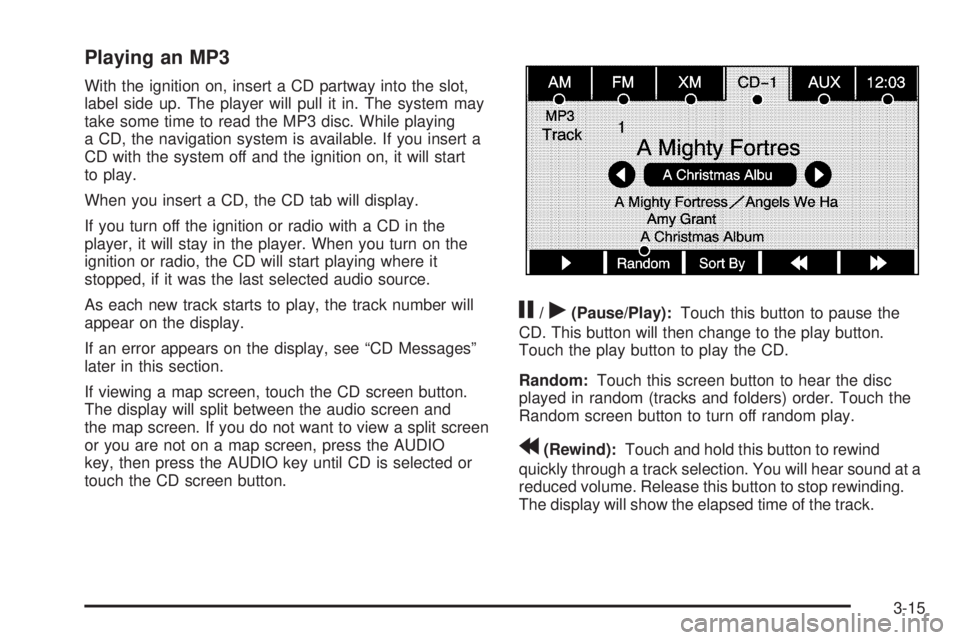
When you insert a CD, the CD tab will display.
If you turn off the ignition or radio with a CD in the
player, it will stay in the player. When you turn on the
ignition or radio, the CD will start playing where it
stopped, if it was the last selected audio source.
As each new track starts to play, the track number will
appear on the display.
If an error appears on the display, see “CD Messages”
later in this section.
If viewing a map screen, touch the CD screen button.
The display will split between the audio screen and
the map screen. If you do not want to view a split screen
or you are not on a map screen, press the AUDIO
key, then press the AUDIO key until CD is selected or
touch the CD screen button.
j/r(Pause/Play):Touch this button to pause the
CD. This button will then change to the play button.
Touch the play button to play the CD.
Random:Touch this screen button to hear the disc
played in random (tracks and folders) order. Touch the
Random screen button to turn off random play.
r(Rewind):Touch and hold this button to rewind
quickly through a track selection. You will hear sound at a
reduced volume. Release this button to stop rewinding.
The display will show the elapsed time of the track.
3-15
Page 92 of 100
Voice Recognition
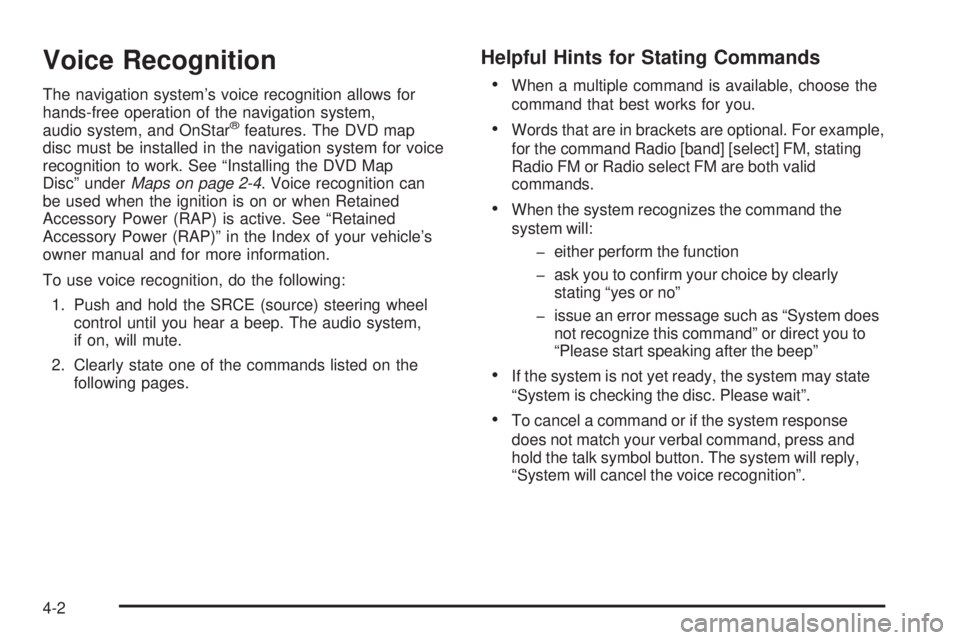
The navigation system’s voice recognition allows for
hands-free operation of the navigation system,
audio system, and OnStar
®features. The DVD map
disc must be installed in the navigation system for voice
recognition to work. See “Installing the DVD Map
Disc” underMaps on page 2-4. Voice recognition can
be used when the ignition is on or when Retained
Accessory Power (RAP) is active. See “Retained
Accessory Power (RAP)” in the Index of your vehicle’s
owner manual and for more information.
To use voice recognition, do the following:
1. Push and hold the SRCE (source) steering wheel
control until you hear a beep. The audio system,
if on, will mute.
2. Clearly state one of the commands listed on the
following pages.
Helpful Hints for Stating Commands
When a multiple command is available, choose the
command that best works for you.
Words that are in brackets are optional. For example,
for the command Radio [band] [select] FM, stating
Radio FM or Radio select FM are both valid
commands.
When the system recognizes the command the
system will:
either perform the function
ask you to conrm your choice by clearly
stating “yes or no”
issue an error message such as “System does
not recognize this command” or direct you to
“Please start speaking after the beep”
If the system is not yet ready, the system may state
“System is checking the disc. Please wait”.
To cancel a command or if the system response
does not match your verbal command, press and
hold the talk symbol button. The system will reply,
“System will cancel the voice recognition”.
4-2
Page 94 of 100
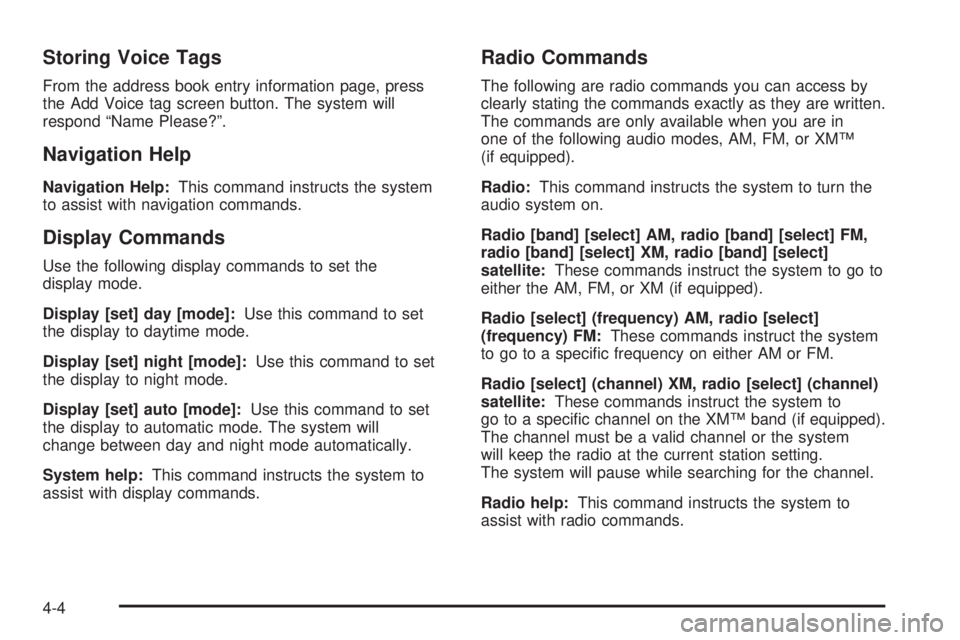
Storing Voice Tags
From the address book entry information page, press
the Add Voice tag screen button. The system will
respond “Name Please?”.
Navigation Help
Navigation Help:This command instructs the system
to assist with navigation commands.
Display Commands
Use the following display commands to set the
display mode.
Display [set] day [mode]:Use this command to set
the display to daytime mode.
Display [set] night [mode]:Use this command to set
the display to night mode.
Display [set] auto [mode]:Use this command to set
the display to automatic mode. The system will
change between day and night mode automatically.
System help:This command instructs the system to
assist with display commands.
Radio Commands
The following are radio commands you can access by
clearly stating the commands exactly as they are written.
The commands are only available when you are in
one of the following audio modes, AM, FM, or XM™
(if equipped).
Radio:This command instructs the system to turn the
audio system on.
Radio [band] [select] AM, radio [band] [select] FM,
radio [band] [select] XM, radio [band] [select]
satellite:These commands instruct the system to go to
either the AM, FM, or XM (if equipped).
Radio [select] (frequency) AM, radio [select]
(frequency) FM:These commands instruct the system
to go to a specic frequency on either AM or FM.
Radio [select] (channel) XM, radio [select] (channel)
satellite:These commands instruct the system to
go to a specic channel on the XM™ band (if equipped).
The channel must be a valid channel or the system
will keep the radio at the current station setting.
The system will pause while searching for the channel.
Radio help:This command instructs the system to
assist with radio commands.
4-4
Page 97 of 100
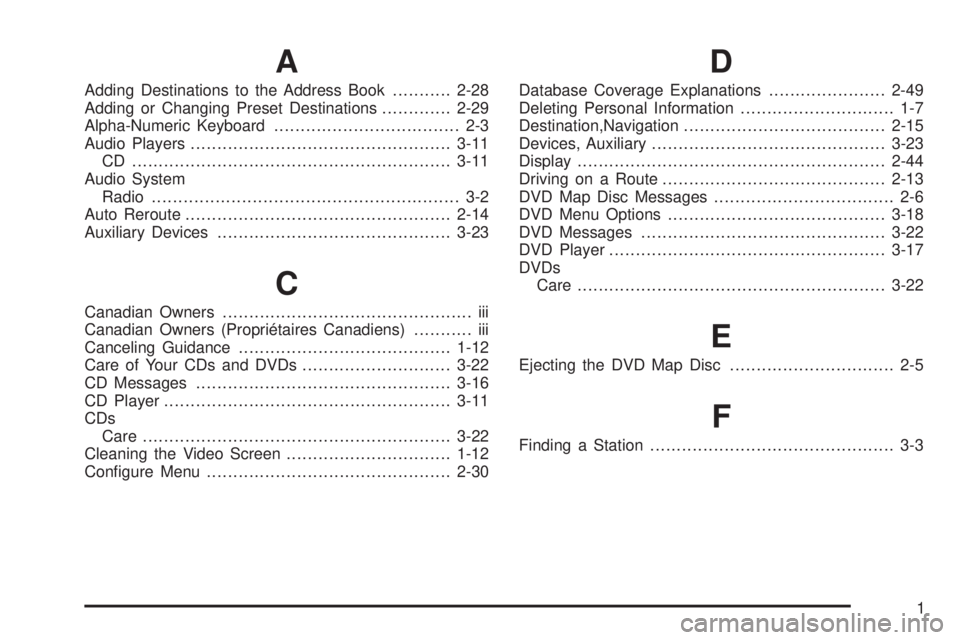
A
Adding Destinations to the Address Book...........2-28
Adding or Changing Preset Destinations.............2-29
Alpha-Numeric Keyboard................................... 2-3
Audio Players.................................................3-11
CD ............................................................3-11
Audio System
Radio.......................................................... 3-2
Auto Reroute..................................................2-14
Auxiliary Devices............................................3-23
C
Canadian Owners............................................... iii
Canadian Owners (Propriétaires Canadiens)........... iii
Canceling Guidance........................................1-12
Care of Your CDs and DVDs ............................3-22
CD Messages................................................3-16
CD Player......................................................3-11
CDs
Care ..........................................................3-22
Cleaning the Video Screen...............................1-12
Congure Menu..............................................2-30
D
Database Coverage Explanations......................2-49
Deleting Personal Information............................. 1-7
Destination,Navigation......................................2-15
Devices, Auxiliary............................................3-23
Display..........................................................2-44
Driving on a Route..........................................2-13
DVD Map Disc Messages.................................. 2-6
DVD Menu Options.........................................3-18
DVD Messages..............................................3-22
DVD Player....................................................3-17
DVDs
Care ..........................................................3-22
E
Ejecting the DVD Map Disc............................... 2-5
F
Finding a Station.............................................. 3-3
1
Page 99 of 100
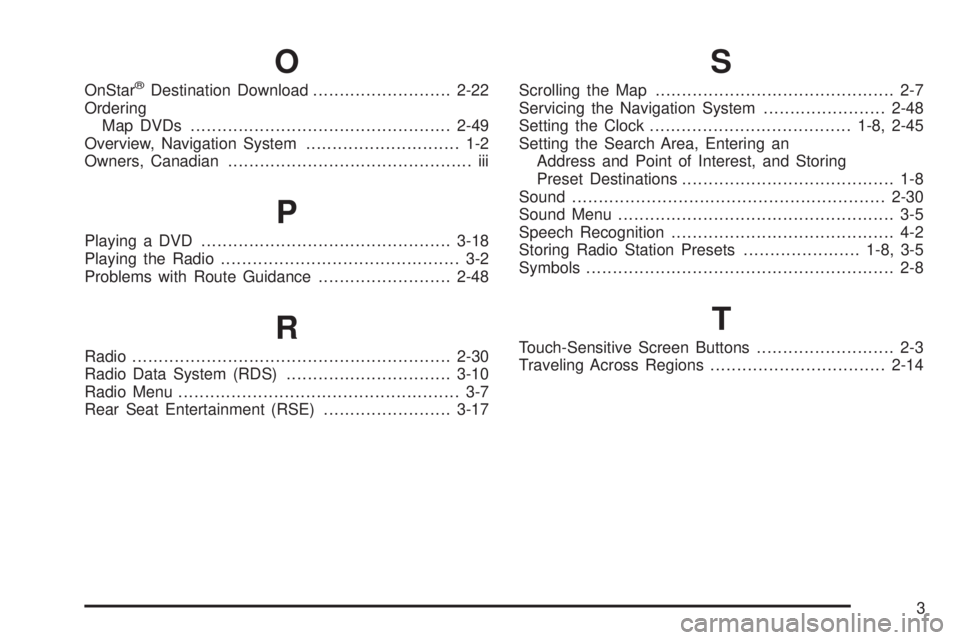
O
OnStar®Destination Download..........................2-22
Ordering
Map DVDs .................................................2-49
Overview, Navigation System............................. 1-2
Owners, Canadian.............................................. iii
P
Playing a DVD...............................................3-18
Playing the Radio............................................. 3-2
Problems with Route Guidance.........................2-48
R
Radio............................................................2-30
Radio Data System (RDS)...............................3-10
Radio Menu..................................................... 3-7
Rear Seat Entertainment (RSE)........................3-17
S
Scrolling the Map............................................. 2-7
Servicing the Navigation System.......................2-48
Setting the Clock......................................1-8, 2-45
Setting the Search Area, Entering an
Address and Point of Interest, and Storing
Preset Destinations........................................ 1-8
Sound...........................................................2-30
Sound Menu.................................................... 3-5
Speech Recognition.......................................... 4-2
Storing Radio Station Presets......................1-8, 3-5
Symbols.......................................................... 2-8
T
Touch-Sensitive Screen Buttons.......................... 2-3
Traveling Across Regions.................................2-14
3
Page 100 of 100
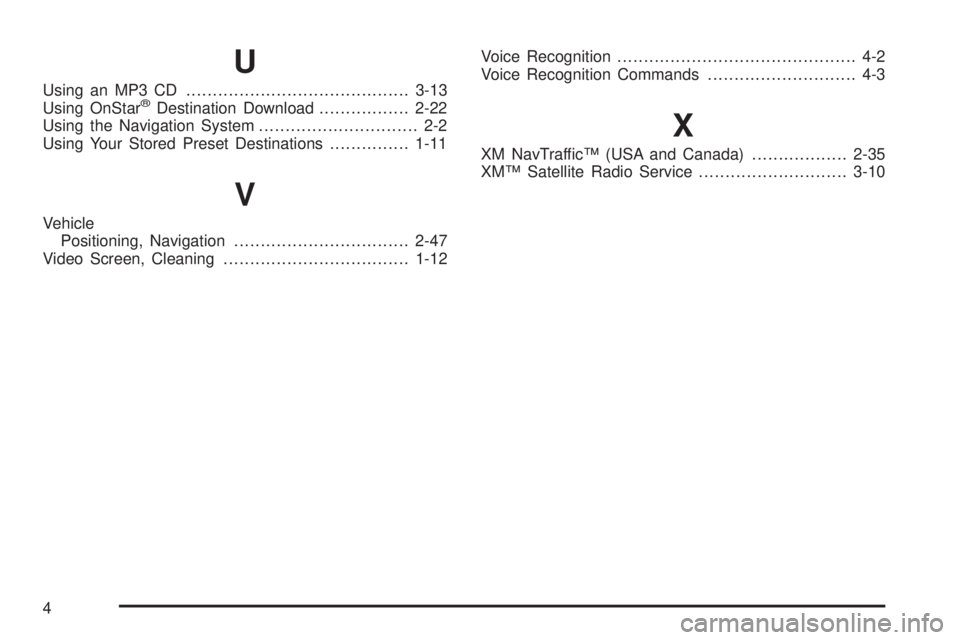
U
Using an MP3 CD..........................................3-13
Using OnStar®Destination Download.................2-22
Using the Navigation System.............................. 2-2
Using Your Stored Preset Destinations...............1-11
V
Vehicle
Positioning, Navigation.................................2-47
Video Screen, Cleaning...................................1-12Voice Recognition............................................. 4-2
Voice Recognition Commands............................ 4-3
X
XM NavTraffic™ (USA and Canada)..................2-35
XM™ Satellite Radio Service............................3-10
4