display GMC YUKON XL 2007 Owner's Manual
[x] Cancel search | Manufacturer: GMC, Model Year: 2007, Model line: YUKON XL, Model: GMC YUKON XL 2007Pages: 608, PDF Size: 3.01 MB
Page 226 of 608
Speedometer and Odometer
Your speedometer lets you see your speed in both
miles per hour (mph) and kilometers per hour
(km/h). Your odometer shows how far your vehicle
has been driven, in either miles (used in the
United States) or kilometers (used in Canada).
Trip Odometer
The trip odometer can tell you how far your vehicle
has been driven since you last set the trip odometer
to zero.
Press the reset button, located on the instrument
panel cluster next to the trip odometer display,
to toggle between the trip odometer and the
regular odometer. Holding the reset button for
approximately one second while the trip odometer
is displayed will reset it.
To display the odometer reading with the ignition
off, press the reset button.
Tachometer
Your tachometer displays the engine speed in
revolutions per minute (rpm).
Safety Belt Reminder Light
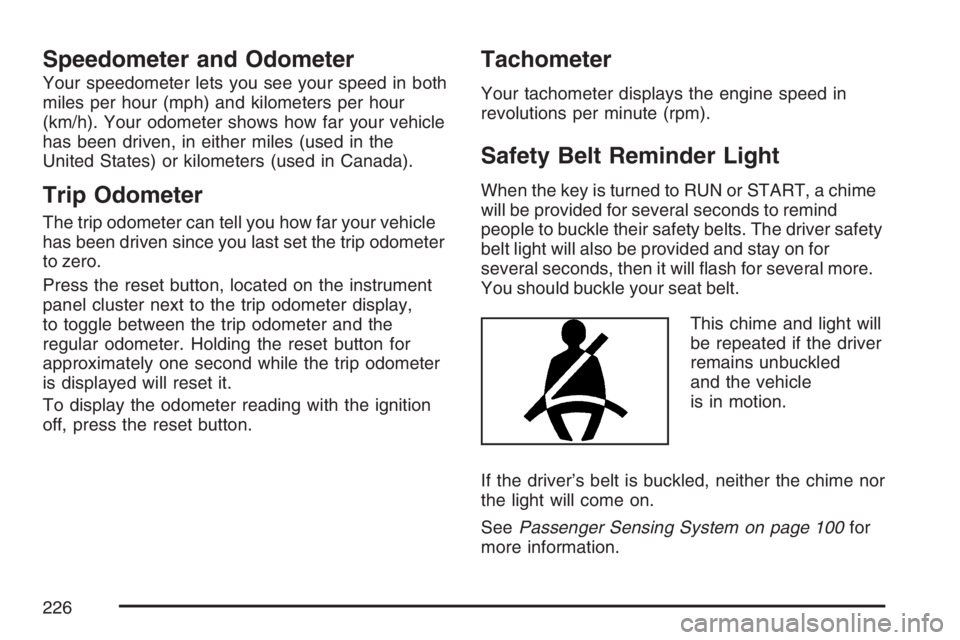
When the key is turned to RUN or START, a chime
will be provided for several seconds to remind
people to buckle their safety belts. The driver safety
belt light will also be provided and stay on for
several seconds, then it will ash for several more.
You should buckle your seat belt.
This chime and light will
be repeated if the driver
remains unbuckled
and the vehicle
is in motion.
If the driver’s belt is buckled, neither the chime nor
the light will come on.
SeePassenger Sensing System on page 100for
more information.
226
Page 230 of 608
If, after several seconds, all status indicator lights
remain on, or if there are no lights at all, there
may be a problem with the lights or the passenger
sensing system. See your dealer for service.
{CAUTION:
If the off indicator and the airbag
readiness light ever come on together, it
means that something may be wrong with
the airbag system. If this ever happens,
have the vehicle serviced promptly,
because an adult-size person sitting in the
right front passenger seat may not have
the protection of the frontal airbag. See
Airbag Readiness Light on page 227.
Charging System Light
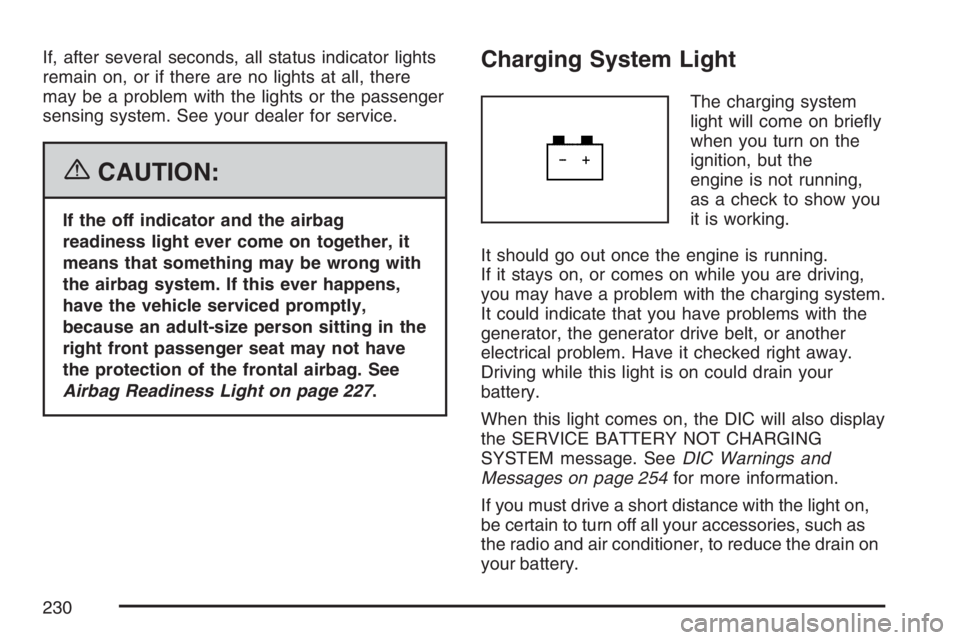
The charging system
light will come on briey
when you turn on the
ignition, but the
engine is not running,
as a check to show you
it is working.
It should go out once the engine is running.
If it stays on, or comes on while you are driving,
you may have a problem with the charging system.
It could indicate that you have problems with the
generator, the generator drive belt, or another
electrical problem. Have it checked right away.
Driving while this light is on could drain your
battery.
When this light comes on, the DIC will also display
the SERVICE BATTERY NOT CHARGING
SYSTEM message. SeeDIC Warnings and
Messages on page 254for more information.
If you must drive a short distance with the light on,
be certain to turn off all your accessories, such as
the radio and air conditioner, to reduce the drain on
your battery.
230
Page 231 of 608
Voltmeter Gage
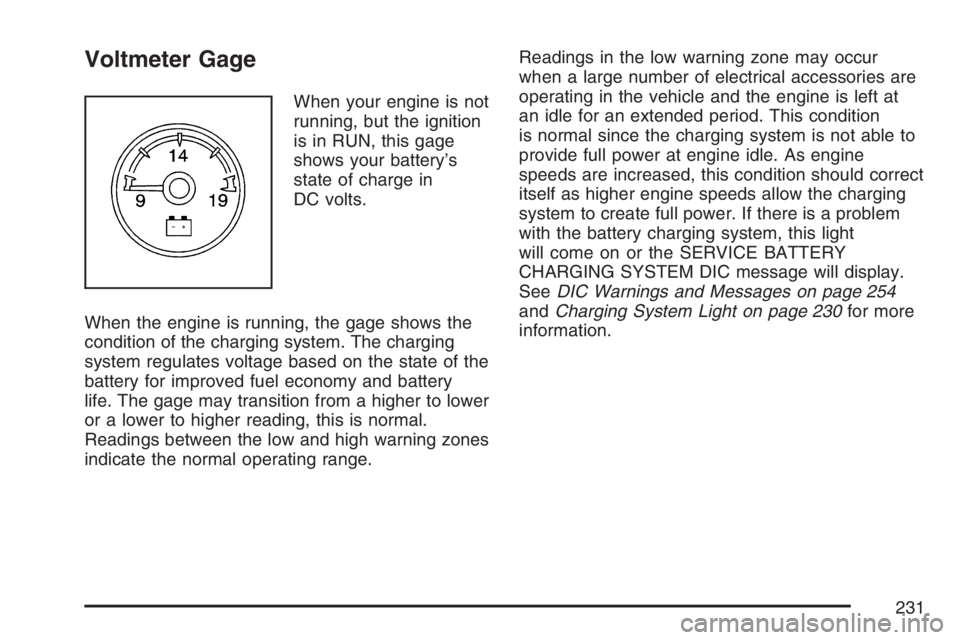
When your engine is not
running, but the ignition
is in RUN, this gage
shows your battery’s
state of charge in
DC volts.
When the engine is running, the gage shows the
condition of the charging system. The charging
system regulates voltage based on the state of the
battery for improved fuel economy and battery
life. The gage may transition from a higher to lower
or a lower to higher reading, this is normal.
Readings between the low and high warning zones
indicate the normal operating range.Readings in the low warning zone may occur
when a large number of electrical accessories are
operating in the vehicle and the engine is left at
an idle for an extended period. This condition
is normal since the charging system is not able to
provide full power at engine idle. As engine
speeds are increased, this condition should correct
itself as higher engine speeds allow the charging
system to create full power. If there is a problem
with the battery charging system, this light
will come on or the SERVICE BATTERY
CHARGING SYSTEM DIC message will display.
SeeDIC Warnings and Messages on page 254
andCharging System Light on page 230for more
information.
231
Page 242 of 608
Cruise Control Light
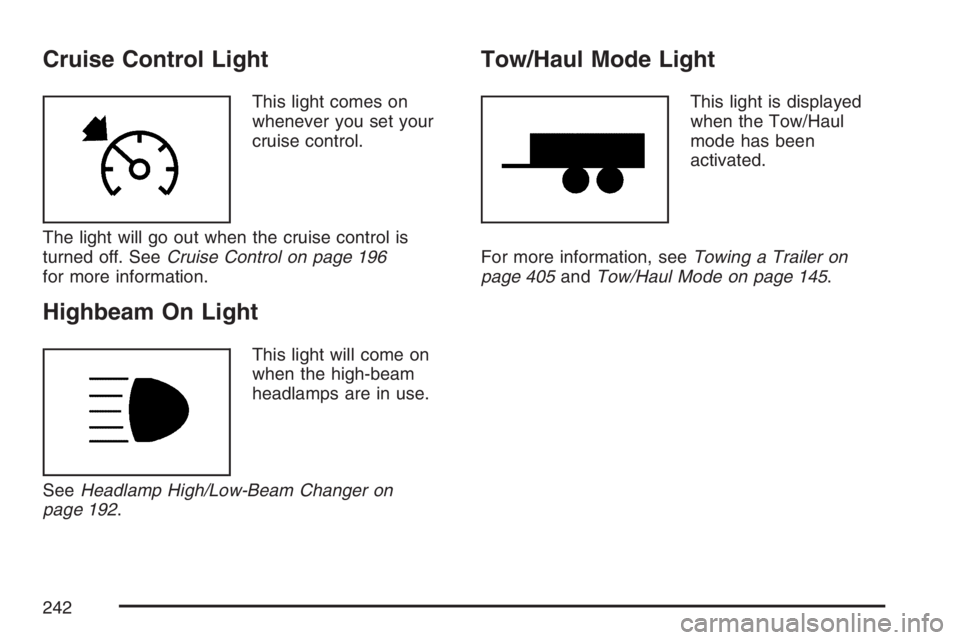
This light comes on
whenever you set your
cruise control.
The light will go out when the cruise control is
turned off. SeeCruise Control on page 196
for more information.
Highbeam On Light
This light will come on
when the high-beam
headlamps are in use.
SeeHeadlamp High/Low-Beam Changer on
page 192.
Tow/Haul Mode Light
This light is displayed
when the Tow/Haul
mode has been
activated.
For more information, seeTowing a Trailer on
page 405andTow/Haul Mode on page 145.
242
Page 244 of 608
Driver Information Center (DIC)
Your vehicle has a Driver Information Center (DIC).
The DIC displays information about your vehicle.
It also displays warning messages if a system
problem is detected.
All messages will appear in the DIC display
located below the tachometer in the instrument
panel cluster.
The DIC comes on when the ignition is on. After a
short delay, the DIC will display the information
that was last displayed before the engine was
turned off.
If your vehicle has DIC buttons, see “DIC
Operation and Displays (With DIC Buttons)” later
in this section andDIC Vehicle Customization
(With DIC Buttons) on page 264for the displays
available.
If your vehicle does not have DIC buttons, see
“DIC Operation and Displays (Without DIC
Buttons)” later in this section for the displays
available.
DIC Operation and Displays
(With DIC Buttons)
If your vehicle has DIC buttons, the information
below explains the operation of this system.
The DIC has different displays which can be
accessed by pressing the DIC buttons located on
the instrument panel, to the right of the steering
wheel.
The DIC displays trip, fuel, and vehicle system
information, and warning messages if a system
problem is detected.
The DIC also allows some features to be
customized. SeeDIC Vehicle Customization (With
DIC Buttons) on page 264for more information.
If your vehicle has DIC buttons, you can also use
the trip odometer reset stem to view some of
the DIC displays. See “DIC Operation and Displays
(Without DIC Buttons)” later in this section.
244
Page 245 of 608
DIC Buttons
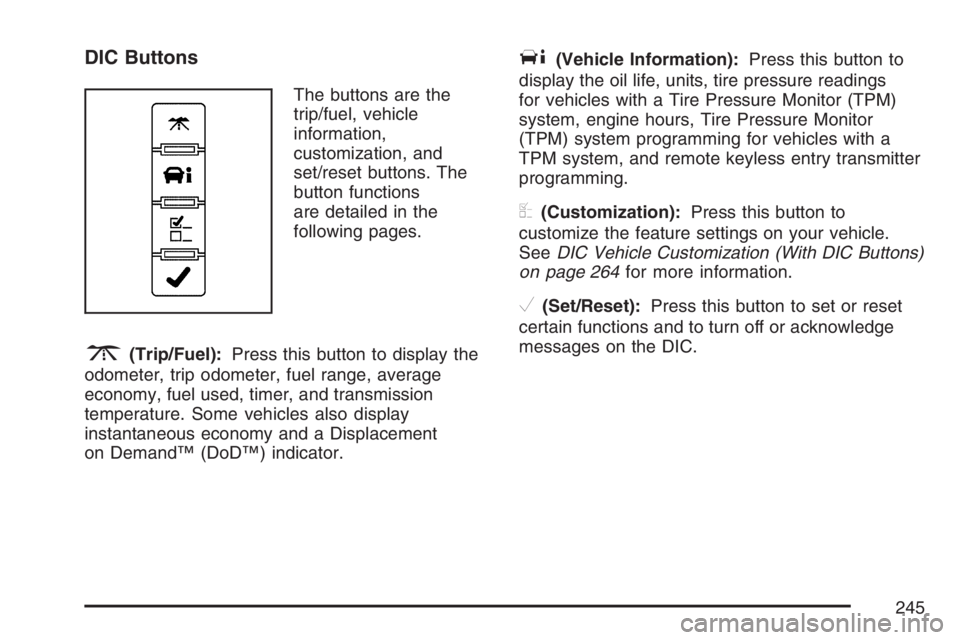
The buttons are the
trip/fuel, vehicle
information,
customization, and
set/reset buttons. The
button functions
are detailed in the
following pages.
3(Trip/Fuel):Press this button to display the
odometer, trip odometer, fuel range, average
economy, fuel used, timer, and transmission
temperature. Some vehicles also display
instantaneous economy and a Displacement
on Demand™ (DoD™) indicator.
T(Vehicle Information):Press this button to
display the oil life, units, tire pressure readings
for vehicles with a Tire Pressure Monitor (TPM)
system, engine hours, Tire Pressure Monitor
(TPM) system programming for vehicles with a
TPM system, and remote keyless entry transmitter
programming.
U(Customization):Press this button to
customize the feature settings on your vehicle.
SeeDIC Vehicle Customization (With DIC Buttons)
on page 264for more information.
V(Set/Reset):Press this button to set or reset
certain functions and to turn off or acknowledge
messages on the DIC.
245
Page 246 of 608
Trip/Fuel Menu Items
3
(Trip/Fuel):Press this button to scroll
through the following menu items:
Odometer
Press the trip/fuel button until ODOMETER
displays. This display shows the distance the
vehicle has been driven in either miles (mi)
or kilometers (km). Pressing the trip odometer
reset stem will also display the odometer.
To switch between English and metric
measurements, see “Units” later in this section.
Trip Odometer
Press the trip/fuel button until TRIP displays.
This display shows the current distance traveled in
either miles (mi) or kilometers (km) since the
last reset for the trip odometer. Pressing the trip
odometer reset stem will also display the trip
odometer.
The trip odometer can be reset to zero by pressing
the set/reset button while the trip odometer is
displayed. You can also reset the trip odometer
while it is displayed by pressing and holding
the trip odometer reset stem.The trip odometer has a feature called the
retro-active reset. This can be used to set the trip
odometer to the number of miles (kilometers)
driven since the ignition was last turned on. This
can be used if the trip odometer is not reset at the
beginning of the trip.
To use the retro-active reset feature, press and hold
the set/reset button for at least two seconds. The
trip odometer will display the number of miles (mi)
or kilometers (km) driven since the ignition was last
turned on and the vehicle was moving. Once the
vehicle begins moving, the trip odometer will
accumulate mileage. For example, if the vehicle
was driven 5 miles (8 km) before it is started again,
and then the retro-active reset feature is activated,
the display will show 5 miles (8 km). As the vehicle
begins moving, the display will then increase to
5.1 miles (8.2 km), 5.2 miles (8.4 km), etc.
If the retro-active reset feature is activated after
the vehicle is started, but before it begins moving,
the display will show the number of miles (mi)
or kilometers (km) that were driven during the last
ignition cycle.
246
Page 247 of 608
Fuel Range
Press the trip/fuel button until FUEL RANGE
displays. This display shows the approximate
number of remaining miles (mi) or kilometers (km)
the vehicle can be driven without refueling.
The display will show LOW if the fuel level is low.
The fuel range estimate is based on an average
of the vehicle’s fuel economy over recent
driving history and the amount of fuel remaining in
the fuel tank. This estimate will change if driving
conditions change. For example, if driving in traffic
and making frequent stops, this display may
read one number, but if the vehicle is driven on a
freeway, the number may change even though
the same amount of fuel is in the fuel tank. This is
because different driving conditions produce
different fuel economies. Generally, freeway
driving produces better fuel economy than city
driving. Fuel range cannot be reset.
Average Economy
Press the trip/fuel button until AVG ECONOMY
displays. This display shows the approximate
average miles per gallon (mpg) or liters per
100 kilometers (L/100 km). This number is
calculated based on the number of mpg (L/100 km)
recorded since the last time this menu item was
reset. To reset AVG ECONOMY, press and
hold the set/reset button.
Fuel Used
Press the trip/fuel button until FUEL USED
displays. This display shows the number of
gallons (gal) or liters (L) of fuel used since the last
reset of this menu item. To reset the fuel used
information, press and hold the set/reset button
while FUEL USED is displayed.
247
Page 248 of 608
Timer
Press the trip/fuel button until TIMER displays.
This display can be used as a timer.
To start the timer, press the set/reset button while
TIMER is displayed. The display will show the
amount of time that has passed since the timer was
last reset, not including time the ignition is off. Time
will continue to be counted as long as the ignition is
on, even if another display is being shown on the
DIC. The timer will record up to 99 hours,
59 minutes and 59 seconds (99:59:59) after which
the display will return to zero.
To stop the timer, press the set/reset button briey
while TIMER is displayed.
To reset the timer to zero, press and hold the
set/reset button while TIMER is displayed.
Transmission Temperature
Press the trip/fuel button until TRANS TEMP
displays. This display shows the temperature of
the automatic transmission uid in either degrees
Fahrenheit (°F) or degrees Celsius (°C).
Instantaneous Economy and Displacement
on Demand™ (DoD™) Indicator
If your vehicle has this display, press the trip/fuel
button until INST ECONOMY V8 MODE
displays. This display shows the current fuel
economy at a particular moment and will change
frequently as driving conditions change. This
display shows the instantaneous fuel economy in
miles per gallon (mpg) or liters per 100 kilometers
(L/100 km). Unlike average economy, this
screen cannot be reset.
A Displacement on Demand™ (DoD™) indicator
will display on the right side of the DIC, while
INST ECONOMY displays on the left side.
DoD™ allows the engine to operate on either four
or eight cylinders, depending on your driving
demands. When DoD™ is active, V4 MODE will
display on the DIC. When DoD™ is inactive,
V8 MODE will display. SeeDisplacement
on Demand™ (DoD™) on page 141for more
information.
Blank Display
This display shows no information.
248
Page 249 of 608
Vehicle Information Menu Items
T
(Vehicle Information):Press this button to
scroll through the following menu items:
Oil Life
Press the vehicle information button until OIL LIFE
REMAINING displays. This display shows an
estimate of the oil’s remaining useful life. If you
see 99% OIL LIFE REMAINING on the display,
that means 99% of the current oil life remains.
The engine oil life system will alert you to change
your oil on a schedule consistent with your
driving conditions.
When the remaining oil life is low, the CHANGE
ENGINE OIL SOON message will appear on the
display. See “CHANGE ENGINE OIL SOON” under
DIC Warnings and Messages on page 254. You
should change your oil as soon as you can. See
Engine Oil on page 438. In addition to the engine oil
life system monitoring the oil life, additional
maintenance is recommended in the Maintenance
Schedule in this manual. SeeScheduled
Maintenance on page 555for more information.Remember, you must reset the OIL LIFE display
yourself after each oil change. It will not reset
itself. Also, be careful not to reset the OIL LIFE
display accidentally at any time other than
when the oil has just been changed. It cannot be
reset accurately until the next oil change. To
reset the engine oil life system, seeEngine Oil
Life System on page 441.
Units
Press the vehicle information button until UNITS
displays. This display allows you to select between
English or Metric units of measurement. Once in
this display, press the set/reset button to select
between ENGLISH or METRIC units. All of
the vehicle information will then be displayed in
the unit of measurement selected.
Tire Pressure
If your vehicle has a Tire Pressure Monitor (TPM)
system, the pressure for each tire can be viewed in
the DIC. The tire pressure will be shown in either
pounds per square inch (psi) or kilopascals (kPa).
Press the vehicle information button until the DIC
displays FRONT TIRES PSI (kPa) LEFT ##
RIGHT ##. Press the vehicle information button
again until the DIC displays REAR TIRES PSI (kPa)
LEFT ## RIGHT ##.
249