can HONDA ACCORD 2017 9.G Workshop Manual
[x] Cancel search | Manufacturer: HONDA, Model Year: 2017, Model line: ACCORD, Model: HONDA ACCORD 2017 9.GPages: 613
Page 80 of 613
79
uuIndicators u
Continued
Instrument Panel
*1:Models with the smart entry system have an ENGINE START/STOP button instead of an ignition switch.
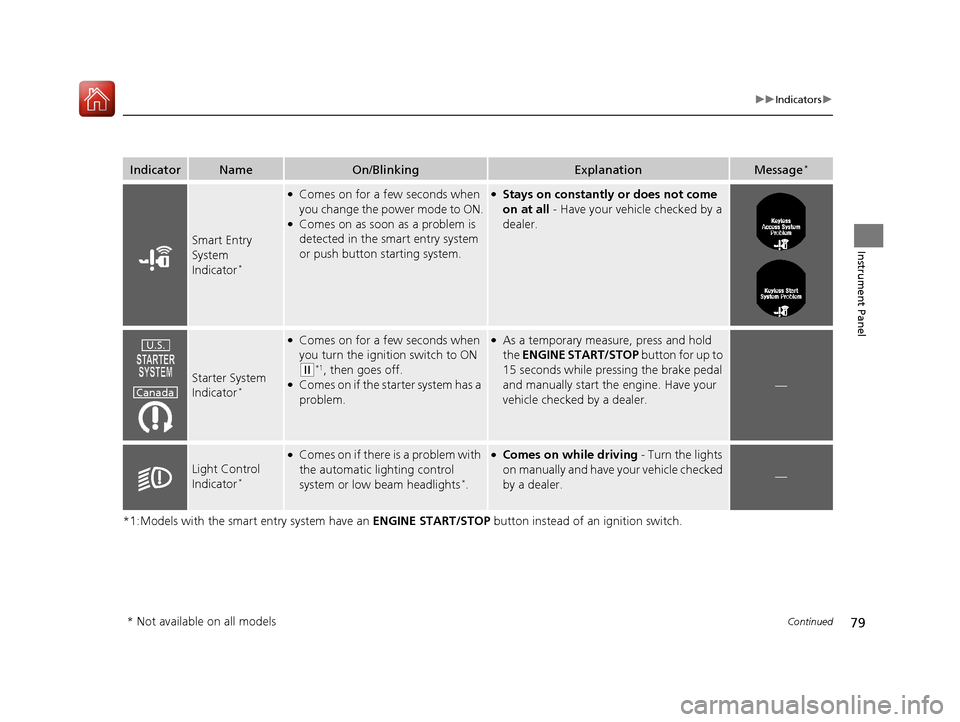
IndicatorNameOn/BlinkingExplanationMessage*
Smart Entry
System
Indicator
*
●Comes on for a few seconds when
you change the power mode to ON.
●Comes on as soon as a problem is
detected in the smart entry system
or push button starting system.
●Stays on constantly or does not come
on at all - Have your vehicle checked by a
dealer.
Starter System
Indicator*
●Comes on for a few seconds when
you turn the ignition switch to ON
(w*1, then goes off.●Comes on if the starter system has a
problem.
●As a temporary measure, press and hold
the ENGINE START/STOP button for up to
15 seconds while pressing the brake pedal
and manually start the engine. Have your
vehicle checked by a dealer.
—
Light Control
Indicator*
●Comes on if there is a problem with
the automatic lighting control
system or low beam headlights
*.
●Comes on while driving - Turn the lights
on manually and have your vehicle checked
by a dealer.
—
U.S.
Canada
* Not available on all models
17 ACCORD 4D GAS-31T2A6400.book 79 ページ 2016年6月7日 火曜日 午後5時6分
Page 83 of 613
82
uuIndicators u
Instrument Panel
*1:Models with the smart entry system have an ENGINE START/STOP button instead of an ignition switch.
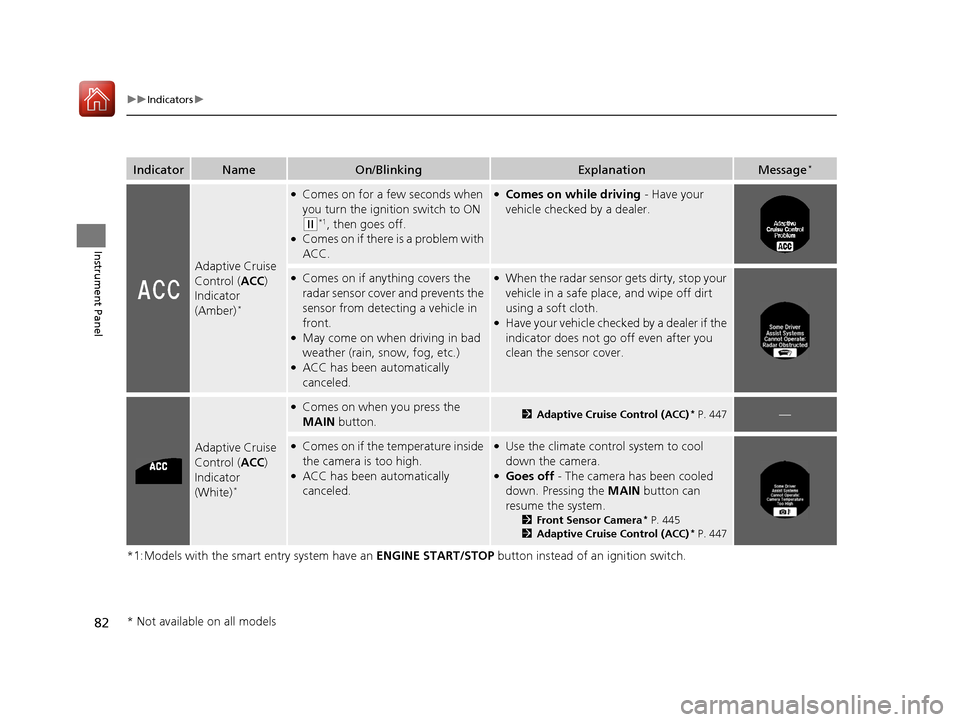
IndicatorNameOn/BlinkingExplanationMessage*
Adaptive Cruise
Control (ACC)
Indicator
(Amber)
*
●Comes on for a few seconds when
you turn the ignition switch to ON
(w*1, then goes off.●Comes on if there is a problem with
ACC.
●Comes on while driving - Have your
vehicle checked by a dealer.
●Comes on if anything covers the
radar sensor cover and prevents the
sensor from detecting a vehicle in
front.
●May come on when driving in bad
weather (rain, snow, fog, etc.)
●ACC has been automatically
canceled.
●When the radar sensor gets dirty, stop your
vehicle in a safe place, and wipe off dirt
using a soft cloth.
●Have your vehicle checked by a dealer if the
indicator does not go off even after you
clean the sensor cover.
Adaptive Cruise
Control ( ACC)
Indicator
(White)
*
●Comes on when you press the
MAIN button.2Adaptive Cruise Control (ACC)* P. 447—
●Comes on if the temperature inside
the camera is too high.
●ACC has been automatically
canceled.
●Use the climate control system to cool
down the camera.
●Goes off - The camera has been cooled
down. Pressing the MAIN button can
resume the system.
2 Front Sensor Camera* P. 445
2 Adaptive Cruise Control (ACC)* P. 447
* Not available on all models
17 ACCORD 4D GAS-31T2A6400.book 82 ページ 2016年6月7日 火曜日 午後5時6分
Page 87 of 613
86
uuIndicators uInformation Display Warning and Information Messages*
Instrument Panel
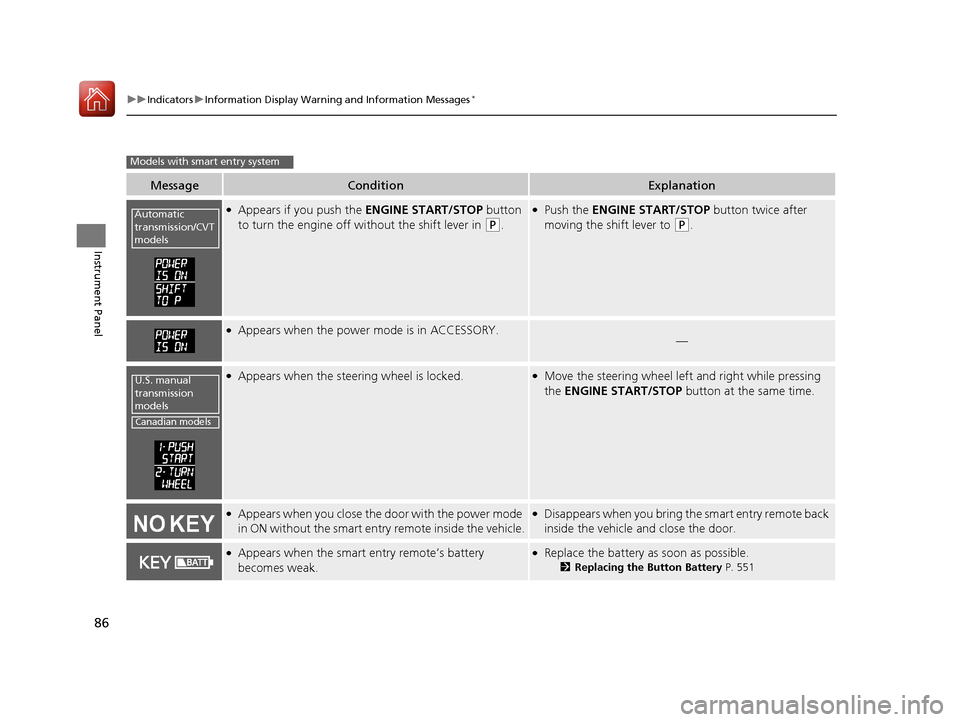
MessageConditionExplanation
●Appears if you push the ENGINE START/STOP button
to turn the engine off wi thout the shift lever in
(P.
●Push the ENGINE START/STOP button twice after
moving the shift lever to
(P.
●Appears when the power mode is in ACCESSORY.—
●Appears when the steering wheel is locked.●Move the steering wheel left and right while pressing
the ENGINE START/STOP button at the same time.
●Appears when you close the door with the power mode
in ON without the smart entry remote inside the vehicle.●Disappears when you bring the smart entry remote back
inside the vehicle and close the door.
●Appears when the smart entry remote’s battery
becomes weak.●Replace the battery as soon as possible.
2Replacing the Button Battery P. 551
Models with smart entry system
Automatic
transmission/CVT
models
U.S. manual
transmission
models
Canadian models
17 ACCORD 4D GAS-31T2A6400.book 86 ページ 2016年6月7日 火曜日 午後5時6分
Page 89 of 613
88
uuIndicators uMulti-Information Display Warn ing and Information Messages*
Instrument Panel
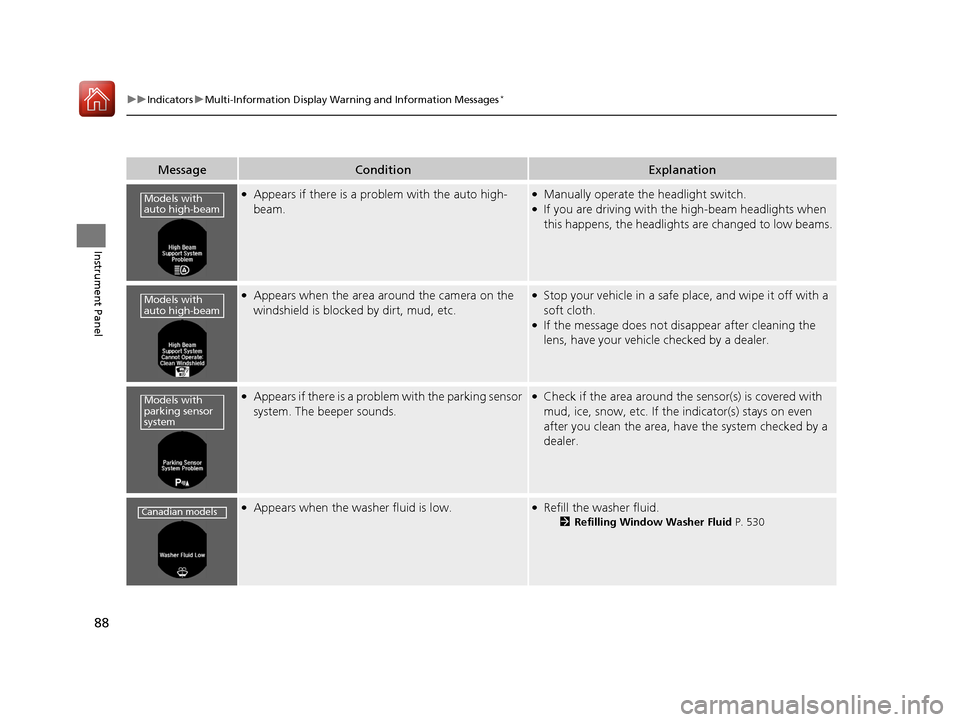
MessageConditionExplanation
●Appears if there is a problem with the auto high-
beam.●Manually operate the headlight switch.●If you are driving with th e high-beam headlights when
this happens, the headlights are changed to low beams.
●Appears when the area around the camera on the
windshield is blocked by dirt, mud, etc.●Stop your vehicle in a safe pl ace, and wipe it off with a
soft cloth.
●If the message does not disappear after cleaning the
lens, have your vehicle checked by a dealer.
●Appears if there is a problem with the parking sensor
system. The beeper sounds.●Check if the area around the sensor(s) is covered with
mud, ice, snow, etc. If the indicator(s) stays on even
after you clean the area, have the system checked by a
dealer.
●Appears when the washer fluid is low.●Refill the washer fluid.
2 Refilling Window Washer Fluid P. 530
Models with
auto high-beam
Models with
auto high-beam
Models with
parking sensor
system
Canadian models
17 ACCORD 4D GAS-31T2A6400.book 88 ページ 2016年6月7日 火曜日 午後5時6分
Page 91 of 613
90
uuIndicators uMulti-Information Display Warn ing and Information Messages*
Instrument Panel
MessageConditionExplanation
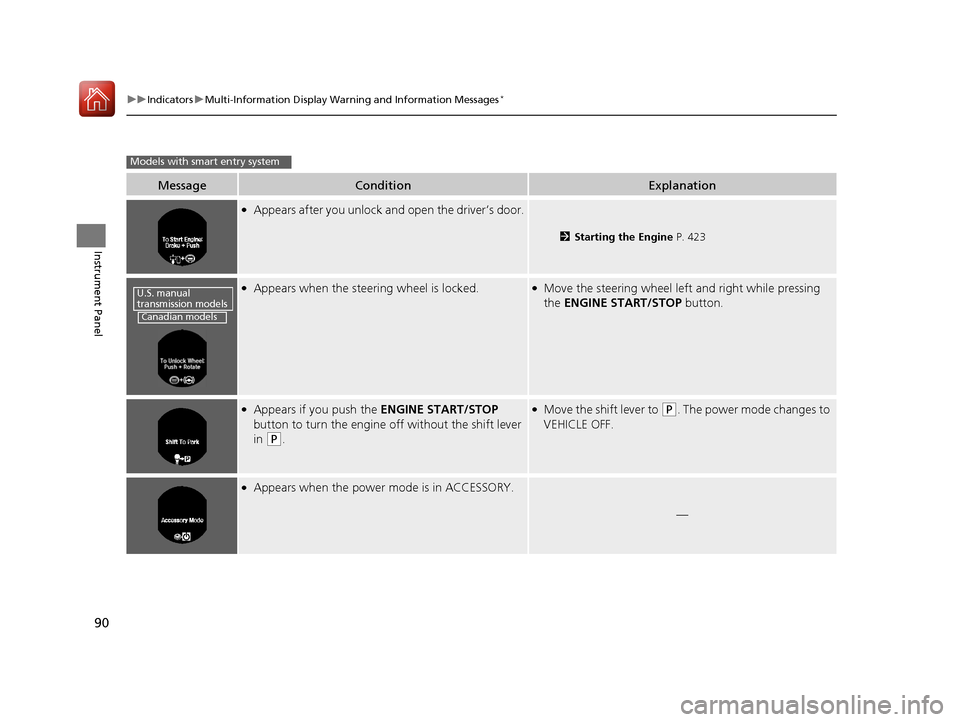
●Appears after you unlock and open the driver’s door.
2Starting the Engine P. 423
●Appears when the steering wheel is locked.●Move the steering wheel le ft and right while pressing
the ENGINE START/STOP button.
●Appears if you push the ENGINE START/STOP
button to turn the engine off without the shift lever
in
(P.
●Move the shift lever to (P. The power mode changes to
VEHICLE OFF.
●Appears when the power mode is in ACCESSORY.
—
Models with smart entry system
U.S. manual
transmission models
Canadian models
17 ACCORD 4D GAS-31T2A6400.book 90 ページ 2016年6月7日 火曜日 午後5時6分
Page 93 of 613
92
uuIndicators uMulti-Information Display Warn ing and Information Messages*
Instrument Panel
MessageConditionExplanation
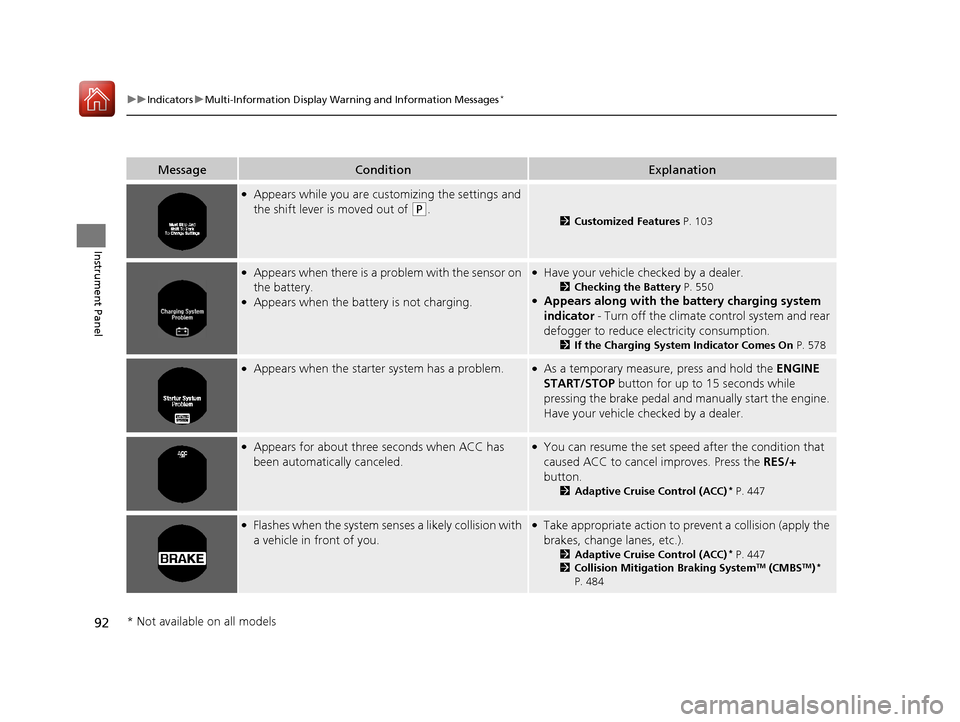
●Appears while you are customizing the settings and
the shift lever is moved out of
(P.2Customized Features P. 103
●Appears when there is a pr oblem with the sensor on
the battery.
●Appears when the battery is not charging.
●Have your vehicle ch ecked by a dealer.
2Checking the Battery P. 550●Appears along with the ba ttery charging system
indicator - Turn off the climate control system and rear
defogger to reduce electricity consumption.
2 If the Charging System Indicator Comes On P. 578
●Appears when the starter system has a problem.●As a temporary measure, press and hold the ENGINE
START/STOP button for up to 15 seconds while
pressing the brake pedal and manually start the engine.
Have your vehicle ch ecked by a dealer.
●Appears for about three seconds when ACC has
been automatically canceled.●You can resume the set speed after the condition that
caused ACC to cancel improves. Press the RES/+
button.
2 Adaptive Cruise Control (ACC)* P. 447
●Flashes when the system sens es a likely collision with
a vehicle in front of you.●Take appropriate action to prev ent a collision (apply the
brakes, change lanes, etc.).
2 Adaptive Cruise Control (ACC)* P. 447
2 Collision Mitigation Braking SystemTM (CMBSTM)*
P. 484
* Not available on all models
17 ACCORD 4D GAS-31T2A6400.book 92 ページ 2016年6月7日 火曜日 午後5時6分
Page 94 of 613
93
uuIndicators uMulti-Information Display Warn ing and Information Messages*
Continued
Instrument Panel
MessageConditionExplanation
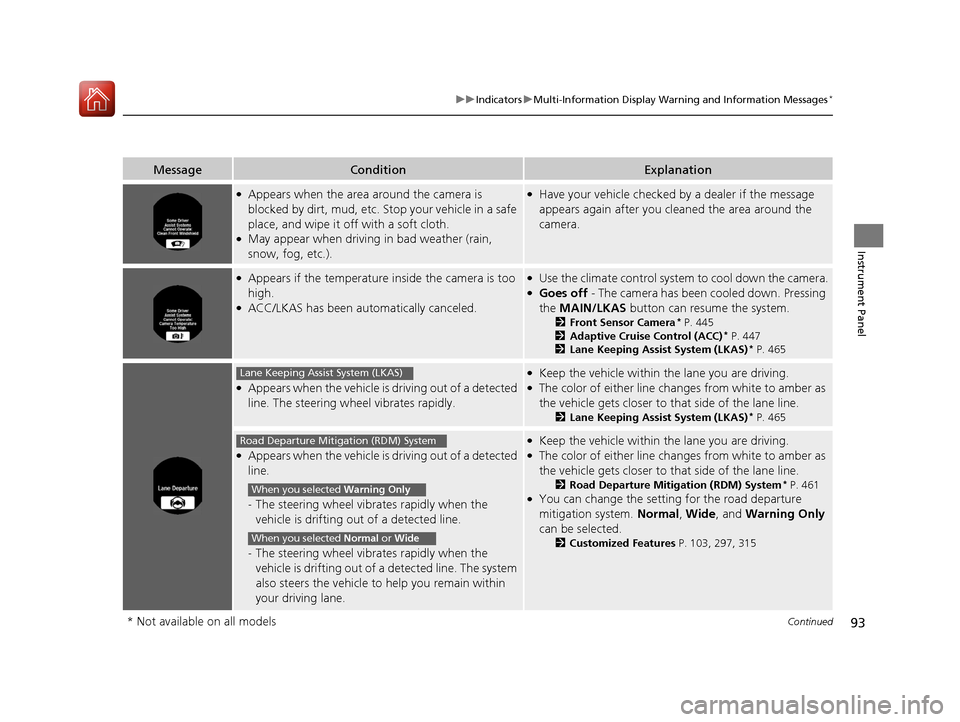
●Appears when the area around the camera is
blocked by dirt, mud, etc. Stop your vehicle in a safe
place, and wipe it off with a soft cloth.
●May appear when driving in bad weather (rain,
snow, fog, etc.).
●Have your vehicle checked by a dealer if the message
appears again after you cleaned the area around the
camera.
●Appears if the temperature inside the camera is too
high.
●ACC/LKAS has been automatically canceled.
●Use the climate control system to cool down the camera.●Goes off - The camera has been cooled down. Pressing
the MAIN/LKAS button can resume the system.
2Front Sensor Camera* P. 445
2 Adaptive Cruise Control (ACC)* P. 447
2 Lane Keeping Assist System (LKAS)* P. 465
●Appears when the vehicle is driving out of a detected
line. The steering wheel vibrates rapidly.
●Keep the vehicle within the lane you are driving.●The color of either line changes from white to amber as
the vehicle gets closer to that side of the lane line.
2Lane Keeping Assist System (LKAS)* P. 465
●Appears when the vehicle is driving out of a detected
line.
- The steering wheel vibr ates rapidly when the
vehicle is drifting out of a detected line.
- The steering wheel vibr ates rapidly when the
vehicle is drifting out of a detected line. The system
also steers the vehicle to help you remain within
your driving lane.
●Keep the vehicle within the lane you are driving.●The color of either line changes from white to amber as
the vehicle gets closer to that side of the lane line.
2Road Departure Mitigation (RDM) System* P. 461●You can change the setting for the road departure
mitigation system. Normal, Wide , and Warning Only
can be selected.
2 Customized Features P. 103, 297, 315
Lane Keeping Assist System (LKAS)
Road Departure Mitigation (RDM) System
When you selected Warning Only
When you selected Normal or Wide
* Not available on all models
17 ACCORD 4D GAS-31T2A6400.book 93 ページ 2016年6月7日 火曜日 午後5時6分
Page 95 of 613
94
uuIndicators uMulti-Information Display Warn ing and Information Messages*
Instrument Panel
MessageConditionExplanation
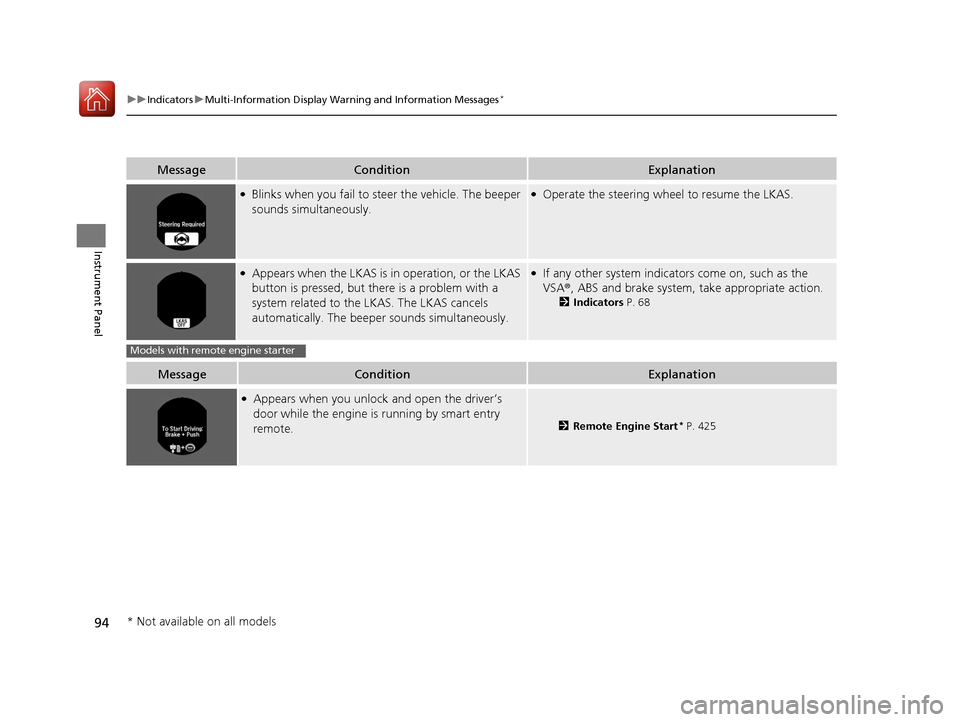
●Blinks when you fail to steer the vehicle. The beeper
sounds simultaneously.●Operate the steering wheel to resume the LKAS.
●Appears when the LKAS is in operation, or the LKAS
button is pressed, but there is a problem with a
system related to the LKAS. The LKAS cancels
automatically. The beeper sounds simultaneously.●If any other system indicato rs come on, such as the
VSA ®, ABS and brake system, take appropriate action.
2Indicators P. 68
MessageConditionExplanation
●Appears when you unlock and open the driver’s
door while the engine is running by smart entry
remote.
2Remote Engine Start* P. 425
Models with remote engine starter
* Not available on all models
17 ACCORD 4D GAS-31T2A6400.book 94 ページ 2016年6月7日 火曜日 午後5時6分
Page 96 of 613
95
Instrument Panel
Gauges and Displays
Gauges
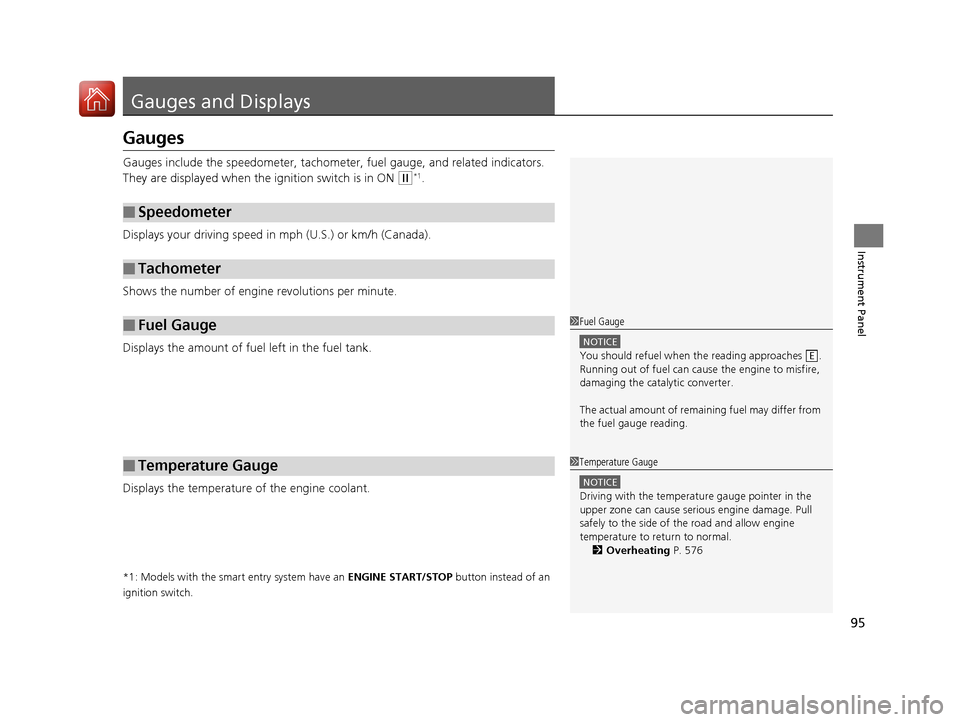
Gauges include the speedometer, tachometer, fuel gauge, and related indicators.
They are displayed when the ignition switch is in ON
(w*1.
Displays your driving speed in mph (U.S.) or km/h (Canada).
Shows the number of engine revolutions per minute.
Displays the amount of fuel left in the fuel tank.
Displays the temperature of the engine coolant.
*1: Models with the smart entry system have an ENGINE START/STOP button instead of an
ignition switch.
■Speedometer
■Tachometer
■Fuel Gauge
■Temperature Gauge
1 Fuel Gauge
NOTICE
You should refuel when the reading approaches .
Running out of fuel can cause the engine to misfire,
damaging the cata lytic converter.
The actual amount of remain ing fuel may differ from
the fuel gauge reading.E
1 Temperature Gauge
NOTICE
Driving with the temperat ure gauge pointer in the
upper zone can cause serious engine damage. Pull
safely to the side of th e road and allow engine
temperature to return to normal. 2 Overheating P. 576
17 ACCORD 4D GAS-31T2A6400.book 95 ページ 2016年6月7日 火曜日 午後5時6分
Page 98 of 613
Continued97
uuGauges and Displays uInformation Display*
Instrument Panel
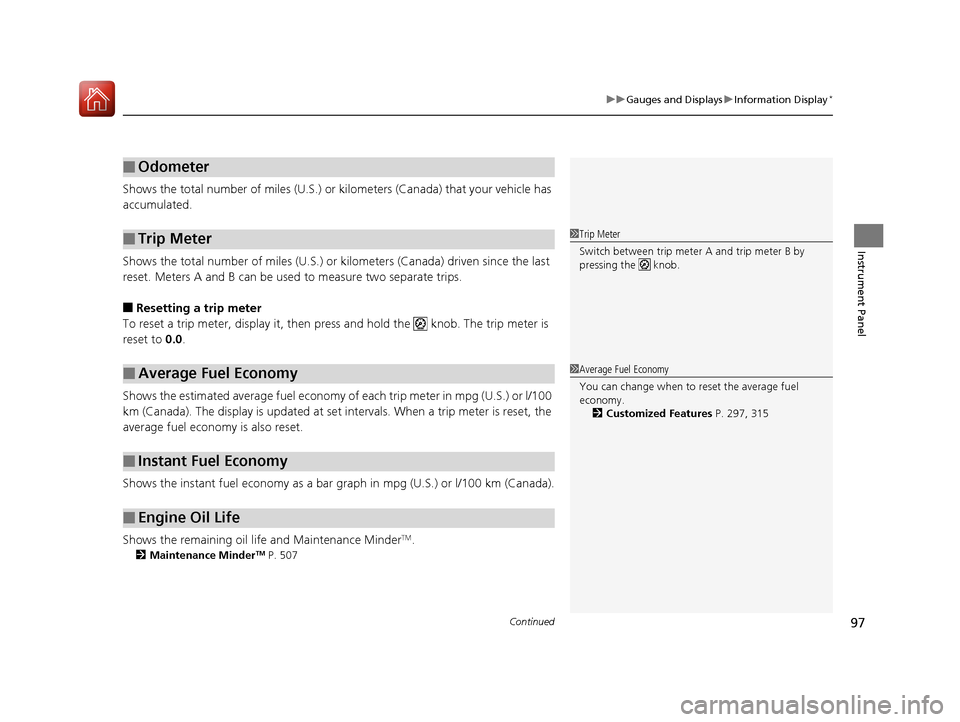
Shows the total number of miles (U.S.) or kilometers (Canada) that your vehicle has
accumulated.
Shows the total number of miles (U.S.) or k ilometers (Canada) driven since the last
reset. Meters A and B can be used to measure two separate trips.
■Resetting a trip meter
To reset a trip meter, display it, then pr ess and hold the knob. The trip meter is
reset to 0.0.
Shows the estimated average fuel economy of each trip meter in mpg (U.S.) or l/100
km (Canada). The display is updated at set intervals. When a trip meter is reset, the
average fuel economy is also reset.
Shows the instant fuel economy as a bar gr aph in mpg (U.S.) or l/100 km (Canada).
Shows the remaining oil life and Maintenance Minder
TM.
2 Maintenance MinderTM P. 507
■Odometer
■Trip Meter
■Average Fuel Economy
■Instant Fuel Economy
■Engine Oil Life
1Trip Meter
Switch between trip meter A and trip meter B by
pressing the knob.
1Average Fuel Economy
You can change when to reset the average fuel
economy.
2 Customized Features P. 297, 315
17 ACCORD 4D GAS-31T2A6400.book 97 ページ 2016年6月7日 火曜日 午後5時6分