bluetooth HONDA CROSSTOUR 2014 1.G Repair Manual
[x] Cancel search | Manufacturer: HONDA, Model Year: 2014, Model line: CROSSTOUR, Model: HONDA CROSSTOUR 2014 1.GPages: 573, PDF Size: 21.2 MB
Page 352 of 573
Continued
351
uuBluetooth® HandsFreeLink®uHFL Menus
Features
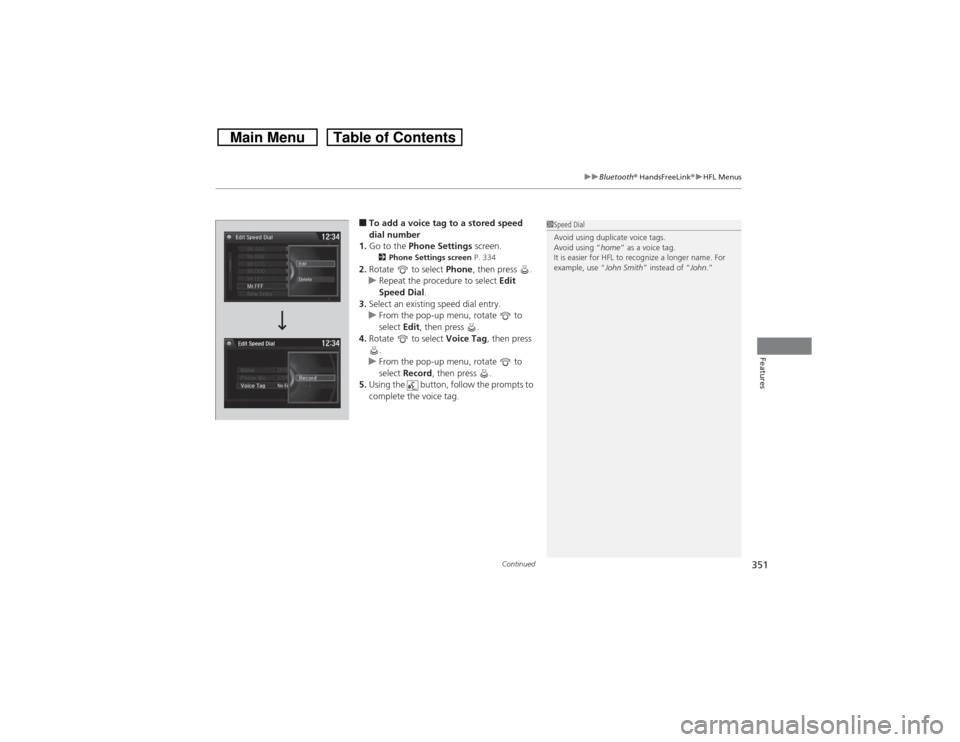
■To add a voice tag to a stored speed
dial number
1.Go to the Phone Settings screen.2Phone Settings screen P. 334
2.Rotate to select Phone, then press .
uRepeat the procedure to select Edit
Speed Dial.
3.Select an existing speed dial entry.
uFrom the pop-up menu, rotate to
select Edit, then press .
4.Rotate to select Voice Tag, then press
.
uFrom the pop-up menu, rotate to
select Record, then press .
5.Using the button, follow the prompts to
complete the voice tag.
1Speed Dial
Avoid using duplicate voice tags.
Avoid using “home” as a voice tag.
It is easier for HFL to recognize a longer name. For
example, use “John Smith” instead of “John.”
Page 353 of 573
352
uuBluetooth® HandsFreeLink®uHFL Menus
Features
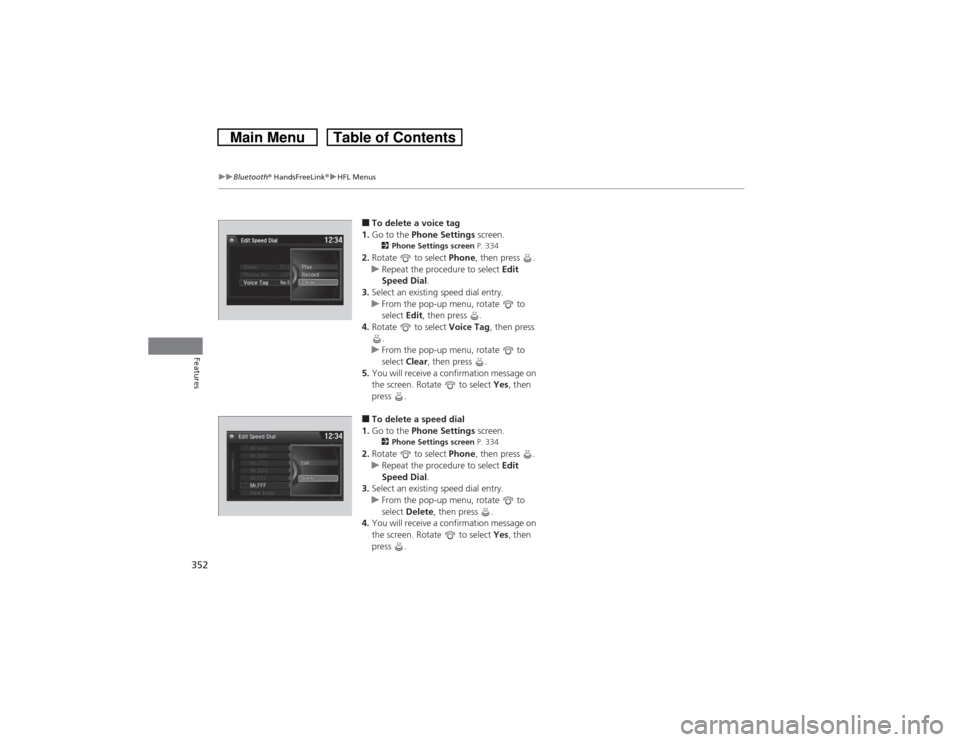
■To delete a voice tag
1.Go to the Phone Settings screen.2Phone Settings screen P. 334
2.Rotate to select Phone, then press .
uRepeat the procedure to select Edit
Speed Dial.
3.Select an existing speed dial entry.
uFrom the pop-up menu, rotate to
select Edit, then press .
4.Rotate to select Voice Tag, then press
.
uFrom the pop-up menu, rotate to
select Clear, then press .
5.You will receive a confirmation message on
the screen. Rotate to select Yes, then
press .■To delete a speed dial
1.Go to the Phone Settings screen.2Phone Settings screen P. 334
2.Rotate to select Phone, then press .
uRepeat the procedure to select Edit
Speed Dial.
3.Select an existing speed dial entry.
uFrom the pop-up menu, rotate to
select Delete, then press .
4.You will receive a confirmation message on
the screen. Rotate to select Yes, then
press .
Page 354 of 573
Continued
353
uuBluetooth® HandsFreeLink®uHFL Menus
Features
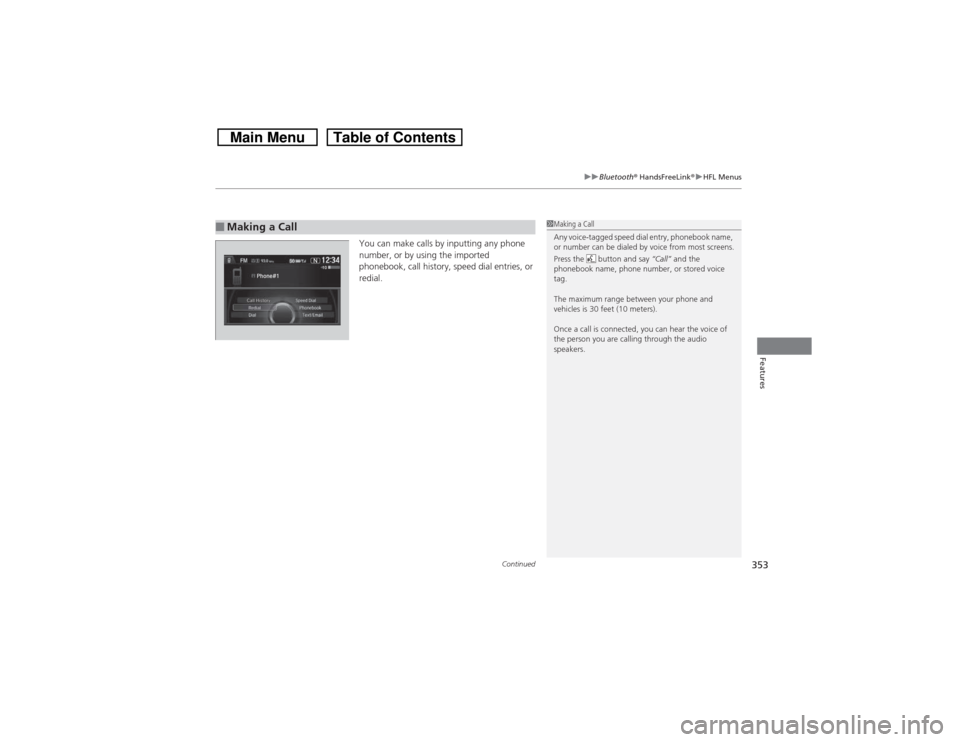
You can make calls by inputting any phone
number, or by using the imported
phonebook, call history, speed dial entries, or
redial.
■Making a Call
1Making a Call
Any voice-tagged speed dial entry, phonebook name,
or number can be dialed by voice from most screens.
Press the button and say “Call” and the
phonebook name, phone number, or stored voice
tag.
The maximum range between your phone and
vehicles is 30 feet (10 meters).
Once a call is connected, you can hear the voice of
the person you are calling through the audio
speakers.
Page 355 of 573
uuBluetooth® HandsFreeLink®uHFL Menus
354Features
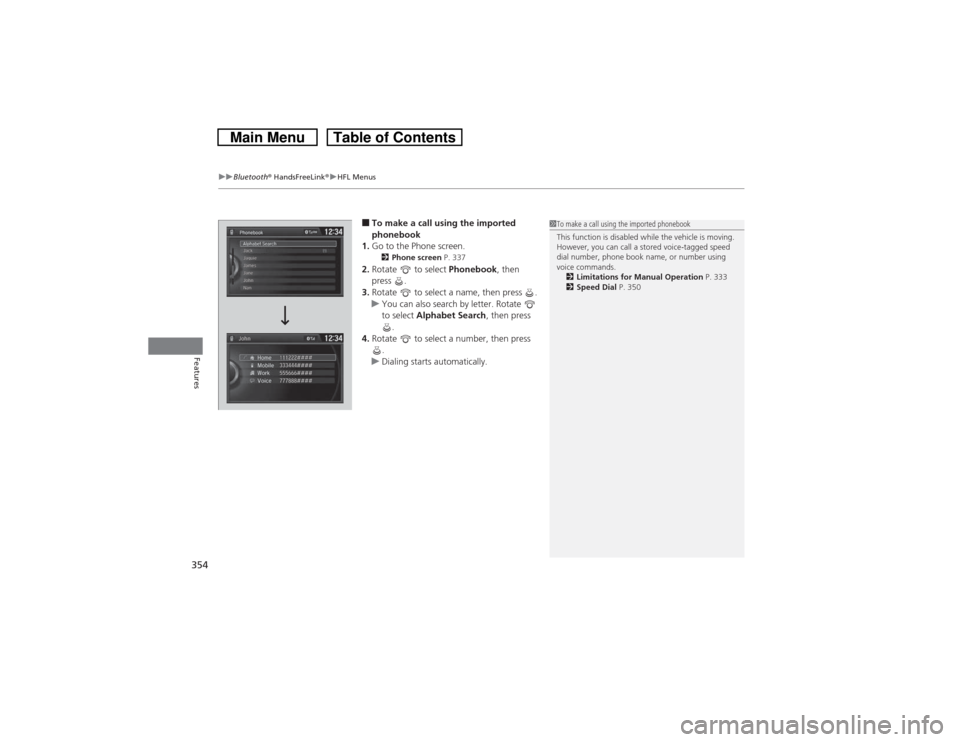
■To make a call using the imported
phonebook
1.Go to the Phone screen.2Phone screen P. 337
2.Rotate to select Phonebook, then
press .
3.Rotate to select a name, then press .
uYou can also search by letter. Rotate
to select Alphabet Search, then press
.
4.Rotate to select a number, then press
.
uDialing starts automatically.
1To make a call using the imported phonebook
This function is disabled while the vehicle is moving.
However, you can call a stored voice-tagged speed
dial number, phone book name, or number using
voice commands.
2Limitations for Manual Operation P. 333
2Speed Dial P. 350
Page 356 of 573
Continued
355
uuBluetooth® HandsFreeLink®uHFL Menus
Features
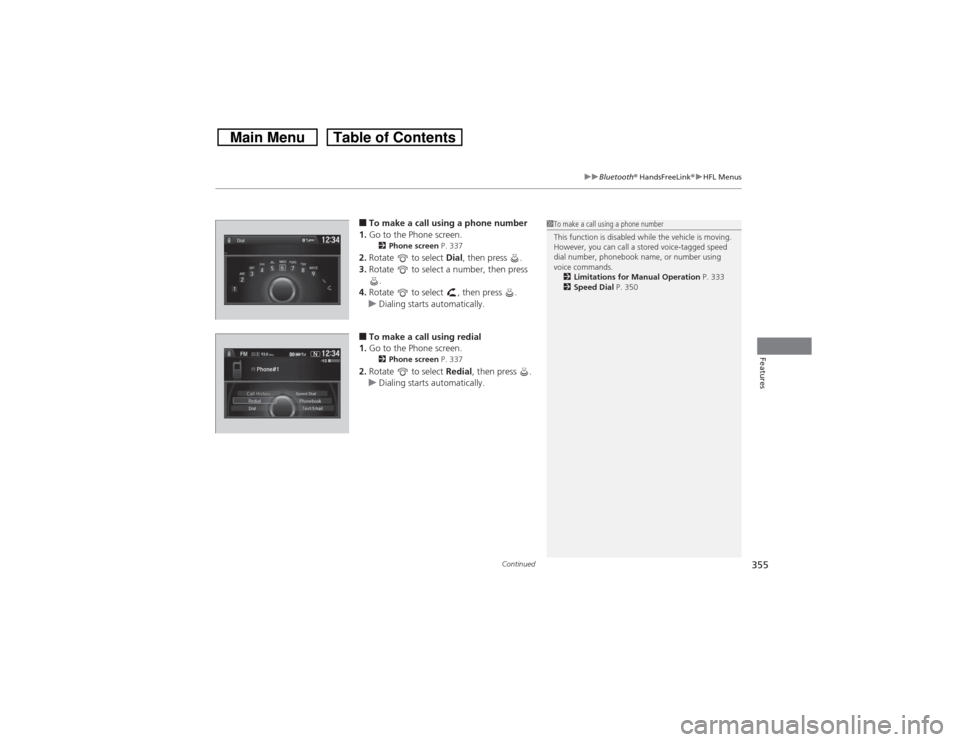
■To make a call using a phone number
1.Go to the Phone screen.2Phone screen P. 337
2.Rotate to select Dial, then press .
3.Rotate to select a number, then press
.
4.Rotate to select , then press .
uDialing starts automatically.■To make a call using redial
1.Go to the Phone screen.2Phone screen P. 337
2.Rotate to select Redial, then press .
uDialing starts automatically.
1To make a call using a phone number
This function is disabled while the vehicle is moving.
However, you can call a stored voice-tagged speed
dial number, phonebook name, or number using
voice commands.
2Limitations for Manual Operation P. 333
2Speed Dial P. 350
Page 357 of 573
uuBluetooth® HandsFreeLink®uHFL Menus
356Features
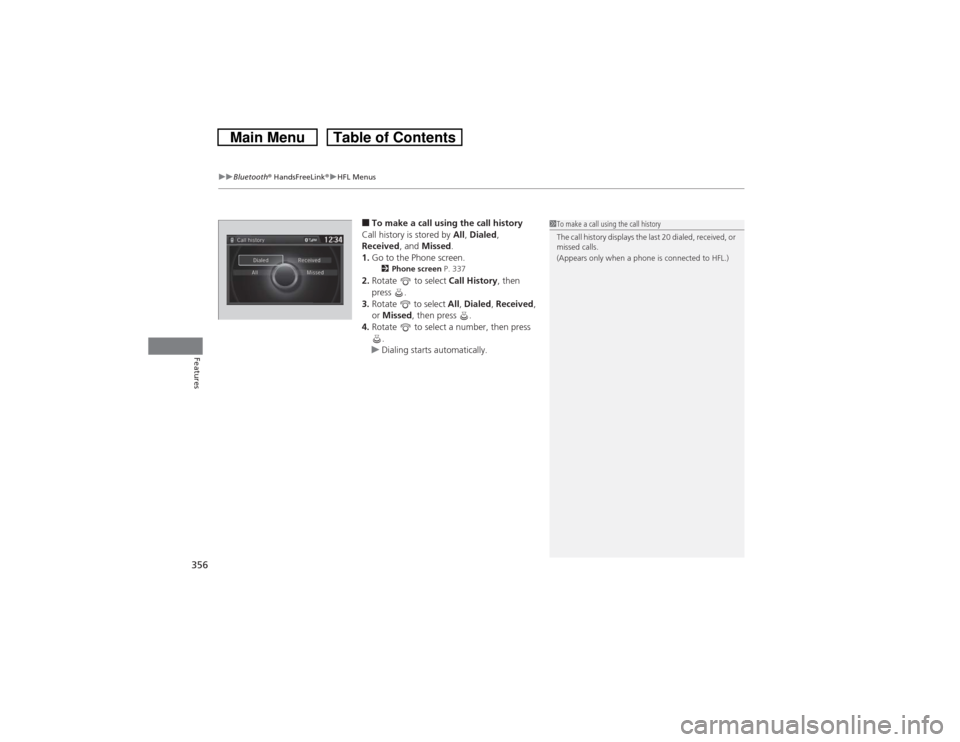
■To make a call using the call history
Call history is stored by All, Dialed,
Received, and Missed.
1.Go to the Phone screen.2Phone screen P. 337
2.Rotate to select Call History, then
press .
3.Rotate to select All, Dialed, Received,
or Missed, then press .
4.Rotate to select a number, then press
.
uDialing starts automatically.
1To make a call using the call history
The call history displays the last 20 dialed, received, or
missed calls.
(Appears only when a phone is connected to HFL.)
Page 358 of 573
Continued
357
uuBluetooth® HandsFreeLink®uHFL Menus
Features
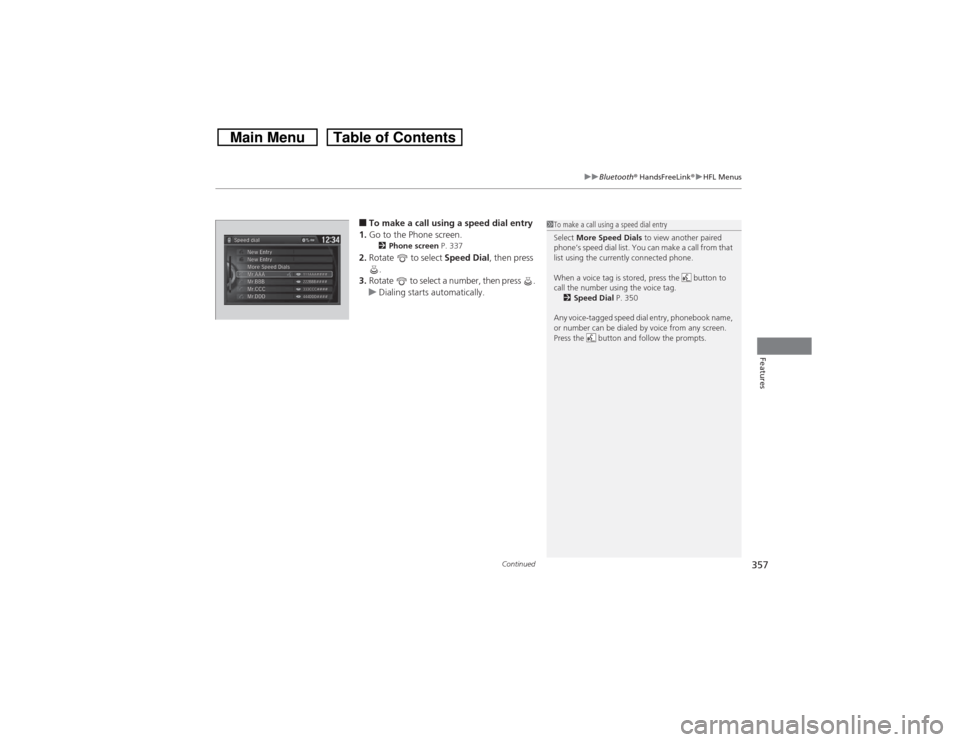
■To make a call using a speed dial entry
1.Go to the Phone screen.2Phone screen P. 337
2.Rotate to select Speed Dial, then press
.
3.Rotate to select a number, then press .
uDialing starts automatically.
1To make a call using a speed dial entry
Select More Speed Dials to view another paired
phone’s speed dial list. You can make a call from that
list using the currently connected phone.
When a voice tag is stored, press the button to
call the number using the voice tag.
2Speed Dial P. 350
Any voice-tagged speed dial entry, phonebook name,
or number can be dialed by voice from any screen.
Press the button and follow the prompts.
Page 359 of 573
uuBluetooth® HandsFreeLink®uHFL Menus
358Features
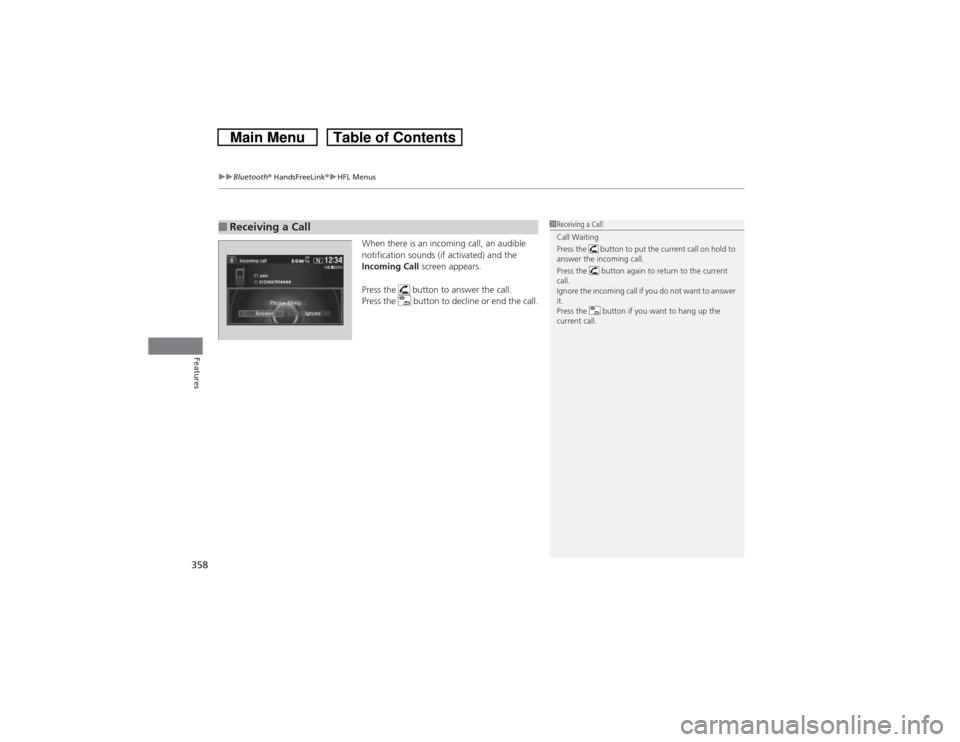
When there is an incoming call, an audible
notification sounds (if activated) and the
Incoming Call screen appears.
Press the button to answer the call.
Press the button to decline or end the call.
■Receiving a Call
1Receiving a Call
Call Waiting
Press the button to put the current call on hold to
answer the incoming call.
Press the button again to return to the current
call.
Ignore the incoming call if you do not want to answer
it.
Press the button if you want to hang up the
current call.
Page 360 of 573
Continued
359
uuBluetooth® HandsFreeLink®uHFL Menus
Features
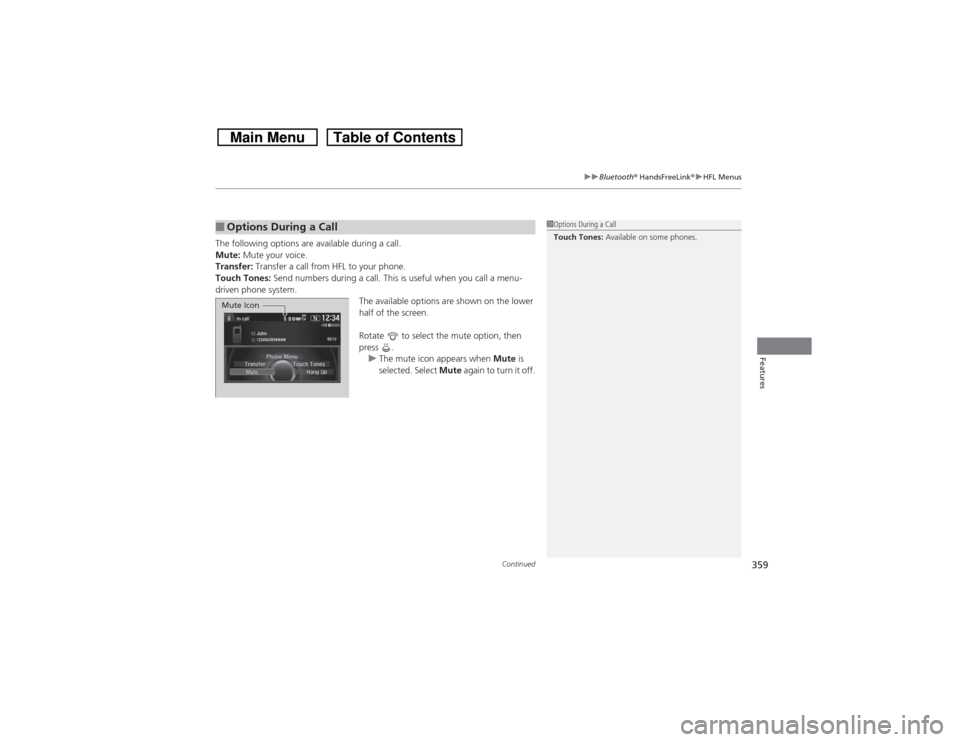
The following options are available during a call.
Mute: Mute your voice.
Transfer: Transfer a call from HFL to your phone.
Touch Tones: Send numbers during a call. This is useful when you call a menu-
driven phone system.
The available options are shown on the lower
half of the screen.
Rotate to select the mute option, then
press .
uThe mute icon appears when Mute is
selected. Select Mute again to turn it off.■Options During a Call
1Options During a Call
Touch Tones: Available on some phones.
Mute Icon
Page 361 of 573
uuBluetooth® HandsFreeLink®uHFL Menus
360Features
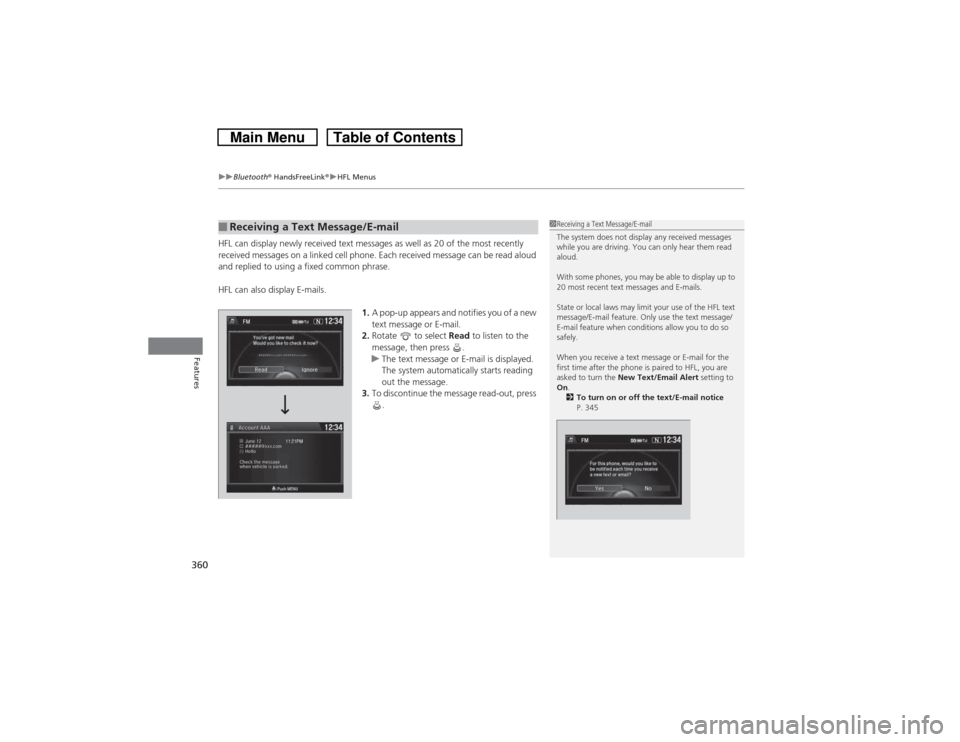
HFL can display newly received text messages as well as 20 of the most recently
received messages on a linked cell phone. Each received message can be read aloud
and replied to using a fixed common phrase.
HFL can also display E-mails.
1.A pop-up appears and notifies you of a new
text message or E-mail.
2.Rotate to select Read to listen to the
message, then press .
uThe text message or E-mail is displayed.
The system automatically starts reading
out the message.
3.To discontinue the message read-out, press
.■Receiving a Text Message/E-mail
1Receiving a Text Message/E-mail
The system does not display any received messages
while you are driving. You can only hear them read
aloud.
With some phones, you may be able to display up to
20 most recent text messages and E-mails.
State or local laws may limit your use of the HFL text
message/E-mail feature. Only use the text message/
E-mail feature when conditions allow you to do so
safely.
When you receive a text message or E-mail for the
first time after the phone is paired to HFL, you are
asked to turn the New Text/Email Alert setting to
On.
2To turn on or off the text/E-mail notice
P. 345