display HONDA HRV 2023 Workshop Manual
[x] Cancel search | Manufacturer: HONDA, Model Year: 2023, Model line: HRV, Model: HONDA HRV 2023Pages: 664, PDF Size: 20.2 MB
Page 250 of 664
248
uuAudio System Basic Operation uAudio/Information Screen
Features
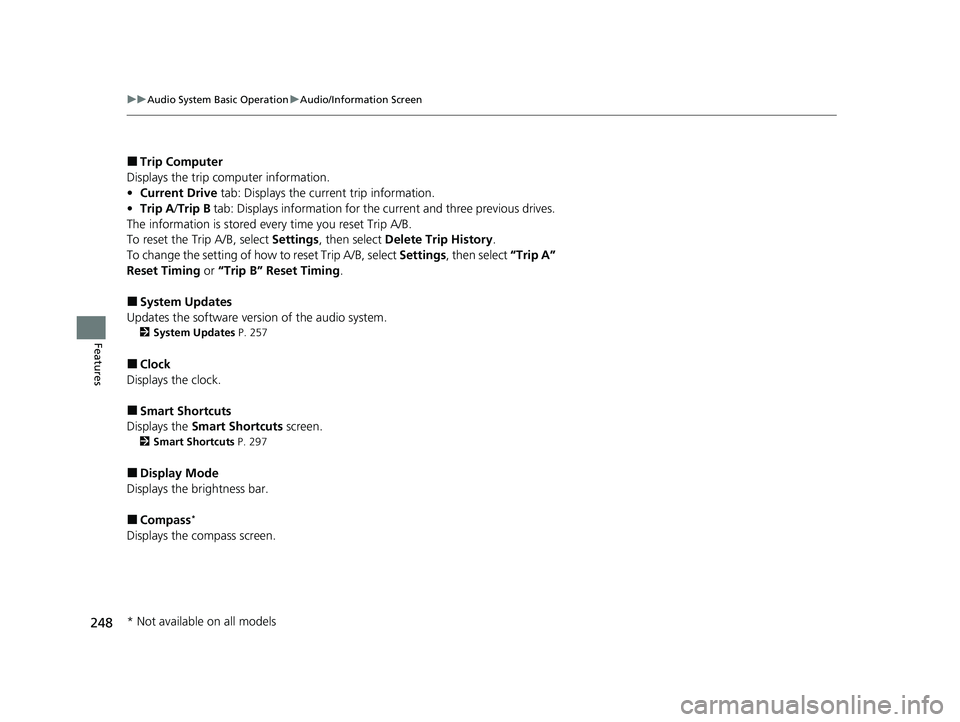
■Trip Computer
Displays the trip computer information.
• Current Drive tab: Displays the current trip information.
• Trip A /Trip B tab: Displays information for the current and three previous drives.
The information is stored ever y time you reset Trip A/B.
To reset the Trip A/B, select Settings, then select Delete Trip History .
To change the setting of how to reset Trip A/B, select Settings, then select “Trip A”
Reset Timing or “Trip B” Reset Timing .
■System Updates
Updates the software versi on of the audio system.
2System Updates P. 257
■Clock
Displays the clock.
■Smart Shortcuts
Displays the Smart Shortcuts screen.
2Smart Shortcuts P. 297
■Display Mode
Displays the brightness bar.
■Compass*
Displays the compass screen.
* Not available on all models
23 HR-V-313V06000_01.book 248 ページ 2022年4月4日 月曜日 午前10時49分
Page 251 of 664
Continued249
uuAudio System Basic Operation uAudio/Information Screen
Features
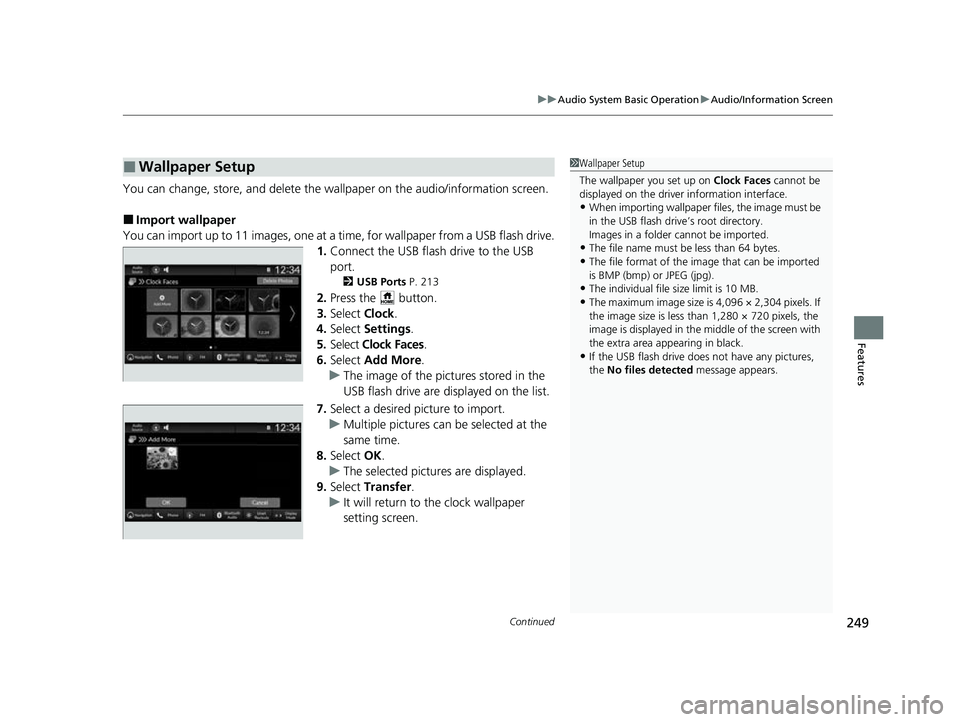
You can change, store, and delete the wallpaper on the audio/ information screen.
■Import wallpaper
You can import up to 11 images, one at a ti me, for wallpaper from a USB flash drive.
1. Connect the USB flash drive to the USB
port.
2 USB Ports P. 213
2.Press the button.
3. Select Clock.
4. Select Settings .
5. Select Clock Faces .
6. Select Add More .
u The image of the pictures stored in the
USB flash drive are displayed on the list.
7. Select a desired picture to import.
u Multiple pictures can be selected at the
same time.
8. Select OK.
u The selected pictures are displayed.
9. Select Transfer .
u It will return to the clock wallpaper
setting screen.
■Wallpaper Setup1Wallpaper Setup
The wallpaper you set up on Clock Faces cannot be
displayed on the driver information interface.
•When importing wallpaper f iles, the image must be
in the USB flash drive’s root directory.
Images in a folder cannot be imported.
•The file name must be less than 64 bytes.
•The file format of the im age that can be imported
is BMP (bmp) or JPEG (jpg).
•The individual file size limit is 10 MB.
•The maximum image size is 4,096 × 2,304 pixels. If
the image size is less than 1,280 × 720 pixels, the
image is displayed in the middle of the screen with
the extra area appearing in black.
•If the USB flash drive doe s not have any pictures,
the No files detected message appears.
23 HR-V-313V06000_01.book 249 ページ 2022年4月4日 月曜日 午前10時49分
Page 252 of 664
uuAudio System Basic Operation uAudio/Information Screen
250
Features
■Select wallpaper
1. Press the button.
2. Select Clock.
3. Select Settings .
4. Select Clock Faces .
5. Select a desired picture to set.
u The preview is displayed on the screen.
6. Select Save.
u The clock screen which the wallpap er has been set is displayed.
■To view wallpaper once it is set
1. Press the button.
2. Select Clock.
■Delete wallpaper
1. Press the button.
2. Select Clock.
3. Select Settings .
4. Select Clock Faces .
5. Select Delete Photos .
6. Select a desired picture to delete.
u Multiple pictures can be selected at the same time.
7. Select OK.
u The selected pictures are displayed.
8. Select Delete.
u It will return to the clock wallpaper setting screen.
1Wallpaper Setup
You cannot delete the initial imported wallpapers.
23 HR-V-313V06000_01.book 250 ページ 2022年4月4日 月曜日 午前10時49分
Page 259 of 664
257
uuAudio System Basic Operation uSystem Updates
Continued
Features
System Updates
The audio system’s firmware can be updated with a Wi-Fi connection or with a USB
device.
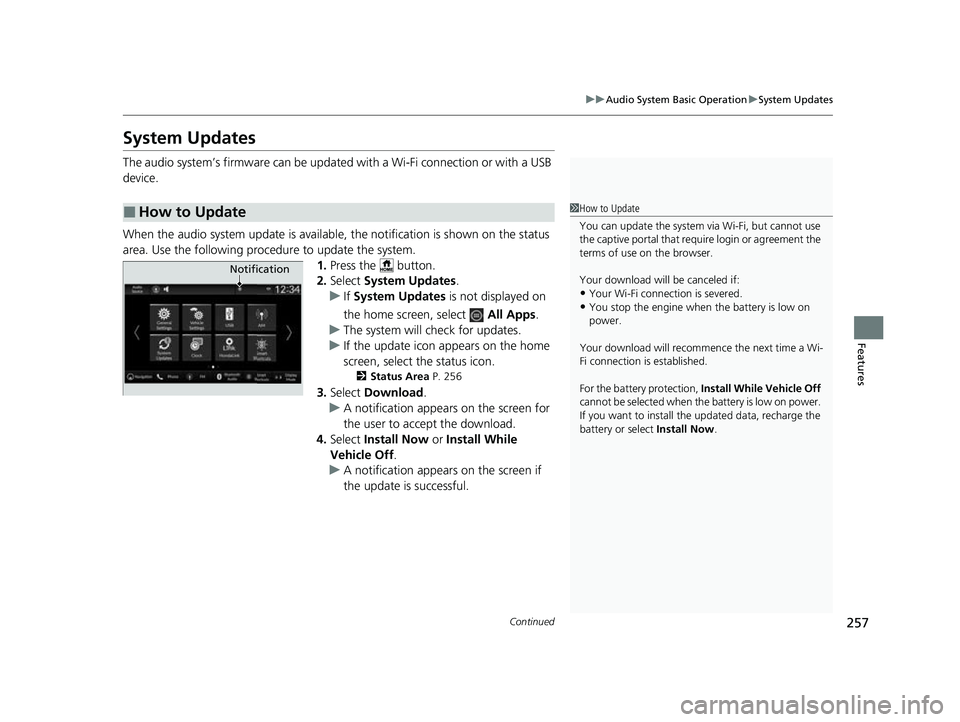
When the audio system update is available, the notification is shown on the status
area. Use the following procedure to update the system. 1.Press the button.
2. Select System Updates .
u If System Updates is not displayed on
the home screen, select All Apps.
u The system will check for updates.
u If the update icon appears on the home
screen, select the status icon.
2 Status Area P. 256
3.Select Download .
u A notification appears on the screen for
the user to acce pt the download.
4. Select Install Now or Install While
Vehicle Off.
u A notification appears on the screen if
the update is successful.
■How to Update1How to Update
You can update the system vi a Wi-Fi, but cannot use
the captive portal that require login or agreement the
terms of use on the browser.
Your download will be canceled if:
•Your Wi-Fi connection is severed.
•You stop the engine when the battery is low on
power.
Your download will recommence the next time a Wi-
Fi connection is established.
For the battery protection, Install While Vehicle Off
cannot be selected when the battery is low on power.
If you want to install the updated data, recharge the
battery or select Install Now.
Notification
23 HR-V-313V06000_01.book 257 ページ 2022年4月4日 月曜日 午前10時49分
Page 260 of 664
258
uuAudio System Basic Operation uSystem Updates
Features
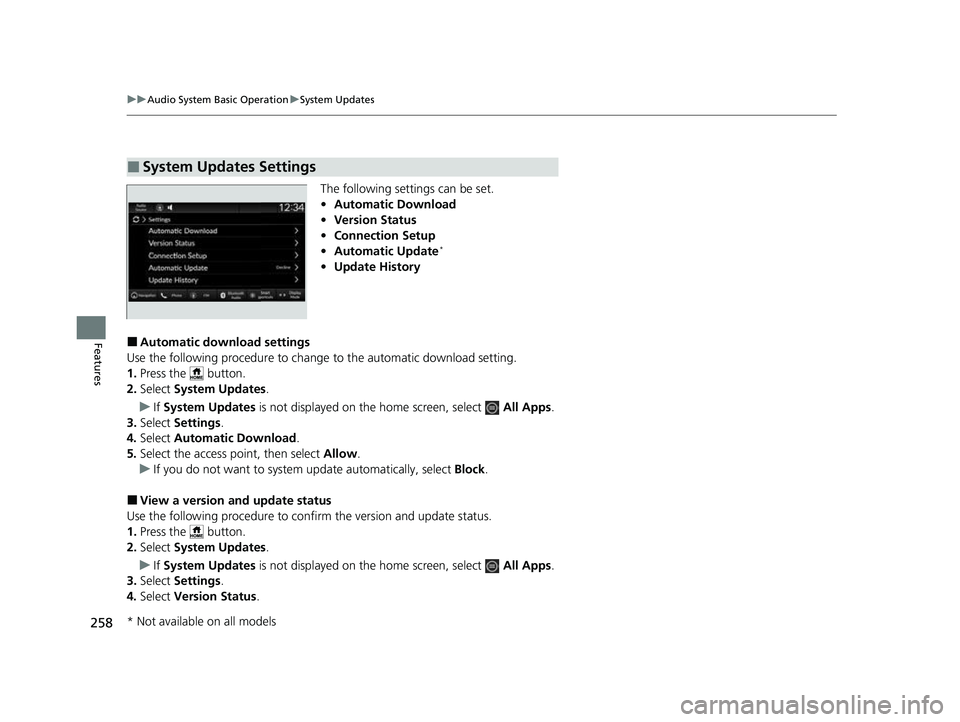
The following settings can be set.
• Automatic Download
• Version Status
• Connection Setup
• Automatic Update
*
•Update History
■Automatic download settings
Use the following procedure to change to the automatic download setting.
1. Press the button.
2. Select System Updates .
u If System Updates is not displayed on th e home screen, select All Apps.
3. Select Settings .
4. Select Automatic Download .
5. Select the access point, then select Allow.
u If you do not want to system update automatically, select Block.
■View a version and update status
Use the following procedure to conf irm the version and update status.
1. Press the button.
2. Select System Updates .
u If System Updates is not displayed on th e home screen, select All Apps.
3. Select Settings .
4. Select Version Status .
■System Updates Settings
* Not available on all models
23 HR-V-313V06000_01.book 258 ページ 2022年4月4日 月曜日 午前10時49分
Page 261 of 664
259
uuAudio System Basic Operation uSystem Updates
Continued
Features
■Connection setup
Use the following procedure to connect to the Internet via a Wi-Fi network.
1. Press the button.
2. Select System Updates .
u If System Updates is not displayed on the home screen, select All Apps.
3. Select Settings .
4. Select Connection Setup .
5. Select OK.
6. Select an access point from the network list.
u To connect to a hotspot that is not automatically detected, select Options
then Add Network .
7. Enter the password.
u If you check the Use this network to automatically download system
updates box, you can set the network to be used for system updates.
8. Select Connect .
■Automatic update settings*
Use the following procedure to chan ge to the automatic update setting.
1. Press the button.
2. Select System Updates .
u If System Updates is not displayed on the home screen, select All Apps.
3. Select Settings .
4. Select Automatic Update .
5. Select Accept .
u If you do not want to system update automatically, select Decline.
* Not available on all models
23 HR-V-313V06000_01.book 259 ページ 2022年4月4日 月曜日 午前10時49分
Page 262 of 664
260
uuAudio System Basic Operation uSystem Updates
Features
■View the update history
Use the following procedure to confirm the update history.
1. Press the button.
2. Select System Updates .
u If System Updates is not displayed on th e home screen, select All Apps.
3. Select Settings .
4. Select Update History .
23 HR-V-313V06000_01.book 260 ページ 2022年4月4日 月曜日 午前10時49分
Page 263 of 664
261
uuAudio System Basic Operation uSystem Updates
Continued
Features
■Wireless connecti on mode setup
1. Press the button.
2. Select System Updates .
u If System Updates is not displayed on the home screen, select All Apps.
3. Select Settings .
4. Select Connection Setup .
5. Select OK.
6. Select an access point from the network list.
u To connect to a hotspot that is not automatically detected, select Options
then Add Network .
7. Enter the password.
u If you check the Use this network to automatically download system
updates box, you can set the network to be used for system updates.
8. Select Connect .
■How to update
1. Press the button.
2. Select System Updates .
u If System Updates is not displayed on the home screen, select All Apps.
3. Select via Wireless .
4. Select Download .
u A notification appears on the screen for the user to accept the download.
5. Select Install Now or Install While Vehicle Off .
u A notification appears on the screen if the update is successful.
■How to Update Wirelessly
23 HR-V-313V06000_01.book 261 ページ 2022年4月4日 月曜日 午前10時49分
Page 264 of 664
uuAudio System Basic Operation uSystem Updates
262
Features
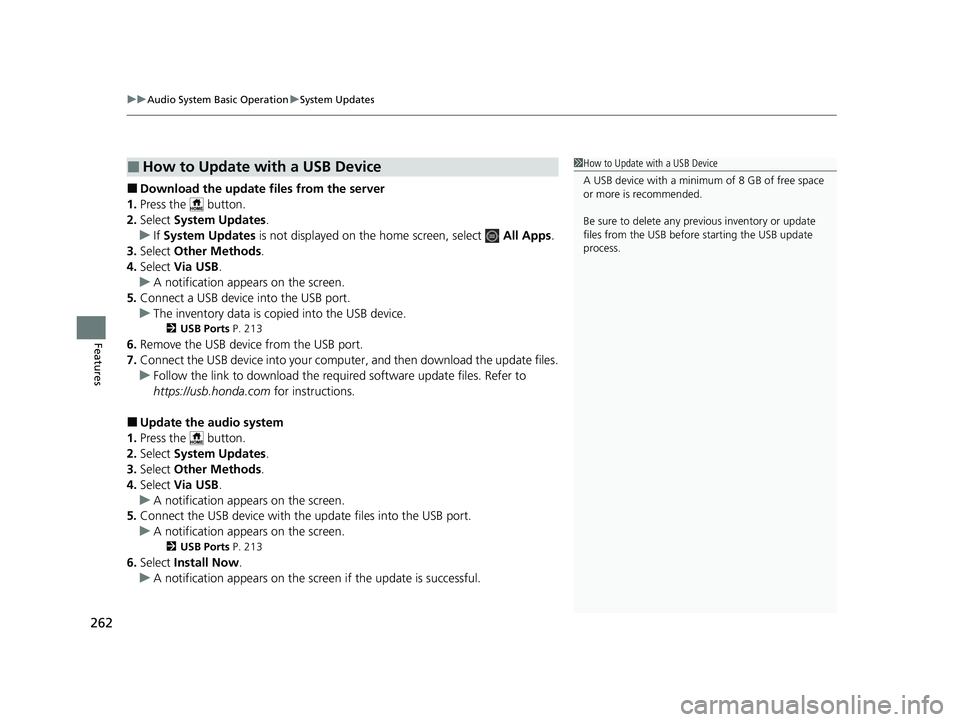
■Download the update files from the server
1. Press the button.
2. Select System Updates .
u If System Updates is not displayed on th e home screen, select All Apps.
3. Select Other Methods .
4. Select Via USB .
u A notification appears on the screen.
5. Connect a USB device into the USB port.
u The inventory data is copied into the USB device.
2 USB Ports P. 213
6.Remove the USB device from the USB port.
7. Connect the USB device into your comp uter, and then download the update files.
u Follow the link to downlo ad the required software update files. Refer to
https://usb.honda.com for instructions.
■Update the audio system
1. Press the button.
2. Select System Updates .
3. Select Other Methods .
4. Select Via USB .
u A notification appears on the screen.
5. Connect the USB device with the update files into the USB port.
u A notification appears on the screen.
2 USB Ports P. 213
6.Select Install Now .
u A notification appears on the screen if the update is successful.
■How to Update with a USB Device1How to Update with a USB Device
A USB device with a minimum of 8 GB of free space
or more is recommended.
Be sure to delete any pr evious inventory or update
files from the USB before starting the USB update
process.
23 HR-V-313V06000_01.book 262 ページ 2022年4月4日 月曜日 午前10時49分
Page 266 of 664
264
uuAudio System Basic Operation uDisplay Setup
Features
Display Setup
You can set the screen brightness.
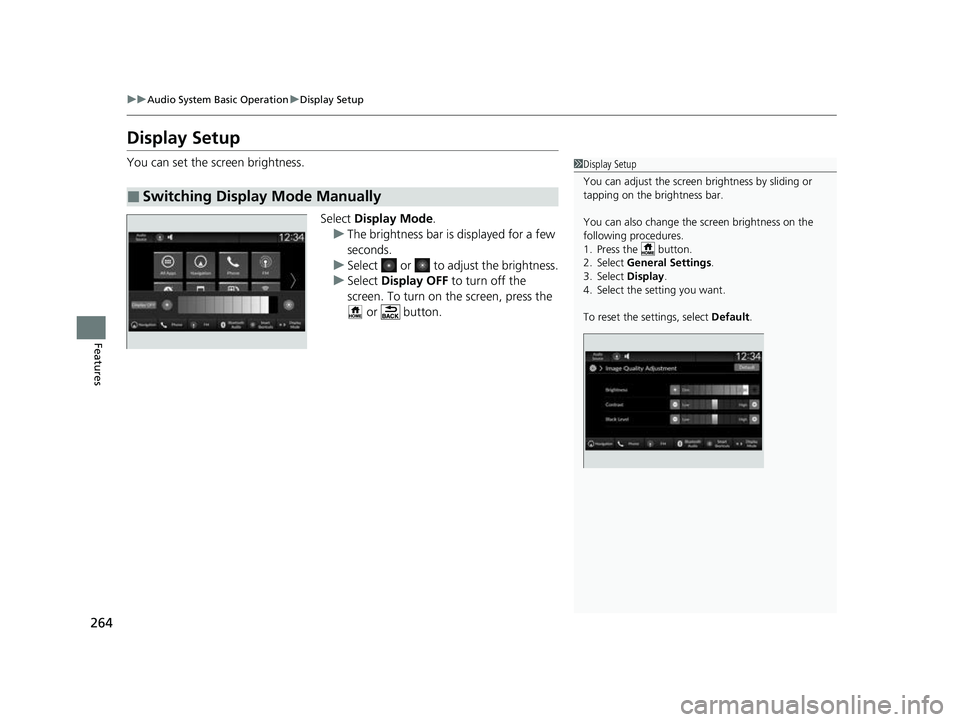
Select Display Mode.
u The brightness bar is displayed for a few
seconds.
u Select or to adjust the brightness.
u Select Display OFF to turn off the
screen. To turn on the screen, press the
or button.
■Switching Display Mode Manually
1 Display Setup
You can adjust the screen brightness by sliding or
tapping on the brightness bar.
You can also change the screen brightness on the
following procedures.
1. Press the button.
2. Select General Settings .
3. Select Display .
4. Select the setting you want.
To reset the settings, select Default.
23 HR-V-313V06000_01.book 264 ページ 2022年4月4日 月曜日 午前10時49分