starter HONDA RIDGELINE 2017 2.G Owners Manual
[x] Cancel search | Manufacturer: HONDA, Model Year: 2017, Model line: RIDGELINE, Model: HONDA RIDGELINE 2017 2.GPages: 606, PDF Size: 13.21 MB
Page 92 of 606
91
uuIndicators uMulti-Information Display Warning and Information Messages
Continued
Instrument Panel
MessageConditionExplanation
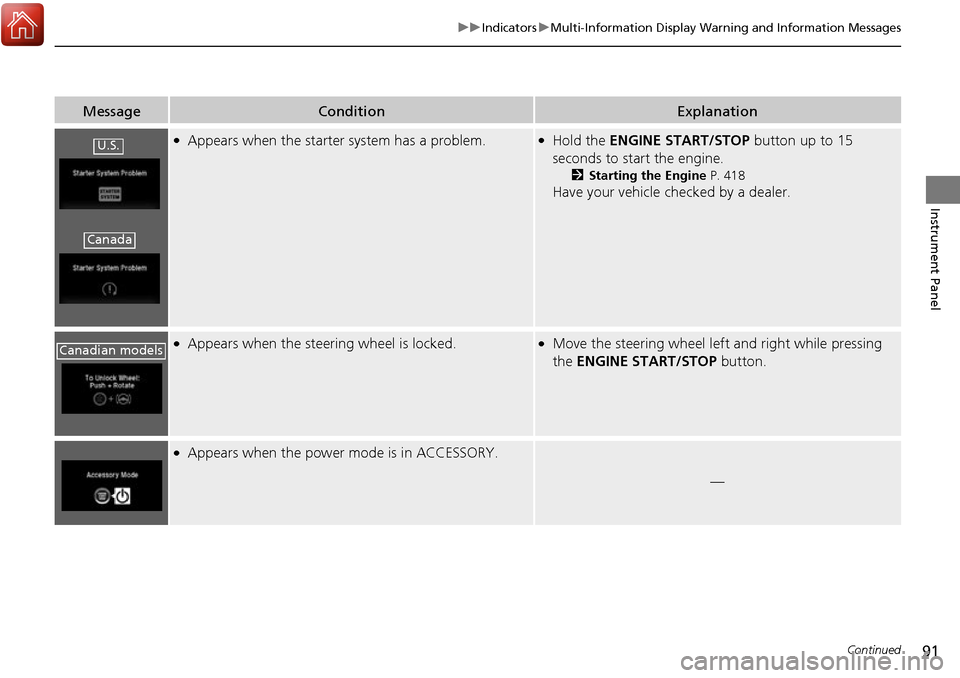
●Appears when the starter system has a problem.●Hold the ENGINE START/STOP button up to 15
seconds to start the engine.
2 Starting the Engine P. 418
Have your vehicle checked by a dealer.
●Appears when the steering wheel is locked.●Move the steering wheel left and right while pressing
the ENGINE START/STOP button.
●Appears when the power mode is in ACCESSORY.
—
U.S.
Canada
Canadian models
Page 421 of 606
uuWhen Driving uStarting the Engine
420
Driving
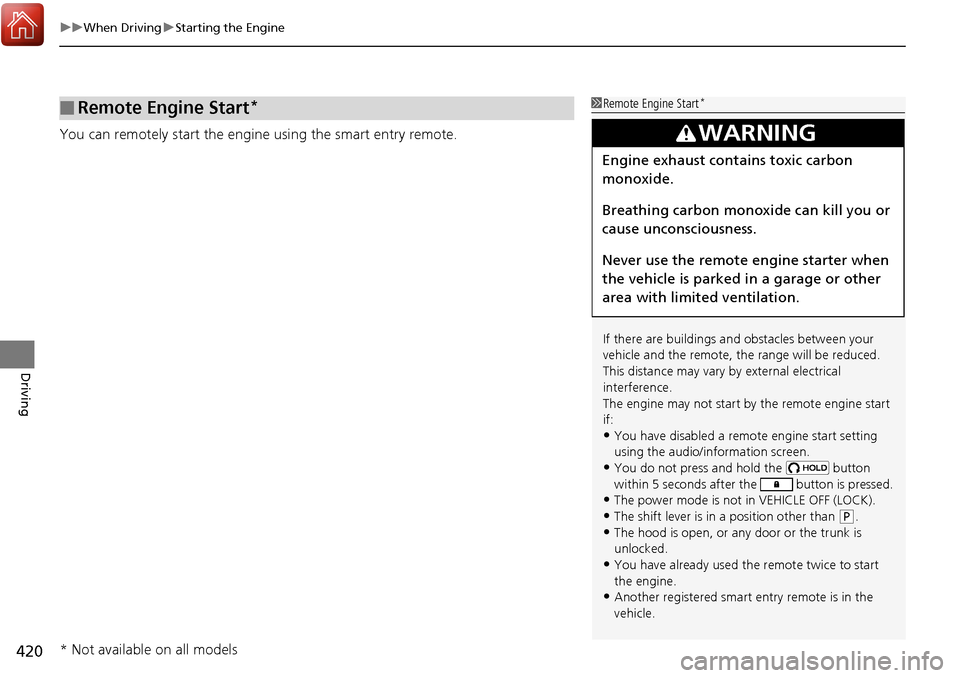
You can remotely start the engine using the smart entry remote.
■Remote Engine Start*1Remote Engine Start*
If there are buildings an d obstacles between your
vehicle and the remote, th e range will be reduced.
This distance may vary by external electrical
interference.
The engine may not start by the remote engine start
if:
•You have disabled a remo te engine start setting
using the audio/information screen.
•You do not press and hold the button
within 5 seconds after the button is pressed.
•The power mode is not in VEHICLE OFF (LOCK).•The shift lever is in a position other than ( P.
•The hood is open, or any door or the trunk is
unlocked.
•You have already used the remote twice to start
the engine.
•Another registered smart entry remote is in the
vehicle.
3WARNING
Engine exhaust contains toxic carbon
monoxide.
Breathing carbon monoxide can kill you or
cause unconsciousness.
Never use the remote engine starter when
the vehicle is parked in a garage or other
area with limited ventilation.
* Not available on all models
Page 563 of 606
562
Handling the Unexpected
Engine Does Not Start
Checking the Engine
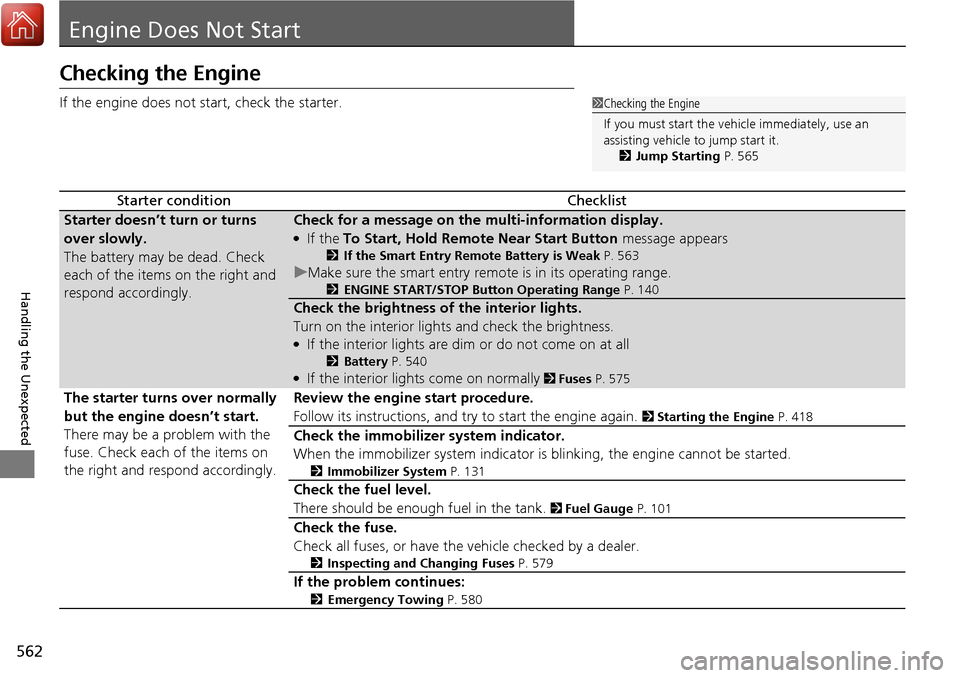
If the engine does not start, check the starter.
Starter conditionChecklist
Starter doesn’t turn or turns
over slowly.
The battery may be dead. Check
each of the items on the right and
respond accordingly.Check for a message on the multi-information display.
●If the To Start, Hold Remote Near Start Button message appears
2If the Smart Entry Remote Battery is Weak P. 563
uMake sure the smart entry remote is in its operating range.
2ENGINE START/STOP Button Operating Range P. 140
Check the brightness of the interior lights.
Turn on the interior lights and check the brightness.
●If the interior lights are dim or do not come on at all
2Battery P. 540●If the interior lights come on normally 2 Fuses P. 575
The starter turns over normally
but the engine doesn’t start.
There may be a problem with the
fuse. Check each of the items on
the right and respond accordingly. Review the engine start procedure.
Follow its instructions, and try to start the engine again.
2
Starting the Engine P. 418
Check the immobilizer system indicator.
When the immobilizer system indicator is blinking, the engine cannot be started.
2Immobilizer System P. 131
Check the fuel level.
There should be enough fuel in the tank.
2 Fuel Gauge P. 101
Check the fuse.
Check all fuses, or have the vehicle checked by a dealer.
2Inspecting and Changing Fuses P. 579
If the problem continues:
2Emergency Towing P. 580
1Checking the Engine
If you must start the vehi cle immediately, use an
assisting vehicle to jump start it.
2 Jump Starting P. 565