ECU HUMMER H2 2004 Owner's Guide
[x] Cancel search | Manufacturer: HUMMER, Model Year: 2004, Model line: H2, Model: HUMMER H2 2004Pages: 472, PDF Size: 5.01 MB
Page 122 of 472
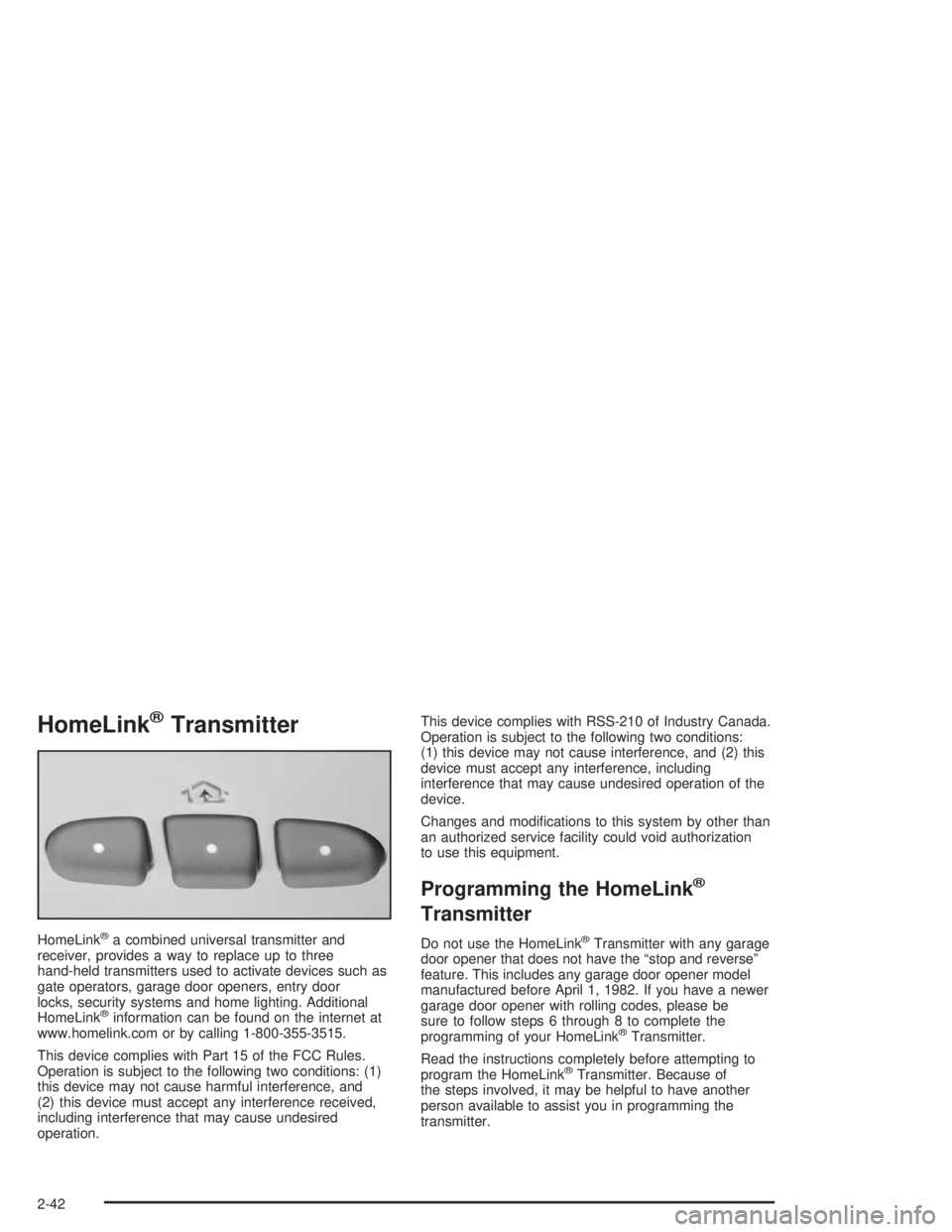
HomeLink®Transmitter
HomeLink®a combined universal transmitter and
receiver, provides a way to replace up to three
hand-held transmitters used to activate devices such as
gate operators, garage door openers, entry door
locks, security systems and home lighting. Additional
HomeLink
®information can be found on the internet at
www.homelink.com or by calling 1-800-355-3515.
This device complies with Part 15 of the FCC Rules.
Operation is subject to the following two conditions: (1)
this device may not cause harmful interference, and
(2) this device must accept any interference received,
including interference that may cause undesired
operation.This device complies with RSS-210 of Industry Canada.
Operation is subject to the following two conditions:
(1) this device may not cause interference, and (2) this
device must accept any interference, including
interference that may cause undesired operation of the
device.
Changes and modications to this system by other than
an authorized service facility could void authorization
to use this equipment.
Programming the HomeLink®
Transmitter
Do not use the HomeLink®Transmitter with any garage
door opener that does not have the “stop and reverse”
feature. This includes any garage door opener model
manufactured before April 1, 1982. If you have a newer
garage door opener with rolling codes, please be
sure to follow steps 6 through 8 to complete the
programming of your HomeLink
®Transmitter.
Read the instructions completely before attempting to
program the HomeLink
®Transmitter. Because of
the steps involved, it may be helpful to have another
person available to assist you in programming the
transmitter.
2-42
Page 123 of 472
Keep the original transmitter for use in other vehicles as
well as for future HomeLink®programming. It is also
recommended that upon the sale of the vehicle,
the programmed HomeLink
®buttons should be erased
for security purposes. Refer to “Erasing HomeLink®
Buttons” or, for assistance, contact HomeLink®on the
internet at: www.homelink.com or by calling
1-800-355-3515.
Be sure that people and objects are clear of the garage
door or gate operator you are programming. When
programming a garage door, it is advised to park outside
of the garage.
It is recommended that a new battery be installed in
your hand-held transmitter for quicker and more
accurate transmission of the radio frequency.
Your vehicle’s engine should be turned off while
programming the transmitter. Follow these steps to
program up to three channels:
1. Press and hold down the two outside buttons,
releasing only when the indicator light begins to
ash, after 20 seconds. Do not hold down the buttons
for longer than 30 seconds and do not repeat this
step to program a second and/or third transmitter to
the remaining two HomeLink
®buttons.
2. Position the end of your hand-held transmitter
about 1 to 3 inches (3 to 8 cm) away from the
HomeLink
®buttons while keeping the indicator light
in view.3. Simultaneously press and hold both the desired
button on HomeLink
®and the hand-held transmitter
button. Do not release the buttons until Step 4
has been completed.
Some entry gates and garage door openers may
require you to substitute Step 3 with the procedure
noted in “Gate Operator and Canadian
Programming” later in this section.
4. The indicator light will ash slowly at rst and then
rapidly after HomeLink
®successfully receives the
frequency signal from the hand-held transmitter.
Release both buttons.
5. Press and hold the newly-trained HomeLink
®button
and observe the indicator light.
If the indicator light stays on constantly,
programming is complete and your device should
activate when the HomeLink
®button is pressed and
released.
To program the remaining two HomeLink
®buttons,
begin with Step 2 under “Programming HomeLink®.”
Do not repeat Step 1 as this will erase all of the
programmed channels.
If the indicator light blinks rapidly for two seconds
and then turns to a constant light, continue with
Steps 6 through 8 following to complete the
programming of a rolling-code equipped device
(most commonly, a garage door opener).
2-43
Page 126 of 472
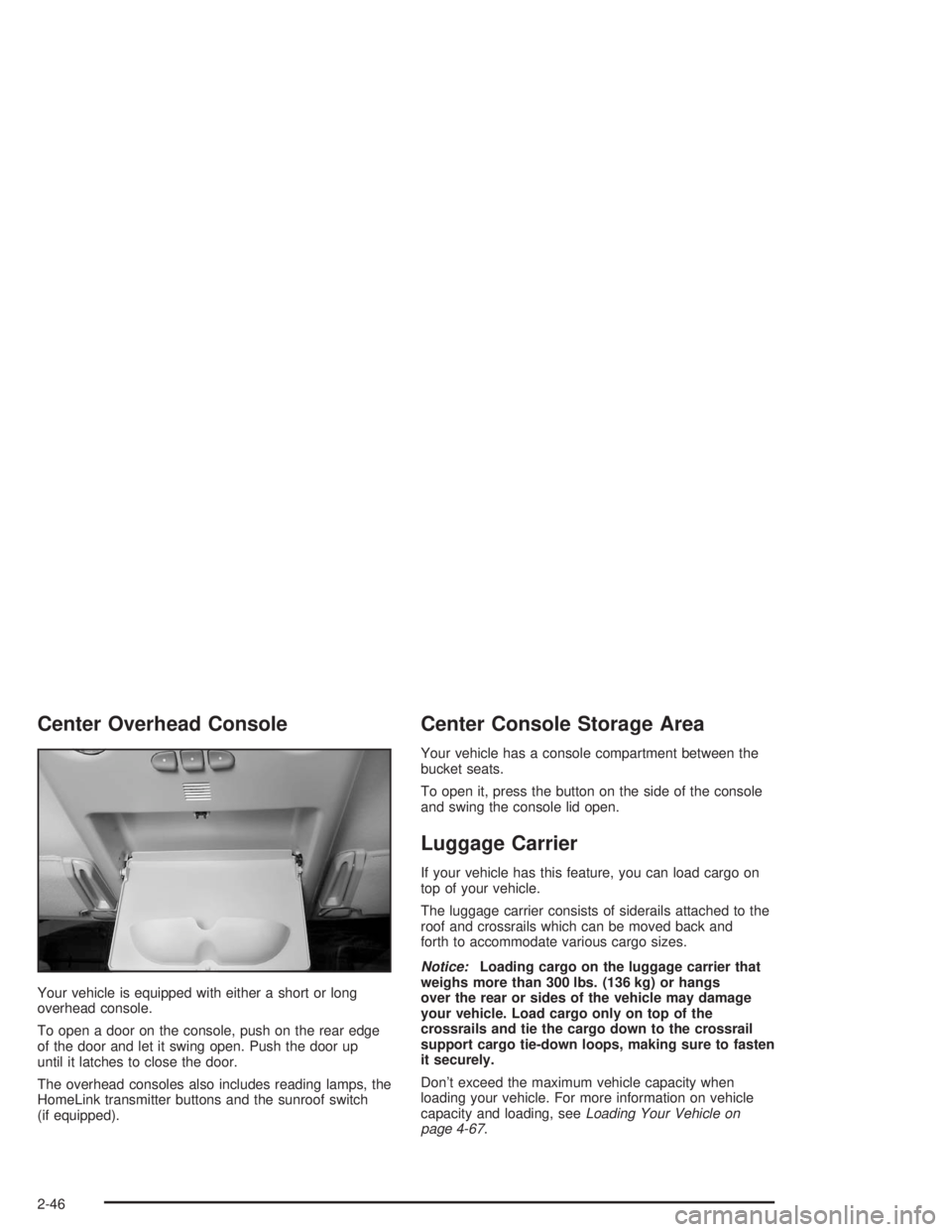
Center Overhead Console
Your vehicle is equipped with either a short or long
overhead console.
To open a door on the console, push on the rear edge
of the door and let it swing open. Push the door up
until it latches to close the door.
The overhead consoles also includes reading lamps, the
HomeLink transmitter buttons and the sunroof switch
(if equipped).
Center Console Storage Area
Your vehicle has a console compartment between the
bucket seats.
To open it, press the button on the side of the console
and swing the console lid open.
Luggage Carrier
If your vehicle has this feature, you can load cargo on
top of your vehicle.
The luggage carrier consists of siderails attached to the
roof and crossrails which can be moved back and
forth to accommodate various cargo sizes.
Notice:Loading cargo on the luggage carrier that
weighs more than 300 lbs. (136 kg) or hangs
over the rear or sides of the vehicle may damage
your vehicle. Load cargo only on top of the
crossrails and tie the cargo down to the crossrail
support cargo tie-down loops, making sure to fasten
it securely.
Don’t exceed the maximum vehicle capacity when
loading your vehicle. For more information on vehicle
capacity and loading, seeLoading Your Vehicle on
page 4-67.
2-46
Page 127 of 472

Adjusting the Crossrails
Adjust the crossrails to t your load by doing the
following:
1. Loosen the lock knobs on the crossrail supports by
turning the knobs counterclockwise. Only loosen
them enough to allow the crossrails to slide easily.
2. Slide the crossrails to the desired position, being
sure to align the lines in the side rails with the
arrows on the crossrail supports.
3. Tighten the lock knobs and then try to move the
crossrails back and forth to be sure that they do
not move.4. Once you load the cargo onto the crossrails, secure
it by tying it down to the crossrail support cargo
tie-down loops. Do not load cargo directly on
the roof of your vehicle.
Be sure you do not cover the roof marker lamps or
the Center-High-Mounted Stoplamp (CHMSL) (If
equipped) with cargo.
To prevent damage or loss of cargo check now and
then to make sure the luggage and cargo are still
securely fastened and the crossrails are tight.
Stop Tabs
2-47
Page 129 of 472

2. Pull the end cap
straight out from the
crossrail.
3. Peel back the rub strip from the crossrail.
4. Slide the accessory you are using into the crossrail
channel and secure it as the accessory instructions
direct.
5. Place the crossrail endcap back on and lock it with
the key.
You will not be using the rub strip when using crossrail
accessories. When you remove any crossrail
accessory, be sure to reinstall the rub strip. To do this,
press the rub strip in place until it seats into the
channel of the crossrail.Rear Seat Armrest
Your vehicle is equipped with a rear armrest/cupholder.
To open it, pull up and then out on the tab, located at the
top center of the armrest, and pull the armrest down.
Cargo Tie Downs
There are two cargo tie downs located on the inside of
the liftgate in the rear of the vehicle. You can use
these to secure cargo inside the vehicle with the liftgate
closed.
2-49
Page 135 of 472
Instrument Panel Overview...............................3-2
Hazard Warning Flashers................................3-4
Other Warning Devices...................................3-5
Horn.............................................................3-5
Tilt Wheel.....................................................3-5
Turn Signal/Multifunction Lever.........................3-6
Exterior Lamps.............................................3-13
Interior Lamps..............................................3-16
Accessory Power Outlets...............................3-18
Ashtrays and Cigarette Lighter........................3-18
Climate Controls............................................3-19
Automatic Climate Control System...................3-19
Outlet Adjustment.........................................3-25
Climate Controls Personalization.....................3-25
Warning Lights, Gages, and Indicators............3-26
Instrument Panel Cluster................................3-27
Speedometer and Odometer...........................3-28
Tachometer.................................................3-28
Safety Belt Reminder Light.............................3-28
Air Bag Readiness Light................................3-28
Air Bag Off Light..........................................3-30
Charging System Light..................................3-32
Voltmeter Gage............................................3-32
Brake System Warning Light..........................3-33
Anti-Lock Brake System Warning Light.............3-34
Traction Off Light..........................................3-35Engine Coolant Temperature Gage..................3-35
Transmission Temperature Gage.....................3-36
Malfunction Indicator Lamp.............................3-38
Oil Pressure Gage........................................3-41
Security Light...............................................3-42
Cruise Control Light......................................3-42
Tow/Haul Mode Light....................................3-42
Fuel Gage...................................................3-43
Low Fuel Warning Light.................................3-43
Driver Information Center (DIC).......................3-44
DIC Operation and Displays...........................3-44
DIC Warnings and Messages.........................3-56
Audio System(s).............................................3-62
Setting the Time...........................................3-62
Radio with Cassette and CD..........................3-63
Radio with Six-Disc CD.................................3-74
Navigation/Radio System...............................3-86
Rear Seat Audio (RSA).................................3-87
Theft-Deterrent Feature..................................3-88
Audio Steering Wheel Controls.......................3-89
Radio Reception...........................................3-90
Care of Your Cassette Tape Player.................3-90
Care of Your CDs and DVDs.........................3-92
Care of Your CD and DVD Player...................3-92
Fixed Mast Antenna......................................3-92
Chime Level Adjustment................................3-92
Section 3 Instrument Panel
3-1
Page 165 of 472

{CAUTION:
If the right front passenger’s air bag is turned
off for a person who isn’t in a risk group
identied by the national government, that
person won’t have the extra protection of an
air bag. In a crash, the air bag wouldn’t be able
to inate and help protect the person sitting
there. Don’t turn off the passenger’s air bag
unless the person sitting there is in a risk
group. See″Air Bag Off Switch″in the Index
for more on this, including important safety
information.
{CAUTION:
If the air bag readiness light ever comes on
when you have turned off the air bag, it means
that something may be wrong with the air bag
system. The right front passenger’s air bag
could inate even though the switch is off. If
this ever happens, don’t let anyone whom the
national government has identied as a member
of a passenger air bag risk group sit in the right
front passenger’s position (for example, don’t
secure a rear-facing child restraint in the right
front seat) until you have your vehicle serviced.
3-31
Page 176 of 472
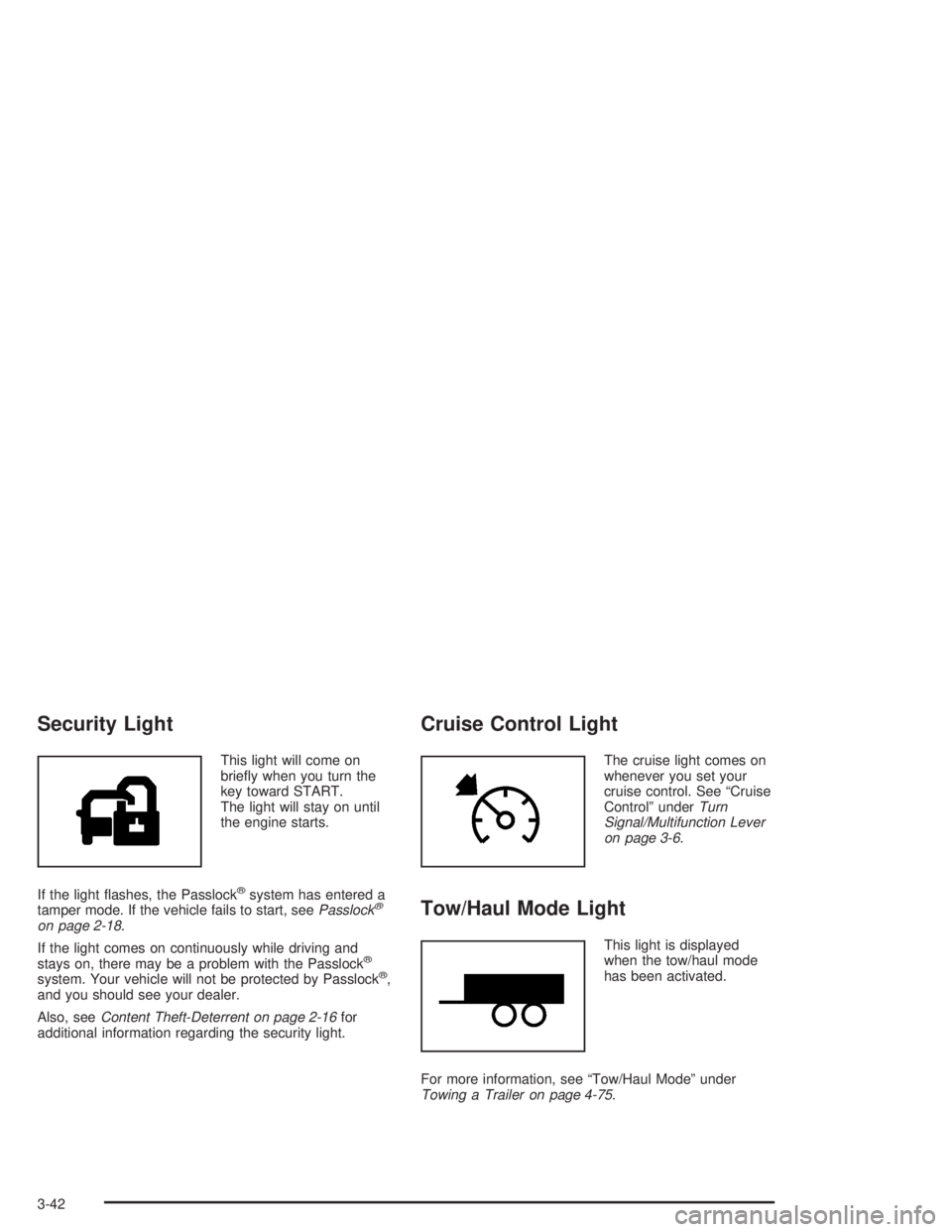
Security Light
This light will come on
briey when you turn the
key toward START.
The light will stay on until
the engine starts.
If the light ashes, the Passlock
®system has entered a
tamper mode. If the vehicle fails to start, seePasslock®
on page 2-18.
If the light comes on continuously while driving and
stays on, there may be a problem with the Passlock
®
system. Your vehicle will not be protected by Passlock®,
and you should see your dealer.
Also, seeContent Theft-Deterrent on page 2-16for
additional information regarding the security light.
Cruise Control Light
The cruise light comes on
whenever you set your
cruise control. See “Cruise
Control” underTurn
Signal/Multifunction Lever
on page 3-6.
Tow/Haul Mode Light
This light is displayed
when the tow/haul mode
has been activated.
For more information, see “Tow/Haul Mode” under
Towing a Trailer on page 4-75.
3-42
Page 243 of 472
Off-Road Driving
This off-road guide is meant to provide advice for when
you drive your vehicle off paved roads. Also, see
Braking on page 4-6.
Off-road driving can be great fun. But it does have
some denite hazards. The greatest of these is
the terrain itself.
“Off-roading” means you have left the great North
American road system behind. Traffic lanes are not
marked. Curves are not banked. There are no
road signs. Surfaces can be slippery, rough, uphill or
downhill. In short, you have gone right back to nature.
Off-road driving involves some new skills. And that
is why it is very important that you read this guide. You
will nd many driving tips and suggestions. These
will help make your off-road driving safer and more
enjoyable.
Before You Go Off-Roading
There are some things to do before you go out. For
example, be sure to have all necessary maintenance
and service work done. Check to make sure all
underbody shields are properly attached. Make sure any
equipment you may need (rst aid kit, cell phone,
ashlight, etc.) is securely stored in the vehicle. Be sure
you read all the information about your four-wheel-drive
vehicle in this manual. Is there enough fuel? Is the
spare tire fully inated? Are the uid levels up where
they should be? What are the local laws that apply
to off-roading where you will be driving? If you do not
know, you should check with law enforcement people in
the area. Will you be on someone’s private land? If
so, be sure to get the necessary permission.
4-17
Page 245 of 472

3. Guide the pins on the side step brackets into the
holes in the vehicle’s rocker panel protector
brackets. If you have difficulty doing this, it may
help to have someone hold up the step while you
guide the pins into the holes.
You will be guiding three pins into the holes with
the fourth hole in the vehicle’s rocker panel protector
brackets empty until the next step.4. Thread the knob through the remaining hole — rst
into the rocker panel protector and then into the
threaded hole in the assist step bracket.
If you thread the knob into the step and then the
rocker panel protector, you may think the step
is secure. It will fall out this way. To be sure the step
is secure, try moving the step left and right after
installing the knob.
Notice:Threading the knob into the step and then
into the rocker panel will not secure the assist
step. The step could fall off the vehicle and be
damaged. Always thread the knob through the
rocker panel rst.
4-19