traction control HUMMER H3 2010 Owner's Manual
[x] Cancel search | Manufacturer: HUMMER, Model Year: 2010, Model line: H3, Model: HUMMER H3 2010Pages: 410, PDF Size: 2.24 MB
Page 206 of 410
9-22 Driving and Operating
Driving on Wet Roads
Rain and wet roads can reduce
vehicle traction and affect your
ability to stop and accelerate.
Always drive slower in these types
of driving conditions and avoid
driving through large puddles and
deep‐standing or flowing water.
{WARNING
Wet brakes can cause crashes.
They might not work as well in
a quick stop and could cause
pulling to one side. You could
lose control of the vehicle.
After driving through a large
puddle of water or a car/vehicle
wash, lightly apply the brake
pedal until the brakes work
normally.(Continued)
WARNING (Continued)
Flowing or rushing water creates
strong forces. Driving through
flowing water could cause your
vehicle to be carried away. If this
happens, you and other vehicle
occupants could drown. Do not
ignore police warnings and be
very cautious about trying to drive
through flowing water.
Hydroplaning
Hydroplaning is dangerous. Water
can build up under your vehicle's
tires so they actually ride on the
water. This can happen if the road
is wet enough and you are going
fast enough. When your vehicle is
hydroplaning, it has little or no
contact with the road.
There is no hard and fast rule about
hydroplaning. The best advice is to
slow down when the road is wet.
Other Rainy Weather Tips
Besides slowing down, other wet
weather driving tips include:
.Allow extra following distance.
.Pass with caution.
.Keep windshield wiping
equipment in good shape.
.Keep the windshield washer fluid
reservoir filled.
.Have good tires with proper
tread depth. SeeTireson
page 10‑44.
.Turn off cruise control.
Highway Hypnosis
Always be alert and pay attention
to your surroundings while driving.
If you become tired or sleepy, find a
safe place to park your vehicle
and rest.
Page 208 of 410
9-24 Driving and Operating
Winter Driving
Driving on Snow or Ice
Drive carefully when there is snow
or ice between the tires and the
road, creating less traction or grip.
Wet ice can occur at about 0°C
(32°F) when freezing rain begins to
fall, resulting in even less traction.
Avoid driving on wet ice or in
freezing rain until roads can be
treated with salt or sand.
Drive with caution, whatever the
condition. Accelerate gently so
traction is not lost. Accelerating too
quickly causes the wheels to spin
and makes the surface under the
tires slick, so there is even less
traction.
Try not to break the fragile traction.
If you accelerate too fast, the drive
wheels will spin and polish the
surface under the tires even more.The
Antilock Brake System (ABS)
on page 9‑50improves vehicle
stability during hard stops on
slippery roads, but apply the brakes
sooner than when on dry pavement.
Allow greater following distance on
any slippery road and watch for
slippery spots. Icy patches can
occur on otherwise clear roads in
shaded areas. The surface of a
curve or an overpass can remain icy
when the surrounding roads are
clear. Avoid sudden steering
maneuvers and braking while
on ice.
Turn off cruise control, if equipped,
on slippery surfaces.Blizzard Conditions
Being stuck in snow can be a
serious situation. Stay with the
vehicle unless there is help nearby.
If possible, use the Roadside
Service
on page 13‑5. To get help
and keep everyone in the
vehicle safe:
.Turn on the hazard warning
flashers.
.Tie a red cloth to an outside
mirror.
{WARNING
Snow can trap engine exhaust
under the vehicle. This may
cause exhaust gases to get
inside. Engine exhaust contains
carbon monoxide (CO) which
cannot be seen or smelled. It can
cause unconsciousness and even
death.
(Continued)
Page 230 of 410

9-46 Driving and Operating
Shift Speeds
{WARNING
If you skip a gear when you
downshift, you could lose control
of the vehicle. You could injure
yourself or others. Do not shift
down more than one gear at a
time when you downshift.
Hill Start Assist
H3 and H3T vehicles have a Hill
Start Assist feature, which may be
useful when stopped on a grade.
SeeBraking
on page 9‑3for more
information.
Drive Systems
Four-Wheel Drive
Full-Time Four-Wheel Drive sends
engine power to all four wheels for
extra traction. To get the most out of
Full-Time Four-Wheel Drive, you
must be familiar with its operation.
Transfer Case Buttons
The transfer case buttons are
located to the right of the instrument
panel cluster. Use these switches
to shift into and out of the different
Full-Time Four-Wheel Drive modes. 4
m(Four-Wheel High):
This
setting is used for driving in most
street and highway situations. You
can also use this setting for light or
variable off-road conditions.
N (Neutral): Shift the transfer case
to Neutral only when towing the
vehicle. See Driving Characteristics
and Towing Tips
on page 9‑70for
more information.
Notice: Driving on pavement
in Four-Wheel High Lock or
Four Wheel Low Lock for
extended periods may cause
premature wear on the vehicle
powertrain and tires. Do not
drive in Four-Wheel High Lock
or Four-Wheel Low Lock on
pavement for extended periods.
4
m Q(Four-Wheel-High Lock):
Use this setting when you need
extra traction in most off-road
situations such as sand, mud,
snow or level, rocky trails.
Page 236 of 410
9-52 Driving and Operating
The stability system hydraulic brake
control module increases brake
pressure at each corner of the
vehicle until the ABS activates.
Minor brake pedal pulsations or
pedal movement during this time
is normal and the driver should
continue to apply the brake pedal
as the driving situation dictates.
The brake assist feature will
automatically disengage when
the brake pedal is released or
brake pedal pressure is quickly
decreased.
Hill Start Assist (HSA)
This vehicle has a Hill Start Assist
(HSA) feature, which may be useful
when the vehicle is stopped on a
grade. This feature is designed to
prevent the vehicle from rolling,
either forward or rearward, during
vehicle drive off. After the vehicle
is stopped on an incline, quickly
push the brake pedal to the floor
to activate Hill Start Assist.When the system activates, a
chime will sound and the HSA ON
message will be displayed. The
brakes will automatically be held
for a maximum of two seconds
while the driver switches from
applying the brakes to pushing
the accelerator pedal. When Hill
Start Assist is active, the driver
might experience a
“hard brake
pedal.” This is normal and does
not affect safe brake operation.
After activation, the system will
automatically disengage when the
accelerator pedal is pressed. Do
not turn off the ignition while this
feature is active. The Hill Start
Assist feature may not disengage
fully if the ignition is turned off.
The system will not activate with
the transmission in P (Park), when
traveling down a steep grade in a
drive gear, or if the vehicle is facing
uphill with the transmission in
R (Reverse).
Ride Control Systems
Traction Control
System (TCS)
The vehicle has a Traction Control
System (TCS) that limits wheel
spin. This is especially useful in
slippery road conditions. The
system operates only if it senses
that any of the wheels are spinning
or beginning to lose traction. When
this happens, TCS reduces engine
power. The system may be heard
or felt while it is working. This is
normal and does not mean there is
a problem with the vehicle.
TCS can operate on dry roads
under some conditions. When
this happens, the system may be
heard working or a reduction in
acceleration may be noticed. This
is normal and does not mean there
is a problem with the vehicle.
Page 237 of 410
Driving and Operating 9-53
Examples of these conditions
include hard acceleration in a turn,
an abrupt upshift or downshift of the
transmission or driving on rough
roads.
If cruise control is being used when
TCS begins to limit wheel spin,
the cruise control automatically
disengages. The cruise control
can be re-engaged when road
conditions allow. SeeCruise Control
on page 9‑57for more information.
TRACTION FAILED appears on the
Driver information Center (DIC)
when a TCS or antilock brake
system problem has been detected
and the vehicle needs service.
When this message is on, the
system will not limit wheel spin.
Adjust your driving accordingly.
See Driver Information Center (DIC)
on page 5‑18for more information.
It is recommended to leave the
system on for normal driving
conditions, but it may be necessary
to turn the system off if the vehicle
is stuck in sand, mud, ice, or snow, and it is necessary to
“rock”the
vehicle to attempt to free it. See If
the Vehicle is Stuck
on page 9‑26for more information.
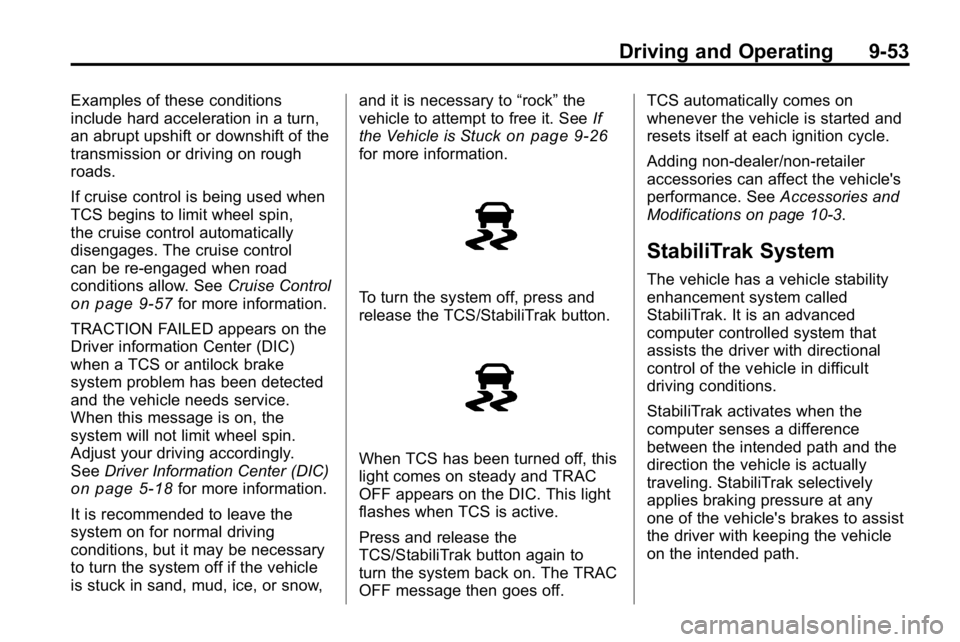
To turn the system off, press and
release the TCS/StabiliTrak button.
When TCS has been turned off, this
light comes on steady and TRAC
OFF appears on the DIC. This light
flashes when TCS is active.
Press and release the
TCS/StabiliTrak button again to
turn the system back on. The TRAC
OFF message then goes off. TCS automatically comes on
whenever the vehicle is started and
resets itself at each ignition cycle.
Adding non‐dealer/non‐retailer
accessories can affect the vehicle's
performance. See
Accessories and
Modifications on page 10‑3.
StabiliTrak System
The vehicle has a vehicle stability
enhancement system called
StabiliTrak. It is an advanced
computer controlled system that
assists the driver with directional
control of the vehicle in difficult
driving conditions.
StabiliTrak activates when the
computer senses a difference
between the intended path and the
direction the vehicle is actually
traveling. StabiliTrak selectively
applies braking pressure at any
one of the vehicle's brakes to assist
the driver with keeping the vehicle
on the intended path.
Page 238 of 410
9-54 Driving and Operating
When the vehicle is started and
begins to move, the system
performs several diagnostic checks
to insure there are no problems.
The system may be heard or felt
while it is working. This is normal
and does not mean there is a
problem with the vehicle.
If cruise control is being used when
StabiliTrak activates, the cruise
control automatically disengages.
The cruise control can be
re-engaged when road conditions
allow. SeeCruise Control
on
page 9‑57.
If there is a problem detected with
StabiliTrak, a SERVICE STAB SYS
message displays on the Driver
Information Center (DIC). See
Driver Information Center (DIC)
on
page 5‑18for more information.
When this message is displayed,
the system is not working. Adjust
your driving accordingly. StabiliTrak comes on automatically
whenever the vehicle is started and
resets itself at each ignition cycle.
However, when the transfer case is
placed in Four‐Wheel‐Low Lock
mode, StabiliTrak is automatically
disabled. See
Four-Wheel Drive
on
page 9‑46for more information.
It is recommended to leave the
system on for normal driving
conditions, but it may be necessary
to turn the system off if the vehicle
is stuck in sand, mud, ice, or snow,
and it is necessary to “rock”the
vehicle to attempt to free it. See If
the Vehicle is Stuck
on page 9‑26.
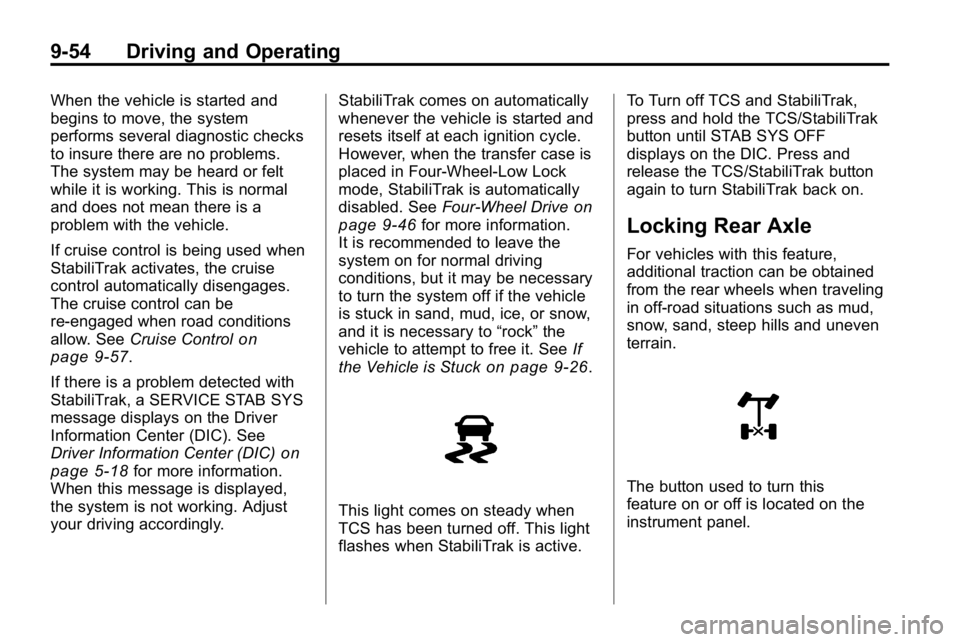
This light comes on steady when
TCS has been turned off. This light
flashes when StabiliTrak is active. To Turn off TCS and StabiliTrak,
press and hold the TCS/StabiliTrak
button until STAB SYS OFF
displays on the DIC. Press and
release the TCS/StabiliTrak button
again to turn StabiliTrak back on.
Locking Rear Axle
For vehicles with this feature,
additional traction can be obtained
from the rear wheels when traveling
in off-road situations such as mud,
snow, sand, steep hills and uneven
terrain.
The button used to turn this
feature on or off is located on the
instrument panel.
Page 241 of 410
Driving and Operating 9-57
Cruise Control
With cruise control, a speed of
about 40 km/h (25 mph) or more can
be maintained without keeping your
foot on the accelerator. Cruise
control does not work at speeds
below about 40 km/h (25 mph).
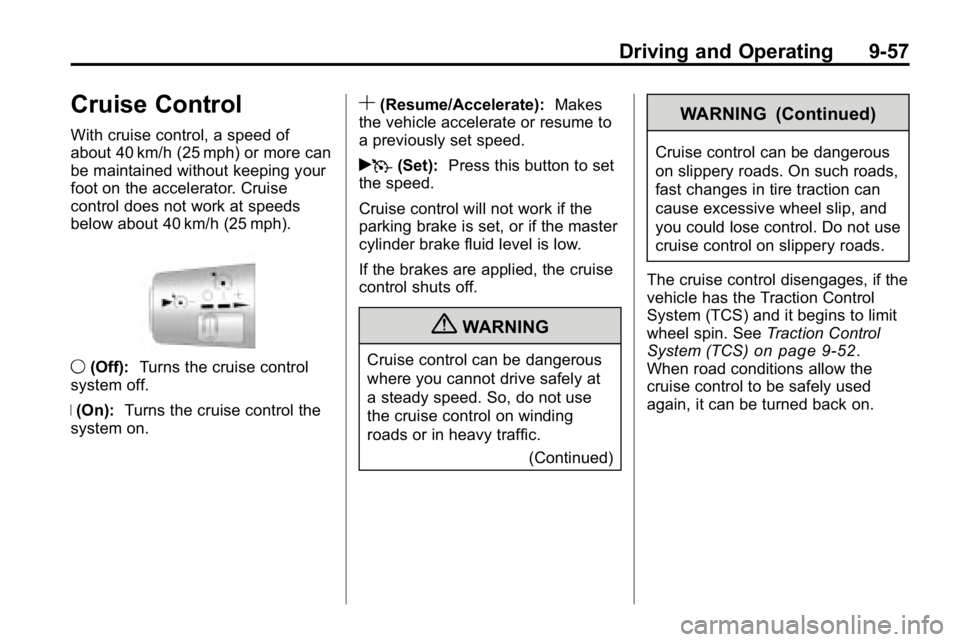
9(Off): Turns the cruise control
system off.
R (On): Turns the cruise control the
system on.
S(Resume/Accelerate): Makes
the vehicle accelerate or resume to
a previously set speed.
rT (Set): Press this button to set
the speed.
Cruise control will not work if the
parking brake is set, or if the master
cylinder brake fluid level is low.
If the brakes are applied, the cruise
control shuts off.
{WARNING
Cruise control can be dangerous
where you cannot drive safely at
a steady speed. So, do not use
the cruise control on winding
roads or in heavy traffic.
(Continued)
WARNING (Continued)
Cruise control can be dangerous
on slippery roads. On such roads,
fast changes in tire traction can
cause excessive wheel slip, and
you could lose control. Do not use
cruise control on slippery roads.
The cruise control disengages, if the
vehicle has the Traction Control
System (TCS) and it begins to limit
wheel spin. See Traction Control
System (TCS)
on page 9‑52.
When road conditions allow the
cruise control to be safely used
again, it can be turned back on.
Page 269 of 410
Vehicle Care 10-3
California Perchlorate
Materials Requirements
Certain types of automotive
applications, such as airbag
initiators, seat belt pretensioners,
and lithium batteries contained in
remote keyless transmitters, may
contain perchlorate materials.
Special handling may be necessary.
For additional information, see
www.dtsc.ca.gov/hazardouswaste/
perchlorate.
Accessories and
Modifications
Adding non‐dealer/non‐retailer
accessories to the vehicle can affect
vehicle performance and safety,
including such things as airbags,
braking, stability, ride and handling,
emissions systems, aerodynamics,
durability, and electronic systems
like antilock brakes, traction control,
and stability control. Some of these
accessories could even cause
malfunction or damage not covered
by the vehicle warranty.
Damage to vehicle components
resulting from the installation or
use of non‐certified parts, including
control module modifications, isnot covered under the terms of the
vehicle warranty and may affect
remaining warranty coverage for
affected parts.
HUMMER Accessories are
designed to complement and
function with other systems on
the vehicle. Your HUMMER
dealer/retailer can accessorize the
vehicle using genuine HUMMER
Accessories. When you go to your
HUMMER dealer/retailer and ask
for HUMMER Accessories, you will
know that HUMMER-trained and
supported service technicians will
perform the work using genuine
HUMMER Accessories.
Also, see
Adding Equipment to the
Airbag-Equipped Vehicle
on
page 3‑40.
Page 325 of 410
Vehicle Care 10-59
The rubber in tires degrades over
time. This is also true for the spare
tire, if the vehicle has one, even
if it is not being used. Multiple
conditions affect how fast this
aging takes place, including
temperatures, loading conditions,
and inflation pressure maintenance.
With proper care and maintenance
tires typically wear out before they
degrade due to age. If you are
unsure about the need to replace
the tires as they get older, consult
the tire manufacturer for more
information.
Buying New Tires
GM has developed and matched
specific tires for your vehicle.
The original equipment tires
installed on your vehicle, when
it was new, were designed tomeet General Motors Tire
Performance Criteria
Specification (TPC spec)
system rating. If you need
replacement tires, GM strongly
recommends that you get tires
with the same TPC Spec rating.
This way, your vehicle will
continue to have tires that are
designed to give the same
performance and vehicle safety,
during normal use, as the
original tires.
GM's exclusive TPC Spec
system considers over a
dozen critical specifications that
impact the overall performance
of your vehicle, including brake
system performance, ride and
handling, traction control, and
tire pressure monitoring
performance. GM's TPC Spec
number is molded onto the tire's
sidewall near the tire size. If the
tires have an all‐season tread
design, the TPC spec number
will be followed by a MS, for
mud and snow. See
Tire
Sidewall Labeling
on page 10‑44
for additional information.
GM recommends replacing tires
in sets of four. This is because
uniform tread depth on all tires
will help keep your vehicle
performing most like it did when
the tires were new. Replacing
less than a full set of tires can
affect the braking and handling
performance of your vehicle.
Page 327 of 410
Vehicle Care 10-61
Additionally, if your vehicle has
electronic systems such as anti‐lock
brakes, rollover airbags, traction
control, and electronic stability
control, the performance of these
systems can be affected.
{WARNING
If you add different sized
wheels, your vehicle may not
provide an acceptable level of
performance and safety if tires not
recommended for those wheels
are selected. You may increase
the chance that you will crash and
suffer serious injury. Only use
Hummer specific wheel and tire
systems developed for your
vehicle, and have them properly
installed by a GM certified
technician.
See Buying New Tires
on
page 10‑59and Accessories and
Modificationson page 10‑3for
additional information.
Uniform Tire Quality
Grading
Quality grades can be found
where applicable on the tire
sidewall between tread shoulder
and maximum section width. For
example:
Treadwear 200 Traction AA
Temperature A
The following information relates
to the system developed by the
United States National Highway
Traffic Safety Administration
(NHTSA), which grades tires
by treadwear, traction, and
temperature performance. This
applies only to vehicles sold in
the United States. The grades
are molded on the sidewalls
of most passenger car tires.
The Uniform Tire Quality
Grading (UTQG) system
does not apply to deep
tread, winter-type snow tires, space-saver, or temporary use
spare tires, tires with nominal
rim diameters of 10 to 12 inches
(25 to 30 cm), or to some
limited-production tires.
While the tires available on
Hummer light trucks may vary
with respect to these grades,
they must also conform to
federal safety requirements and
additional General Motors Tire
Performance Criteria (TPC)
standards.
All Passenger Car Tires Must
Conform to Federal Safety
Requirements In Addition To
These Grades.
Treadwear
The treadwear grade is a
comparative rating based
on the wear rate of the tire
when tested under controlled
conditions on a specified
government test course.