driving system Hyundai Accent 2017 Owner's Guide
[x] Cancel search | Manufacturer: HYUNDAI, Model Year: 2017, Model line: Accent, Model: Hyundai Accent 2017Pages: 380, PDF Size: 12.45 MB
Page 145 of 380
4-71
Features of your vehicle
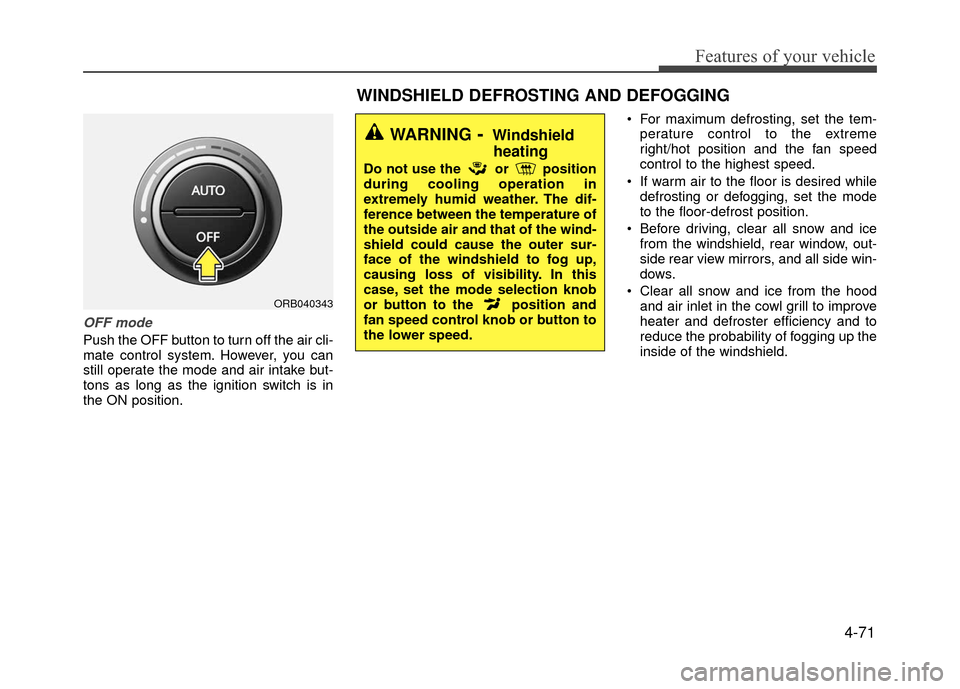
OFF mode
Push the OFF button to turn off the air cli-
mate control system. However, you can
still operate the mode and air intake but-
tons as long as the ignition switch is in
the ON position. For maximum defrosting, set the tem-
perature control to the extreme
right/hot position and the fan speed
control to the highest speed.
If warm air to the floor is desired while defrosting or defogging, set the mode
to the floor-defrost position.
Before driving, clear all snow and ice from the windshield, rear window, out-
side rear view mirrors, and all side win-
dows.
Clear all snow and ice from the hood and air inlet in the cowl grill to improve
heater and defroster efficiency and to
reduce the probability of fogging up the
inside of the windshield.
ORB040343
WINDSHIELD DEFROSTING AND DEFOGGING
WARNING- Windshieldheating
Do not use the or position
during cooling operation in
extremely humid weather. The dif-
ference between the temperature of
the outside air and that of the wind-
shield could cause the outer sur-
face of the windshield to fog up,
causing loss of visibility. In this
case, set the mode selection knob
or button to the position and
fan speed control knob or button to
the lower speed.
Page 149 of 380
4-75
Features of your vehicle
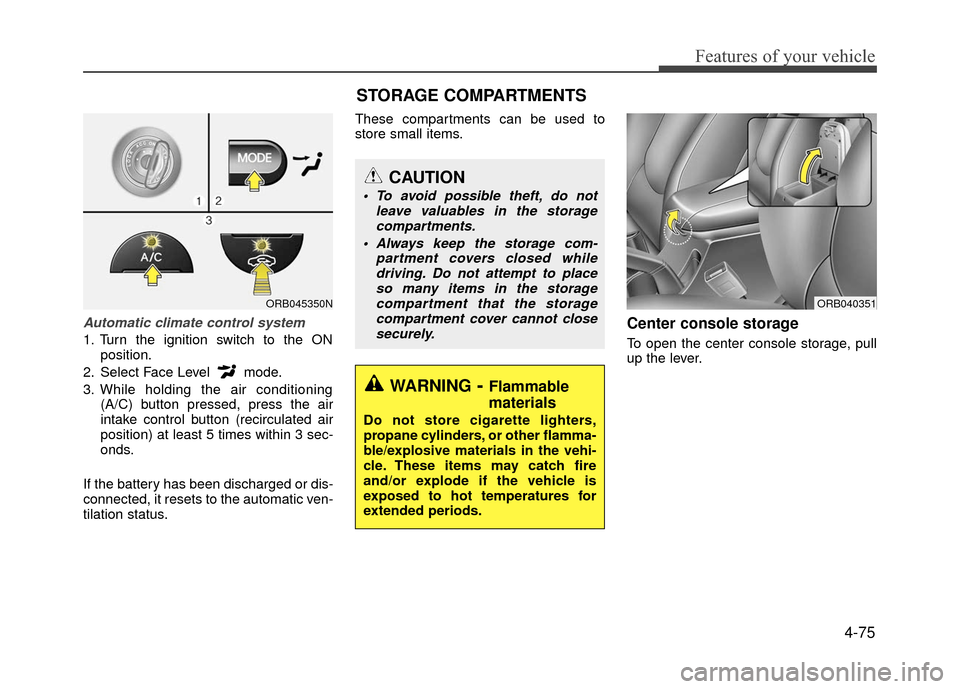
Automatic climate control system
1. Turn the ignition switch to the ONposition.
2. Select Face Level mode.
3. While holding the air conditioning (A/C) button pressed, press the air
intake control button (recirculated air
position) at least 5 times within 3 sec-
onds.
If the battery has been discharged or dis-
connected, it resets to the automatic ven-
tilation status. These compartments can be used to
store small items.
Center console storage
To open the center console storage, pull
up the lever.
ORB045350N
STORAGE COMPARTMENTS
WARNING- Flammable
materials
Do not store cigarette lighters,
propane cylinders, or other flamma-
ble/explosive materials in the vehi-
cle. These items may catch fire
and/or explode if the vehicle is
exposed to hot temperatures for
extended periods.
CAUTION
To avoid possible theft, do not
leave valuables in the storagecompartments.
Always keep the storage com- partment covers closed whiledriving. Do not attempt to placeso many items in the storagecompartment that the storagecompartment cover cannot closesecurely.
ORB040351
Page 158 of 380
Features of your vehicle
4-84
✽
✽NOTICE
If you install an after market HID (high
intensity discharge) head lamp, your
vehicle's audio and electronic device
may malfunction.
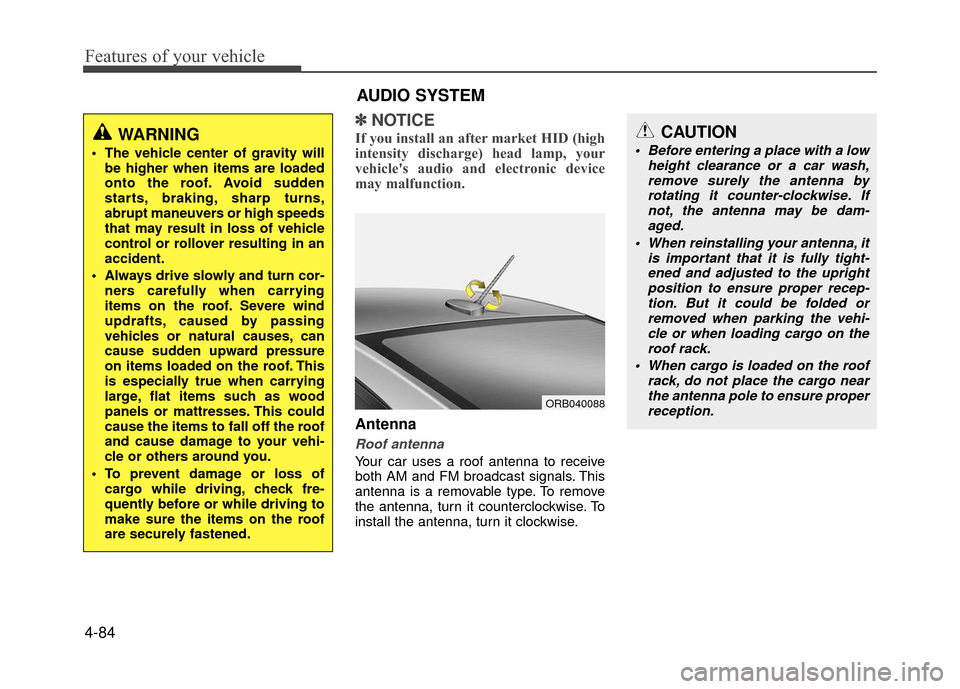
Antenna
Roof antenna
Your car uses a roof antenna to receive
both AM and FM broadcast signals. This
antenna is a removable type. To remove
the antenna, turn it counterclockwise. To
install the antenna, turn it clockwise.
WARNING
The vehicle center of gravity will
be higher when items are loaded
onto the roof. Avoid sudden
starts, braking, sharp turns,
abrupt maneuvers or high speeds
that may result in loss of vehicle
control or rollover resulting in an
accident.
Always drive slowly and turn cor- ners carefully when carrying
items on the roof. Severe wind
updrafts, caused by passing
vehicles or natural causes, can
cause sudden upward pressure
on items loaded on the roof. This
is especially true when carrying
large, flat items such as wood
panels or mattresses. This could
cause the items to fall off the roof
and cause damage to your vehi-
cle or others around you.
To prevent damage or loss of cargo while driving, check fre-
quently before or while driving to
make sure the items on the roof
are securely fastened.
AUDIO SYSTEM
ORB040088
CAUTION
Before entering a place with a low height clearance or a car wash,remove surely the antenna by rotating it counter-clockwise. Ifnot, the antenna may be dam-aged.
When reinstalling your antenna, it is important that it is fully tight-ened and adjusted to the upright position to ensure proper recep-tion. But it could be folded or removed when parking the vehi-cle or when loading cargo on the roof rack.
When cargo is loaded on the roof rack, do not place the cargo nearthe antenna pole to ensure properreception.
Page 161 of 380
4-87
Features of your vehicle
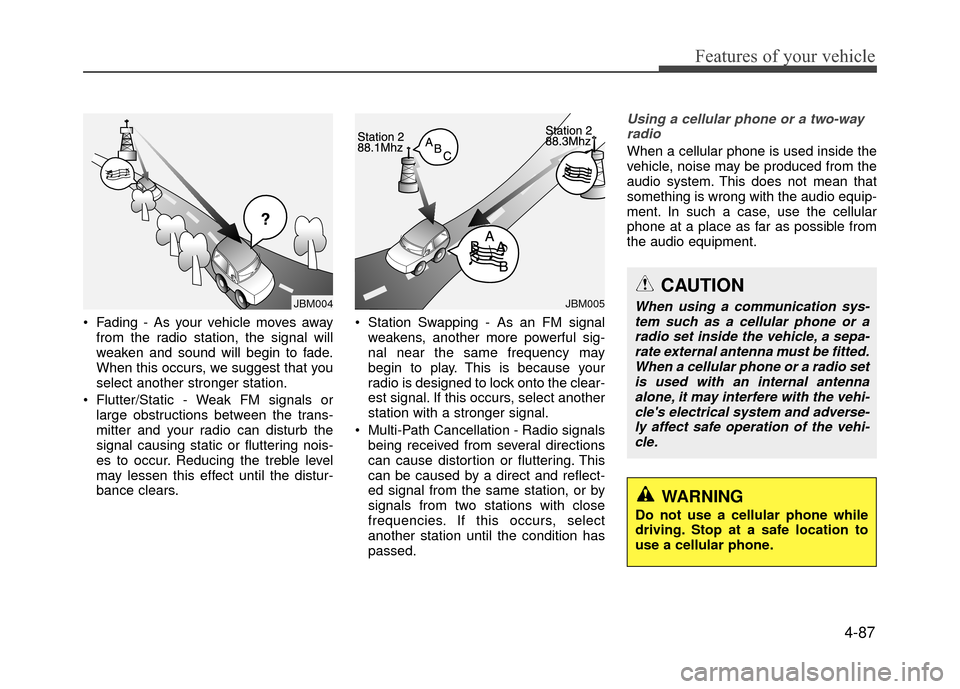
Fading - As your vehicle moves awayfrom the radio station, the signal will
weaken and sound will begin to fade.
When this occurs, we suggest that you
select another stronger station.
Flutter/Static - Weak FM signals or large obstructions between the trans-
mitter and your radio can disturb the
signal causing static or fluttering nois-
es to occur. Reducing the treble level
may lessen this effect until the distur-
bance clears. Station Swapping - As an FM signal
weakens, another more powerful sig-
nal near the same frequency may
begin to play. This is because your
radio is designed to lock onto the clear-
est signal. If this occurs, select another
station with a stronger signal.
Multi-Path Cancellation - Radio signals being received from several directions
can cause distortion or fluttering. This
can be caused by a direct and reflect-
ed signal from the same station, or by
signals from two stations with close
frequencies. If this occurs, select
another station until the condition has
passed.
Using a cellular phone or a two-wayradio
When a cellular phone is used inside the
vehicle, noise may be produced from the
audio system. This does not mean that
something is wrong with the audio equip-
ment. In such a case, use the cellular
phone at a place as far as possible from
the audio equipment.
JBM005JBM004
CAUTION
When using a communication sys-tem such as a cellular phone or a radio set inside the vehicle, a sepa-rate external antenna must be fitted. When a cellular phone or a radio setis used with an internal antennaalone, it may interfere with the vehi-cle's electrical system and adverse- ly affect safe operation of the vehi-cle.
WARNING
Do not use a cellular phone while
driving. Stop at a safe location to
use a cellular phone.
Page 163 of 380
4-89
Features of your vehicle
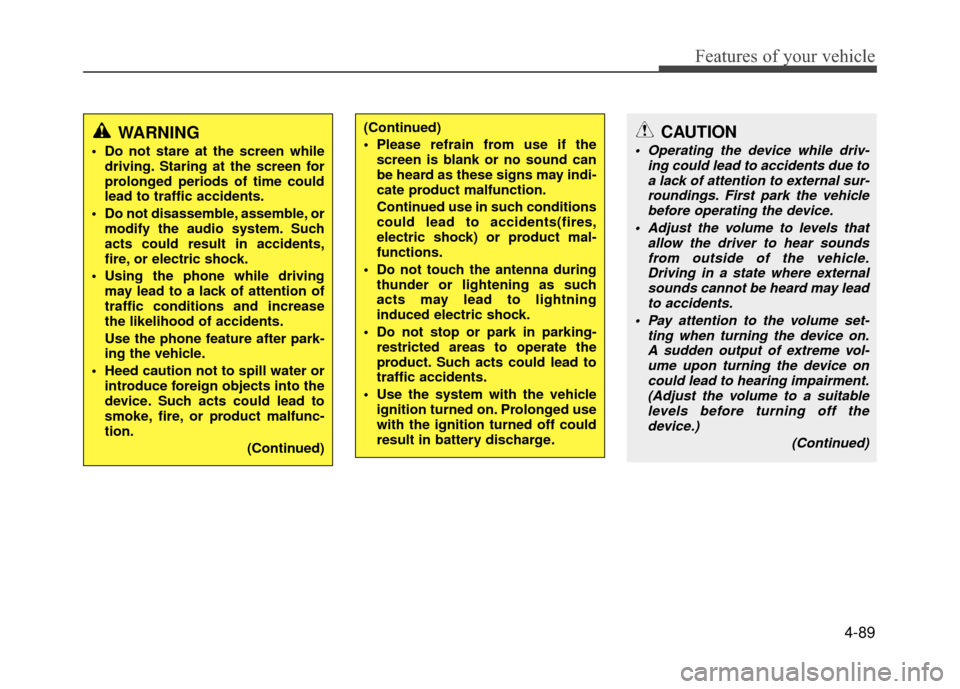
WARNING
Do not stare at the screen whiledriving. Staring at the screen for
prolonged periods of time could
lead to traffic accidents.
Do not disassemble, assemble, or modify the audio system. Such
acts could result in accidents,
fire, or electric shock.
Using the phone while driving may lead to a lack of attention of
traffic conditions and increase
the likelihood of accidents.
Use the phone feature after park-
ing the vehicle.
Heed caution not to spill water or introduce foreign objects into the
device. Such acts could lead to
smoke, fire, or product malfunc-
tion.
(Continued)
(Continued)
Please refrain from use if thescreen is blank or no sound can
be heard as these signs may indi-
cate product malfunction.
Continued use in such conditions
could lead to accidents(fires,
electric shock) or product mal-
functions.
Do not touch the antenna during thunder or lightening as such
acts may lead to lightning
induced electric shock.
Do not stop or park in parking- restricted areas to operate the
product. Such acts could lead to
traffic accidents.
Use the system with the vehicle ignition turned on. Prolonged use
with the ignition turned off could
result in battery discharge.CAUTION
Operating the device while driv- ing could lead to accidents due toa lack of attention to external sur- roundings. First park the vehiclebefore operating the device.
Adjust the volume to levels that allow the driver to hear soundsfrom outside of the vehicle.Driving in a state where external sounds cannot be heard may leadto accidents.
Pay attention to the volume set- ting when turning the device on.A sudden output of extreme vol- ume upon turning the device oncould lead to hearing impairment.(Adjust the volume to a suitablelevels before turning off thedevice.)
(Continued)
Page 168 of 380
Features of your vehicle
4-94
✽
✽NOTICE - PRECAUTIONS
FOR SAFE DRIVING
• Connecting the head unit with a
Bluetooth®phone allows the user to
conveniently make and receive calls
and use contacts. Before using
Bluetooth
®, carefully read the con-
tents of this user’s manual.
• Excessive use or operations while driving may lead to negligent driv-
ing practices and result in acci-
dents. Refrain from excessive oper-
ations while driving.
• Viewing the screen for prolonged periods of time is dangerous and
may lead to accidents. When driv-
ing, view the screen only for short
periods of time.
✽ ✽ NOTICE - WHEN CON-
NECTING A
Bluetooth®
PHONE
• Before connecting the head unit
with the mobile phone, check to see
that the mobile phone supports
Bluetooth
®features.
• Even if the phone supports Bluetooth
®, the phone will not be
found during device searches if the
phone has been set to hidden state
or the Bluetooth
®power is turned
off. Disable the hidden state or turn
on the Bluetooth
®power prior to
searching/connecting with the Head
unit.
• Bluetooth phone is automatically connected when the ignition on.
• If you do not want automatic con- nection with your Bluetooth
®
device, turn off the Bluetooth®fea-
ture within your mobile phone.
• The Handsfree call volume and quality may differ depending on the
mobile phone. (Continued)(Continued)
• Park the vehicle when connecting
the head unit with the mobile
phone.
• Bluetooth
®connection may become
intermittently disconnected in some
mobile phones. Follow these steps
to try again.
1. Within the mobile phone, turn the Bluetooth
®function off/on
and try again.
2. Turn the mobile phone power Off/On and try again.
3. Completely remove the mobile phone battery, reboot, and then
again.
4. Reboot the
AudioSystem and try
again.
5. Delete all paired devices, pair and try again.
• Handsfree call quality and volume may differ depending on the model
of your mobile phone.
Page 169 of 380
4-95
Features of your vehicle
✽
✽NOTICE - USING THE VOICE
RECOGNITION
• When using the voice recognition fea-ture, only commands listed within the
user's manual are supported.
• Be aware that during the operation of the voice recognition system, pressing
any key other than the key termi-
nate voice recognition mode.
• For superior voice recognition per- formance, position the microphone
used for voice recognition above the
head of the driver’s seat and maintain
a proper position when saying com-
mands.
• Within the following situations, voice recognition may not function properly
due to external sound.
- When the windows and sunroof areopen
- When the wind of the cooling / heat- ing device is strong
- When entering and passing through tunnels (Continued)(Continued)
- When driving on rugged anduneven roads
- During severe rain (heavy rains, windstorms)
• Phone related voice commands can be used only when a Bluetooth
®Wireless
Technology device is connected.
• When making calls by stating a name, the corresponding contact must be
downloaded and stored within the
audio system.
• After downloading the Bluetooth
®
Wireless Technology phone book, it
takes some times to convert the phone
book data into voice information.
During this time, voice recognition
may not properly operate.
• Pronounce the voice commands natu- rally and clearly as if in a normal con-
versation.
Page 187 of 380
4-113
Features of your vehicle
PHONE
(if equipped model)
Making a call using the Steering
wheel mount controls
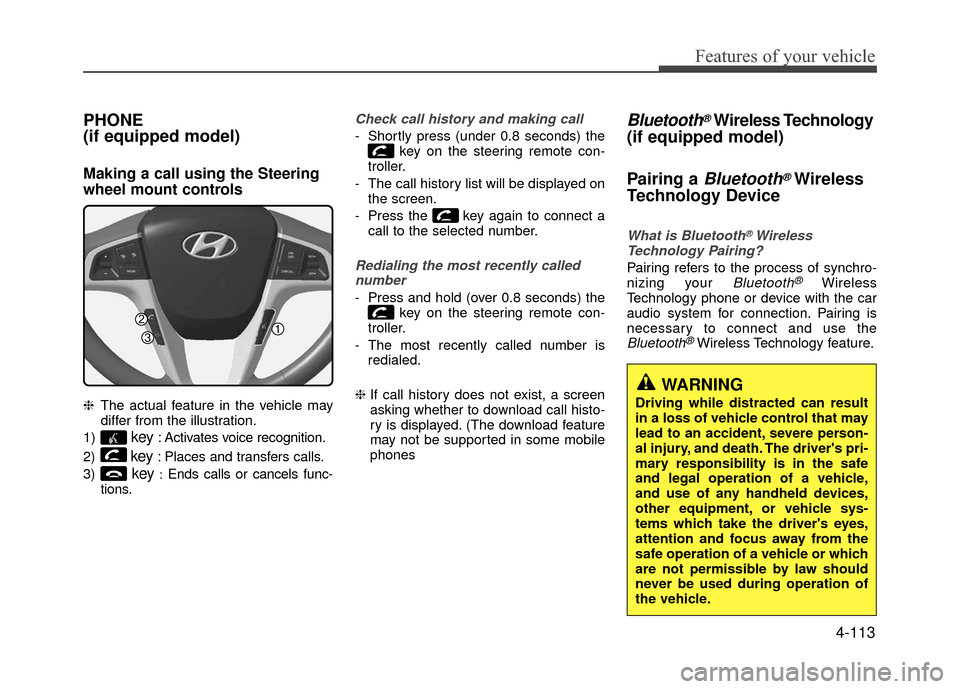
❈The actual feature in the vehicle may
differ from the illustration.
1)
key: Activates voice recognition.
2)
key: Places and transfers calls.
3)
key:Ends calls or cancels func-
tions.
Check call history and making call
- Shortly press (under 0.8 seconds) the key on the steering remote con-
troller.
- The call history list will be displayed on the screen.
- Press the key again to connect a call to the selected number.
Redialing the most recently callednumber
- Press and hold (over 0.8 seconds) the key on the steering remote con-
troller.
- The most recently called number is redialed.
❈ If call history does not exist, a screen
asking whether to download call histo-
ry is displayed. (The download feature
may not be supported in some mobile
phones
Bluetooth®Wireless Technology
(if equipped model)
Pairing a
Bluetooth®Wireless
Technology Device
What is Bluetooth®Wireless
Technology Pairing?
Pairing refers to the process of synchro-
nizing your Bluetooth®Wireless
Technology phone or device with the car
audio system for connection. Pairing is
necessary to connect and use the
Bluetooth®Wireless Technology feature.
WARNING
Driving while distracted can result
in a loss of vehicle control that may
lead to an accident, severe person-
al injury, and death. The driver's pri-
mary responsibility is in the safe
and legal operation of a vehicle,
and use of any handheld devices,
other equipment, or vehicle sys-
tems which take the driver's eyes,
attention and focus away from the
safe operation of a vehicle or which
are not permissible by law should
never be used during operation of
the vehicle.
Page 204 of 380
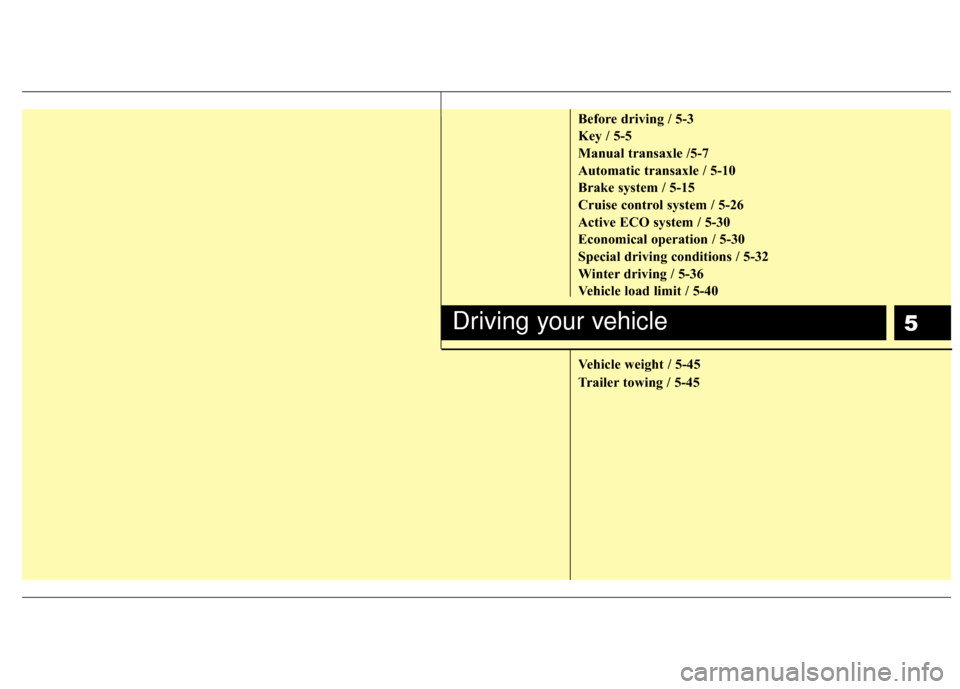
5
Before driving / 5-3
Key / 5-5
Manual transaxle /5-7
Automatic transaxle / 5-10
Brake system / 5-15
Cruise control system / 5-26
Active ECO system / 5-30
Economical operation / 5-30
Special driving conditions / 5-32
Winter driving / 5-36
Vehicle load limit / 5-40
Vehicle weight / 5-45
Trailer towing / 5-45
Driving your vehicle
Page 205 of 380
Driving your vehicle
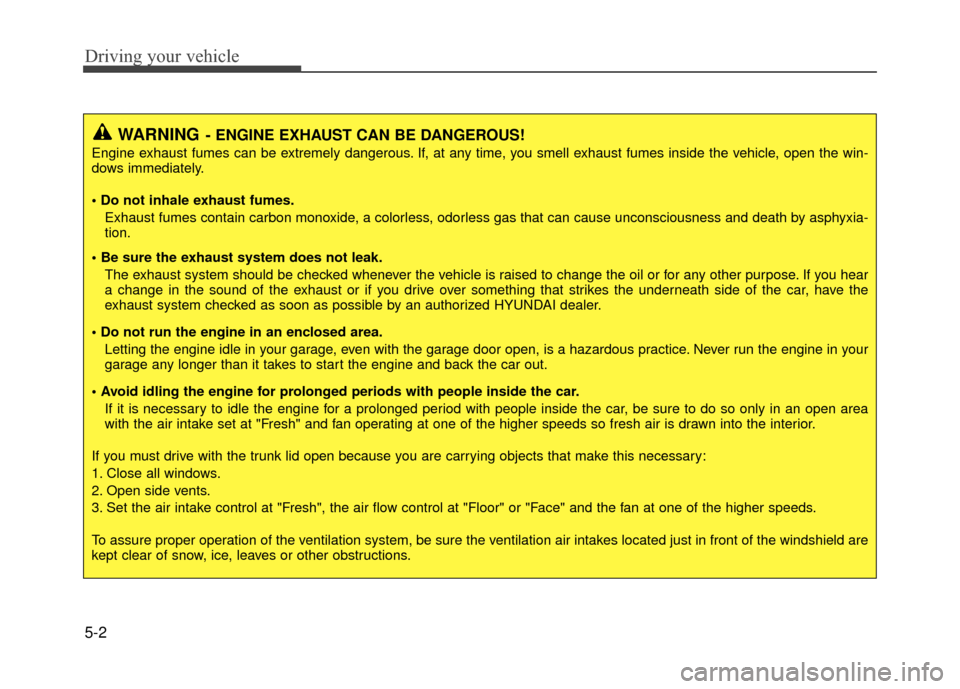
5-2
WARNING- ENGINE EXHAUST CAN BE DANGEROUS!
Engine exhaust fumes can be extremely dangerous. If, at any time, you smell exhaust fumes inside the vehicle, open the win-
dows immediately.
• Do not inhale exhaust fumes.Exhaust fumes contain carbon monoxide, a colorless, odorless gas that can cause unconsciousness and death by asphyxia-
tion.
The exhaust system should be checked whenever the vehicle is raised to change the oil or for any other purpose. If you hear
a change in the sound of the exhaust or if you drive over something that strikes the underneath side of the car, have the
exhaust system checked as soon as possible by an authorized HYUNDAI dealer.
Letting the engine idle in your garage, even with the garage door open, is a hazardous practice. Never run the engine in your
garage any longer than it takes to start the engine and back the car out.
If it is necessary to idle the engine for a prolonged period with people inside the car, be sure to do so only in an open area
with the air intake set at "Fresh" and fan operating at one of the higher speeds so fresh air is drawn into the interior.
If you must drive with the trunk lid open because you are carrying objects that make this necessary:
1. Close all windows.
2. Open side vents.
3. Set the air intake control at "Fresh", the air flow control at "Floor" or "Face" and the fan at one of the higher speeds.
To assure proper operation of the ventilation system, be sure the ventilation air intakes located just in front of the windshie ld are
kept clear of snow, ice, leaves or other obstructions.