Eco Hyundai Accent 2020 Workshop Manual
[x] Cancel search | Manufacturer: HYUNDAI, Model Year: 2020, Model line: Accent, Model: Hyundai Accent 2020Pages: 445, PDF Size: 42.28 MB
Page 126 of 445
3-38
Convenient features of your vehicle
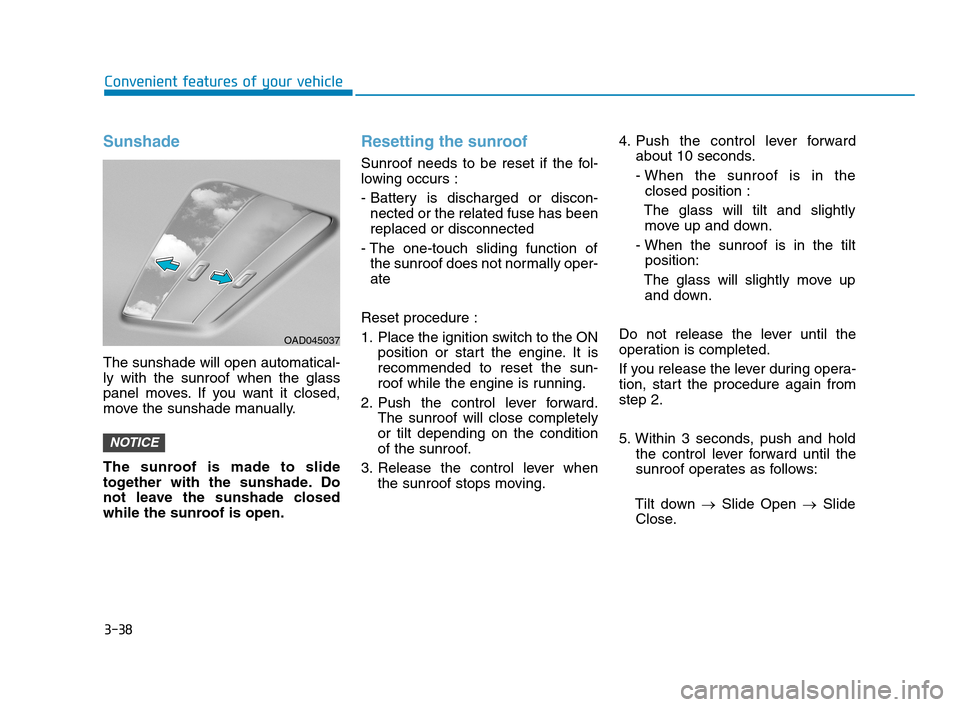
Sunshade
The sunshade will open automatical-
ly with the sunroof when the glass
panel moves. If you want it closed,
move the sunshade manually.
The sunroof is made to slide
together with the sunshade. Do
not leave the sunshade closed
while the sunroof is open.
Resetting the sunroof
Sunroof needs to be reset if the fol-
lowing occurs :
- Battery is discharged or discon-
nected or the related fuse has been
replaced or disconnected
- The one-touch sliding function of
the sunroof does not normally oper-
ate
Reset procedure :
1. Place the ignition switch to the ON
position or start the engine. It is
recommended to reset the sun-
roof while the engine is running.
2. Push the control lever forward.
The sunroof will close completely
or tilt depending on the condition
of the sunroof.
3. Release the control lever when
the sunroof stops moving.4. Push the control lever forward
about 10 seconds.
- When the sunroof is in the
closed position :
The glass will tilt and slightly
move up and down.
- When the sunroof is in the tilt
position:
The glass will slightly move up
and down.
Do not release the lever until the
operation is completed.
If you release the lever during opera-
tion, start the procedure again from
step 2.
5. Within 3 seconds, push and hold
the control lever forward until the
sunroof operates as follows:
Tilt down →Slide Open →Slide
Close.
NOTICE
OAD045037
HCa HMA 3a(~84).qxp 4/9/2019 3:01 PM Page 38
Page 130 of 445
3-42
Convenient features of your vehicle
Closing the hood
1. Before closing the hood, check the
following:
ment must be correctly installed.
bustible material must be
removed from the engine com-
partment.
2. Lower the hood halfway (lifted
approximately 12 inches (30 cm)
from the closed position) and push
down to securely lock in place.
Then double check to be sure the
hood is secure. If the hood can be
raised slightly, it is not securely
locked. Open it again and close it
with more force.
Hood open warning
(if equipped)
The warning message will appear on
the LCD display when hood is open.
The warning chime will operate when
the vehicle is being driven at or
above 3 km/h with the hood open.
Trunk
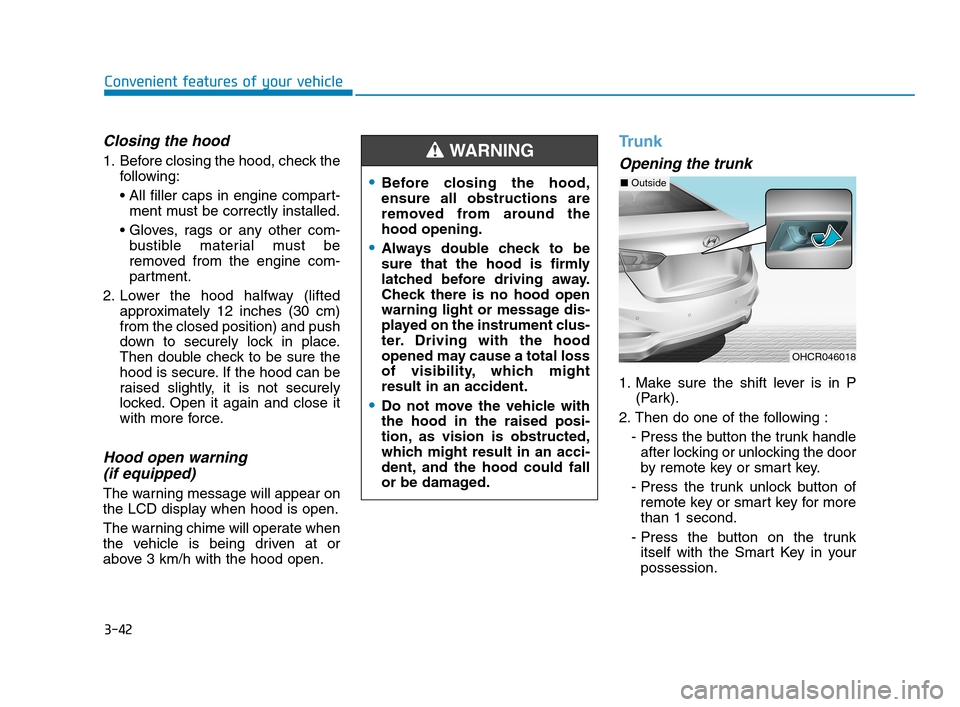
Opening the trunk
1. Make sure the shift lever is in P
(Park).
2. Then do one of the following :
- Press the button the trunk handle
after locking or unlocking the door
by remote key or smart key.
- Press the trunk unlock button of
remote key or smart key for more
than 1 second.
- Press the button on the trunk
itself with the Smart Key in your
possession.
Before closing the hood,
ensure all obstructions are
removed from around the
hood opening.
Always double check to be
sure that the hood is firmly
latched before driving away.
Check there is no hood open
warning light or message dis-
played on the instrument clus-
ter. Driving with the hood
opened may cause a total loss
of visibility, which might
result in an accident.
Do not move the vehicle with
the hood in the raised posi-
tion, as vision is obstructed,
which might result in an acci-
dent, and the hood could fall
or be damaged.
WARNING
OHCR046018
■Outside
HCa HMA 3a(~84).qxp 4/9/2019 3:01 PM Page 42
Page 133 of 445
3-45
Convenient features of your vehicle
3
How to use the Smart Trunk
The trunk can be opened with no-
touch activation satisfying all the
conditions below.
After 15 seconds when all doors
are closed and locked
Positioned in the detecting area for
more than 3 seconds.
Information
• The Smart Trunk does not operate
when:
- The smart key is detected within
15 seconds after the doors are
closed and locked, and is continu-
ously detected.
- The smart key is detected within 15
seconds after the doors are closed
and locked, and within 60 inches
(1.5 m) from the front door handles.
(for vehicles equipped with Welcome
Light)
- A door is not locked or closed.
- The smart key is in the vehicle. 1. Setting
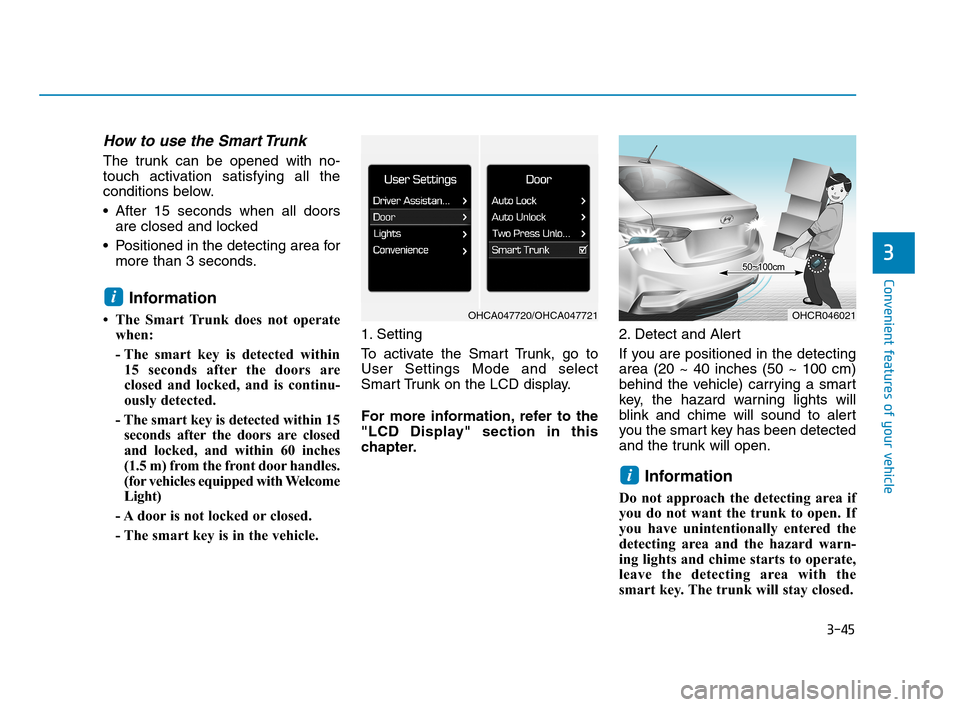
To activate the Smart Trunk, go to
User Settings Mode and select
Smart Trunk on the LCD display.
For more information, refer to the
"LCD Display" section in this
chapter.2. Detect and Alert
If you are positioned in the detecting
area (20 ~ 40 inches (50 ~ 100 cm)
behind the vehicle) carrying a smart
key, the hazard warning lights will
blink and chime will sound to alert
you the smart key has been detected
and the trunk will open.
Information
Do not approach the detecting area if
you do not want the trunk to open. If
you have unintentionally entered the
detecting area and the hazard warn-
ing lights and chime starts to operate,
leave the detecting area with the
smart key. The trunk will stay closed.
i
i
OHCR046021OHCA047720/OHCA047721
HCa HMA 3a(~84).qxp 4/9/2019 3:01 PM Page 45
Page 135 of 445
3-47
Convenient features of your vehicle
3
Information
• If you press the door unlock button
(2), the Smart Trunk function will
be deactivated temporarily. But, if
you do not open any door for 30 sec-
onds, the smart trunk function will
be activated again.
• If you press the trunk open button
(3) for more than 1 second, the
trunk opens.
• If you press the door lock button (1)
or trunk open button (3) when the
Smart Trunk function is not in the
Detect and Alert stage, the smart
trunk function will not be deactivated.
• In case you have deactivated the
Smart Trunk function by pressing
the smart key button and opened a
door, the smart trunk function can
be activated again by closing and
locking all doors.
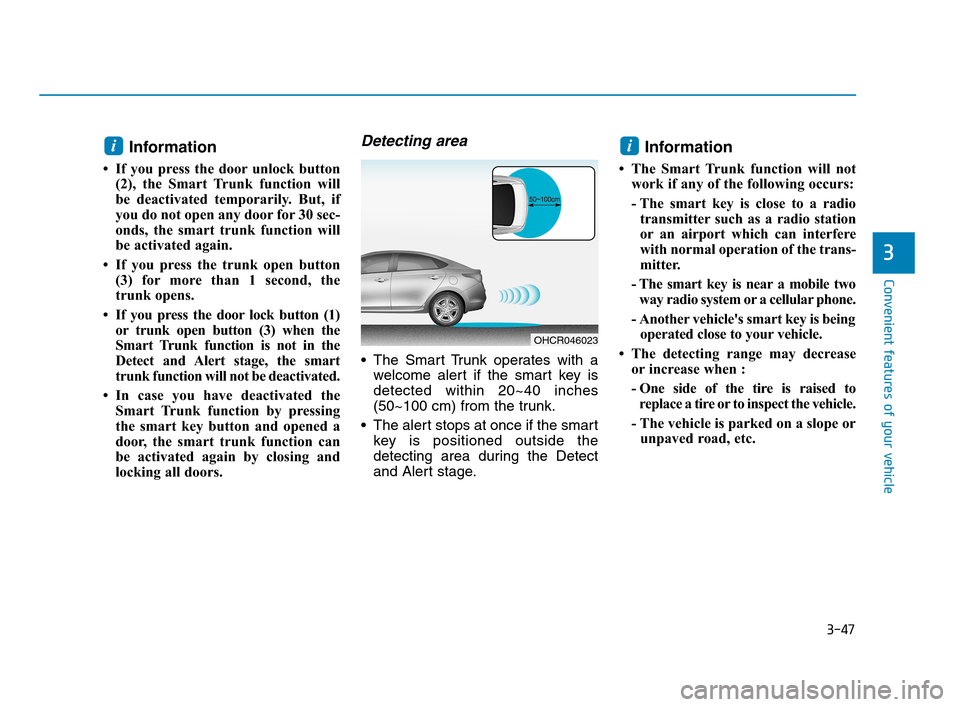
Detecting area
The Smart Trunk operates with a
welcome alert if the smart key is
detected within 20~40 inches
(50~100 cm) from the trunk.
The alert stops at once if the smart
key is positioned outside the
detecting area during the Detect
and Alert stage.
Information
• The Smart Trunk function will not
work if any of the following occurs:
- The smart key is close to a radio
transmitter such as a radio station
or an airport which can interfere
with normal operation of the trans-
mitter.
- The smart key is near a mobile two
way radio system or a cellular phone.
- Another vehicle's smart key is being
operated close to your vehicle.
• The detecting range may decrease
or increase when :
- One side of the tire is raised to
replace a tire or to inspect the vehicle.
- The vehicle is parked on a slope or
unpaved road, etc.
ii
OHCR046023
HCa HMA 3a(~84).qxp 4/9/2019 3:01 PM Page 47
Page 143 of 445
3-55
Convenient features of your vehicle
3
Outside temperature gauge
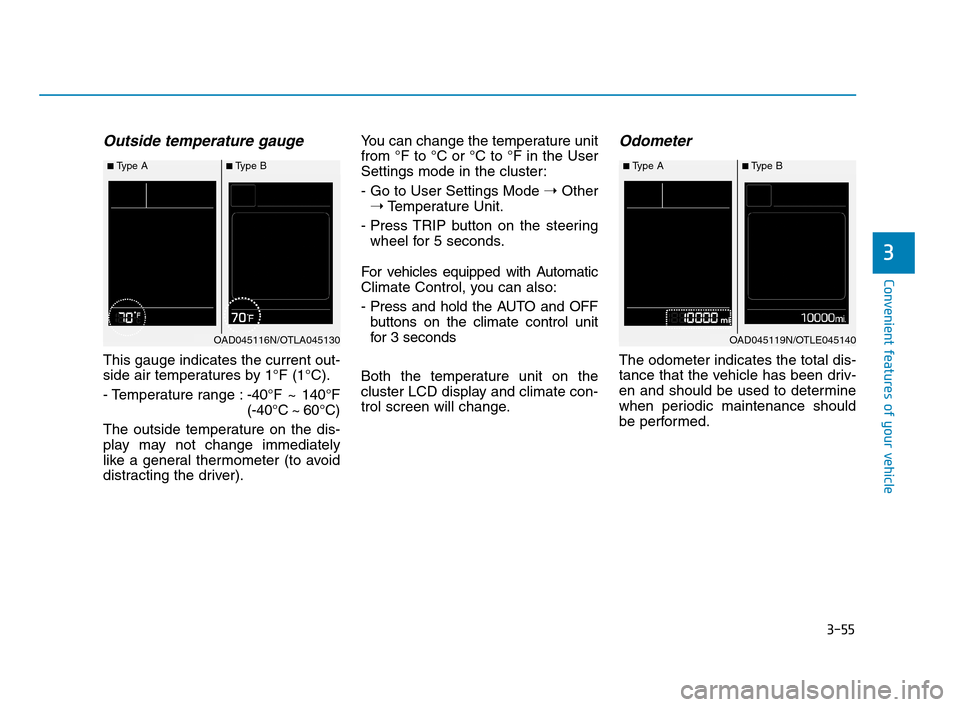
This gauge indicates the current out-
side air temperatures by 1°F (1°C).
- Temperature range :-40°F ~ 140°F
(-40°C ~ 60°C)
The outside temperature on the dis-
play may not change immediately
like a general thermometer (to avoid
distracting the driver).You can change the temperature unit
from °F to °C or °C to °F in the User
Settings mode in the cluster:
- Go to User Settings Mode ➝Other
➝Temperature Unit.
- Press TRIP button on the steering
wheel for 5 seconds.
For vehicles equipped with Automatic
Climate Control, you can also:
- Press and hold the AUTO and OFF
buttons on the climate control unit
for 3 seconds
Both the temperature unit on the
cluster LCD display and climate con-
trol screen will change.
Odometer
The odometer indicates the total dis-
tance that the vehicle has been driv-
en and should be used to determine
when periodic maintenance should
be performed.
■Type A■Type B
OAD045116N/OTLA045130
■Type A■Type B
OAD045119N/OTLE045140
HCa HMA 3a(~84).qxp 4/9/2019 3:02 PM Page 55
Page 144 of 445
3-56
Convenient features of your vehicle
Transmission shift indicator
Manual transmission shift indi-
cator (if equipped)
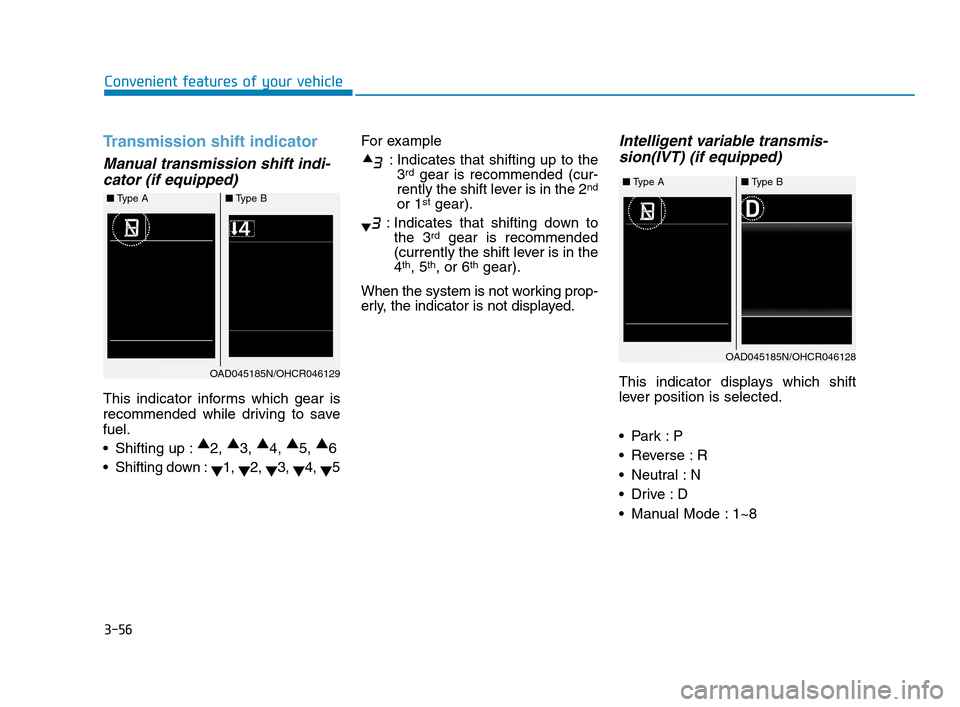
This indicator informs which gear is
recommended while driving to save
fuel.
Shifting up :▲
2, ▲
3, ▲
4, ▲
5, ▲
6
Shifting down :
▼1,
▼2,
▼3,
▼4,
▼5For example
: Indicates that shifting up to the
3
rdgear is recommended (cur-
rently the shift lever is in the 2nd
or 1stgear).
: Indicates that shifting down to
the 3
rdgear is recommended
(currently the shift lever is in the
4
th, 5th, or 6thgear).
When the system is not working prop-
erly, the indicator is not displayed.
Intelligent variable transmis-
sion(IVT) (if equipped)
This indicator displays which shift
lever position is selected.
Reverse : R
Neutral : N
Manual Mode : 1~8
■Type A ■Type B
OAD045185N/OHCR046129
■Type A ■Type B
OAD045185N/OHCR046128
HCa HMA 3a(~84).qxp 4/9/2019 3:02 PM Page 56
Page 145 of 445
3-57
Convenient features of your vehicle
3
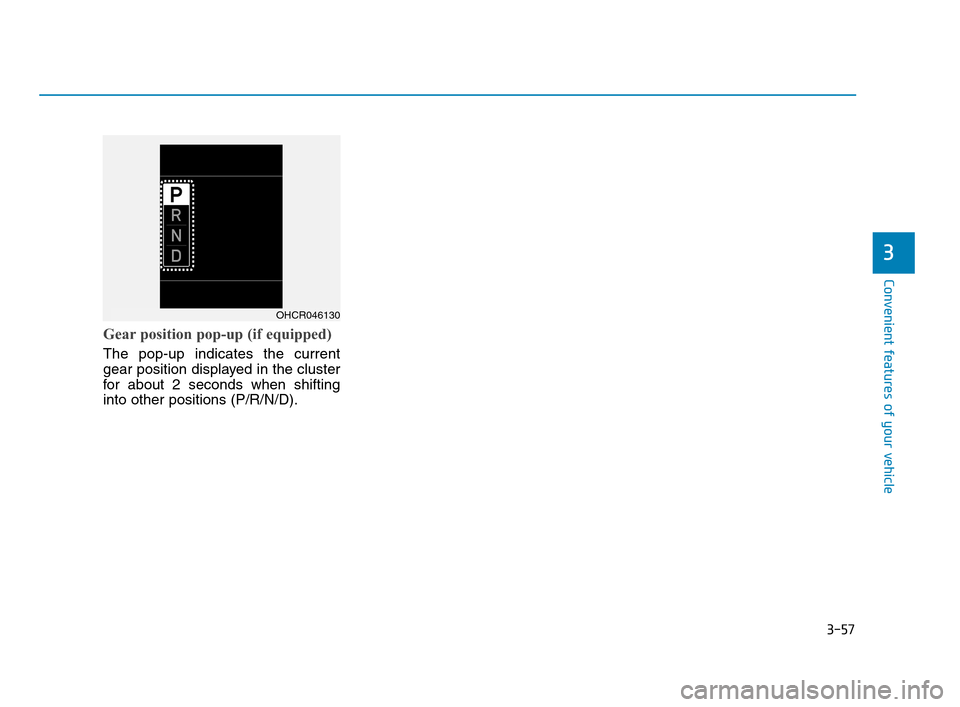
Gear position pop-up (if equipped)
The pop-up indicates the current
gear position displayed in the cluster
for about 2 seconds when shifting
into other positions (P/R/N/D).
OHCR046130
HCa HMA 3a(~84).qxp 4/9/2019 3:02 PM Page 57
Page 146 of 445
3-58
Convenient features of your vehicle
Warning and Indicator Lights
Information
Make sure that all warning lights are
OFF after starting the engine. If any
light is still ON, this indicates a situa-
tion that needs attention.
Air Bag Warning Light
This warning light illuminates:
When you place the ignition switch
to the ON position.
- It illuminates for approximately 6
seconds and then goes off.
When there is a malfunction with
the SRS.
In this case, have the vehicle
inspected by an authorized
HYUNDAI dealer.
Seat Belt Warning Light
This warning light informs the driver
that the seat belt is not fastened.
For more details, refer to "Seat
Belts" in chapter 2.
Parking Brake & Brake
Fluid Warning Light
This warning light illuminates:
When you place the ignition switch
to the ON position.
- It illuminates for approximately 3
seconds.
- It remains on if the parking brake
is applied.
When the parking brake is applied.
When the brake fluid level in the
reservoir is low.
- If the warning light illuminates
with the parking brake released, it
indicates the brake fluid level in
the reservoir is low.
i
HCa HMA 3a(~84).qxp 4/9/2019 3:02 PM Page 58
Page 147 of 445
3-59
Convenient features of your vehicle
3
If the brake fluid level in the reser-
voir is low:
1. Drive carefully to the nearest safe
location and stop your vehicle.
2. With the engine stopped, check the
brake fluid level immediately and
add fluid as required (For more
details, refer to "Brake Fluid" in
chapter 7). After adding brake
fluid, check all brake components
for fluid leaks. If a brake fluid leak is
found, or if the warning light
remains on, or if the brakes do not
operate properly, do not drive the
vehicle. Have the vehicle inspected
by an authorized HYUNDAI dealer.
Dual-diagonal braking system
Your vehicle is equipped with dual-
diagonal braking systems. This
means you still have braking on two
wheels even if one of the dual sys-
tems should fail.
With only one of the dual systems
working, more than normal pedal
travel and greater pedal pressure is
required to stop the vehicle.Also, the vehicle will not stop in as
short a distance with only a portion
of the brake system working.
If the brakes fail while you are driv-
ing, shift to a lower gear for addition-
al engine braking and stop the vehi-
cle as soon as it is safe to do so.
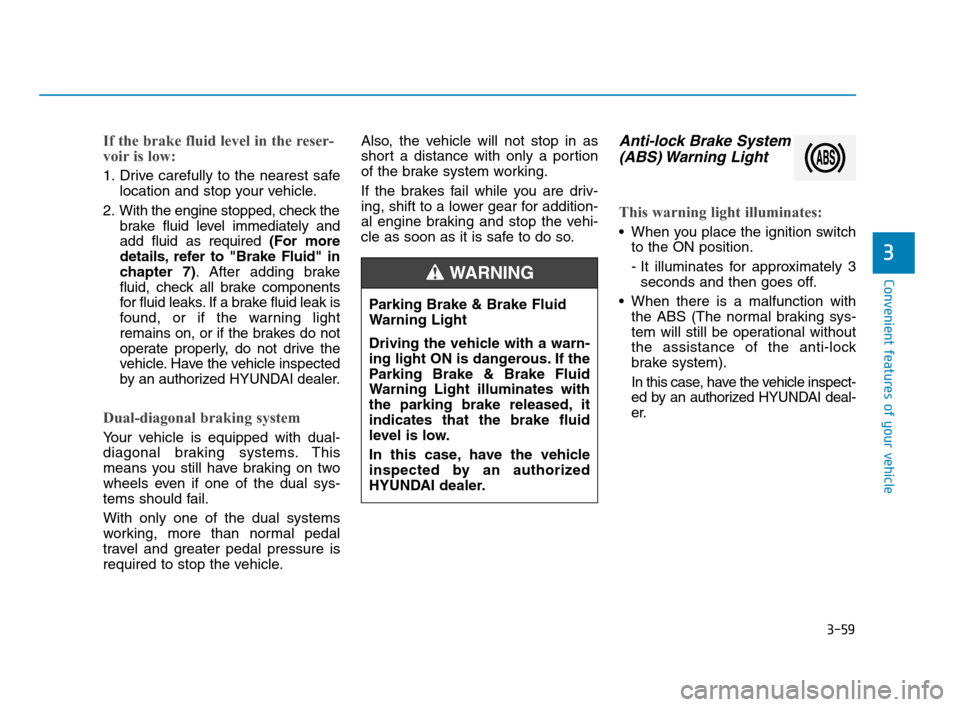
Anti-lock Brake System
(ABS) Warning Light
This warning light illuminates:
When you place the ignition switch
to the ON position.
- It illuminates for approximately 3
seconds and then goes off.
When there is a malfunction with
the ABS (The normal braking sys-
tem will still be operational without
the assistance of the anti-lock
brake system).
In this case, have the vehicle inspect-
ed by an authorized HYUNDAI deal-
er. Parking Brake & Brake Fluid
Warning Light
Driving the vehicle with a warn-
ing light ON is dangerous. If the
Parking Brake & Brake Fluid
Warning Light illuminates with
the parking brake released, it
indicates that the brake fluid
level is low.
In this case, have the vehicle
inspected by an authorized
HYUNDAI dealer.
WARNING
HCa HMA 3a(~84).qxp 4/9/2019 3:02 PM Page 59
Page 148 of 445
3-60
Convenient features of your vehicle
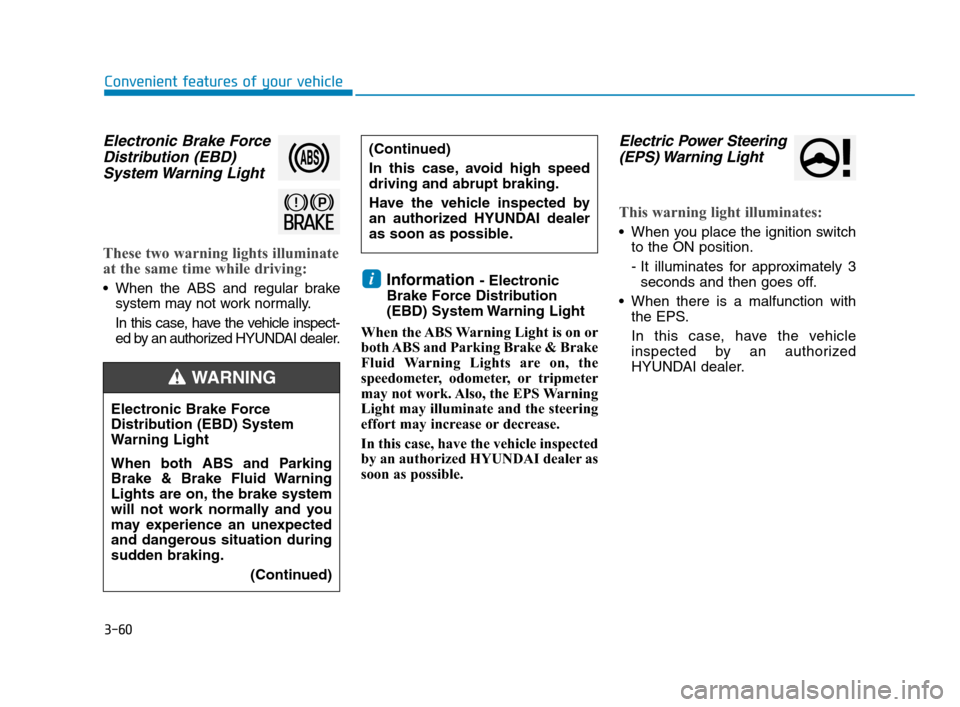
Electronic Brake Force
Distribution (EBD)
System Warning Light
These two warning lights illuminate
at the same time while driving:
When the ABS and regular brake
system may not work normally.
In this case, have the vehicle inspect-
ed by an authorized HYUNDAI dealer.Information - Electronic
Brake Force Distribution
(EBD) System Warning Light
When the ABS Warning Light is on or
both ABS and Parking Brake & Brake
Fluid Warning Lights are on, the
speedometer, odometer, or tripmeter
may not work. Also, the EPS Warning
Light may illuminate and the steering
effort may increase or decrease.
In this case, have the vehicle inspected
by an authorized HYUNDAI dealer as
soon as possible.
Electric Power Steering
(EPS) Warning Light
This warning light illuminates:
When you place the ignition switch
to the ON position.
- It illuminates for approximately 3
seconds and then goes off.
When there is a malfunction with
the EPS.
In this case, have the vehicle
inspected by an authorized
HYUNDAI dealer.
i
Electronic Brake Force
Distribution (EBD) System
Warning Light
When both ABS and Parking
Brake & Brake Fluid Warning
Lights are on, the brake system
will not work normally and you
may experience an unexpected
and dangerous situation during
sudden braking.
(Continued)
WARNING
(Continued)
In this case, avoid high speed
driving and abrupt braking.
Have the vehicle inspected by
an authorized HYUNDAI dealer
as soon as possible.
HCa HMA 3a(~84).qxp 4/9/2019 3:02 PM Page 60