head light HYUNDAI ACCENT 2022 Owner's Manual
[x] Cancel search | Manufacturer: HYUNDAI, Model Year: 2022, Model line: ACCENT, Model: HYUNDAI ACCENT 2022Pages: 443, PDF Size: 42.78 MB
Page 249 of 443
![HYUNDAI ACCENT 2022 Owners Manual 4-42
Infotainment System
Setup
Access Display, Sound, Date/Time,
Bluetooth*, System, Screen Saver
and Display Off settings.
Press the [SETUP]button on the
audio system.
* if equipped
Display
Press th](/img/35/41159/w960_41159-248.png "HYUNDAI ACCENT 2022 Owners Manual 4-42
Infotainment System
Setup
Access Display, Sound, Date/Time,
Bluetooth*, System, Screen Saver
and Display Off settings.
Press the [SETUP]button on the
audio system.
* if equipped
Display
Press th")
4-42
Infotainment System
Setup
Access Display, Sound, Date/Time,
Bluetooth*, System, Screen Saver
and Display Off settings.
Press the [SETUP]button on the
audio system.
* if equipped
Display
Press the [SETUP]button on the
audio system ➟Select [Display].
Mode: Brightness is automatically
adjusted according to the headlight
use.
Illumination: The brightness of the
audio screen can be changed.
Sound
Press the [SETUP]button on the
audio system ➟Select [Sound].
Position: Sound balance and fader
can be adjusted.
Tone: Sound tone color can be
adjusted.
Back-up Warning Priority:
Automatically lower audio volume
while reversing.
Speed Dependent Volume:
Automatically adjust volume based
on vehicle speed.
Beep: Select whether to play a
beep sound when the screen is
touched.
Date/Time
Press the [SETUP]button on the
audio system ➟Select [Date/Time].
Set Time: Set the time displayed on
the audio screen.
Time Format: Choose between 12-
hour and 24-hour time formats.
Set Date: Set the date displayed on
the audio screen.
Date/Time Setting Distraction
Adjusting the date/time setting
while driving can result in a loss
of vehicle control that may lead
to an accident, severe personal
injury, and death.
WARNING
HCa HMA 4.qxp 5/25/2020 10:59 AM Page 42
Page 279 of 443
5-27
Driving your vehicle
5
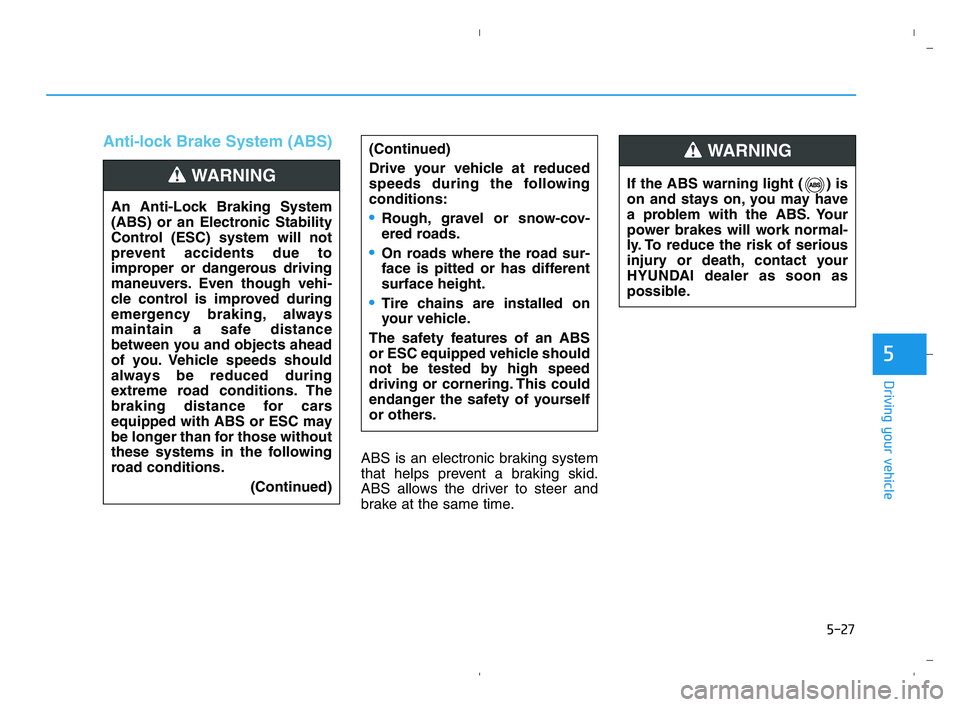
Anti-lock Brake System (ABS)
ABS is an electronic braking system
that helps prevent a braking skid.
ABS allows the driver to steer and
brake at the same time.(Continued)
Drive your vehicle at reduced
speeds during the following
conditions:
Rough, gravel or snow-cov-
ered roads.
On roads where the road sur-
face is pitted or has different
surface height.
Tire chains are installed on
your vehicle.
The safety features of an ABS
or ESC equipped vehicle should
not be tested by high speed
driving or cornering. This could
endanger the safety of yourself
or others.
An Anti-Lock Braking System
(ABS) or an Electronic Stability
Control (ESC) system will not
prevent accidents due to
improper or dangerous driving
maneuvers. Even though vehi-
cle control is improved during
emergency braking, always
maintain a safe distance
between you and objects ahead
of you. Vehicle speeds should
always be reduced during
extreme road conditions. The
braking distance for cars
equipped with ABS or ESC may
be longer than for those without
these systems in the following
road conditions.
(Continued)
WARNING If the ABS warning light ( ) is
on and stays on, you may have
a problem with the ABS. Your
power brakes will work normal-
ly. To reduce the risk of serious
injury or death, contact your
HYUNDAI dealer as soon as
possible.
WARNING
HCa HMA 5.QXP 5/25/2020 10:20 AM Page 27
Page 283 of 443
5-31
Driving your vehicle
5
To prevent damage to the trans-
mission:
Do not allow wheel(s) of one
axle to spin excessively while
the ESC, ABS, and parking brake
warning lights are displayed.
The repairs would not be cov-
ered by the vehicle warranty.
Reduce engine power and do
not spin the wheel(s) excessive-
ly while these lights are dis-
played.
When operating the vehicle on a
dynamometer, make sure the
ESC is turned off (ESC OFF light
illuminated).
Information
Turning the ESC off does not affect
ABS or standard brake system opera-
tion.
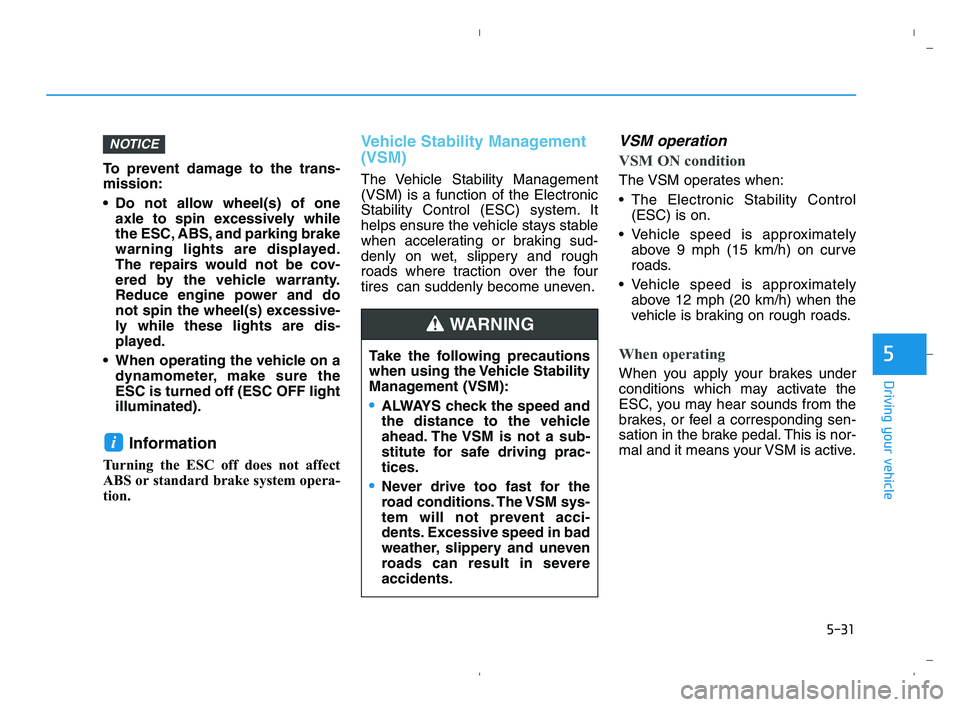
Vehicle Stability Management
(VSM)
The Vehicle Stability Management
(VSM) is a function of the Electronic
Stability Control (ESC) system. It
helps ensure the vehicle stays stable
when accelerating or braking sud-
denly on wet, slippery and rough
roads where traction over the four
tires can suddenly become uneven.
VSM operation
VSM ON condition
The VSM operates when:
The Electronic Stability Control
(ESC) is on.
Vehicle speed is approximately
above 9 mph (15 km/h) on curve
roads.
Vehicle speed is approximately
above 12 mph (20 km/h) when the
vehicle is braking on rough roads.
When operating
When you apply your brakes under
conditions which may activate the
ESC, you may hear sounds from the
brakes, or feel a corresponding sen-
sation in the brake pedal. This is nor-
mal and it means your VSM is active.
i
NOTICE
Take the following precautions
when using the Vehicle Stability
Management (VSM):
ALWAYS check the speed and
the distance to the vehicle
ahead. The VSM is not a sub-
stitute for safe driving prac-
tices.
Never drive too fast for the
road conditions. The VSM sys-
tem will not prevent acci-
dents. Excessive speed in bad
weather, slippery and uneven
roads can result in severe
accidents.
WARNING
HCa HMA 5.QXP 5/25/2020 10:21 AM Page 31
Page 285 of 443
5-33
Driving your vehicle
5
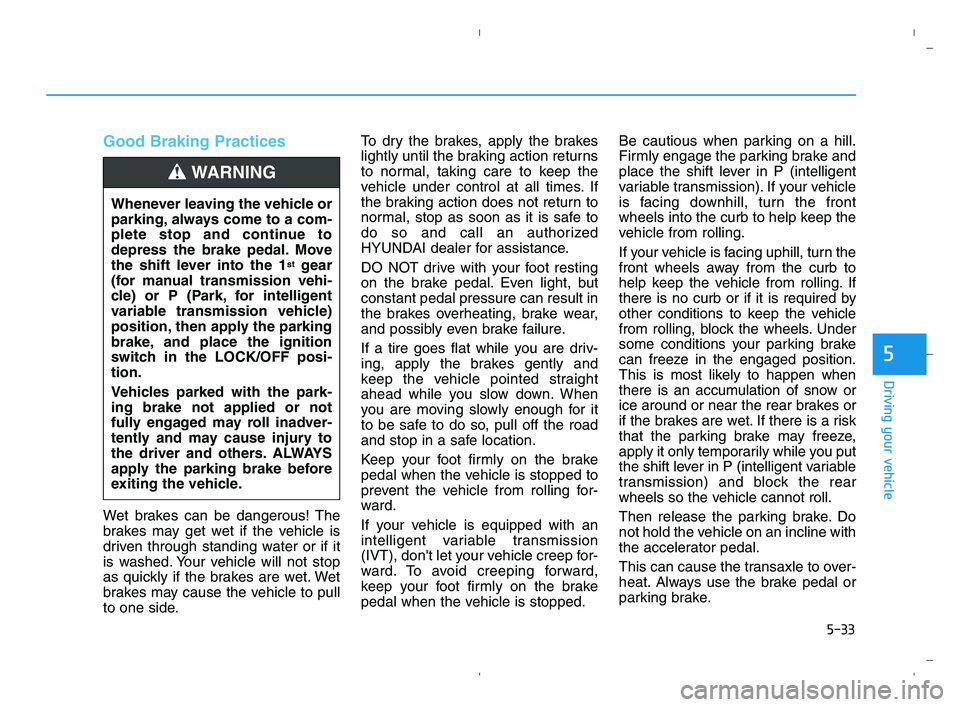
Good Braking Practices
Wet brakes can be dangerous! The
brakes may get wet if the vehicle is
driven through standing water or if it
is washed. Your vehicle will not stop
as quickly if the brakes are wet. Wet
brakes may cause the vehicle to pull
to one side.To dry the brakes, apply the brakes
lightly until the braking action returns
to normal, taking care to keep the
vehicle under control at all times. If
the braking action does not return to
normal, stop as soon as it is safe to
do so and call an authorized
HYUNDAI dealer for assistance.
DO NOT drive with your foot resting
on the brake pedal. Even light, but
constant pedal pressure can result in
the brakes overheating, brake wear,
and possibly even brake failure.
If a tire goes flat while you are driv-
ing, apply the brakes gently and
keep the vehicle pointed straight
ahead while you slow down. When
you are moving slowly enough for it
to be safe to do so, pull off the road
and stop in a safe location.
Keep your foot firmly on the brake
pedal when the vehicle is stopped to
prevent the vehicle from rolling for-
ward.
If your vehicle is equipped with an
intelligent variable transmission
(IVT), don't let your vehicle creep for-
ward. To avoid creeping forward,
keep your foot firmly on the brake
pedal when the vehicle is stopped.Be cautious when parking on a hill.
Firmly engage the parking brake and
place the shift lever in P (intelligent
variable transmission). If your vehicle
is facing downhill, turn the front
wheels into the curb to help keep the
vehicle from rolling.
If your vehicle is facing uphill, turn the
front wheels away from the curb to
help keep the vehicle from rolling. If
there is no curb or if it is required by
other conditions to keep the vehicle
from rolling, block the wheels. Under
some conditions your parking brake
can freeze in the engaged position.
This is most likely to happen when
there is an accumulation of snow or
ice around or near the rear brakes or
if the brakes are wet. If there is a risk
that the parking brake may freeze,
apply it only temporarily while you put
the shift lever in P (intelligent variable
transmission) and block the rear
wheels so the vehicle cannot roll.
Then release the parking brake. Do
not hold the vehicle on an incline with
the accelerator pedal.
This can cause the transaxle to over-
heat. Always use the brake pedal or
parking brake. Whenever leaving the vehicle or
parking, always come to a com-
plete stop and continue to
depress the brake pedal. Move
the shift lever into the 1
stgear
(for manual transmission vehi-
cle) or P (Park, for intelligent
variable transmission vehicle)
position, then apply the parking
brake, and place the ignition
switch in the LOCK/OFF posi-
tion.
Vehicles parked with the park-
ing brake not applied or not
fully engaged may roll inadver-
tently and may cause injury to
the driver and others. ALWAYS
apply the parking brake before
exiting the vehicle.
WARNING
HCa HMA 5.QXP 5/25/2020 10:21 AM Page 33
Page 288 of 443

5-36
Driving your vehicle
The warning light illumi-
nates on the LCD display,
when you cancel FCA.
The driver can monitor
FCA ON/OFF status on the LCD dis-
play. Also, the warning light illumi-
nates when ESC (Electronic Stability
Control) is turned off.
If the warning light remains ON when
FCA is activated, have the system
checked by an authorized HYUNDAI
dealer.
The driver can select the initial warn-
ing activation time on the LCD dis-
play.
Go to the 'User Settings →Driving
Assist →Forward Collision-avoid-
ance Assist→Late/Normal/Early'.The options for the initial Forward
Collision-avoidance Assist includes
the following:
- Early :
When this condition is selected, the
initial Forward Collision-avoidance
Assist is activated earlier. This set-
ting maximizes the amount of dis-
tance between the vehicle ahead
before the initial warning occurs.
If the 'Early' condition feels too sen-
sitive, select 'Normal' condition.
Even though, 'Early' is selected if the
front vehicle suddenly stops the ini-
tial warning activation time may not
seem fast.
- Normal :
When this condition is selected, the
initial Forward Collision-avoidance
Assist is activated normally. This set-
ting allows for a nominal amount of
distance between the vehicle ahead
before the initial warning occurs.- Late :
When this condition is selected, the
initial Forward Collision-avoidance
Assist is activated later than normal.
This setting reduces the amount of
distance between the vehicle ahead
before the initial warning occurs.
Select 'Late' when traffic is light and
when driving speed is slow.
Prerequisite for activation
FCA is on and ready when FCA is
selected on the LCD display and
when the following prerequisites are
satisfied:
- ESC (Electronic Stability Control)
is on.
- Driving speed exceeds approxi-
mately 6 mph (10 km/h). (FCA
is only activated within a certain
speed range.)
- When FCA recognizes a vehicle in
front. (FCA may not recognize
every obstacle or provide warnings
and braking in every situation, so
do not rely on FCA to stop the vehi-
cle in instances where the driver
sees an obstacle and has the abil-
ity to apply the brakes).
HCa HMA 5.QXP 5/25/2020 10:21 AM Page 36
Page 289 of 443
5-37
Driving your vehicle
5
FCA Warning Message and
System Control
FCA produces warning messages,
warning alarms, and emergency
braking based on the level of risk of
a frontal collision, such as when a
vehicle ahead suddenly brakes,
when there is no following distance
from the vehicle in front.
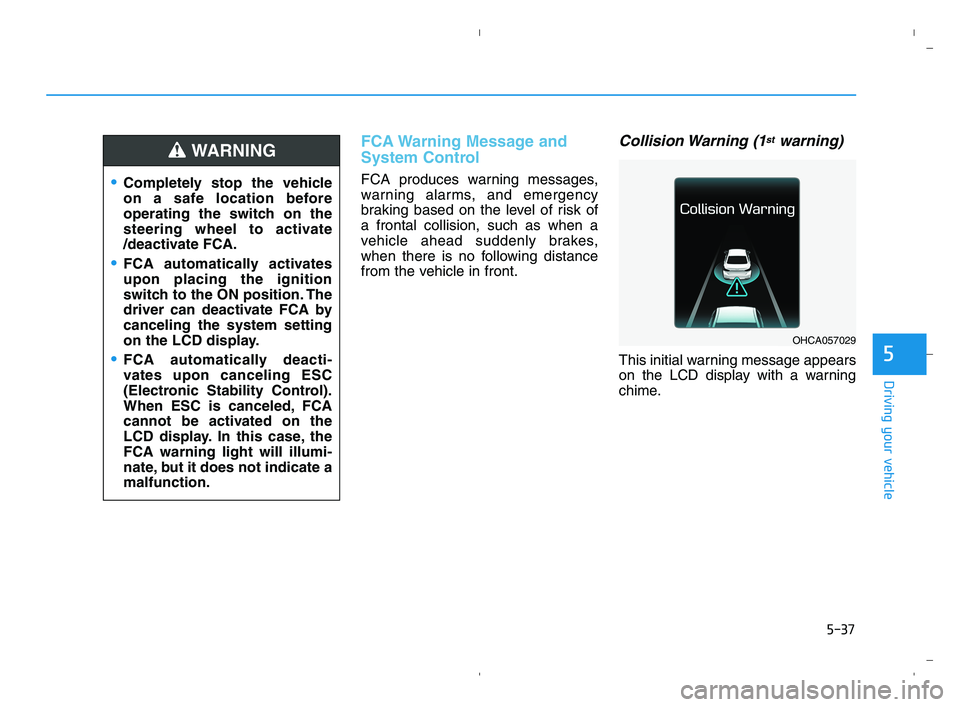
Collision Warning (1stwarning)
This initial warning message appears
on the LCD display with a warning
chime.
Completely stop the vehicle
on a safe location before
operating the switch on the
steering wheel to activate
/deactivate FCA.
FCA automatically activates
upon placing the ignition
switch to the ON position. The
driver can deactivate FCA by
canceling the system setting
on the LCD display.
FCA automatically deacti-
vates upon canceling ESC
(Electronic Stability Control).
When ESC is canceled, FCA
cannot be activated on the
LCD display. In this case, the
FCA warning light will illumi-
nate, but it does not indicate a
malfunction.
WARNING
OHCA057029
HCa HMA 5.QXP 5/25/2020 10:21 AM Page 37
Page 304 of 443

5-52
Driving your vehicle
Information
The ESC system must be turned OFF
before rocking the vehicle.
If you are still stuck after rocking
the vehicle a few times, have the
vehicle pulled out by a tow vehicle
to avoid engine overheating, pos-
sible damage to the transmission,
and tire damage. See "Towing" in
chapter 6.
Smooth Cornering
Avoid braking or gear changing in
corners, especially when roads are
wet. Ideally, corners should always
be taken under gentle acceleration.
Driving at Night
Night driving presents more hazards
than driving in the daylight. Here are
some important tips to remember:
Slow down and keep more dis-
tance between you and other vehi-
cles, as it may be more difficult to
see at night, especially in areas
where there may not be any street
lights.
Adjust your mirrors to reduce the
glare from other driver's head-
lamps.
Keep your headlamps clean and
properly aimed. Dirty or improperly
aimed headlamps will make it
much more difficult to see at night.
Avoid staring directly at the head-
lamps of oncoming vehicles. You
could be temporarily blinded, and it
will take several seconds for your
eyes to readjust to the darkness.
Driving in the Rain
Rain and wet roads can make driving
dangerous. Here are a few things to
consider when driving in the rain or
on slick pavement:
Slow down and allow extra follow-
ing distance. A heavy rainfall
makes it harder to see and increas-
es the distance needed to stop
your vehicle.
Turn OFF your Cruise Control.
Replace your windshield wiper
blades when they show signs of
streaking or missing areas on the
windshield.
Tires should be properly main-
tained with at least 2/32nds of an
inch of tread depth. If your tires do
not have enough tread, making a
quick stop on wet pavement can
cause a skid and possibly lead to
an accident.See "Tire Tread" in
chapter 7.
Turn on your headlamps to make it
easier for others to see you.
NOTICE
i
HCa HMA 5.QXP 5/25/2020 10:22 AM Page 52
Page 318 of 443
6-3
What to do in an emergency
If you Have a Flat Tire While
Driving
If a tire goes flat while you are driving:
Take your foot off the accelerator
pedal and let the vehicle slow down
while driving straight ahead. Do not
apply the brakes immediately or
attempt to pull off the road as this
may cause loss of vehicle control
resulting in an accident. When the
vehicle has slowed to such a speed
that it is safe to do so, brake care-
fully and pull off the road. Drive off
the road as far as possible and park
on firm, level ground. If you are on
a divided highway, do not park in
the median area between the two
traffic lanes.
When the vehicle is stopped, press
the hazard warning flasher button,
move the shift lever into P (Park),
and apply the parking brake, and
place the ignition switch in the
LOCK/OFF position.
Have all passengers get out of the
vehicle. Be sure they all get out on
the side of the vehicle that is away
from traffic.
When changing a flat tire, follow
the instructions provided later in
this chapter.
If the Engine Doesn't Turn
Over or Turns Over Slowly
Be sure the shift lever is in N
(Neutral) or P (Park). The engine
starts only when the shift lever is in
N (Neutral) or P (Park).
Check the battery connections to
be sure they are clean and tight.
Turn on the interior light. If the light
dims or goes out when you operate
the starter, the battery is drained.
Do not push or pull the vehicle to
start it. This could cause damage to
your vehicle. See instructions for
"Jump Starting" provided in this
chapter.
If the Engine Turns Over
Normally but Doesn't Start
Check the fuel level and add fuel if
necessary.
If the engine still does not start, have
your vehicle checked by an author-
ized HYUNDAI dealer.
6
I IF
F
T
TH
HE
E
E
EN
NG
GI
IN
NE
E
W
WI
IL
LL
L
N
NO
OT
T
S
ST
TA
AR
RT
T
Push or pull starting the vehicle
may cause the catalytic con-
verter to overload which can
lead to damage to the emission
control system.
CAUTION
HCa HMA 6.qxp 5/25/2020 11:03 AM Page 3
Page 341 of 443
7
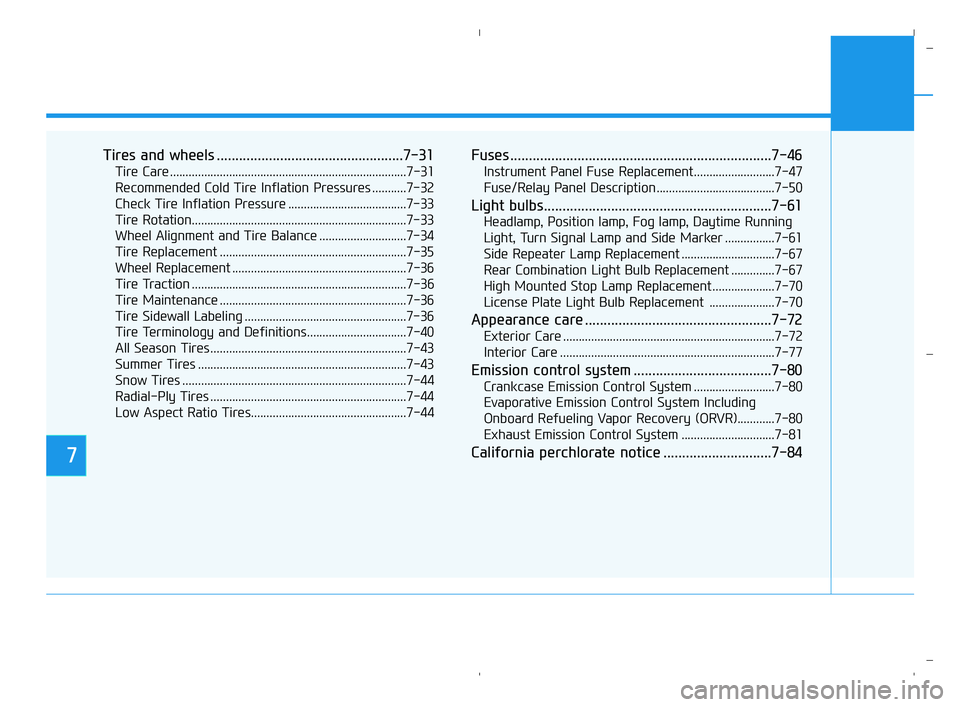
Tires and wheels ..................................................7-31
Tire Care ............................................................................7-31
Recommended Cold Tire Inflation Pressures ...........7-32
Check Tire Inflation Pressure ......................................7-33
Tire Rotation.....................................................................7-33
Wheel Alignment and Tire Balance ............................7-34
Tire Replacement ............................................................7-35
Wheel Replacement ........................................................7-36
Tire Traction .....................................................................7-36
Tire Maintenance ............................................................7-36
Tire Sidewall Labeling ....................................................7-36
Tire Terminology and Definitions................................7-40
All Season Tires ...............................................................7-43
Summer Tires ...................................................................7-43
Snow Tires ........................................................................7-44
Radial-Ply Tires ...............................................................7-44
Low Aspect Ratio Tires..................................................7-44
Fuses ......................................................................7-46
Instrument Panel Fuse Replacement..........................7-47
Fuse/Relay Panel Description ......................................7-50
Light bulbs.............................................................7-61
Headlamp, Position lamp, Fog lamp, Daytime Running
Light, Turn Signal Lamp and Side Marker ................7-61
Side Repeater Lamp Replacement ..............................7-67
Rear Combination Light Bulb Replacement ..............7-67
High Mounted Stop Lamp Replacement ....................7-70
License Plate Light Bulb Replacement .....................7-70
Appearance care ..................................................7-72
Exterior Care ....................................................................7-72
Interior Care .....................................................................7-77
Emission control system .....................................7-80
Crankcase Emission Control System ..........................7-80
Evaporative Emission Control System Including
Onboard Refueling Vapor Recovery (ORVR)............7-80
Exhaust Emission Control System ..............................7-81
California perchlorate notice .............................7-84
HCa HMA 7.qxp 5/25/2020 11:08 AM Page 2
Page 345 of 443
7-6
Maintenance
Owner Maintenance Schedule
When you stop for fuel:
• Check the engine oil level.
Check the coolant level in the
engine coolant reservoir.
Check the windshield washer fluid
level.
Check the for low or under-inflated
tires.
While operating your vehicle:
Note any changes in the sound of
the exhaust or any smell of
exhaust fumes in the vehicle.
Check for vibrations in the steering
wheel. Notice if there is any
increased steering effort or loose-
ness in the steering wheel, or
change in its straight-ahead posi-
tion.
Notice if your vehicle constantly
turns slightly or "pulls" to one side
when traveling on smooth, level
road.
When stopping, listen and check
for unusual sounds, pulling to one
side, increased brake pedal travel
or "hard-to-push" brake pedal.
If any slipping or changes in the
operation of your transmission
occurs, check the transmission
fluid level.
Check the intelligent variable trans-
mission (IVT) P (Park) function.
Check the parking brake.
Check for fluid leaks under your
vehicle (water dripping from the air
conditioning system during or after
use is normal).
At least monthly:
Check coolant level in the engine
coolant reservoir.
Check the operation of all exterior
lights, including the brake lights,
turn signals and hazard warning
flashers.
Check the inflation pressures of all
tires including the spare for tires
that are worn, show uneven wear,
or are damaged.
Check for loose wheel lug nuts.
At least twice a year:
(i.e., every Spring and Autumn)
Check radiator, heater and air con-
ditioning hoses for leaks or dam-
age.
Check windshield washer spray
and wiper operation. Clean wiper
blades with a clean cloth damp-
ened with washer a fluid.
Check headlamp alignment.
Check muffler, exhaust pipes,
shields and clamps.
Check the seat belts for wear and
function. Be careful when checking your
engine coolant level when the
engine is hot. This may result in
coolant being blown out of the
opening and cause serious
burns and other injuries.
WARNING
HCa HMA 7.qxp 6/3/2020 7:40 AM Page 6