radio Hyundai Coupe 2007 Owner's Guide
[x] Cancel search | Manufacturer: HYUNDAI, Model Year: 2007, Model line: Coupe, Model: Hyundai Coupe 2007Pages: 487, PDF Size: 12.96 MB
Page 262 of 487
F4
SA040A1-ESA050A1-E
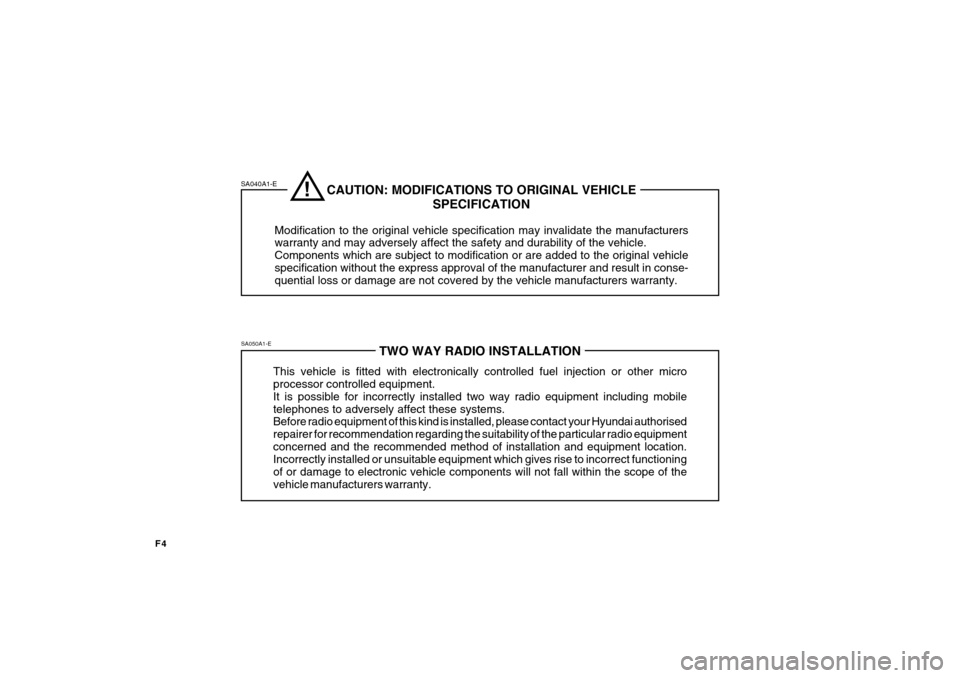
TWO WAY RADIO INSTALLATION
This vehicle is fitted with electronically controlled fuel injection or other micro processor controlled equipment. It is possible for incorrectly installed two way radio equipment including mobiletelephones to adversely affect these systems. Before radio equipment of this kind is installed, please contact your Hyundai authorised repairer for recommendation regarding the suitability of the particular radio equipmentconcerned and the recommended method of installation and equipment location. Incorrectly installed or unsuitable equipment which gives rise to incorrect functioning of or damage to electronic vehicle components will not fall within the scope of thevehicle manufacturers warranty.
CAUTION: MODIFICATIONS TO ORIGINAL VEHICLE SPECIFICATION
Modification to the original vehicle specification may invalidate the manufacturers warranty and may adversely affect the safety and durability of the vehicle. Components which are subject to modification or are added to the original vehiclespecification without the express approval of the manufacturer and result in conse- quential loss or damage are not covered by the vehicle manufacturers warranty.!
Page 278 of 487
1CONTROLS AND EQUIPMENT
10
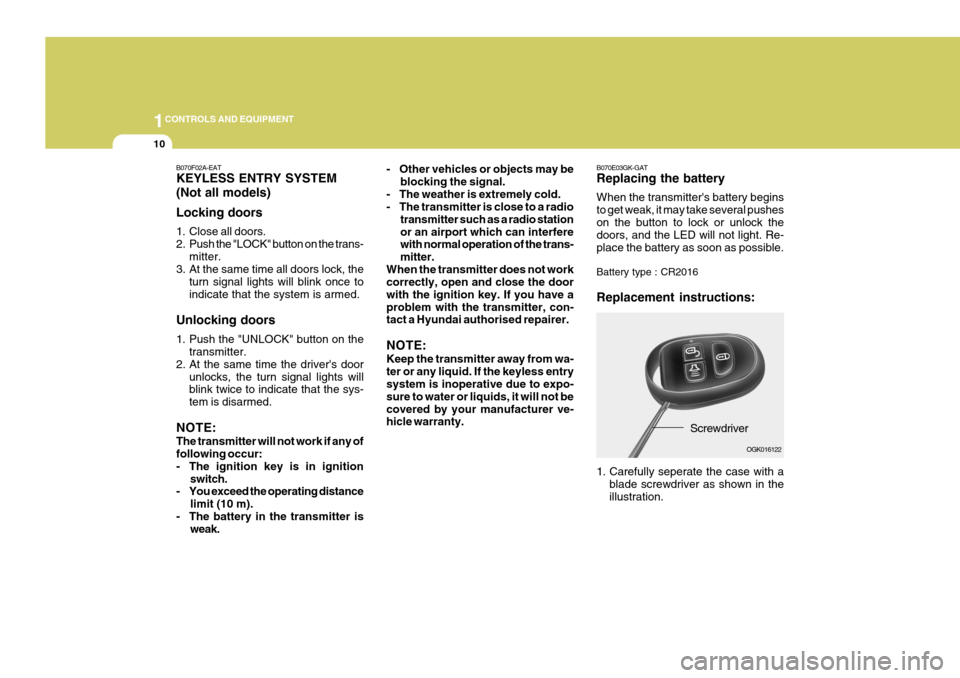
B070E03GK-GAT Replacing the battery When the transmitter's battery begins to get weak, it may take several pusheson the button to lock or unlock the doors, and the LED will not light. Re- place the battery as soon as possible. Battery type : CR2016 Replacement instructions:
Screwdriver
1. Carefully seperate the case with a blade screwdriver as shown in the illustration. OGK016122- Other vehicles or objects may be
blocking the signal.
- The weather is extremely cold.
- The transmitter is close to a radio transmitter such as a radio station or an airport which can interfere with normal operation of the trans- mitter.
When the transmitter does not work correctly, open and close the door with the ignition key. If you have aproblem with the transmitter, con- tact a Hyundai authorised repairer. NOTE: Keep the transmitter away from wa- ter or any liquid. If the keyless entry system is inoperative due to expo- sure to water or liquids, it will not becovered by your manufacturer ve- hicle warranty.
B070F02A-EAT KEYLESS ENTRY SYSTEM (Not all models) Locking doors
1. Close all doors.
2. Push the "LOCK" button on the trans-
mitter.
3. At the same time all doors lock, the
turn signal lights will blink once toindicate that the system is armed.
Unlocking doors
1. Push the "UNLOCK" button on the transmitter.
2. At the same time the driver's door
unlocks, the turn signal lights will blink twice to indicate that the sys- tem is disarmed.
NOTE: The transmitter will not work if any of following occur:
- The ignition key is in ignition switch.
- You exceed the operating distance
limit (10 m).
- The battery in the transmitter is weak.
Page 368 of 487
1FEATURES OF YOUR HYUNDAI
100
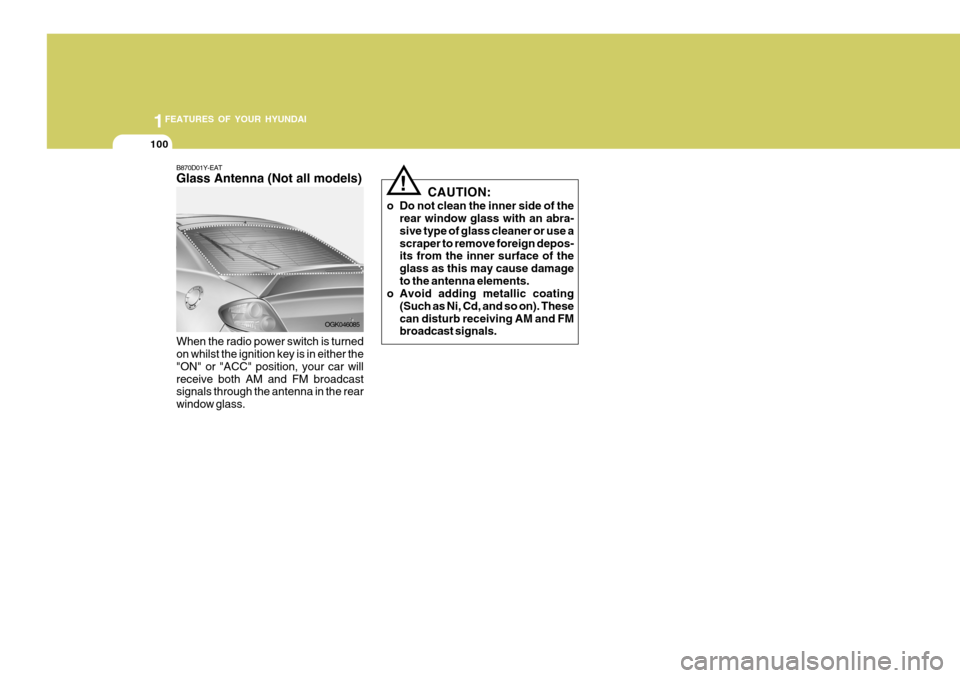
B870D01Y-EAT Glass Antenna (Not all models) When the radio power switch is turned on whilst the ignition key is in either the "ON" or "ACC" position, your car willreceive both AM and FM broadcast signals through the antenna in the rear window glass. OGK046085CAUTION:
o Do not clean the inner side of the rear window glass with an abra-sive type of glass cleaner or use ascraper to remove foreign depos- its from the inner surface of the glass as this may cause damageto the antenna elements.
o Avoid adding metallic coating
(Such as Ni, Cd, and so on). Thesecan disturb receiving AM and FM broadcast signals.
!
Page 369 of 487
1
FEATURES OF YOUR HYUNDAI
101STEREO SOUND SYSTEM
AM reception
Ionosphere
FM reception
B750A01L
B750A02A-AAT How Car Audio Works
Ionosphere
B750A02L Mountains
Buildings Unobstructed
area
FM radio station
B750A03L
Obstructed area Iron bridges
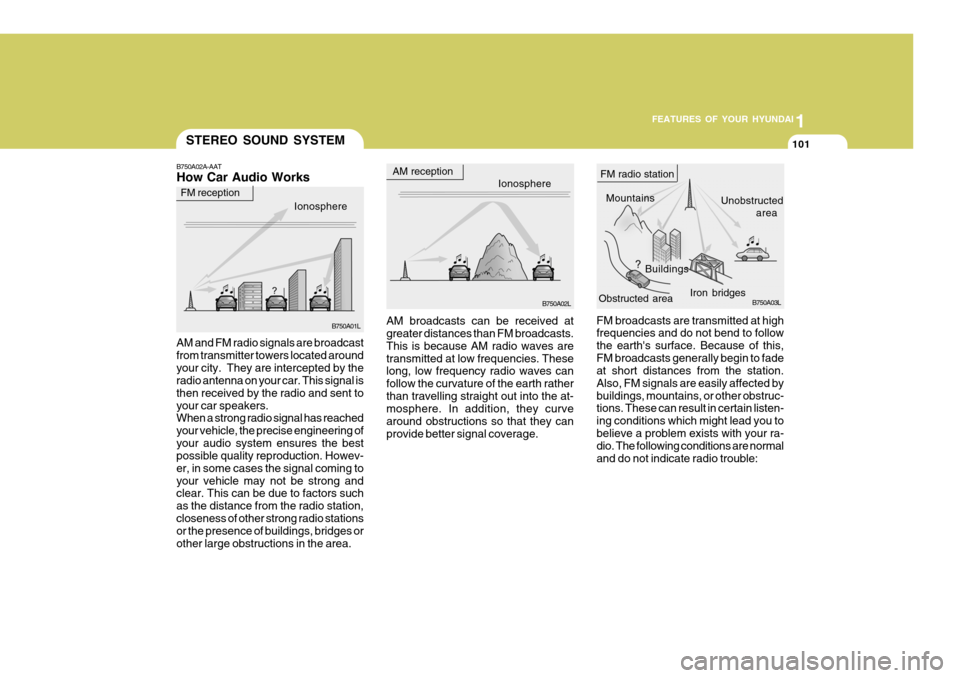
FM broadcasts are transmitted at high frequencies and do not bend to follow the earth's surface. Because of this,FM broadcasts generally begin to fade at short distances from the station. Also, FM signals are easily affected bybuildings, mountains, or other obstruc- tions. These can result in certain listen- ing conditions which might lead you tobelieve a problem exists with your ra- dio. The following conditions are normal and do not indicate radio trouble:
AM broadcasts can be received at greater distances than FM broadcasts. This is because AM radio waves aretransmitted at low frequencies. These long, low frequency radio waves can follow the curvature of the earth ratherthan travelling straight out into the at- mosphere. In addition, they curve around obstructions so that they canprovide better signal coverage.
AM and FM radio signals are broadcastfrom transmitter towers located aroundyour city. They are intercepted by the radio antenna on your car. This signal is then received by the radio and sent toyour car speakers. When a strong radio signal has reached your vehicle, the precise engineering ofyour audio system ensures the best possible quality reproduction. Howev- er, in some cases the signal coming toyour vehicle may not be strong and clear. This can be due to factors such as the distance from the radio station,closeness of other strong radio stations or the presence of buildings, bridges or other large obstructions in the area.
Page 370 of 487
1FEATURES OF YOUR HYUNDAI
102
!
B750A04L
B750A05L
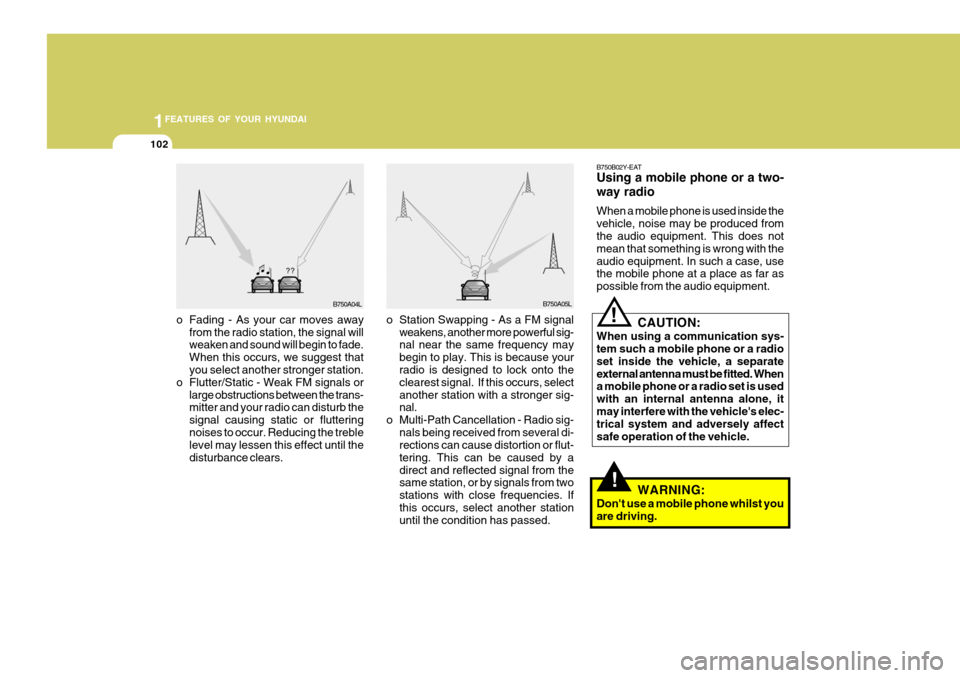
o Station Swapping - As a FM signal weakens, another more powerful sig- nal near the same frequency may begin to play. This is because your radio is designed to lock onto the clearest signal. If this occurs, selectanother station with a stronger sig- nal.
o Multi-Path Cancellation - Radio sig- nals being received from several di-rections can cause distortion or flut- tering. This can be caused by adirect and reflected signal from the same station, or by signals from two stations with close frequencies. Ifthis occurs, select another station until the condition has passed.
o Fading - As your car moves away
from the radio station, the signal willweaken and sound will begin to fade. When this occurs, we suggest that you select another stronger station.
o Flutter/Static - Weak FM signals or large obstructions between the trans-mitter and your radio can disturb the signal causing static or flutteringnoises to occur. Reducing the treble level may lessen this effect until the disturbance clears. B750B02Y-EAT Using a mobile phone or a two- way radio When a mobile phone is used inside the vehicle, noise may be produced from the audio equipment. This does not mean that something is wrong with theaudio equipment. In such a case, use the mobile phone at a place as far as possible from the audio equipment.
!
CAUTION:
When using a communication sys- tem such a mobile phone or a radio set inside the vehicle, a separateexternal antenna must be fitted. When a mobile phone or a radio set is used with an internal antenna alone, itmay interfere with the vehicle's elec- trical system and adversely affect safe operation of the vehicle.
WARNING:
Don't use a mobile phone whilst youare driving.
Page 377 of 487
2DRIVING YOUR HYUNDAI
4KEY POSITIONS
!
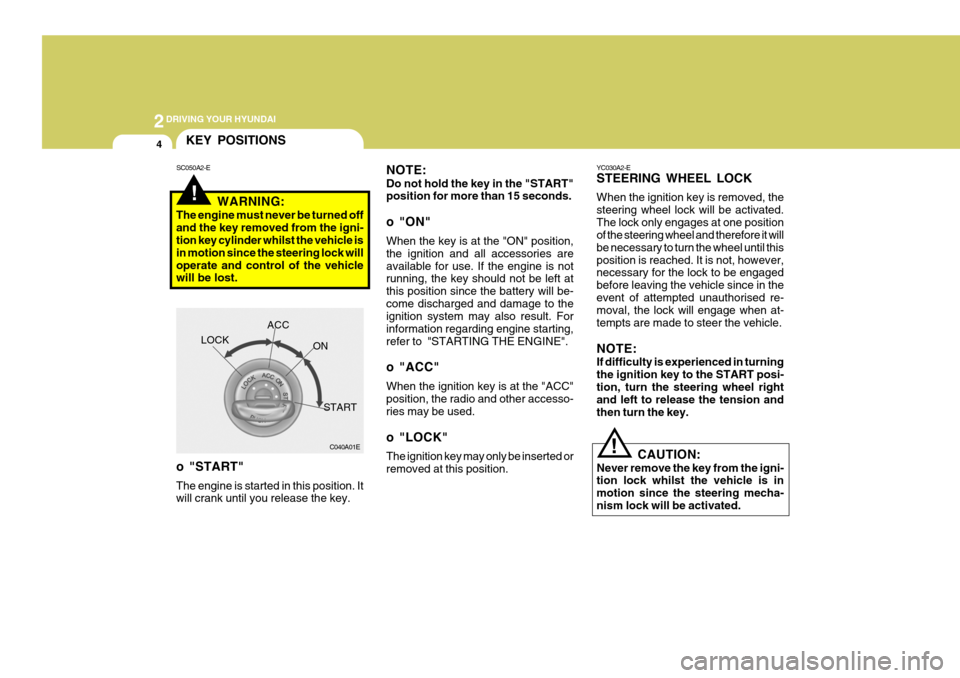
NOTE: Do not hold the key in the "START" position for more than 15 seconds.
o "ON" When the key is at the "ON" position, the ignition and all accessories areavailable for use. If the engine is not running, the key should not be left at this position since the battery will be-come discharged and damage to the ignition system may also result. For information regarding engine starting,refer to "STARTING THE ENGINE".
o "ACC" When the ignition key is at the "ACC" position, the radio and other accesso- ries may be used.
o "LOCK" The ignition key may only be inserted or removed at this position.
SC050A2-E
WARNING:
The engine must never be turned offand the key removed from the igni- tion key cylinder whilst the vehicle is in motion since the steering lock willoperate and control of the vehicle will be lost.
C040A01E
LOCK
ACC
ON
START
o "START" The engine is started in this position. It will crank until you release the key. YC030A2-E STEERING WHEEL LOCK When the ignition key is removed, the steering wheel lock will be activated.The lock only engages at one position of the steering wheel and therefore it will be necessary to turn the wheel until thisposition is reached. It is not, however, necessary for the lock to be engaged before leaving the vehicle since in theevent of attempted unauthorised re- moval, the lock will engage when at- tempts are made to steer the vehicle. NOTE: If difficulty is experienced in turning the ignition key to the START posi-tion, turn the steering wheel right and left to release the tension and then turn the key.
!
CAUTION:
Never remove the key from the igni- tion lock whilst the vehicle is in motion since the steering mecha-nism lock will be activated.