chapter 7 Hyundai Creta 2019 User Guide
[x] Cancel search | Manufacturer: HYUNDAI, Model Year: 2019, Model line: Creta, Model: Hyundai Creta 2019Pages: 472, PDF Size: 13.39 MB
Page 136 of 472
3-51
Convenient features of your vehicle
3
If the brake fluid level in the reser-
voir is low:
1. Drive carefully to the nearest safe
location and stop your vehicle.
2. With the engine stopped, check
the brake fluid level immediately
and add fluid as required (For
more details, refer to “Brake Fluid”
in chapter 7). After adding brake
fluid, check all brake components
for fluid leaks. If a brake fluid leak
is found, or if the warning light
remains on, or if the brakes do not
operate properly, do not drive the
vehicle. We recommend you to
have the vehicle inspected by an
authorized HYUNDAI dealer.
Dual-diagonal braking system
Your vehicle is equipped with dual-
diagonal braking systems. This
means you still have braking on two
wheels even if one of the dual sys-
tems should fail.
With only one of the dual systems
working, more than normal pedal
travel and greater pedal pressure is
required to stop the vehicle.
Also, the vehicle will not stop in as
short a distance with only a portion
of the brake system working.
If the brakes fail while you are driv-
ing, shift to a lower gear for addition-
al engine braking and stop the vehi-
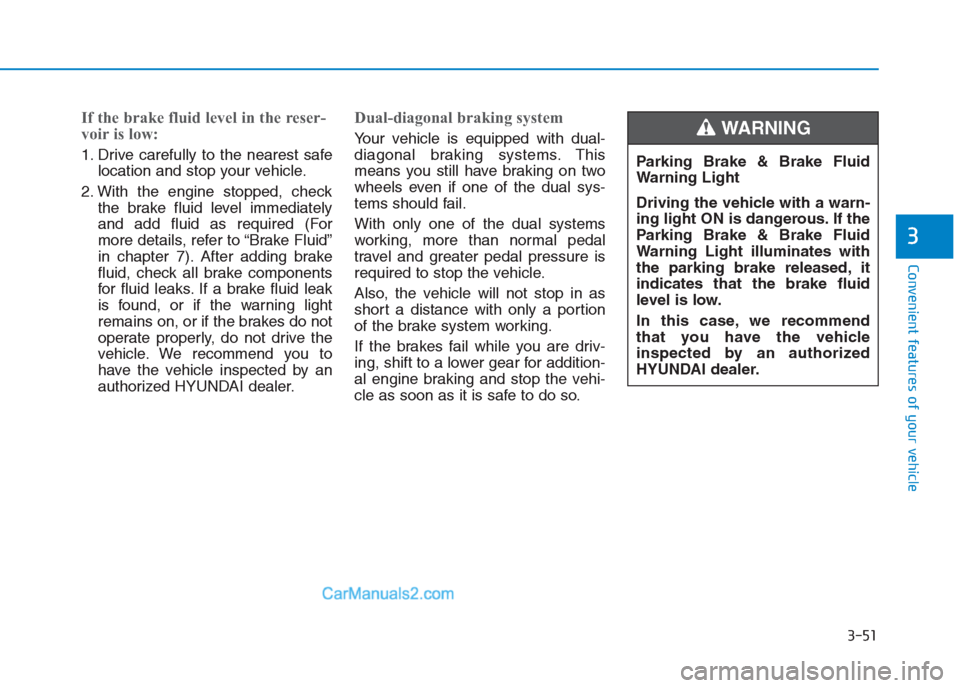
cle as soon as it is safe to do so.Parking Brake & Brake Fluid
Warning Light
Driving the vehicle with a warn-
ing light ON is dangerous. If the
Parking Brake & Brake Fluid
Warning Light illuminates with
the parking brake released, it
indicates that the brake fluid
level is low.
In this case, we recommend
that you have the vehicle
inspected by an authorized
HYUNDAI dealer.WARNING
Page 139 of 472
3-54
Convenient features of your vehicle
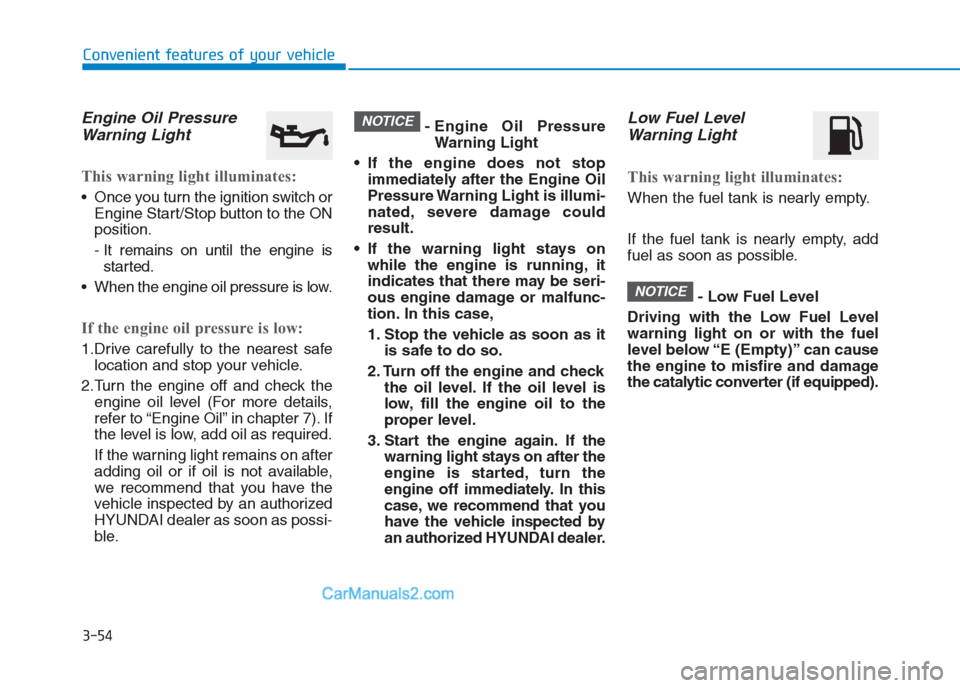
Engine Oil Pressure
Warning Light
This warning light illuminates:
Once you turn the ignition switch or
Engine Start/Stop button to the ON
position.
- It remains on until the engine is
started.
When the engine oil pressure is low.
If the engine oil pressure is low:
1.Drive carefully to the nearest safe
location and stop your vehicle.
2.Turn the engine off and check the
engine oil level (For more details,
refer to “Engine Oil” in chapter 7). If
the level is low, add oil as required.
If the warning light remains on after
adding oil or if oil is not available,
we recommend that you have the
vehicle inspected by an authorized
HYUNDAI dealer as soon as possi-
ble.- Engine Oil Pressure
Warning Light
If the engine does not stop
immediately after the Engine Oil
Pressure Warning Light is illumi-
nated, severe damage could
result.
If the warning light stays on
while the engine is running, it
indicates that there may be seri-
ous engine damage or malfunc-
tion. In this case,
1. Stop the vehicle as soon as it
is safe to do so.
2. Turn off the engine and check
the oil level. If the oil level is
low, fill the engine oil to the
proper level.
3. Start the engine again. If the
warning light stays on after the
engine is started, turn the
engine off immediately. In this
case, we recommend that you
have the vehicle inspected by
an authorized HYUNDAI dealer.
Low Fuel Level
Warning Light
This warning light illuminates:
When the fuel tank is nearly empty.
If the fuel tank is nearly empty, add
fuel as soon as possible.
- Low Fuel Level
Driving with the Low Fuel Level
warning light on or with the fuel
level below “E (Empty)” can cause
the engine to misfire and damage
the catalytic converter (if equipped).
NOTICE
NOTICE
Page 141 of 472
3-56
Convenient features of your vehicle
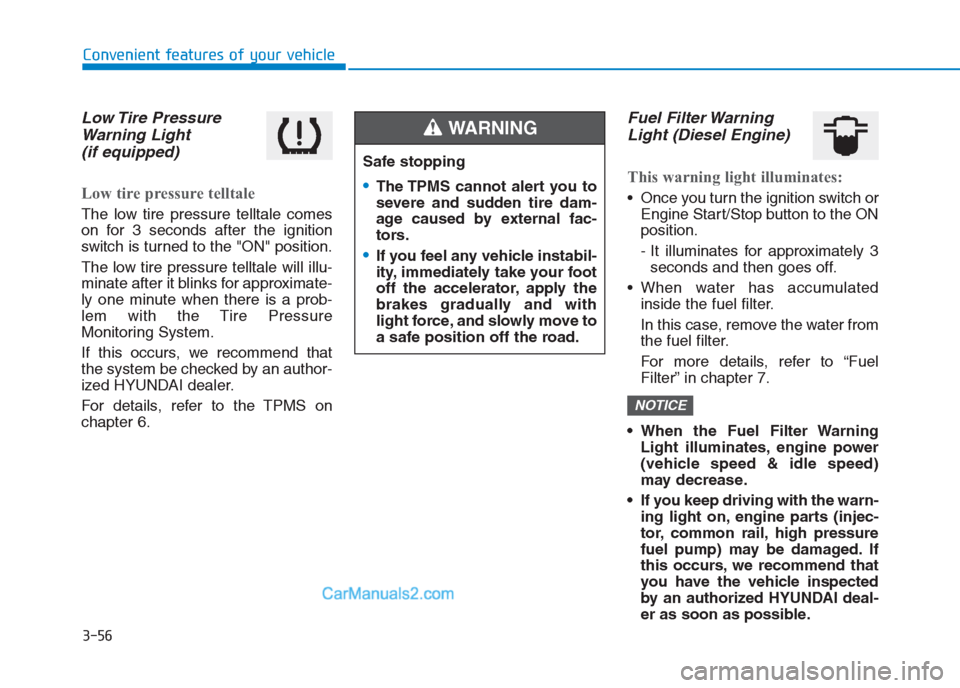
Low Tire Pressure
Warning Light
(if equipped)
Low tire pressure telltale
The low tire pressure telltale comes
on for 3 seconds after the ignition
switch is turned to the "ON" position.
The low tire pressure telltale will illu-
minate after it blinks for approximate-
ly one minute when there is a prob-
lem with the Tire Pressure
Monitoring System.
If this occurs, we recommend that
the system be checked by an author-
ized HYUNDAI dealer.
For details, refer to the TPMS on
chapter 6.
Fuel Filter Warning
Light (Diesel Engine)
This warning light illuminates:
Once you turn the ignition switch or
Engine Start/Stop button to the ON
position.
- It illuminates for approximately 3
seconds and then goes off.
When water has accumulated
inside the fuel filter.
In this case, remove the water from
the fuel filter.
For more details, refer to “Fuel
Filter” in chapter 7.
When the Fuel Filter Warning
Light illuminates, engine power
(vehicle speed & idle speed)
may decrease.
If you keep driving with the warn-
ing light on, engine parts (injec-
tor, common rail, high pressure
fuel pump) may be damaged. If
this occurs, we recommend that
you have the vehicle inspected
by an authorized HYUNDAI deal-
er as soon as possible.
NOTICE
Safe stopping
The TPMS cannot alert you to
severe and sudden tire dam-
age caused by external fac-
tors.
If you feel any vehicle instabil-
ity, immediately take your foot
off the accelerator, apply the
brakes gradually and with
light force, and slowly move to
a safe position off the road.
WARNING
Page 142 of 472
3-57
Convenient features of your vehicle
3
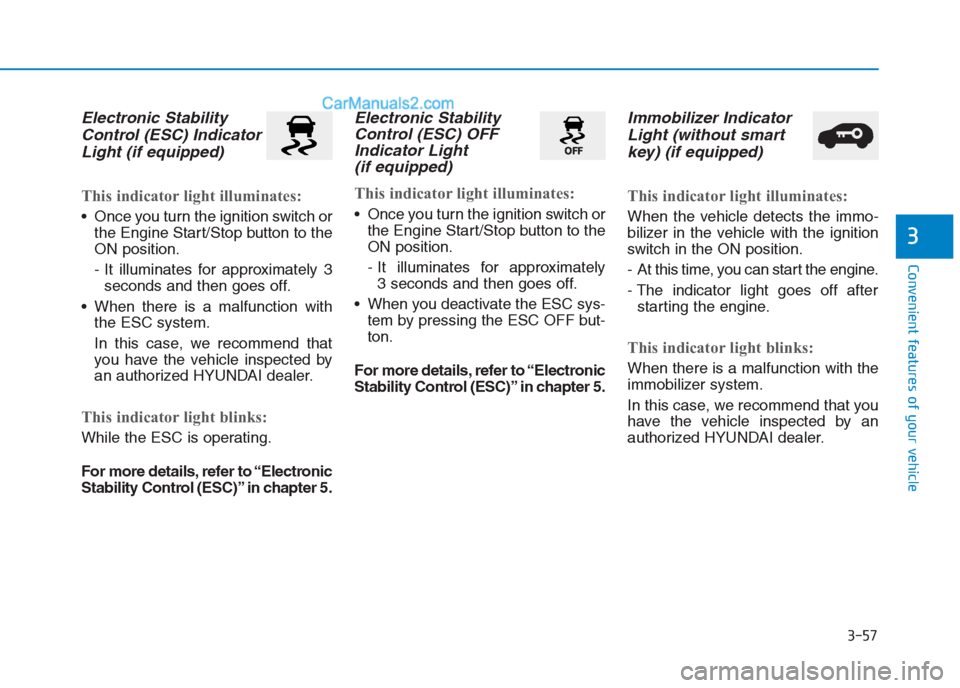
Electronic Stability
Control (ESC) Indicator
Light (if equipped)
This indicator light illuminates:
Once you turn the ignition switch or
the Engine Start/Stop button to the
ON position.
- It illuminates for approximately 3
seconds and then goes off.
When there is a malfunction with
the ESC system.
In this case, we recommend that
you have the vehicle inspected by
an authorized HYUNDAI dealer.
This indicator light blinks:
While the ESC is operating.
For more details, refer to “Electronic
Stability Control (ESC)” in chapter 5.
Electronic Stability
Control (ESC) OFF
Indicator Light
(if equipped)
This indicator light illuminates:
Once you turn the ignition switch or
the Engine Start/Stop button to the
ON position.
- It illuminates for approximately
3 seconds and then goes off.
When you deactivate the ESC sys-
tem by pressing the ESC OFF but-
ton.
For more details, refer to “Electronic
Stability Control (ESC)” in chapter 5.
Immobilizer Indicator
Light (without smart
key) (if equipped)
This indicator light illuminates:
When the vehicle detects the immo-
bilizer in the vehicle with the ignition
switch in the ON position.
- At this time, you can start the engine.
- The indicator light goes off after
starting the engine.
This indicator light blinks:
When there is a malfunction with the
immobilizer system.
In this case, we recommend that you
have the vehicle inspected by an
authorized HYUNDAI dealer.
Page 143 of 472
3-58
Convenient features of your vehicle
Immobilizer Indicator
Light (with smart key)
(if equipped)
This indicator light illuminates for
up to 30 seconds:
When the vehicle detects the smart
key in the vehicle with the Engine
Start/Stop button in the ACC or ON
position.
- At this time, you can start the engine.
- The indicator light goes off after
starting the engine.
This indicator light blinks for a few
seconds:
When the smart key is not in the
vehicle.
- At this time, you cannot start the
engine.
This indicator light illuminates for
2 seconds and goes off:
If the smart key is in the vehicle and
the Engine Start/Stop button is ON,
but the vehicle cannot detect the
smart key.
In this case, we recommend that you
have the vehicle inspected by an
authorized HYUNDAI dealer.
This indicator light blinks:
When the battery voltage of the
smart key is low.
- At this time, you can not start the
engine. However, you can start the
engine if you press the Engine
Start/Stop button with the smart
key. (For more details, refer to
“Starting the Engine” in chapter 5).
When there is a malfunction with
the immobilizer system.
In this case, we recommend that
you have the vehicle inspected by
an authorized HYUNDAI dealer.
Turn Signal Indicator
Light
This indicator light blinks:
When you operate the turn signal
indicator light.
If any of the following occurs, there
may a malfunction with the turn signal
system.
- The turn signal indicator light illumi-
nates but does not blink
- The turn signal indicator light
blinks rapidly
- The turn signal indicator light does
not illuminate at all
If either of these conditions occur, we
recommend you to have your vehicle
inspected by an authorized HYUNDAI
dealer.
Page 144 of 472
3-59
Convenient features of your vehicle
3
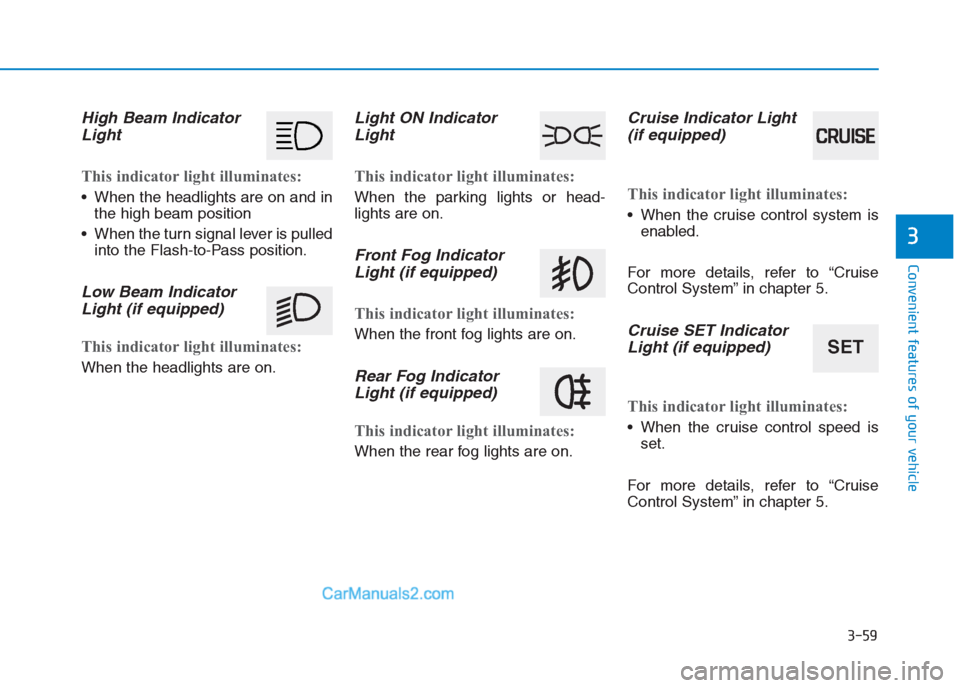
High Beam Indicator
Light
This indicator light illuminates:
When the headlights are on and in
the high beam position
When the turn signal lever is pulled
into the Flash-to-Pass position.
Low Beam Indicator
Light (if equipped)
This indicator light illuminates:
When the headlights are on.
Light ON Indicator
Light
This indicator light illuminates:
When the parking lights or head-
lights are on.
Front Fog Indicator
Light (if equipped)
This indicator light illuminates:
When the front fog lights are on.
Rear Fog Indicator
Light (if equipped)
This indicator light illuminates:
When the rear fog lights are on.
Cruise Indicator Light
(if equipped)
This indicator light illuminates:
When the cruise control system is
enabled.
For more details, refer to “Cruise
Control System” in chapter 5.
Cruise SET Indicator
Light (if equipped)
This indicator light illuminates:
When the cruise control speed is
set.
For more details, refer to “Cruise
Control System” in chapter 5.
SET
Page 151 of 472
3-66
Convenient features of your vehicle
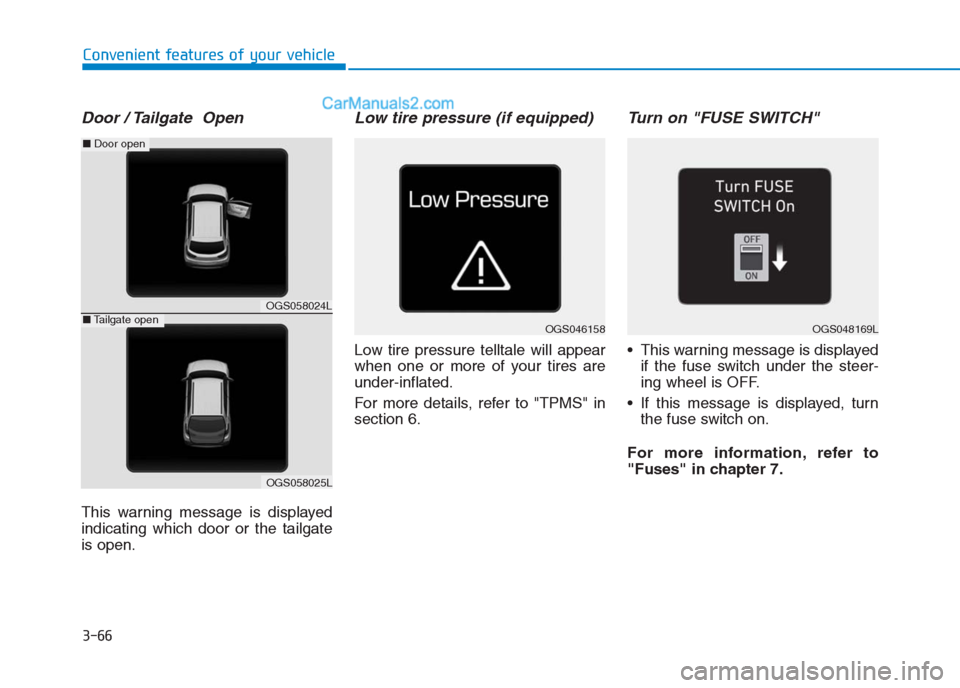
Door / Tailgate Open
This warning message is displayed
indicating which door or the tailgate
is open.
Low tire pressure (if equipped)
Low tire pressure telltale will appear
when one or more of your tires are
under-inflated.
For more details, refer to "TPMS" in
section 6.
Turn on "FUSE SWITCH"
This warning message is displayed
if the fuse switch under the steer-
ing wheel is OFF.
If this message is displayed, turn
the fuse switch on.
For more information, refer to
"Fuses" in chapter 7.
OGS046158OGS048169L
OGS058024L
OGS058025L
■Door open
■Tailgate open
Page 152 of 472
3-67
Convenient features of your vehicle
3
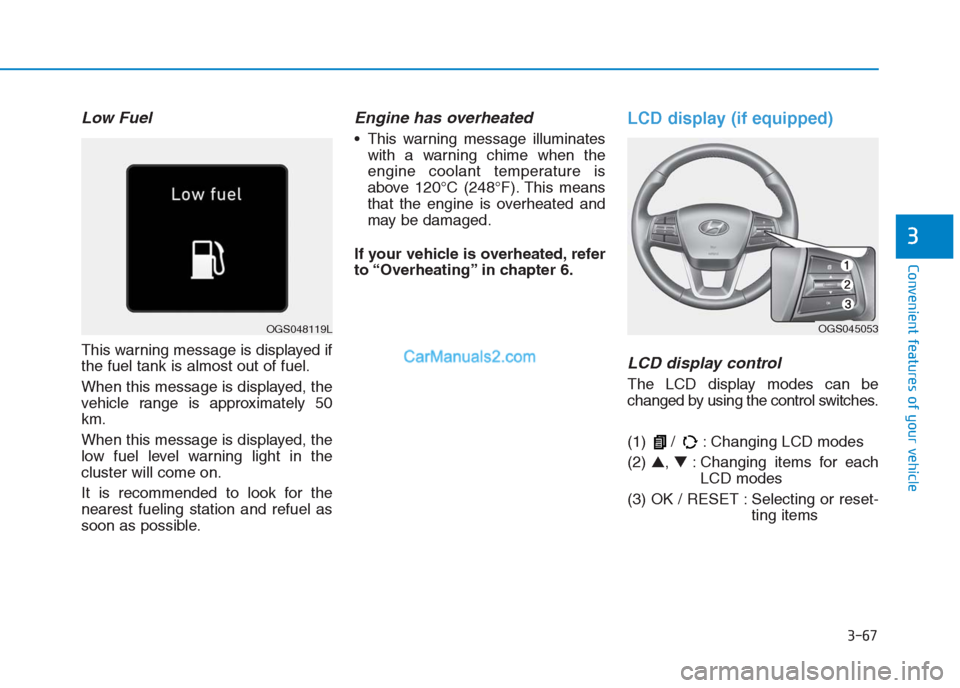
Low Fuel
This warning message is displayed if
the fuel tank is almost out of fuel.
When this message is displayed, the
vehicle range is approximately 50
km.
When this message is displayed, the
low fuel level warning light in the
cluster will come on.
It is recommended to look for the
nearest fueling station and refuel as
soon as possible.
Engine has overheated
This warning message illuminates
with a warning chime when the
engine coolant temperature is
above 120°C (248°F). This means
that the engine is overheated and
may be damaged.
If your vehicle is overheated, refer
to “Overheating” in chapter 6.
LCD display (if equipped)
LCD display control
The LCD display modes can be
changed by using the control switches.
(1) / : Changing LCD modes
(2) ▲, ▼: Changing items for each
LCD modes
(3) OK / RESET : Selecting or reset-
ting items
OGS048119LOGS045053
Page 153 of 472
3-68
Convenient features of your vehicle
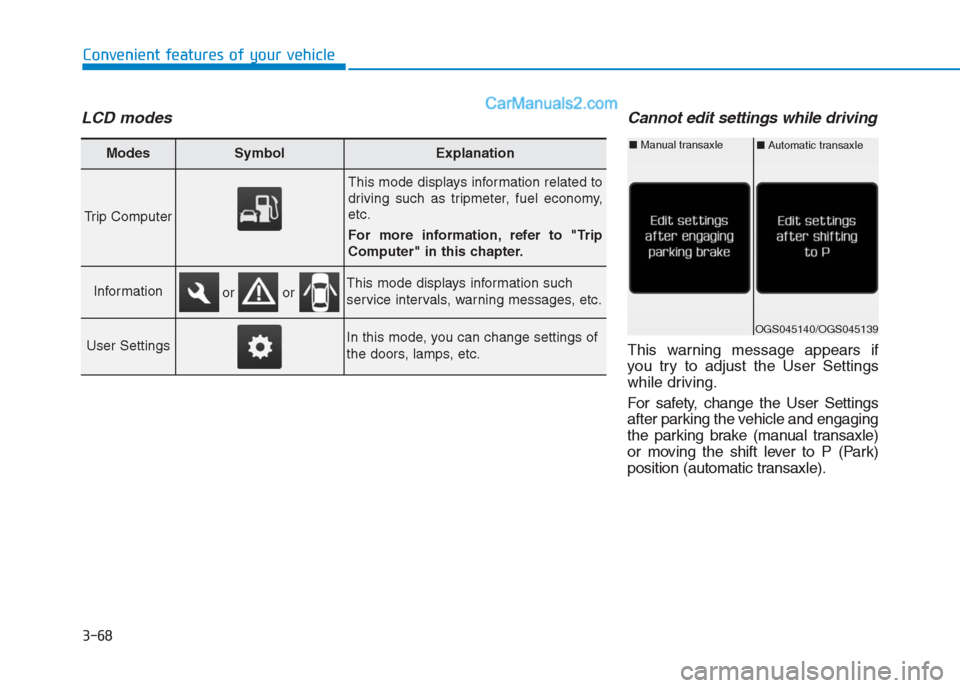
LCD modesCannot edit settings while driving
This warning message appears if
you try to adjust the User Settings
while driving.
For safety, change the User Settings
after parking the vehicle and engaging
the parking brake (manual transaxle)
or moving the shift lever to P (Park)
position (automatic transaxle).
Modes SymbolExplanation
Trip Computer
This mode displays information related to
driving such as tripmeter, fuel economy,
etc.
For more information, refer to "Trip
Computer" in this chapter.
InformationThis mode displays information such
service intervals, warning messages, etc.
User SettingsIn this mode, you can change settings of
the doors, lamps, etc.
or or
OGS045140/OGS045139
■Automatic transaxle■Manual transaxle
Page 154 of 472
3-69
Convenient features of your vehicle
3
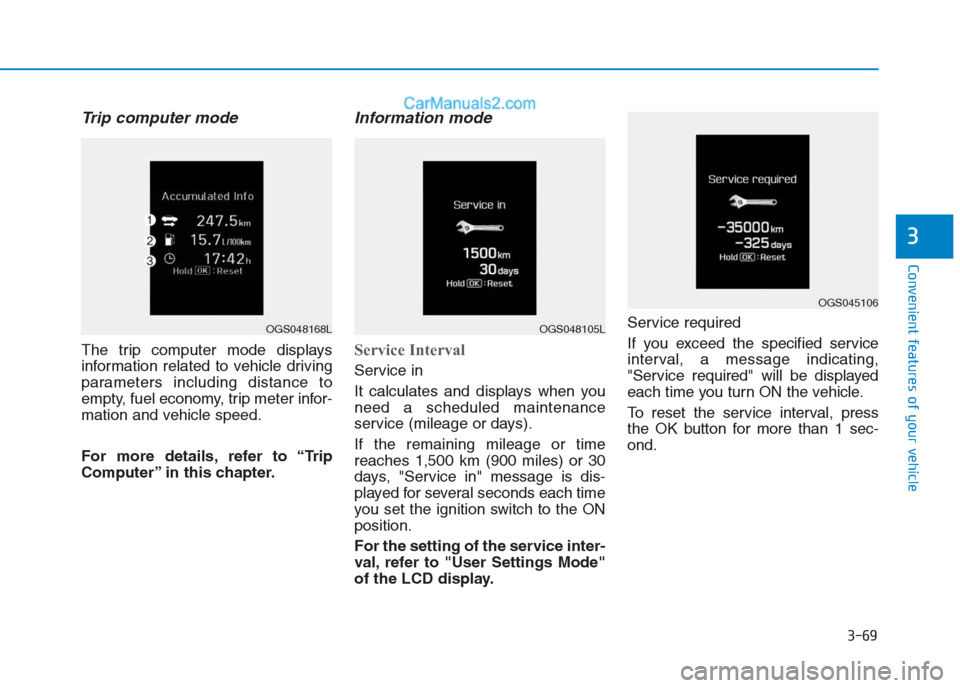
Trip computer mode
The trip computer mode displays
information related to vehicle driving
parameters including distance to
empty, fuel economy, trip meter infor-
mation and vehicle speed.
For more details, refer to “Trip
Computer” in this chapter.
Information mode
Service Interval
Service in
It calculates and displays when you
need a scheduled maintenance
service (mileage or days).
If the remaining mileage or time
reaches 1,500 km (900 miles) or 30
days, "Service in" message is dis-
played for several seconds each time
you set the ignition switch to the ON
position.
For the setting of the service inter-
val, refer to "User Settings Mode"
of the LCD display.Service required
If you exceed the specified service
interval, a message indicating,
"Service required" will be displayed
each time you turn ON the vehicle.
To reset the service interval, press
the OK button for more than 1 sec-
ond.
OGS048168LOGS048105L
OGS045106