CD player Hyundai Elantra 2014 Owner's Guide
[x] Cancel search | Manufacturer: HYUNDAI, Model Year: 2014, Model line: Elantra, Model: Hyundai Elantra 2014Pages: 668, PDF Size: 35.58 MB
Page 389 of 668
4303
Features of your vehicle
■
■
CD Player : AM980MDKN, AM980MDAN
❋ No logo will be shown if the Bluetooth®Wireless Technology feature is not supported.
UD(FL) HMA 4C(254~AUDIO2).QXP 8/28/2014 5:27 PM Page 303
Page 392 of 668
Features of your vehicle
306
4
14. RESET
Forced system termi-
nation and system
restart.
■ ■
CD Player : AM910MDAN
❋ No will be shown if the SiriusXMTMfeature is not supported.
UD(FL) HMA 4C(254~AUDIO2).QXP 8/28/2014 5:27 PM Page 306
Page 393 of 668
4307
Features of your vehicle
■
■
CD Player : AM900MDAN
❋ No will be shown if the SiriusXMTMfeature is not supported.
❋ No logo will be shown if the
Bluetooth®Wireless Technology feature is not supported.
UD(FL) HMA 4C(254~AUDIO2).QXP 8/28/2014 5:28 PM Page 307
Page 401 of 668
4315
Features of your vehicle
✽
✽NOTICE - USING THE
DISCS
• This device has been manufac-
tured to be compatible with soft-
ware bearing the following logo
marks.
• Do not clean discs with chemical solutions, such as record sprays,
antistatic sprays, antistatic liq-
uids, benzene, or thinners.
• After using a disc, put the disc back in its original case to prevent
disc scratches.
• Hold discs by their edges or with- in the center hole to prevent dam-
ages to disc surfaces.
• Do not introduce foreign sub- stances into the disc insert/eject
slot. Introducing foreign sub-
stances could damage the device
interior.
• Do not insert two discs simultane- ously.
• When using CD-R/CD-RW discs, differences in disc reading and
playing times may occur depend-
ing on the disc manufacturer, pro-
duction method and the record-
ing method as used by the user. (Continued)(Continued)
• Clean fingerprints and dust off
the disc surface (coated side)
with a soft cloth.
• The use of CD-R/CD-RW discs attached with labels may result
in disc slot jams or difficulties in
disc removal. Such discs may
also result in noise while play-
ing.
• Some CD-R/CD-RW discs may not properly operate depending
on the disc manufacturer, pro-
duction method and the record
method as used by the user. If
problems persist, trying using a
different CD as continued use
may result in malfunctions.
• The performance of this prod- uct may differ depending on the
CD-RW Drive Software.
• Copy-protected CDs such as S- type CDs may not function in
the device. DATA discs cannot
be played. (However, such discs
may still operate but will do so
abnormally.) (Continued)(Continued)
• Do not use abnormally shaped
discs (8cm, heart-shaped, octa-
gon-shaped) as such discs could
lead to malfunctions.
• If the disc is straddled on the disc slot without removal for 10
seconds, the disc will automati-
cally be re-inserted into the disc
player.
• Only genuine audio CDs are sup- ported. Other discs may result
in recognition failure (e.g. copy
CD-R, CDs with labels)
UD(FL) HMA 4C(254~AUDIO2).QXP 8/28/2014 5:28 PM Page 315
Page 409 of 668
4323
Features of your vehicle
✽
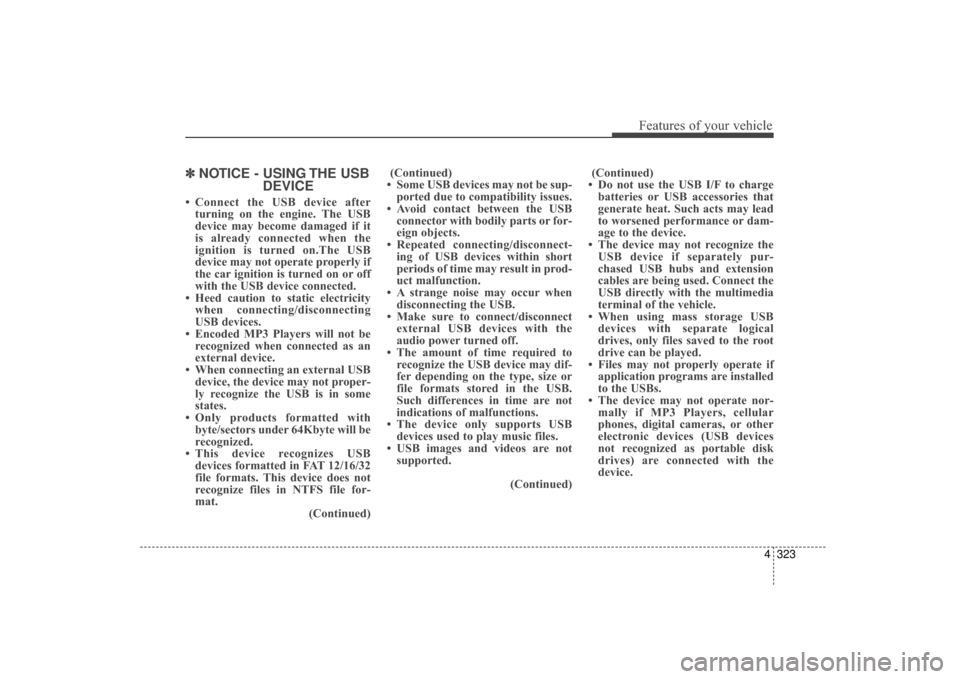
✽NOTICE - USING THE USB
DEVICE
• Connect the USB device after
turning on the engine. The USB
device may become damaged if it
is already connected when the
ignition is turned on.The USB
device may not operate properly if
the car ignition is turned on or off
with the USB device connected.
• Heed caution to static electricity when connecting/disconnecting
USB devices.
• Encoded MP3 Players will not be recognized when connected as an
external device.
• When connecting an external USB device, the device may not proper-
ly recognize the USB is in some
states.
• Only products formatted with byte/sectors under 64Kbyte will be
recognized.
• This device recognizes USB devices formatted in FAT 12/16/32
file formats. This device does not
recognize files in NTFS file for-
mat. (Continued)(Continued)
• Some USB devices may not be sup- ported due to compatibility issues.
• Avoid contact between the USB connector with bodily parts or for-
eign objects.
• Repeated connecting/disconnect- ing of USB devices within short
periods of time may result in prod-
uct malfunction.
• A strange noise may occur when disconnecting the USB.
• Make sure to connect/disconnect external USB devices with the
audio power turned off.
• The amount of time required to recognize the USB device may dif-
fer depending on the type, size or
file formats stored in the USB.
Such differences in time are not
indications of malfunctions.
• The device only supports USB devices used to play music files.
• USB images and videos are not supported.
(Continued)(Continued)
• Do not use the USB I/F to charge batteries or USB accessories that
generate heat. Such acts may lead
to worsened performance or dam-
age to the device.
• The device may not recognize the USB device if separately pur-
chased USB hubs and extension
cables are being used. Connect the
USB directly with the multimedia
terminal of the vehicle.
• When using mass storage USB devices with separate logical
drives, only files saved to the root
drive can be played.
• Files may not properly operate if application programs are installed
to the USBs.
• The device may not operate nor- mally if MP3 Players, cellular
phones, digital cameras, or other
electronic devices (USB devices
not recognized as portable disk
drives) are connected with the
device.
UD(FL) HMA 4C(254~AUDIO2).QXP 8/28/2014 5:28 PM Page 323
Page 420 of 668
Features of your vehicle
334
4
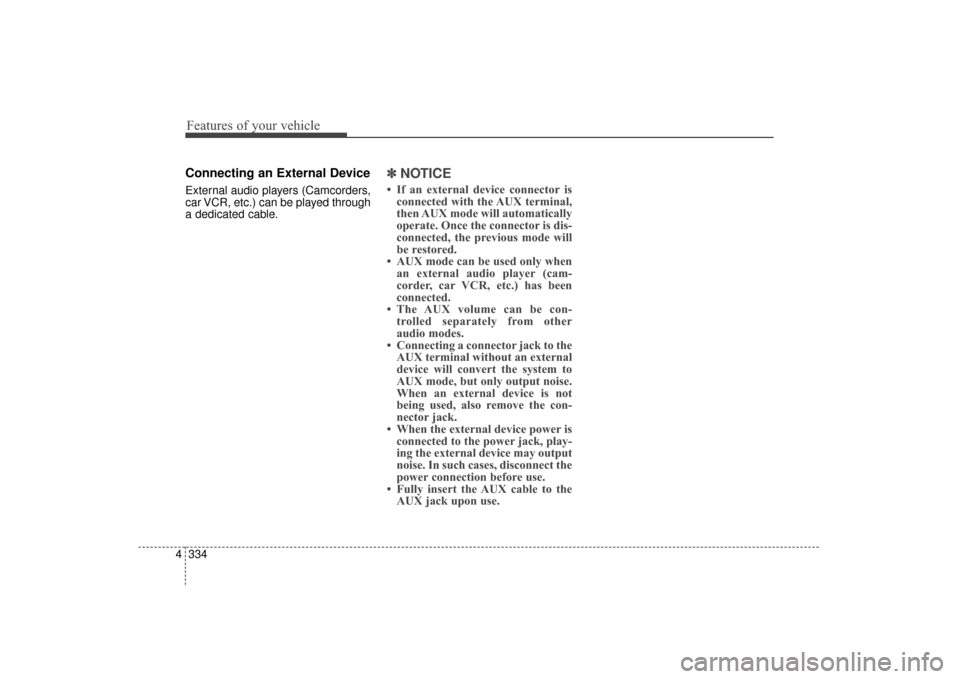
Connecting an External Device
External audio players (Camcorders,
car VCR, etc.) can be played through
a dedicated cable.
✽ ✽
NOTICE
• If an external device connector is
connected with the AUX terminal,
then AUX mode will automatically
operate. Once the connector is dis-
connected, the previous mode will
be restored.
• AUX mode can be used only when an external audio player (cam-
corder, car VCR, etc.) has been
connected.
• The AUX volume can be con- trolled separately from other
audio modes.
• Connecting a connector jack to the AUX terminal without an external
device will convert the system to
AUX mode, but only output noise.
When an external device is not
being used, also remove the con-
nector jack.
• When the external device power is connected to the power jack, play-
ing the external device may output
noise. In such cases, disconnect the
power connection before use.
• Fully insert the AUX cable to the AUX jack upon use.
UD(FL) HMA 4C(254~AUDIO2).QXP 8/28/2014 5:28 PM Page 334
Page 657 of 668
Index
2I
Accessing your vehicle ....................................................4-3Immobilizer System ....................................................4-12
Remote key ....................................................................4-3
Remote key precautions ................................................4-5
Smart key ......................................................................4-\
7
Smart key precautions ................................................4-11
Active ECO system ........................................................5-41
Air bag warning labels....................................................3-67
Air bags ........................................................................\
..3-45 Additional safety precautions ......................................3-66
Air bag collision sensors ............................................3-61
Air bag deployment conditions ..................................3-62
Air bag non-deployment conditions ............................3-63
Air bag warning labels ................................................3-67
Curtain air bags ..........................................................3-49
Do not install a child restraint on the front passenger seat ............................................................3-60
Driver’s air bag............................................................3-47
Occupant Classification System (OCS) ......................3-55
Passenger's front air bag ..............................................3-47
Side (impact) air bags..................................................3-48
SRS Care ....................................................................3-65\
SRS components and functions ..................................3-50
What to expect after an air bag inflates ......................3-54
Where are the air bags? ..............................................3-47
Why didn't my air bag go off in a collision ................3-60 Air cleaner ......................................................................7-\
37
Air conditioning system
Automatic climate control system ..............................4-95
Manual climate control system ..................................4-85
Antenna ........................................................................\
4-100
Anti-lock brake system (ABS) ......................................5-32
Appearance care..............................................................7-87 Exterior care ................................................................7-87
Interior care ................................................................7-92
Armrest (Rear seats) ......................................................3-14
Audio remote control ....................................................4-101
Audio system ................................................................4-100 Antenna......................................................................4-\
100
Audio remote control ................................................4-101
Caring for disc ..........................................................4-105
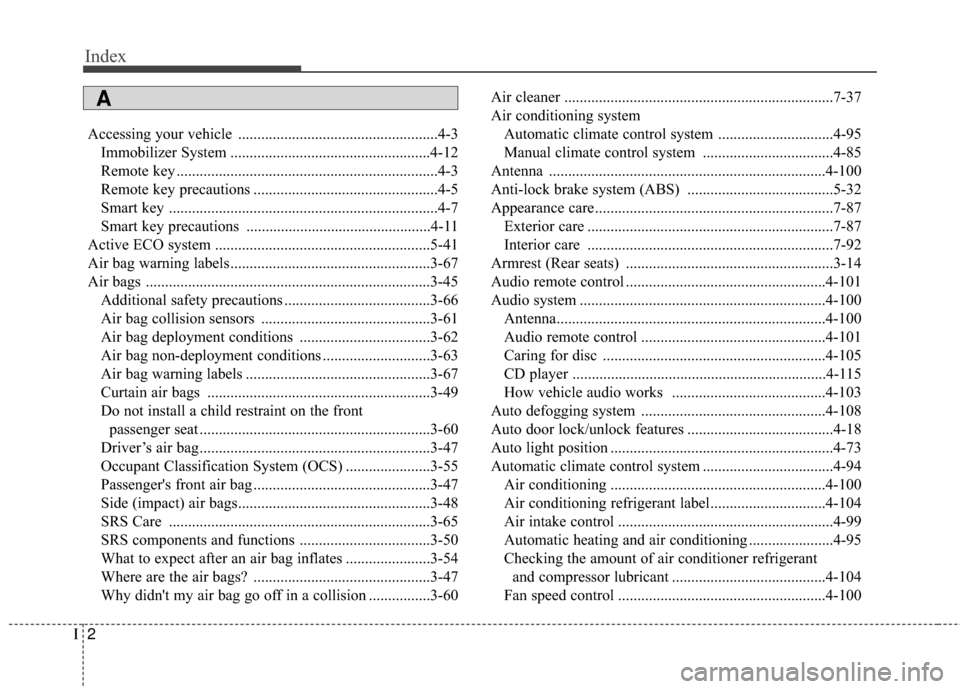
CD player ..................................................................4-115
How vehicle audio works ........................................4-103
Auto defogging system ................................................4-108
Auto door lock/unlock features ......................................4-18
Auto light position ..........................................................4-73
Automatic climate control system ..................................4-94 Air conditioning ........................................................4-100
Air conditioning refrigerant label..............................4-104
Air intake control ........................................................4-99
Automatic heating and air conditioning ......................4-95
Checking the amount of air conditioner refrigerant and compressor lubricant ........................................4-104
Fan speed control ......................................................4-100
A
Page 659 of 668
Index
4I
Capacities (Lubricants) ....................................................3-4
Capacity/Weight ................................................................8-3
CareExterior care ................................................................7-87
Interior care ................................................................7-92
Tire care ......................................................................7-\
47
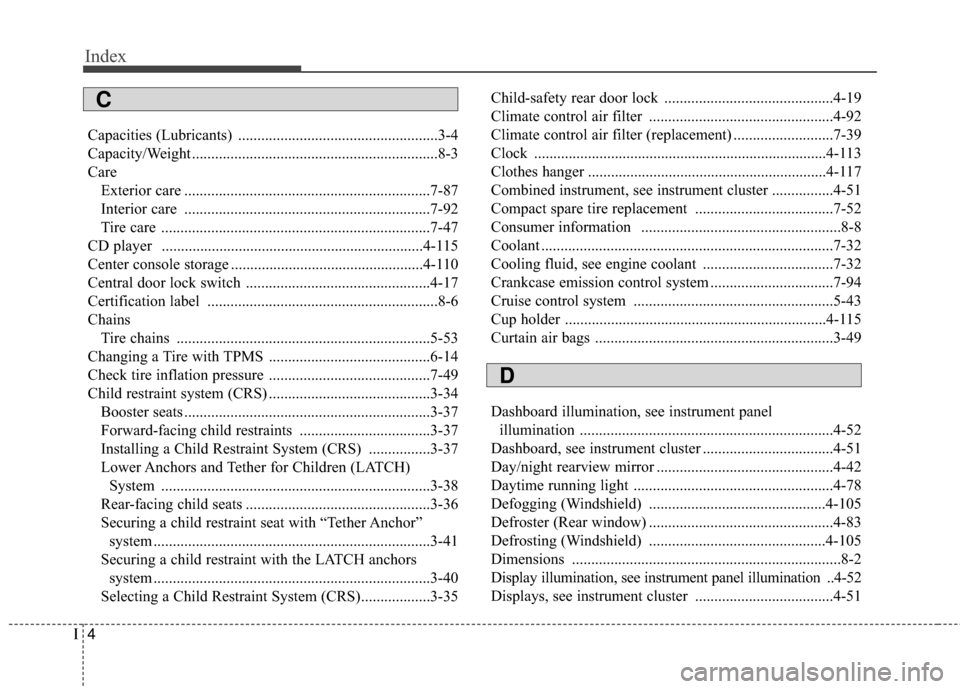
CD player ....................................................................4-115
Center console storage ..................................................4-110
Central door lock switch ................................................4-17
Certification label ............................................................8-6
Chains Tire chains ..................................................................5-53
Changing a Tire with TPMS ..........................................6-14
Check tire inflation pressure ..........................................7-49
Child restraint system (CRS) ..........................................3-34 Booster seats ................................................................3-37
Forward-facing child restraints ..................................3-37
Installing a Child Restraint System (CRS) ................3-37
Lower Anchors and Tether for Children (LATCH) System ......................................................................3-\
38
Rear-facing child seats ................................................3-36
Securing a child restraint seat with “Tether Anchor” system ........................................................................\
3-41
Securing a child restraint with the LATCH anchors system ........................................................................\
3-40
Selecting a Child Restraint System (CRS)..................3-35 Child-safety rear door lock ............................................4-19
Climate control air filter ................................................4-92
Climate control air filter (replacement) ..........................7-39
Clock ........................................................................\
....4-113
Clothes hanger ..............................................................4-117
Combined instrument, see instrument cluster ................4-51
Compact spare tire replacement ....................................7-52
Consumer information ....................................................8-8
Coolant ........................................................................\
....7-32
Cooling fluid, see engine coolant ..................................7-32
Crankcase emission control system ................................7-94
Cruise control system ....................................................5-43
Cup holder ....................................................................4-115
Curtain air bags ..............................................................3-49
Dashboard illumination, see instrument panel
illumination ..................................................................4-52
Dashboard, see instrument cluster ..................................4-51
Day/night rearview mirror ..............................................4-42
Daytime running light ....................................................4-78
Defogging (Windshield) ..............................................4-105
Defroster (Rear window) ................................................4-83
Defrosting (Windshield) ..............................................4-105
Dimensions ......................................................................8-\
2
Display illumination, see instrument panel illumination ..4-52
Displays, see instrument cluster ....................................4-51
D
C