motor Hyundai Elantra 2018 Owner's Manual
[x] Cancel search | Manufacturer: HYUNDAI, Model Year: 2018, Model line: Elantra, Model: Hyundai Elantra 2018Pages: 526, PDF Size: 17.2 MB
Page 4 of 526
F4
INTRODUCTION
Congratulations, and thank you for choosing HYUNDAI. We are pleased to welcome you to the growing number of distinguished
people who drive HYUNDAIS. We are very proud of the advanced engineering and high-quality construction of each HYUNDAI we
build.
Your Owner’s Manual will introduce you to the features and operation of your new HYUNDAI. To become familiar with your new
HYUNDAI, so that you can fully enjoy it, read this Owner’s Manual carefully before driving your new vehicle.
This manual contains important safety information and instructions intended to familiarize you with your vehicle’s controls and safe-
ty features so you can safely operate your vehicle.
This manual also contains information on maintenance designed to enhance safe operation of the vehicle. It is recommended that
all service and maintenance on your car be performed by an authorized HYUNDAI dealer. HYUNDAI dealers are prepared to pro-
vide high-quality service, maintenance and any other assistance that may be required.
This Owner’s Manual should be considered a permanent part of your vehicle, and should be kept in the vehicle so you can refer
to it at any time. The manual should stay with the vehicle if you sell it to provide the next owner with important operating, safety
and maintenance information.
HYUNDAI MOTOR AMERICA
Copyright 2018 HYUNDAI Motor America. All rights reserved. No part of this publication may be reproduced, stored in any retrieval
system or transmitted in any form or by any means without the prior written permission of HYUNDAI Motor America. Severe engine and transmission damage may result from the use of poor quality fuels and lubricants that do not meet
HYUNDAI specifications. You must always use high quality fuels and lubricants that meet the specifications li\
sted on
Page 8-7 in the Vehicle Specifications section of the Owner's Manual.
CAUTION
Page 5 of 526
F5
1. What are HYUNDAI Genuine Parts?
HYUNDAI Genuine Parts are the
same parts used by HYUNDAI Motor
Company to manufacture vehicles.
They are designed and tested for the
optimum safety, performance, and
reliability for our customers. 2. Why should you use genuine parts?
HYUNDAI Genuine Parts are engi-
neered and built to meet rigid manu-
facturing requirements. Damage
caused by using imitation, counterfeit
or used salvage parts is not covered
under the HYUNDAI New Vehicle
Limited Warranty or any other
HYUNDAI warranty.
In addition, any damage to or failure of
HYUNDAI Genuine Parts caused by
the installation or failure of an imita-
tion, counterfeit or used salvage part
is not covered by any HYUNDAI
Warranty. 3. How can you tell if you are purchas-
ing HYUNDAI Genuine Parts?
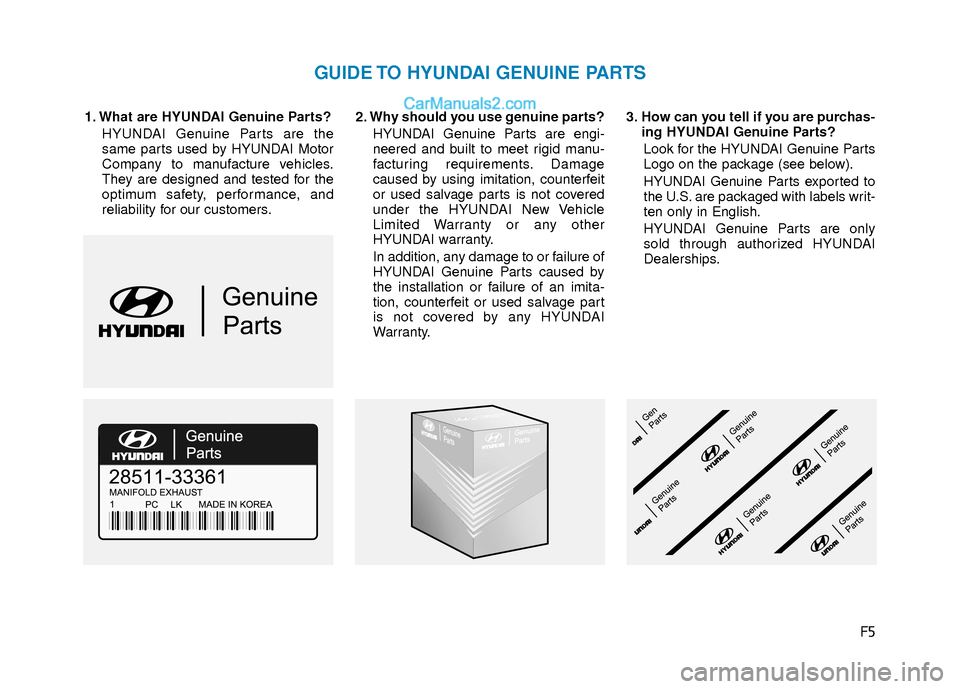
Look for the HYUNDAI Genuine Parts
Logo on the package (see below).
HYUNDAI Genuine Parts exported to
the U.S. are packaged with labels writ-
ten only in English.
HYUNDAI Genuine Parts are only
sold through authorized HYUNDAI
Dealerships.
GUIDE TO HYUNDAI GENUINE PARTS
Page 10 of 526
F10
Introduction
This vehicle is equipped with an event
data recorder (EDR). The main purpose
of an EDR is to record, in certain crash
or near crash-like situations, such as
an air bag deployment or hitting a road
obstacle, data that will assist in under-
standing how a vehicle’s systems per-
formed. The EDR is designed to record
data related to vehicle dynamics and
safety systems for a short period of
time, typically 30 seconds or less. The
EDR in this vehicle is designed to
record such data as:
were operating;
senger safety belts were buckled/
fastened;
depressing the accelerator and/or
brake pedal; and,
These data can help provide a better
understanding of the circumstances
in which crashes and injuries occur.
NOTE: EDR data are recorded by your
vehicle only if a non-trivial crash situ-
ation occurs; no data are recorded by
the EDR under normal driving condi-
tions and no personal data (e.g.,
name, gender, age, and crash loca-
tion) are recorded. However, other
parties, such as law enforcement,
could combine the EDR data with the
type of personally identifying data
routinely acquired during a crash
investigation.
To read data recorded by an EDR, spe-
cial equipment is required, and
access to the vehicle or the EDR is
needed. In addition to the vehicle
manufacturer, other parties, such as
law enforcement, that have the special
equipment, can read the information if
they have access to the vehicle or the
EDR.
V V
E
EH
H I
IC
C L
LE
E
D
D A
A T
TA
A
C
C O
O L
LL
LE
E C
CT
T I
IO
O N
N
A
A N
N D
D
E
E V
V E
EN
N T
T
D
D A
A T
TA
A
R
R E
EC
CO
O R
RD
D E
ER
R S
S
CALIFORNIA PROPOSITION 65
WARNING
Items contained in motor vehicles
or emitted from them are known to
the State of California to cause can-
cer and birth defects or reproduc-
tive harm. These include:
Gasoline and its vapors
Engine exhaust
Used engine oil
Interior passenger compartment
components and materials
Component parts which are sub-
ject to heat and wear
In addition, battery posts, terminals
and related accessories contain
lead, lead compounds and other
chemicals known to the State of
California to cause cancer and
reproductive harm.
WARNING
Page 43 of 526
2-26
Safety system of your vehicle
Seat belt use and children
Infant and small children
All 50 states have child restraint laws
which require children to travel in
approved child restraint devices, includ-
ing booster seats. The age at which seat
belts can be used instead of child
restraints differs among states, so you
should be aware of the specific require-
ments in your state, and where you are
travelling. Infant and child restraints must
be properly placed and installed in a rear
seat. For more information refer to the
"Child Restraint Systems" section in this
chapter.Small children are best protected from
injury in an accident when properly
restrained in the rear seat by a child
restraint system that meets the require-
ments of the Federal Motor Vehicle
Safety Standards. Before buying any
child restraint system, make sure that it
has a label certifying that it meets
Federal Motor Vehicle Safety Standard
FMVSS 213. The restraint must be
appropriate for your child’s height and
weight. Check the label on the child
restraint for this information. Refer to the
"Child Restraint Systems" section in this
chapter.
Larger children
Children under age 13 and who are too
large for a booster seat must always
occupy the rear seat and use the avail-
able lap/shoulder belts. A seat belt
should lie across the upper thighs and be
snug across the shoulder and chest to
restrain the child safely. Check belt fit
periodically. Children are afforded the
most safety in the event of an accident
when they are restrained by a proper
restraint system and/or seat belts in the
rear seat. Always have the LATCH sys-
tem inspected by your authorized
HYUNDAI dealer after an accident. An
accident can damage the LATCH system
and may not properly secure the child
restraint.
If a larger child over age 13 must be seat-
ed in the front seat, the child must be
securely restrained by the available
lap/shoulder belt and the seat should be
placed in the rearmost position.
If the shoulder belt portion slightly touch-
es the child's neck or face, try placing the
child closer to the center of the vehicle. If
the shoulder belt still touches their face
or neck they need to be returned to an
appropriate booster seat in the rear seat.
ALWAYS properly restrain infants
and small children in a child
restraint appropriate for the child’s
height and weight.
To reduce the risk of serious injury
or death to a child and other pas-
sengers, NEVER hold a child in
your lap or arms when the vehicle
is moving. The violent forces creat-
ed during an accident will tear the
child from your arms and throw the
child against the interior of the
vehicle.
WARNING
Page 45 of 526
2-28
Safety system of your vehicle
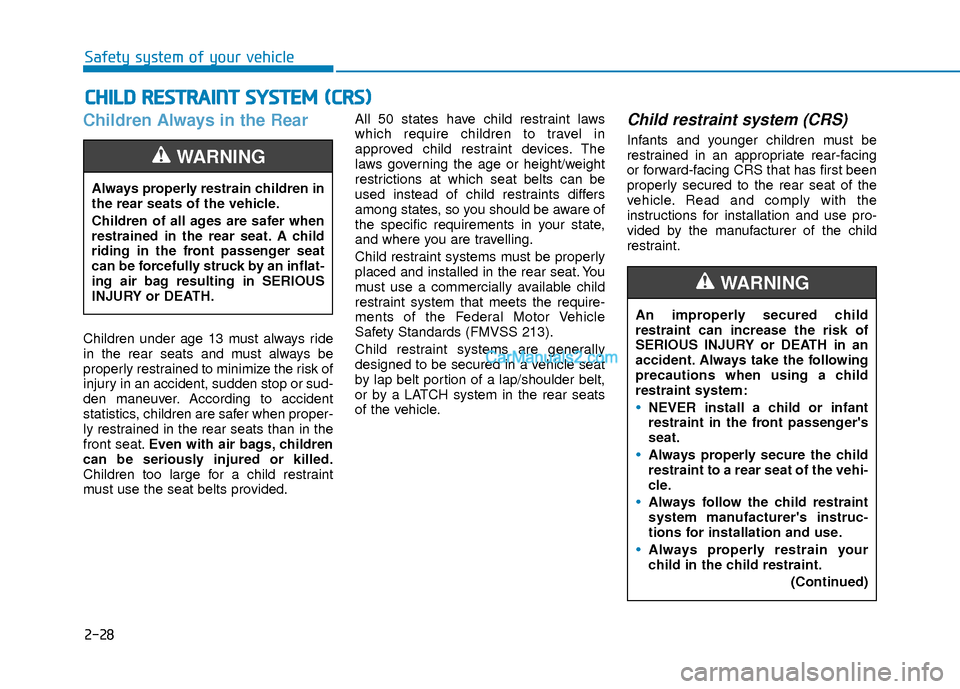
Children Always in the Rear
Children under age 13 must always ride
in the rear seats and must always be
properly restrained to minimize the risk of
injury in an accident, sudden stop or sud-
den maneuver. According to accident
statistics, children are safer when proper-
ly restrained in the rear seats than in the
front seat.Even with air bags, children
can be seriously injured or killed.
Children too large for a child restraint
must use the seat belts provided. All 50 states have child restraint laws
which require children to travel in
approved child restraint devices. The
laws governing the age or height/weight
restrictions at which seat belts can be
used instead of child restraints differs
among states, so you should be aware of
the specific requirements in your state,
and where you are travelling.
Child restraint systems must be properly
placed and installed in the rear seat. You
must use a commercially available child
restraint system that meets the require-
ments of the Federal Motor Vehicle
Safety Standards (FMVSS 213).
Child restraint systems are generally
designed to be secured in a vehicle seat
by lap belt portion of a lap/shoulder belt,
or by a LATCH system in the rear seats
of the vehicle.
Child restraint system (CRS)
Infants and younger children must be
restrained in an appropriate rear-facing
or forward-facing CRS that has first been
properly secured to the rear seat of the
vehicle. Read and comply with the
instructions for installation and use pro-
vided by the manufacturer of the child
restraint.
C C
H
H I
IL
L D
D
R
R E
ES
ST
T R
R A
A I
IN
N T
T
S
S Y
Y S
ST
T E
EM
M
(
( C
C R
R S
S)
)
Always properly restrain children in
the rear seats of the vehicle.
Children of all ages are safer when
restrained in the rear seat. A child
riding in the front passenger seat
can be forcefully struck by an inflat-
ing air bag resulting in SERIOUS
INJURY or DEATH.
WARNING
An improperly secured child
restraint can increase the risk of
SERIOUS INJURY or DEATH in an
accident. Always take the following
precautions when using a child
restraint system:
NEVER install a child or infant
restraint in the front passenger's
seat.
Always properly secure the child
restraint to a rear seat of the vehi-
cle.
Always follow the child restraint
system manufacturer's instruc-
tions for installation and use.
Always properly restrain your
child in the child restraint.
(Continued)
WARNING
Page 46 of 526
2-29
Safety system of your vehicle
2
Selecting a Child Restraint
System (CRS)
When selecting a CRS for your child,
always:
Make sure the CRS has a label certify-ing that it meets applicable Federal
Motor Vehicle Safety Standards
(FMVSS 213).
Select a child restraint based on your child’s height and weight. The required
label or the instructions for use typical-
ly provide this information.
Select a child restraint that fits the vehicle seating position where it will be
used.
Read and comply with the warnings and instructions for installation and use
provided with the child restraint sys-
tem.
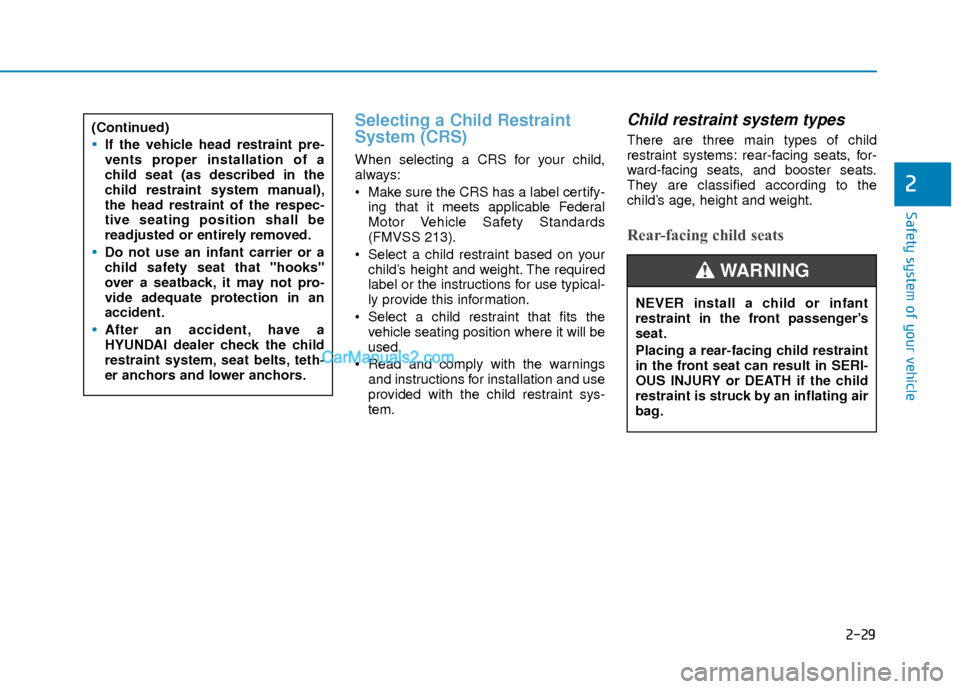
Child restraint system types
There are three main types of child
restraint systems: rear-facing seats, for-
ward-facing seats, and booster seats.
They are classified according to the
child’s age, height and weight.
Rear-facing child seats
(Continued)
If the vehicle head restraint pre-
vents proper installation of a
child seat (as described in the
child restraint system manual),
the head restraint of the respec-
tive seating position shall be
readjusted or entirely removed.
Do not use an infant carrier or a
child safety seat that "hooks"
over a seatback, it may not pro-
vide adequate protection in an
accident.
After an accident, have a
HYUNDAI dealer check the child
restraint system, seat belts, teth-
er anchors and lower anchors.
NEVER install a child or infant
restraint in the front passenger’s
seat.
Placing a rear-facing child restraint
in the front seat can result in SERI-
OUS INJURY or DEATH if the child
restraint is struck by an inflating air
bag.
WARNING
Page 91 of 526
3-14
Convenient features of your vehicle
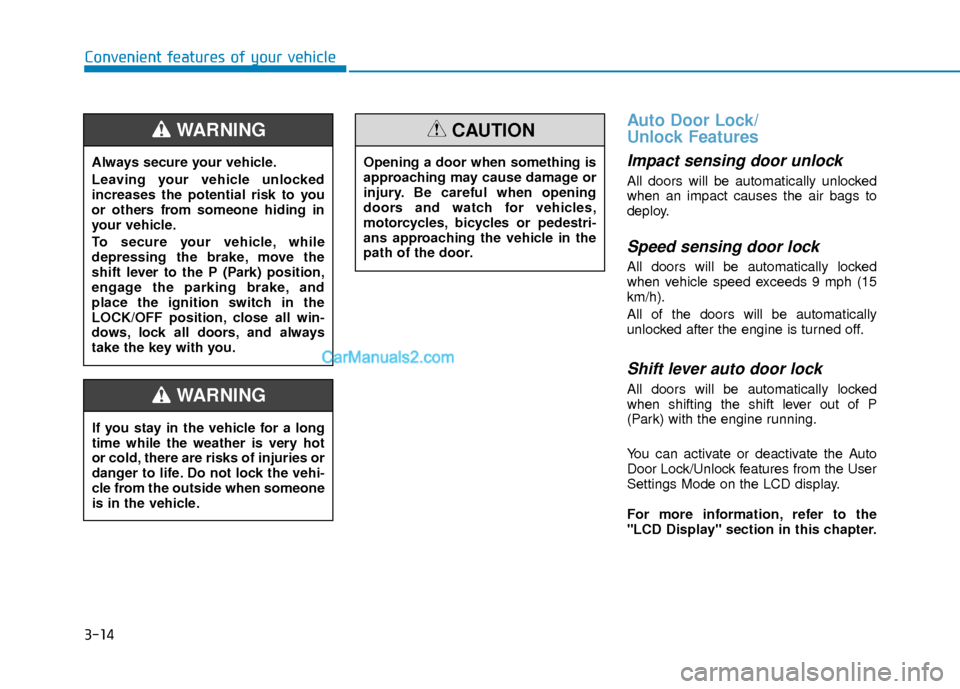
Auto Door Lock/
Unlock Features
Impact sensing door unlock
All doors will be automatically unlocked
when an impact causes the air bags to
deploy.
Speed sensing door lock
All doors will be automatically locked
when vehicle speed exceeds 9 mph (15
km/h).
All of the doors will be automatically
unlocked after the engine is turned off.
Shift lever auto door lock
All doors will be automatically locked
when shifting the shift lever out of P
(Park) with the engine running.
You can activate or deactivate the Auto
Door Lock/Unlock features from the User
Settings Mode on the LCD display.
For more information, refer to the
"LCD Display" section in this chapter.
Always secure your vehicle.
Leaving your vehicle unlocked
increases the potential risk to you
or others from someone hiding in
your vehicle.
To secure your vehicle, while
depressing the brake, move the
shift lever to the P (Park) position,
engage the parking brake, and
place the ignition switch in the
LOCK/OFF position, close all win-
dows, lock all doors, and always
take the key with you.
WARNING
Opening a door when something is
approaching may cause damage or
injury. Be careful when opening
doors and watch for vehicles,
motorcycles, bicycles or pedestri-
ans approaching the vehicle in the
path of the door.
CAUTION
If you stay in the vehicle for a long
time while the weather is very hot
or cold, there are risks of injuries or
danger to life. Do not lock the vehi-
cle from the outside when someone
is in the vehicle.
WARNING
Page 95 of 526
3-18
S
ST
T E
EE
ER
R I
IN
N G
G
W
W H
HE
EE
EL
L
Convenient features of your vehicle
If the Electric Power Steering
System does not operate normally,
the warning light ( ) will illumi-
nate on the instrument cluster. You
may steer the vehicle, but it will
require increased steering efforts.
Take your vehicle to an authorized
HYUNDAI dealer and have the sys-
tem checked as soon as possible.
CAUTION
Easy Access Function
When exiting the vehicle the driver’s seat
will move rearward when the engine is
turned off and the shift lever in P (Park).
When entering the vehicle the driver’s
seat will move forward when the ignition
switch is placed to the ACC position.
You can activate or deactivate the Easy
Access Function from the User Settings
Mode on the LCD display.
For more information, refer to the
"LCD Display" section in this chapter.
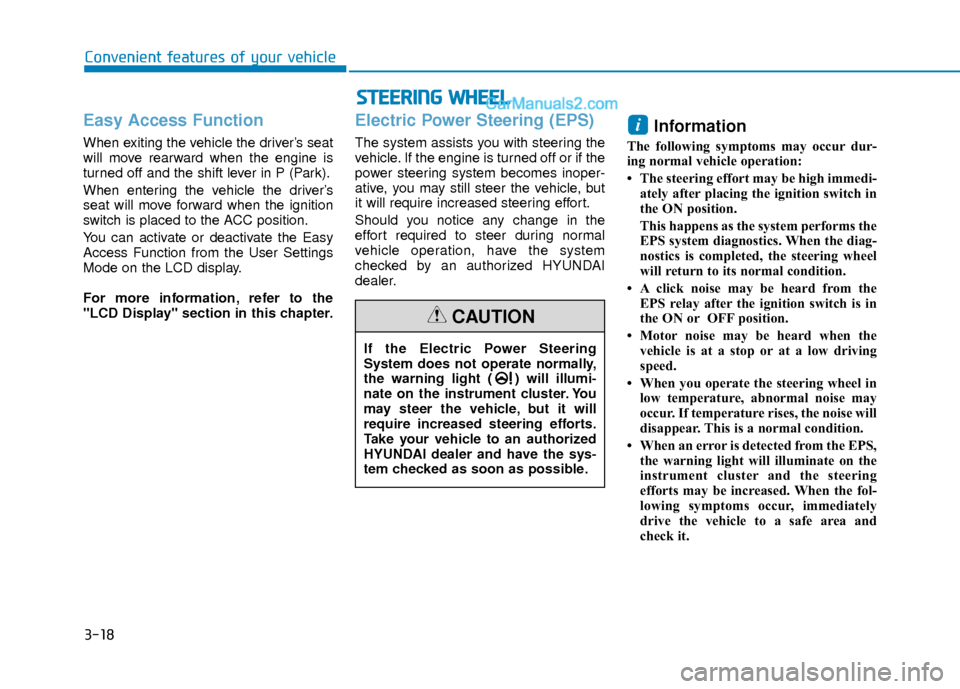
Electric Power Steering (EPS)
The system assists you with steering the
vehicle. If the engine is turned off or if the
power steering system becomes inoper-
ative, you may still steer the vehicle, but
it will require increased steering effort.
Should you notice any change in the
effort required to steer during normal
vehicle operation, have the system
checked by an authorized HYUNDAI
dealer.
Information
The following symptoms may occur dur-
ing normal vehicle operation:
• The steering effort may be high immedi-
ately after placing the ignition switch in
the ON position.
This happens as the system performs the
EPS system diagnostics. When the diag-
nostics is completed, the steering wheel
will return to its normal condition.
• A click noise may be heard from the EPS relay after the ignition switch is in
the ON or OFF position.
• Motor noise may be heard when the vehicle is at a stop or at a low driving
speed.
• When you operate the steering wheel in low temperature, abnormal noise may
occur. If temperature rises, the noise will
disappear. This is a normal condition.
• When an error is detected from the EPS, the warning light will illuminate on the
instrument cluster and the steering
efforts may be increased. When the fol-
lowing symptoms occur, immediately
drive the vehicle to a safe area and
check it.
i
Page 103 of 526
3-26
Convenient features of your vehicle
Information
Some devices may require you to replace
this Programming step 3 with procedures
noted in the "Gate Operator/Canadian
Programming" chapter. If the
HomeLink
®indicator light does not
change to a rapidly blinking light after
performing these steps, contact
HomeLink
®at www.homelink.com.
4. Press and hold for 5 seconds and release the programmed HomeLink
®
button up to two separate times to
activate the door. If the door does not
activate, press and hold the just-
trained HomeLink
®button and
observe the indicator light.
stantly, programming is complete
and your device should activate
when the HomeLink
®button is
pressed and released.
2 seconds and then turns to a con-
stant light, continue with
"Programming" steps 5-7 to com-
plete the programming of a rolling
code equipped device (most com-
monly a garage door opener). 5. At the garage door opener receiver
(motor-head unit) in the garage, locate
the "learn" or "smart" button. This can
usually be found where the hanging
antenna wire is attached to the motor-
head unit.
6. Firmly press and release the "learn" or "smart" button. (The name and color
of the button vary by manufacturer).
There are 30 seconds to initiate step
7.
7. Return to the vehicle and firmly press, hold for 2 seconds and release the
programmed HomeLink
®button.
Repeat the "press/hold/release"
sequence a second time, and,
depending on the brand of the garage
door opener (or other rolling code
equipped device), repeat this
sequence a third time to complete the
programming process.
HomeLink
®should now activate your
rolling code equipped device.
Gate operator & Canadian programming
During programming, your handheld
transmitter may automatically stop trans-
mitting. Continue to press the Integrated
HomeLink
®Wireless Control System but-
ton (note steps 2 through 3 in the
Programming portion of this document)
while you press and re-press ("cycle")
your handheld transmitter every two sec-
onds until the frequency signal has been
learned. The indicator light will flash
slowly and then rapidly after several sec-
onds upon successful training.
Operating HomeLink®
To operate, simply press and release the
programmed HomeLink®button.
Activation will now occur for the trained
device (i.e. garage door opener, gate
operator, security system, entry door
lock, home/office lighting, etc.). For con-
venience, the hand-held transmitter of
the device may also be used at any time.
i
Page 108 of 526
3-31
Convenient features of your vehicle
3
Programming HomeLink®
Please note the following:
When programming a garage dooropener, it is advised to park the vehicle
outside of the garage.
It is recommended that a new battery be placed in the hand-held transmitter
of the device being programmed to
HomeLink
®for quicker training and
accurate transmission of the radio-fre-
quency signal.
Some vehicles may require the ignition switch to be placed in the ACC (or
"Accessories") position for program-
ming and/or operation of HomeLink
®.
In the event that there are still pro- gramming difficulties or questions after
following the programming steps listed
below, contact HomeLink
®at:
www.homelink.com or by calling 1-
800-355-3515.
Rolling code programming
Rolling code devices which are "code-
protected" and manufactured after 1996
may be determined by the following:
Reference the device owner’s manual for verification.
The handheld transmitter appears to program the HomeLink
®Universal
Transceiver but does not activate the
device.
Press and hold the trained HomeLink button. The device has the rolling code
feature if the indicator light flashes rap-
idly and then turns solid after 2 sec-
onds.
To train rolling code devices, follow these
instructions:
1. At the garage door opener receiver (motor-head unit) in the garage, locate
the "learn" or "smart" button. This can
usually be found where the hanging
antenna wire is attached to the motor-
head unit. Exact location and color of
the button may vary by garage door
opener brand. If there is difficulty
locating the training button, reference
the device owner’s manual or please
visit our Web site at
www.homelink.com. 2. Firmly press and release the "learn" or
"smart" button (which activates the
"training light"). You will have 30 sec-
onds to initiate step 3.
3. Return to the vehicle and firmly press, hold for two seconds and then release
the desired HomeLink
®button. Repeat
the "press/hold/release" sequence a
second time to complete the program-
ming. (Some devices may require you
to repeat this sequence a third time to
complete the programming.)
4. Press and hold the just-trained HomeLink
®button and observe the
red Status Indicator LED. If the indica-
tor light stays on constantly, program-
ming is complete and your device
should activate.
5. To program the remaining two HomeLink
®buttons, follow either
steps 1 through 4 above for other
Rolling Code devices or steps 2
through 5 in Standard Programming
for standard devices.