setup key HYUNDAI ELANTRA GT 2014 User Guide
[x] Cancel search | Manufacturer: HYUNDAI, Model Year: 2014, Model line: ELANTRA GT, Model: HYUNDAI ELANTRA GT 2014Pages: 476, PDF Size: 31.71 MB
Page 254 of 476
4169
Features of your vehicle
Bluetooth®Wireless Technology
AUDIO (if equipped)
NOTE:
Bluetooth®Wireless Technology
phone compatibility can be
checked by visiting
www.hyundaiusa.com and under
the SERVICE & PARTS - BLUE-
TOOTH COMPATIBILITY menu.
The website provides informa-
tion, including information on
Pairing, Connection, Handsfree
Calling, Streaming, and more.
What is Bluetooth®Wireless
Technology?
Bluetooth®Wireless Technology is a
wireless technology that allows mul-
tiple devices to be connected in a
short range, low-powered devices
like hands-free, stereo headset, wire-
less remote controller, etc. For more
information, visit the
Bluetooth®
Wireless Technology website at
www.Bluetooth.com
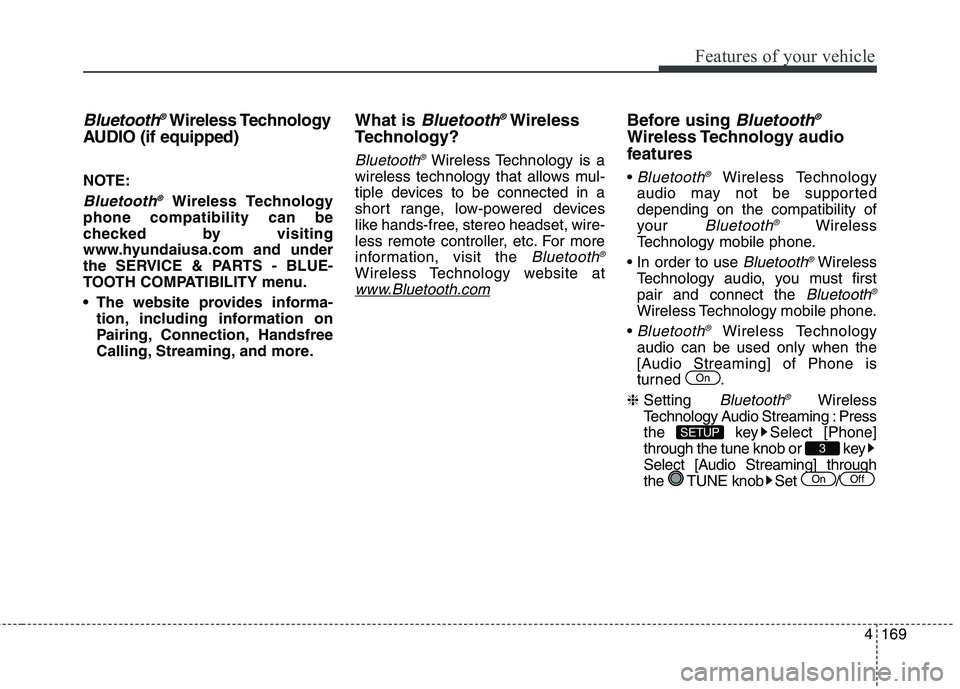
Before using Bluetooth®
Wireless Technology audio
features
Bluetooth®Wireless Technology
audio may not be supported
depending on the compatibility of
your
Bluetooth®Wireless
Technology mobile phone.
Bluetooth®Wireless
Technology audio, you must first
pair and connect the
Bluetooth®
Wireless Technology mobile phone.
Bluetooth®Wireless Technology
audio can be used only when the
[Audio Streaming] of Phone is
turned .
❈Setting
Bluetooth®Wireless
Technology Audio Streaming : Press
the key Select [Phone]
through the tune knob or key
Select [Audio Streaming] through
the TUNE knob Set /
OffOn
3
SETUP
On
Page 257 of 476
![HYUNDAI ELANTRA GT 2014 User Guide Features of your vehicle
172 4
Phone MENU
Press the key to display three
menus (Call History, Contacts, Phone
Setup).
Call history
Press the key Set [ Call
History] through the TUNE knob
or key.
Th](/img/35/56097/w960_56097-256.png "HYUNDAI ELANTRA GT 2014 User Guide Features of your vehicle
172 4
Phone MENU
Press the key to display three
menus (Call History, Contacts, Phone
Setup).
Call history
Press the key Set [ Call
History] through the TUNE knob
or key.
Th")
Features of your vehicle
172 4
Phone MENU
Press the key to display three
menus (Call History, Contacts, Phone
Setup).
Call history
Press the key Set [ Call
History] through the TUNE knob
or key.
The call history is displayed and can
be used to select a number and
make a call.
If call history does not exist, a screen
asking whether to download call his-
tory is displayed. (The download fea-
ture may not be supported in some
mobile phones)Contacts
Press the key Set [
Contacts] through the TUNE knob
or key.
The Contacts are displayed and can
be used to select a number and
make a call.
❈If more than one number is saved
to one contact, then a screen
showing the mobile phone num-
ber, house and office number are
displayed. Select the desired num-
ber to make the call.
❈If Contacts do not exist, a screen
asking whether to download
Contacts is displayed. (The down-
load feature may not be supported
in some mobile phones)Phone Setup
Press the key Set [ Phone
Setup] through the TUNE knob or
key.
The
Bluetooth®Wireless Technology
enabled mobile phone setup screen
is displayed. For more information,
refer to “Phone Setup”.
3
PHONE
2
PHONE
1
PHONE
PHONE
Page 260 of 476
![HYUNDAI ELANTRA GT 2014 User Guide 4175
Features of your vehicle
VOICE COMMAND
(IF EQUIPPED)
Starting Voice Command
press the key on the steering
wheel remote controller.
Mode], then the system will say
“Please say a command. Be](/img/35/56097/w960_56097-259.png "HYUNDAI ELANTRA GT 2014 User Guide 4175
Features of your vehicle
VOICE COMMAND
(IF EQUIPPED)
Starting Voice Command
press the key on the steering
wheel remote controller.
Mode], then the system will say
“Please say a command. Be")
4175
Features of your vehicle
VOICE COMMAND
(IF EQUIPPED)
Starting Voice Command
press the key on the steering
wheel remote controller.
Mode], then the system will say
“Please say a command. Beep”
❈If voice command is in [Expert
Mode], then the system will only
say a “Beep-”
❈Setting Voice command [Normal
Mode]/[Expert Mode]:
Press the key Select
[System] through the TUNE
knob or key Select [Voice
Command Mode] through the
TUNE knob Set [Normal
Mode]/[Expert Mode]
Skipping the Guidance
Message
While the guidance message is
being stated, shortly press the
key (under 0.8 seconds) to discontin-
ue the guidance message and sound
the “beep”.
After the “beep”, say the voice com-
mand.
Ending Voice Command
and hold the key (over 0.8 sec-
onds) to end voice command.
ing the steering wheel remote con-
troller or a different key will end
voice command.
ing for your voice command, say
“cancel” or “end” to end voice com-
mand.
ing for your voice command, short-
ly press the key (under 0.8 sec-
onds) to end voice command.
5
SETUP
CAUTION
For proper voice recognition,
say the voice command after
the guidance message and the
“Beep” sound.