display HYUNDAI ELANTRA GT 2014 Owner's Manual
[x] Cancel search | Manufacturer: HYUNDAI, Model Year: 2014, Model line: ELANTRA GT, Model: HYUNDAI ELANTRA GT 2014Pages: 476, PDF Size: 31.71 MB
Page 229 of 476
![HYUNDAI ELANTRA GT 2014 Owners Manual Features of your vehicle
144 4
(Priority)
This is used to change the order (pri-
ority) of automatic connection for the
paired mobile phones.
Select [Phone List] Select [Priority]
through TUNE knob](/img/35/56097/w960_56097-228.png "HYUNDAI ELANTRA GT 2014 Owners Manual Features of your vehicle
144 4
(Priority)
This is used to change the order (pri-
ority) of automatic connection for the
paired mobile phones.
Select [Phone List] Select [Priority]
through TUNE knob")
Features of your vehicle
144 4
(Priority)
This is used to change the order (pri-
ority) of automatic connection for the
paired mobile phones.
Select [Phone List] Select [Priority]
through TUNE knob Select No. 1
Priority mobile phone
➀Select [Priority].
➁From the paired phones, select
the phone desired for No.1 priority.
➂The changed priority sequence is
displayed.
❈Once the connection sequence
(priority) is changed, the new no. 1
priority mobile phone will be con-
nected.- When the no. 1 priority cannot be
connected: Automatically attempts
to connect the most recently con-
nected phone.
- Cases when the most recently
connected phone cannot be con-
nected: Attempts to connect in
the order in which paired phones
are listed.
- The connected phone will auto-
matically be changed to No. 1 pri-
ority.
Select [Phone List] Select mobile
phone through TUNE knob Select
[Delete]
➀Select the desired mobile phone.
➁Delete the selected mobile phone.
➂Deletion completion is displayed.
❈When attempting to delete a cur-
rently connected phone, the phone
is first disconnected.
CAUTION
When you delete a mobile
phone, the mobile phone con-
tacts will also be erased.
For stable Bluetooth
® Wireless
Technology communication,
delete the mobile phone from
the audio and also delete the
audio from your mobile phone.
Page 231 of 476
Features of your vehicle
146 4
Using the Bluetooth®Wireless
Technology System
To use
Bluetooth®Wireless
Technology when the system is cur-
rently off, follow these next steps.
On
Bluetooth®Wireless
Technology through the Key
Press the key Screen
Guidance
❈Moves to the screen where
Bluetooth
®Wireless Technology
functions can be used and dis-
plays guidance.
On
Bluetooth®Wireless
Technology through the KeyPress the key Select [Phone]
through TUNE knob or key
➀A screen asking whether to turn on
Bluetooth®Wireless Technology
will be displayed.
➁On the screen, select to turn
on
Bluetooth®Wireless Technology
and display guidance.
❈If the
Bluetooth®Wireless
Technology system is turned on,
the system will automatically try to
connect the most recently connect-
ed
Bluetooth®Wireless Technology
enabled mobile phone.
YES
3
SETUP
SETUP
PHONE
PHONE
CAUTION
Bluetooth®Wireless
Technology connection may
become intermittently discon-
nected in some mobile
phones. Follow these next
steps to try again.
1) Turn the Bluetooth
®Wireless
Technology function within
the mobile phone ON/OFF
and try to connect again.
2) Turn the mobile phone power
ON/OFF and try to connect
again.
3) Completely remove the
mobile phone battery, reboot,
and then try to connect again.
4) Reboot the audio system and
try to connect again
5) Delete all paired devices in
your mobile phone and the
audio system and pair again
for use.
Page 232 of 476
![HYUNDAI ELANTRA GT 2014 Owners Manual 4147
Features of your vehicle
SYSTEM SETTINGS
Press the key Select [System]
through tune knob or key Select
menu through TUNE knobMemory Information
Displays currently used memory and
total system](/img/35/56097/w960_56097-231.png "HYUNDAI ELANTRA GT 2014 Owners Manual 4147
Features of your vehicle
SYSTEM SETTINGS
Press the key Select [System]
through tune knob or key Select
menu through TUNE knobMemory Information
Displays currently used memory and
total system")
4147
Features of your vehicle
SYSTEM SETTINGS
Press the key Select [System]
through tune knob or key Select
menu through TUNE knobMemory Information
Displays currently used memory and
total system memory.
Select [Memory Information] OK
The currently used memory is dis-
played on the left side while the total
system memory is displayed on the
right side.Prompt Feedback
This feature is used to change voice
command feedback between Normal
and Expert modes.
Select [Prompt Feedback] Set
through TUNE knob
This mode is for beginner
users and provides detailed
instructions during voice command
operation.
This mode is for expert
users and omits some information
during voice command operation.
(When using Expert mode, guidance
instructions can be heard through
the [Help] or [Menu] commands.4
SETUP
Page 233 of 476
![HYUNDAI ELANTRA GT 2014 Owners Manual Features of your vehicle
148 4
Language
This menu is used to set the display
and voice recognition language.
Select [Language] Set through
TUNE knob
❈The system will reboot after the
language is ch](/img/35/56097/w960_56097-232.png "HYUNDAI ELANTRA GT 2014 Owners Manual Features of your vehicle
148 4
Language
This menu is used to set the display
and voice recognition language.
Select [Language] Set through
TUNE knob
❈The system will reboot after the
language is ch")
Features of your vehicle
148 4
Language
This menu is used to set the display
and voice recognition language.
Select [Language] Set through
TUNE knob
❈The system will reboot after the
language is changed.
❈Language support by region
- English, Francais, Espanol
Page 234 of 476
4149
Features of your vehicle
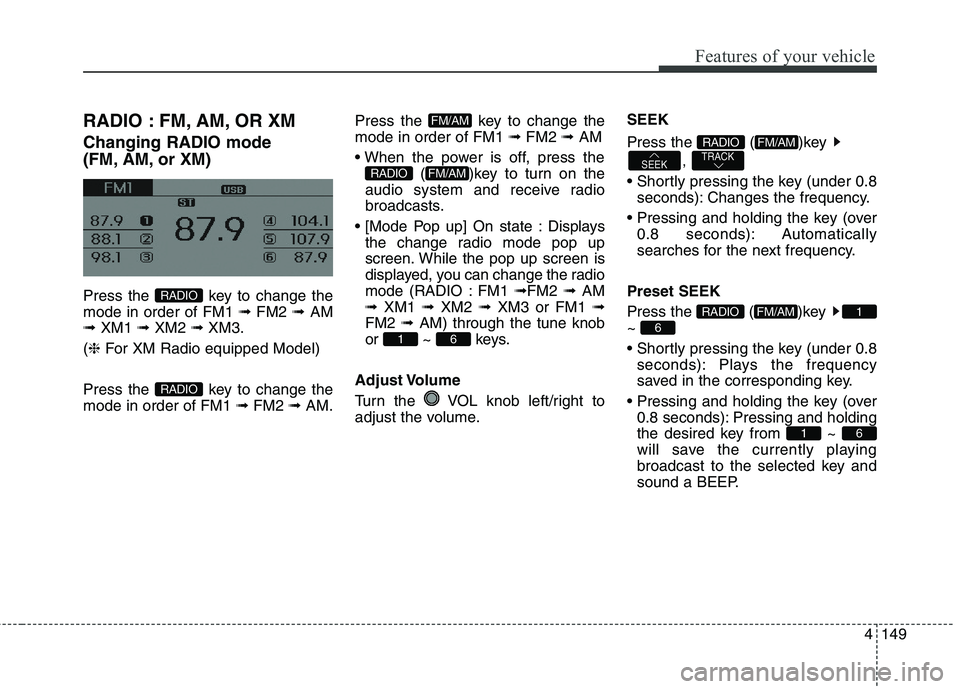
RADIO : FM, AM, OR XM
Changing RADIO mode
(FM, AM, or XM)
Press the key to change the
mode in order of FM1 ➟ FM2 ➟ AM
➟ XM1 ➟ XM2 ➟ XM3.
(❈For XM Radio equipped Model)
Press the key to change the
mode in order of FM1 ➟FM2 ➟AM.Press the key to change the
mode in order of FM1 ➟FM2 ➟AM
( )key to turn on the
audio system and receive radio
broadcasts.
Displays
the change radio mode pop up
screen. While the pop up screen is
displayed, you can change the radio
mode (RADIO : FM1 ➟FM2 ➟ AM
➟ XM1 ➟ XM2 ➟ XM3 or FM1 ➟
FM2 ➟ AM) through the tune knob
or ~ keys.
Adjust Volume
Turn the VOL knob left/right to
adjust the volume.SEEK
Press the ( )key
,
seconds): Changes the frequency.
0.8 seconds): Automatically
searches for the next frequency.
Preset SEEK
Press the ( )key
~
seconds): Plays the frequency
saved in the corresponding key.
0.8 seconds): Pressing and holding
the desired key from ~
will save the currently playing
broadcast to the selected key and
sound a BEEP.
61
6
1FM/AMRADIO
TRACKSEEK
FM/AMRADIO
61
FM/AMRADIO
FM/AM
RADIO
RADIO
Page 236 of 476
4151
Features of your vehicle
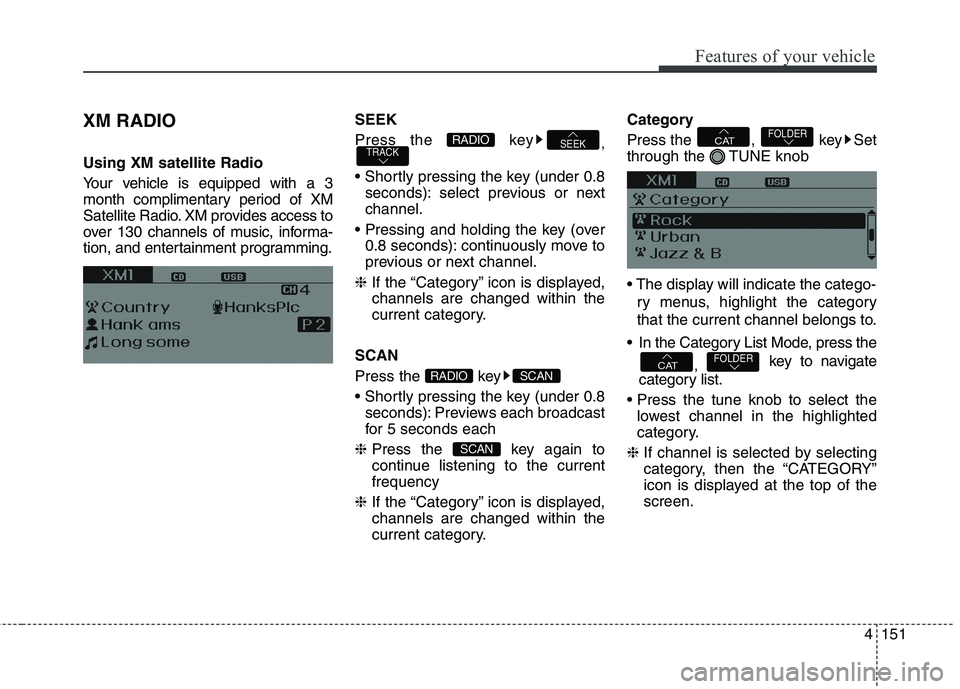
XM RADIO
Using XM satellite Radio
Your vehicle is equipped with a 3
month complimentary period of XM
Satellite Radio. XM provides access to
over 130 channels of music, informa-
tion, and entertainment programming.SEEK
Press the key
,
seconds): select previous or next
channel.
0.8 seconds): continuously move to
previous or next channel.
❈If the “Category” icon is displayed,
channels are changed within the
current category.
SCAN
Press the key
seconds): Previews each broadcast
for 5 seconds each
❈Press the key again to
continue listening to the current
frequency
❈If the “Category” icon is displayed,
channels are changed within the
current category.Category
Press the , key Set
through the TUNE knob
ry menus, highlight the category
that the current channel belongs to.
In the Category List Mode, press the
, key to navigate
category list.
lowest channel in the highlighted
category.
❈If channel is selected by selecting
category, then the “CATEGORY”
icon is displayed at the top of the
screen.FOLDERCAT
FOLDERCAT
SCAN
SCANRADIO
TRACKSEEKRADIO
Page 237 of 476
Features of your vehicle
152 4
Preset
Press the key ~
seconds): Plays the frequency
saved in the corresponding key.
0.8 seconds): Pressing and holding
the desired key from ~
will save the current broadcast to
the selected key and sound a
BEEP.
Tune
TUNE knob : Changes
the channel number or scrolls cate-
gory list.
TUNE knob : Selects the
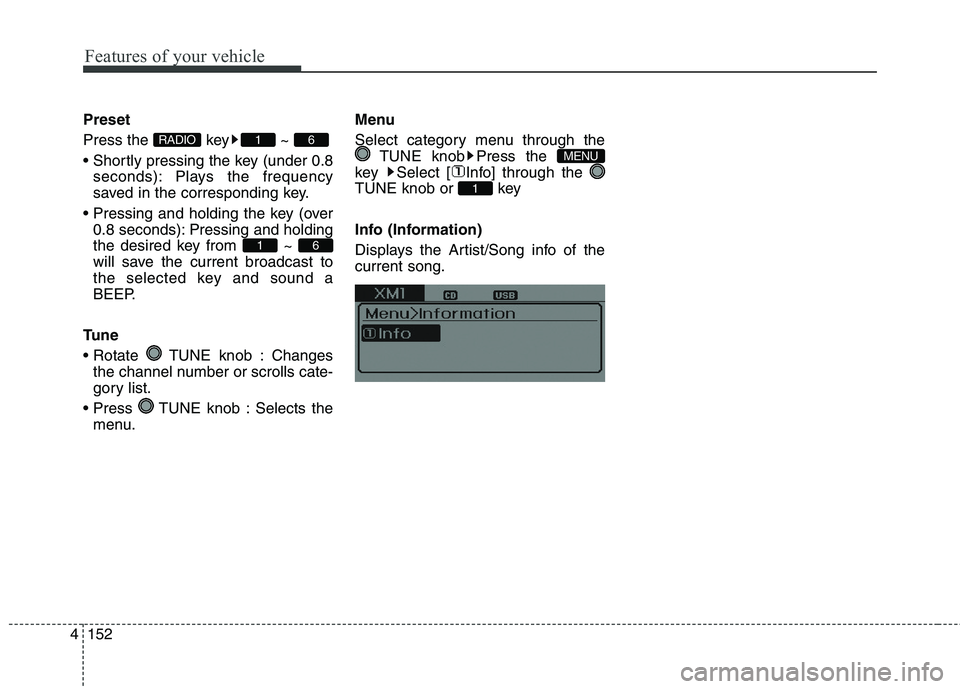
menu.Menu
Select category menu through the
TUNE knob Press the
key Select [ Info] through the
TUNE knob or key
Info (Information)
Displays the Artist/Song info of the
current song.
1
MENU
61
61RADIO
Page 241 of 476
Features of your vehicle
156 4
BASIC METHOD OF USE :
Audio CD / MP3 CD / USB /
iPod / My Music
Press the key to change the
mod mode in order of CD ➟ USB(iPod)
➟ AUX ➟ My Music ➟ BT Audio.
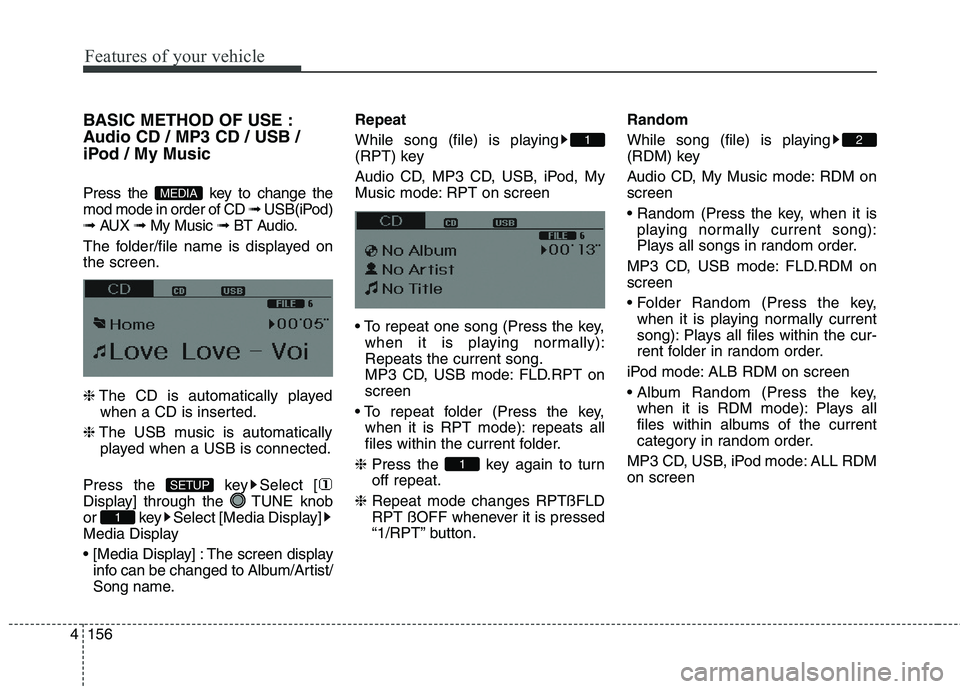
The folder/file name is displayed on
the screen.
❈The CD is automatically played
when a CD is inserted.
❈The USB music is automatically
played when a USB is connected.
Press the key Select [
Display] through the TUNE knob
or key Select [Media Display]
Media Display
The screen display
info can be changed to Album/Artist/
Song name.Repeat
While song (file) is playing
(RPT) key
Audio CD, MP3 CD, USB, iPod, My
Music mode: RPT on screen
when it is playing normally):
Repeats the current song.
MP3 CD, USB mode: FLD.RPT on
screen
when it is RPT mode): repeats all
files within the current folder.
❈Press the key again to turn
off repeat.
❈Repeat mode changes RPTßFLD
RPT ßOFF whenever it is pressed
“1/RPT” button.Random
While song (file) is playing
(RDM) key
Audio CD, My Music mode: RDM on
screen
playing normally current song):
Plays all songs in random order.
MP3 CD, USB mode: FLD.RDM on
screen
when it is playing normally current
song): Plays all files within the cur-
rent folder in random order.
iPod mode: ALB RDM on screen
when it is RDM mode): Plays all
files within albums of the current
category in random order.
MP3 CD, USB, iPod mode: ALL RDM
on screen
2
1
1
1
SETUP
MEDIA
Page 243 of 476
Features of your vehicle
158 4
Folder Search : MP3 CD, USB
Mode
While file is playing (Folder
Up) key
While file is playing (Folder
Down) key
❈If a folder is selected by pressing
the TUNE knob, the first file
within the selected folder will be
played.
❈In iPod mode, moves to the Parent
Folder.Searching Songs (File)
TUNE knob : Searches
for songs (files)
TUNE knob : Plays
selected song (file).
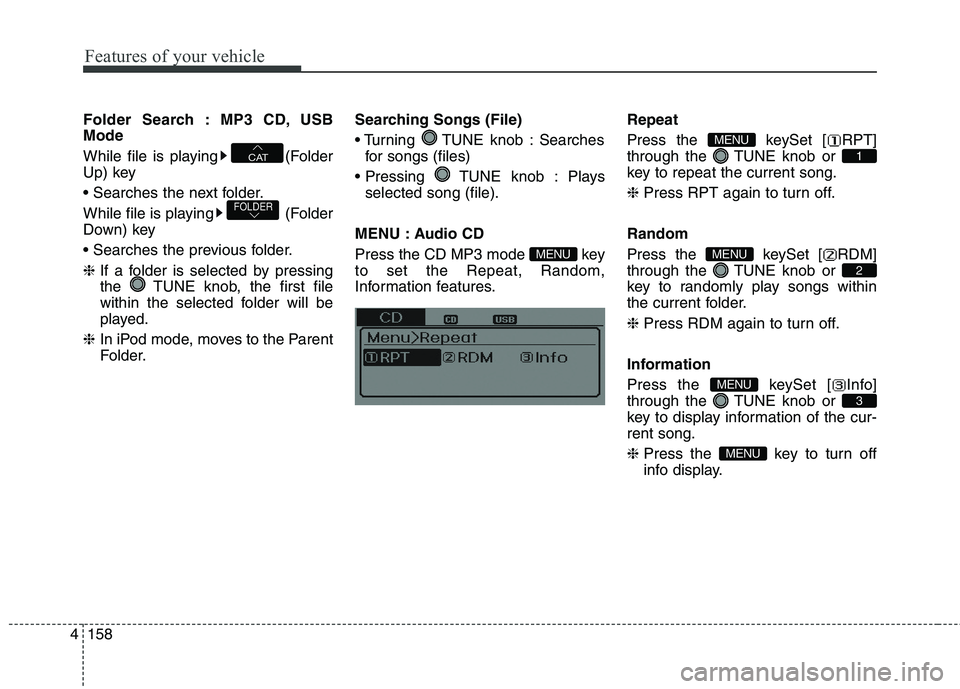
MENU : Audio CD
Press the CD MP3 mode key
to set the Repeat, Random,
Information features.Repeat
Press the keySet [ RPT]
through the TUNE knob or
key to repeat the current song.
❈Press RPT again to turn off.
Random
Press the keySet [ RDM]
through the TUNE knob or
key to randomly play songs within
the current folder.
❈Press RDM again to turn off.
Information
Press the keySet [ Info]
through the TUNE knob or
key to display information of the cur-
rent song.
❈Press the key to turn off
info display.
MENU
3
MENU
2
MENU
1
MENU
MENU
FOLDER
CAT
Page 244 of 476
4159
Features of your vehicle
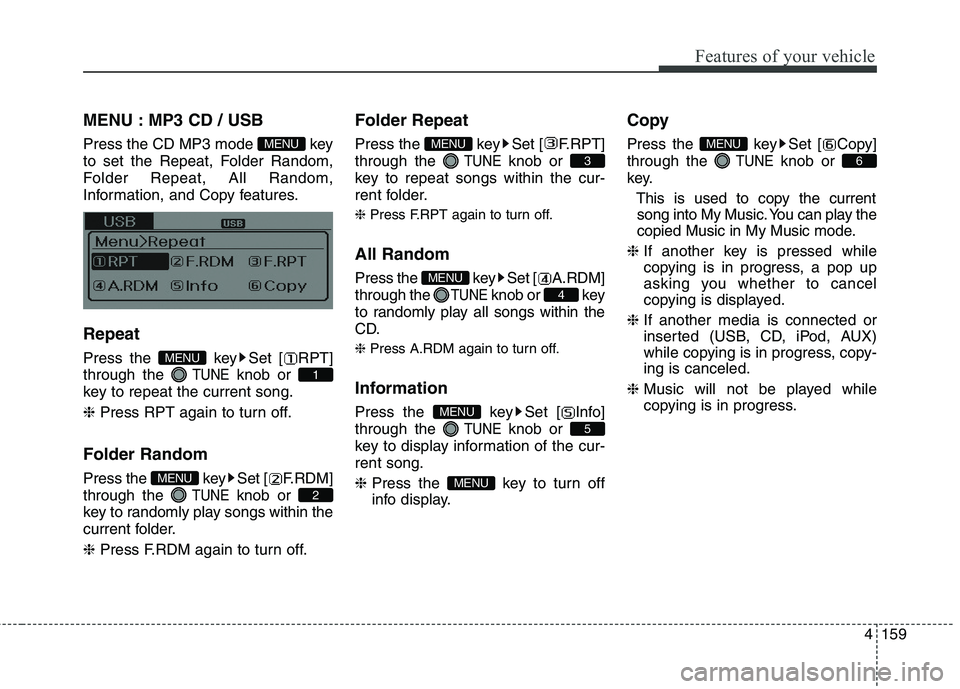
MENU : MP3 CD / USB
Press the CD MP3 mode key
to set the Repeat, Folder Random,
Folder Repeat, All Random,
Information, and Copy features.
Repeat
Press the key Set [ RPT]
through the
TUNEknob or
key to repeat the current song.
❈Press RPT again to turn off.
Folder Random
Press the key Set [ F.RDM]
through the
TUNEknob or
key to randomly play songs within the
current folder.
❈Press F.RDM again to turn off.
Folder Repeat
Press the key Set [ F.RPT]
through the
TUNEknob or
key to repeat songs within the cur-
rent folder.
❈ Press F.RPT again to turn off.
All Random
Press the key Set [ A.RDM]
through the
TUNEknob or key
to randomly play all songs within the
CD.
❈ Press A.RDM again to turn off.
Information
Press the key Set [ Info]
through the
TUNEknob or
key to display information of the cur-
rent song.
❈Press the key to turn off
info display.
Copy
Press the key Set [ Copy]
through the
TUNEknob or
key.
This is used to copy the current
song into My Music. You can play the
copied Music in My Music mode.
❈If another key is pressed while
copying is in progress, a pop up
asking you whether to cancel
copying is displayed.
❈If another media is connected or
inserted (USB, CD, iPod, AUX)
while copying is in progress, copy-
ing is canceled.
❈Music will not be played while
copying is in progress.6
MENU
MENU
5
MENU
4
MENU
3
MENU
2
MENU
1
MENU
MENU