stop start Hyundai Equus 2015 Owner's Guide
[x] Cancel search | Manufacturer: HYUNDAI, Model Year: 2015, Model line: Equus, Model: Hyundai Equus 2015Pages: 483, PDF Size: 13.26 MB
Page 146 of 483
457
Features of your vehicle
Reverse parking aid function
(if equipped)
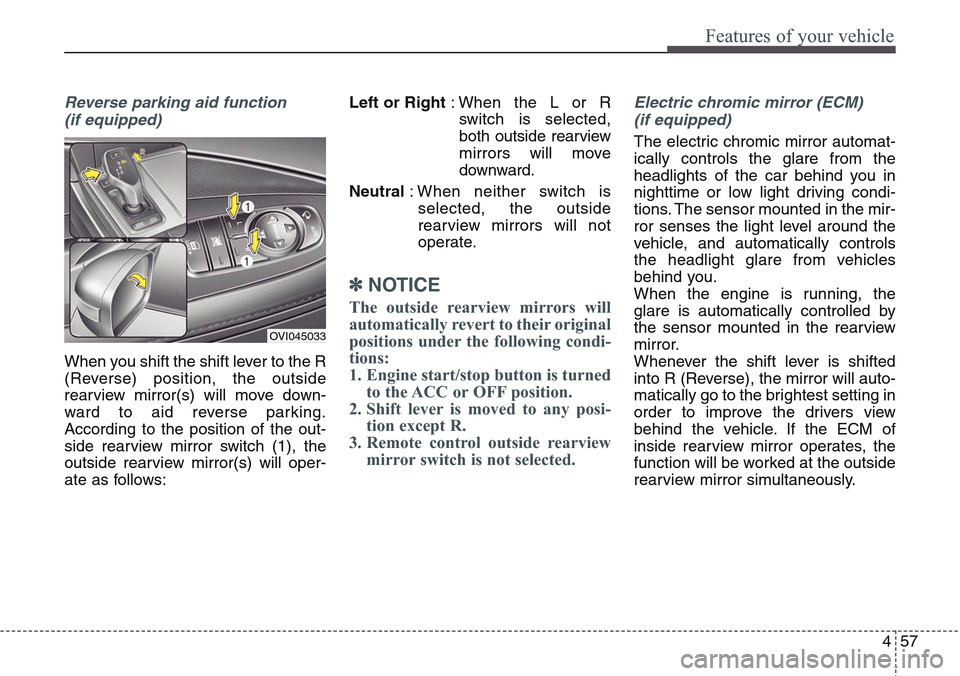
When you shift the shift lever to the R
(Reverse) position, the outside
rearview mirror(s) will move down-
ward to aid reverse parking.
According to the position of the out-
side rearview mirror switch (1), the
outside rearview mirror(s) will oper-
ate as follows:Left or Right: When the L or R
switch is selected,
both outside rearview
mirrors will move
downward.
Neutral: When neither switch is
selected, the outside
rearview mirrors will not
operate.
✽NOTICE
The outside rearview mirrors will
automatically revert to their original
positions under the following condi-
tions:
1. Engine start/stop button is turned
to the ACC or OFF position.
2. Shift lever is moved to any posi-
tion except R.
3. Remote control outside rearview
mirror switch is not selected.
Electric chromic mirror (ECM)
(if equipped)
The electric chromic mirror automat-
ically controls the glare from the
headlights of the car behind you in
nighttime or low light driving condi-
tions. The sensor mounted in the mir-
ror senses the light level around the
vehicle, and automatically controls
the headlight glare from vehicles
behind you.
When the engine is running, the
glare is automatically controlled by
the sensor mounted in the rearview
mirror.
Whenever the shift lever is shifted
into R (Reverse), the mirror will auto-
matically go to the brightest setting in
order to improve the drivers view
behind the vehicle. If the ECM of
inside rearview mirror operates, the
function will be worked at the outside
rearview mirror simultaneously.
OVI045033
Page 147 of 483
Features of your vehicle
58 4
Folding the outside rearview mirror
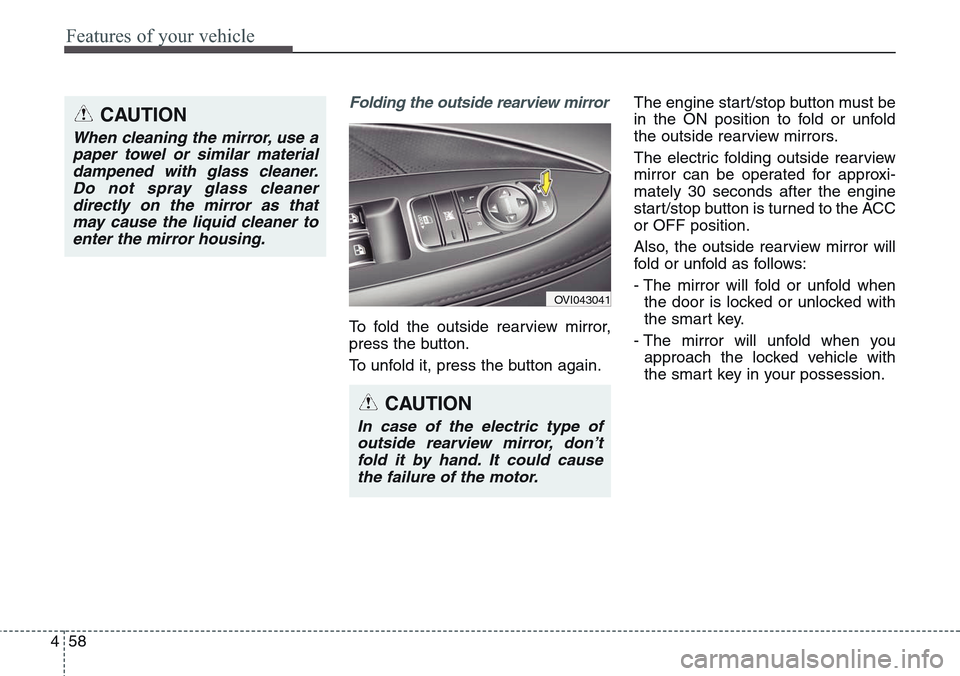
To fold the outside rearview mirror,
press the button.
To unfold it, press the button again.The engine start/stop button must be
in the ON position to fold or unfold
the outside rearview mirrors.
The electric folding outside rearview
mirror can be operated for approxi-
mately 30 seconds after the engine
start/stop button is turned to the ACC
or OFF position.
Also, the outside rearview mirror will
fold or unfold as follows:
- The mirror will fold or unfold when
the door is locked or unlocked with
the smart key.
- The mirror will unfold when you
approach the locked vehicle with
the smart key in your possession.
OVI043041
CAUTION
In case of the electric type of
outside rearview mirror, don’t
fold it by hand. It could cause
the failure of the motor.
CAUTION
When cleaning the mirror, use a
paper towel or similar material
dampened with glass cleaner.
Do not spray glass cleaner
directly on the mirror as that
may cause the liquid cleaner to
enter the mirror housing.
Page 149 of 483
Features of your vehicle
60 4
Instrument cluster control
Adjusting Instrument Cluster
Illumination
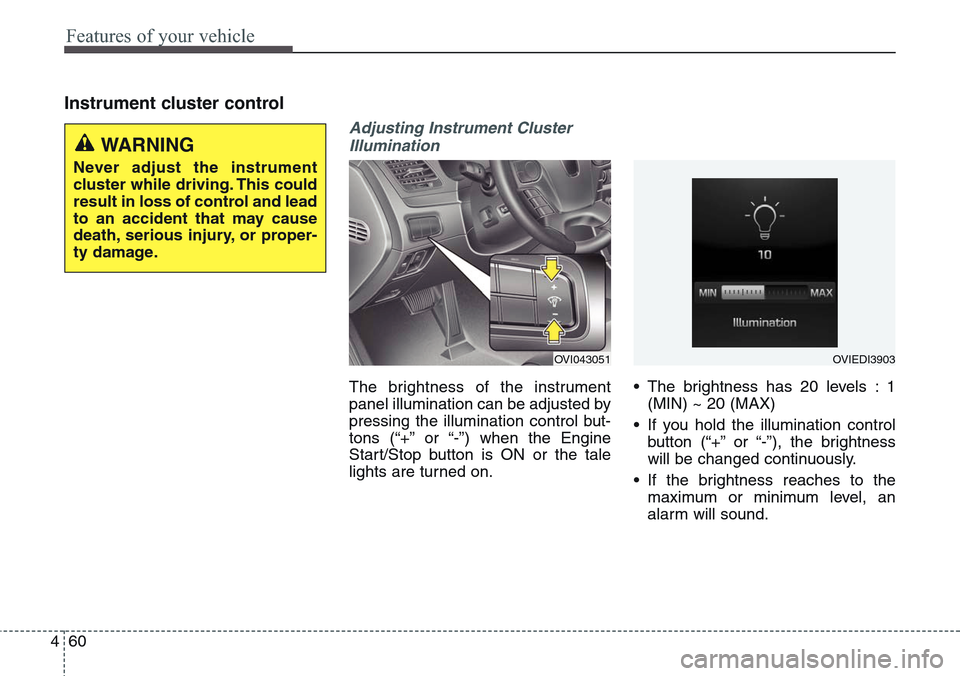
The brightness of the instrument
panel illumination can be adjusted by
pressing the illumination control but-
tons (“+” or “-”) when the Engine
Start/Stop button is ON or the tale
lights are turned on.• The brightness has 20 levels : 1
(MIN) ~ 20 (MAX)
• If you hold the illumination control
button (“+” or “-”), the brightness
will be changed continuously.
• If the brightness reaches to the
maximum or minimum level, an
alarm will sound.
OVI043051OVIEDI3903
WARNING
Never adjust the instrument
cluster while driving. This could
result in loss of control and lead
to an accident that may cause
death, serious injury, or proper-
ty damage.
Page 152 of 483
463
Features of your vehicle
Tachometer
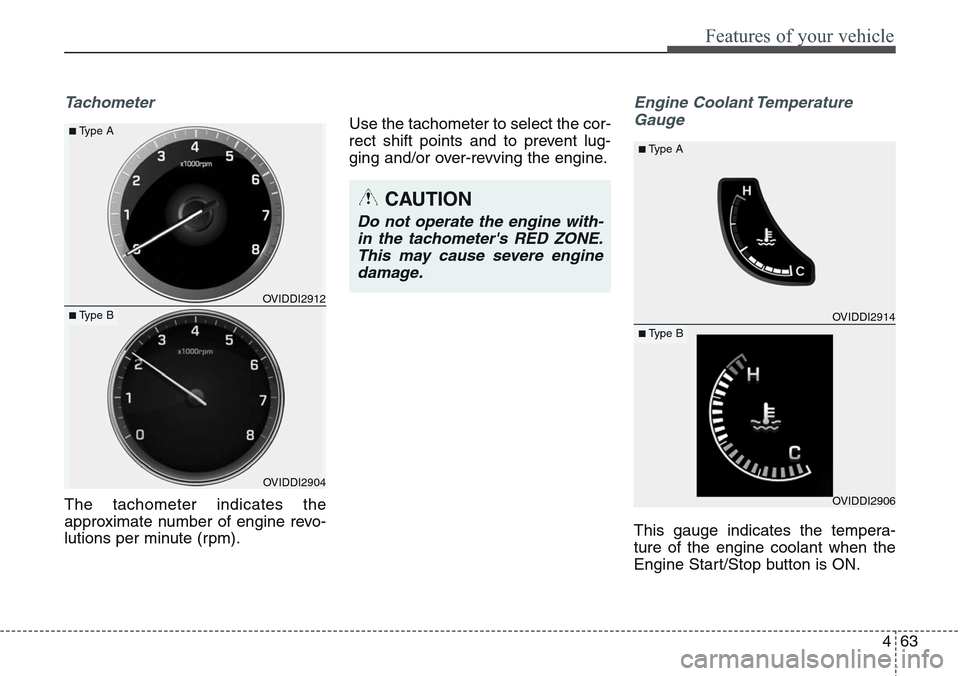
The tachometer indicates the
approximate number of engine revo-
lutions per minute (rpm).Use the tachometer to select the cor-
rect shift points and to prevent lug-
ging and/or over-revving the engine.
Engine Coolant Temperature
Gauge
This gauge indicates the tempera-
ture of the engine coolant when the
Engine Start/Stop button is ON.
OVIDDI2904
■Type A
■ Type BOVIDDI2912
OVIDDI2906
■Type A
■ Type BOVIDDI2914
CAUTION
Do not operate the engine with-
in the tachometer's RED ZONE.
This may cause severe engine
damage.
Page 158 of 483
469
Features of your vehicle
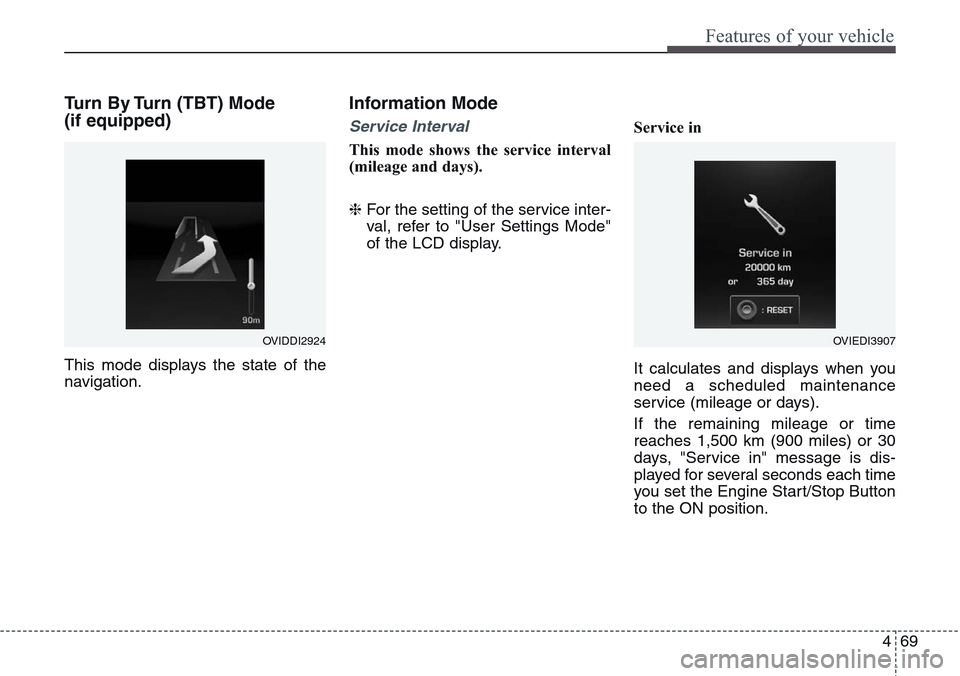
Turn By Turn (TBT) Mode
(if equipped)
This mode displays the state of the
navigation.
Information Mode
Service Interval
This mode shows the service interval
(mileage and days).
❈For the setting of the service inter-
val, refer to "User Settings Mode"
of the LCD display.Service in
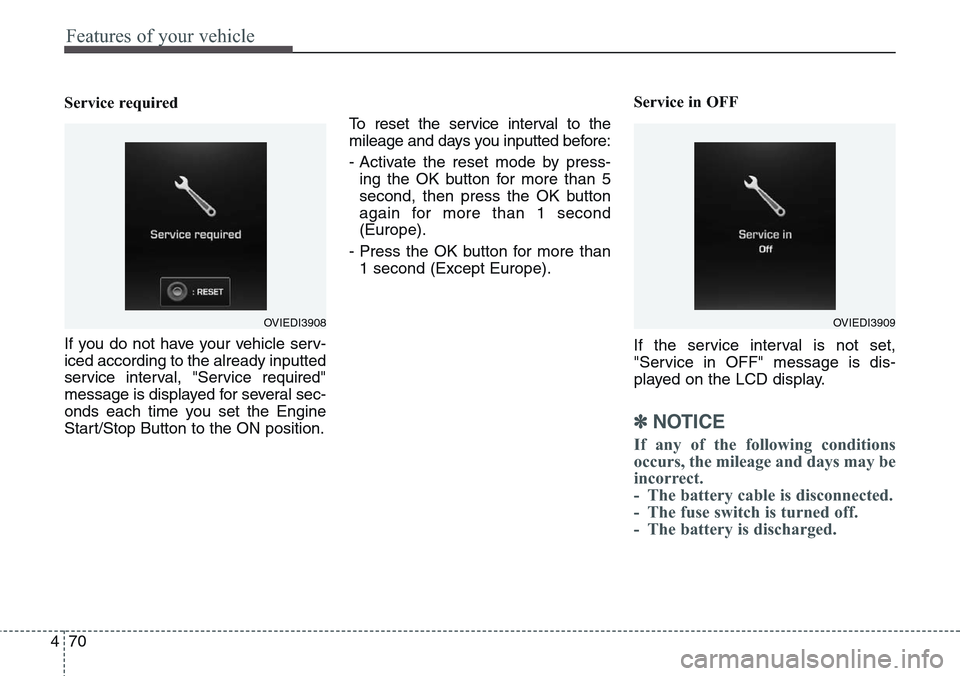
It calculates and displays when you
need a scheduled maintenance
service (mileage or days).
If the remaining mileage or time
reaches 1,500 km (900 miles) or 30
days, "Service in" message is dis-
played for several seconds each time
you set the Engine Start/Stop Button
to the ON position.
OVIDDI2924OVIEDI3907
Page 159 of 483
Features of your vehicle
70 4
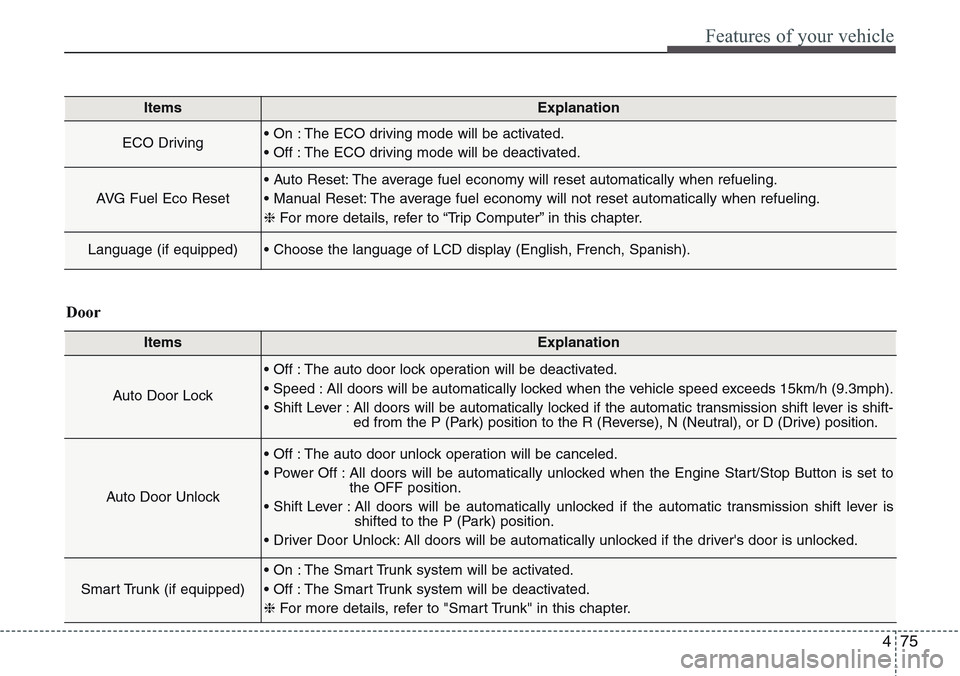
Service required
If you do not have your vehicle serv-
iced according to the already inputted
service interval, "Service required"
message is displayed for several sec-
onds each time you set the Engine
Start/Stop Button to the ON position.To reset the service interval to the
mileage and days you inputted before:
- Activate the reset mode by press-
ing the OK button for more than 5
second, then press the OK button
again for more than 1 second
(Europe).
- Press the OK button for more than
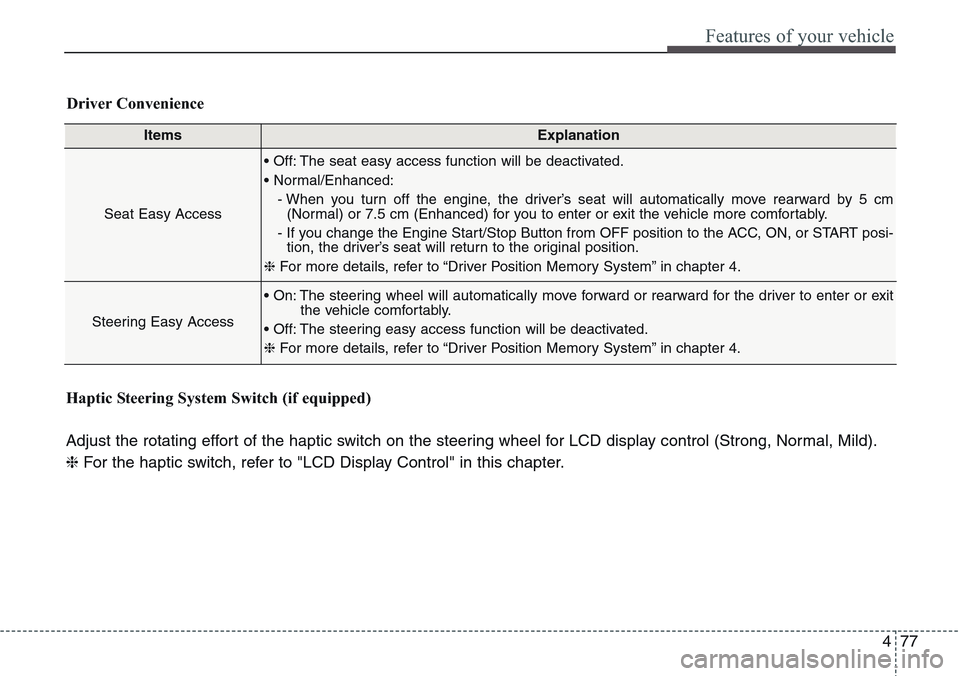
1 second (Except Europe).Service in OFF
If the service interval is not set,
"Service in OFF" message is dis-
played on the LCD display.
✽NOTICE
If any of the following conditions
occurs, the mileage and days may be
incorrect.
- The battery cable is disconnected.
- The fuse switch is turned off.
- The battery is discharged.
OVIEDI3909OVIEDI3908
Page 164 of 483
475
Features of your vehicle
ItemsExplanation
ECO Driving• On : The ECO driving mode will be activated.
• Off : The ECO driving mode will be deactivated.
AVG Fuel Eco Reset
• Auto Reset: The average fuel economy will reset automatically when refueling.
• Manual Reset: The average fuel economy will not reset automatically when refueling.
❈For more details, refer to “Trip Computer” in this chapter.
Language (if equipped)• Choose the language of LCD display (English, French, Spanish).
ItemsExplanation
Auto Door Lock
• Off : The auto door lock operation will be deactivated.
• Speed : All doors will be automatically locked when the vehicle speed exceeds 15km/h (9.3mph).
• Shift Lever : All doors will be automatically locked if the automatic transmission shift lever is shift-
ed from the P (Park) position to the R (Reverse), N (Neutral), or D (Drive) position.
Auto Door Unlock
• Off : The auto door unlock operation will be canceled.
• Power Off : All doors will be automatically unlocked when the Engine Start/Stop Button is set to
the OFF position.
• Shift Lever : All doors will be automatically unlocked if the automatic transmission shift lever is
shifted to the P (Park) position.
• Driver Door Unlock: All doors will be automatically unlocked if the driver's door is unlocked.
Smart Trunk (if equipped)
• On : The Smart Trunk system will be activated.
• Off : The Smart Trunk system will be deactivated.
❈For more details, refer to "Smart Trunk" in this chapter.
Door
Page 166 of 483
477
Features of your vehicle
ItemsExplanation
Seat Easy Access
• Off: The seat easy access function will be deactivated.
• Normal/Enhanced:
- When you turn off the engine, the driver’s seat will automatically move rearward by 5 cm
(Normal) or 7.5 cm (Enhanced) for you to enter or exit the vehicle more comfortably.
- If you change the Engine Start/Stop Button from OFF position to the ACC, ON, or START posi-
tion, the driver’s seat will return to the original position.
❈For more details, refer to “Driver Position Memory System” in chapter 4.
Steering Easy Access
• On: The steering wheel will automatically move forward or rearward for the driver to enter or exit
the vehicle comfortably.
• Off: The steering easy access function will be deactivated.
❈For more details, refer to “Driver Position Memory System” in chapter 4.
Driver Convenience
Haptic Steering System Switch (if equipped)
Adjust the rotating effort of the haptic switch on the steering wheel for LCD display control (Strong, Normal, Mild).
❈For the haptic switch, refer to "LCD Display Control" in this chapter.
Page 168 of 483
479
Features of your vehicle
Warning Messages
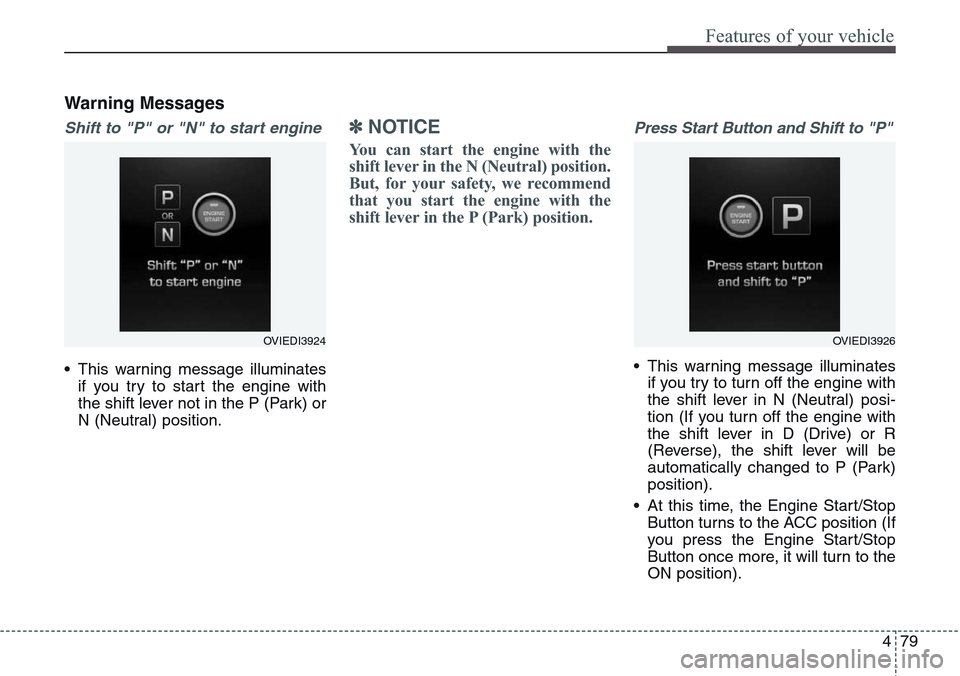
Shift to "P" or "N" to start engine
• This warning message illuminates
if you try to start the engine with
the shift lever not in the P (Park) or
N (Neutral) position.
✽NOTICE
You can start the engine with the
shift lever in the N (Neutral) position.
But, for your safety, we recommend
that you start the engine with the
shift lever in the P (Park) position.
Press Start Button and Shift to "P"
• This warning message illuminates
if you try to turn off the engine with
the shift lever in N (Neutral) posi-
tion (If you turn off the engine with
the shift lever in D (Drive) or R
(Reverse), the shift lever will be
automatically changed to P (Park)
position).
• At this time, the Engine Start/Stop
Button turns to the ACC position (If
you press the Engine Start/Stop
Button once more, it will turn to the
ON position).
OVIEDI3924OVIEDI3926
Page 169 of 483
Features of your vehicle
80 4
• In this case, you can turn off the
engine as follows.
1. Shift to P (Park) position with the
Engine Start/Stop Button in ON
position (If the Engine Start/Stop
Button is in ACC position,
change into ON position by
pressing the Engine Start/Stop
Button once).
2. Turn off the engine by pressing
the Engine Start/Stop Button.
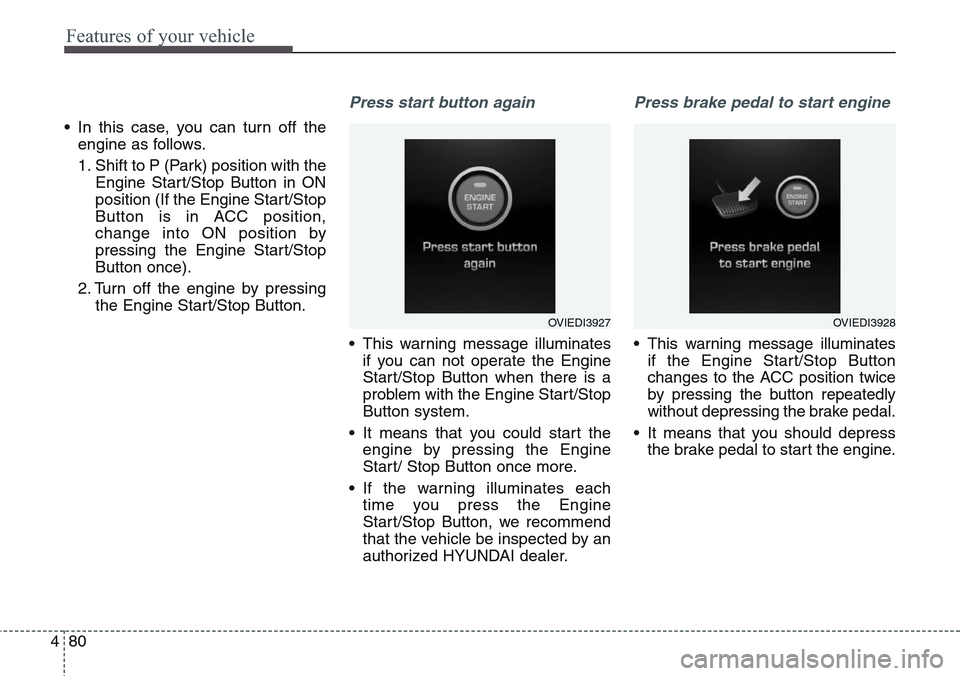
Press start button again
• This warning message illuminates
if you can not operate the Engine
Start/Stop Button when there is a
problem with the Engine Start/Stop
Button system.
• It means that you could start the
engine by pressing the Engine
Start/ Stop Button once more.
• If the warning illuminates each
time you press the Engine
Start/Stop Button, we recommend
that the vehicle be inspected by an
authorized HYUNDAI dealer.
Press brake pedal to start engine
• This warning message illuminates
if the Engine Start/Stop Button
changes to the ACC position twice
by pressing the button repeatedly
without depressing the brake pedal.
• It means that you should depress
the brake pedal to start the engine.
OVIEDI3927OVIEDI3928