steering Hyundai Genesis 2014 Workshop Manual
[x] Cancel search | Manufacturer: HYUNDAI, Model Year: 2014, Model line: Genesis, Model: Hyundai Genesis 2014Pages: 546, PDF Size: 13.59 MB
Page 299 of 546
5-23
Driving your vehicle
5
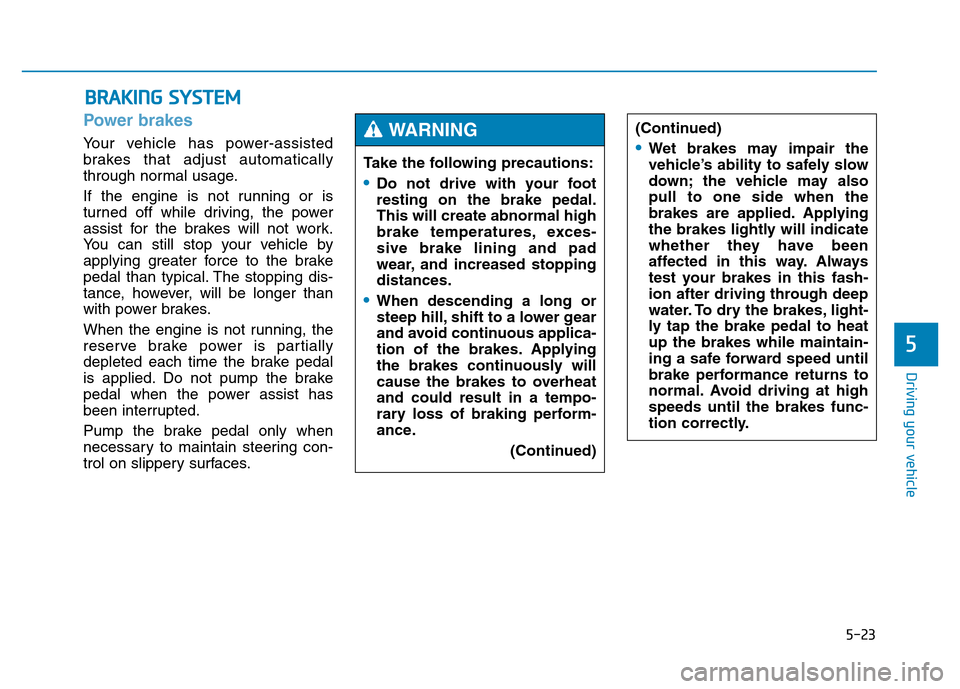
Power brakes
Your vehicle has power-assisted
brakes that adjust automatically
through normal usage.
If the engine is not running or is
turned off while driving, the power
assist for the brakes will not work.
You can still stop your vehicle by
applying greater force to the brake
pedal than typical. The stopping dis-
tance, however, will be longer than
with power brakes.
When the engine is not running, the
reserve brake power is partially
depleted each time the brake pedal
is applied. Do not pump the brake
pedal when the power assist has
been interrupted.
Pump the brake pedal only when
necessary to maintain steering con-
trol on slippery surfaces.
BRAKING SYSTEM
Take the following precautions:
•Do not drive with your foot
resting on the brake pedal.
This will create abnormal high
brake temperatures, exces-
sive brake lining and pad
wear, and increased stopping
distances.
•When descending a long or
steep hill, shift to a lower gear
and avoid continuous applica-
tion of the brakes. Applying
the brakes continuously will
cause the brakes to overheat
and could result in a tempo-
rary loss of braking perform-
ance.
(Continued)
(Continued)
•Wet brakes may impair the
vehicle’s ability to safely slow
down; the vehicle may also
pull to one side when the
brakes are applied. Applying
the brakes lightly will indicate
whether they have been
affected in this way. Always
test your brakes in this fash-
ion after driving through deep
water. To dry the brakes, light-
ly tap the brake pedal to heat
up the brakes while maintain-
ing a safe forward speed until
brake performance returns to
normal. Avoid driving at high
speeds until the brakes func-
tion correctly.
WARNING
Page 312 of 546
5-36
Driving your vehicle
Using ABS
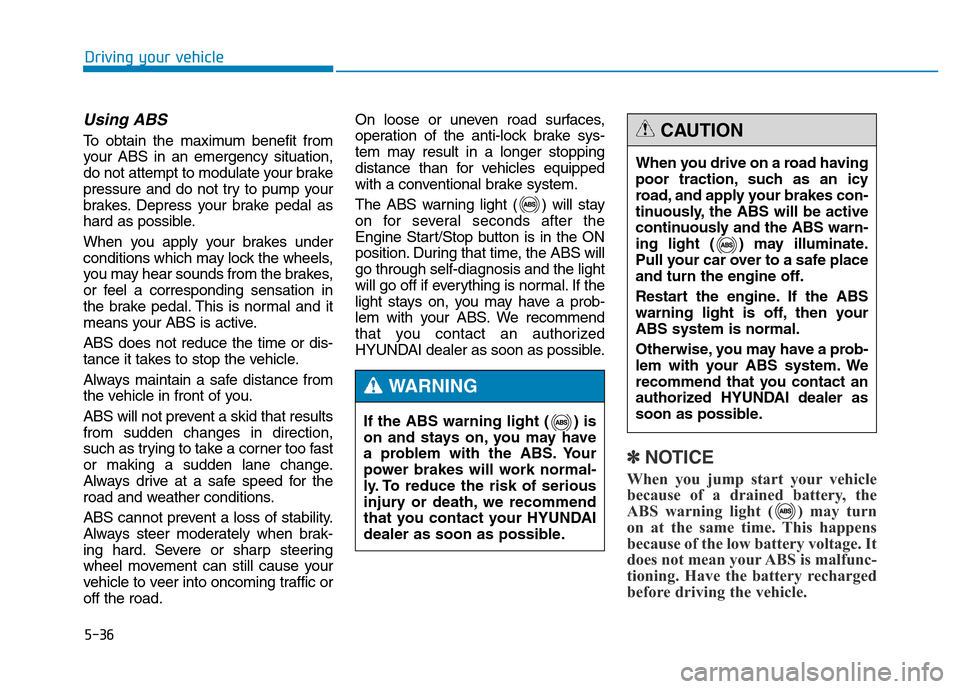
To obtain the maximum benefit from
your ABS in an emergency situation,
do not attempt to modulate your brake
pressure and do not try to pump your
brakes. Depress your brake pedal as
hard as possible.
When you apply your brakes under
conditions which may lock the wheels,
you may hear sounds from the brakes,
or feel a corresponding sensation in
the brake pedal. This is normal and it
means your ABS is active.
ABS does not reduce the time or dis-
tance it takes to stop the vehicle.
Always maintain a safe distance from
the vehicle in front of you.
ABS will not prevent a skid that results
from sudden changes in direction,
such as trying to take a corner too fast
or making a sudden lane change.
Always drive at a safe speed for the
road and weather conditions.
ABS cannot prevent a loss of stability.
Always steer moderately when brak-
ing hard. Severe or sharp steering
wheel movement can still cause your
vehicle to veer into oncoming traffic or
off the road.On loose or uneven road surfaces,
operation of the anti-lock brake sys-
tem may result in a longer stopping
distance than for vehicles equipped
with a conventional brake system.
The ABS warning light ( ) will stay
on for several seconds after the
Engine Start/Stop button is in the ON
position. During that time, the ABS will
go through self-diagnosis and the light
will go off if everything is normal. If the
light stays on, you may have a prob-
lem with your ABS. We recommend
that you contact an authorized
HYUNDAI dealer as soon as possible.
✽NOTICE
When you jump start your vehicle
because of a drained battery, the
ABS warning light ( ) may turn
on at the same time. This happens
because of the low battery voltage. It
does not mean your ABS is malfunc-
tioning. Have the battery recharged
before driving the vehicle.
If the ABS warning light ( ) is
on and stays on, you may have
a problem with the ABS. Your
power brakes will work normal-
ly. To reduce the risk of serious
injury or death, we recommend
that you contact your HYUNDAI
dealer as soon as possible.
WARNING
When you drive on a road having
poor traction, such as an icy
road, and apply your brakes con-
tinuously, the ABS will be active
continuously and the ABS warn-
ing light ( ) may illuminate.
Pull your car over to a safe place
and turn the engine off.
Restart the engine. If the ABS
warning light is off, then your
ABS system is normal.
Otherwise, you may have a prob-
lem with your ABS system. We
recommend that you contact an
authorized HYUNDAI dealer as
soon as possible.
CAUTION
Page 313 of 546
5-37
Driving your vehicle
5
Electronic Stability Control
(ESC)
The Electronic Stability Control
(ESC) system helps to stabilize the
vehicle during cornering maneuvers.
ESC checks where you are steering
and where the vehicle is actually
going. ESC applies braking pressure
to any one of the vehicle’s brakes
and intervenes in the engine man-
agement system to assist the driver
with keeping the vehicle on the
intended path. It is not a substitute
for safe driving practices. Always
adjust your speed and driving to the
road conditions.
ESC operation
ESC ON condition
When the Engine Start/Stop button
is in the ON position, the ESC and
the ESC OFF indicator lights illumi-
nate for approximately three seconds
and goes off, then the ESC is turned
on.
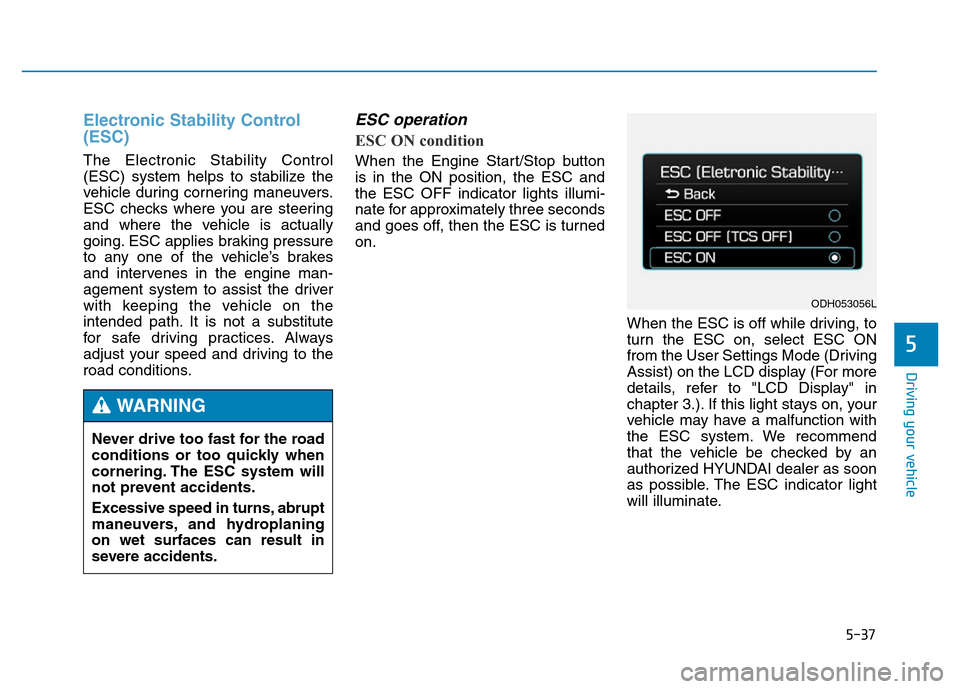
When the ESC is off while driving, to
turn the ESC on, select ESC ON
from the User Settings Mode (Driving
Assist) on the LCD display (For more
details, refer to "LCD Display" in
chapter 3.). If this light stays on, your
vehicle may have a malfunction with
the ESC system. We recommend
that the vehicle be checked by an
authorized HYUNDAI dealer as soon
as possible. The ESC indicator light
will illuminate. Never drive too fast for the road
conditions or too quickly when
cornering. The ESC system will
not prevent accidents.
Excessive speed in turns, abrupt
maneuvers, and hydroplaning
on wet surfaces can result in
severe accidents.
WARNING
ODH053056L
Page 320 of 546
5-44
Driving your vehicle
When Active ECO is activated:
• The acceleration response may be
slightly reduced as the accelerator
pedal is depressed moderately.
• The air conditioner performance
may be limited.
• The shift pattern of the automatic
transmission may change.
• The engine noise may get louder.
The above situations are normal
conditions when the Active ECO sys-
tem is activated to improve fuel effi-
ciency.Limitation of Active ECO opera-
tion:
If the following conditions occur while
Active ECO is operating, the system
operation is limited even though
there is no change in the ECO indi-
cator.
• When the coolant temperature is
low:
The system will be limited until
engine performance becomes nor-
mal.
• When driving up a hill:
The system will be limited to gain
power when driving uphill because
engine torque is restricted.
• When using the automatic trans-
mission Sports mode:
The system will be limited accord-
ing to the shift location.
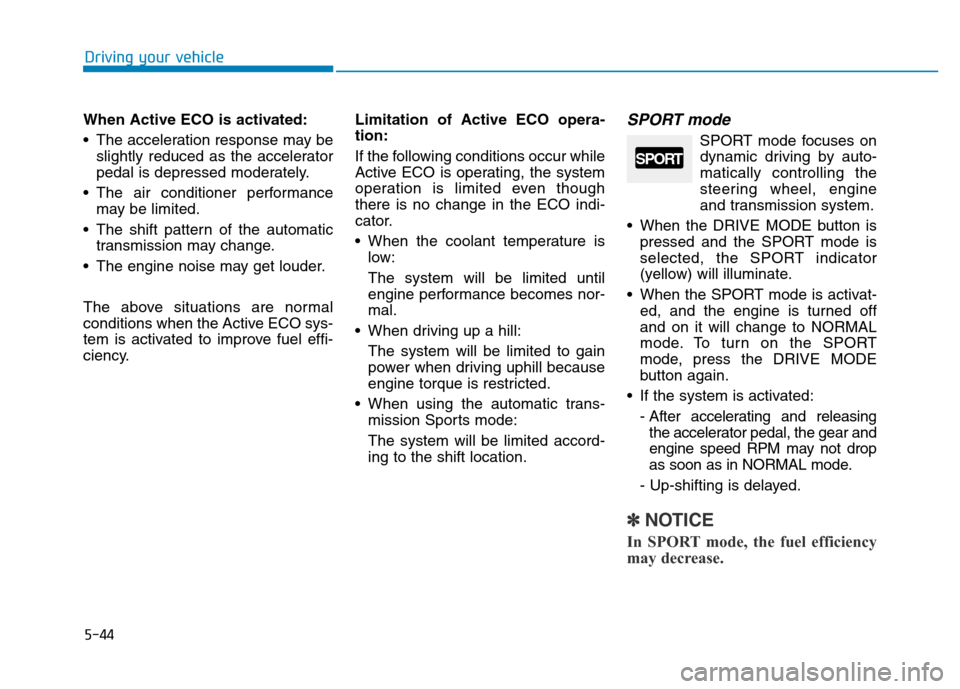
SPORT mode
SPORT mode focuses on
dynamic driving by auto-
matically controlling the
steering wheel, engine
and transmission system.
• When the DRIVE MODE button is
pressed and the SPORT mode is
selected, the SPORT indicator
(yellow) will illuminate.
• When the SPORT mode is activat-
ed, and the engine is turned off
and on it will change to NORMAL
mode. To turn on the SPORT
mode, press the DRIVE MODE
button again.
• If the system is activated:
- After accelerating and releasing
the accelerator pedal, the gear and
engine speed RPM may not drop
as soon as in NORMAL mode.
- Up-shifting is delayed.
✽NOTICE
In SPORT mode, the fuel efficiency
may decrease.
SPORT
Page 323 of 546
5-47
Driving your vehicle
5
AEB Operation
Warning message
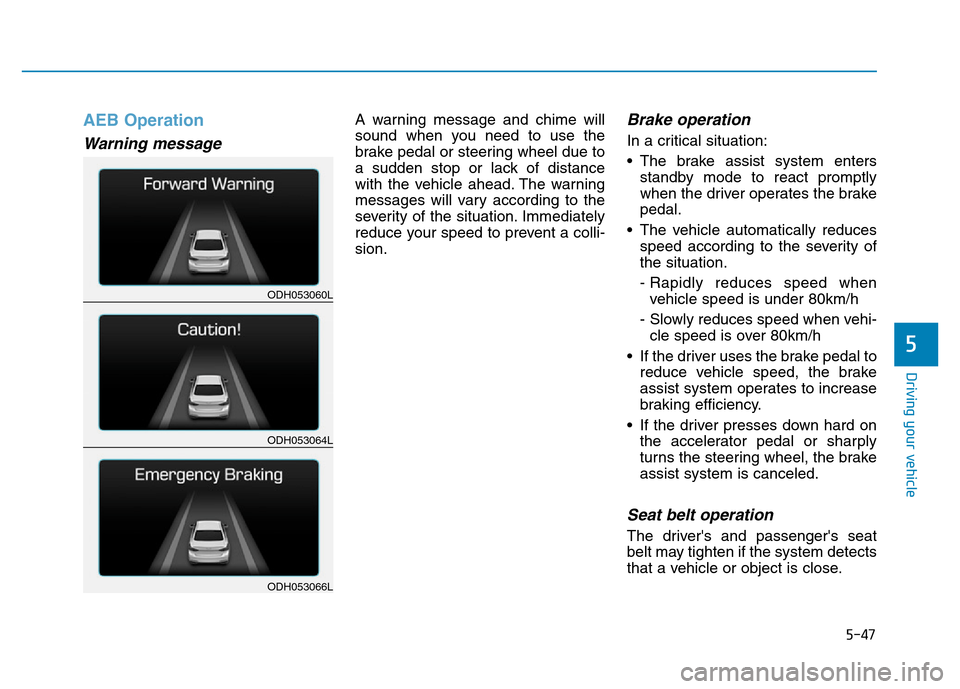
A warning message and chime will
sound when you need to use the
brake pedal or steering wheel due to
a sudden stop or lack of distance
with the vehicle ahead. The warning
messages will vary according to the
severity of the situation. Immediately
reduce your speed to prevent a colli-
sion.Brake operation
In a critical situation:
• The brake assist system enters
standby mode to react promptly
when the driver operates the brake
pedal.
• The vehicle automatically reduces
speed according to the severity of
the situation.
- Rapidly reduces speed when
vehicle speed is under 80km/h
- Slowly reduces speed when vehi-
cle speed is over 80km/h
• If the driver uses the brake pedal to
reduce vehicle speed, the brake
assist system operates to increase
braking efficiency.
• If the driver presses down hard on
the accelerator pedal or sharply
turns the steering wheel, the brake
assist system is canceled.
Seat belt operation
The driver's and passenger's seat
belt may tighten if the system detects
that a vehicle or object is close.
ODH053060L
ODH053064L
ODH053066L
Page 327 of 546
5-51
Driving your vehicle
5
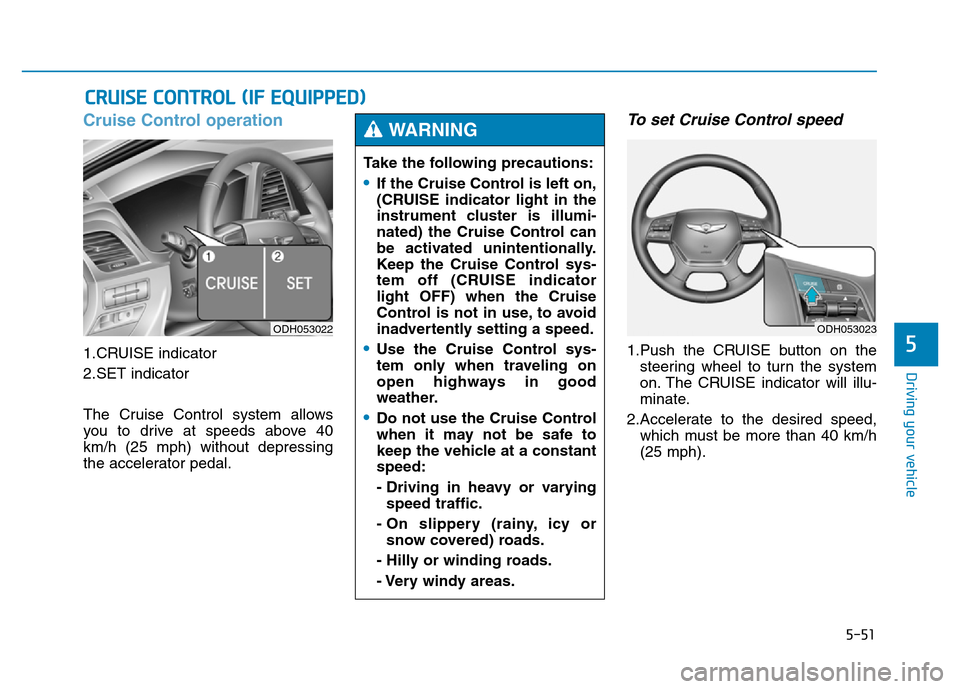
Cruise Control operation
1.CRUISE indicator
2.SET indicator
The Cruise Control system allows
you to drive at speeds above 40
km/h (25 mph) without depressing
the accelerator pedal.
To set Cruise Control speed
1.Push the CRUISE button on the
steering wheel to turn the system
on. The CRUISE indicator will illu-
minate.
2.Accelerate to the desired speed,
which must be more than 40 km/h
(25 mph).
CRUISE CONTROL (IF EQUIPPED)
ODH053022
Take the following precautions:
•If the Cruise Control is left on,
(CRUISE indicator light in the
instrument cluster is illumi-
nated) the Cruise Control can
be activated unintentionally.
Keep the Cruise Control sys-
tem off (CRUISE indicator
light OFF) when the Cruise
Control is not in use, to avoid
inadvertently setting a speed.
•Use the Cruise Control sys-
tem only when traveling on
open highways in good
weather.
•Do not use the Cruise Control
when it may not be safe to
keep the vehicle at a constant
speed:
- Driving in heavy or varying
speed traffic.
- On slippery (rainy, icy or
snow covered) roads.
- Hilly or winding roads.
- Very windy areas.
WARNING
ODH053023
Page 329 of 546
5-53
Driving your vehicle
5
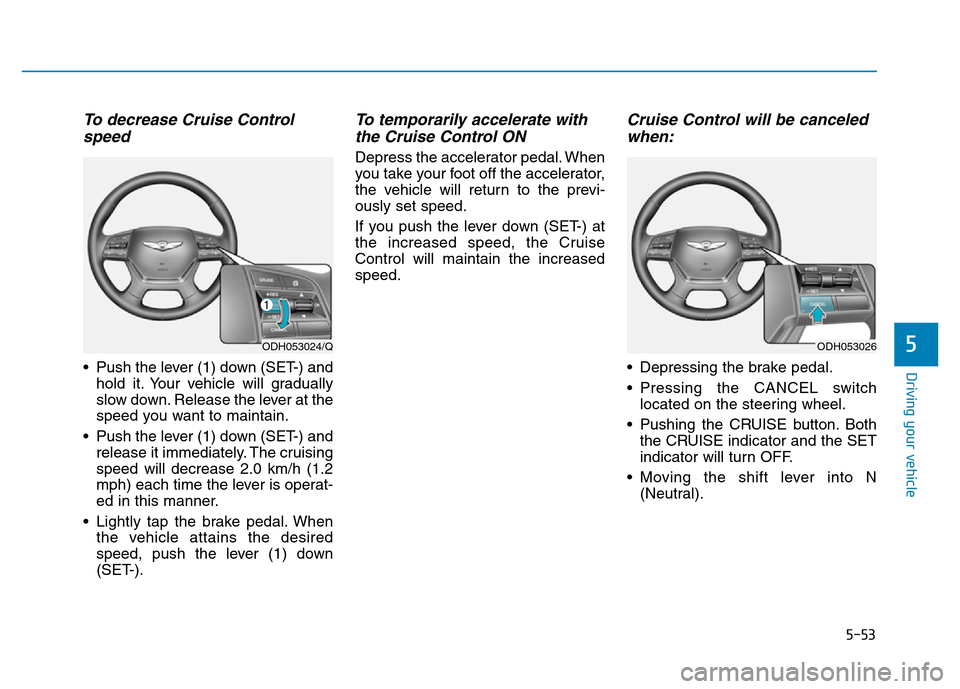
To decrease Cruise Control
speed
• Push the lever (1) down (SET-) and
hold it. Your vehicle will gradually
slow down. Release the lever at the
speed you want to maintain.
• Push the lever (1) down (SET-) and
release it immediately. The cruising
speed will decrease 2.0 km/h (1.2
mph) each time the lever is operat-
ed in this manner.
• Lightly tap the brake pedal. When
the vehicle attains the desired
speed, push the lever (1) down
(SET-).
To temporarily accelerate with
the Cruise Control ON
Depress the accelerator pedal. When
you take your foot off the accelerator,
the vehicle will return to the previ-
ously set speed.
If you push the lever down (SET-) at
the increased speed, the Cruise
Control will maintain the increased
speed.
Cruise Control will be canceled
when:
• Depressing the brake pedal.
• Pressing the CANCEL switch
located on the steering wheel.
• Pushing the CRUISE button. Both
the CRUISE indicator and the SET
indicator will turn OFF.
• Moving the shift lever into N
(Neutral).
ODH053024/QODH053026
Page 330 of 546
5-54
Driving your vehicle
• Decreasing the vehicle speed
lower than the memory speed by
15 km/h (9 mph).
• Decreasing the vehicle speed to
less than approximately 40 km/h
(25 mph).
• The ESC (Electronic Stability
Control) is operating.
• Downshifting to the 2nd gear in
Sports Mode.
✽NOTICE
Each of the above actions will cancel
Cruise Control operation (the SET
indicator light in the instrument
cluster will go off), but only pressing
the CRUISE button will turn the
system off. If you wish to resume
Cruise Control operation, push the
lever up (RES+) located on your
steering wheel. You will return to
your previously preset speed, unless
the system was turned off using the
CRUISE button.
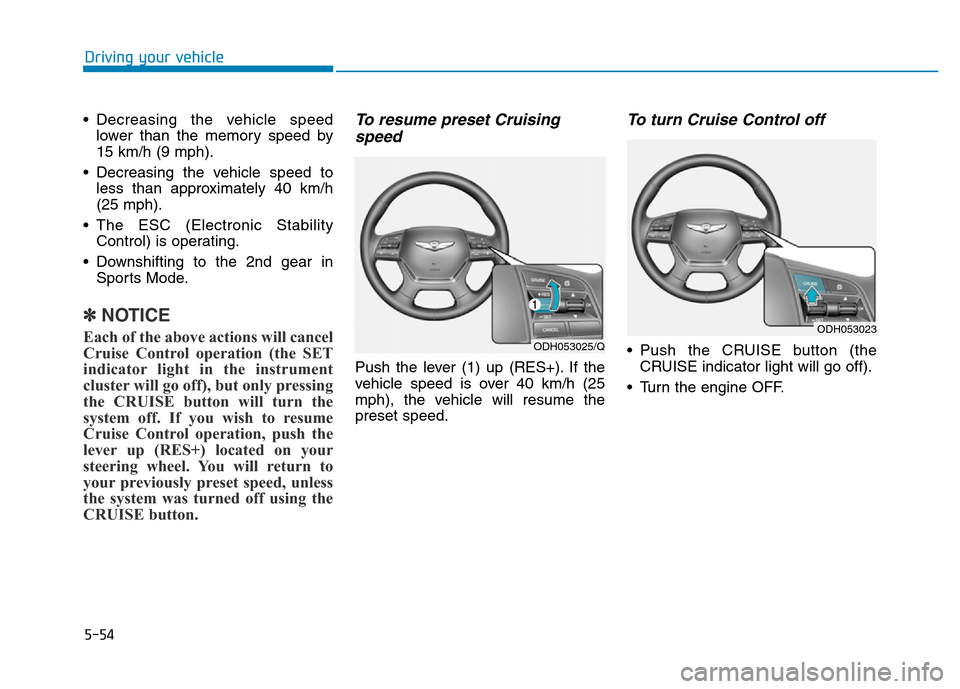
To resume preset Cruising
speed
Push the lever (1) up (RES+). If the
vehicle speed is over 40 km/h (25
mph), the vehicle will resume the
preset speed.
To turn Cruise Control off
• Push the CRUISE button (the
CRUISE indicator light will go off).
• Turn the engine OFF.ODH053025/Q
ODH053023
Page 332 of 546
5-56
Driving your vehicle
To convert to Cruise Control
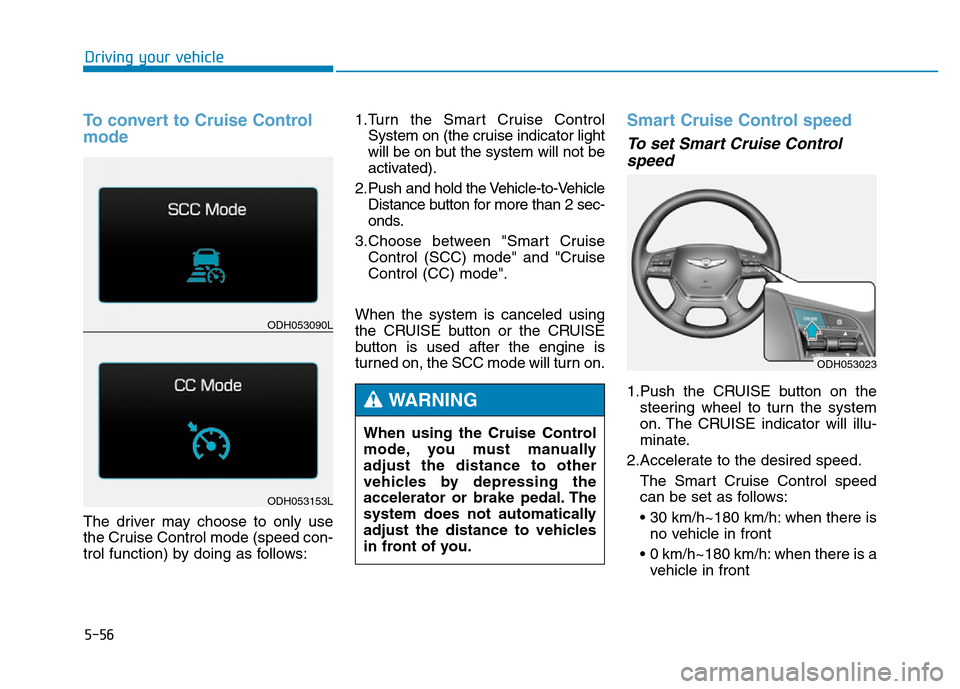
mode
The driver may choose to only use
the Cruise Control mode (speed con-
trol function) by doing as follows:1.Turn the Smart Cruise Control
System on (the cruise indicator light
will be on but the system will not be
activated).
2. Push and hold the Vehicle-to-Vehicle
Distance button for more than 2 sec-
onds.
3.Choose between "Smart Cruise
Control (SCC) mode" and "Cruise
Control (CC) mode".
When the system is canceled using
the CRUISE button or the CRUISE
button is used after the engine is
turned on, the SCC mode will turn on.
Smart Cruise Control speed
To set Smart Cruise Control
speed
1.Push the CRUISE button on the
steering wheel to turn the system
on. The CRUISE indicator will illu-
minate.
2.Accelerate to the desired speed.
The Smart Cruise Control speed
can be set as follows:
• 30 km/h~180 km/h: when there is
no vehicle in front
• 0 km/h~180 km/h: when there is a
vehicle in front
ODH053023
ODH053090L
ODH053153L
When using the Cruise Control
mode, you must manually
adjust the distance to other
vehicles by depressing the
accelerator or brake pedal. The
system does not automatically
adjust the distance to vehicles
in front of you.
WARNING
Page 334 of 546
5-58
Driving your vehicle
To temporarily accelerate with
the Smart Cruise Control on
If you want to speed up temporarily
when the Smart Cruise Control is on,
depress the accelerator pedal.
Increased speed will not interfere
with Smart Cruise Control operation
or change the set speed.
To return to the set speed, take your
foot off the accelerator.
If you push the lever down (SET-) at
increased speed, the cruising speed
will be set again.
✽NOTICE
Be careful when accelerating tem-
porarily, because the speed is not
controlled automatically at this
time even if there is a vehicle in front
of you.
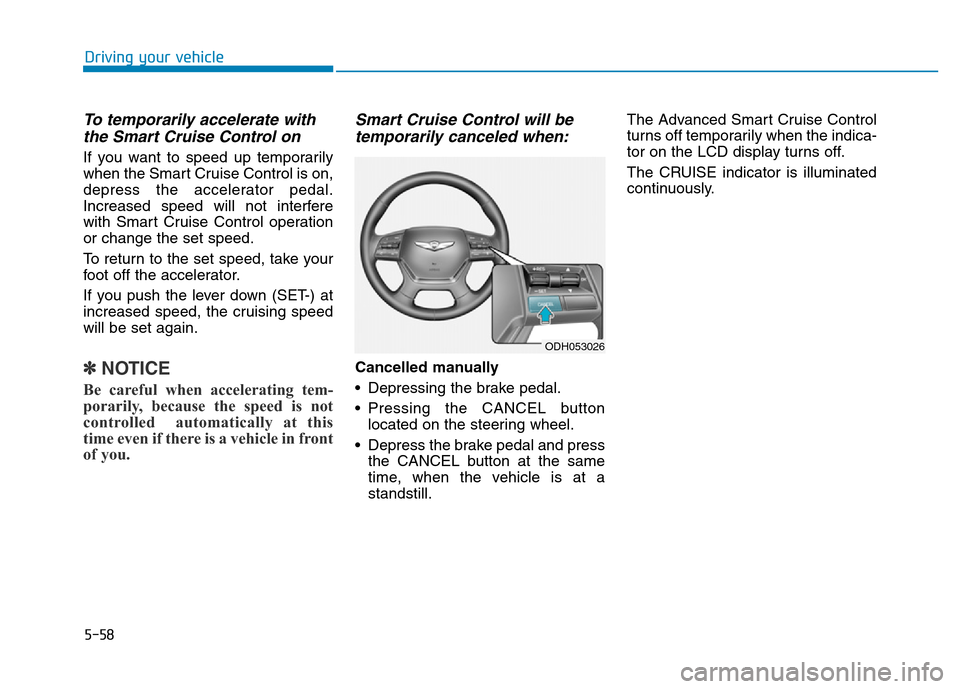
Smart Cruise Control will be
temporarily canceled when:
Cancelled manually
• Depressing the brake pedal.
• Pressing the CANCEL button
located on the steering wheel.
• Depress the brake pedal and press
the CANCEL button at the same
time, when the vehicle is at a
standstill.The Advanced Smart Cruise Control
turns off temporarily when the indica-
tor on the LCD display turns off.
The CRUISE indicator is illuminated
continuously.
ODH053026