start Hyundai Genesis 2015 Owner's Manual
[x] Cancel search | Manufacturer: HYUNDAI, Model Year: 2015, Model line: Genesis, Model: Hyundai Genesis 2015Pages: 501, PDF Size: 38.76 MB
Page 318 of 501
5-58
Driving your vehicle
Cancelled automatically
The driver's door is opened.
The shift lever is shifted to N
(Neutral), R (Reverse) or D (Drive).
The EPB (Electric Parking Brake)
is applied.
The vehicle speed is over 120 mph
(190 km/h)
The vehicle stops on a steep
incline.
The ESC (Electronic Stability
Control), TCS (Traction Control
System) or ABS is operating.
The ESC is turned off.
The sensor or the cover is dirty or
blocked with foreign matter.
When the vehicle is stopped for
more than 5 minutes.
The vehicle stops and goes repeat-
edly for a long period of time.
The driver starts driving by pushing
the lever up (RES +) or down
(SET -), approximately 3 seconds
after the vehicle is stopped by the
Smart Cruise Control System with
no other vehicle ahead. The driver starts driving by pushing
the lever up (RES +) or down
(SET -), after stopping the vehicle
with a vehicle stopped far away in
front.
The accelerator pedal is continu-
ously depressed for more than one
minute.
Each of these actions will cancel
the Smart Cruise Control opera-
tion. (The Set Speed and Vehicle-
to-Vehicle Distance on the LCD
display will go off.)
In a condition the Smart Cruise
Control is cancelled automatically,
the Smart Cruise Control will not
resume even though the RES+ or
SET- lever is pushed. Also, the
EPB will be applied when the vehi-
cle is stopped.
✽ ✽
NOTICE
If the Smart Cruise Control is can-
celled by other than the reasons men-
tioned, have your vehicle checked by
an authorized HYUNDAI dealer.
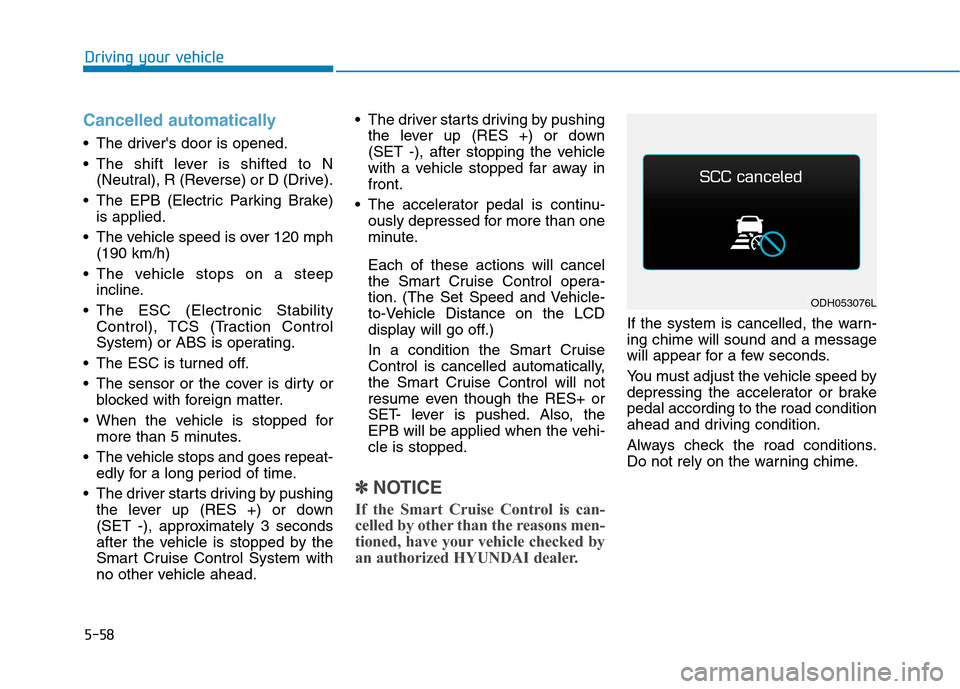
If the system is cancelled, the warn-
ing chime will sound and a message
will appear for a few seconds.
You must adjust the vehicle speed by
depressing the accelerator or brake
pedal according to the road condition
ahead and driving condition.
Always check the road conditions.
Do not rely on the warning chime.
ODH053076L
Page 320 of 501
5-60
Driving your vehicle
Smart Cruise Control Vehicle-
to-Vehicle Distance
To set Vehicle-to-Vehicle
Distance
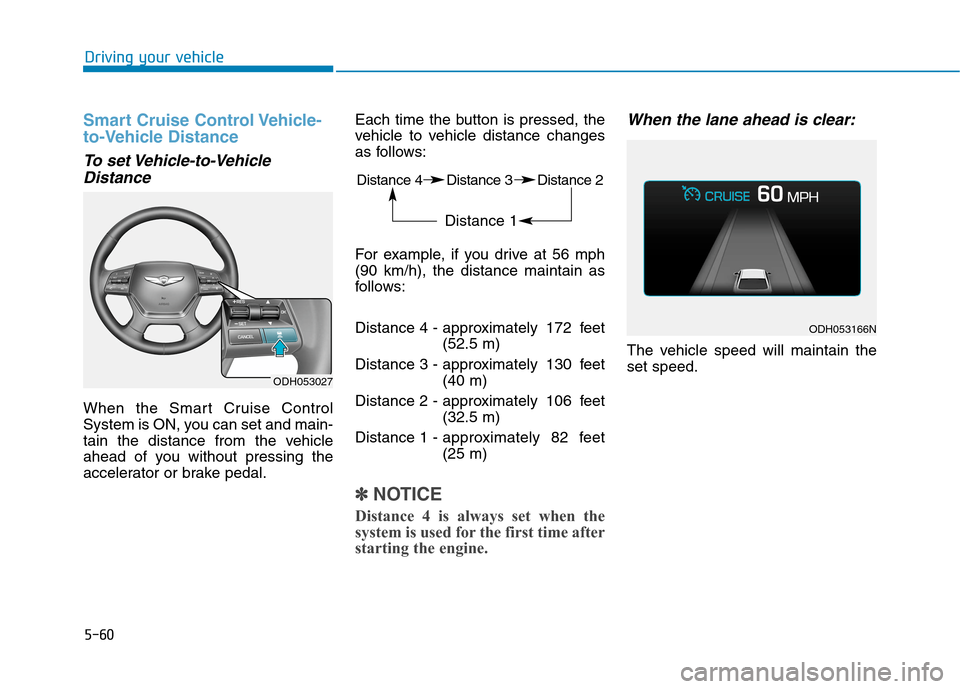
When the Smart Cruise Control
System is ON, you can set and main-
tain the distance from the vehicle
ahead of you without pressing the
accelerator or brake pedal.Each time the button is pressed, the
vehicle to vehicle distance changes
as follows:
For example, if you drive at 56 mph
(90 km/h), the distance maintain as
follows:
Distance 4 - approximately 172 feet
(52.5 m)
Distance 3 - approximately 130 feet
(40 m)
Distance 2 - approximately 106 feet
(32.5 m)
Distance 1 - approximately 82 feet
(25 m)
✽ ✽
NOTICE
Distance 4 is always set when the
system is used for the first time after
starting the engine.
When the lane ahead is clear:
The vehicle speed will maintain the
set speed.
ODH053166N
ODH053027
Distance 4 Distance 3 Distance 2
Distance 1
Page 322 of 501
5-62
Driving your vehicle
In traffic situation
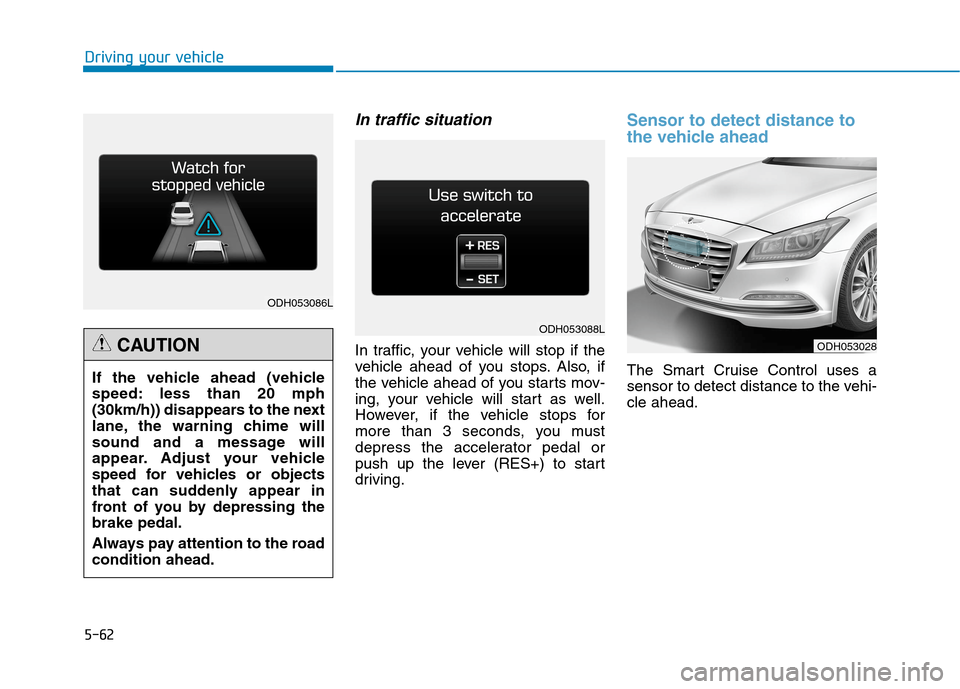
In traffic, your vehicle will stop if the
vehicle ahead of you stops. Also, if
the vehicle ahead of you starts mov-
ing, your vehicle will start as well.
However, if the vehicle stops for
more than 3 seconds, you must
depress the accelerator pedal or
push up the lever (RES+) to start
driving.
Sensor to detect distance to
the vehicle ahead
The Smart Cruise Control uses a
sensor to detect distance to the vehi-
cle ahead.
ODH053028
ODH053086L
ODH053088L
If the vehicle ahead (vehicle
speed: less than 20 mph
(30km/h)) disappears to the next
lane, the warning chime will
sound and a message will
appear. Adjust your vehicle
speed for vehicles or objects
that can suddenly appear in
front of you by depressing the
brake pedal.
Always pay attention to the road
condition ahead.
CAUTION
Page 326 of 501
5-66
Driving your vehicle
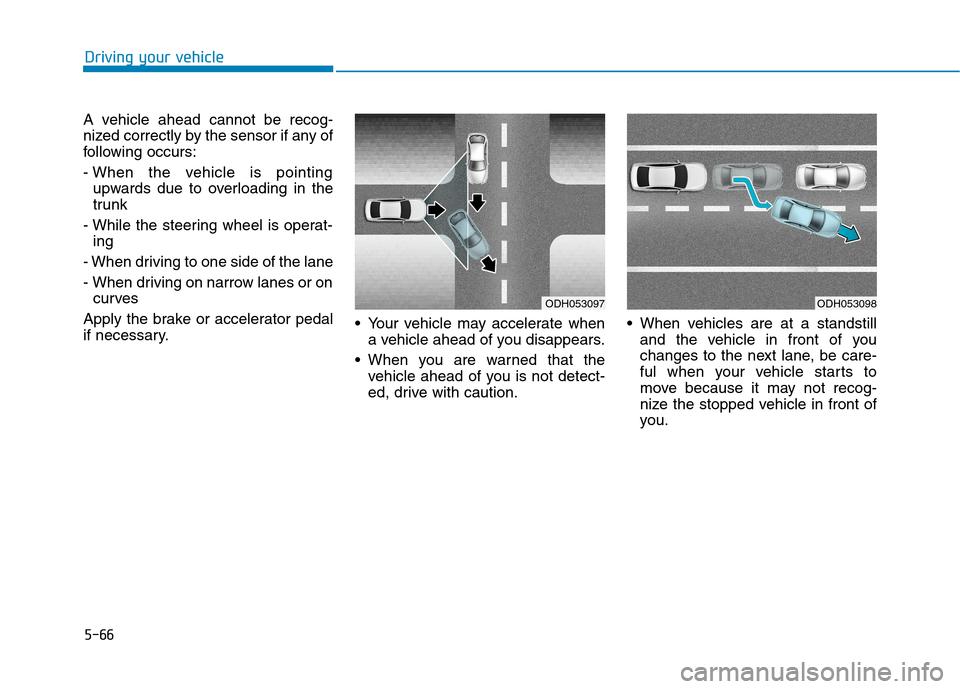
A vehicle ahead cannot be recog-
nized correctly by the sensor if any of
following occurs:
- When the vehicle is pointing
upwards due to overloading in the
trunk
- While the steering wheel is operat-
ing
- When driving to one side of the lane
- When driving on narrow lanes or on
curves
Apply the brake or accelerator pedal
if necessary. Your vehicle may accelerate when
a vehicle ahead of you disappears.
When you are warned that the
vehicle ahead of you is not detect-
ed, drive with caution. When vehicles are at a standstill
and the vehicle in front of you
changes to the next lane, be care-
ful when your vehicle starts to
move because it may not recog-
nize the stopped vehicle in front of
you.
ODH053097ODH053098
Page 330 of 501
5-70
Driving your vehicle
LKAS operation
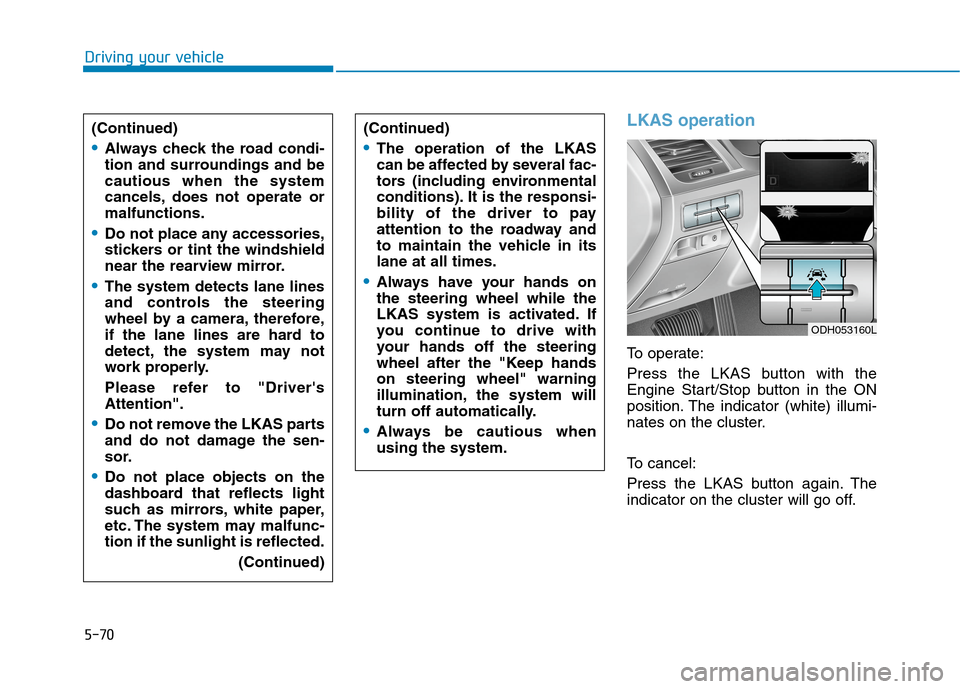
To operate:
Press the LKAS button with the
Engine Start/Stop button in the ON
position. The indicator (white) illumi-
nates on the cluster.
To cancel:
Press the LKAS button again. The
indicator on the cluster will go off. (Continued)
Always check the road condi-
tion and surroundings and be
cautious when the system
cancels, does not operate or
malfunctions.
Do not place any accessories,
stickers or tint the windshield
near the rearview mirror.
The system detects lane lines
and controls the steering
wheel by a camera, therefore,
if the lane lines are hard to
detect, the system may not
work properly.
Please refer to "Driver's
Attention".
Do not remove the LKAS parts
and do not damage the sen-
sor.
Do not place objects on the
dashboard that reflects light
such as mirrors, white paper,
etc. The system may malfunc-
tion if the sunlight is reflected.
(Continued)
(Continued)
The operation of the LKAS
can be affected by several fac-
tors (including environmental
conditions). It is the responsi-
bility of the driver to pay
attention to the roadway and
to maintain the vehicle in its
lane at all times.
Always have your hands on
the steering wheel while the
LKAS system is activated. If
you continue to drive with
your hands off the steering
wheel after the "Keep hands
on steering wheel" warning
illumination, the system will
turn off automatically.
Always be cautious when
using the system.
ODH053160L
Page 336 of 501
5-76
Driving your vehicle
When there is a problem with the
system do one of the following:
Turn the system on after turning
the engine off and on again.
Check if the Engine Start/Stop but-
ton is in the ON position.
Check if the system is affected by
the weather. (ex: fog, heavy rain,
etc.)
Check if there is foreign matter on
the camera lens.
If the problem is not solved, have
your vehicle checked by an author-
ized HYUNDAI dealer.
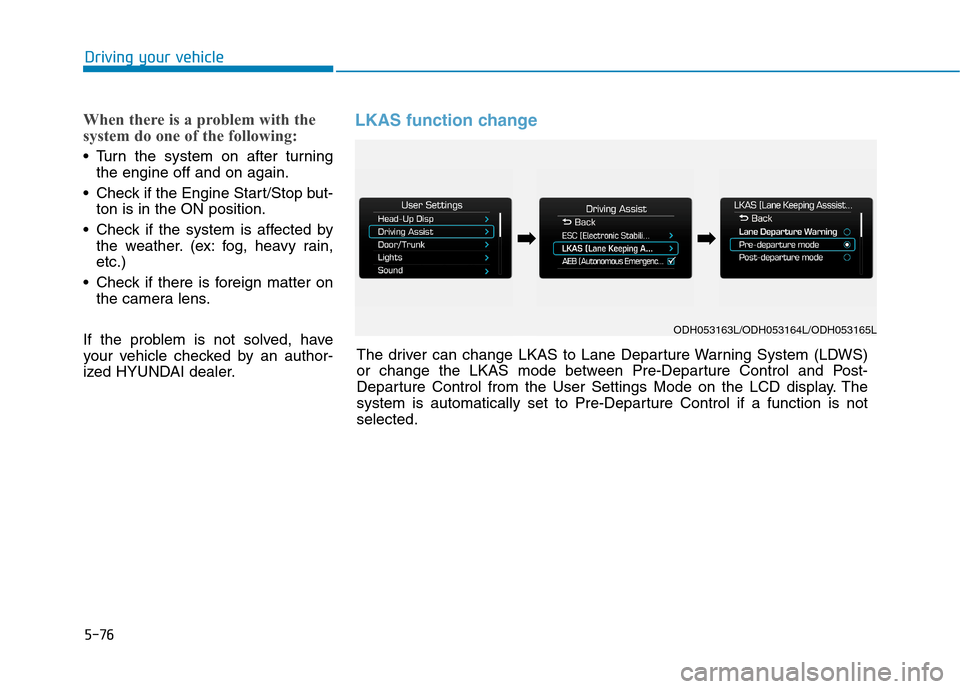
LKAS function change
ODH053163L/ODH053164L/ODH053165L
The driver can change LKAS to Lane Departure Warning System (LDWS)
or change the LKAS mode between Pre-Departure Control and Post-
Departure Control from the User Settings Mode on the LCD display. The
system is automatically set to Pre-Departure Control if a function is not
selected.
➡ ➡➡
➡
Page 337 of 501
5-77
Driving your vehicle
5
Lane Departure Warning System
(LDWS)
LDWS alerts the driver with a visual
warning and steering wheel vibration
warning when the system detects the
vehicle departing the lane. The steer-
ing wheel will not be controlled.
Pre-Departure Control
LKAS assists the driver by control-
ling the steering wheel before lane
departure. When the vehicle is near
the edge of the lane, LKAS starts
controlling the steering wheel to
assist the driver to stay in the lane.
Post-Departure Control
LKAS assists the driver by control-
ling the steering wheel when lane
departure has started. When the
vehicle's front wheel contacts the
inside edge of lane line, LKAS starts
controlling the steering wheel to
assist the driver to stay in the lane.This device complies with Part 15
of the FCC rules.
Operation is subject to the following
two conditions:
1. This device may not cause harm-
ful interference, and
2. This device must accept any inter-
ference received, including inter-
ference that may cause undesired
operation.
Page 339 of 501
5-79
Driving your vehicle
5
BSD (Blind Spot Detection) /
LCA (Lane Change Assist)
Operating conditions
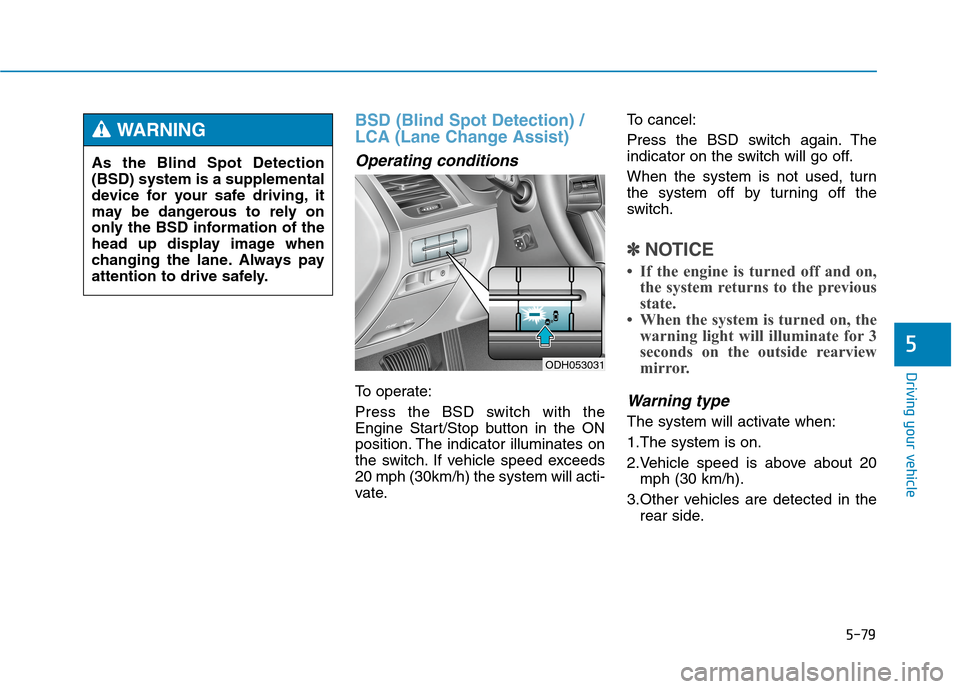
To operate:
Press the BSD switch with the
Engine Start/Stop button in the ON
position. The indicator illuminates on
the switch. If vehicle speed exceeds
20 mph (30km/h) the system will acti-
vate.To cancel:
Press the BSD switch again. The
indicator on the switch will go off.
When the system is not used, turn
the system off by turning off the
switch.
✽ ✽
NOTICE
• If the engine is turned off and on,
the system returns to the previous
state.
• When the system is turned on, the
warning light will illuminate for 3
seconds on the outside rearview
mirror.
Warning type
The system will activate when:
1.The system is on.
2.Vehicle speed is above about 20
mph (30 km/h).
3.Other vehicles are detected in the
rear side.
ODH053031
As the Blind Spot Detection
(BSD) system is a supplemental
device for your safe driving, it
may be dangerous to rely on
only the BSD information of the
head up display image when
changing the lane. Always pay
attention to drive safely.
WARNING
Page 345 of 501
5-85
Driving your vehicle
5
(Continued)
- A motorcycle or bicycle is near.
- A flat trailer is near.
- If the vehicle has started at the
same time as the vehicle next to
you and has accelerated.
- When the other vehicle passes by
at a higher rate of speed.
- When changing lanes.
- When going down or up a steep
road where the height of the lane is
different.
- When the other vehicle drives very
close.
- When a trailer or carrier is
installed.
- When the temperature of the rear
bumper is high.
- When the sensors are covered by a
wall or a pillar of a parking lot.
- When your vehicle is backing up, if
the detected vehicle also backs up.
- Small objects like shopping carts
and strollers.
- If there is a vehicle with decreased
ride height (lowered).
(Continued)(Continued)
- When the vehicle is close to anoth-
er vehicle.
- When the vehicle in the next lane
moves two lanes away from you
OR when the vehicle two lanes
away moves to the next lane from
you. This device complies with Part 15
of the FCC rules.
Operation is subject to the following
two conditions:
1. This device may not cause harm-
ful interference, and
2. This device must accept any inter-
ference received, including inter-
ference that may cause undesired
operation.
Page 358 of 501
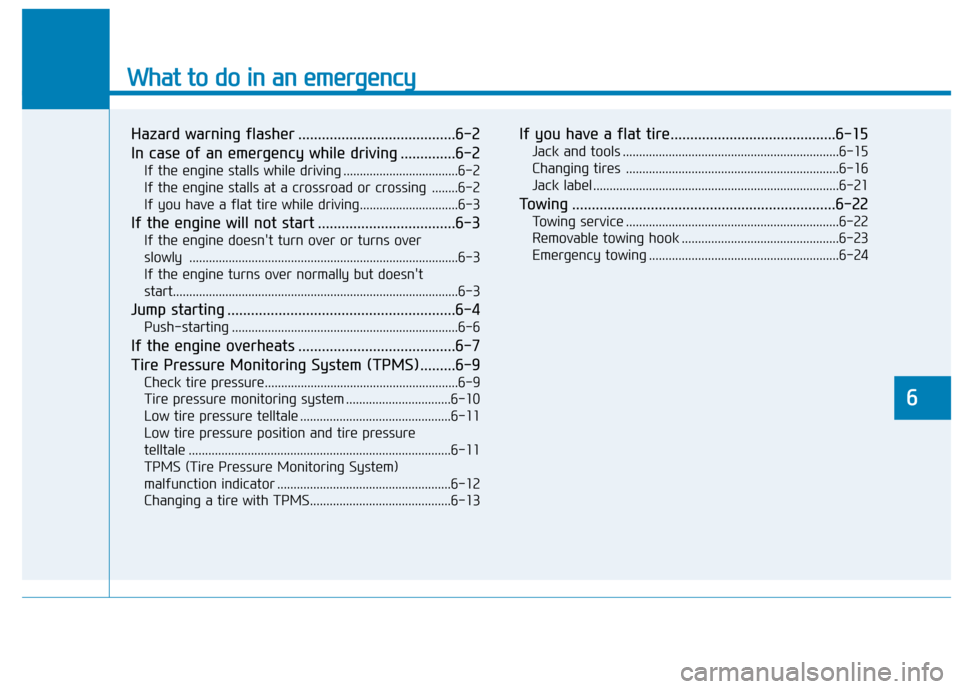
What to do in an emergency
Hazard warning flasher ........................................6-2
In case of an emergency while driving ..............6-2
If the engine stalls while driving ...................................6-2
If the engine stalls at a crossroad or crossing ........6-2
If you have a flat tire while driving..............................6-3
If the engine will not start ...................................6-3
If the engine doesn't turn over or turns over
slowly ..................................................................................6-3
If the engine turns over normally but doesn't
start.......................................................................................6-3
Jump starting ..........................................................6-4
Push-starting .....................................................................6-6
If the engine overheats ........................................6-7
Tire Pressure Monitoring System (TPMS).........6-9
Check tire pressure...........................................................6-9
Tire pressure monitoring system ................................6-10
Low tire pressure telltale ..............................................6-11
Low tire pressure position and tire pressure
telltale ................................................................................6-11
TPMS (Tire Pressure Monitoring System)
malfunction indicator .....................................................6-12
Changing a tire with TPMS...........................................6-13
If you have a flat tire..........................................6-15
Jack and tools ..................................................................6-15
Changing tires .................................................................6-16
Jack label ...........................................................................6-21
Towing ...................................................................6-22
Towing service .................................................................6-22
Removable towing hook ................................................6-23
Emergency towing ..........................................................6-24
6