reset Hyundai Getz 2002 Owner's Guide
[x] Cancel search | Manufacturer: HYUNDAI, Model Year: 2002, Model line: Getz, Model: Hyundai Getz 2002Pages: 428, PDF Size: 6.13 MB
Page 287 of 428
FEATURES OF YOUR HYUNDAI 1- 43
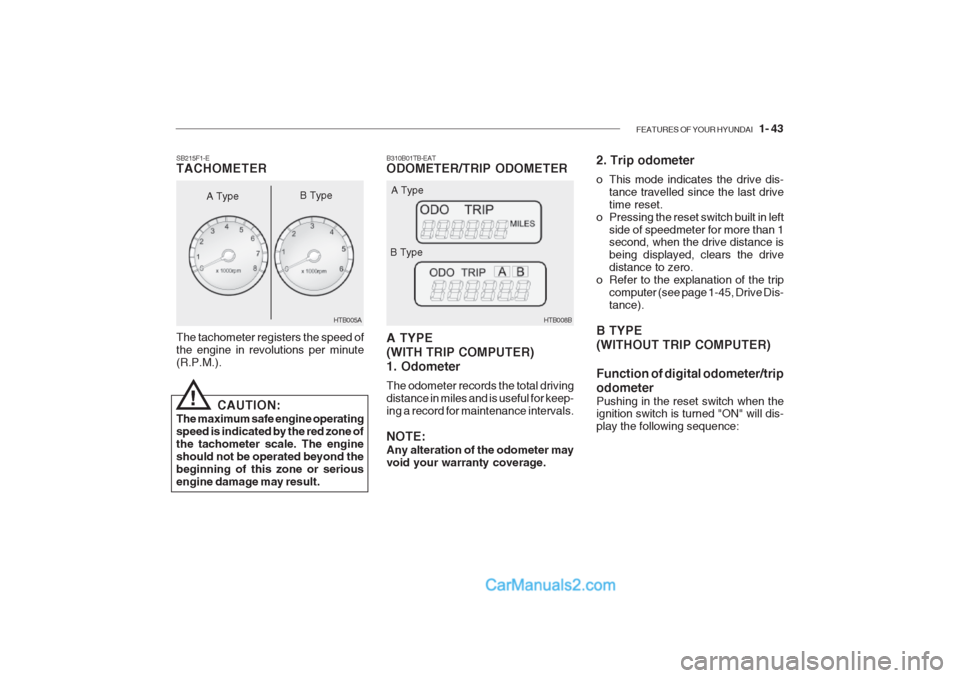
B310B01TB-EAT ODOMETER/TRIP ODOMETER A TYPE (WITH TRIP COMPUTER)1. Odometer The odometer records the total driving distance in miles and is useful for keep-ing a record for maintenance intervals. NOTE: Any alteration of the odometer may void your warranty coverage. HTB008B
A Type
B Type 2. Trip odometer
o This mode indicates the drive dis-
tance travelled since the last drive time reset.
o Pressing the reset switch built in left
side of speedmeter for more than 1 second, when the drive distance is being displayed, clears the drivedistance to zero.
o Refer to the explanation of the trip computer (see page 1-45, Drive Dis-tance).
B TYPE (WITHOUT TRIP COMPUTER) Function of digital odometer/trip odometer
Pushing in the reset switch when the ignition switch is turned "ON" will dis- play the following sequence:
The tachometer registers the speed ofthe engine in revolutions per minute(R.P.M.).
SB215F1-E TACHOMETER
A Type
!
CAUTION:
The maximum safe engine operating speed is indicated by the red zone ofthe tachometer scale. The engineshould not be operated beyond thebeginning of this zone or seriousengine damage may result. HTB005A
B Type
Page 288 of 428
1- 44 FEATURES OF YOUR HYUNDAI
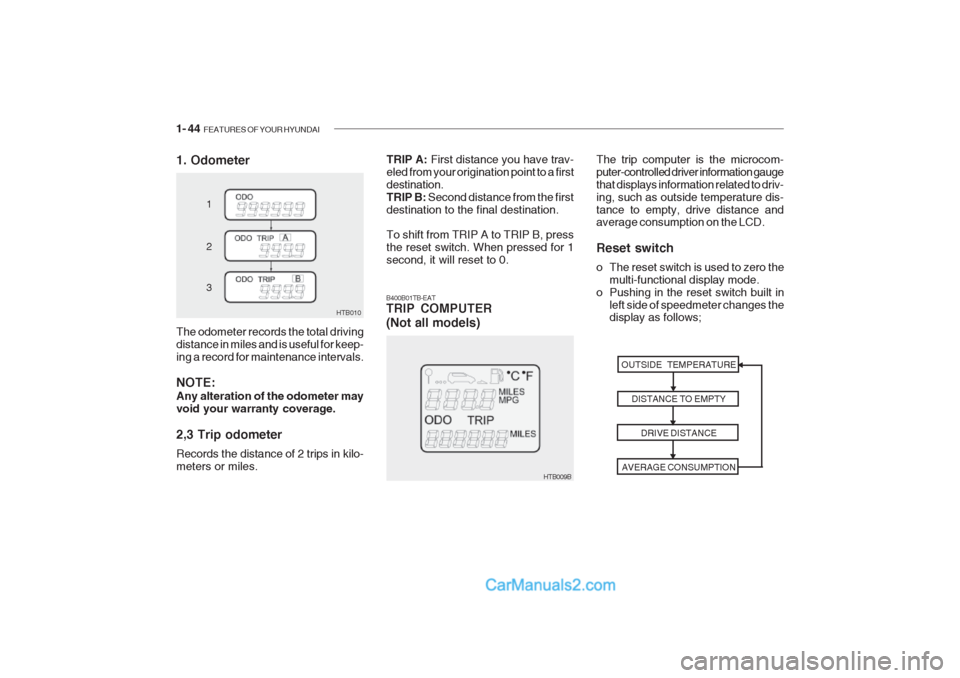
1. Odometer
HTB010
1 2 3
The odometer records the total driving distance in miles and is useful for keep-ing a record for maintenance intervals. NOTE: Any alteration of the odometer may void your warranty coverage. 2,3 Trip odometer Records the distance of 2 trips in kilo- meters or miles.
HTB009B The trip computer is the microcom- puter-controlled driver information gaugethat displays information related to driv-ing, such as outside temperature dis-tance to empty, drive distance and average consumption on the LCD. Reset switch
o The reset switch is used to zero the
multi-functional display mode.
o Pushing in the reset switch built in
left side of speedmeter changes the display as follows;
B400B01TB-EATTRIP COMPUTER (Not all models)
OUTSIDE TEMPERATUREDISTANCE TO EMPTYDRIVE DISTANCE
AVERAGE CONSUMPTION
TRIP A: First distance you have trav-
eled from your origination point to a first destination.TRIP B: Second distance from the first
destination to the final destination. To shift from TRIP A to TRIP B, press the reset switch. When pressed for 1second, it will reset to 0.
Page 289 of 428
FEATURES OF YOUR HYUNDAI 1- 45
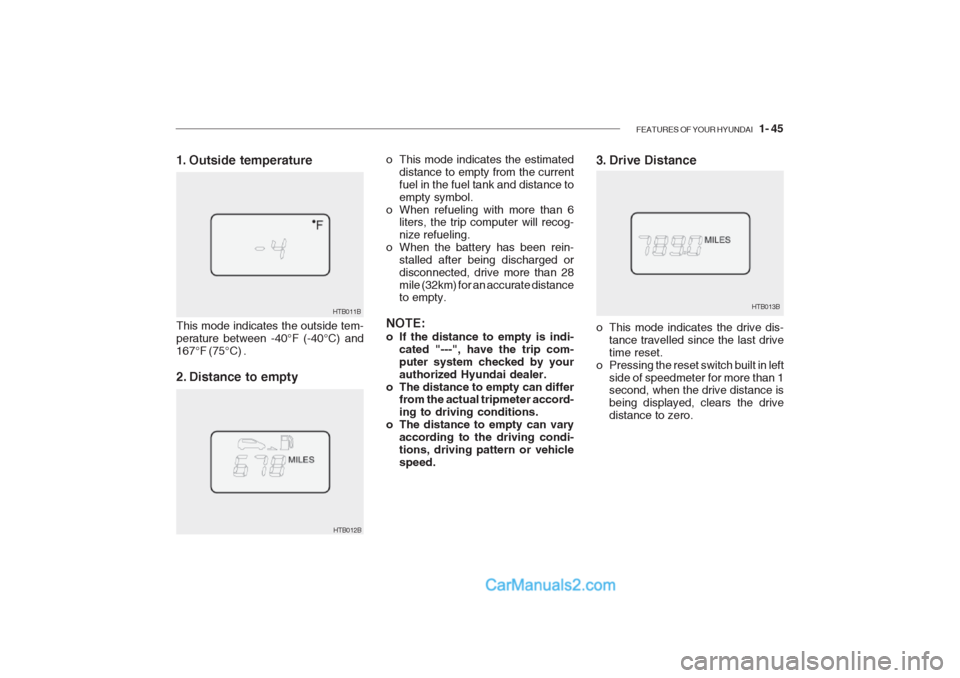
3. Drive Distance
HTB013B
o This mode indicates the estimated
distance to empty from the current fuel in the fuel tank and distance toempty symbol.
o When refueling with more than 6 liters, the trip computer will recog-nize refueling.
o When the battery has been rein-
stalled after being discharged ordisconnected, drive more than 28mile (32km) for an accurate distance to empty.
NOTE:
o If the distance to empty is indi- cated "---", have the trip com- puter system checked by yourauthorized Hyundai dealer.
o The distance to empty can differ from the actual tripmeter accord-ing to driving conditions.
o The distance to empty can vary
according to the driving condi-tions, driving pattern or vehiclespeed. o This mode indicates the drive dis-
tance travelled since the last drivetime reset.
o Pressing the reset switch built in left side of speedmeter for more than 1 second, when the drive distance is being displayed, clears the drivedistance to zero.
HTB012B
1. Outside temperature This mode indicates the outside tem- perature between -40°F (-40°C) and167°F (75°C) .
2. Distance to empty
HTB011B
Page 290 of 428
1- 46 FEATURES OF YOUR HYUNDAI
HTB014B
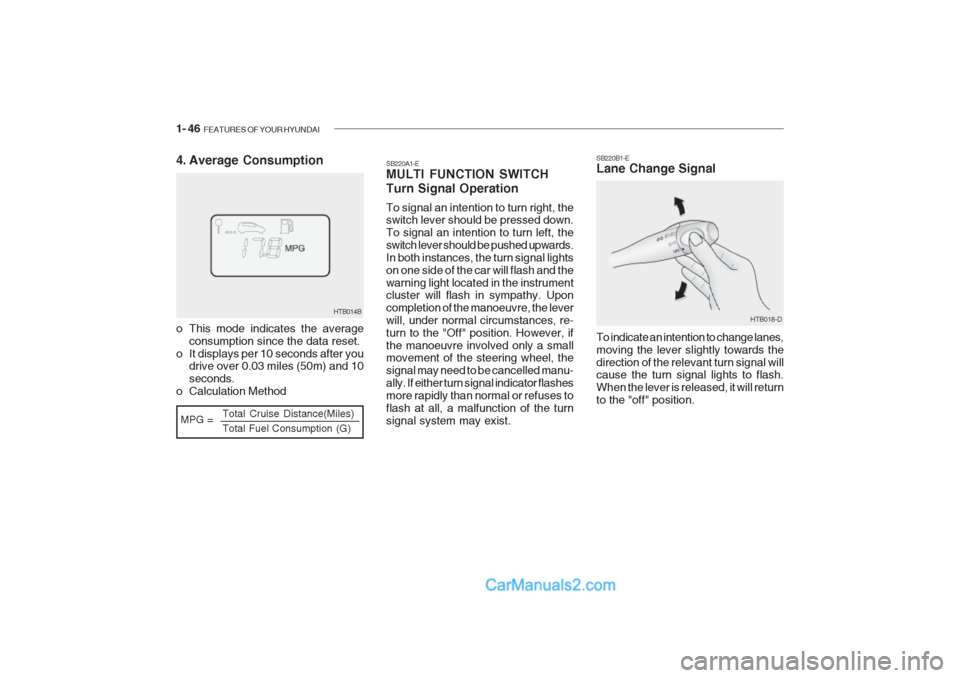
MPG = Total Cruise Distance(Miles) Total Fuel Consumption (G)
4. Average Consumption
o This mode indicates the average
consumption since the data reset.
o It displays per 10 seconds after you drive over 0.03 miles (50m) and 10 seconds.
o Calculation Method SB220A1-E MULTI FUNCTION SWITCH Turn Signal Operation To signal an intention to turn right, the switch lever should be pressed down. To signal an intention to turn left, theswitch lever should be pushed upwards.In both instances, the turn signal lightson one side of the car will flash and thewarning light located in the instrument cluster will flash in sympathy. Upon completion of the manoeuvre, the leverwill, under normal circumstances, re-turn to the "Off" position. However, ifthe manoeuvre involved only a small movement of the steering wheel, the signal may need to be cancelled manu-ally. If either turn signal indicator flashesmore rapidly than normal or refuses toflash at all, a malfunction of the turnsignal system may exist. SB220B1-E Lane Change Signal To indicate an intention to change lanes, moving the lever slightly towards thedirection of the relevant turn signal will cause the turn signal lights to flash. When the lever is released, it will returnto the "off" position.
HTB018-D
Page 295 of 428
FEATURES OF YOUR HYUNDAI 1- 51
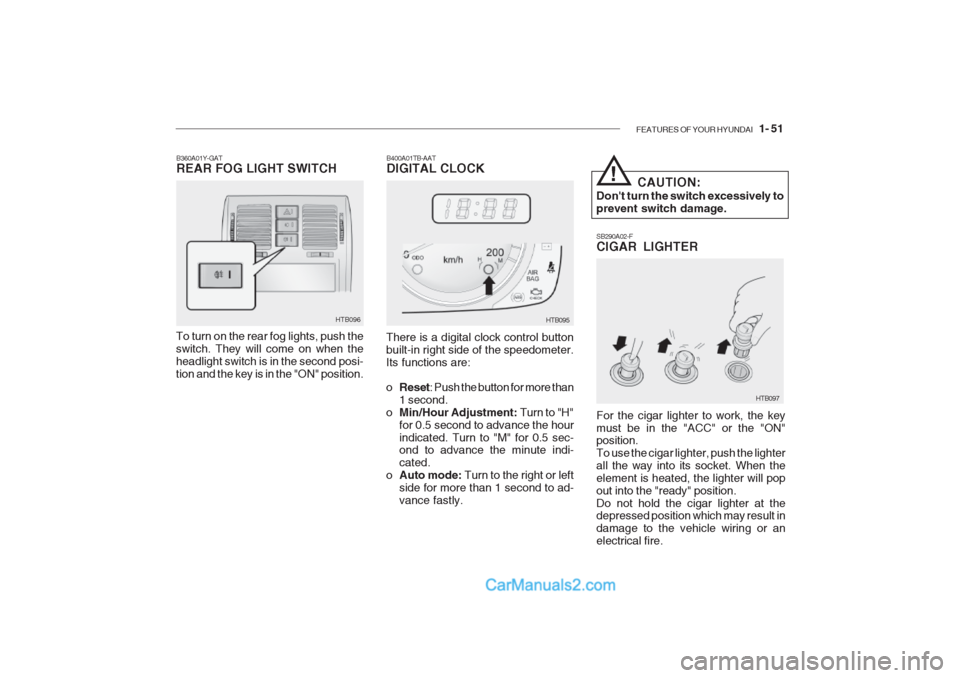
SB290A02-F CIGAR LIGHTER For the cigar lighter to work, the key must be in the "ACC" or the "ON" position. To use the cigar lighter, push the lighterall the way into its socket. When theelement is heated, the lighter will popout into the "ready" position.Do not hold the cigar lighter at the depressed position which may result in damage to the vehicle wiring or anelectrical fire.
HTB097
B400A01TB-AAT DIGITAL CLOCK
HTB095
There is a digital clock control button built-in right side of the speedometer.Its functions are: o Reset : Push the button for more than
1 second.
o Min/Hour Adjustment: Turn to "H"
for 0.5 second to advance the hour indicated. Turn to "M" for 0.5 sec- ond to advance the minute indi- cated.
o Auto mode: Turn to the right or left
side for more than 1 second to ad-vance fastly. CAUTION:
Don't turn the switch excessively toprevent switch damage.
!
B360A01Y-GAT REAR FOG LIGHT SWITCH
To turn on the rear fog lights, push the switch. They will come on when theheadlight switch is in the second posi-tion and the key is in the "ON" position. HTB096
Page 299 of 428

FEATURES OF YOUR HYUNDAI 1- 55
2. Insert the hexagonal head wrench
provided with the vehicle into the socket. This wrench can be found inthe vehicle’s trunk or glove box.
3. Turn the wrench counterclockwise to open or clockwise to close the sunroof. HGK033B460E01TB-GAT Resetting the Sunroof System If the battery has been recharged, disconnected, if the sunroof is oper-ated with the hexagonal head wrenchmanually, or if the sunroof operation isstopped by that ignition key is turned tothe "OFF" position while it is moving, you may need to reset the sunroof. To do this;
1. Turn the ignition switch "OFF".
2. With pressing "open" "up" button at
the same time, turn the ignition switch "ON".
3. If the sunroof is set like this, the
sunroof is reset with tilting up/down automatically once for all.
! CAUTION:
If the sunroof is not reset, it may not be operated properly.
B460D01TB-AAT Manual Operation of Sunroof If the sunroof does not electrically op- erate:
HGK032
1. Remove the cap located in the rear roof panel by using a coin or screwdriver.
Page 310 of 428

1- 66 FEATURES OF YOUR HYUNDAI
B560B01O-EAT AUTO FUEL CUT SWITCH (Petrol Engine)
The auto fuel cut switch is located on the driver's side of the engine compartment.In the event of a collision or sudden impact, the auto fuel cut device cuts off the fuel supply. If this device is acti-vated, it must be reset by pressing inon the top of the switch before theengine can be restarted. HTB304
!WARNING:
Before resetting the auto fuel cut switch, the fuel line should be checked for fuel leaks.
HTB098-D
B580A01TB-GAT SUN VISOR
HTB148-D
A Type
B Type
o To use the luggage board with
unfolding, fix it in the luggage board supporter. There will be an audible "Click" when the luggageboard fixes in the supporter.
o The luggage board can be thrown out in the event of a sudden stopor an accident. Unfold the lug- gage board stablely to prevent cargo damage.
HTB302